
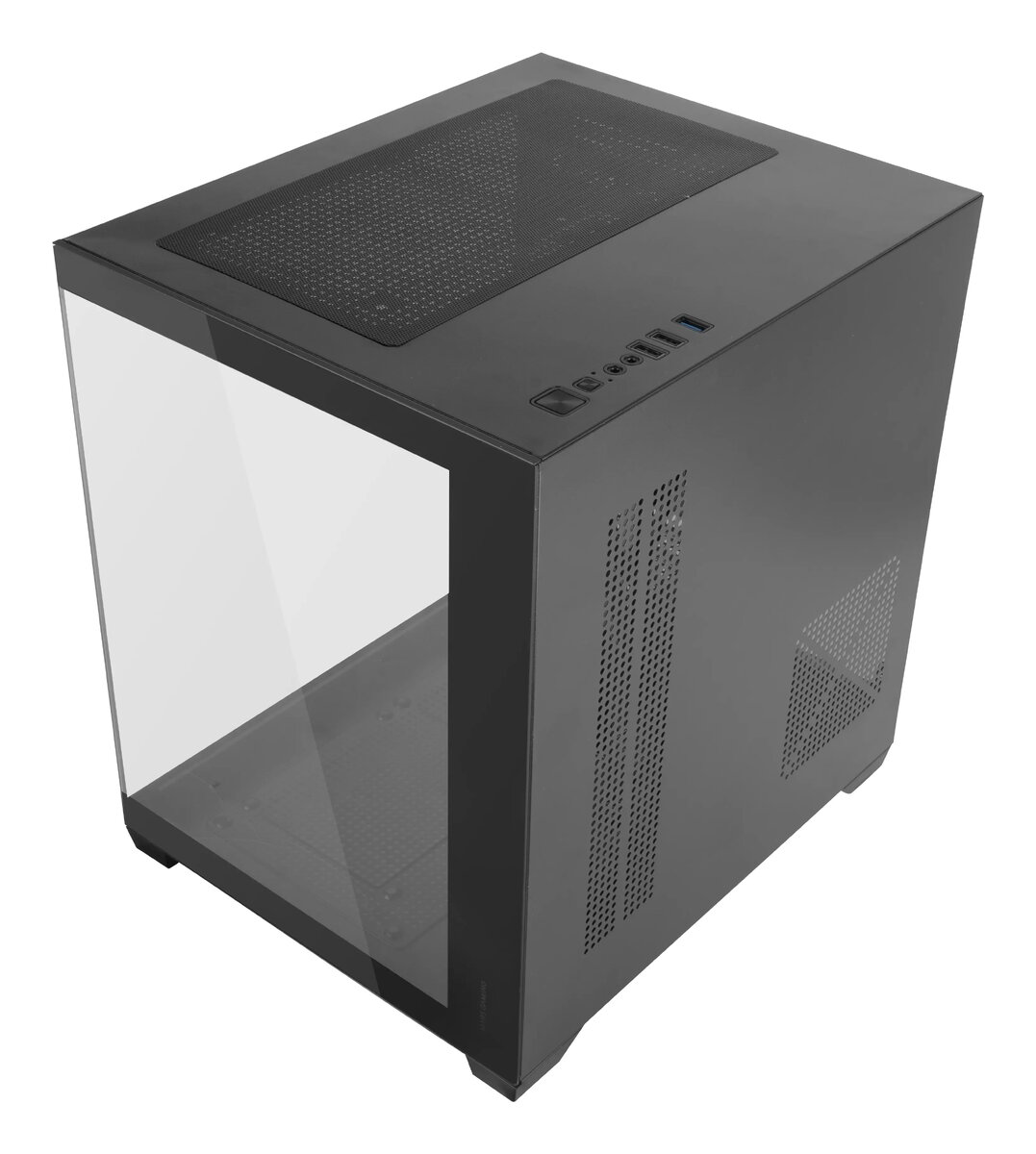
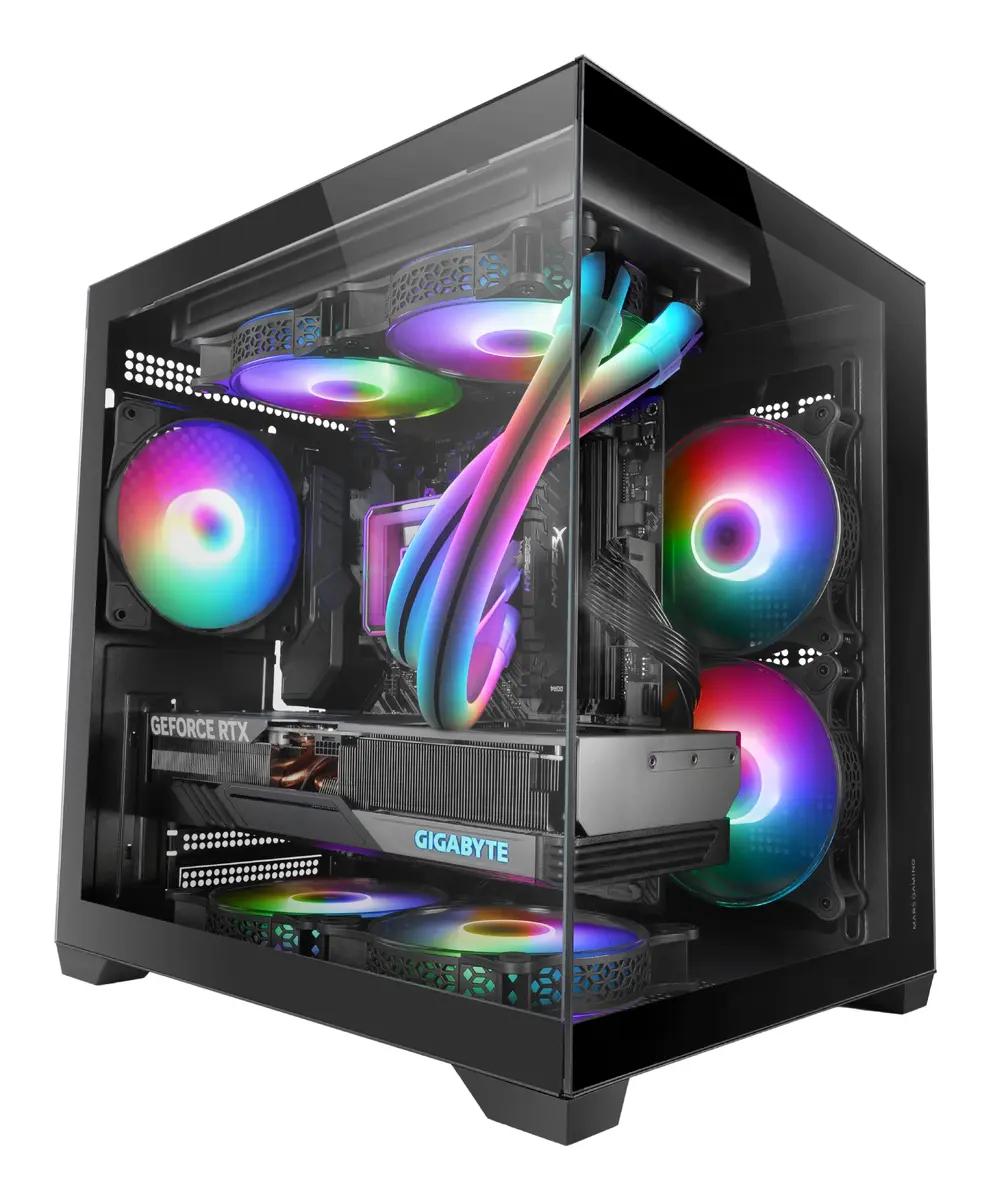
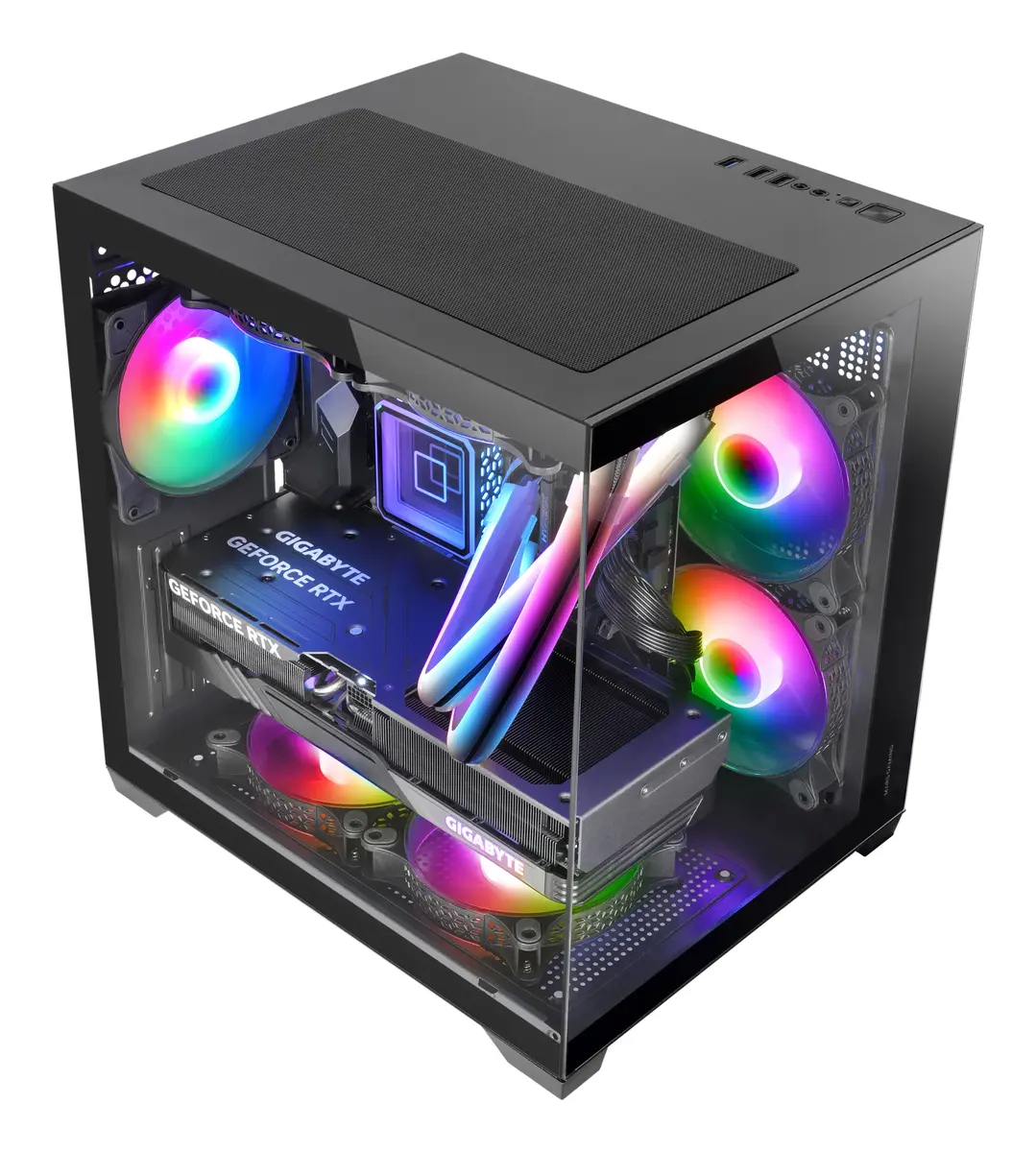
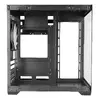
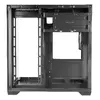
PC Case Mars Gaming MC-VIEW2 Mini Tower Black
{{selectedOffer && selectedOffer.price | formatAmount}}
{{selectedOffer && selectedOffer.price | formatAmount}}
Short description
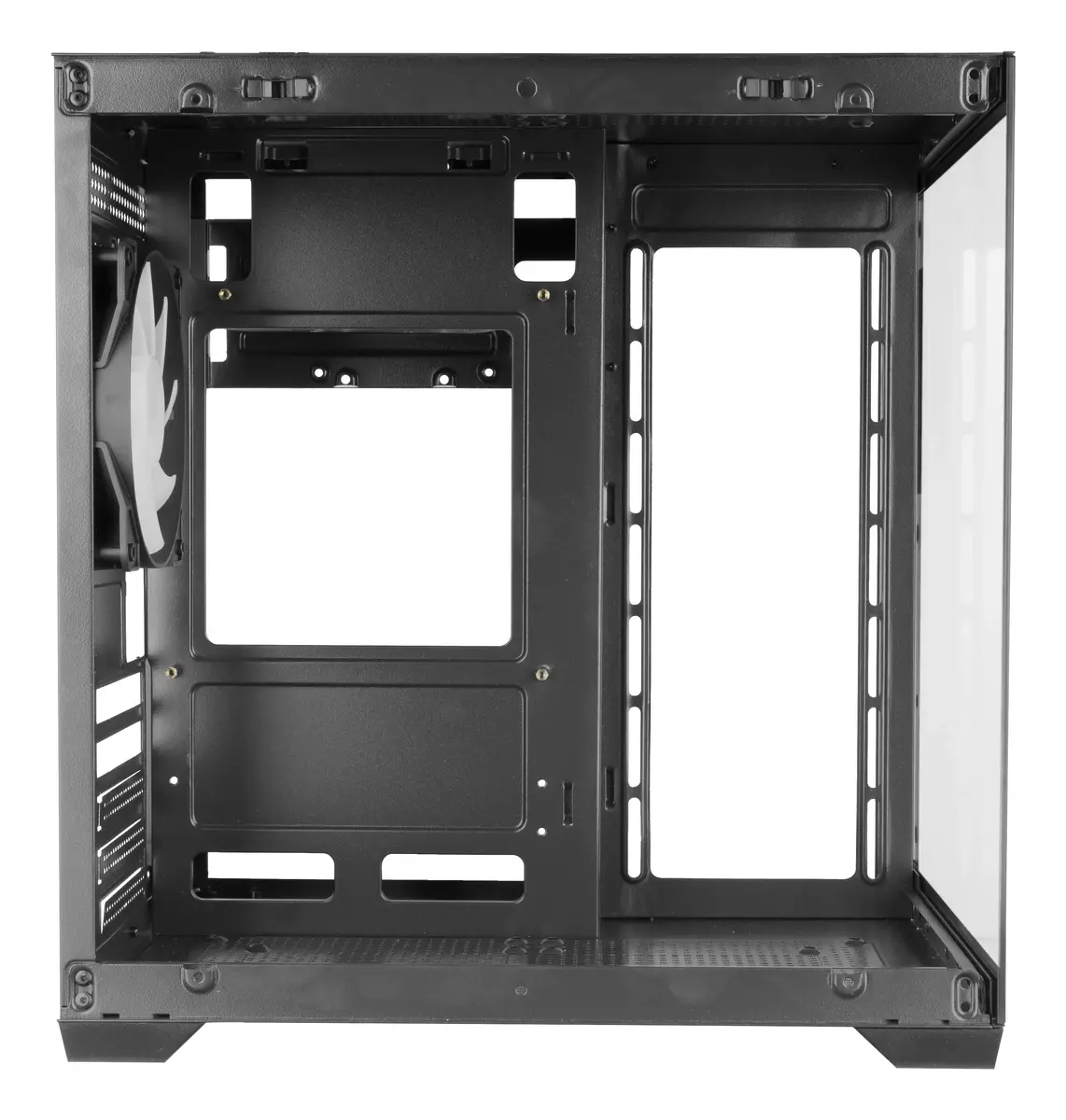
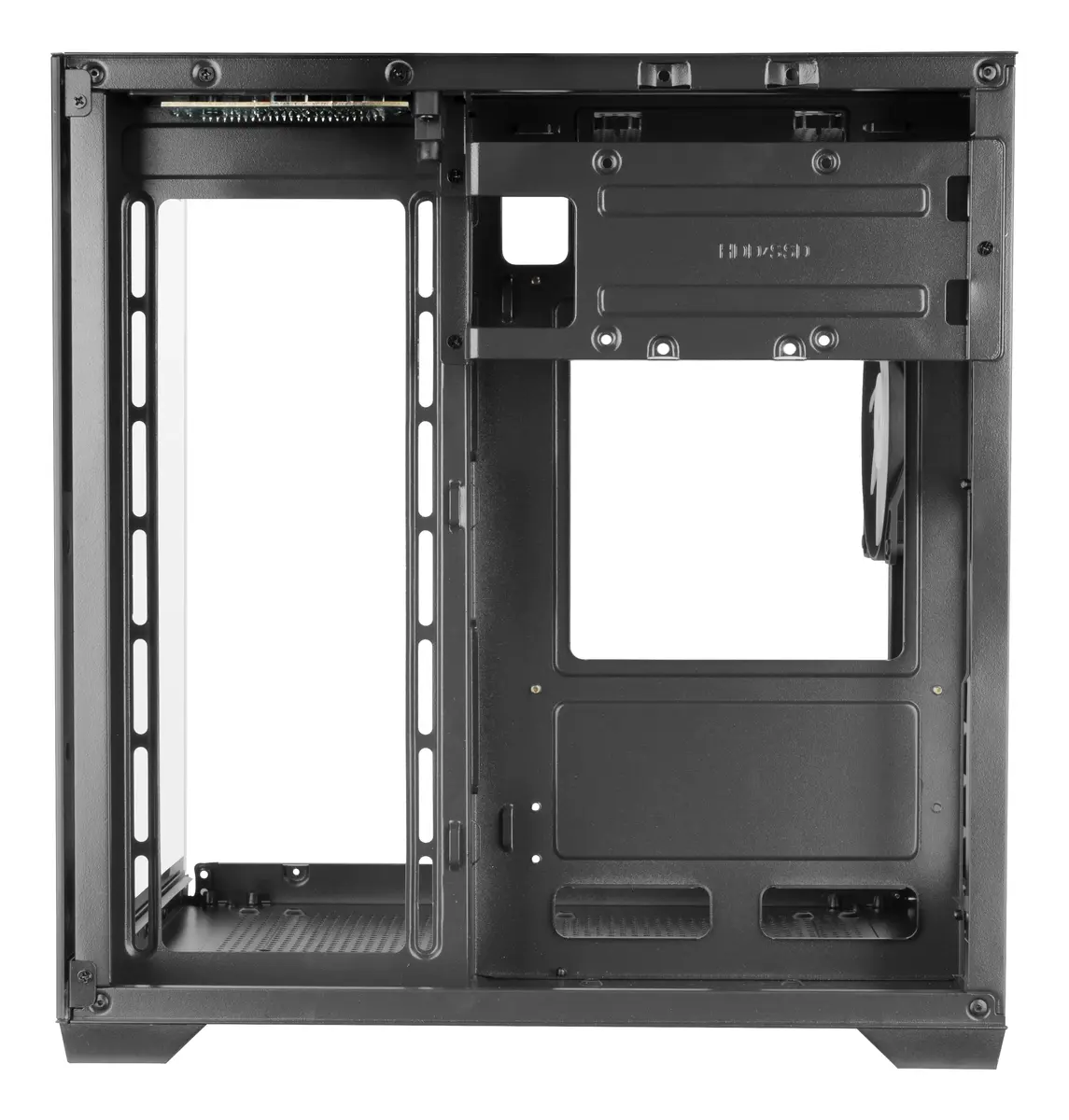
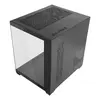
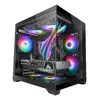
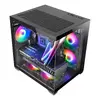
The Mars Gaming MC-VIEW2 is a compact Mini Tower PC case in black, designed for optimal airflow and cooling. It supports ATX power supplies and accommodates side fans of 120mm and 140mm. The case comes with one pre-installed 120mm rear fan and supports HDD sizes of 2.5" and 3.5". With dimensions of 277mm width, 345mm depth, and 355mm height, it is perfect for building a powerful yet space-saving gaming rig.
Available for order:
1 pcs.
Warranty:
2 Years
SKU:
11476430


Cheapest delivery:
Unisend LV
Pick-up points
Unisend LV
Cost
1.99 €
Deliver
{{selectedOffer.parcelStationDeliveryString}}
Customer service center
2b. Kengaraga str., Riga, Latvia, LV-1063
26.10.2026
{{selectedOffer.officeDeliveryString}}
free
Courier Delivery
Please note that in case of a large parcel additional delivery costs may apply!
From 4.99 € (Weight: 4.63 kg)
Parcel couriers
Unisend LV / Venipak Locker LV / DPD Paku skapis / Omniva LV / Latvijas Pasts pakomāts / Latvijas Pasts nodaļa
29.10.2026
{{selectedOffer.parcelStationDeliveryString}}
From 1.99 €

Payment Methods:
Bank transfer, Bank cards on-line, Apple Pay, Google Pay


