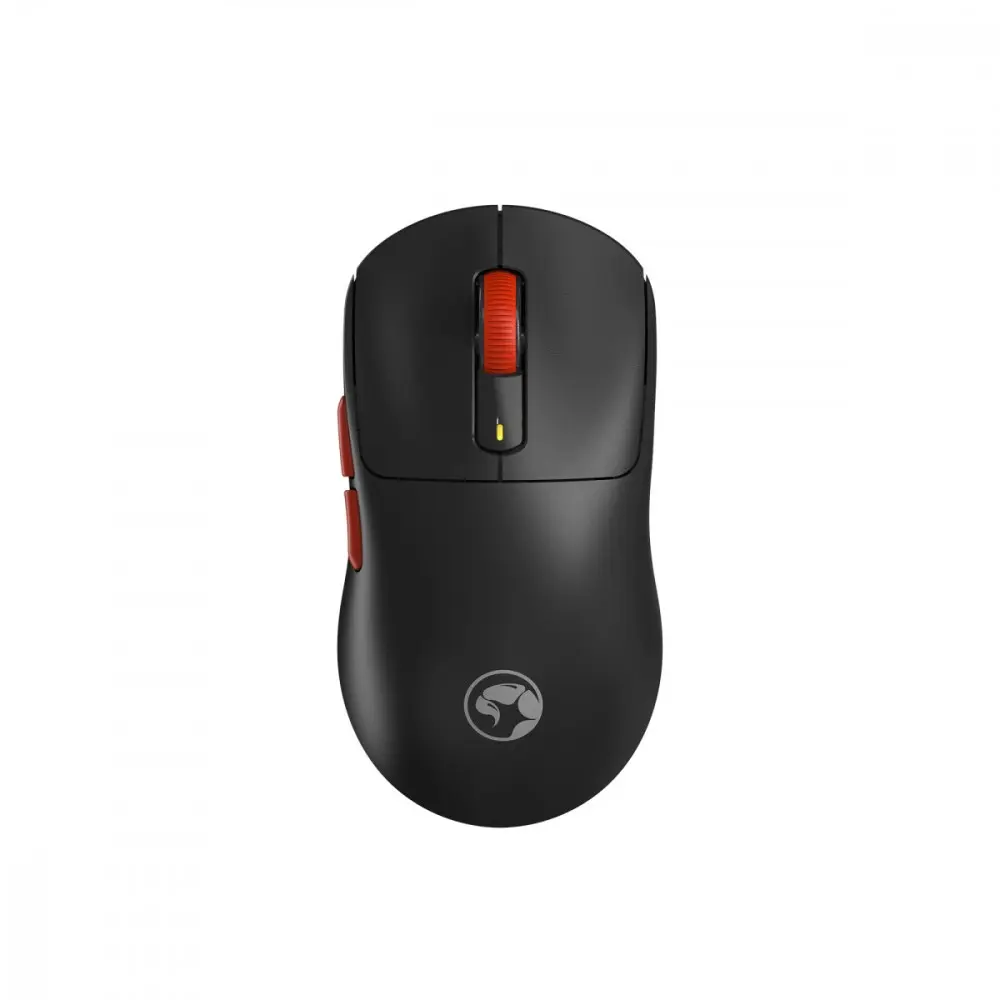
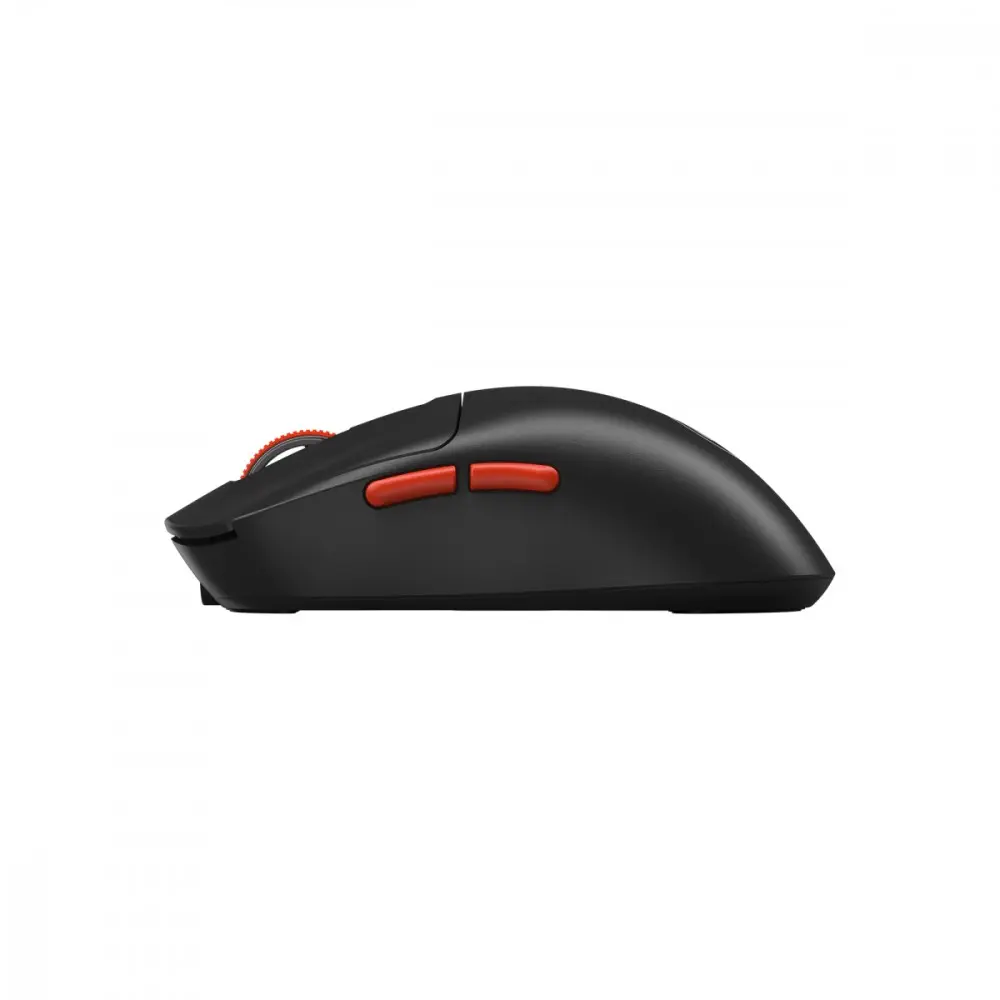
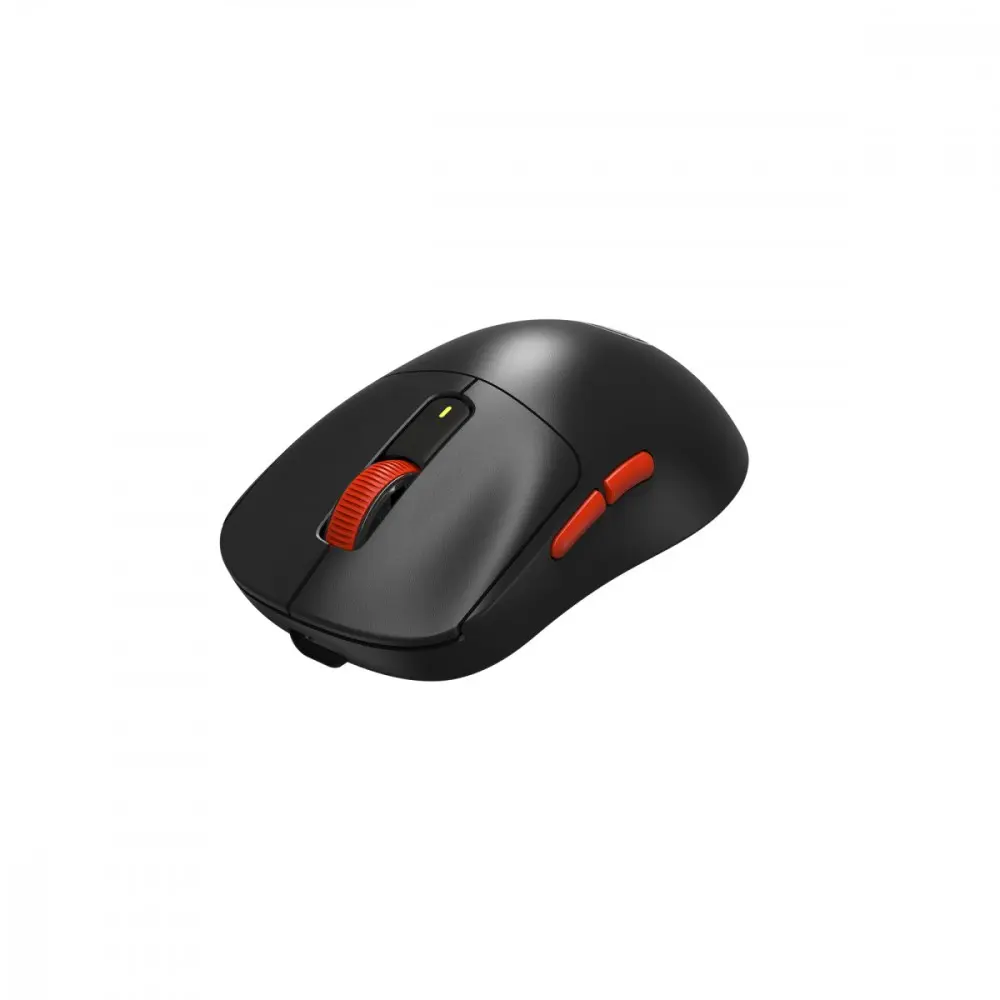
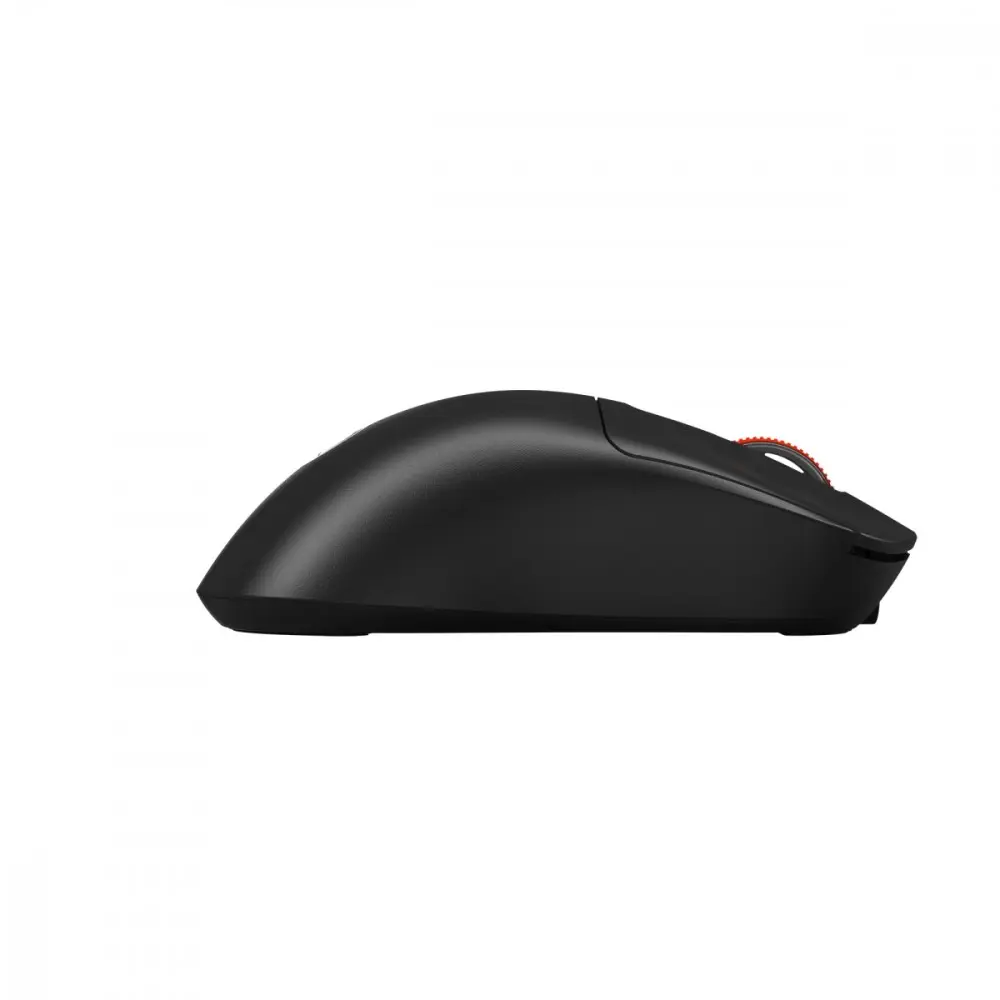
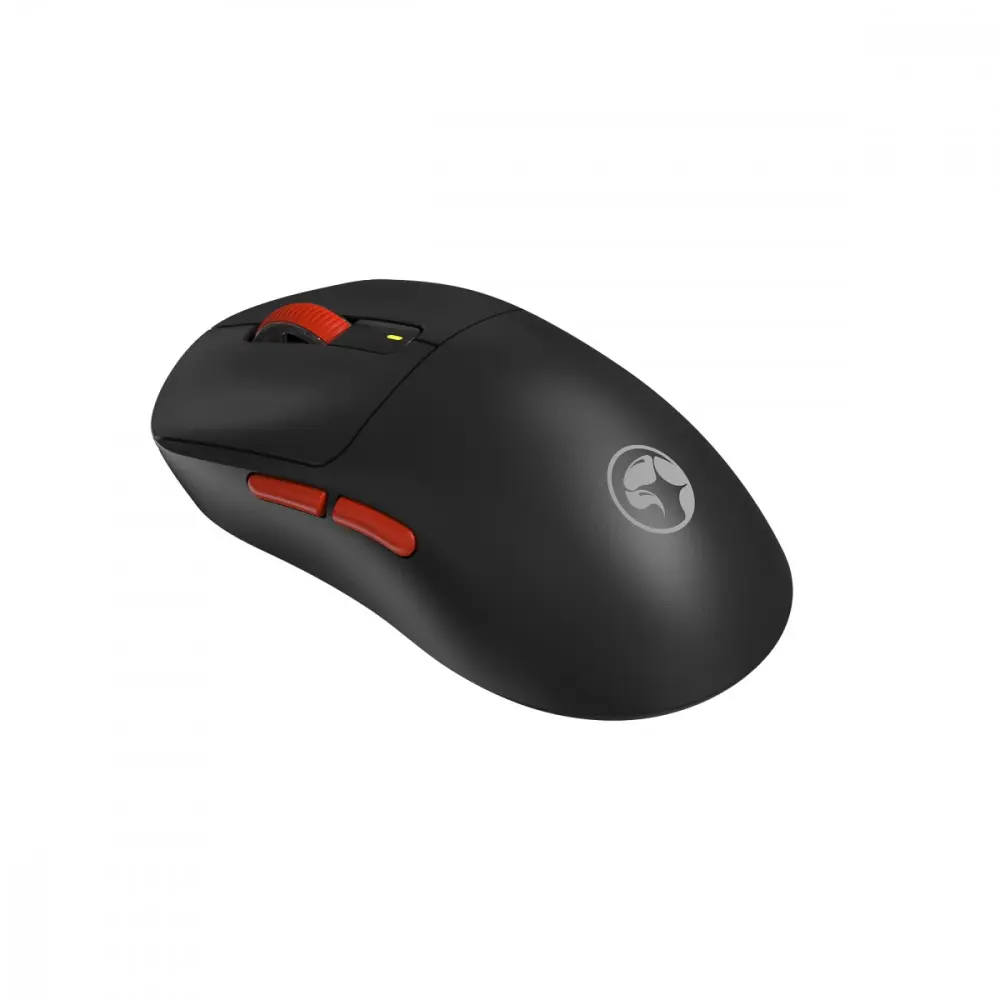
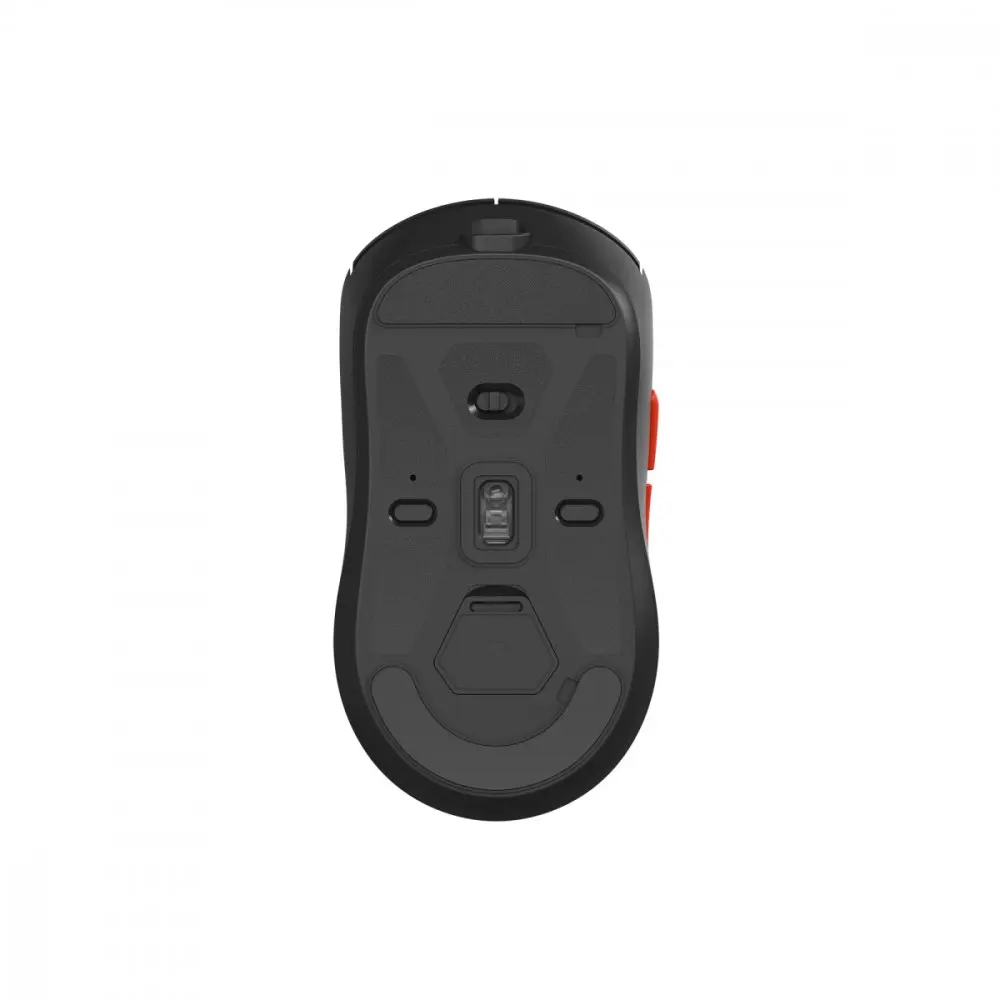
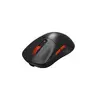
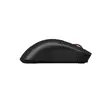
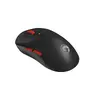
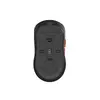
We are comparing the wireless gaming mouse Marvo Niro 60W Wireless Gaming Mouse Black Pixart PAW3311 Sensor 8000 DPI 6 Buttons with several alternative options, including other versions in the Niro lineup and similar devices from other brands. All these mice are geared towards gamers, feature wireless connectivity, and employ modern optical sensors. The main differences lie in maximum sensor resolution, body weight, battery capacity, battery life, and sensor type.
⚙️ Technical specification comparison of Marvo Niro 60W Black with Marvo NIRO 60W White, Marvo Niro 50 White, Marvo Niro 50 Black, Marvo Niro 320 Black, and Monka Rapid G982W across key sensor, weight, and battery metrics.
| Specification | Marvo Niro 60W Black | Marvo NIRO 60W White | Marvo Niro 50 White | Marvo Niro 50 Black | Marvo Niro 320 Black | Monka Rapid G982W | Practical Significance |
|---|
| Sensor | Pixart PAW3311 | Pixart PAW3311 | Pixart PAW3311 | Pixart PAW3311 | Pixart PAW3104 | PixArt PAW3311 | PAW3311 series sensors provide high accuracy for gaming, whereas PAW3104 on the 320 model is a more basic entry-level option. |
| Max DPI | 8000 DPI | 8000 DPI | 12000 DPI | 12000 DPI | 8000 DPI | 12000 DPI | Models featuring 12000 DPI suit users who prefer faster cursor speeds. |
| Weight | 53 g | 53 g | 63 g | 63 g | 58 g | 59 g | The Marvo Niro 60W Black is one of the lightest options, reducing hand fatigue during long gaming sessions. |
| Battery and Life | 300 mAh, up to 80 hours | 300 mAh, up to 80 hours | 500 mAh, up to 140 hours | 500 mAh, up to 140 hours | 400 mAh | 400 mAh, up to 100 hours | Niro 50 models offer larger battery capacity and longer autonomy, requiring fewer recharges. |
| Connectivity | Tri-mode (2.4G, Bluetooth, USB) | Tri-mode (2.4G, Bluetooth, USB) | Tri-mode (2.4G, Bluetooth, USB) | Tri-mode (2.4G, Bluetooth, USB) | Tri-mode (2.4G, Bluetooth, USB) | Tri-mode (2.4G, Bluetooth, USB) | All devices are versatile, supporting wired and wireless connections across various platforms. |
◎ Evaluation of usability and use cases for Marvo Niro 60W Black compared to alternatives for different buyer needs.
| Use Case | Recommended Product | Why |
|---|
| Maximum lightness and agility | Marvo Niro 60W Black | At only 53 grams, this black version is ideal for fast-paced gaming where quick flick movements matter. |
| White aesthetic with ultralight design | Marvo NIRO 60W White | Shares the exact same specifications as the black version while featuring a clean white aesthetic. |
| Longest battery life without recharging | Marvo Niro 50 Black or Marvo Niro 50 White | Equipped with a 500 mAh battery offering up to 140 hours of use, better for users who dislike frequent charging. |
| Alternative brand with durable switches | Monka Rapid G982W | Features Kailh GM 4.0 switches rated for 60 million clicks with a similarly lightweight build. |
Choose the Marvo Niro 60W Wireless Gaming Mouse Black Pixart PAW3311 Sensor 8000 DPI 6 Buttons if you need an exceptionally lightweight gaming mouse (53 g) in black with versatile tri-mode connectivity and a precise Pixart sensor. If you prefer longer battery autonomy, consider the Niro 50 lineup, while users looking for alternative click durability can explore the Monka option.