
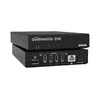
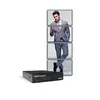
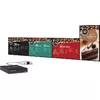
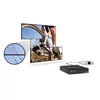
Video Card Matrox QuadHead2Go Q185 1 GB Metal
{{selectedOffer && selectedOffer.price | formatAmount}}
{{selectedOffer && selectedOffer.price | formatAmount}}
Offer for legal entity, cashless payment.
Why is an item available only for a legal entity?
This is due to long delivery times and limited product warranties.
This is due to long delivery times and limited product warranties.
Price for companies: 1,295.86€
Price is valid only for legal clients
Short description
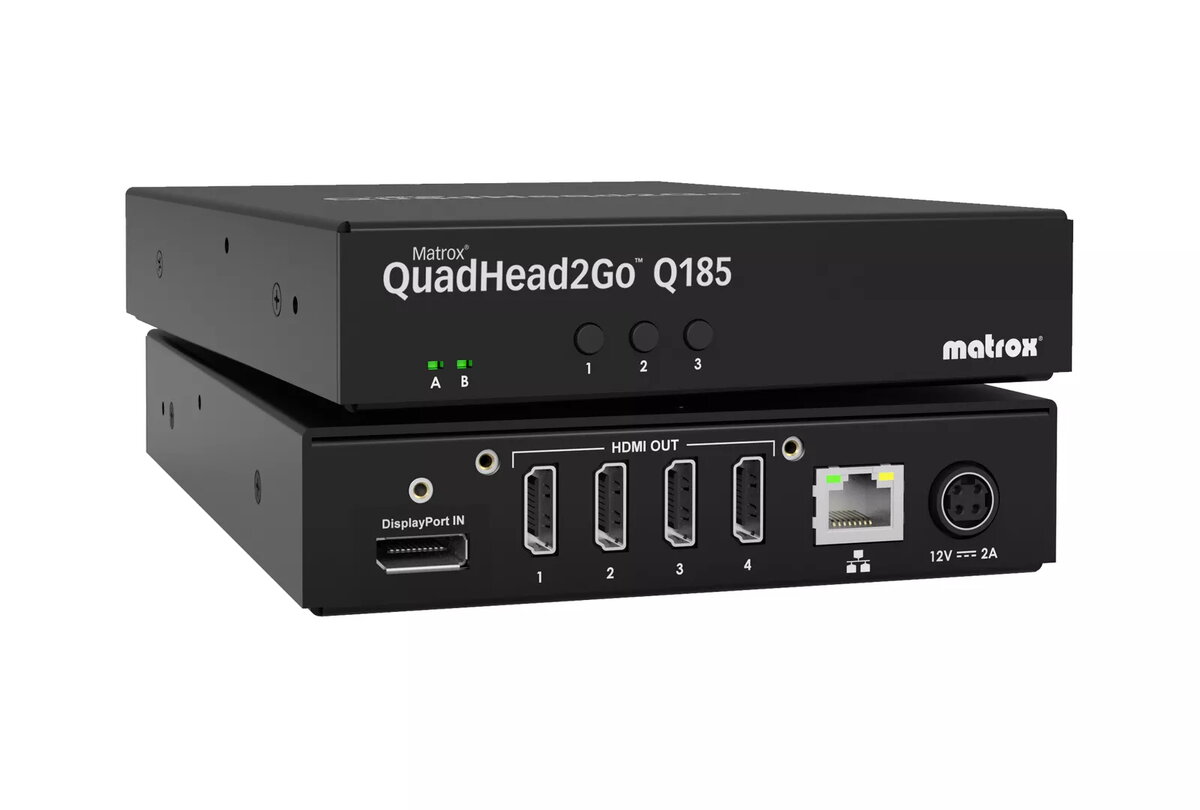
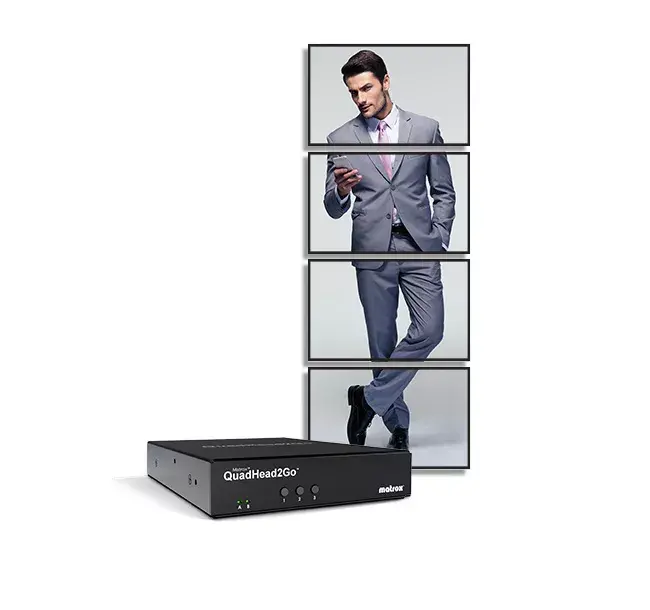
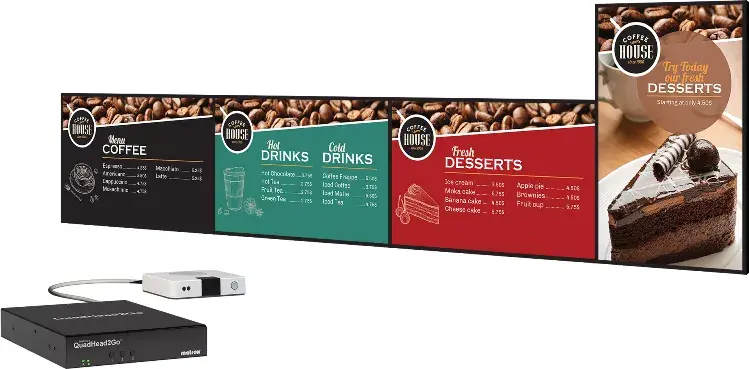
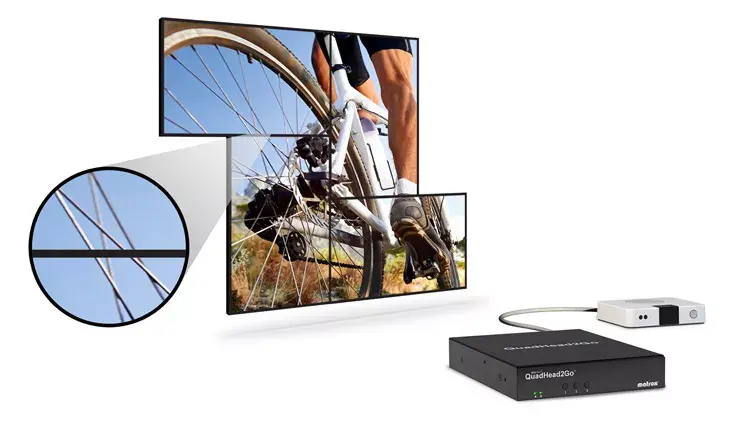
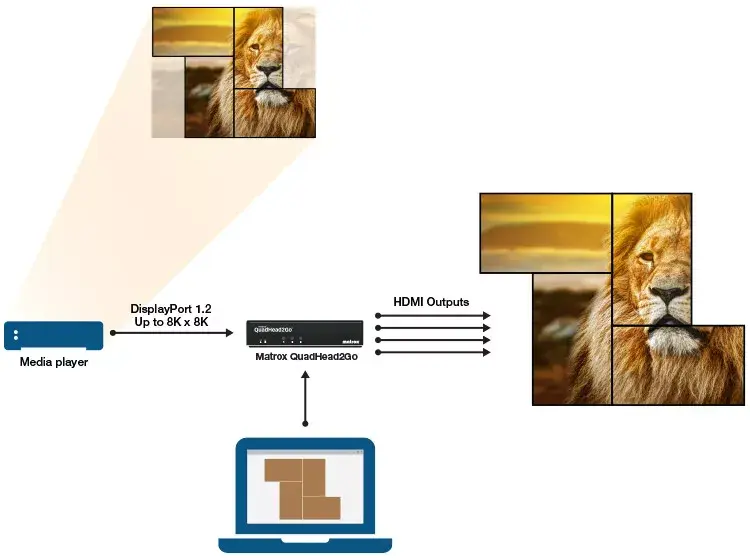
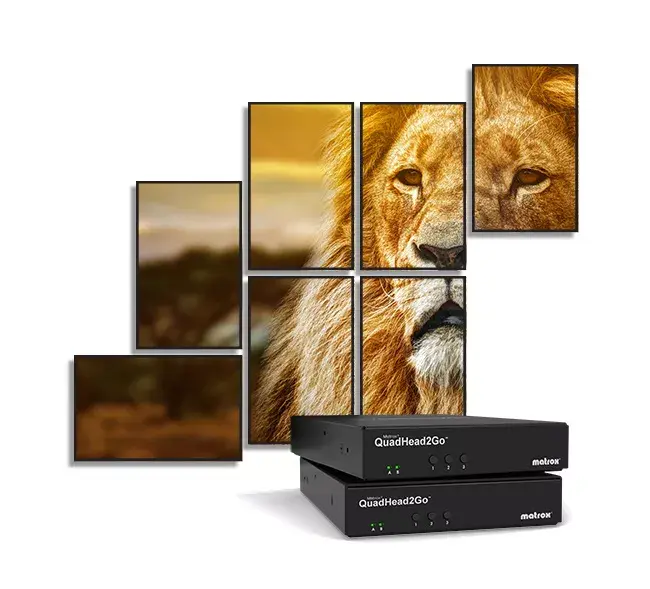
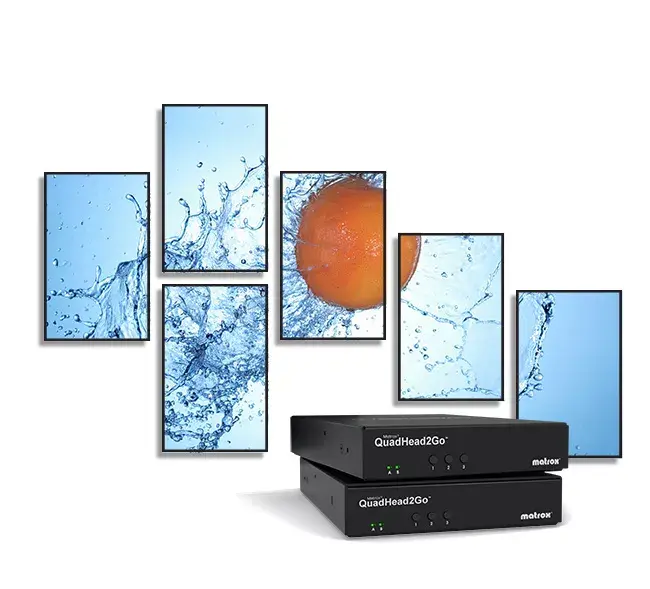
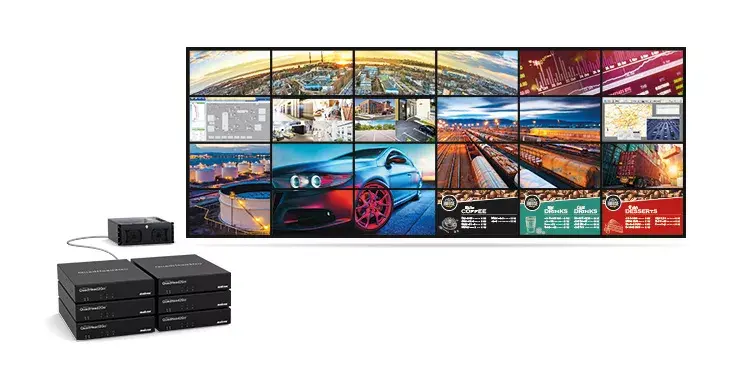
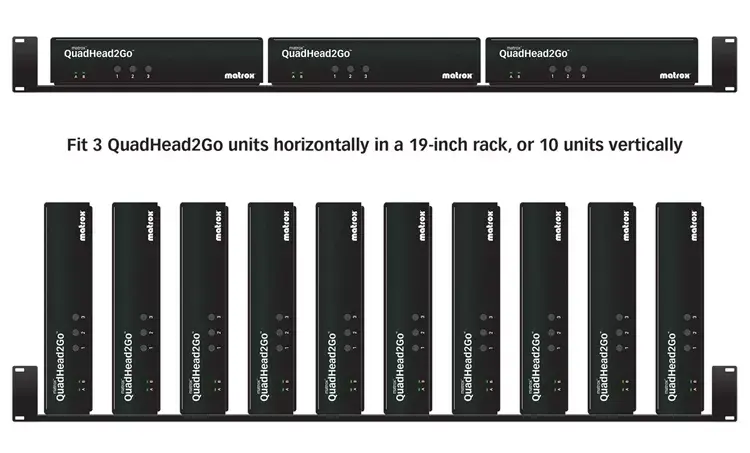
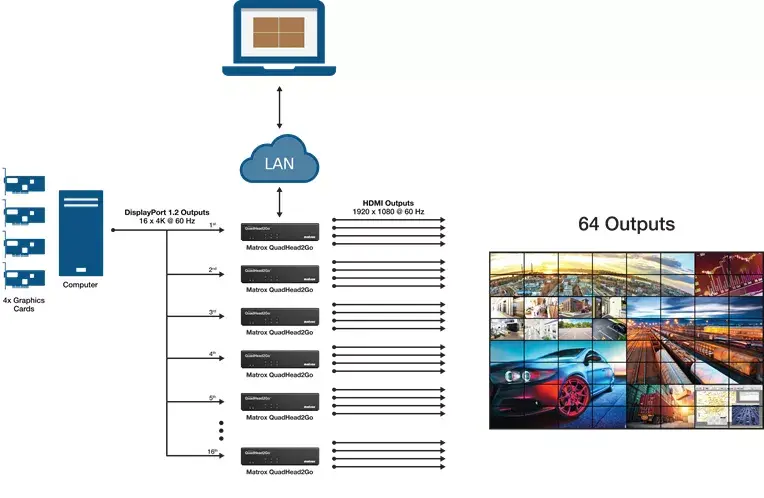
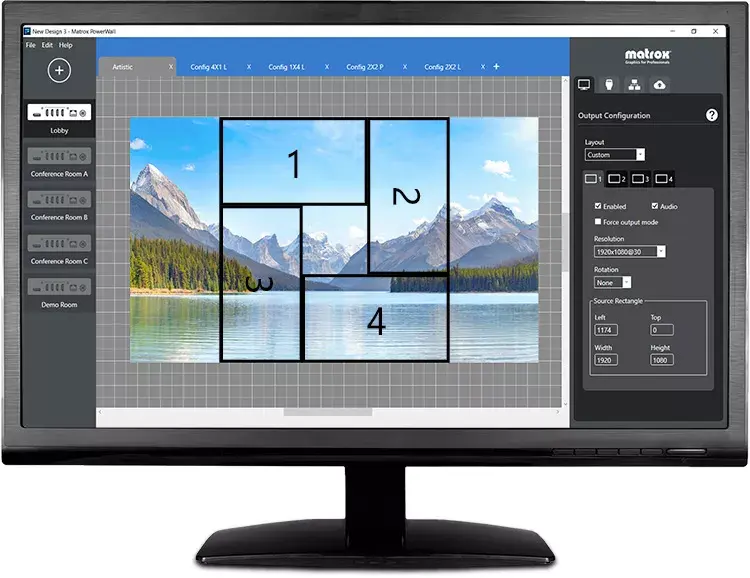
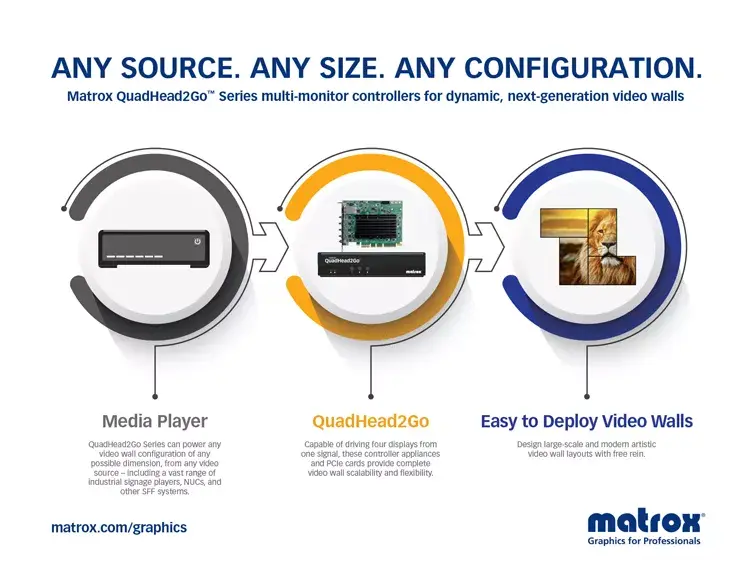
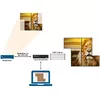
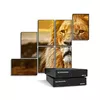
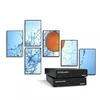
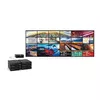
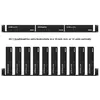
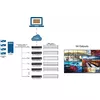
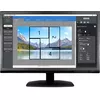
The Matrox QuadHead2Go Q185 is a multi-monitor controller appliance designed for seamless multi-display setups. It features a robust black metal housing and complies with EMC Class A certifications including FCC, CE, KC, RCM, and VCCI. With a maximum power consumption of 15 W and external power supply, it supports Ethernet LAN data rates of 1000 Mbit/s and has an internal storage capacity of 1 GB. Its compact dimensions (14 mm width, 18.1 mm depth, 3.18 mm height) make it suitable for various environments, ensuring efficient performance for professional applications.
Available for order:
5 pcs.
Warranty:
2 Years
SKU:
11163204

Cheapest delivery:
Unisend LV
Pick-up points
Unisend LV
Cost
1.99 €
Deliver
{{selectedOffer.parcelStationDeliveryString}}
Customer service center
2b. Kengaraga str., Riga, Latvia, LV-1063
30.10.2026
{{selectedOffer.officeDeliveryString}}
free
Courier Delivery
Please note that in case of a large parcel additional delivery costs may apply!
From 4.99 € (Weight: 0.49 kg)
Parcel couriers
Unisend LV / Venipak Pickup LV / Venipak Locker LV / DPD Paku skapis / Omniva LV / Latvijas Pasts pakomāts / Latvijas Pasts nodaļa
04.11.2026
{{selectedOffer.parcelStationDeliveryString}}
From 1.99 €

Price for companies: 1,295.86€
Price is valid only for legal clients
Leasing for legal entities:
from 54.57 euros per month


