


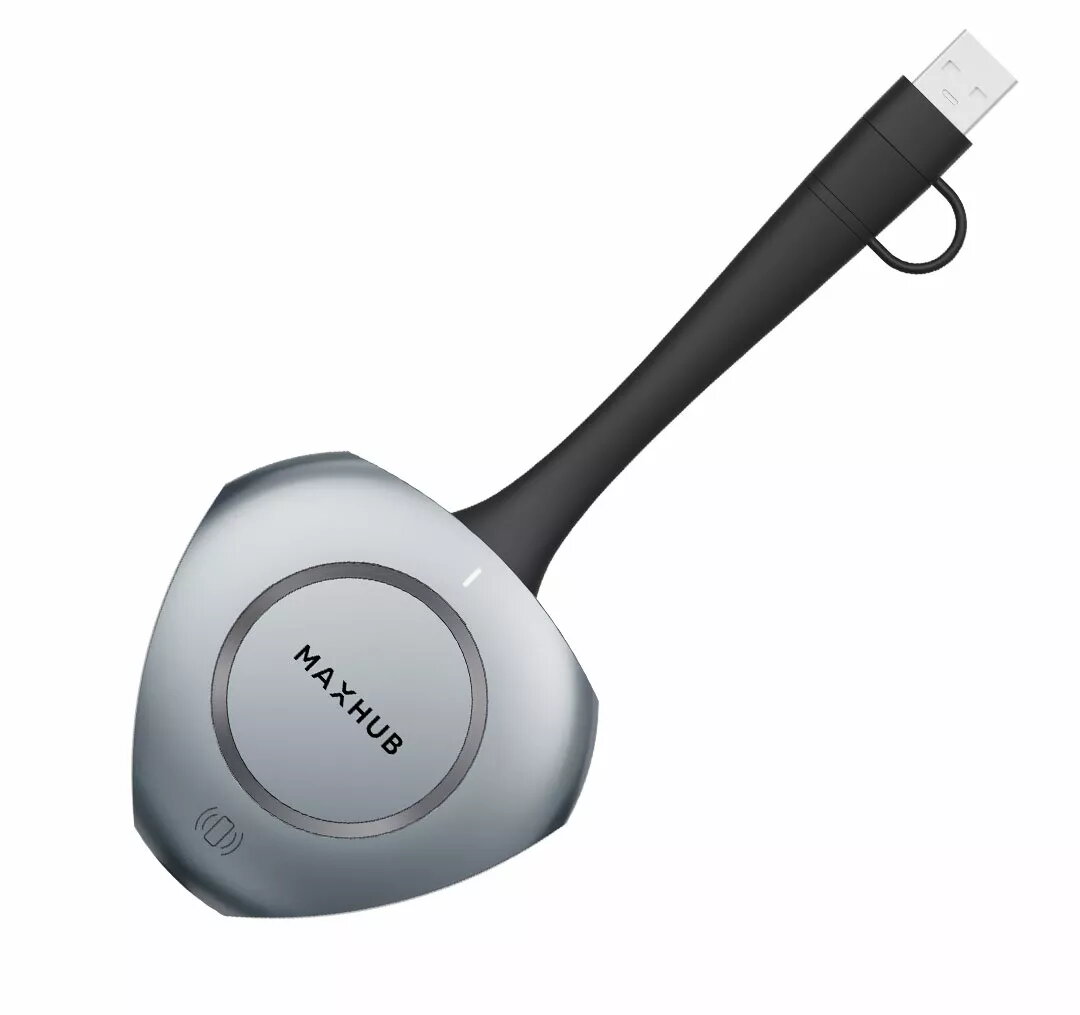
Wireless display adapter Maxhub WT13S USB Type-C Wi-Fi 6 Black Grey
Offer for a legal entity, non-cash payment.
Short description


Cheapest delivery:
Unisend LV
Product information
Description
The Maxhub WT13S is a wireless display adapter designed in a compact dongle form factor, featuring a USB Type-C input interface and advanced Wi-Fi 6 (802.11ax) network protocol support. This device allows you to connect your laptop or mobile device to a larger screen without cables, external adapters, or complex configurations. Ideal for modern office environments, meeting rooms, and collaborative workspaces, the adapter ensures fast, stable, and secure wireless transmission for professional content sharing. Available in a professional black and light grey finish, it integrates smoothly into any workspace setup.
Advantages
The wireless display adapter delivers a streamlined content sharing experience by eliminating the need for traditional cables and tedious network setups. Thanks to plug-and-play functionality, users can start presenting immediately without installing drivers or software. The inclusion of Wi-Fi 6 technology guarantees high-speed wireless transmission, enabling smooth audio and video streaming with minimal interference even in crowded network environments. Ultra HD 4K screen mirroring provides exceptional visual clarity, ensuring sharp text and detailed images for professional presentations. Additionally, the device supports multi-device connectivity, allowing multiple users to connect and switch between presentations effortlessly.
Suitable for
- Wireless screen mirroring in conference rooms and corporate boardrooms
- Collaborative teamwork in modern open-plan offices and huddle spaces
- Delivering professional presentations with Ultra HD 4K resolution
- Quick mobile content sharing using built-in NFC technology
- Connecting multiple devices for flexible multi-screen sharing sessions
This adapter may not be suitable if your source device lacks a compatible USB Type-C port without native DisplayPort protocol support or if you require wired connections for legacy display hardware. It is also not designed to function as a standalone router or primary internet access point for extensive network infrastructures.
Key specifications
- Dongle form factor
- USB Type-C input interface
- Wi-Fi 6 (802.11ax) wireless network protocol
- 3840 x 2160 pixels resolution support
- Color: Black, Grey
- 5-second rapid pairing technology
- Multi-device connectivity supporting up to 8 devices
- NFC-enabled one-touch sharing
To use the Maxhub WT13S, simply connect the dongle to the USB Type-C port of your source device. The plug-and-play architecture requires no manual driver installations or complex configurations. Once connected, initiate the pairing process to establish a wireless link with your compatible display terminal. You can utilize NFC functionality for rapid mobile pairing where supported, and switch between connected devices seamlessly during collaborative sessions.
What to consider before purchase
- Verify that your source device features a full-featured USB Type-C port supporting DisplayPort output
- Check compatibility with your existing display monitors or conference room equipment
- Evaluate your room layout to ensure optimal wireless transmission distance
- Consider the maximum number of simultaneous users needed for your meetings
Usage recommendations: For optimal performance, ensure a clear line of sight between the wireless adapter and the receiving display terminal, and keep the device firmware updated to the latest manufacturer version.
Features
- Product colour:
- Black, Grey


