Leave your address - as soon as the price of the product goes down, you'll know about it right away
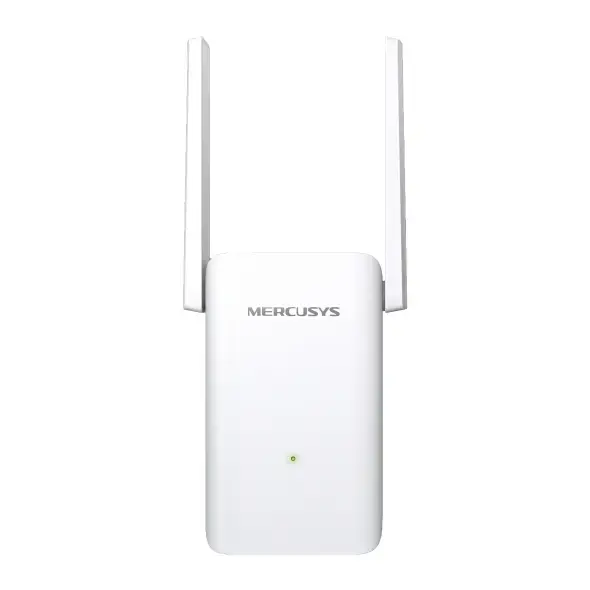
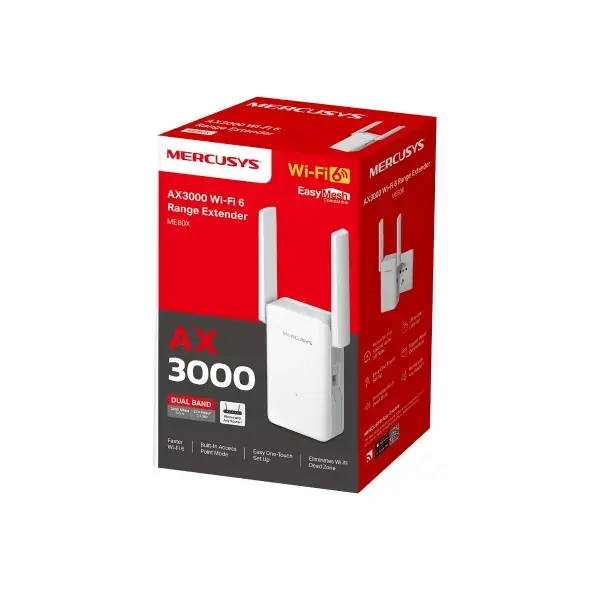
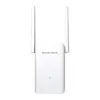
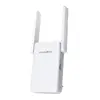
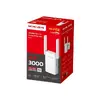
Mercusys ME80X AX3000 Wi-Fi 6 Range Extender, 1000 Mbit/s
In cart {{totalProductsCount}} item(s)
Your cart is empty
Mercusys ME80X AX3000 Wi-Fi 6 Range Extender, 1000 Mbit/s
Leave your address - as soon as the price of the product goes down, you'll know about it right away
Mercusys ME80X AX3000 Wi-Fi 6 Range Extender, 1000 Mbit/s
The Mercusys ME80X AX3000 Wi-Fi 6 Range Extender is a high-performance networking device designed to eliminate wireless dead zones and significantly enhance your home or office coverage. By utilizing advanced Wi-Fi 6 technology, this extender delivers faster speeds, increased capacity, and improved efficiency for all your connected devices. It features dual-band connectivity with speeds up to 3000 Mbps, ensuring a stable and reliable connection for bandwidth-intensive tasks like 4K streaming and online gaming.
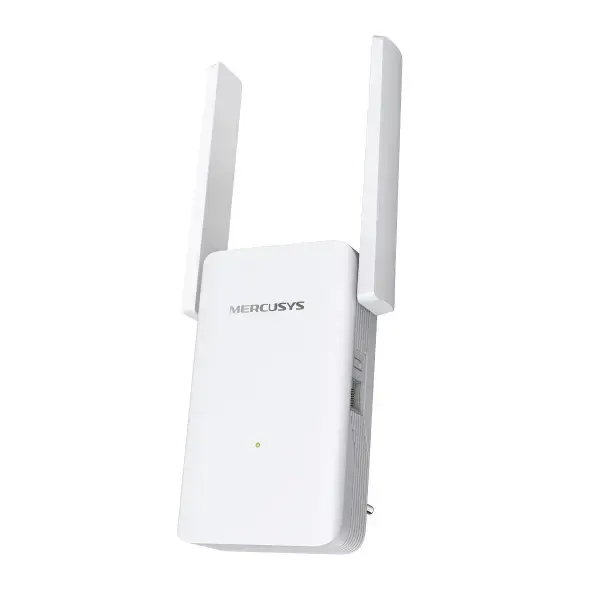
This range extender offers a seamless way to upgrade your existing network infrastructure without replacing your current router. Its dual-band capability allows for efficient traffic management, while the inclusion of a Gigabit Ethernet port provides a stable wired connection for devices such as game consoles or smart TVs. The device is highly versatile, supporting both range extender and access point modes, and it integrates easily into existing setups thanks to its compatibility with various Wi-Fi standards and EasyMesh technology for a unified home network.
This device may not be suitable for extremely large commercial environments or industrial settings where enterprise-grade hardware with higher client capacity is required. Additionally, it will not improve the speed of your incoming internet service provider connection if the bottleneck is at the modem or router level.
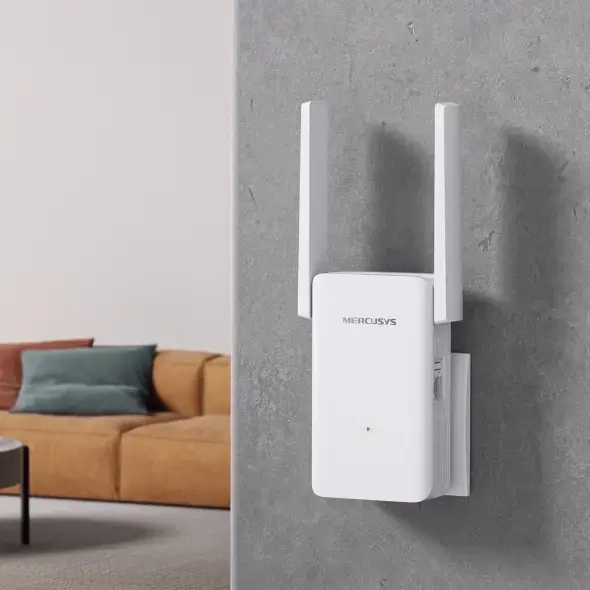
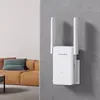
To set up the Mercusys ME80X, simply plug it into a power outlet near your existing router and press the WPS button on both devices to pair them automatically. Alternatively, you can use the dedicated Mercusys app on your smartphone to complete the configuration process in minutes. Once connected, you can place the extender in a location that bridges the gap between your router and the area with poor signal. If you prefer a wired setup, connect an Ethernet cable from your network source to the device's Gigabit port to utilize it as an access point.
Usage recommendations: For optimal performance, place the range extender in an open area halfway between your router and the dead zone, ensuring it is away from large metal objects or appliances that may cause signal interference.
{{highlightedFeature.featureTitle}}:
{{getProductFeatureValueById(product, highlightedFeature.featureId)}}