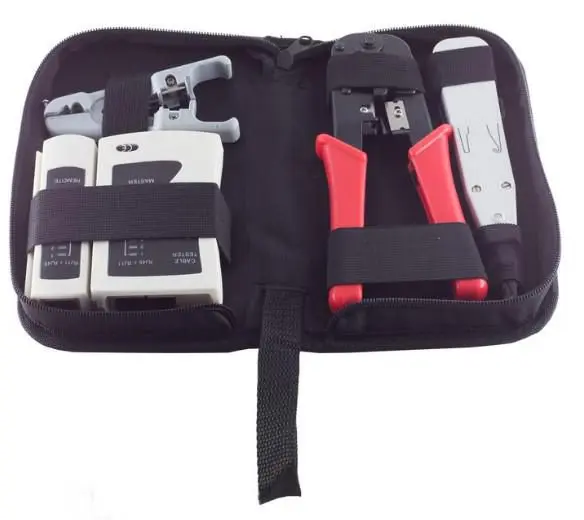
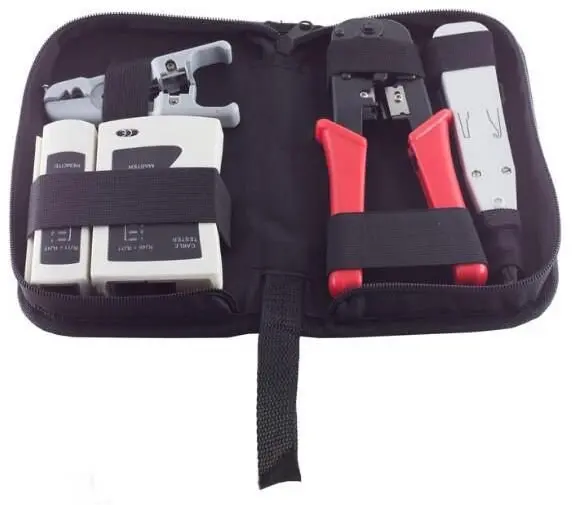
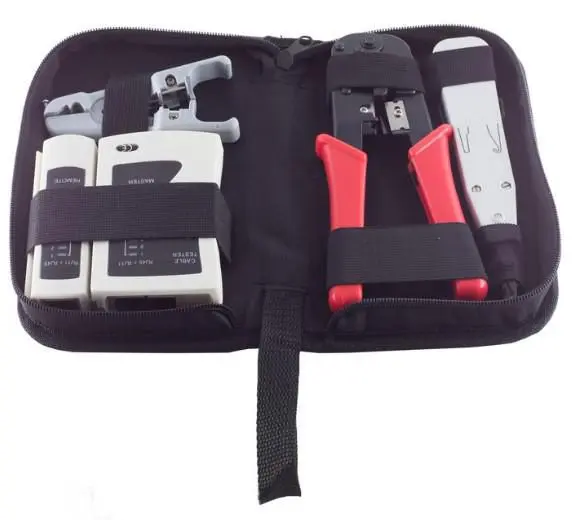
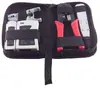
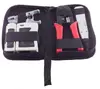
The MicroConnect CAB-TEST10 Network Cable Tester Set with Bag is a comprehensive diagnostic and installation toolkit designed in a practical grey colour. This 4-part configuration is engineered for professional and home network installation, troubleshooting, and maintenance, providing reliable solutions for checking connectivity, pinouts, and signal integrity of various networking cables. The set supplies essential instruments for assembling cables, wall sockets, and patch panels, as well as for testing completed components to ensure optimal performance in home networks or small office and home office infrastructures.
Advantages
This network cable tester set offers a complete bundle of tools required for end-to-end cable preparation and verification. The inclusion of a dedicated carrying bag ensures that all components remain organized, portable, and protected during transport between job sites. By combining stripping, crimping, punching, and testing functions into a single kit, it streamlines workflow efficiency for network technicians and installers.
Suitable for
- Home network installation and maintenance
- Small office and home office (SOHO) network setup
- Assembling and testing RJ-45 and RJ-12 modular cables
- Terminating cables into wall sockets and patch panels
- Troubleshooting existing network connectivity and pinout issues
When it may not be suitable
This tool set may not be suitable for industrial environments requiring heavy-duty certified cable certifiers with advanced length measurement and certification reporting. It is also not designed for fibre optic cable testing or non-standard proprietary cable configurations outside of RJ-45 and RJ-12 specifications.
Key specifications
- Product colour: Grey
- Configuration: 4-part tool set with carrying bag
- Crimping tool compatibility: RJ-12 (6P6C) and RJ-45 (8P8C) modular plugs
- Punch down tool: IDC type with two fold-out pull hooks
- Cable tester compatibility: RJ-12 (6P6C) and RJ-45 (8P8C)
- Power requirement for tester: 9V battery (not included)
- Included components: Crimping tool, IDC punch down tool, cable tester, universal stripping tool, and carrying bag
How to use
Begin by using the universal stripping tool to remove the outer jacket of the network cable without damaging the inner conductors. Arrange the wires according to the required wiring standard, trim them evenly, and insert them fully into the appropriate RJ-45 or RJ-12 modular plug. Use the crimping tool to securely press the plug onto the cable. For wall sockets or patch panels, use the IDC punch down tool to insert the wires into the terminal blocks while trimming the excess wire. Finally, connect both ends of the assembled cable to the network cable tester to verify correct pinout connections and signal continuity.
What to consider before purchase
- Verify that your networking projects utilize RJ-45 or RJ-12 modular connections
- Ensure you have a compatible 9V battery available for the cable tester operation
- Assess whether the included tools match your specific installation and maintenance requirements
Usage recommendations
Always inspect the cable ends for proper alignment before crimping, and ensure the power is disconnected from network devices when testing cables to prevent equipment damage. Store all tools securely in the provided carrying bag after each use to maintain their condition.