Powerful EcoFlow stations for energy anywhere!
In cart {{totalProductsCount}} item(s)
Your cart is empty
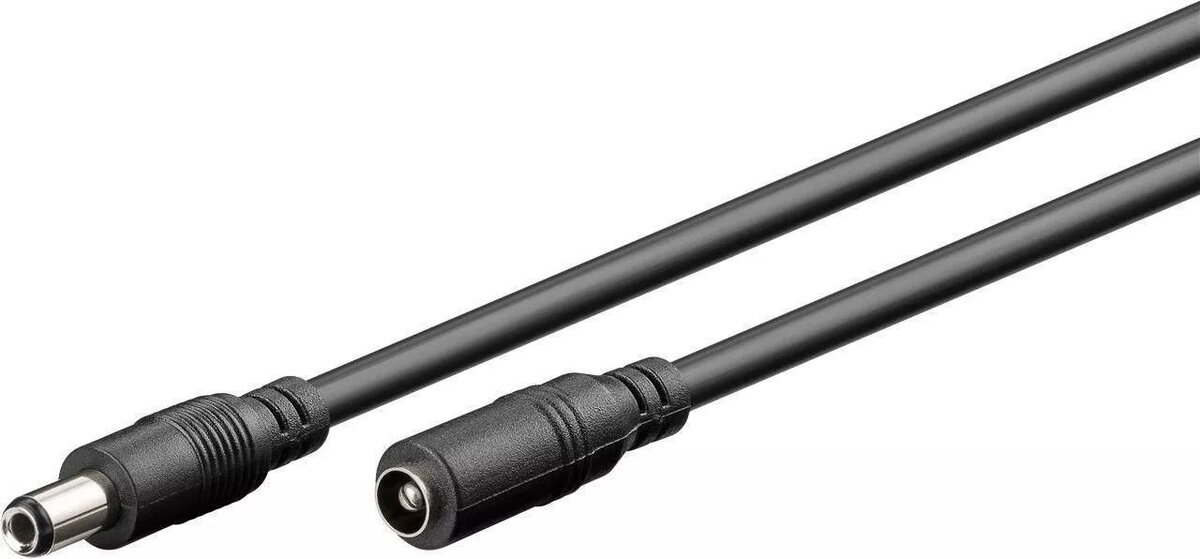
Cable for laptop DC power jack MicroConnect MC-DC5525-3 — replacement cable
MicroConnect MC-DC5525-3 is a replacement DC power jack cable intended for repair and maintenance of laptops. The cable restores the electrical connection between a laptop's external DC input and its internal power circuitry when the original DC5525-type jack assembly is damaged or worn. Supplied as a spare part, it is designed to match devices that use a DC5525-style jack and a direct cable connection to the motherboard.
This replacement cable provides a direct and compact connection that facilitates reliable power delivery to the laptop. As a spare part made for DC5525-type jack assemblies, it simplifies repair work by allowing replacement of the cable assembly without replacing larger components. The cable reduces downtime and can restore normal charging and power operation when the original cable or jack is faulty.
Power off the laptop and disconnect any external power source before beginning repair. Access the internal power jack area according to the device service manual, remove the damaged cable or jack assembly, and install the MicroConnect MC-DC5525-3 cable in the same routing and connector orientation as the original. Ensure secure mechanical and electrical connections to the motherboard and the external jack, then reassemble the laptop and test charging and power functions with the appropriate power adapter.
When replacing the cable, follow the laptop manufacturer's disassembly instructions and use proper ESD precautions. Verify pin alignment and connector seating before powering the device to prevent short circuits or damage.
{{highlightedFeature.featureTitle}}:
{{getProductFeatureValueById(product, highlightedFeature.featureId)}}
{{ productComparisonGenerationError }}