
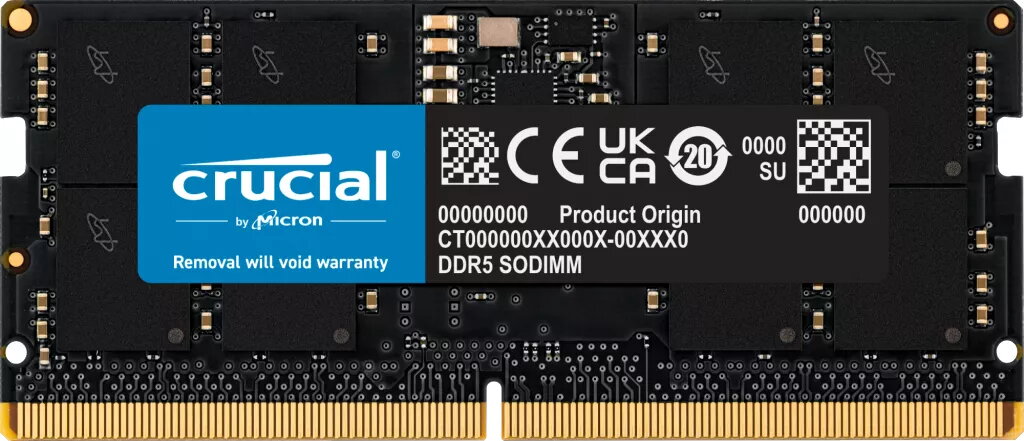

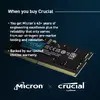
Memory Module Crucial DDR5 24GB 5600MHz
311.49 €
{{selectedOffer && selectedOffer.price | formatAmount}}
Offer for legal entity, cashless payment.
Why is an item available only for a legal entity?
This is due to long delivery times and limited product warranties.
This is due to long delivery times and limited product warranties.
Price for companies: 257.43€
Price is valid only for legal clients
Short description
The Crucial SORAM D5 5600 is a 24GB DDR5 memory module designed for laptops. With a clock speed of 5600 MHz and CAS latency of 46, it ensures fast and efficient performance. This ECC memory provides error correction capabilities, enhancing system stability and reliability. Upgrade your laptop's internal memory with this single 24GB module for improved multitasking and overall performance.
Cheapest delivery:
Unisend LV
Pick-up points
Unisend LV
Cost
1.79 €
Deliver
{{selectedOffer.parcelStationDeliveryString}}
Customer service center
2b. Kengaraga str., Riga, Latvia, LV-1063
26.08.2026
{{selectedOffer.officeDeliveryString}}
free
Courier Delivery
Please note that in case of a large parcel additional delivery costs may apply!
From 4.99 € (Weight: 0.02 kg)
Parcel couriers
Unisend LV / Venipak Pickup LV / Venipak Locker LV / Latvijas Pasts pakomāts / DPD Paku skapis / Omniva LV / Latvijas Pasts nodaļa
31.08.2026
{{selectedOffer.parcelStationDeliveryString}}
From 1.79 €

Price for companies: 257.43€
Price is valid only for legal clients


