
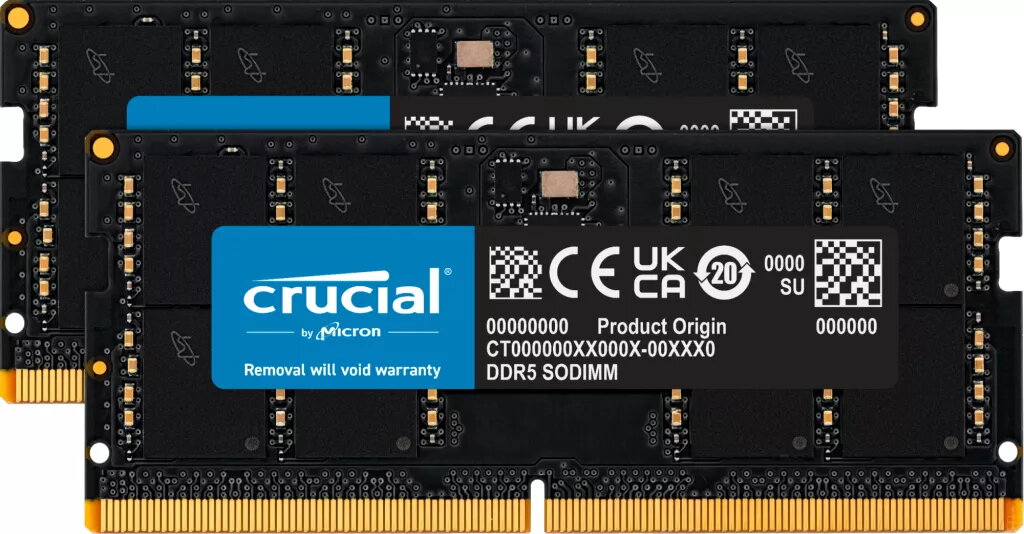
Memory Module Crucial DDR5 64GB 4800MHz
871.49 €
{{selectedOffer && selectedOffer.price | formatAmount}}
Offer for legal entity, cashless payment.
Why is an item available only for a legal entity?
This is due to long delivery times and limited product warranties.
This is due to long delivery times and limited product warranties.
Price for companies: 720.24€
Price is valid only for legal clients
Short description
The Crucial CT2K32G48C40S5 is a high-performance 64GB memory module designed for laptops. It features a dual-channel configuration with two 32GB DDR5 SO-DIMM modules, operating at a speed of 4800 MHz. With a CAS latency of 40, this memory ensures efficient data processing and multitasking capabilities, making it ideal for demanding applications and gaming. Upgrade your laptop's performance with this reliable and fast memory solution.
Cheapest delivery:
Unisend LV
Pick-up points
Unisend LV
Cost
1.79 €
Deliver
{{selectedOffer.parcelStationDeliveryString}}
Customer service center
2b. Kengaraga str., Riga, Latvia, LV-1063
27.08.2026
{{selectedOffer.officeDeliveryString}}
free
Courier Delivery
Please note that in case of a large parcel additional delivery costs may apply!
From 4.99 € (Weight: 0.03 kg)
Parcel couriers
Unisend LV / Venipak Pickup LV / Venipak Locker LV / Latvijas Pasts pakomāts / DPD Paku skapis / Omniva LV / Latvijas Pasts nodaļa
01.09.2026
{{selectedOffer.parcelStationDeliveryString}}
From 1.79 €

Price for companies: 720.24€
Price is valid only for legal clients
Leasing for legal entities:
from 30.33 euros per month


