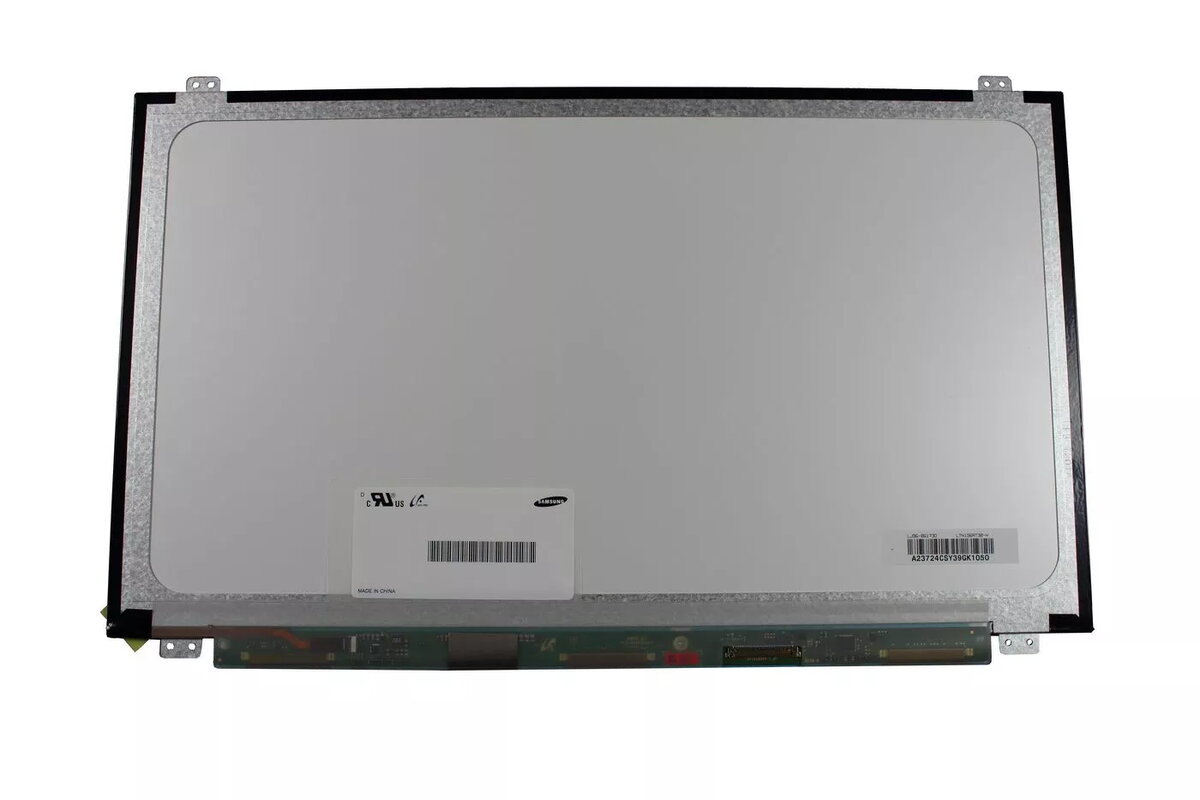
-
Type:
Characteristics of the device.
-
Display
-
Weight:
Weight of the product without packaging (net weight). If possible, the net weight is given including standard accessories and supplies. Please note that sometimes the manufacturer leaves out the weight of accessories and/or supplies.
-
0.5 kg
-
Package weight:
Weight of the packaged product.
-
658 g
-
Display diagonal:
Size of the display for this product, measured diagonally, usually in inches.
-
15.6 "
-
Height:
The measurement of the product from head to foot or from base to top.
-
50 mm
-
Display resolution:
The number of distinct pixels in each dimension that can be displayed. It is usually quoted as width × height, with the units in pixels: for example, "1024 × 768" means the width is 1024 pixels and the height is 768 pixels. The higher the number of pixels, the sharper the image.
-
1366 x 768
-
Width:
The measurement or extent of something from side to side.
-
400 mm
-
Depth:
The distance from the front to the back of something.
-
280 mm
-
Compatible products:
Other products that can be used with this product.
-
LP156WH3 (TL)(D1)
-
Package depth:
The distance from the front to the back of the packaging.
-
281 mm
-
Package height:
The distance from the top to the bottom of the packaging.
-
54 mm
-
Package width:
The distance from one side of the packaging to the other.
-
389 mm
-
Glossy display:
-
Yes
-
Connector type:
The type of connector e.g. USB.
-
40-pin
-
Display type:
Type of display (screen) e.g. LCD.
-
LED
-
HD type:
Type of supported High Definition (e.g. Full HD, 4K Ultra HD).
-
HD
-
Quantity per pack:
-
1 pc(s)
-
Connector location:
-
Bottom right