This is due to long delivery times and limited product warranties.
JBL speakers and headphones for pure and deep sound!
In cart {{totalProductsCount}} item(s)
Your cart is empty
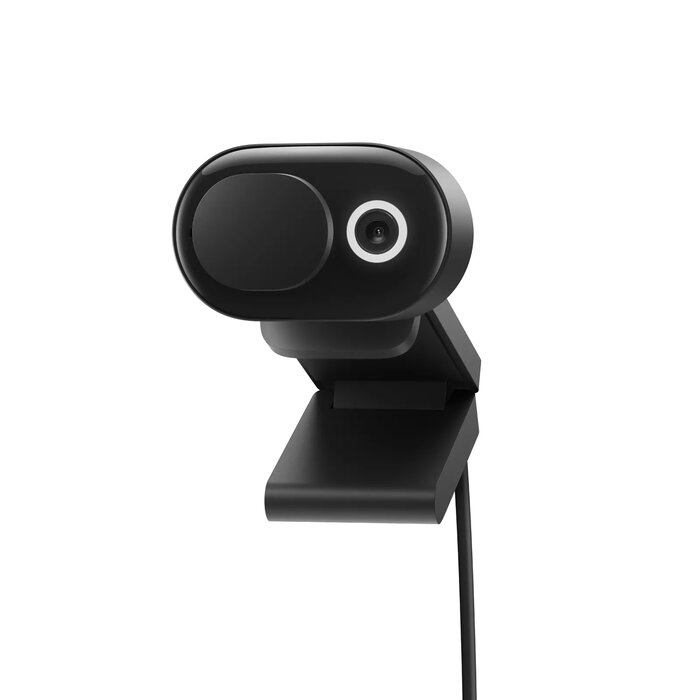
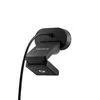
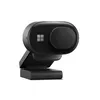
Webcam Microsoft Modern 1920 x 1080 pixels
The Microsoft Modern Webcam provides high-quality Full HD video resolution at 1920 x 1080 pixels, ensuring clear and professional visuals for your virtual meetings. Designed to enhance your presence during video calls, this camera features advanced HDR and True Look technology, which automatically adjusts lighting and provides facial retouching to help you look your best in various environments. The device is specifically optimized for Microsoft Teams, offering a reliable and seamless communication experience for both home and office workspaces.
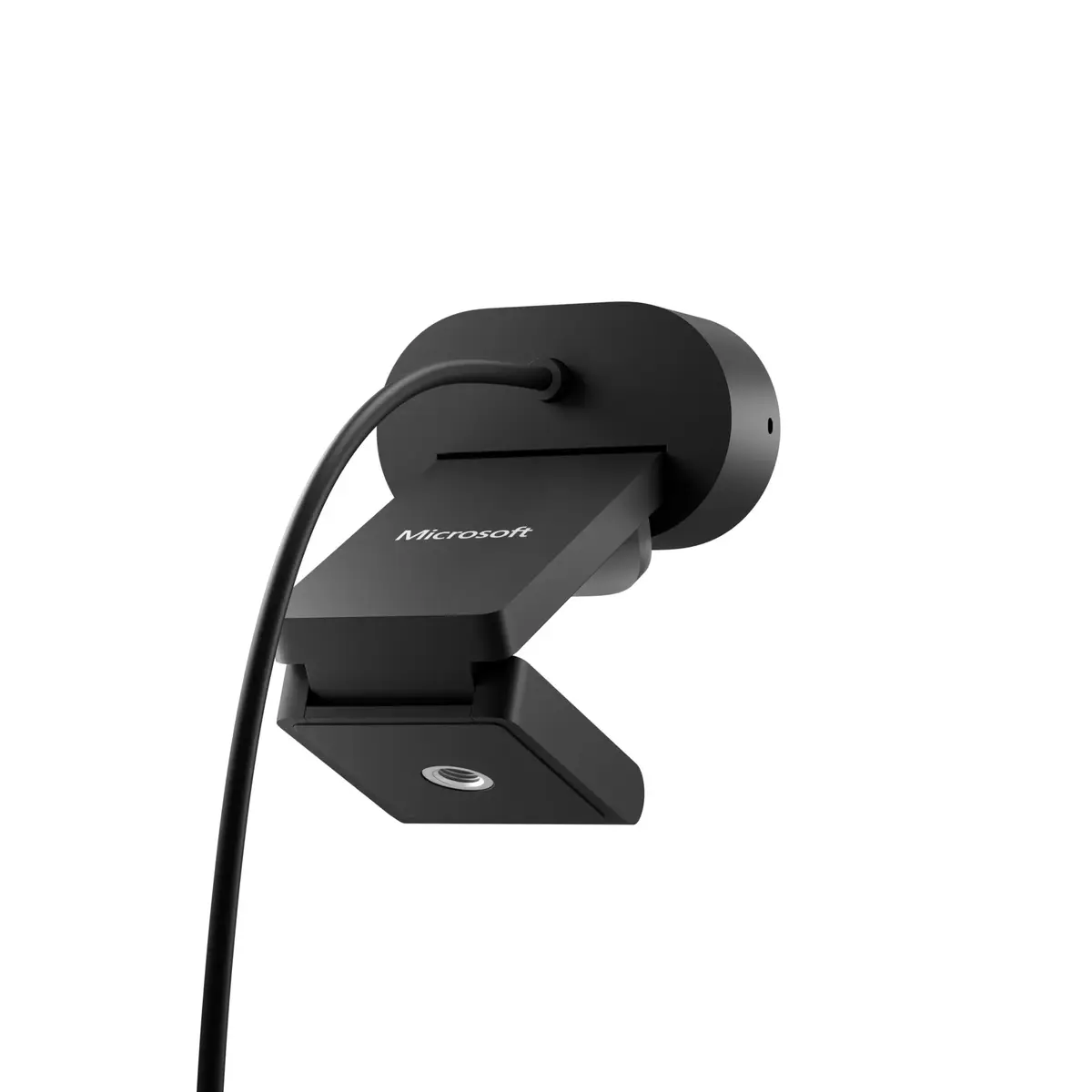
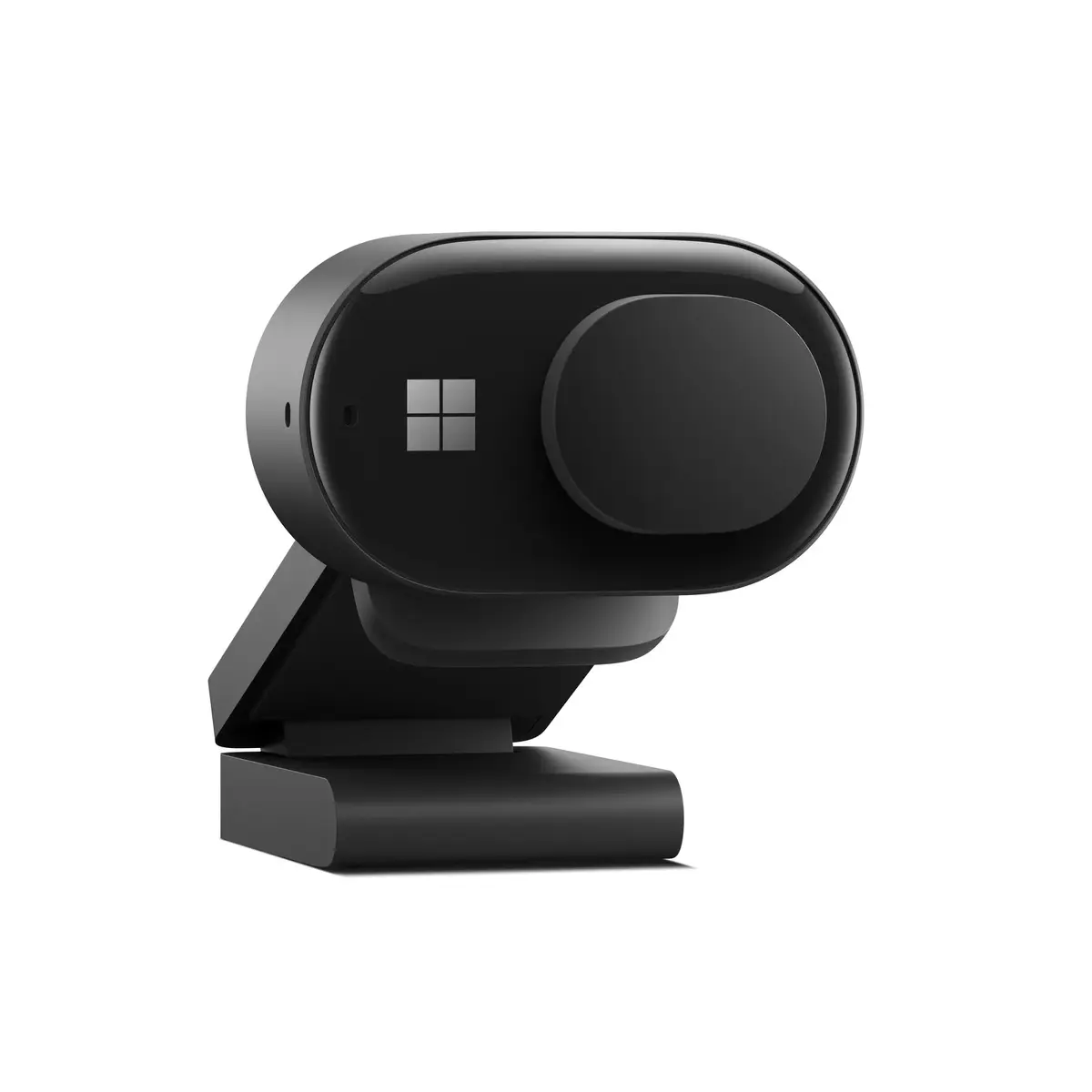
This webcam stands out due to its integration with Microsoft Teams, featuring a dedicated LED usage indicator and a physical privacy shutter that allows you to control your video feed with ease. The inclusion of auto-focus and automatic light adjustment ensures that your image remains sharp and well-lit, even in challenging lighting conditions. Its versatile mounting system allows for quick and secure attachment to laptops, monitors, or tripods, making it a flexible solution for any desk setup. The plug-and-play USB-A connection simplifies the installation process, requiring no complex software configuration to get started.
This webcam may not be the ideal choice for users requiring 4K resolution for professional video production or streaming content creation. Additionally, since it uses a USB-A interface, users with devices that only feature USB-C ports will require an adapter for connectivity.
To use the Microsoft Modern Webcam, simply connect the USB-A cable to an available port on your computer. The device is plug-and-play, meaning it should be automatically recognized by your operating system. Once connected, attach the camera to your monitor or laptop using the integrated clip mount. You can adjust the angle to ensure your face is centered. Use the physical privacy shutter to cover the lens when the camera is not in use, which also serves as a visual indicator for your privacy.
For the best video quality, position the camera at eye level and ensure that your primary light source is in front of you rather than behind you. Keep the lens clean using a soft, dry cloth to maintain image clarity.
{{highlightedFeature.featureTitle}}:
{{getProductFeatureValueById(product, highlightedFeature.featureId)}}
| Warehouse | Stock | Delivery to the store | Store Price | |
| WH354 | 4 | 07.07.2026 | 199.99 € |
| Warehouse | Stock | Delivery to the store | Store Price | |
| EU6 | 4 | 30.06.2026 Best delivery | 177.49 € | |
| WH109 | 4 | 14.07.2026 | 242.99 € |
|
199.99 €
Stock:
4
Delivery Date:
07.07.2026
Warehouse: WH354
|
|
177.49 €
Stock:
4
Delivery Date:
30.06.2026
Best delivery
Warehouse: EU6
|
|
242.99 €
Stock:
4
Delivery Date:
14.07.2026
Warehouse: WH109
|