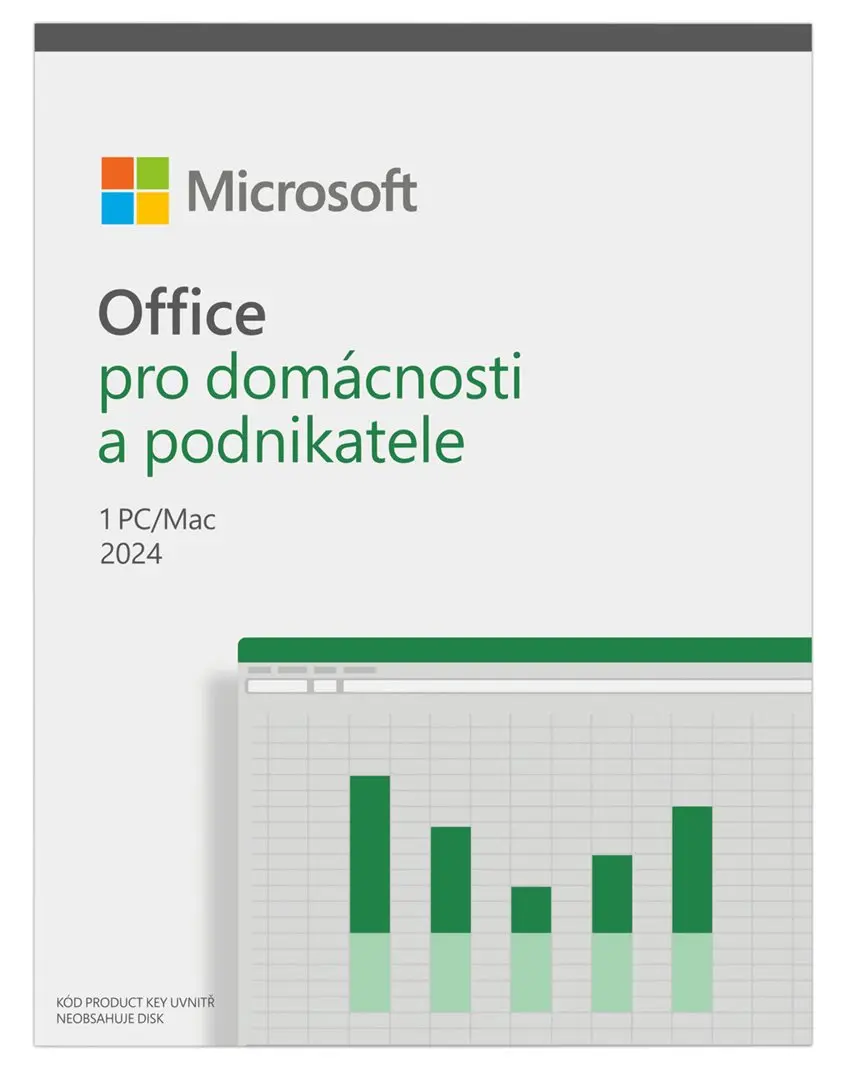
Microsoft Office 2024 for Home and Business is a comprehensive software suite designed to support daily productivity and communication tasks on a single PC or Mac. This edition includes essential applications such as Outlook, Word, Excel, PowerPoint, and OneNote, equipping users with familiar and reliable tools for creating documents, managing spreadsheets, delivering presentations, and organizing notes. Built for modern operating systems, the suite integrates smoothly with Windows 11, Windows 10, and macOS, while also offering compatibility with Microsoft Teams to facilitate team collaboration.
Advantages
This software suite provides a consistent and stable environment for standard office tasks without requiring an ongoing subscription commitment. Users benefit from utilizing established applications that maintain a high level of file compatibility across different systems and devices. The inclusion of Outlook allows for efficient management of emails, calendars, and contacts in a single centralized location, while Word, Excel, and PowerPoint cover all core requirements for text processing, data analysis, and visual presentations. OneNote adds flexibility by serving as a digital notebook for capturing ideas and meeting minutes.
Suitable for
- Drafting and editing business reports, letters, and documents using Word
- Analyzing data, creating charts, and managing budgets with Excel
- Designing professional presentations and slideshows in PowerPoint
- Managing emails, schedules, and professional correspondence through Outlook
- Organizing notes, research, and project details in OneNote
When it may not be suitable
This product is not designed for users who require simultaneous multi-device installations, as the license is strictly limited to one PC or Mac per user. It may also not suit individuals looking for cloud-first subscription services that include continuous feature updates and ongoing online storage benefits.
Key specifications
- Includes Microsoft Outlook, Word, Excel, PowerPoint, and OneNote
- Licensed for installation on one PC or Mac
- Compatible with Windows 11, Windows 10, and macOS
- Supports integration with Microsoft Teams
How to use
To begin using the suite, acquire the product and follow the provided installation instructions to redeem and download the software onto your compatible PC or Mac. Once the installation is complete, activate the suite using your Microsoft account. You can then launch individual applications such as Word, Excel, or Outlook directly from your system menu to start creating documents, managing emails, or building spreadsheets according to your professional and personal requirements.
What to consider before purchase
- Verify that your computer is running a compatible operating system version such as Windows 11, Windows 10, or macOS
- Confirm that the license meets your deployment needs for a single PC or Mac
- Ensure you have an active internet connection and a Microsoft account for initial setup and activation
Usage recommendations: Keep your operating system updated and install available application patches to ensure optimal stability, security, and performance of your Microsoft Office 2024 suite.