Hurry and order now – up to 50% off!
In cart {{totalProductsCount}} item(s)
Your cart is empty
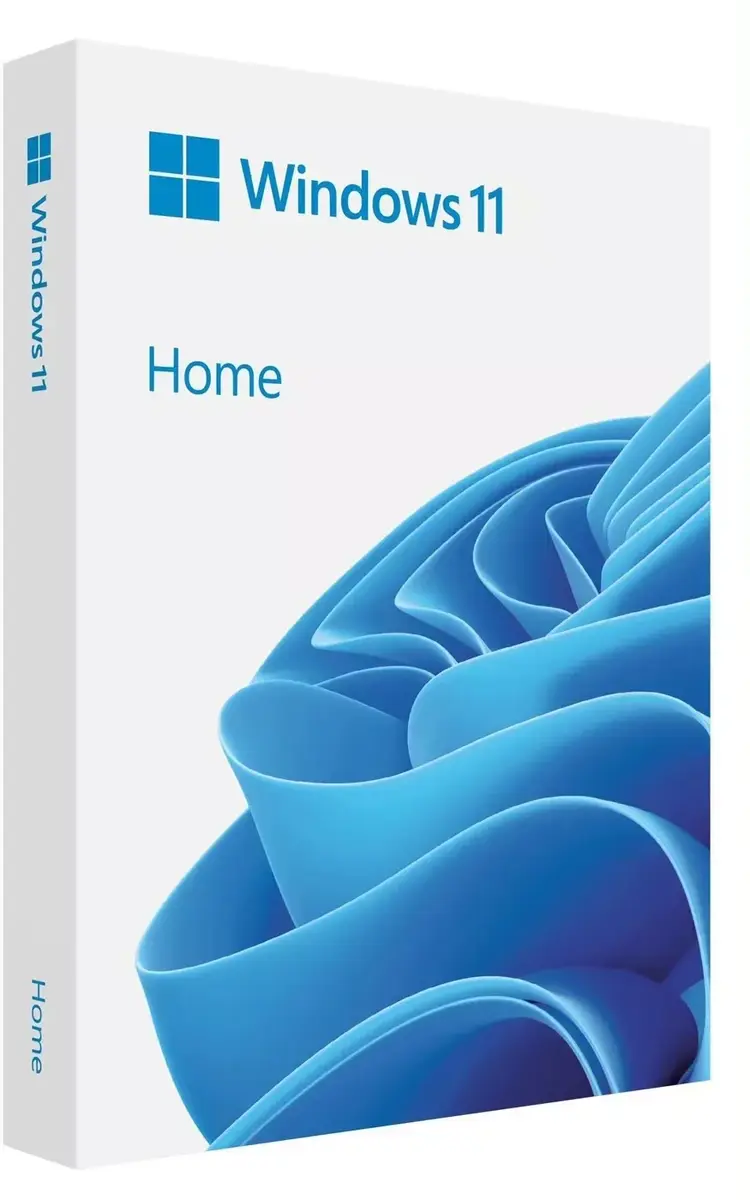
Operating system Microsoft Windows 11 Home FPP 64-bit Slovak USB – retail full pack, 64-bit, Slovak language
Microsoft Windows 11 Home FPP 64-bit Slovak USB is a retail full pack operating system supplied on USB media with a Slovak language interface and a 64-bit architecture. It delivers the Windows 11 Home feature set intended for everyday personal computing, including the redesigned user interface, enhanced security features, and compatibility with modern applications and hardware. The package is suitable for installing or reinstalling the operating system on compatible desktop PCs and laptops and provides the standard Home edition capabilities for personal and family use.
Windows 11 Home offers an updated, streamlined user interface and integrated security improvements that help protect personal data and system integrity. The 64-bit architecture enables use of contemporary processors and access to larger memory capacities where supported. Supplied on a USB medium in a retail full-pack format, the product allows straightforward installation on a single compatible device and includes Slovak language support for menus and system messages.
Prepare the target PC by ensuring it meets the Windows 11 Home hardware requirements and back up important data before proceeding. Insert the supplied USB installation medium into a USB port, boot the computer from the USB device by selecting it in the system boot menu or adjusting firmware boot order, and follow the on-screen instructions to install or reinstall the operating system. During installation, choose Slovak as the system language and configure regional settings, user account, and privacy options as prompted. After installation completes, install device drivers and apply system updates via Windows Update to ensure optimal performance and security.
Before installation, verify hardware compatibility, create recovery media or system images if needed, and maintain current backups of personal files. Use official Microsoft update channels for drivers and security patches and register the retail license according to provided activation instructions to ensure continued access to updates.
{{highlightedFeature.featureTitle}}:
{{getProductFeatureValueById(product, highlightedFeature.featureId)}}