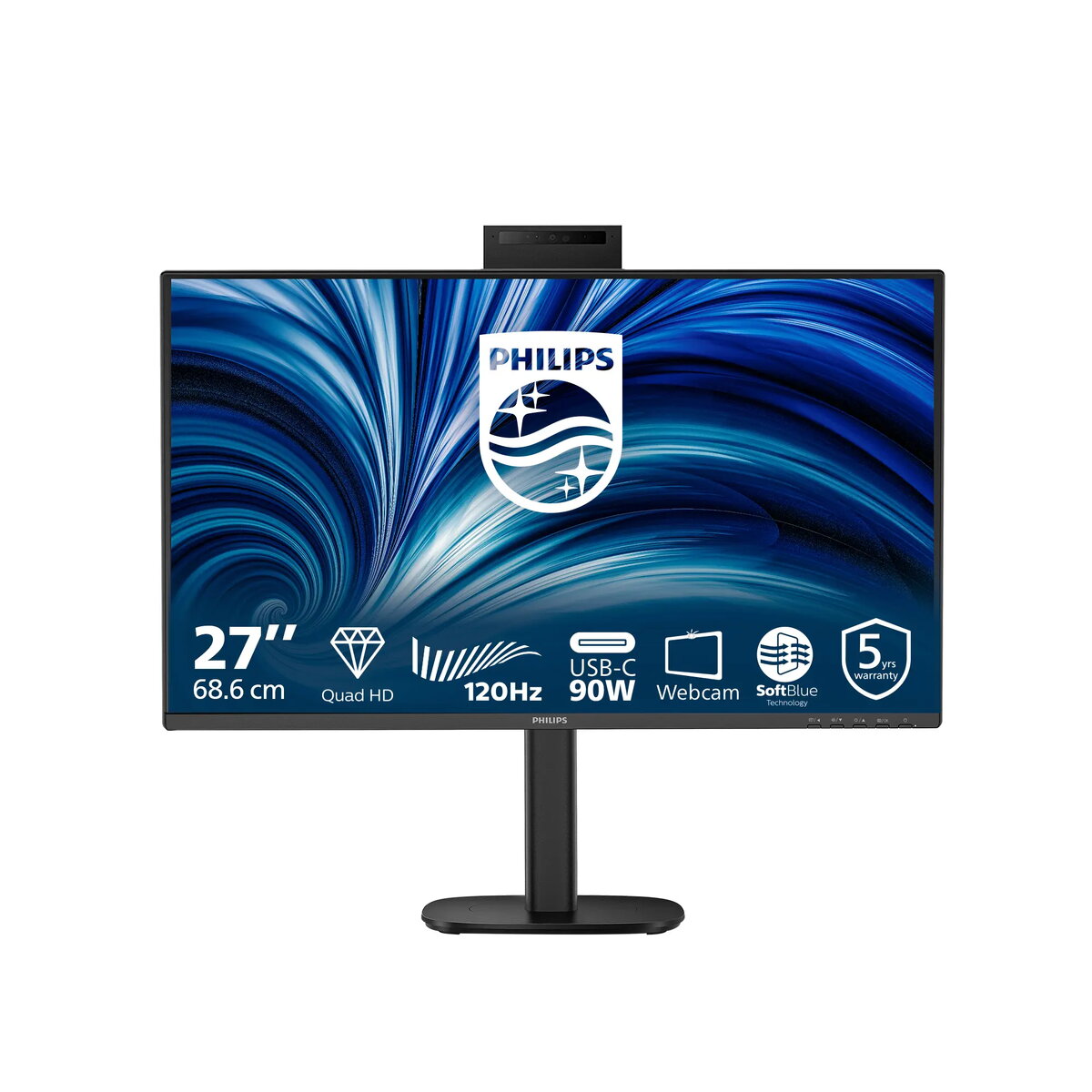
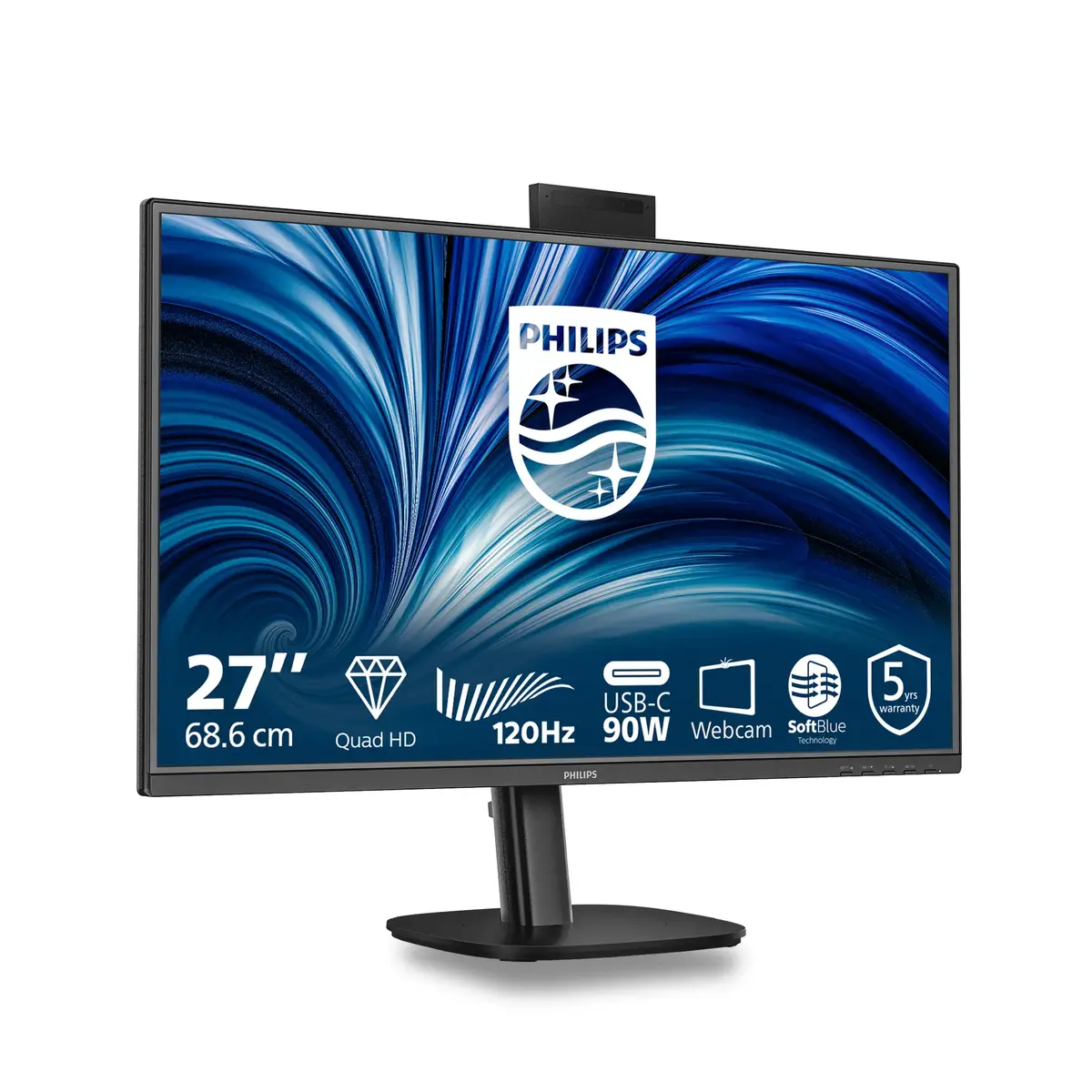
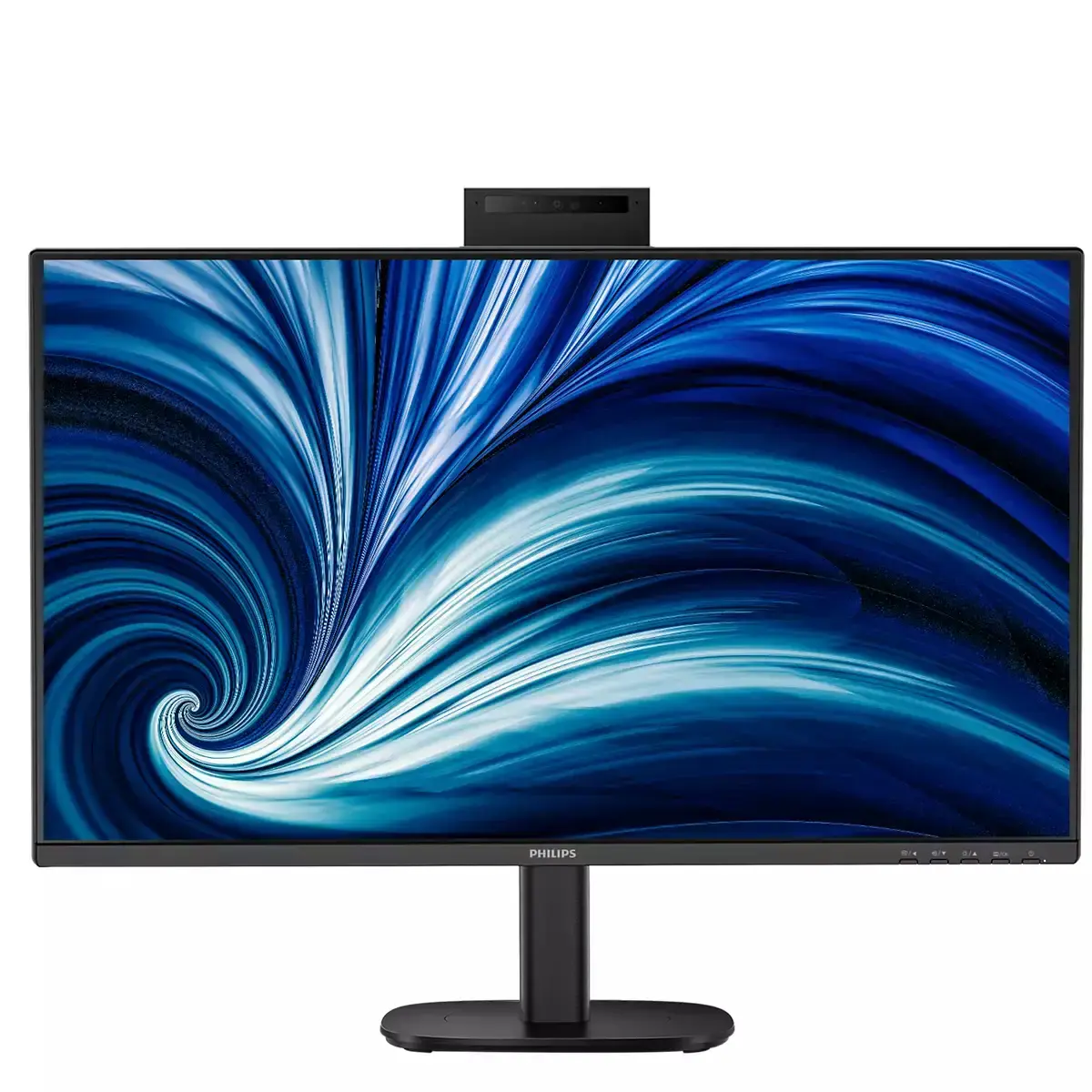
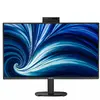
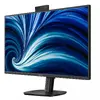
IPS technology for full colors and wide viewing angles
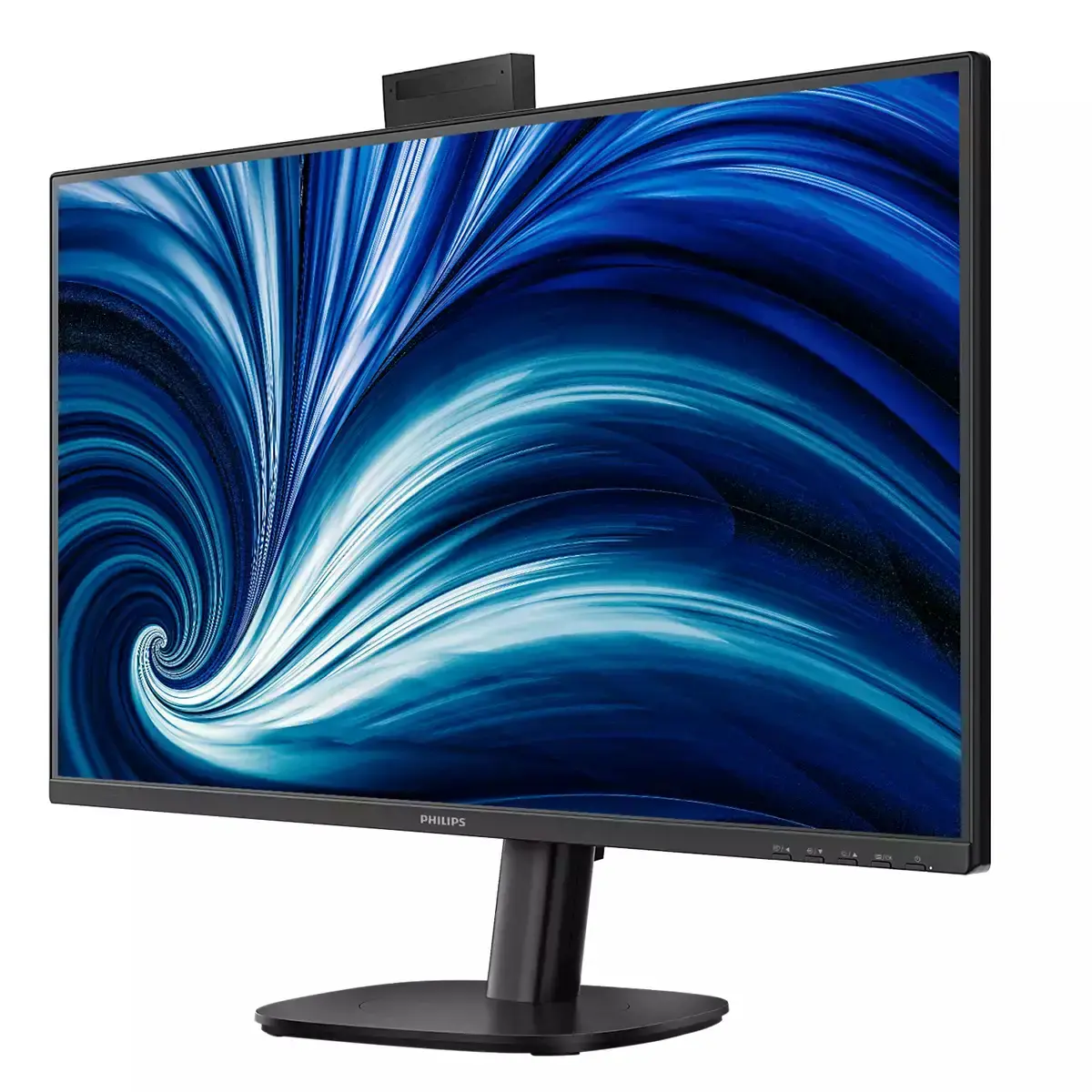
Experience vibrant, accurate colors and consistently sharp images from nearly any position. The IPS panel delivers 178/178° viewing angles so your content stays true and clear even in 90° pivot mode. Ideal for photo and video enjoyment, web browsing, and professional workflows that require color fidelity and uniform brightness.
Eyesafe certified blue light protection and color accuracy
Work longer with less eye fatigue thanks to the Eyesafe® CERTIFIED 2.0 blue light filter. This always-on protection reduces harmful blue light exposure while preserving color integrity, helping you stay comfortable and focused during extended use.
Adjustable Webcam: for video conferencing in comfort
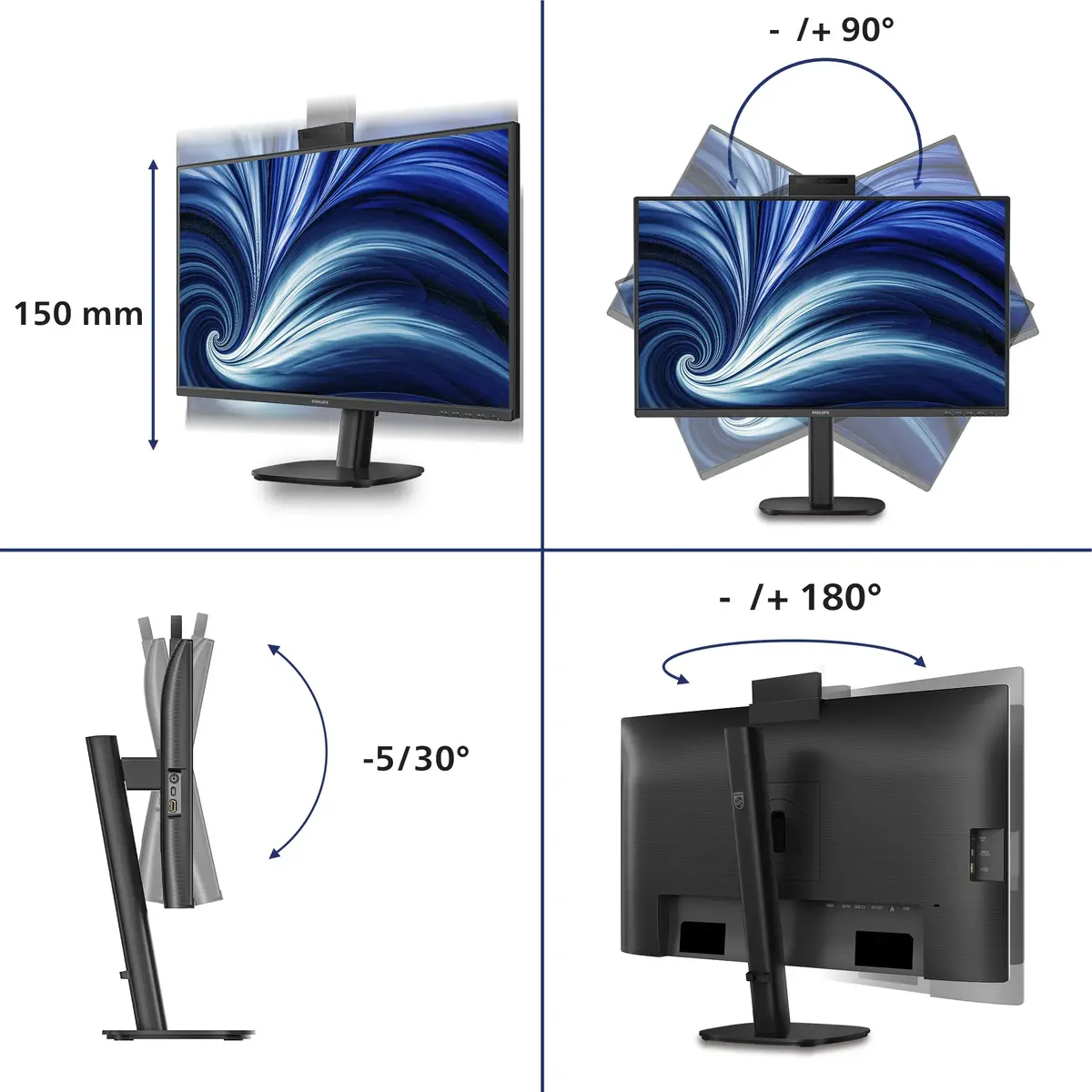
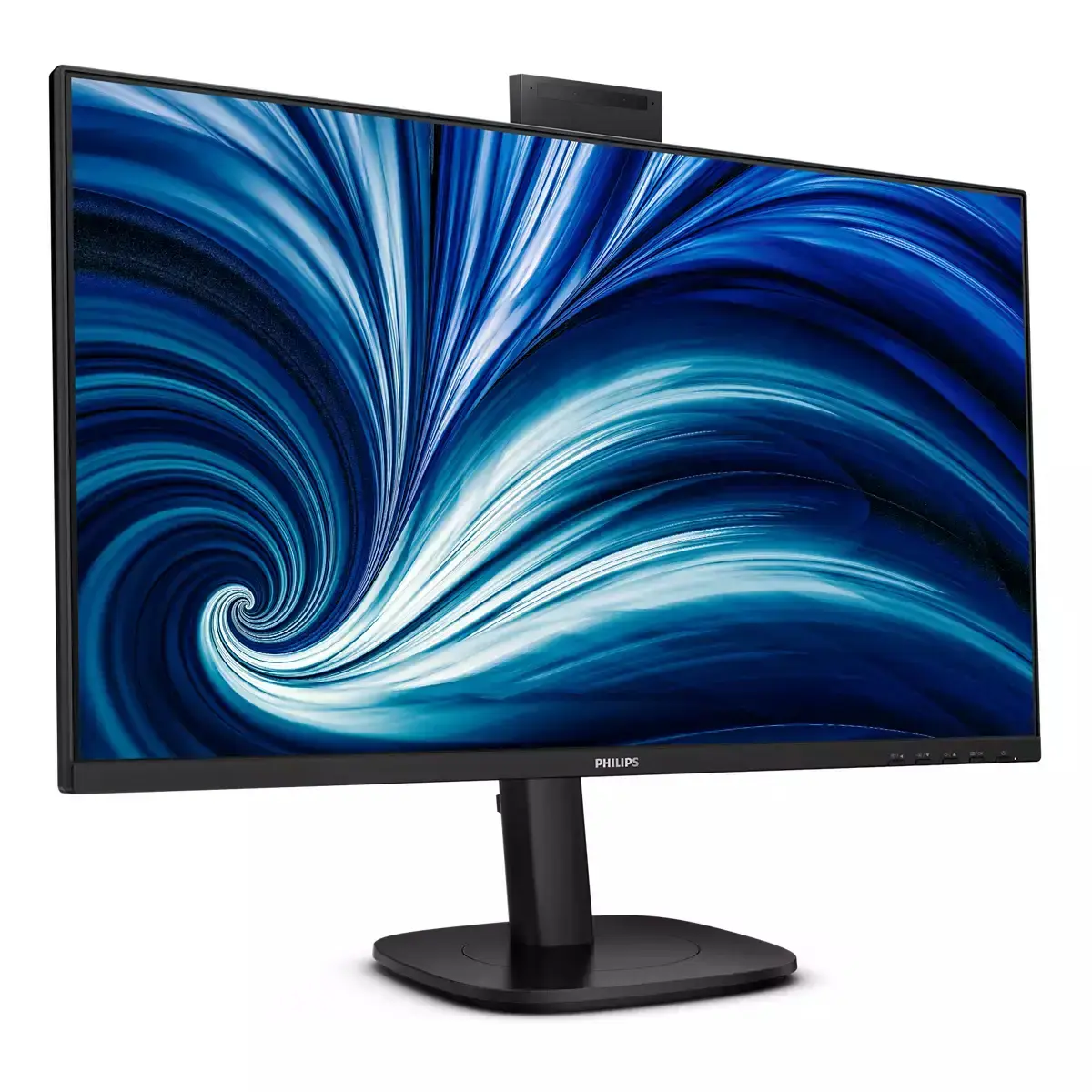
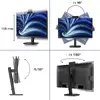
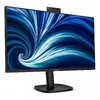
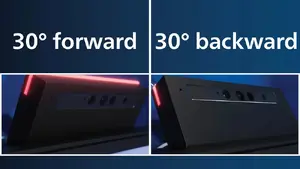
Make video calls more comfortable and natural. The adjustable webcam tilts 30° so you can position it to the most flattering and ergonomic angle, improving framing and comfort during meetings.
Built-in stereo speakers for multimedia
Enjoy clear audio without extra peripherals: the integrated stereo speakers deliver reliable sound for video calls, presentations and media playback, keeping your desk tidy and your setup simple.
Windows Hello Compatible – Seamless, Secure Access
Sign in quickly and securely with facial recognition. The monitor's webcam supports Windows Hello for fast, convenient authentication every time you power on.
SoftBlue Technology: for comfortable viewing
SoftBlue technology reduces harmful blue-light emissions while maintaining picture quality. By limiting the blue-light ratio in critical wavelengths, it minimizes eye strain and helps you stay productive and comfortable throughout long work sessions. TÜV Rheinland Low Blue Light (Hardware Solution) certification verifies its effectiveness.
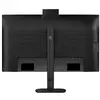
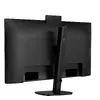
SmartErgoBase enables people-friendly ergonomic adjustments
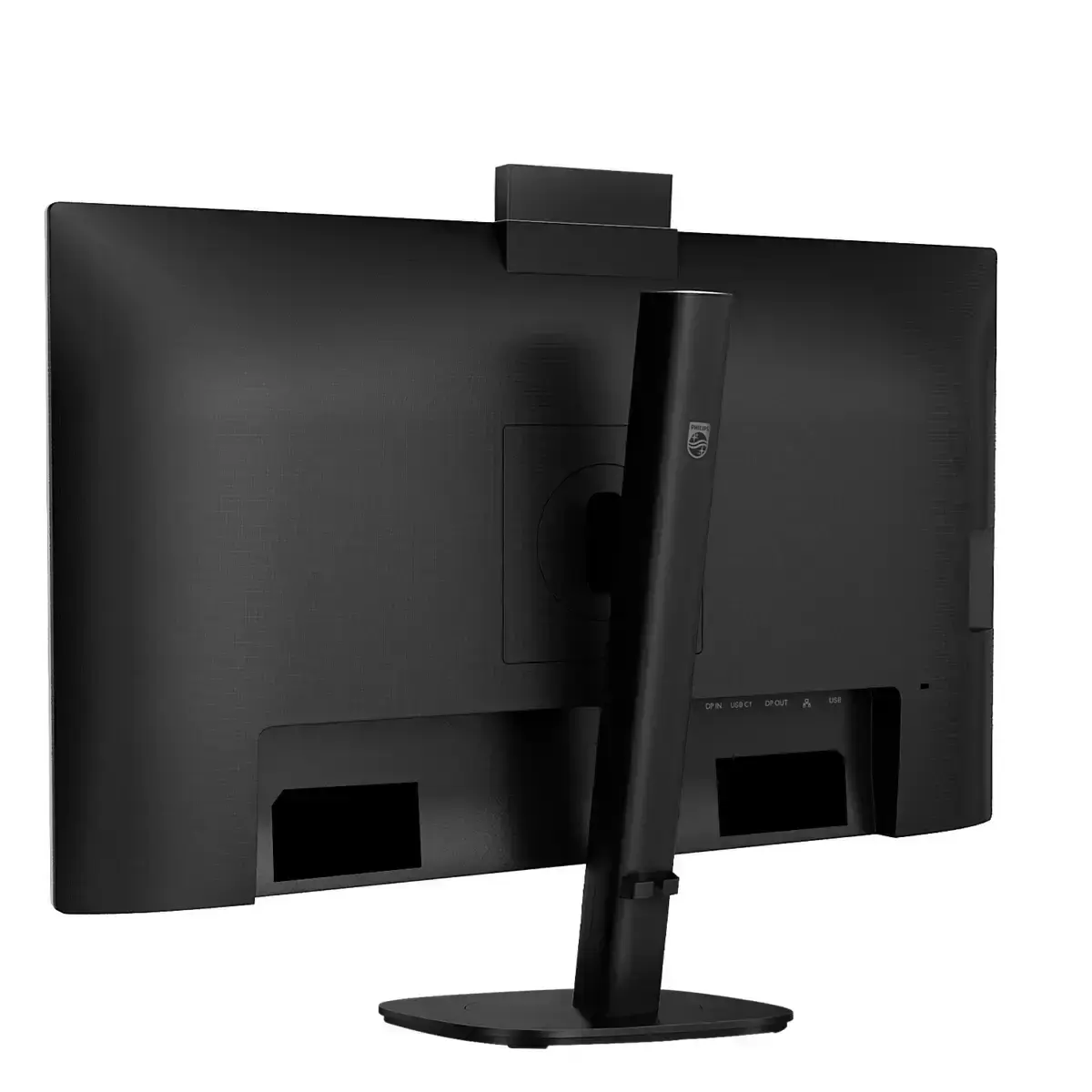
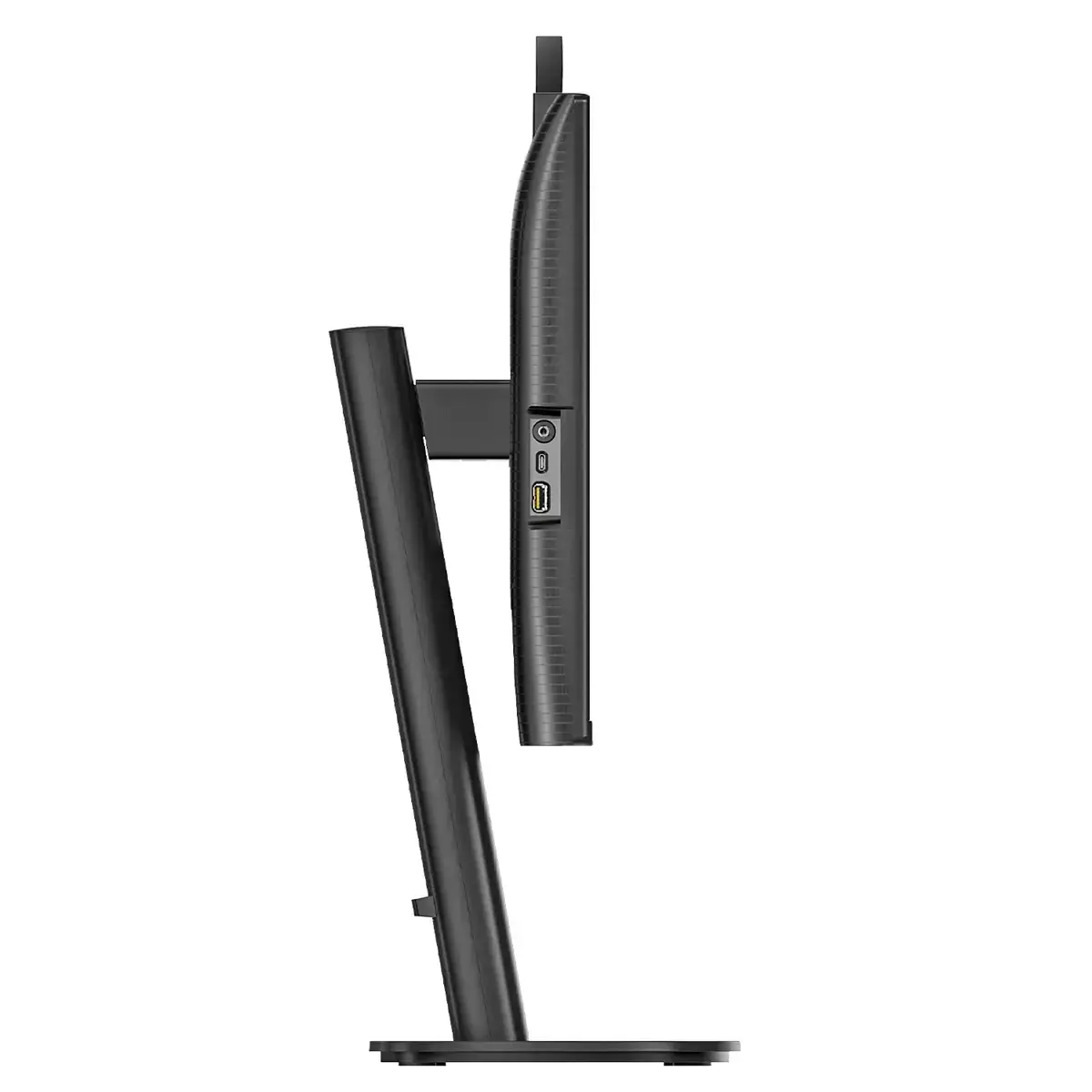
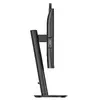
Tailor your workspace for comfort and productivity. The SmartErgoBase offers height adjustment, swivel, tilt and rotation, plus cable management to reduce clutter—so you can maintain an ergonomic posture and a neat desk all day.
Smart Link Sync: for uniform daisy-chained displays
Create a consistent multi-monitor setup with Smart Link Sync. Automatically align color and brightness across daisy-chained screens from the primary monitor using OSD Sync or Light Sync (Low/Mid/High). For identical models you get perfect uniformity; when mixing models, Light Sync balances luminance for a cohesive professional look.
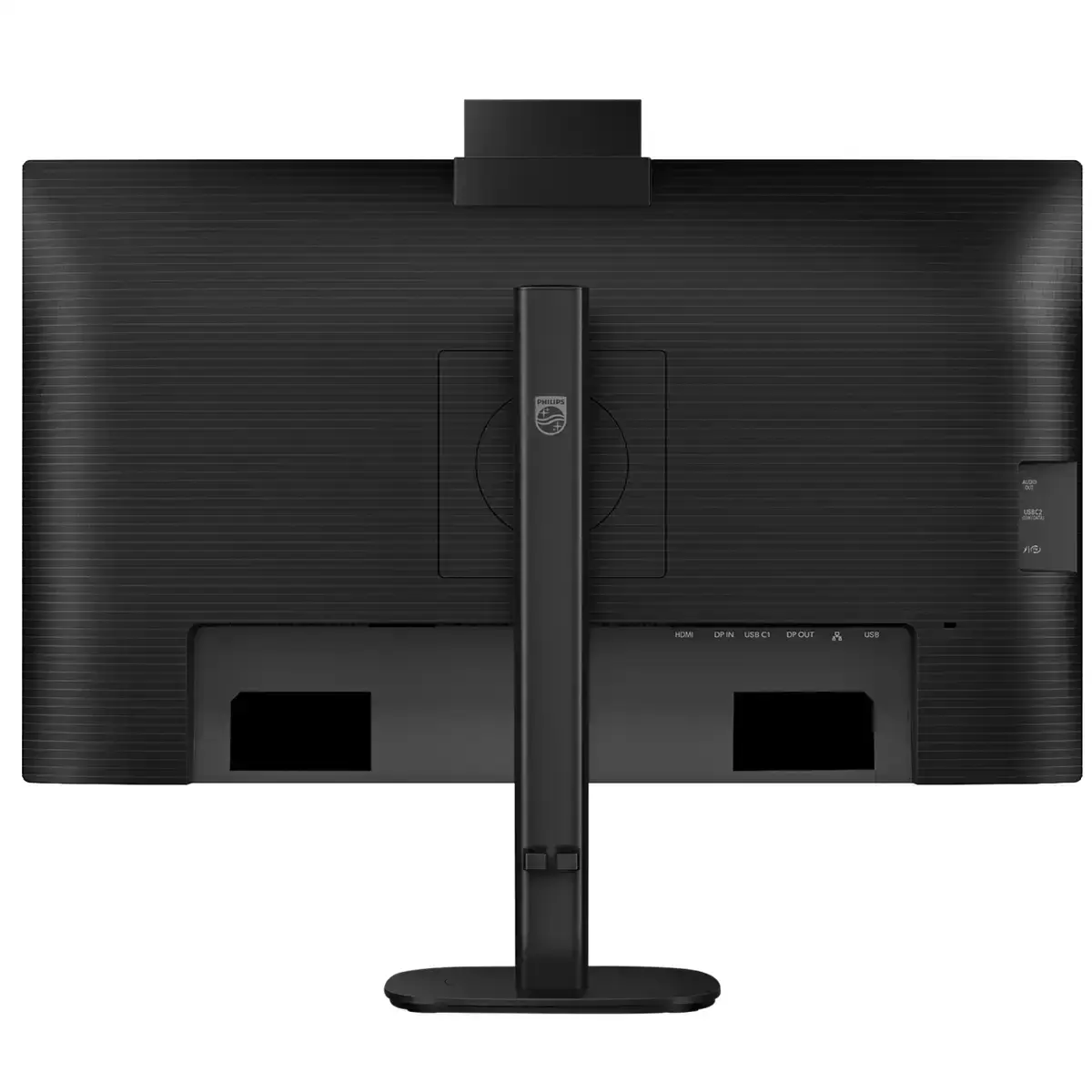
RJ-45 to USB-C gives easy network connection with security
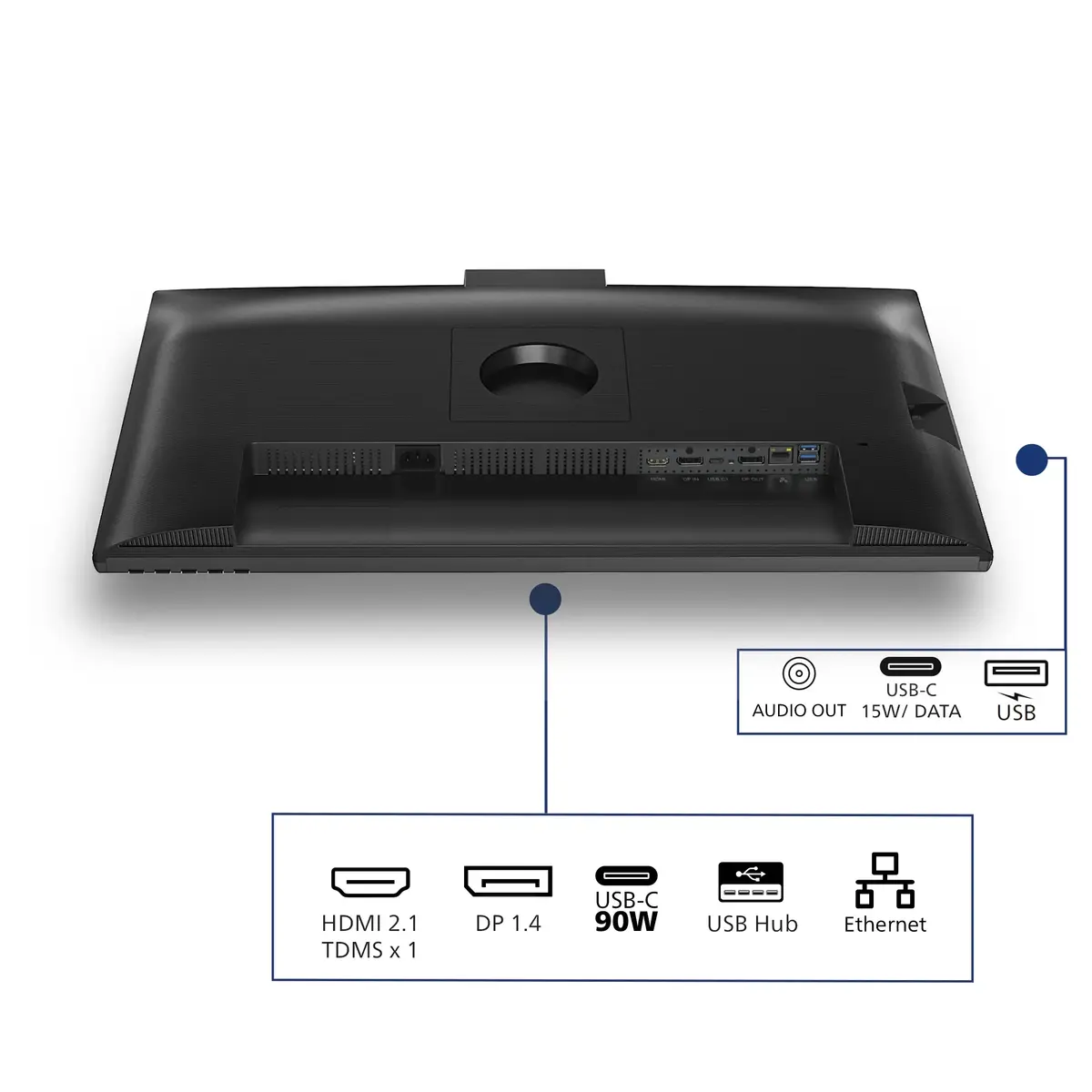
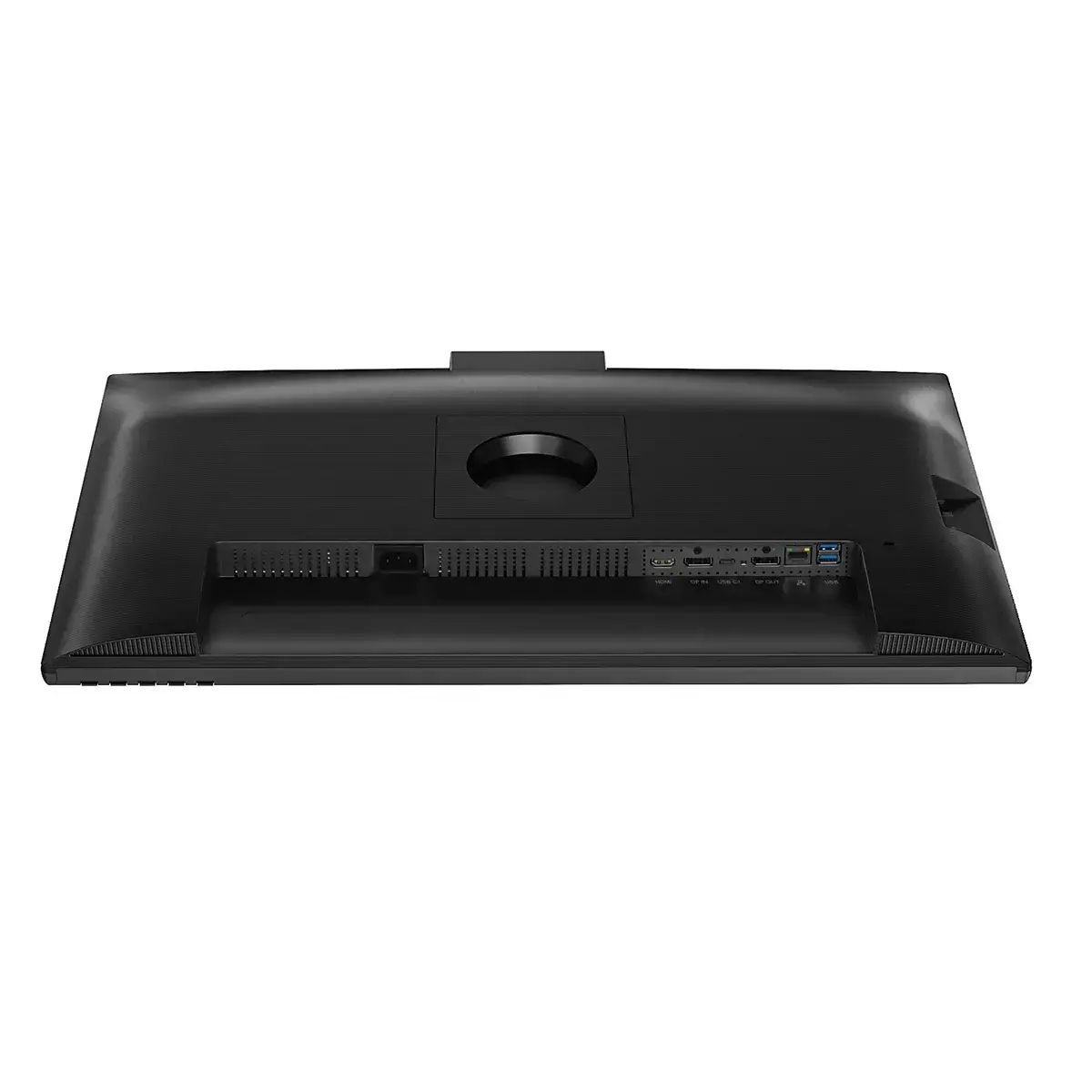
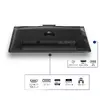
Simplify connectivity with a single USB-C cable that carries video, data, power delivery and network through RJ-45. Connect to the internet and peripherals directly from the monitor—fast, secure and convenient—while optionally powering and charging your notebook without extra cables.
Crystalclear images with Quad HD 2560 x 1440 pixels
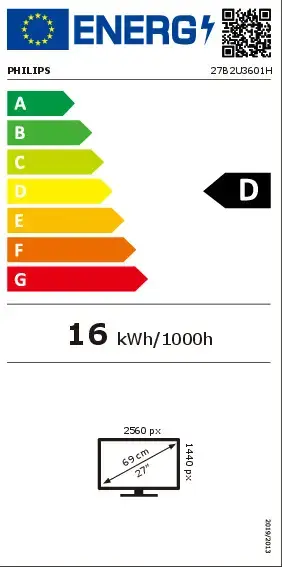
Enjoy detailed, high-density visuals on the 27" Quad HD panel (2560×1440). With a sharp pixel count and high-performance IPS technology, this display brings clarity to CAD, 3D graphics, large spreadsheets and rich multimedia content.
120Hz refresh rates for ultra-smooth images
Benefit from fluid motion and reduced blur with up to 120Hz refresh. Faster redraws deliver smoother video and gaming performance so moving visuals appear more precise and responsive—helpful in fast-paced workflows and gameplay.