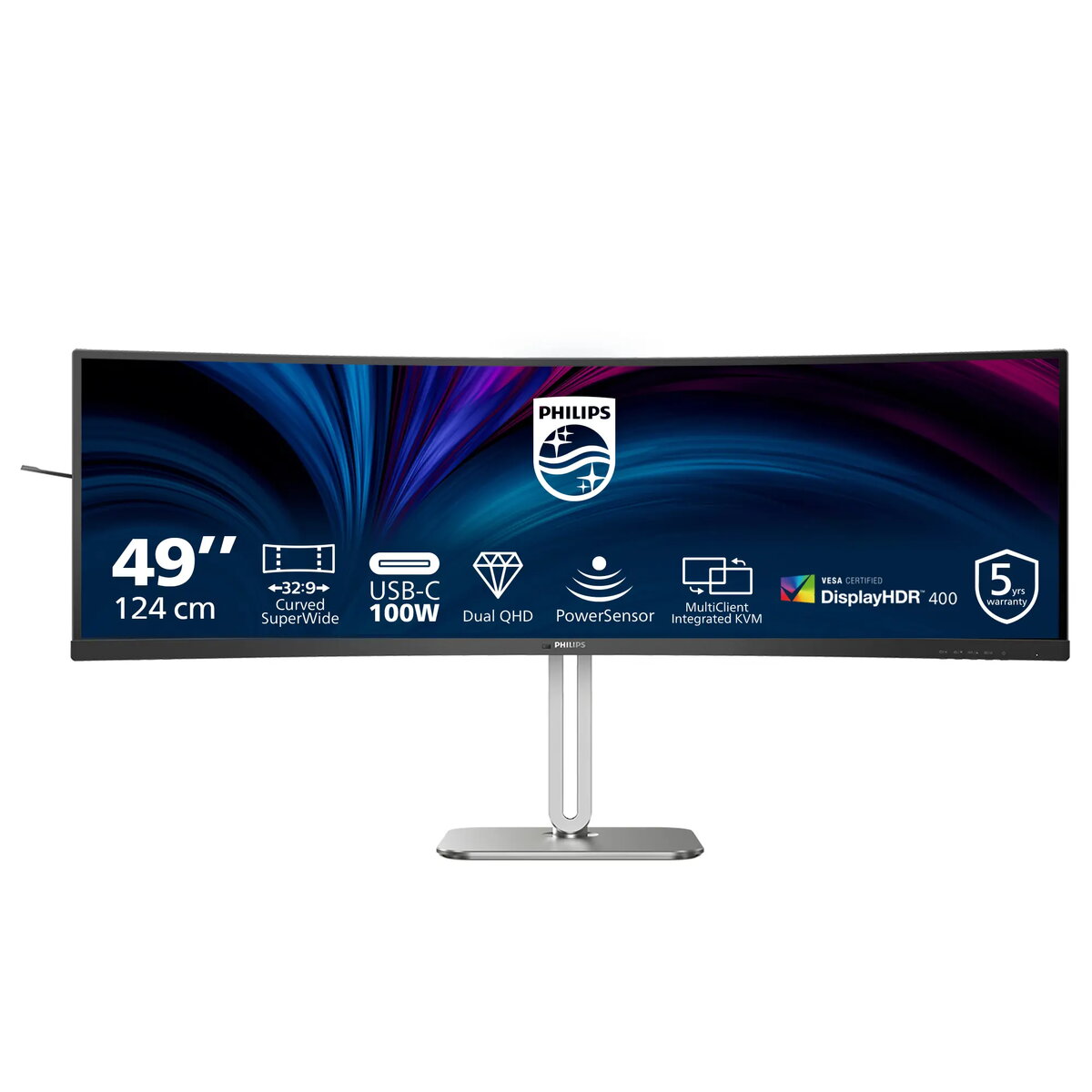
VESA-certified DisplayHDR 400 for vivid, true-to-life visuals
Experience noticeably brighter highlights, deeper blacks and a wider color palette with genuine DisplayHDR 400. This VESA-certified HDR delivers a minimum 400 nits peak brightness and global dimming for enhanced contrast and lifelike image reproduction—ideal for multimedia, gaming and creative work on the 49" Dual QHD display.
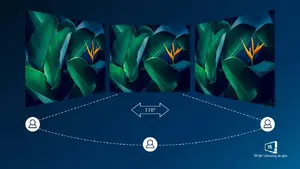
High-contrast VA panel with wide 178° viewing angles
The advanced VA panel technology provides exceptional 3000:1 typical contrast for punchy, detailed images and accurate color consistency across wide 178°/178° viewing angles. Paired with the monitor’s 5120×1440 Dual QHD resolution and 32:9 SuperWide format, it’s optimized for photos, movies, multitasking and immersive content.
Integrated stereo speakers for ready-made multimedia
Built-in stereo speakers provide convenient, space-saving audio for video calls, streaming and casual gaming—no external speakers required for everyday multimedia use.

SmartKVM for effortless source switching
Switch quickly between connected PCs and notebooks using SmartKVM. When devices are correctly connected, toggle inputs by pressing the Ctrl key three times on your keyboard to control multiple systems with a single keyboard and mouse.
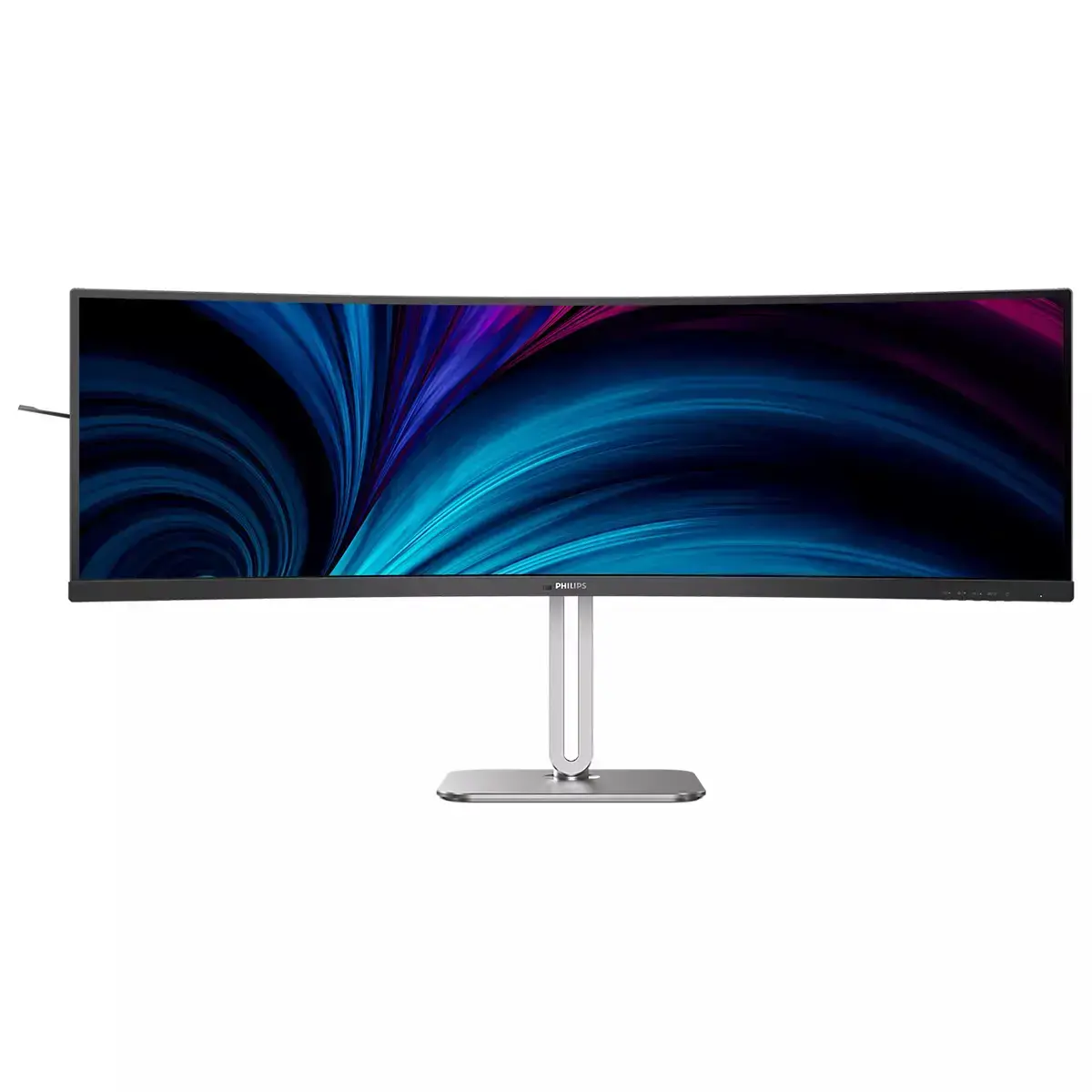
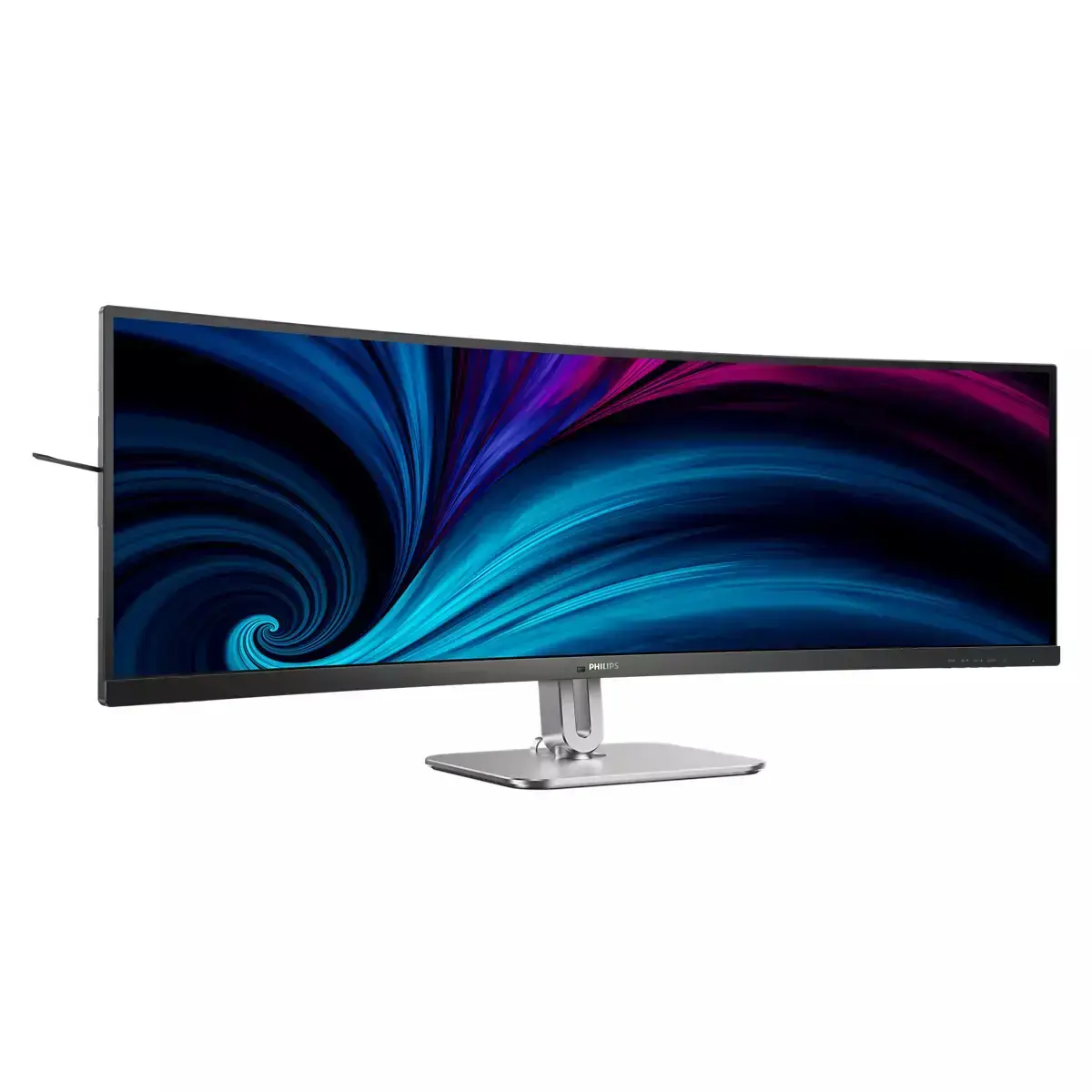
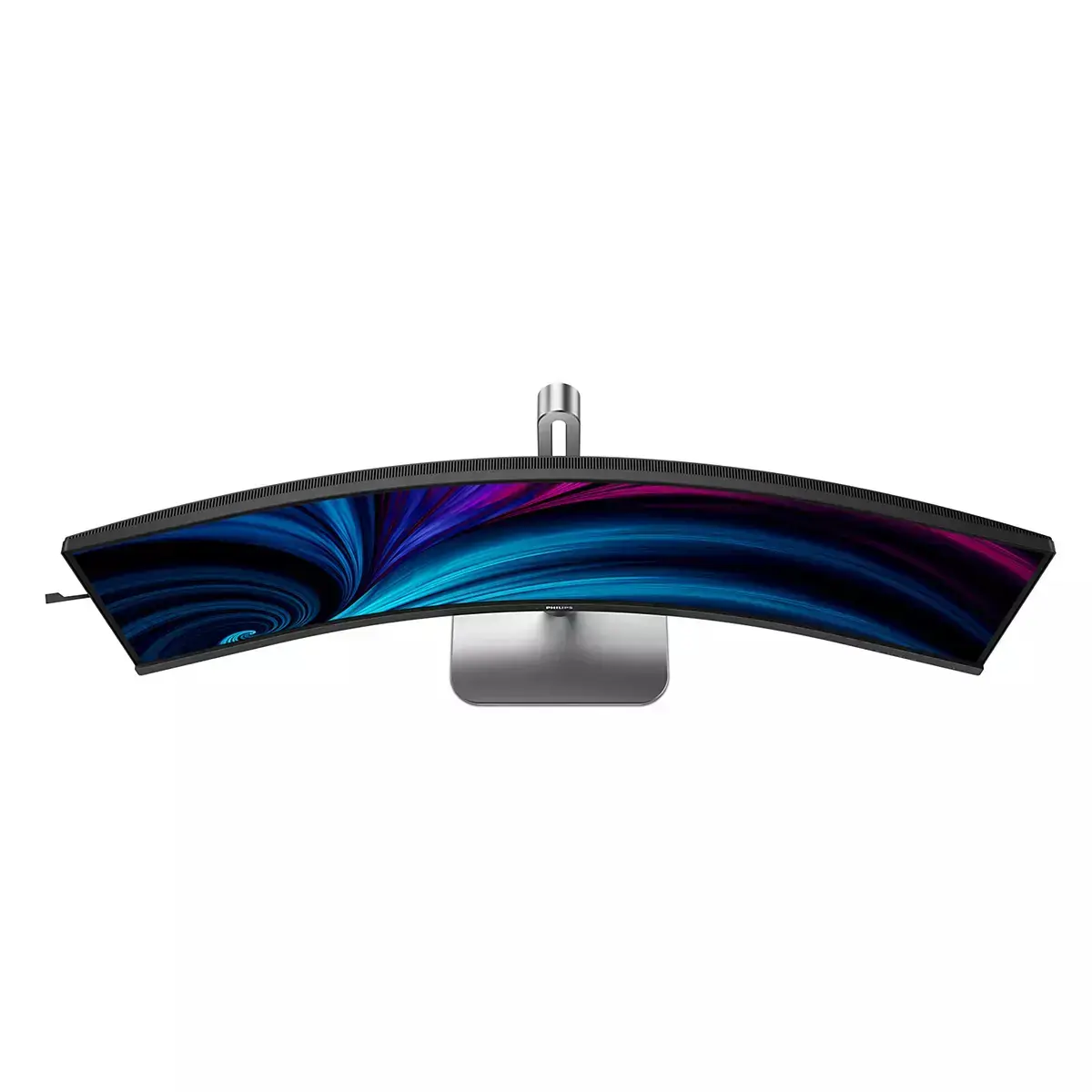
Curved SuperWide design for immersive focus
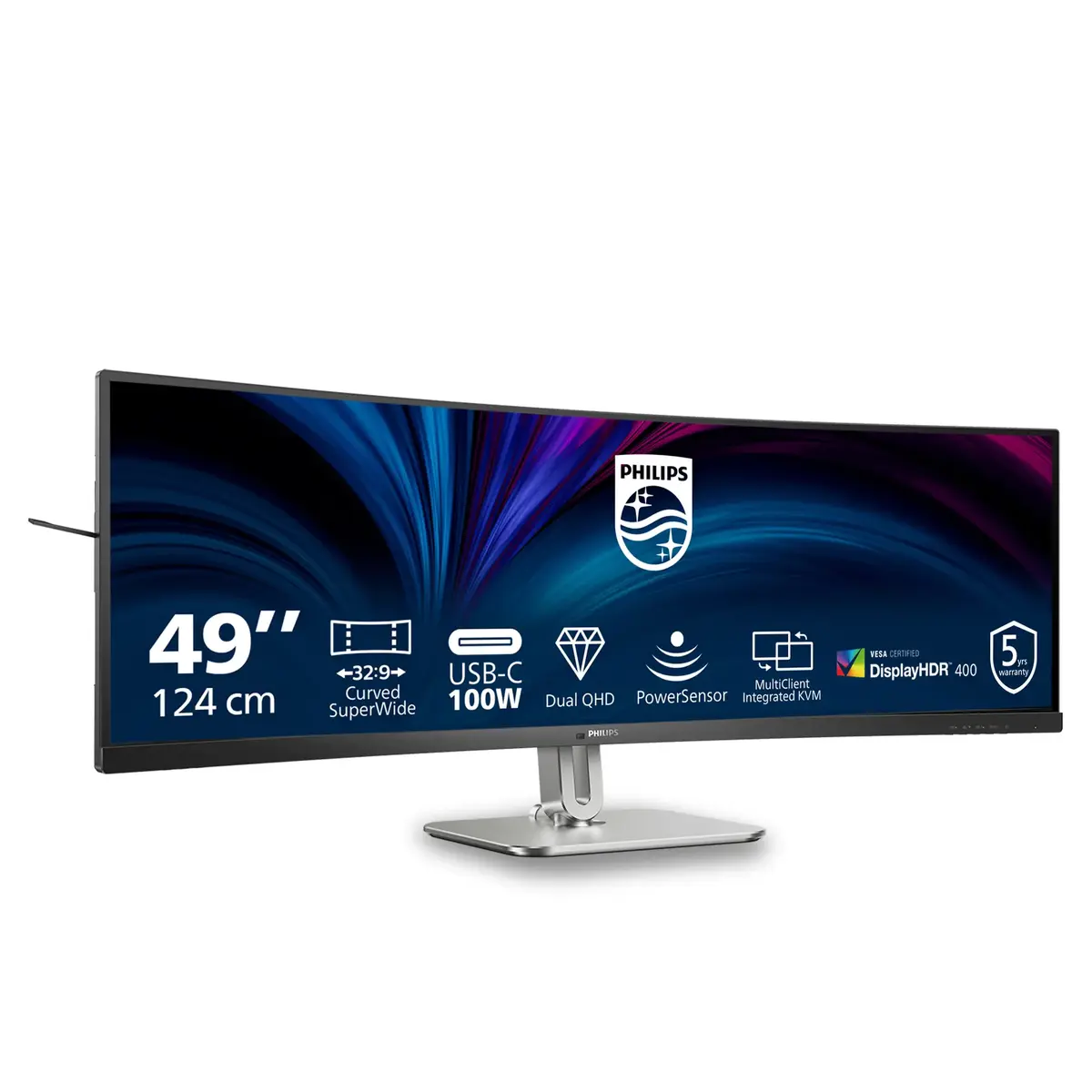
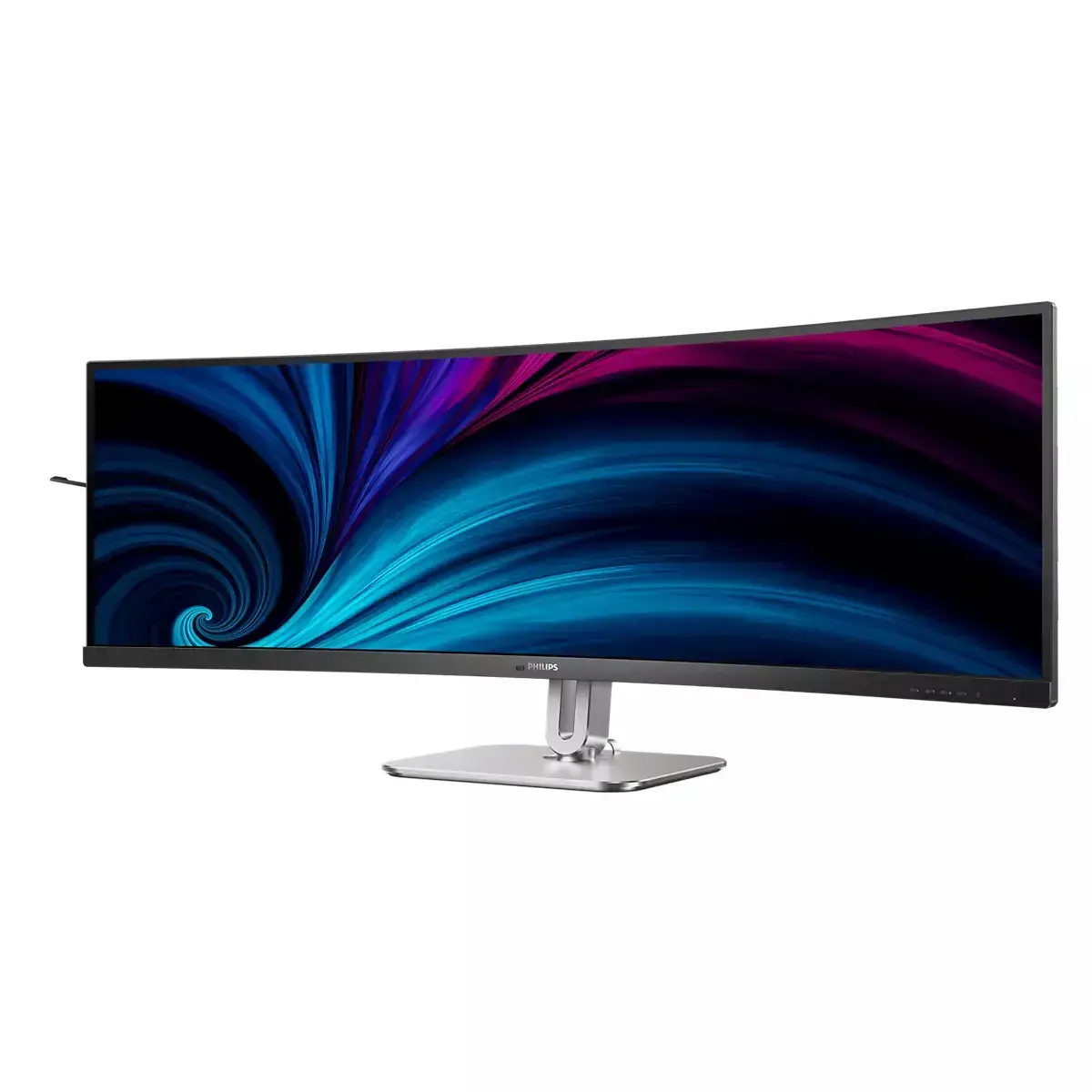
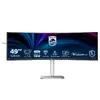
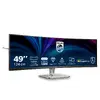
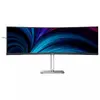
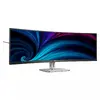
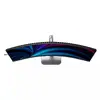
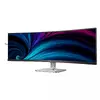
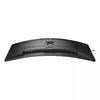
The 32:9 curved 48.8" screen wraps your field of view to reduce distractions and increase immersion—replacing multi-monitor setups while keeping your workflow centered and continuous.
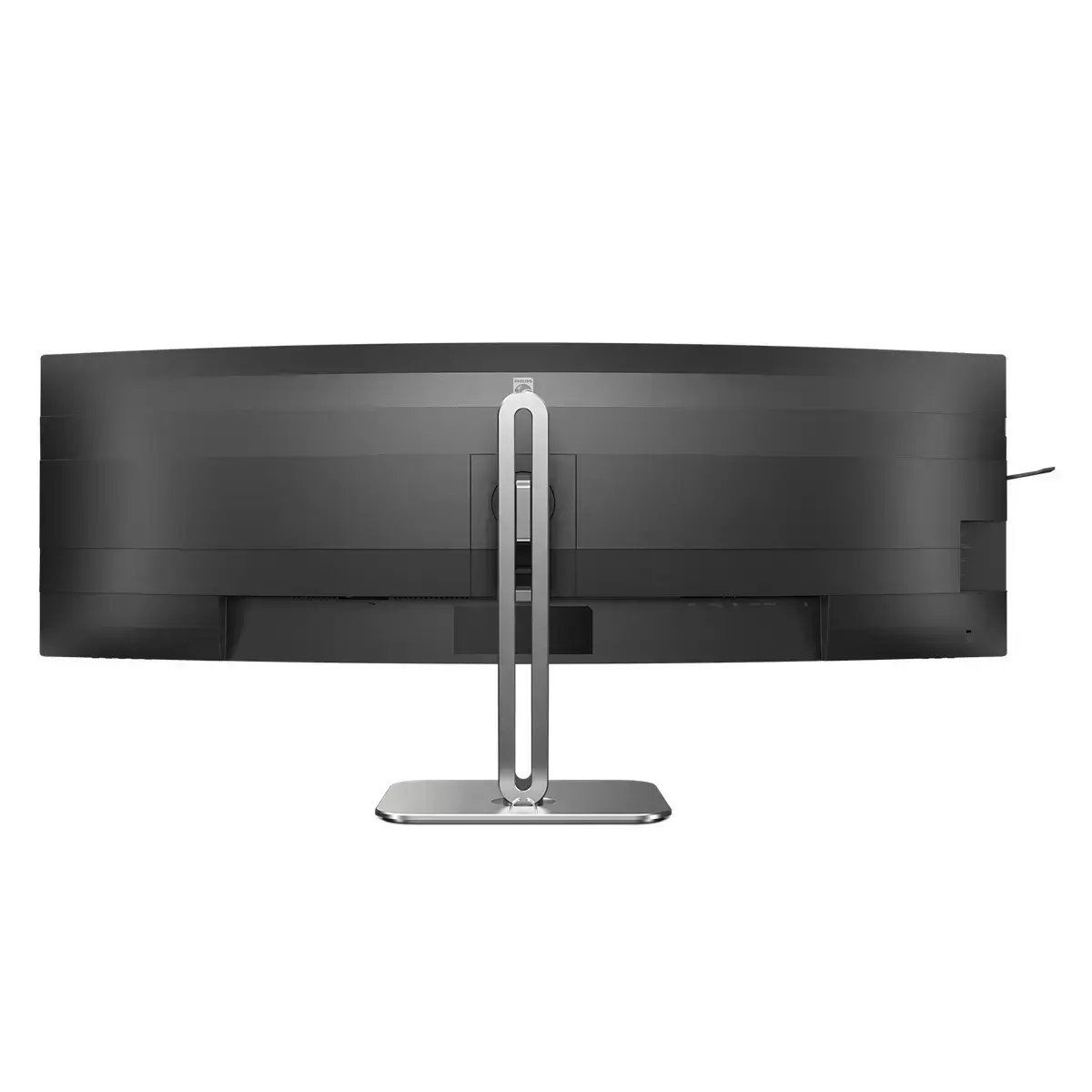
Convenient earphone hook and tidy cable management
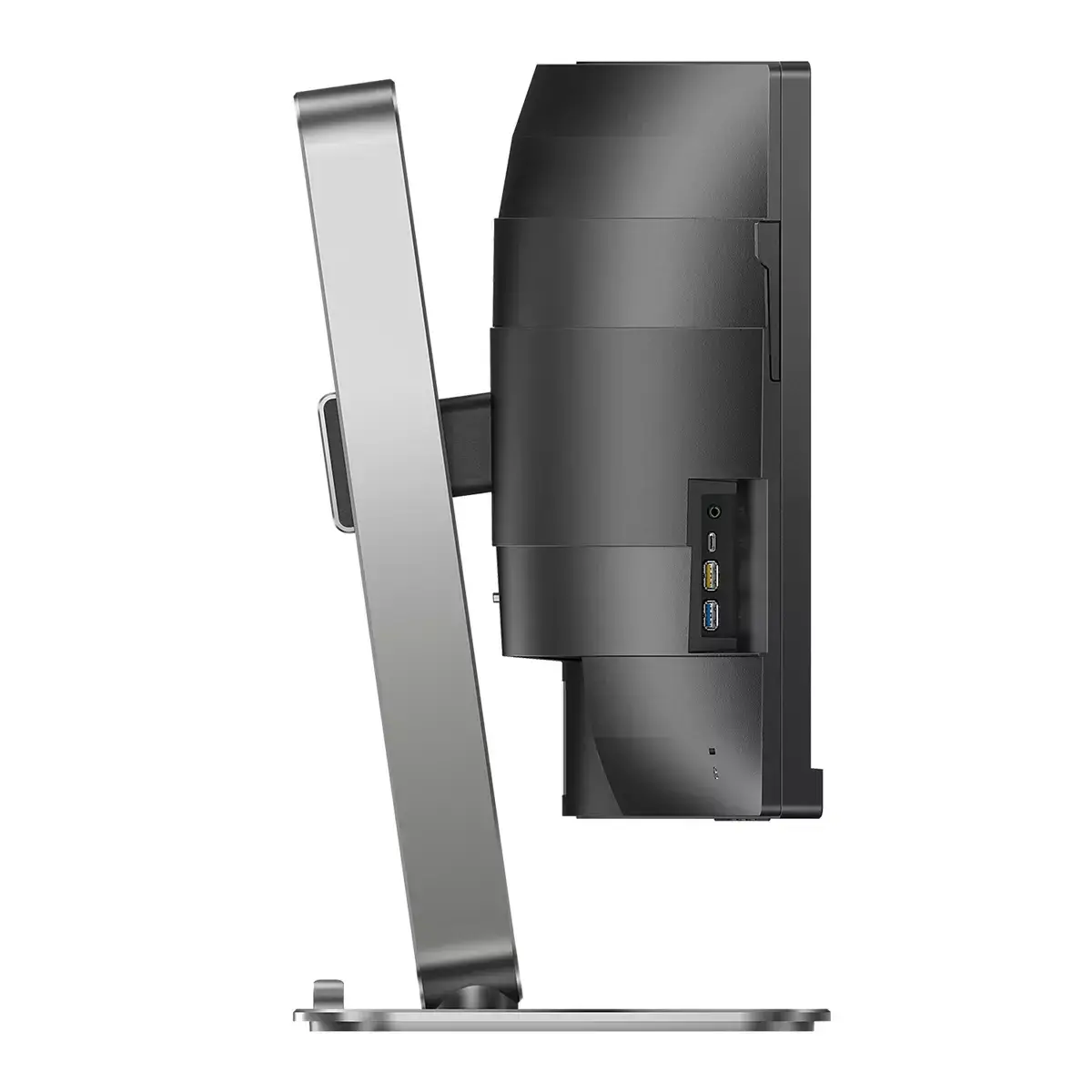
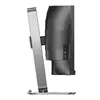
Stow your headset neatly using the pull-down earphone hook on the monitor’s side, keeping your desk organized and cables managed for a cleaner workspace.
Eyesafe certified blue light protection with color integrity
Always-on Eyesafe certified blue light filtering reduces harmful emissions while preserving accurate colors, helping minimize digital eye strain during long working or viewing sessions.
MultiView for simultaneous multi-device productivity
Use MultiView to connect and view two sources at once—work with a desktop and notebook simultaneously to boost multitasking and streamline complex workflows on one expansive screen.
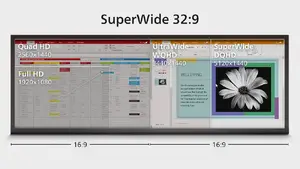
32:9 SuperWide 49" display that replaces dual-monitor setups
Get the productivity of two 27" Quad HD monitors side-by-side without the bezels or complex setup. The 5120×1440 Dual QHD SuperWide screen delivers expansive workspace for spreadsheets, timelines and immersive content.
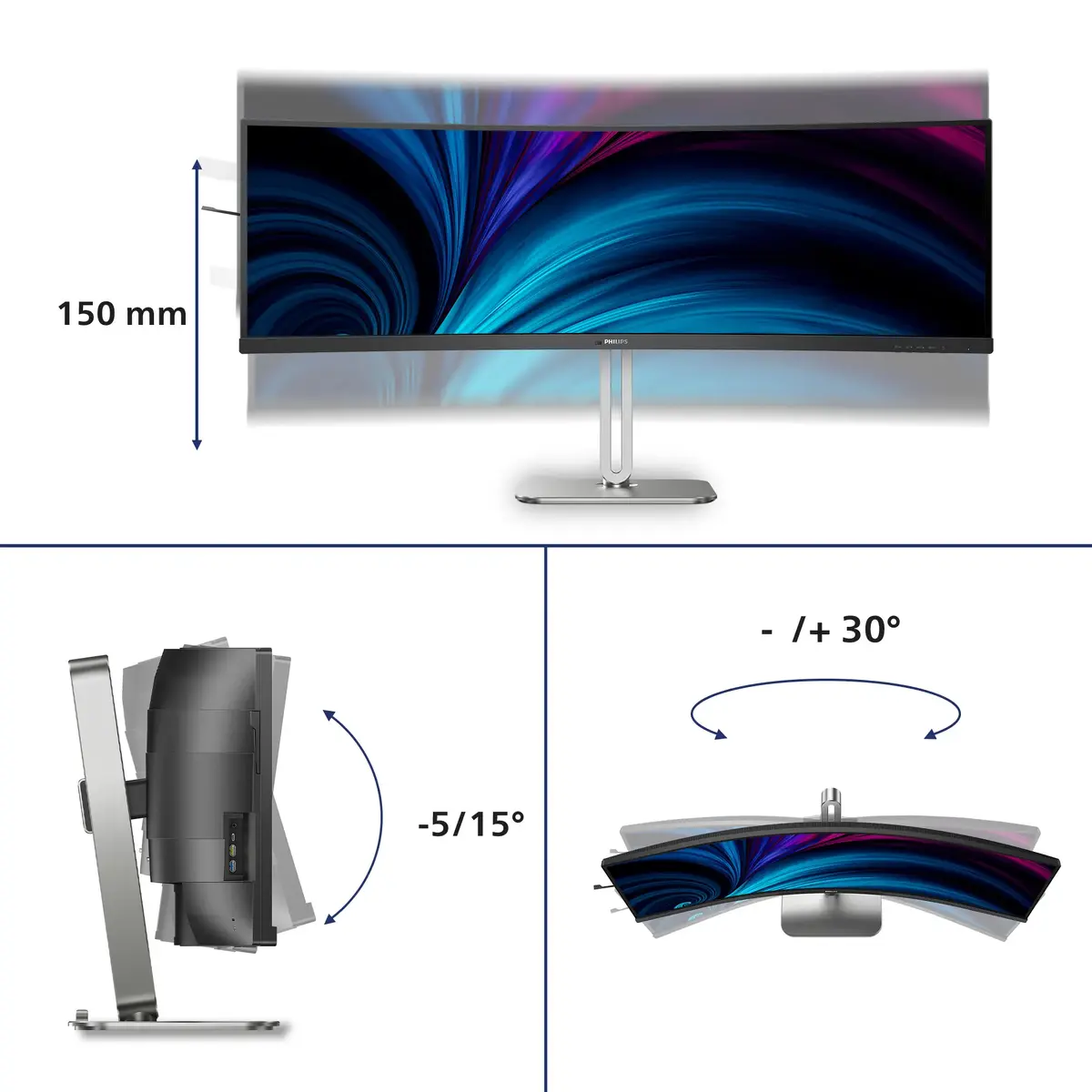
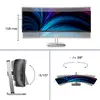
Ergonomic tilt, swivel and height adjustment
The Compact Ergo Base provides tilt, swivel and height adjustment so you can position the monitor for optimal comfort and reduced neck and eye strain during long sessions.
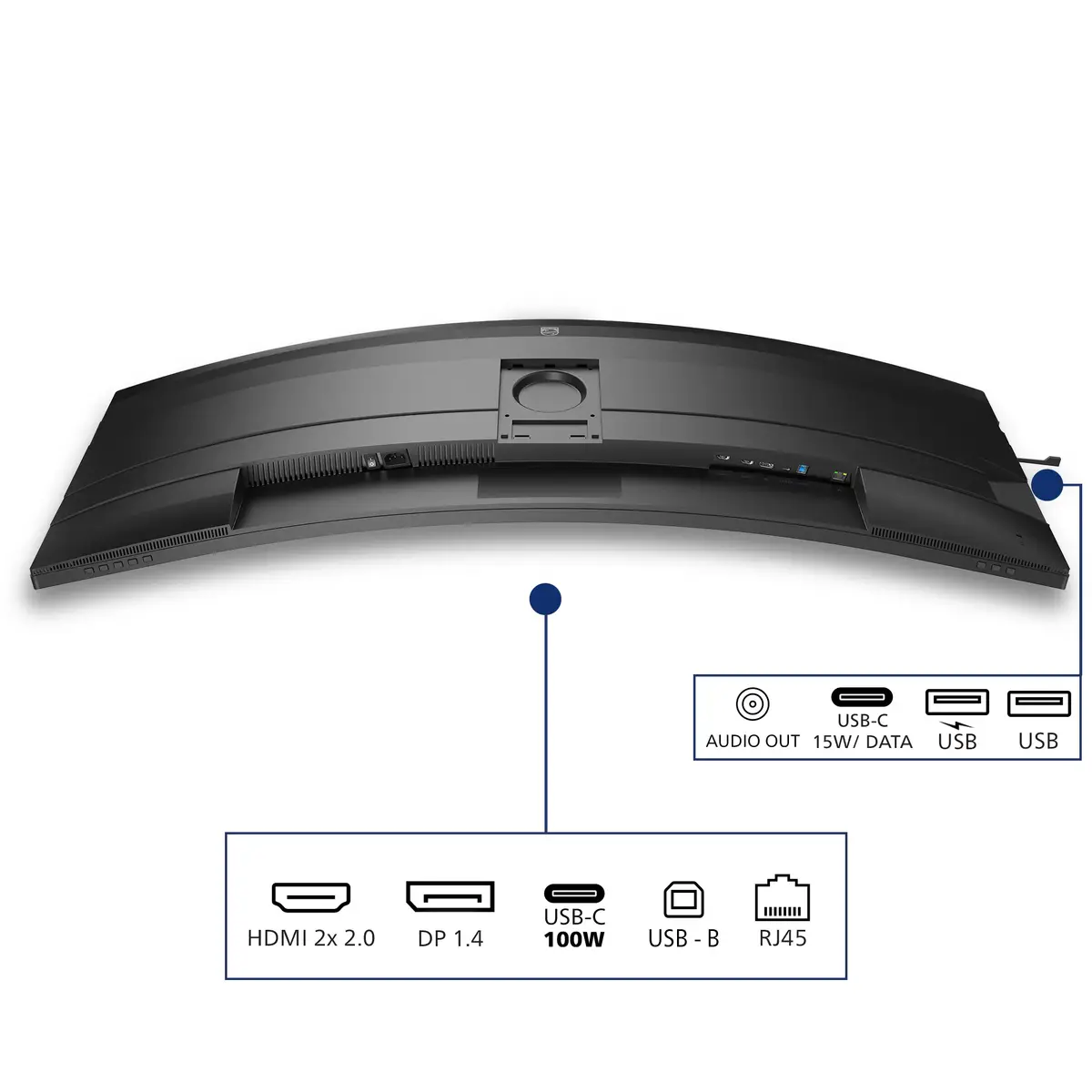
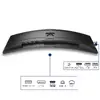
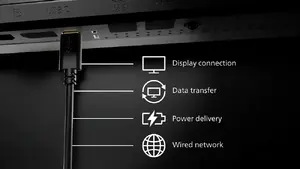
RJ-45 via USB-C for secure network and docking convenience
USB-C one-cable docking simplifies connections: deliver video, data, power delivery and RJ-45 networking through a single cable. Enjoy fast, secure wired network access and the ability to charge your notebook directly from the monitor (when supported).
SoftBlue technology for reduced blue light and comfort
SoftBlue panel technology lowers harmful blue light emissions while maintaining image quality. TÜV Rheinland Low Blue Light certification ensures visual comfort and helps reduce eye fatigue during extended use.