JBL speakers and headphones for pure and deep sound!
In cart {{totalProductsCount}} item(s)
Your cart is empty
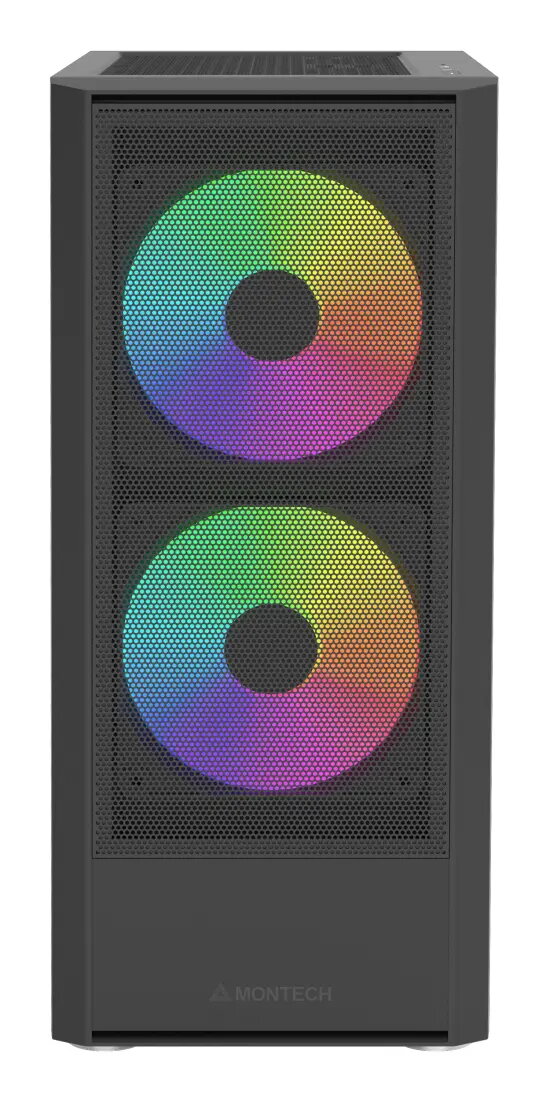
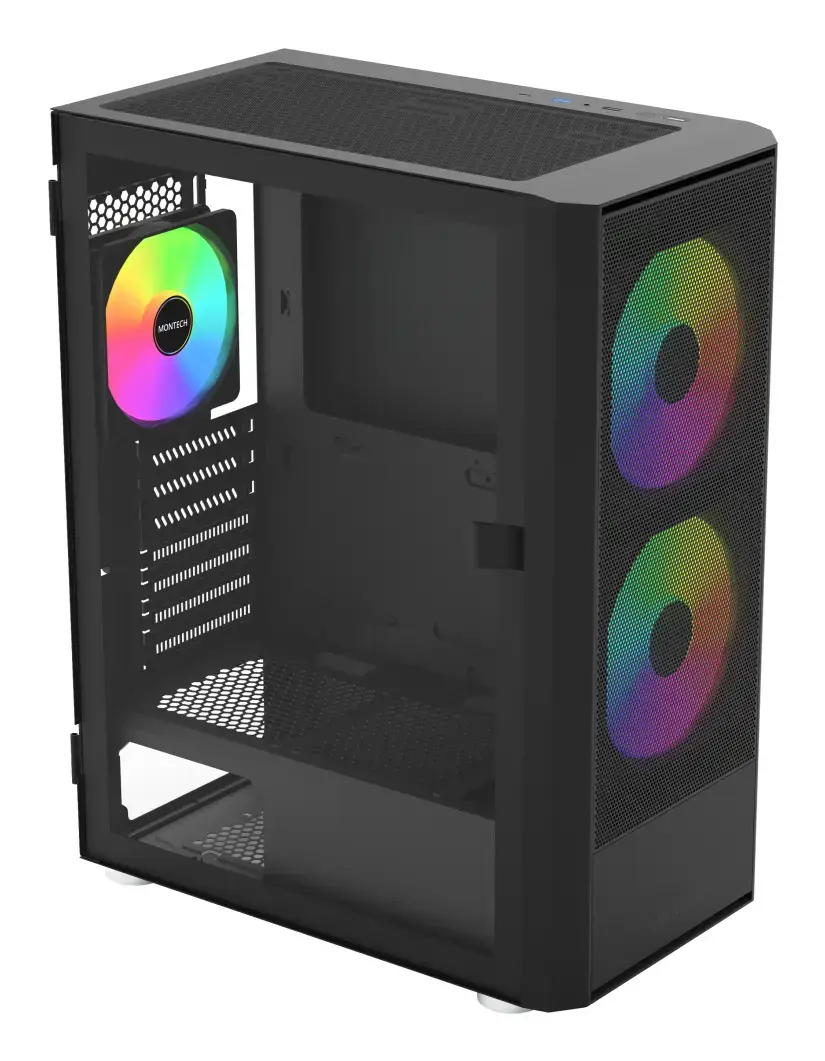
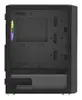
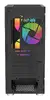
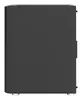
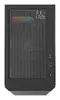
Montech X2 Plus Midi Tower PC Case, Black
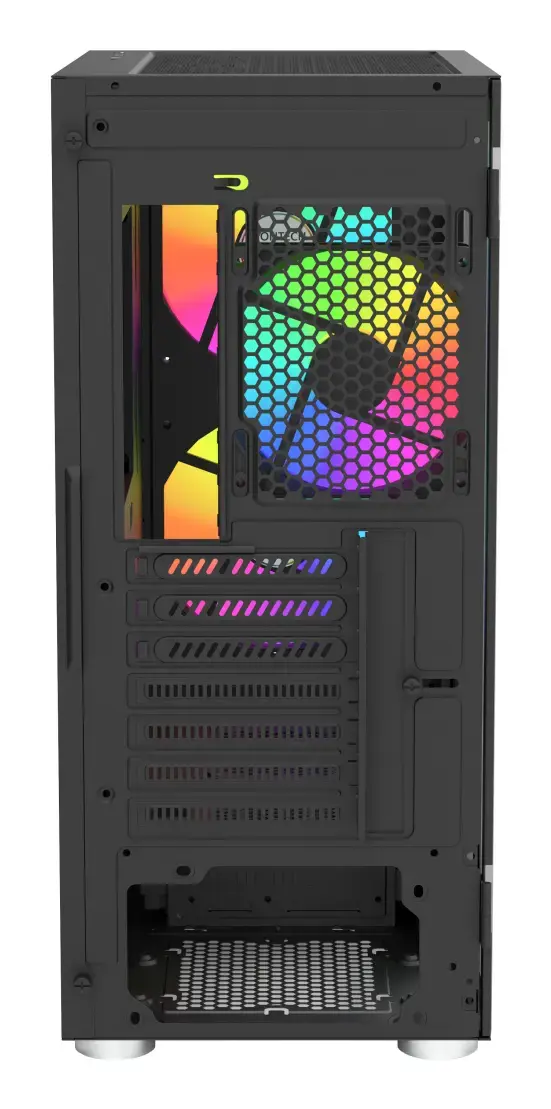
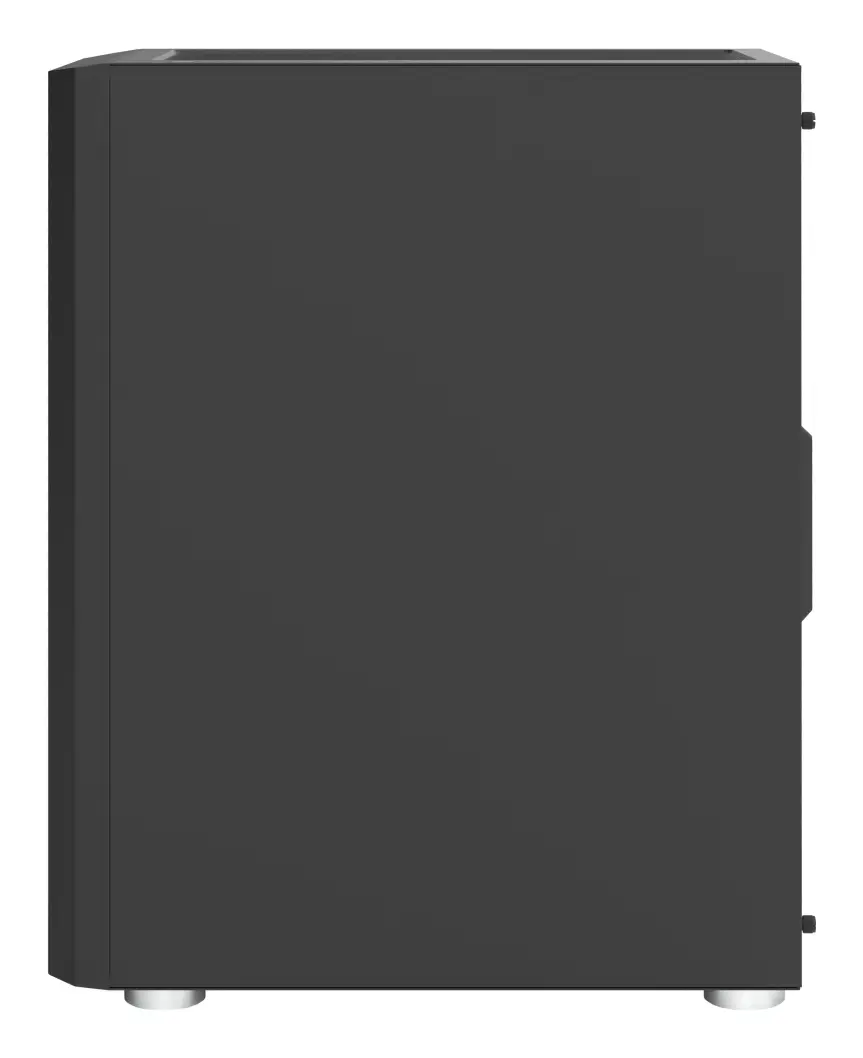
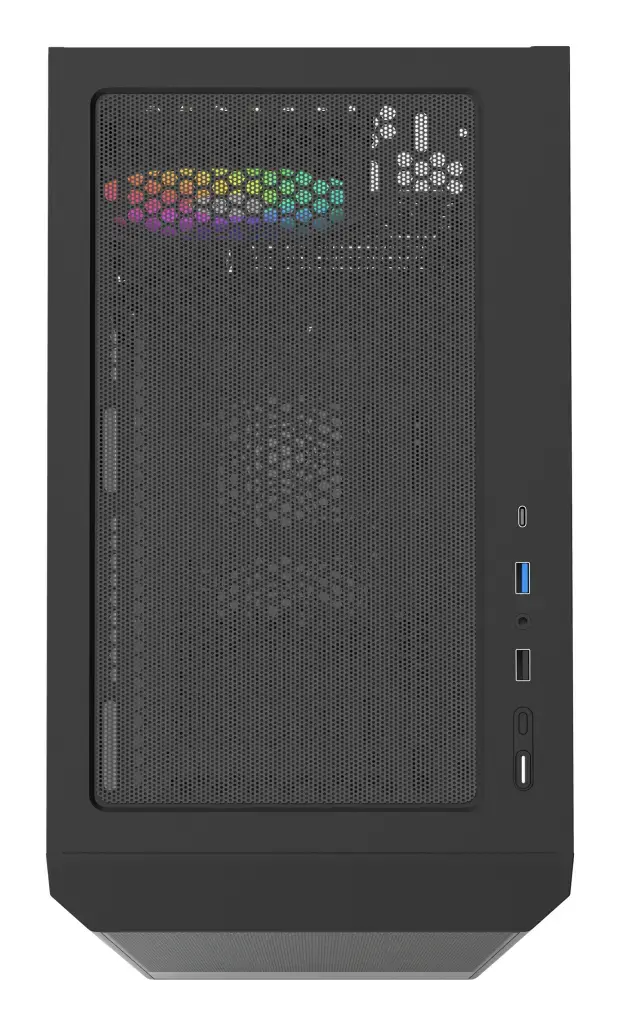
The Montech X2 Plus Midi Tower PC case is a refined chassis designed to provide a balance of aesthetics, cooling performance, and ease of use for modern desktop builds. Featuring a sleek black finish and a high-airflow mesh front panel, this case ensures your components remain cool even during intensive tasks. It comes equipped with pre-installed ARGB fans, offering both efficient thermal management and customizable lighting right out of the box.
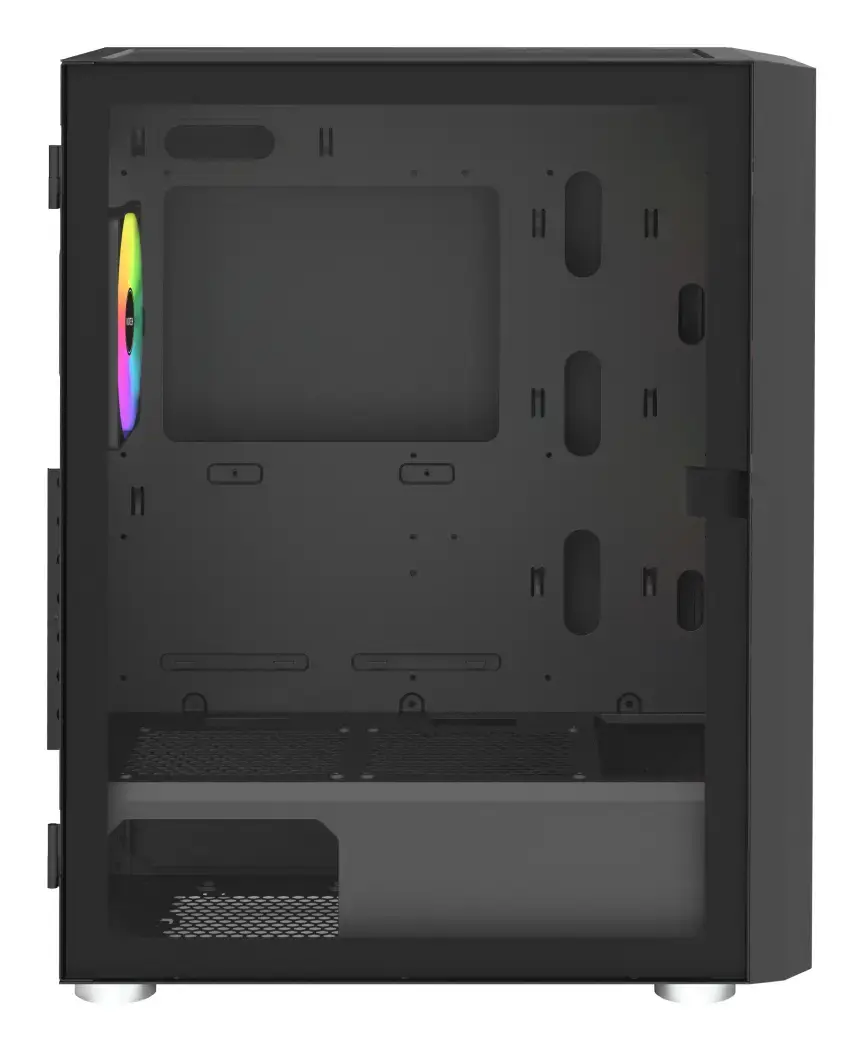
The Montech X2 Plus stands out due to its thoughtful design that prioritizes user convenience and hardware longevity. The inclusion of a swivel tempered glass side panel allows for quick and safe access to the internal components, making upgrades and routine maintenance significantly easier. Furthermore, the high-porosity mesh front panel facilitates superior airflow, which is essential for maintaining optimal temperatures for high-performance hardware. With its versatile storage options and support for various motherboard form factors, this case provides a stable and reliable foundation for a wide range of computer builds.
This case may not be the ideal choice for users requiring extensive liquid cooling setups, such as large custom loops or multiple 360mm radiators, due to its compact Midi Tower dimensions. Additionally, users who prefer a completely silent, non-illuminated build might find the pre-installed ARGB fans unnecessary for their specific needs.
To begin your build, remove the swivel tempered glass side panel to access the interior chassis. Install your motherboard, power supply, and storage drives into their respective mounting points. Route your cables through the designated cutouts to maintain a clean interior and ensure unobstructed airflow. Once all components are secured, connect the pre-installed ARGB fans to your motherboard or the integrated controller to manage lighting effects. Finally, close the side panel and connect your peripherals to the front I/O ports.
For the best thermal performance, ensure the front mesh panel remains free of dust by cleaning the integrated anti-dust filters regularly. If you are using the ARGB lighting, consult your motherboard manual to sync the fans with your system software for a unified look.
{{highlightedFeature.featureTitle}}:
{{getProductFeatureValueById(product, highlightedFeature.featureId)}}
| Warehouse | Stock | Delivery to the store | Store Price | |
| WH166 | 48 | 22.06.2026 Best delivery | 43.49 € Best price |
| Warehouse | Stock | Delivery to the store | Store Price | |
| WH109 | 42 | 08.07.2026 | 60.99 € |
|
43.49 €
Stock:
48
Delivery Date:
22.06.2026
Best delivery
Warehouse: WH166
|
|
60.99 €
Stock:
42
Delivery Date:
08.07.2026
Warehouse: WH109
|