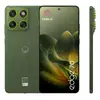
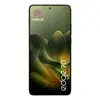
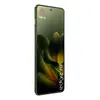
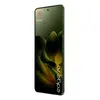
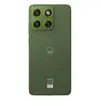
-
Processor model:
-
7 Gen 4
-
Digital zoom:
-
20 x
-
Platform:
-
Android
-
Audio system:
-
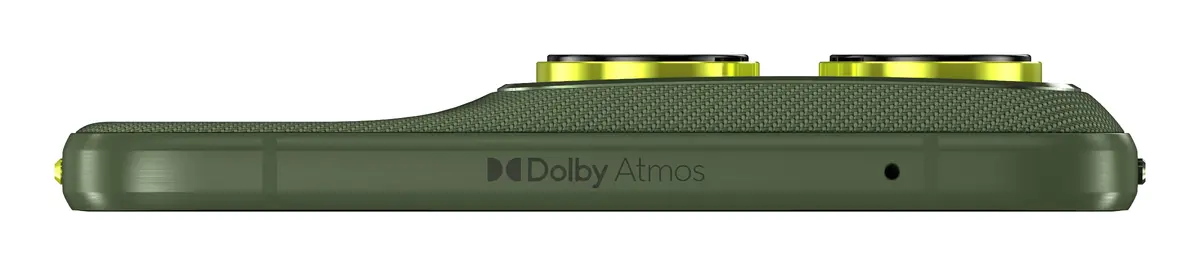
Dolby Atmos
-
Display diagonal:
iagonal of the visible part of the screen expressed in centimeters and inches.
-
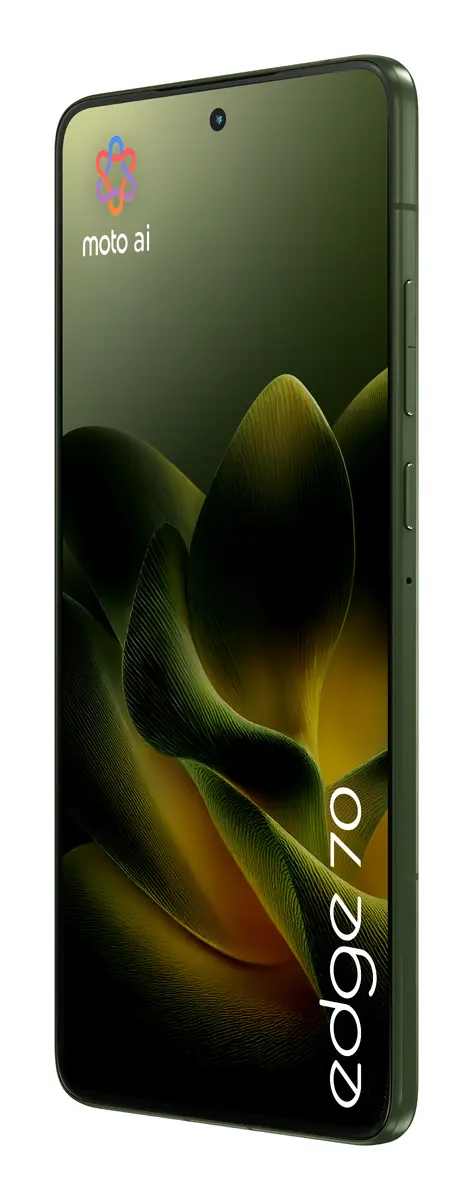
6.7 "
-
Speakers:
-
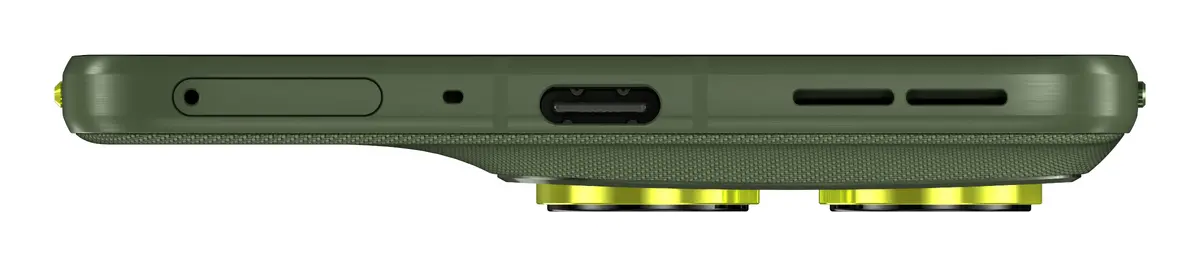
stereo
-
Bluetooth version:
-
5.4
-
Colour depth:
-
10 bit
-
Image stabilizer:
-
Yes
-
Display resolution:
-
2712 x 1220
-
Video capture resolution (max):
-
3840 x 2160
-
Auto focus:
-
Yes
-
Electronic compass:
-
Yes
-
Speakerphone:
-
Yes
-
Short Message Service (SMS):
-
Yes
-
Continuous audio playback time:
-
66 h
-
FM radio:
-
No
-
Continuous video playback time (max):
-
29 h
-
Multimedia Messaging Service (MMS):
-
Yes
-
Bluetooth:
-
Yes
-
Processor family:
-
Qualcomm Snapdragon
-
Night mode:
-
Yes
-
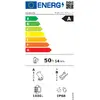
Energy efficiency class:
Rating of how efficiently a device uses energy, affecting power consumption and costs.
-
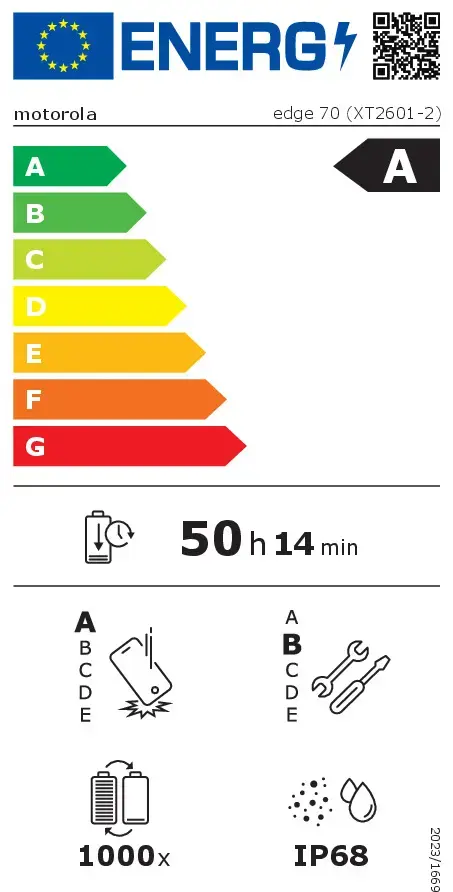
A
-
Resolution at capture speed:
-
1920x1080@120fps, 1920x1080@240fps, 1920x1080@30fps, 1920x1080@60fps, 3840x2160@30fps
-
GPS (satellite):
-
Yes
-
Vibrating alert:
-
Yes
-
Panorama:
-
Yes
-
Headphone connectivity:
-
USB Type-C
-
AI control:
-
Yes
-
Fast charging:
-
Yes
-
Ringer type:
-
MP3
-
Processor cores:
-
8
-
Assisted GPS (A-GPS):
-
Yes
-
Voice commands:
-
Yes
-
Flash type:
-
LED
-
LED backlight:
-
Yes
-
Video call:
-
Yes
-
Face detection:
-
Yes
-
Number of microphones:
-
2
-
Maximum refresh rate:
-
120 Hz
-
RAM capacity:
-
12 GB
-
Image editing:
-
Retouching
-
Image stabilizer type:
-
Optical Image Stabilization (OIS)
-
Subscription type:
-
No subscription
-
Proximity sensor:
-
Yes
-
Ambient light sensor:
-
Yes
-
Internal storage capacity:
-
512 GB
-
Screen protector:
-
No
-
Smile detection:
-
Yes
-
SIM card type:
-
NanoSIM + eSIM
-
Headset included:
-
No
-
Accelerometer:
-
Yes
-
Gyroscope:
-
Yes
-
Near Field Communication (NFC):
-
Yes
-
Face recognition:
-
Yes
-
Native aspect ratio:
-
20:9
-
Wireless charging:
-
Yes
-
Rear camera resolution (numeric):
-
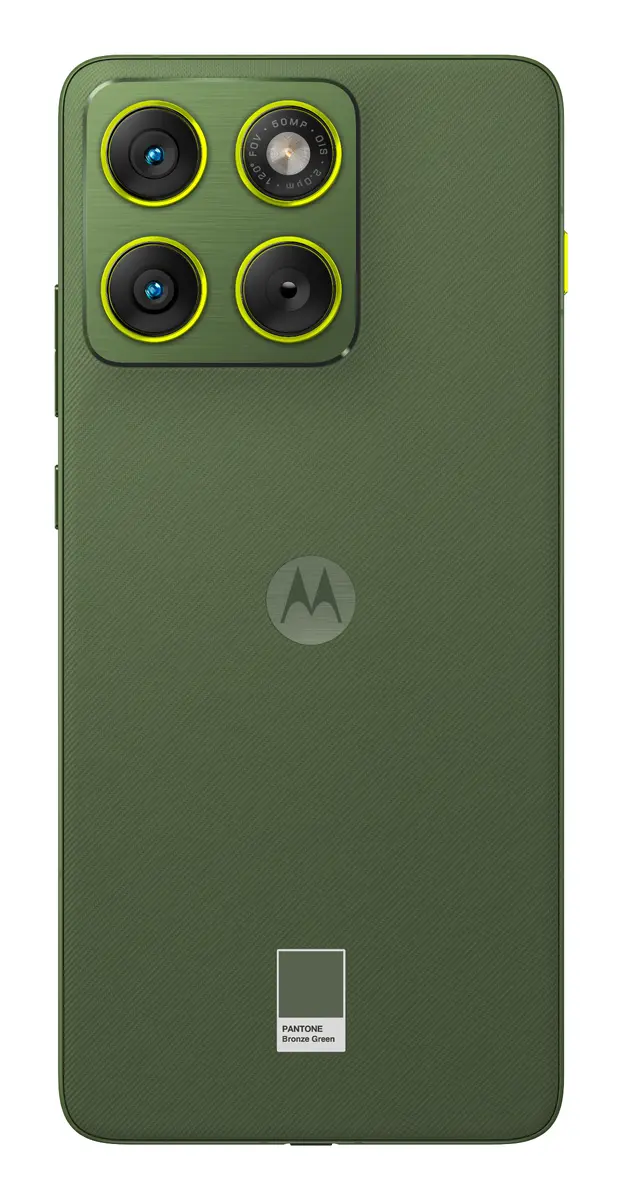
50 MP
-
Front camera resolution (numeric):
-
50 MP
-
RAM type:
-
LPDDR5X
-
Pixel density:
-
446 ppi
-
Panel type:
-
AMOLED
-
GLONASS:
-
Yes
-
4G standard:
-
LTE
-
3G standards:
-
WCDMA
-
2G standards:
-
GSM
-
Portrait mode:
-
Yes
-
Screen shape:
-
Flat
-
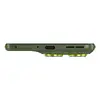
Colour name:
-
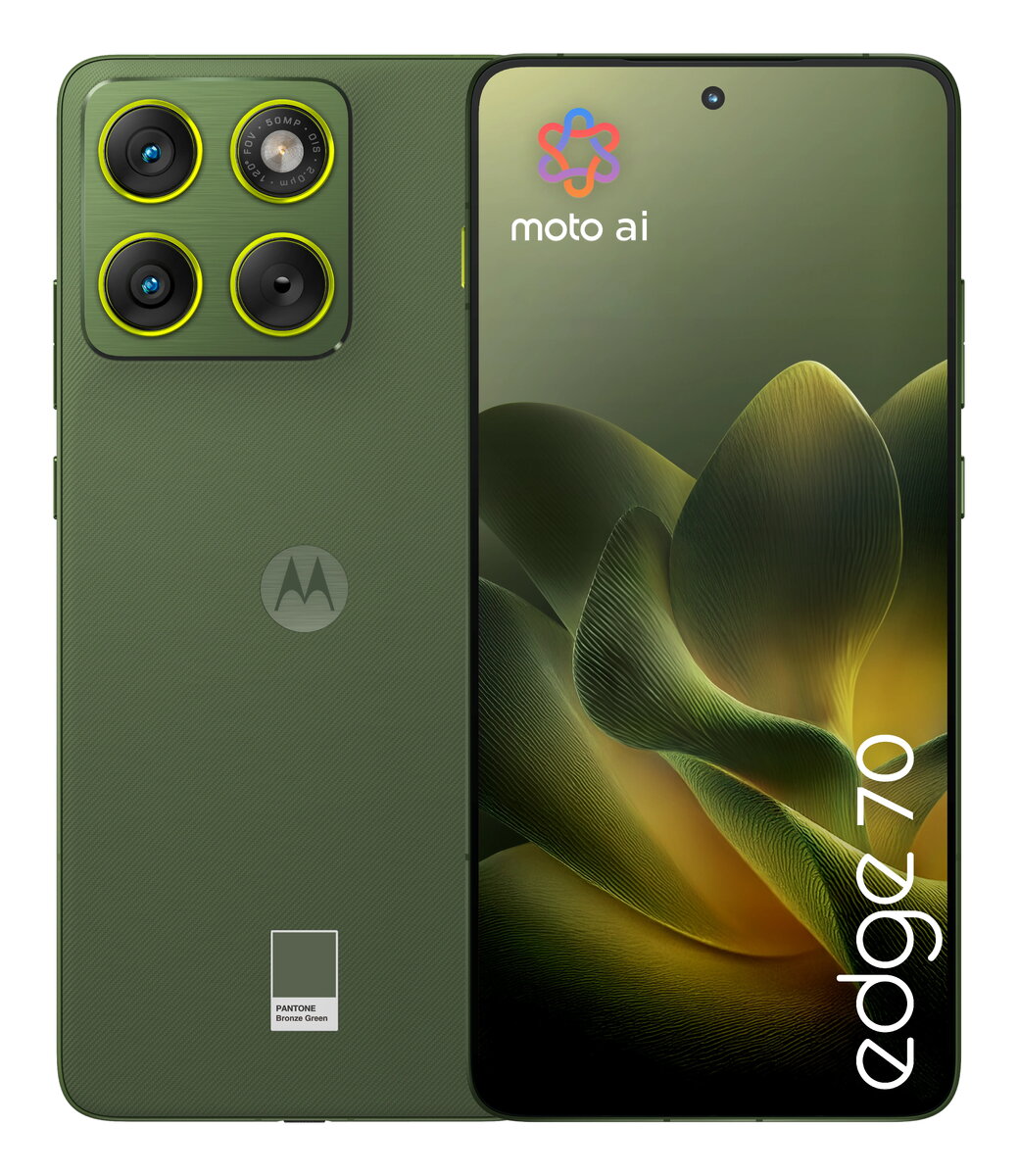
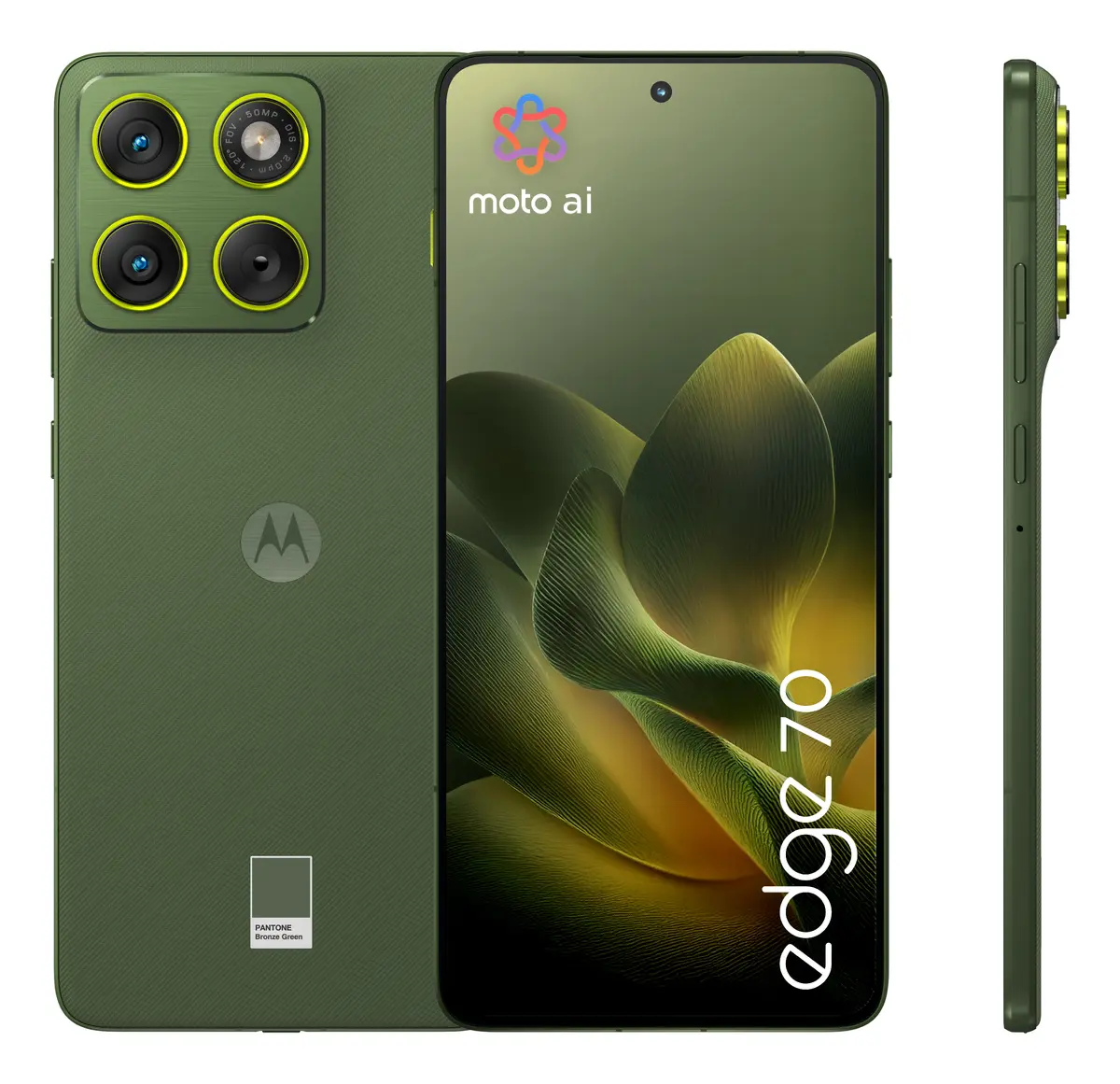
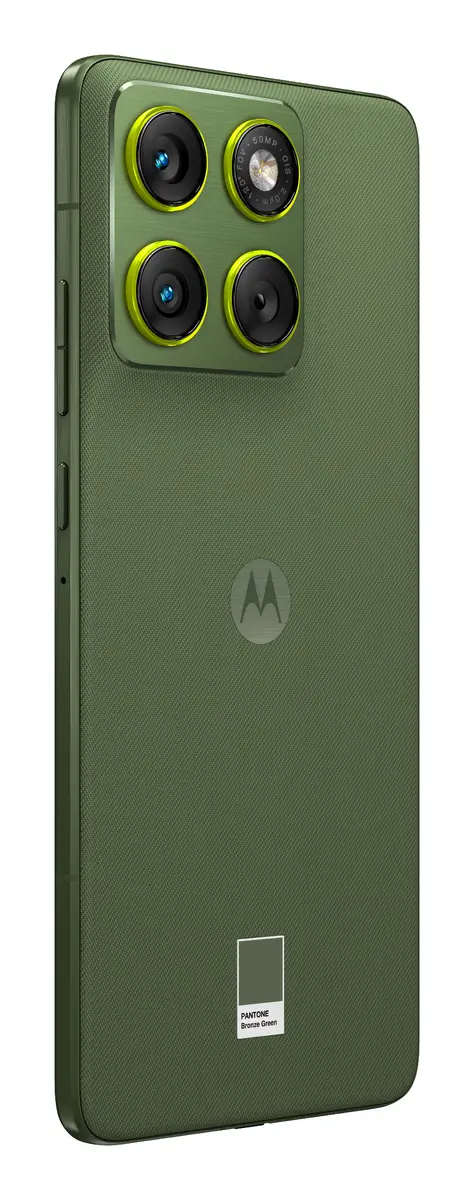
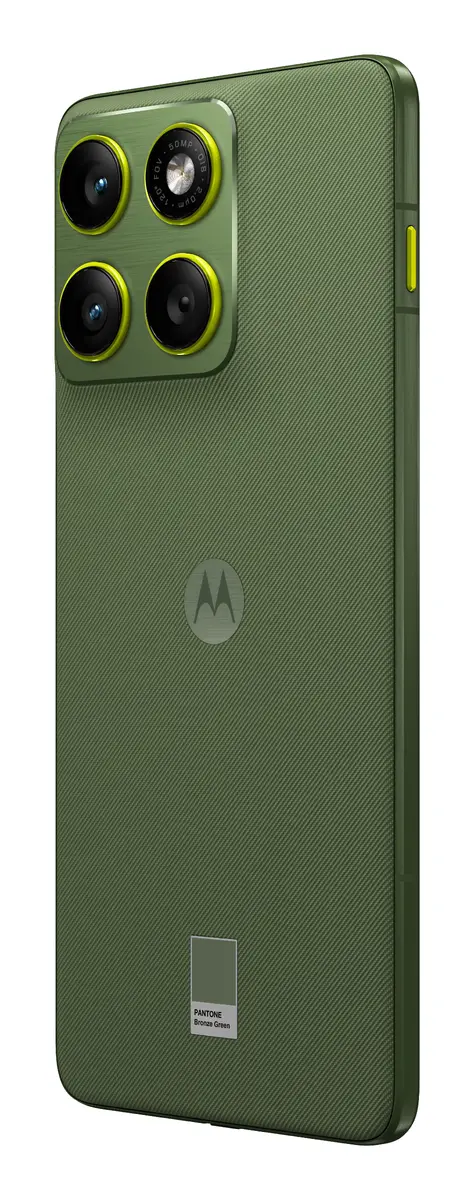
PANTONE Bronze Green
-
SIM card capability:
-
Dual SIM
-
Protective case:
-
Yes
-
USB port:
-
Yes
-
Display number of colours:
-
1.07 billion colours
-
Top Wi-Fi standard:
-
Wi-Fi 6E (802.11ax)
-
Position location:
-
Yes
-
Rear camera type:
-
Dual camera
-
Second rear camera resolution (numeric):
-
50 MP
-
Rear camera aperture number:
-
1.8
-
Second rear camera aperture number:
-
2
-
Front camera aperture number:
-
2
-
Brand specific technologies:
-
Water touch
-
Time lapse mode:
-
Yes
-
Virtual assistant:
-
Google Gemini
-
Military standard:
-
MIL-STD-810H
-
Front camera type:
-
Single camera
-
Galileo:
-
Yes
-
Display glass type:
-
Corning Glass
-
SIM card ejector pin:
-
Yes
-
Fast charging technology:
-
TurboPower 68
-
High Dynamic Range (HDR) supported:
-
Yes
-
Front camera flash:
-
No
-
Rear camera flash:
-
Yes
-
Rear camera pixel size:
-
2 µm
-
Second rear camera field of view (FOV) angle:
-
120 °
-
3D depth rear camera:
-
No
-
3D depth front camera:
-
No
-
Energy efficiency scale:
Range of energy efficiency levels classifying devices from most to least energy-efficient.
-
A to G
-
Wireless charging power:
-
15 W
-
DCI-P3 coverage:
-
100 %
-
Mobile network generation:
-
5G
-
High Dynamic Range (HDR) technology:
-
High Dynamic Range 10+ (HDR10 Plus)
-
Bluetooth Low Energy (BLE):
-
Yes
-
Gesture sensor:
-
Yes
-
Second rear camera focal length:
-
12 mm
-
Digital Living Network Alliance (DLNA) certified:
-
No
-
Frequency band:
-
Penta-band
-
Motion blur reduction:
-
Yes
-
Macro photography:
-
Yes
-
5G standard:
-
NR, Sub6
-
Maximum display brightness (Outdoor):
-
4500 cd/m²
-
Audio zoom:
-
Yes
-
Camera High Dynamic Range (HDR) mode:
-
Yes
-
Screen to body ratio:
-
94.6 %
-
Touch response rate:
-
300 Hz
-
LTE Positioning Protocol (LPP):
-
Yes
-
Secure User Plane Location (SUPL):
-
Yes
-
Blue light reduction:
-
Yes
-
Slow motion mode:
-
Yes
-
Front camera pixel size (Quad Pixel technology):
-
1.28 µm
-
USB Type-C charging port:
-
Yes
-
USB Type-C required charging power (min):
-
5 W
-
USB Type-C required charging power (max):
-
68 W
-
Second rear camera pixel size (Quad Pixel technology):
-
1.28 µm
-
Battery endurance per cycle:
-
3014 min
-
Repeated free fall reliability class:
Assessment of device durability after repeated drops from a specified height.
-
A
-
Repairability class:
Rating of how easy it is to disassemble and repair the device, including parts and manual availability.
-
B