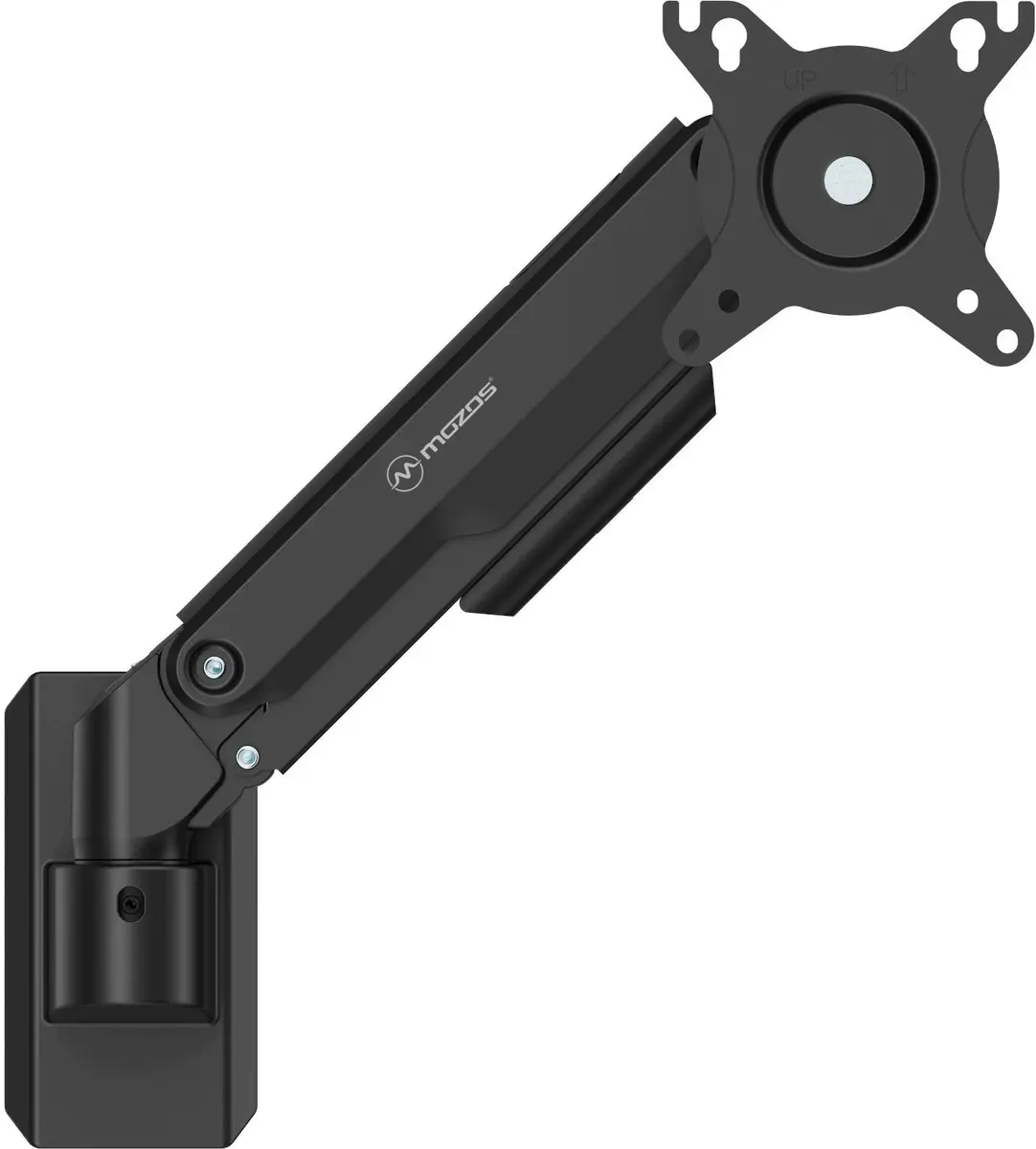
This overview compares the Mozos MS06 Wall Mount for Monitor computer monitor wall bracket with alternative mounting solutions from the same brand, including the Wall Mount Bracket for Soundbar Mozos SWM2, the Wall Mount Bracket Mozos TS3 TV mount, the Wall/ceiling bracket Mozos MSK3 universal mount, and the desk mounts Monitor desk mount Mozos MS04 Vesa and Monitor stand Mozos SPM2 Black. All products serve to optimize space and secure equipment reliably, but they differ fundamentally in supported device types and mounting methods.
⚙️ The table below compares key characteristics, including supported equipment type, intended use, and installation specifics of the selected models.
| Parameter | Mozos MS06 Wall Mount for Monitor | Mozos SWM2 | Mozos TS3 | Mozos MSK3 | Mozos MS04 | Mozos SPM2 Black | Practical significance |
|---|
| Device type | Monitor wall mount | Soundbar wall mount bracket | Low-profile TV wall mount bracket | Universal wall/ceiling bracket | Desk mount for 4 monitors | Dual-arm desk stand for 2 monitors | Each product is engineered strictly for a specific class of equipment and is not interchangeable. |
| Mounting method | Wall-mounted | Wall-mounted | Wall-mounted | Wall or ceiling mounted | Desk-mounted (clamp/base) | Desk-mounted | Wall mounts completely clear the desk surface, whereas desk mounts attach directly to the work surface. |
| Intended use | Office and home workstations with monitors | Placing soundbars in AV setups | Installing large 40 to 85-inch flat-panel TVs | Mounting audio/video equipment and projectors | Multitasking and trading workstations with 4 displays | Dual-monitor work environments | The choice depends on your equipment type and desired room ergonomics. |
◎ The table below shows which product is most suitable for different use cases and buyer needs.
| Use case | Recommended product | Why |
|---|
| Setting up an ergonomic single-monitor workstation while freeing desk space | Mozos MS06 Wall Mount for Monitor | Designed specifically for monitors and securely attaches to the wall to improve viewing ergonomics. |
| Installing a soundbar for a home or office entertainment setup | Wall Mount Bracket for Soundbar Mozos SWM2 | Provides a fixed and space-saving placement for the soundbar on the wall. |
| Mounting a large flat-screen TV up to 85 inches | Wall Mount Bracket Mozos TS3 | Features a low-profile design that keeps large screens close to the wall. |
| Placing projectors or audio/video equipment on walls or ceilings | Wall/ceiling bracket Mozos MSK3 | Offers a universal, stable fixed mounting solution for various AV gear. |
| Building a multi-screen setup with four displays for trading or design | Monitor desk mount Mozos MS04 Vesa | Allows grouping up to four monitors ranging from 17 to 32 inches on a single desk stand. |
| Organizing a flexible and tidy dual-monitor workstation | Monitor stand Mozos SPM2 Black | Equipped with adjustable dual arms for ergonomic positioning of two screens on the desk. |
The Mozos MS06 Wall Mount for Monitor differs fundamentally from the alternatives by being built specifically for secure wall mounting of computer displays. It is best suited for users who want to clear their desk surface and improve viewing ergonomics. If you need to mount a soundbar, a large TV, AV equipment, or multiple desk monitors, you should choose the corresponding specialized model from the product lineup.