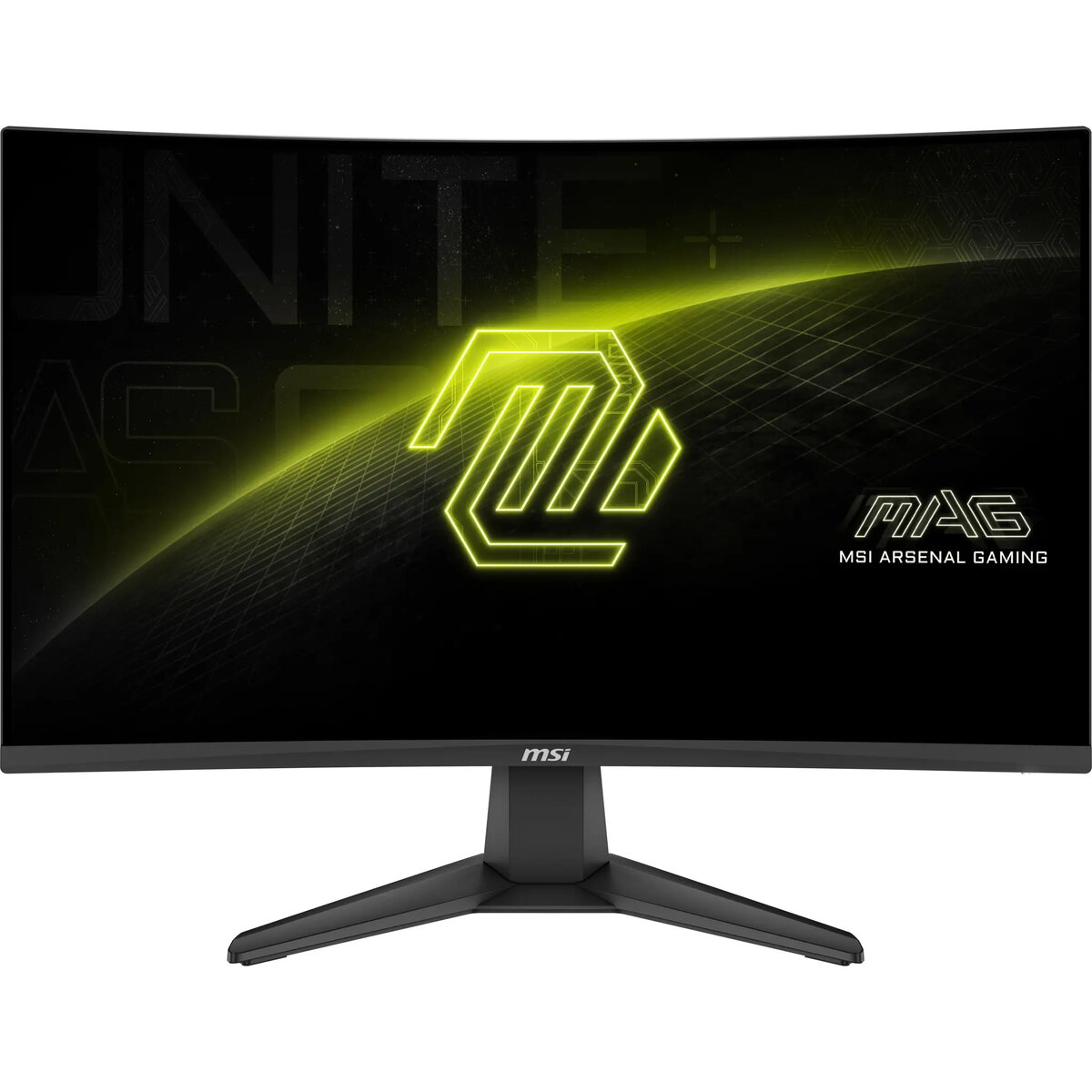
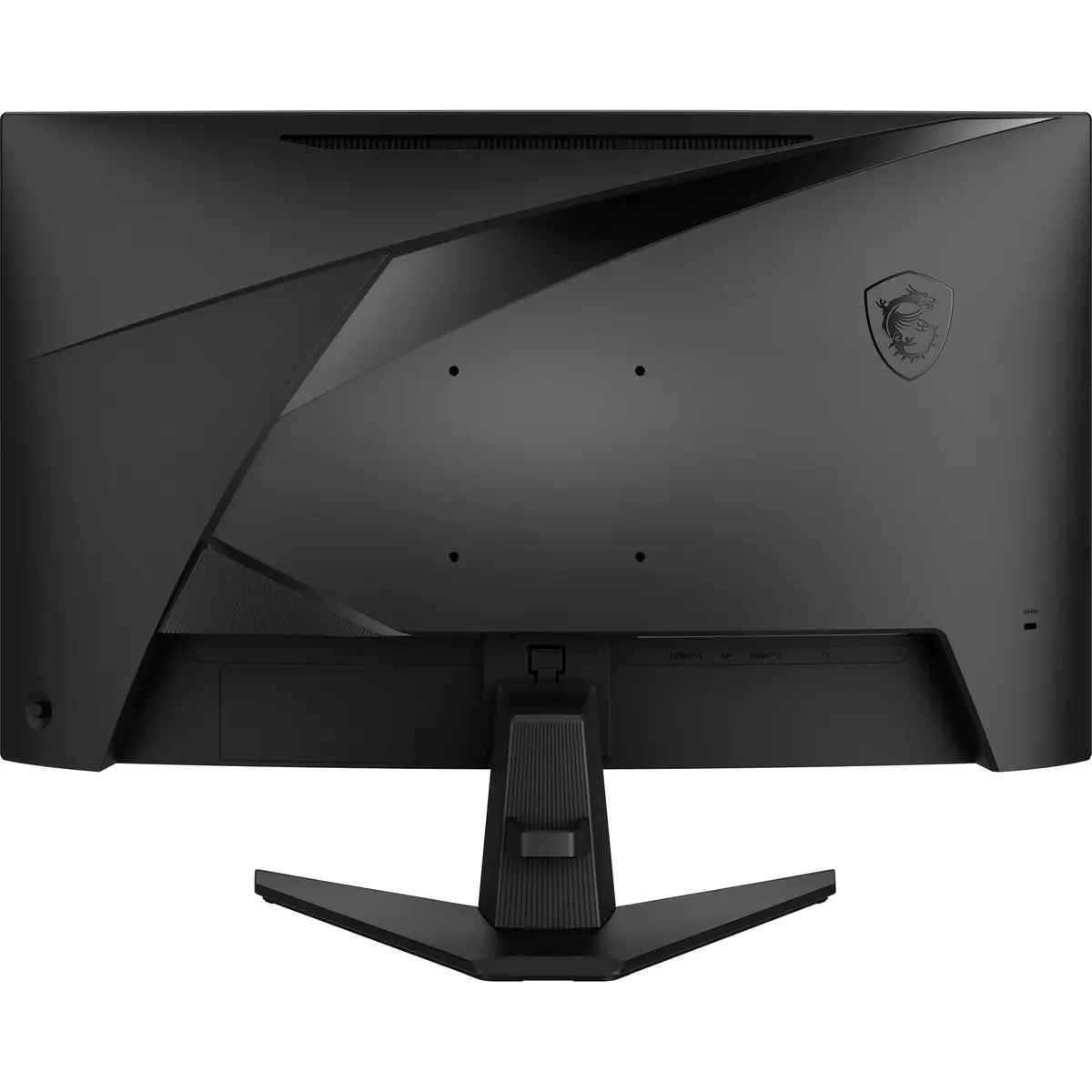
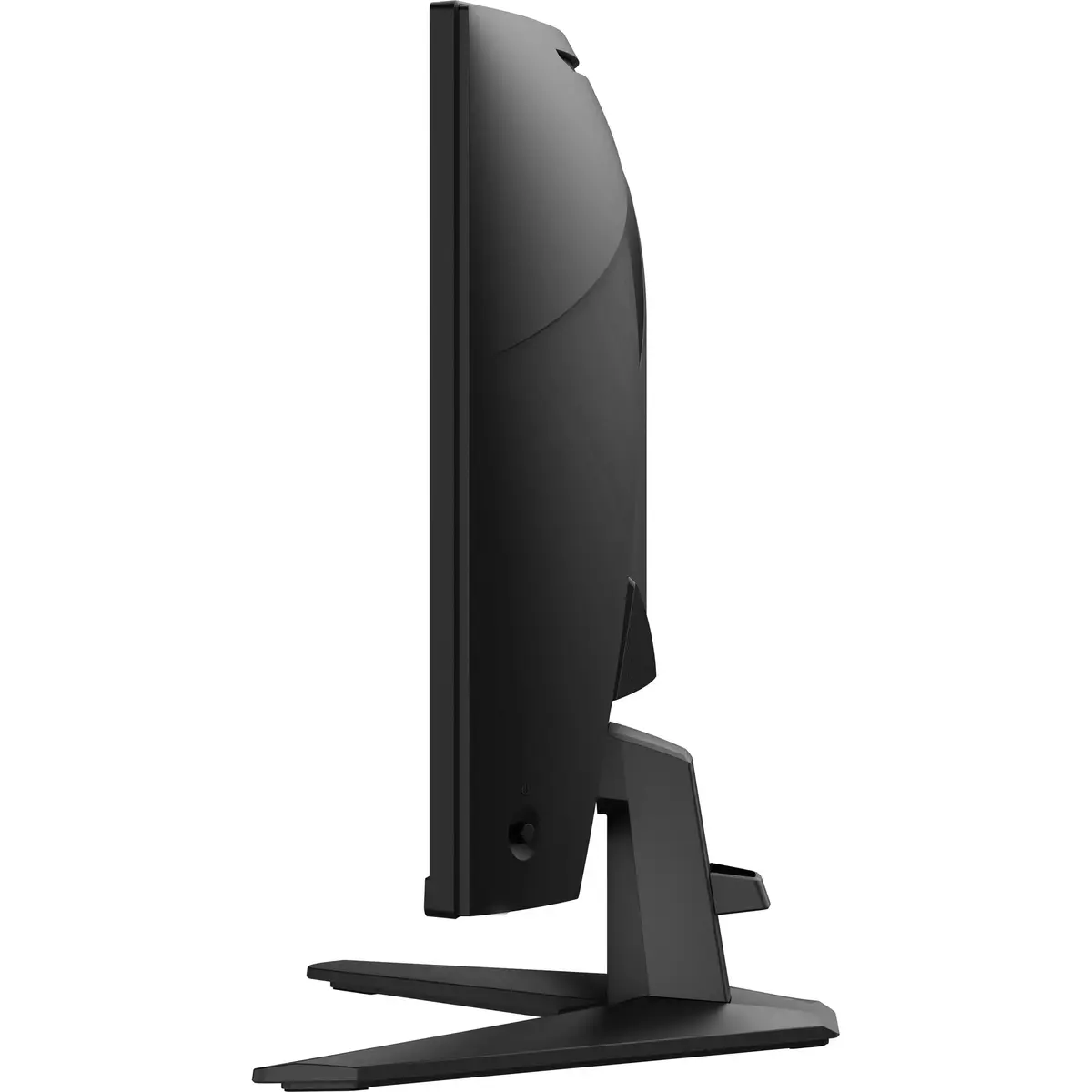
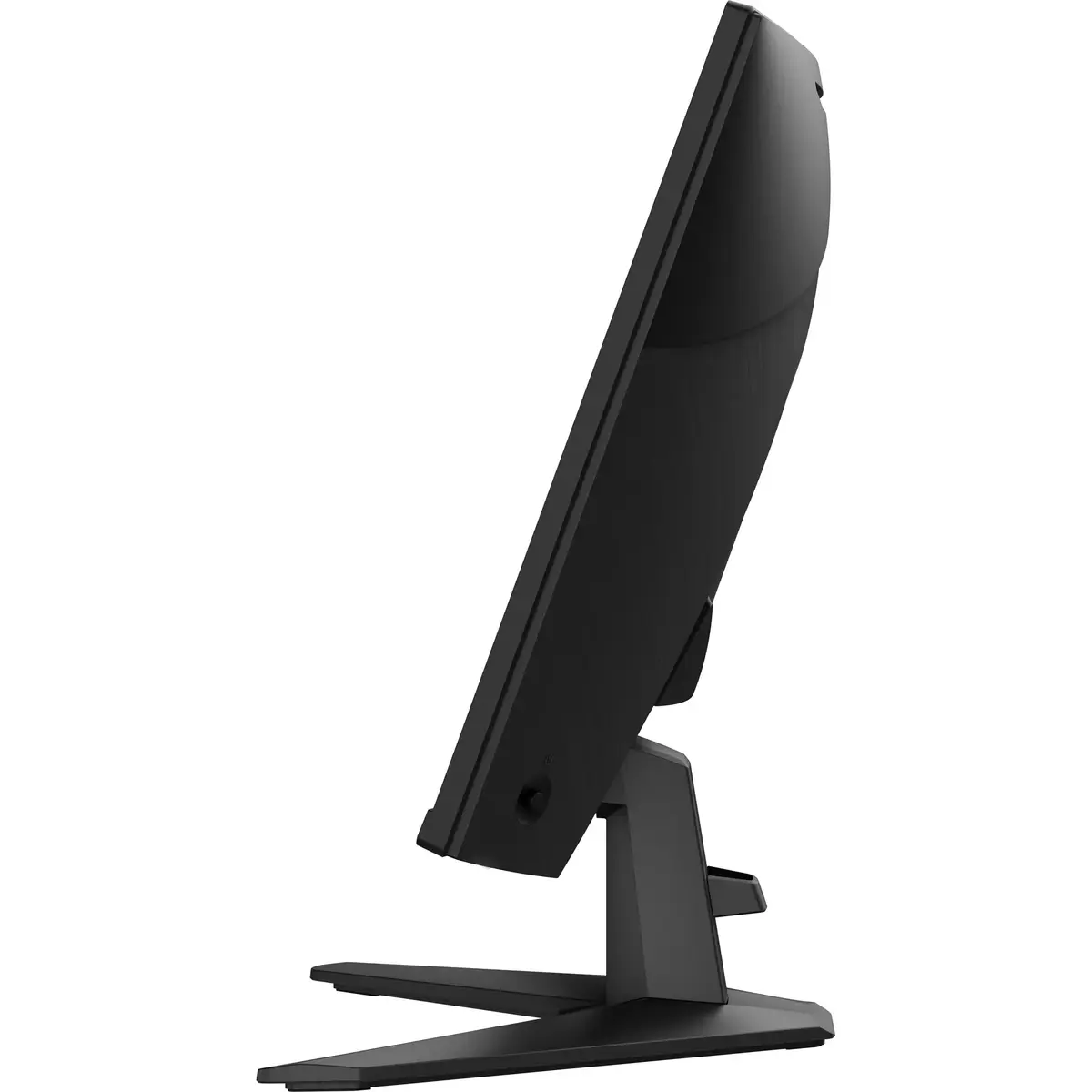
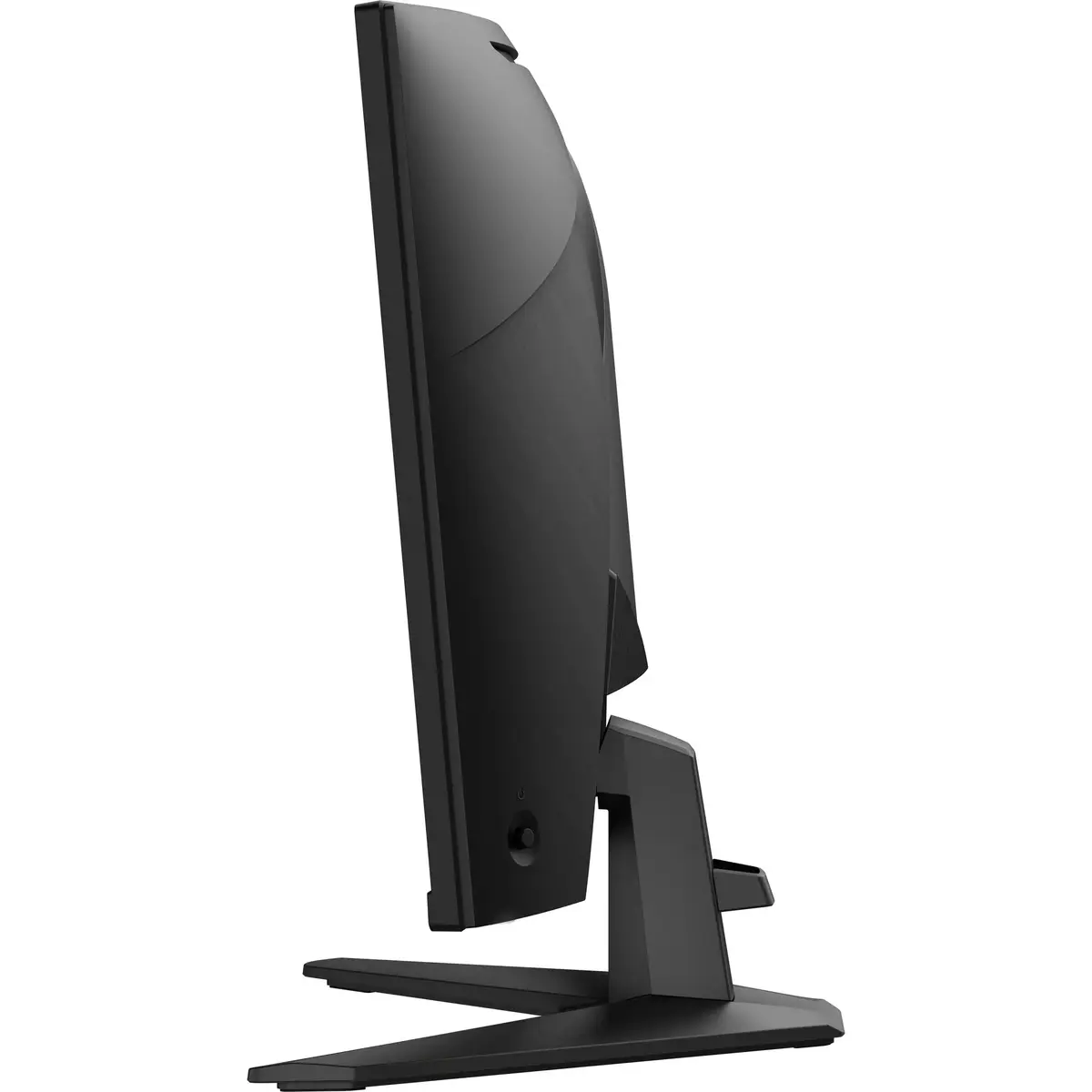
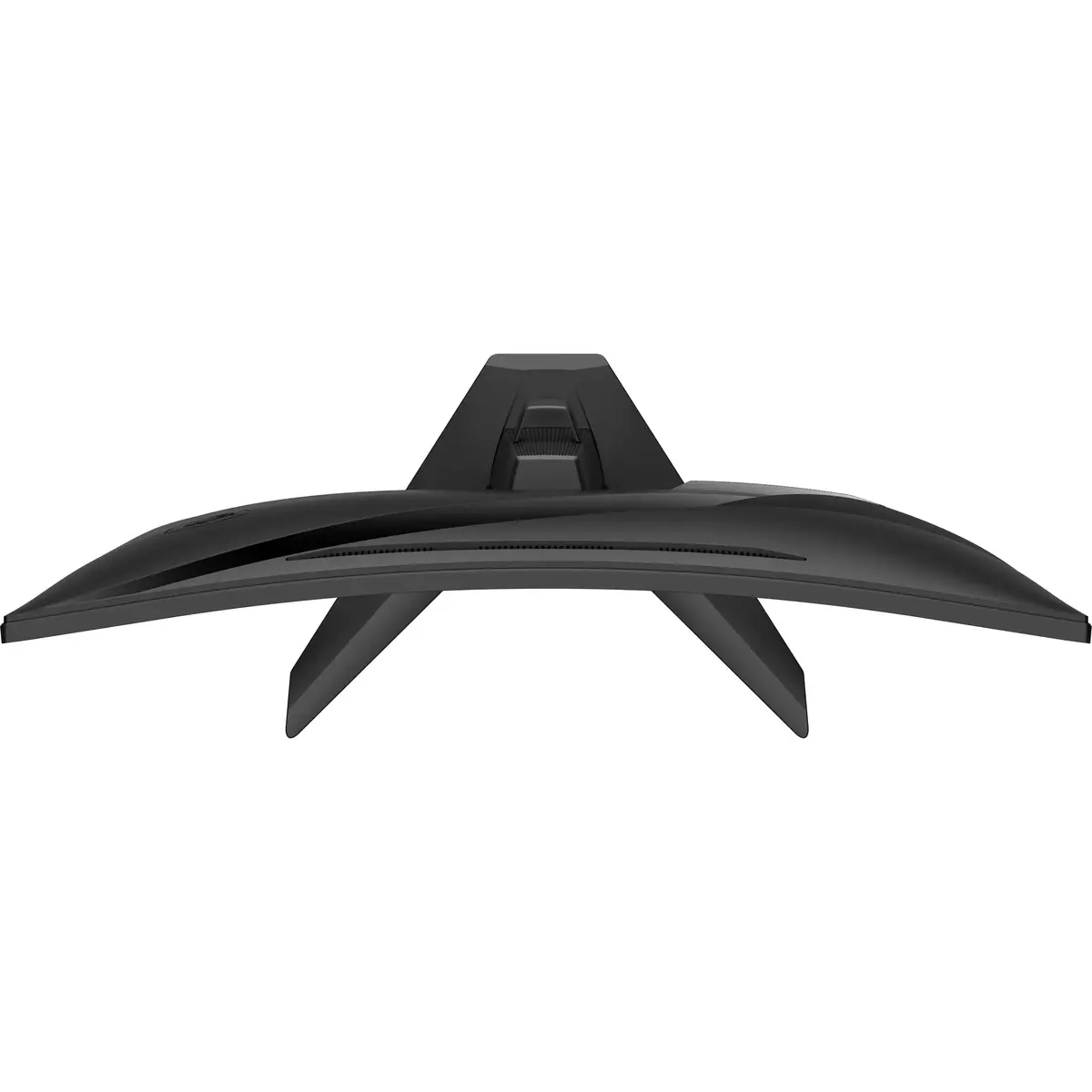
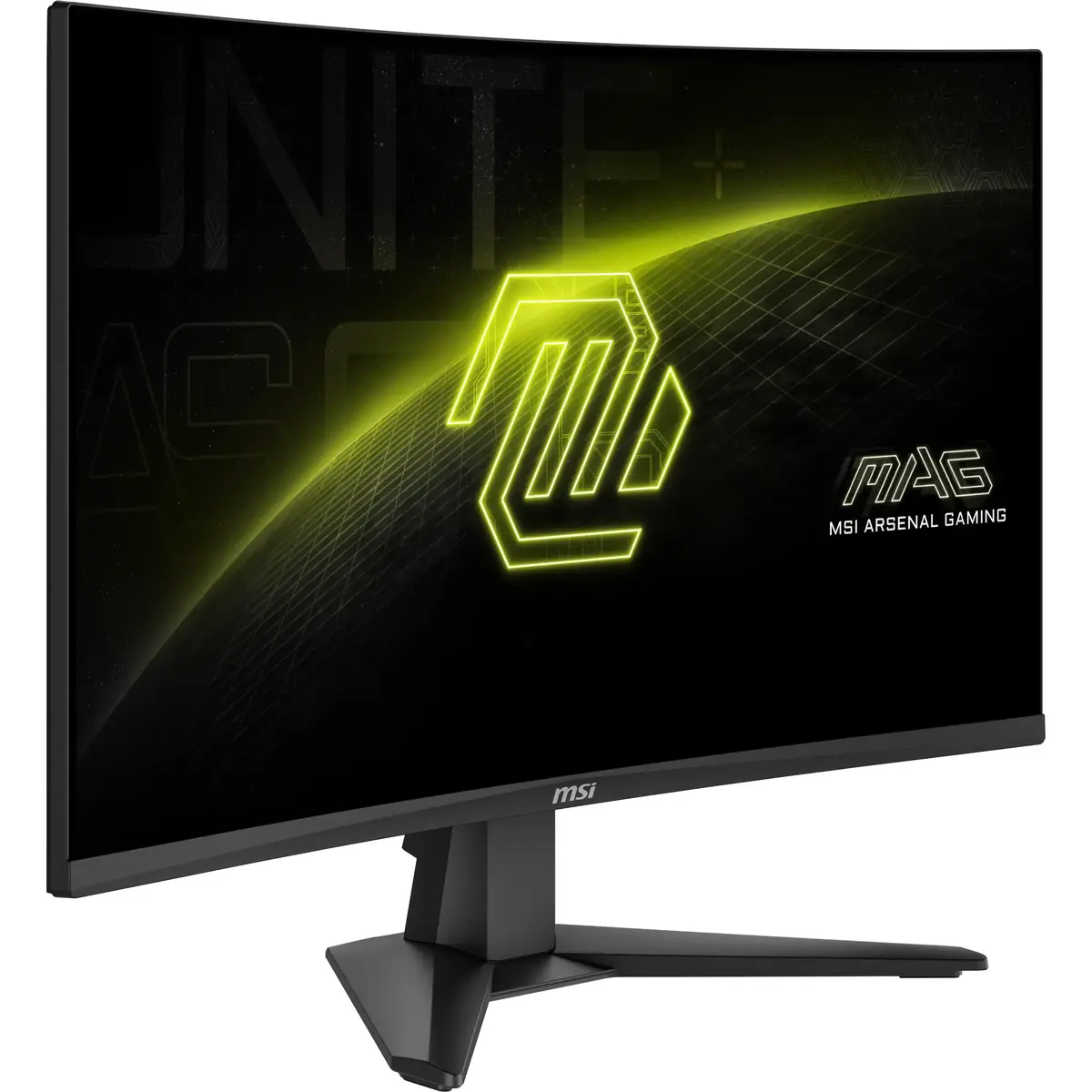
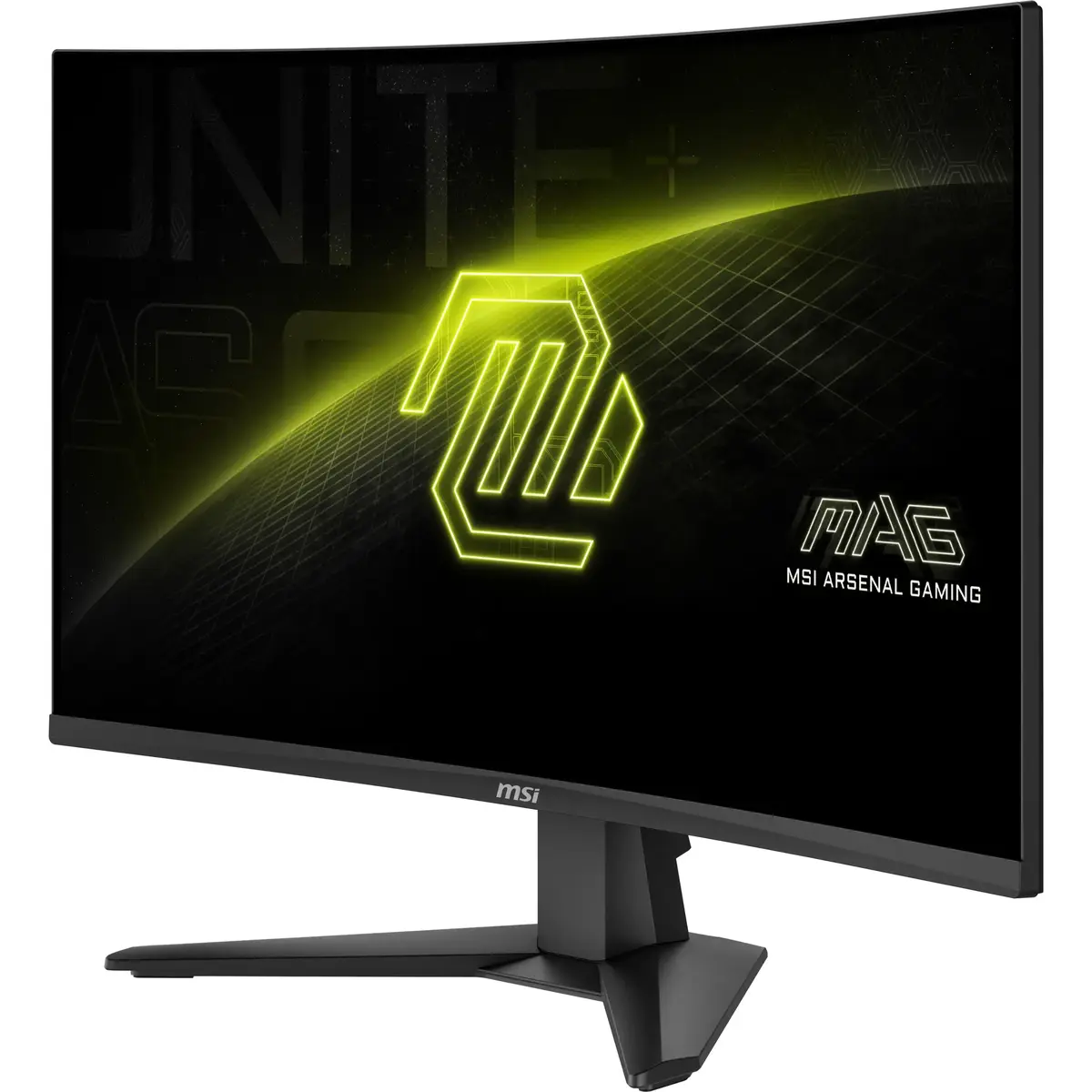
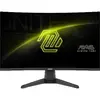
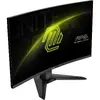
-
Colour gamut:
-
76 %
-
Horizontal scan range:
-
53 - 221
-
Vertical scan range:
-
48 - 200
-
Colour depth:
-
8 bit
-
High Dynamic Range (HDR) supported:
-
Yes
-
Display diagonal (metric):
This is the size of the display screen, measured diagonally.
-
68.58 cm
-
Pixel pitch:
This is the parameter of a picture tube, which specifies the shortest distance between two dots of the same colour. The principle is: the smaller the dot pitch, the better sharpness of image.
-
0.311 x 0.311
-
Display number of colours:
-
1.07 billion colours
-
Viewing angle, vertical:
Maximum vertical angle at which a display can be viewed with acceptable visual performance.
-
178 °
-
Viewing angle, horizontal:
Maximum horizontal angle at which a display can be viewed with acceptable visual performance.
-
178 °
-
Contrast ratio (dynamic):
A property of a display system, defined as the ratio of the luminance of the brightest color (white) to that of the darkest color (black) that the system is capable of producing.
-
100000000:1
-
Contrast ratio (typical):
The difference in light intensity between the brightest white and the darkest black.
-
3000:1
-
Response time:
The response time is the time difference between the moment that a source (for example a video card) sends a signal and that equipment (for example a monitor) receives or display the signal. (Used abbreviations: R/F = Rise and Fall.)
-
0.5 ms
-
Native aspect ratio:
The aspect ratio is the ratio of the width of an image to its height. The native aspect ratio is the one which the projector/display is particularly designed for. Images shown in native aspect ratio will utilize the entire resolution of the display and achieve maximum brightness. Images shown in other than native aspect ratio will always have less resolution and less brightness than images shown in native aspect ratio.
-
16:9
-
Touchscreen:
A screen of a laptop, smartphone, etc., that responds to touch so you can control the interface using your fingers.
-
No
-
Adobe RGB coverage:
-
81 %
-
sRGB coverage (typical):
-
98 %
-
Colour gamut standard:
-
DCI-P3
-
Screen curvature rating:
-
1500R
-
Anti-glare screen:
Always gives an optimal view, even in direct sunlight.
-
Yes
-
Response time measurement type:
-
GTG (Gray to Gray)
-
Display brightness (typical):
Display brightness, measured by its Luminance, presented as a figure in nits. Typical brightness ratings for monitors range from 250 to 350 nits with a target value of between 80 to 120 nits being suitable for most displays in a normal viewing environment.
-
250 cd/m²
-
Panel type:
-
Rapid VA
-
HD type:
Type of supported High Definition (e.g. Full HD, 4K Ultra HD).
-
Full HD
-
Display technology:
The technology used in the display e.g. plasma, LED.
-
LCD
-
Display diagonal:
Size of the display for this product, measured diagonally, usually in inches.
-
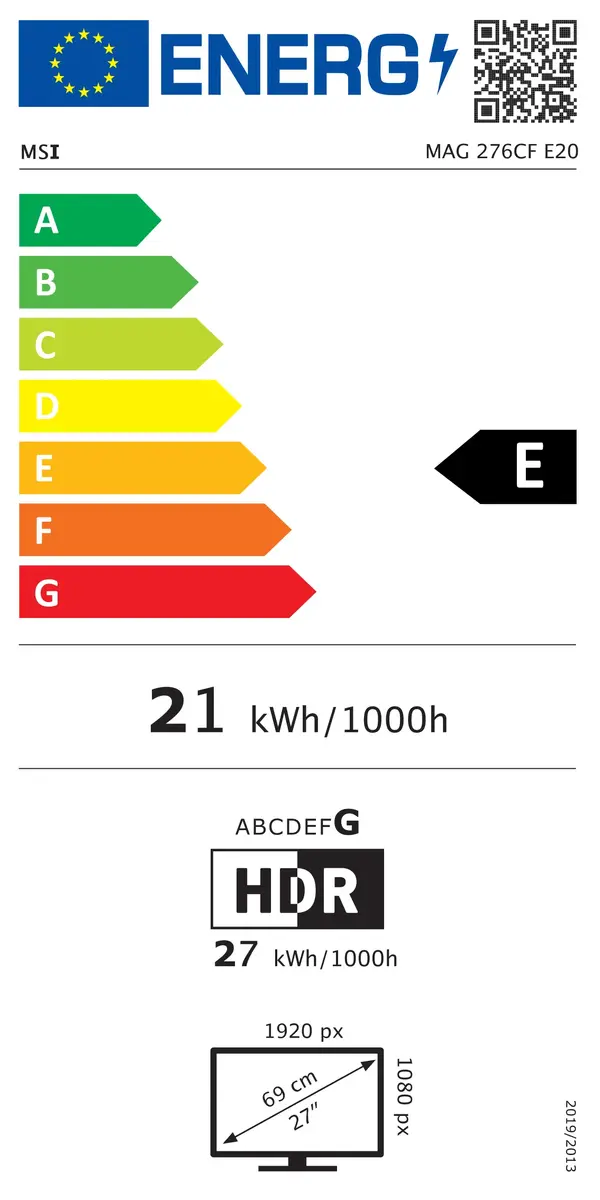
27 "
-
Display resolution:
The number of distinct pixels in each dimension that can be displayed. It is usually quoted as width × height, with the units in pixels: for example, "1024 × 768" means the width is 1024 pixels and the height is 768 pixels. The higher the number of pixels, the sharper the image.
-
1920 x 1080