Powerful EcoFlow stations for energy anywhere!
In cart {{totalProductsCount}} item(s)
Your cart is empty
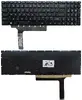
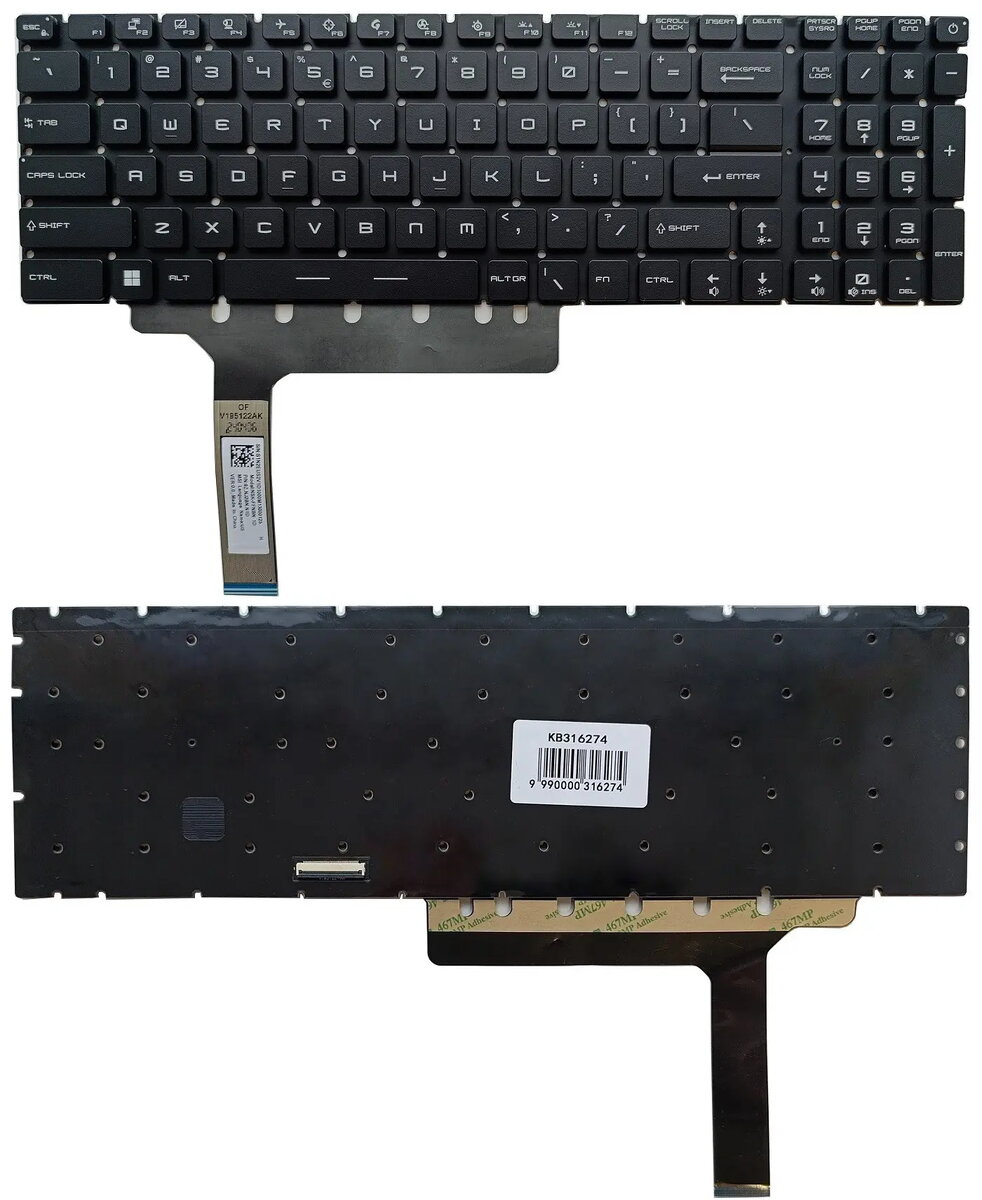
Keyboard MSI compatible with GP76 / GS76 / GE76 laptops, RGB backlit, US layout
Replacement keyboard compatible with MSI GP76, GS76 and GE76 series laptops, featuring an RGB backlit layout in US (ANSI) format. This keyboard is designed to match the original key spacing and multimedia function row mapping, providing illuminated keys for gaming, content creation and general productivity. It connects via the standard internal keyboard socket for plug-and-play installation and is finished in black to match OEM aesthetics.
The keyboard preserves the original layout and travel to maintain typing feel and shortcut positions. Built-in RGB backlighting allows adjustable illumination for low-light use and visual customization. As a direct-fit spare part for supported MSI models, it simplifies replacement without the need for adapter cables or modifications. Factory-tested electrical connections ensure compatibility with system controls and multimedia keys.
Power off the laptop and disconnect the battery or AC adapter before beginning. Remove the bottom cover or keyboard retaining screws according to the service manual for your specific MSI model, then disconnect the existing keyboard cable from the motherboard. Position the replacement keyboard in place, connect the keyboard cable to the connector firmly, and secure the keyboard using the original screws or clips. Reassemble the laptop, reconnect power, and verify backlight and key functions in the operating system or BIOS.
Handle the keyboard and ribbon cable with care to avoid bending pins or damaging the connector. Use an anti-static wrist strap when performing internal repairs, and consult the specific service guide for your MSI model to follow recommended disassembly and reassembly steps.
{{highlightedFeature.featureTitle}}:
{{getProductFeatureValueById(product, highlightedFeature.featureId)}}
{{ productComparisonGenerationError }}