Hurry and order now – up to 50% off!
In cart {{totalProductsCount}} item(s)
Your cart is empty
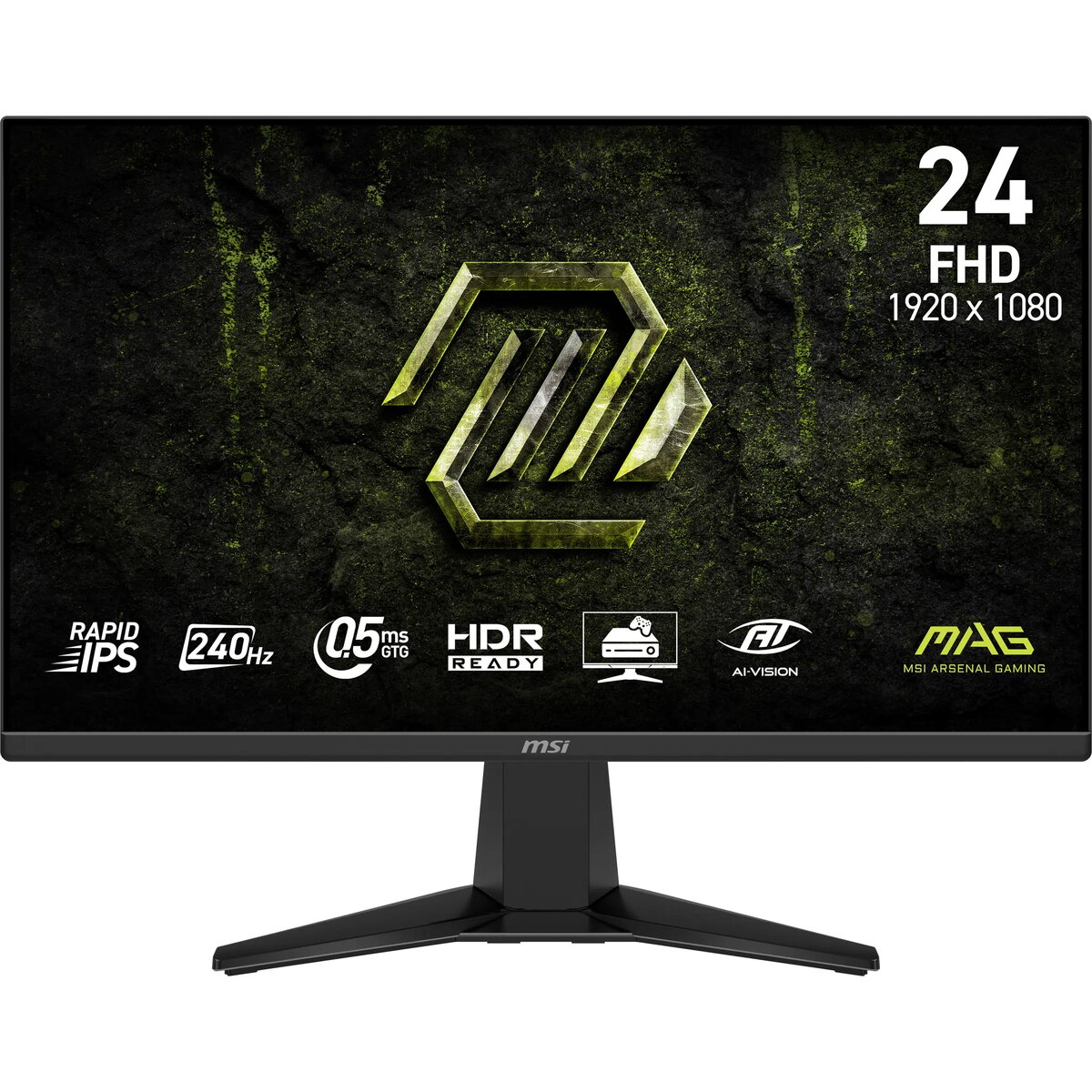
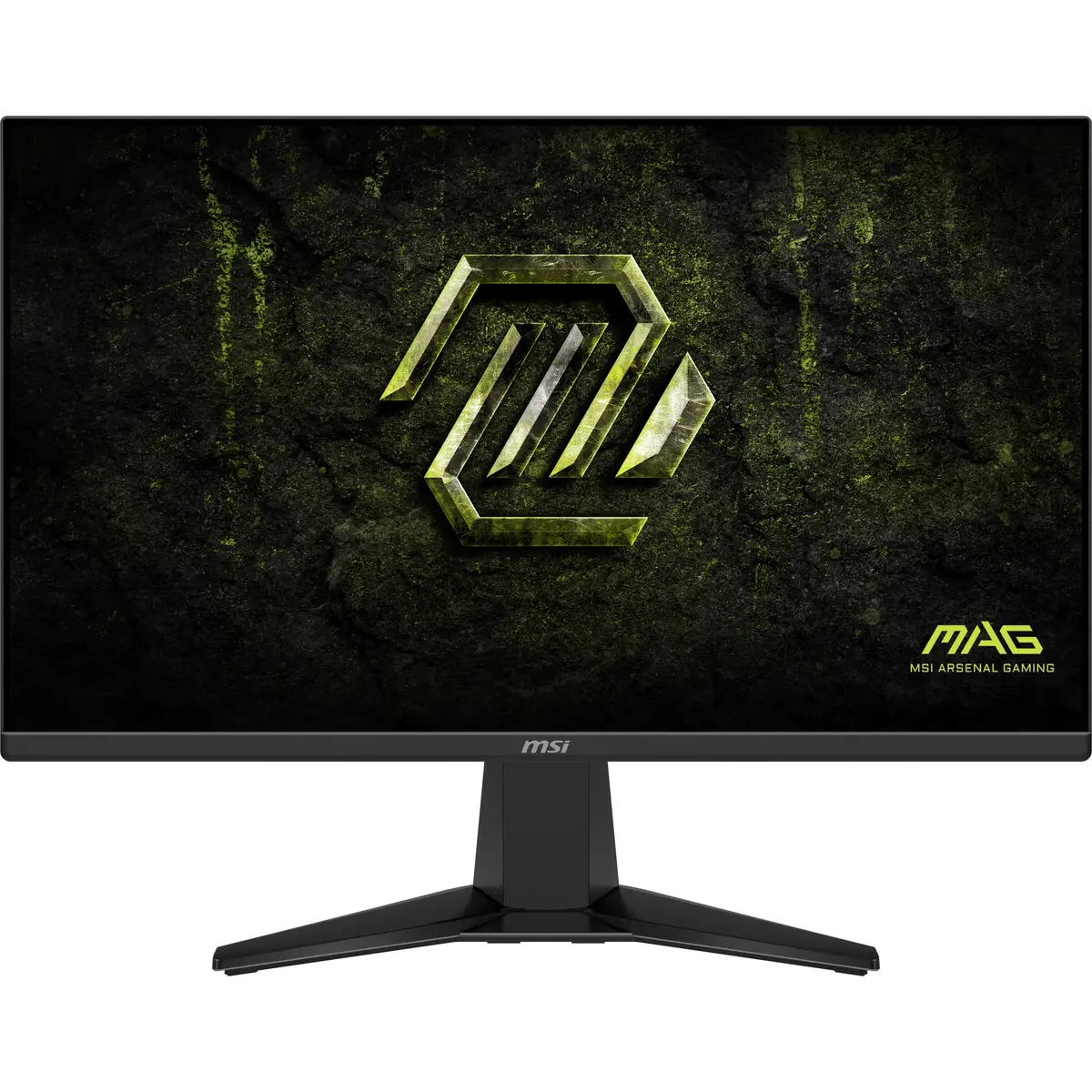
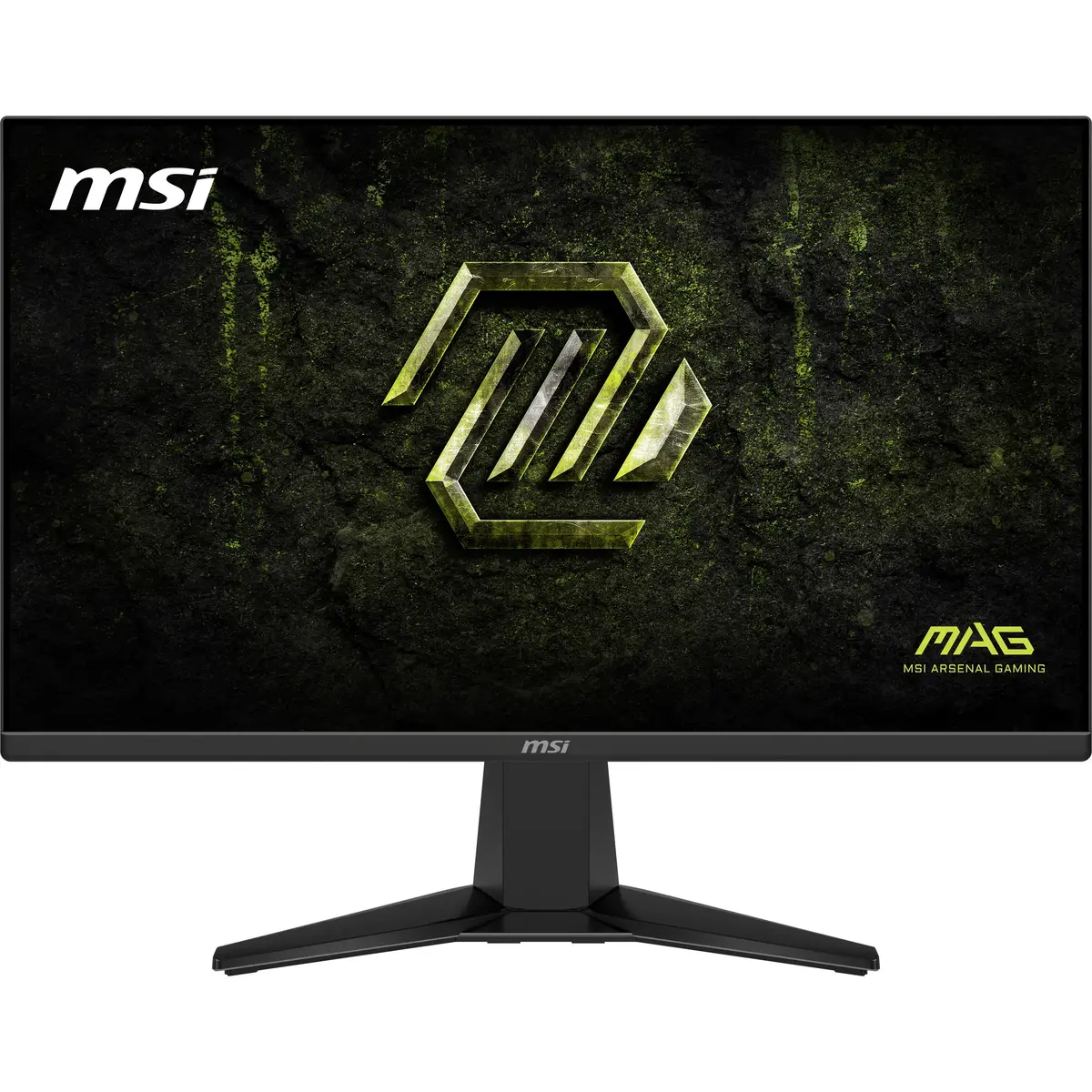
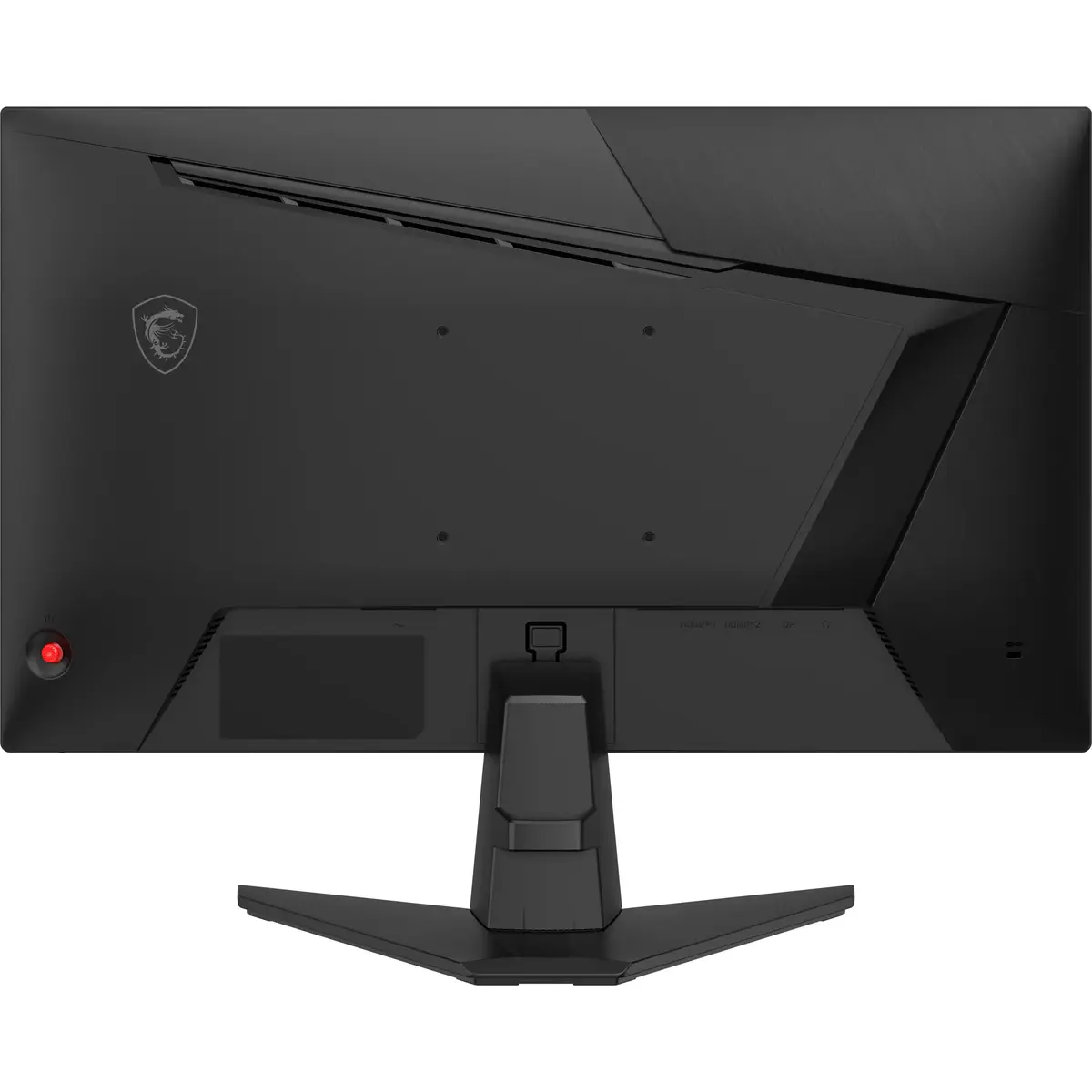
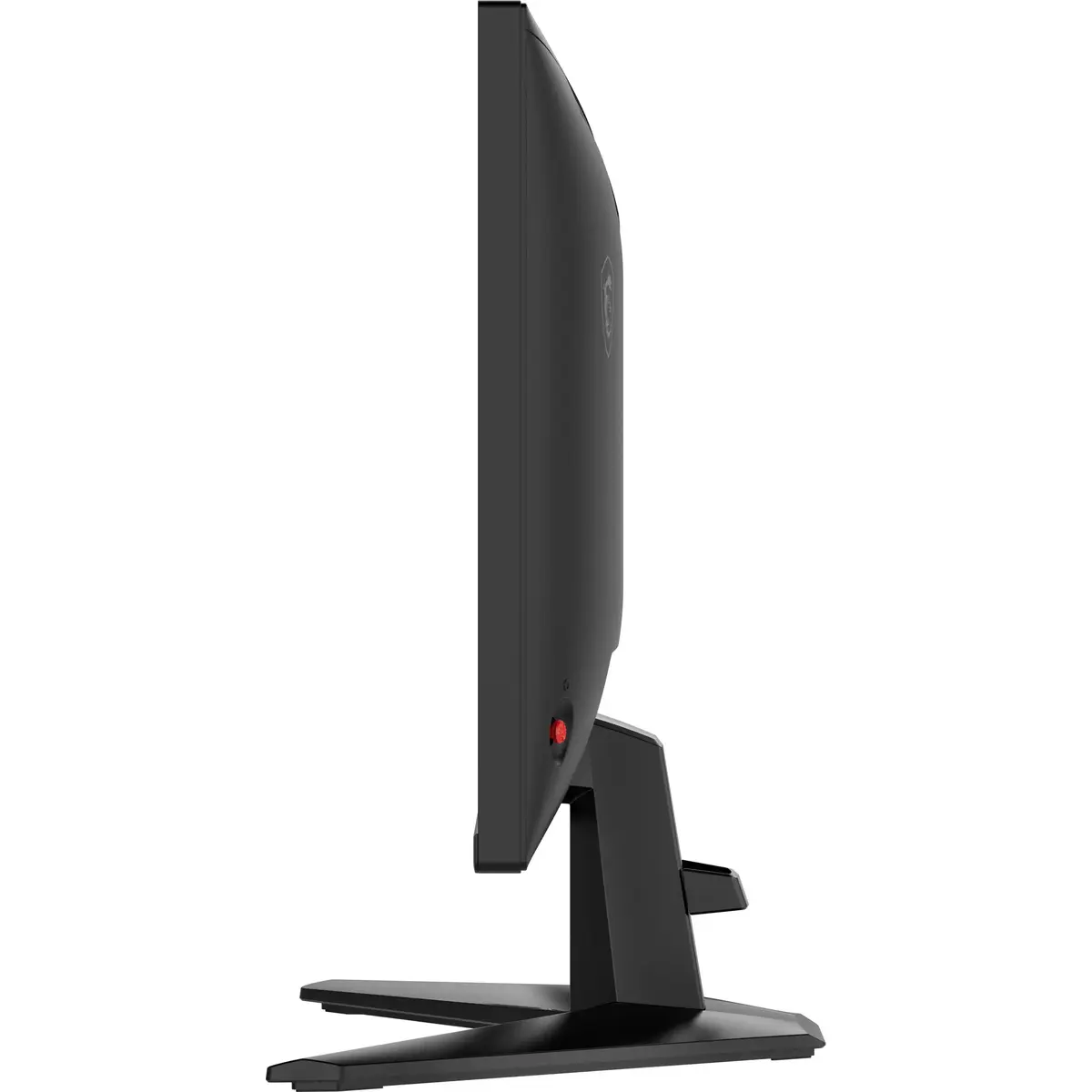
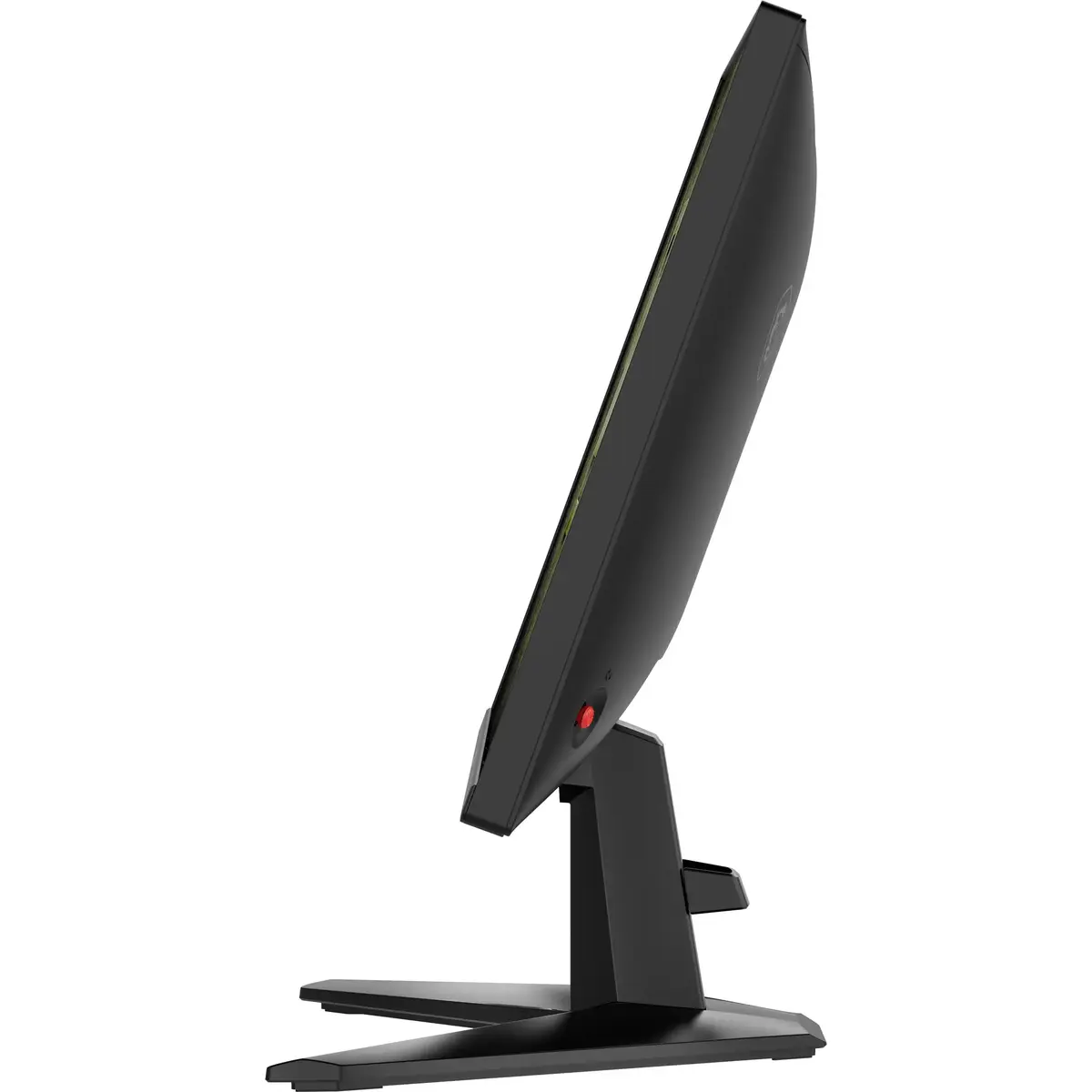
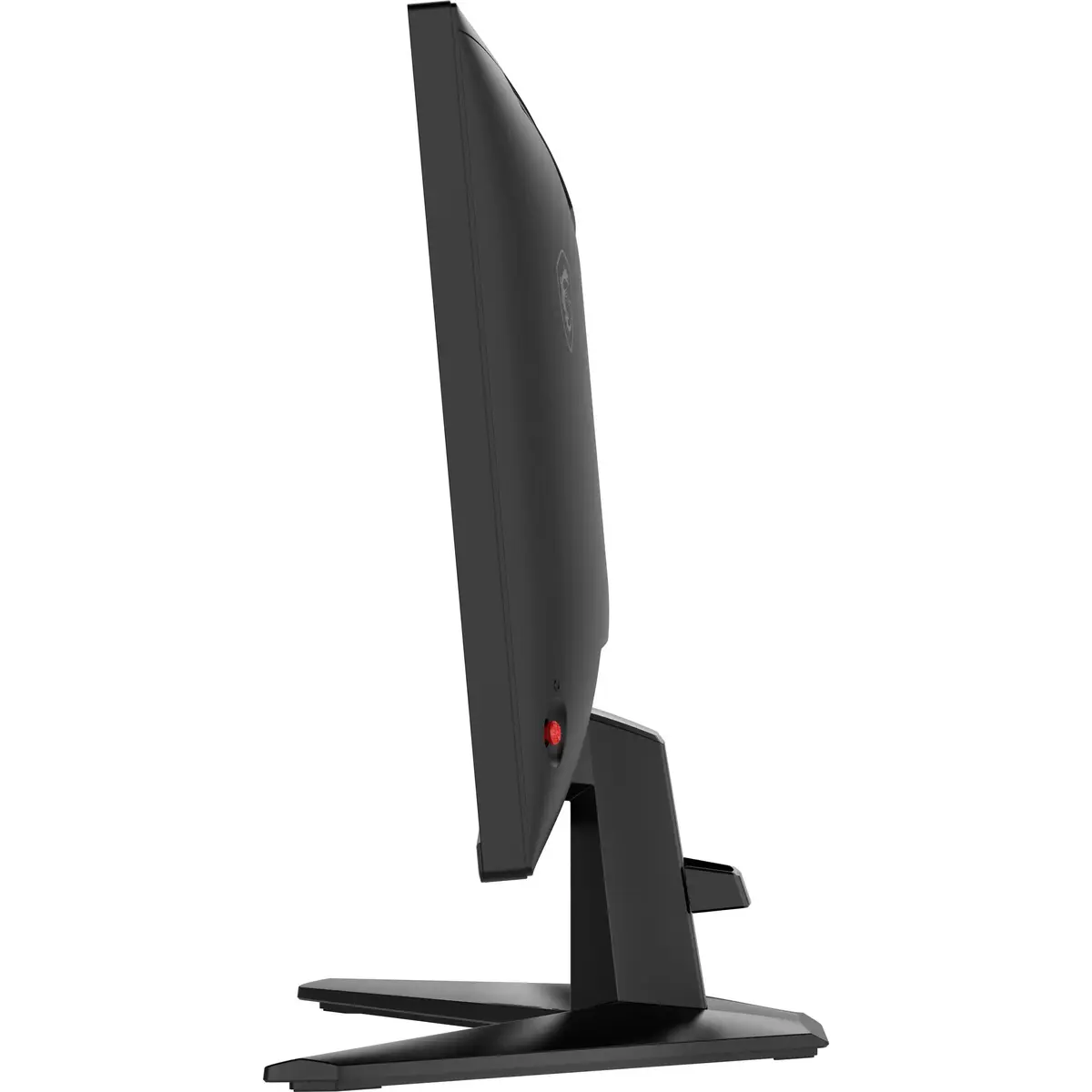
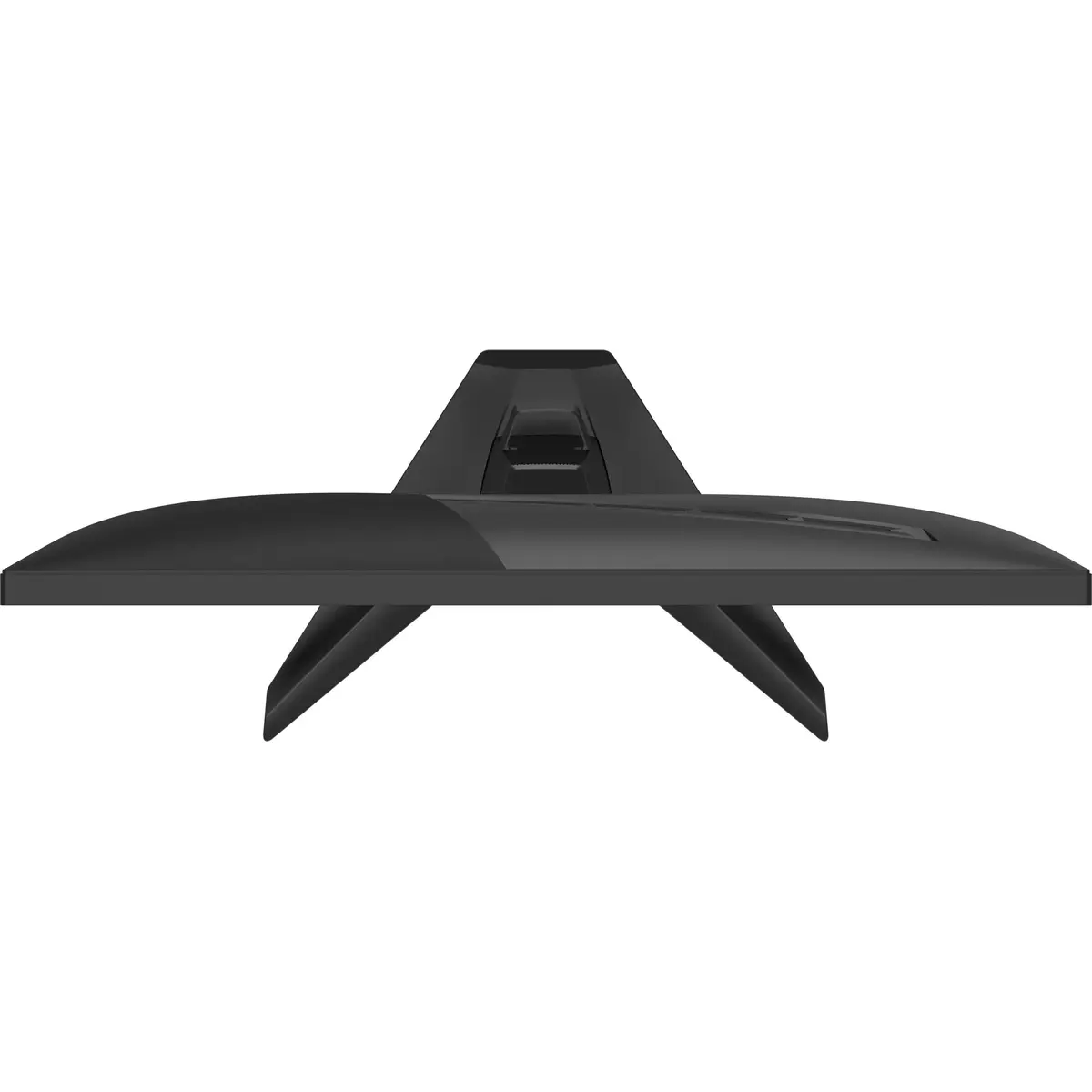
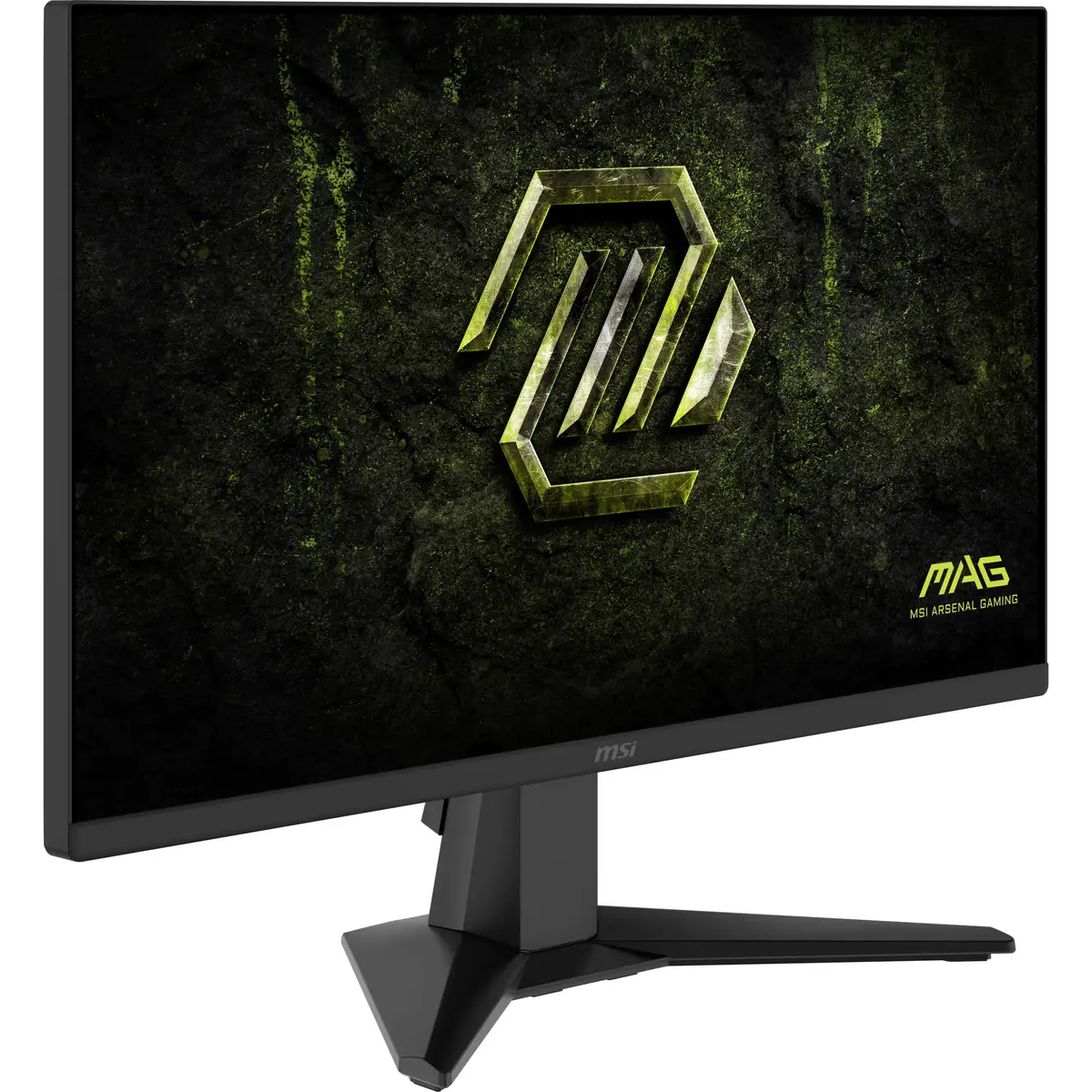
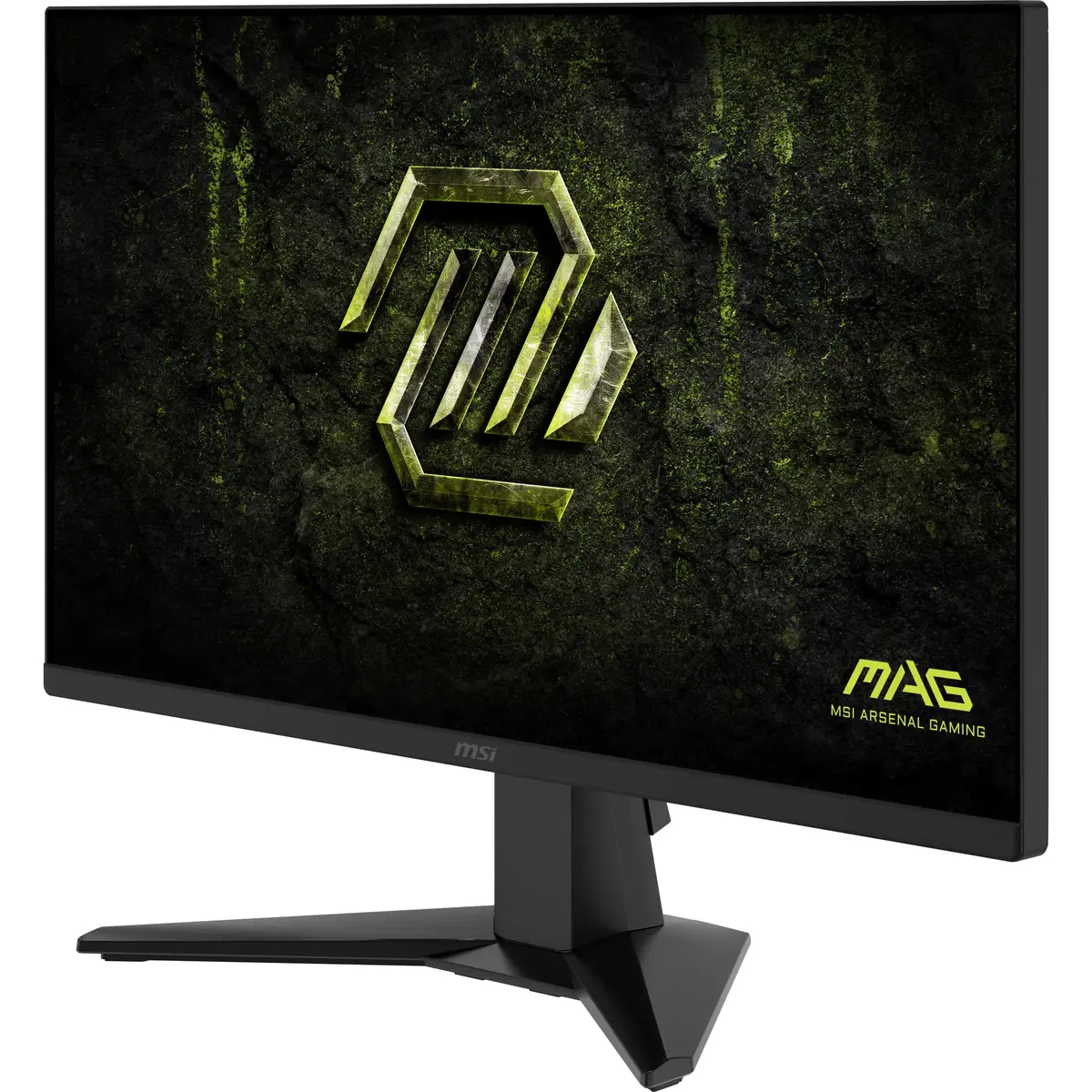
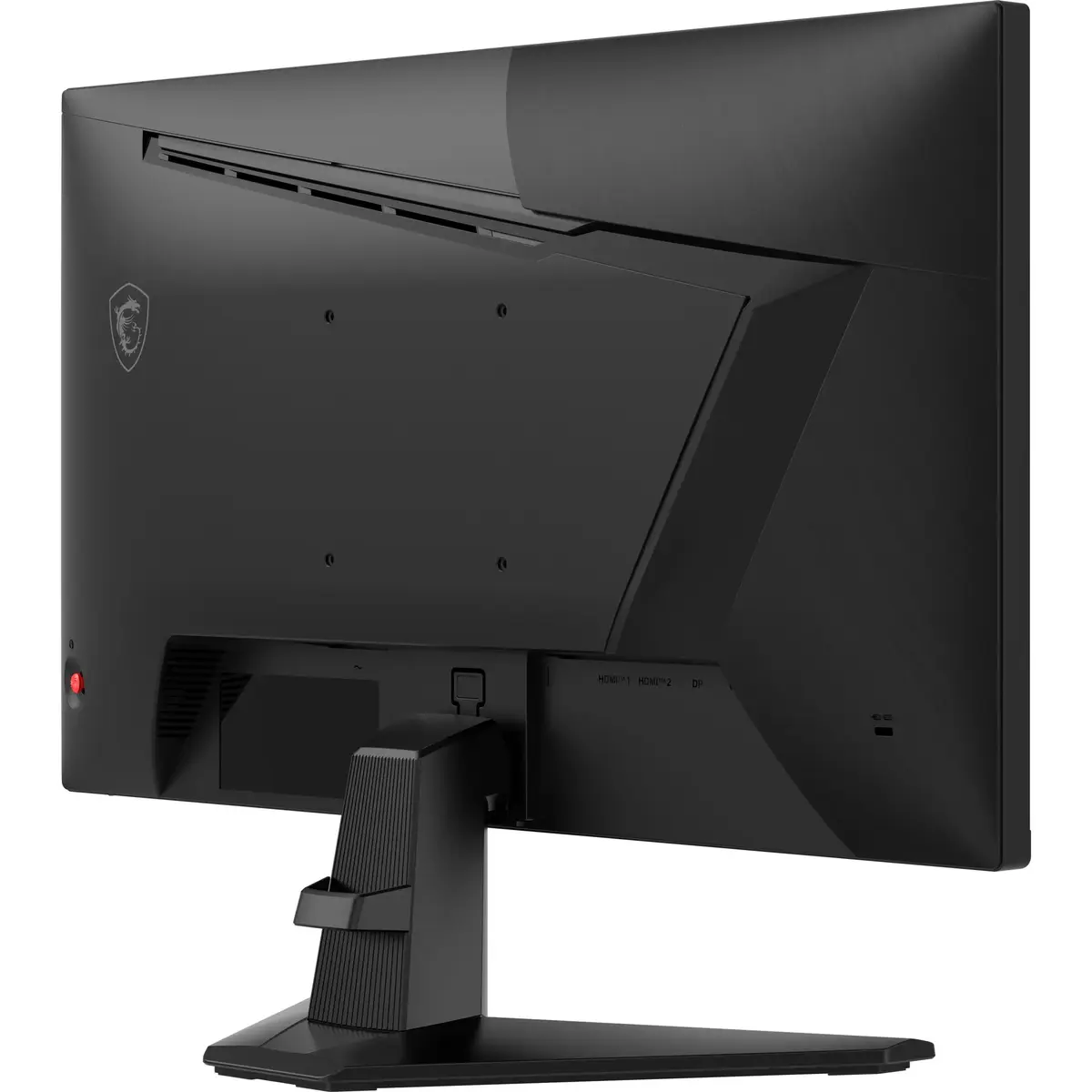
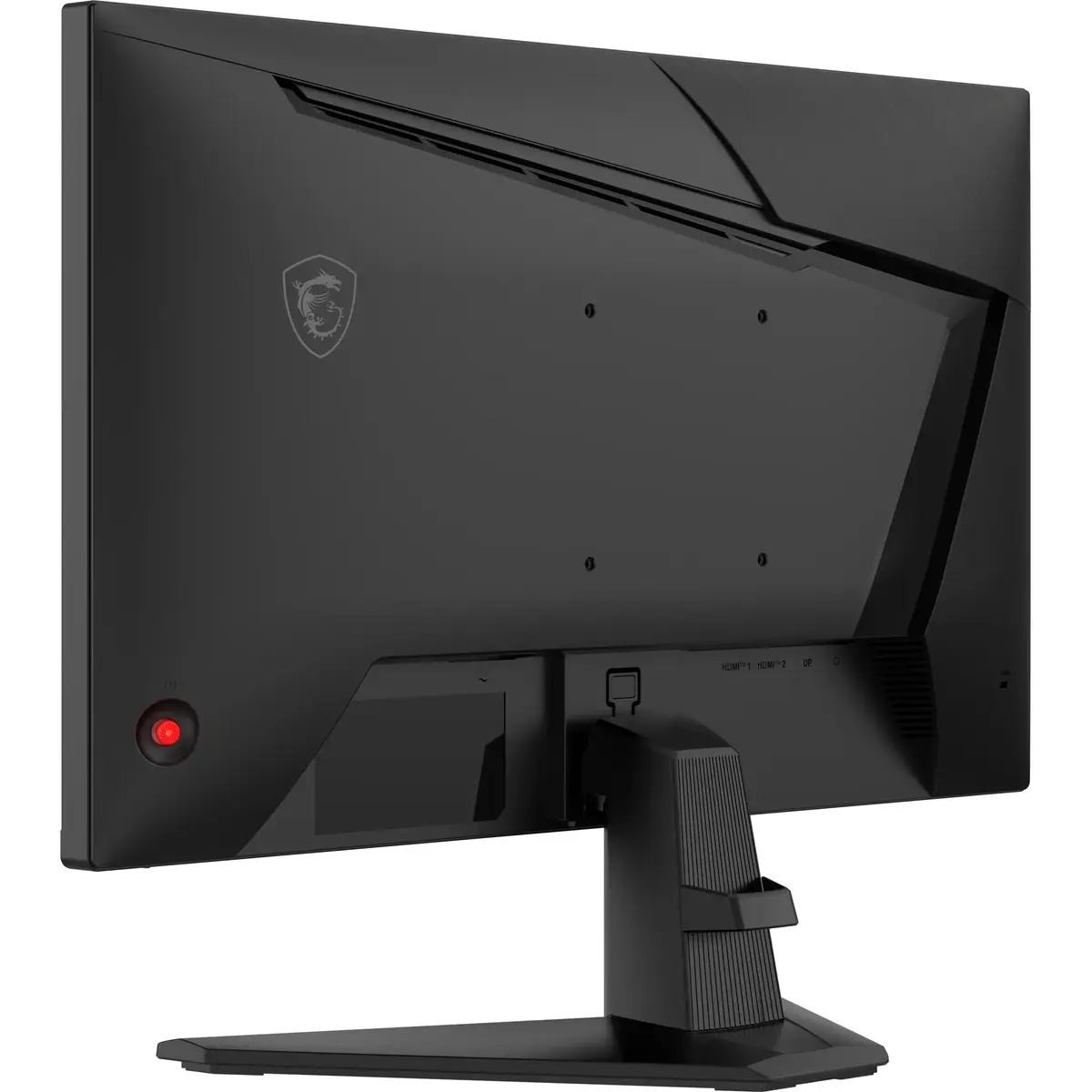
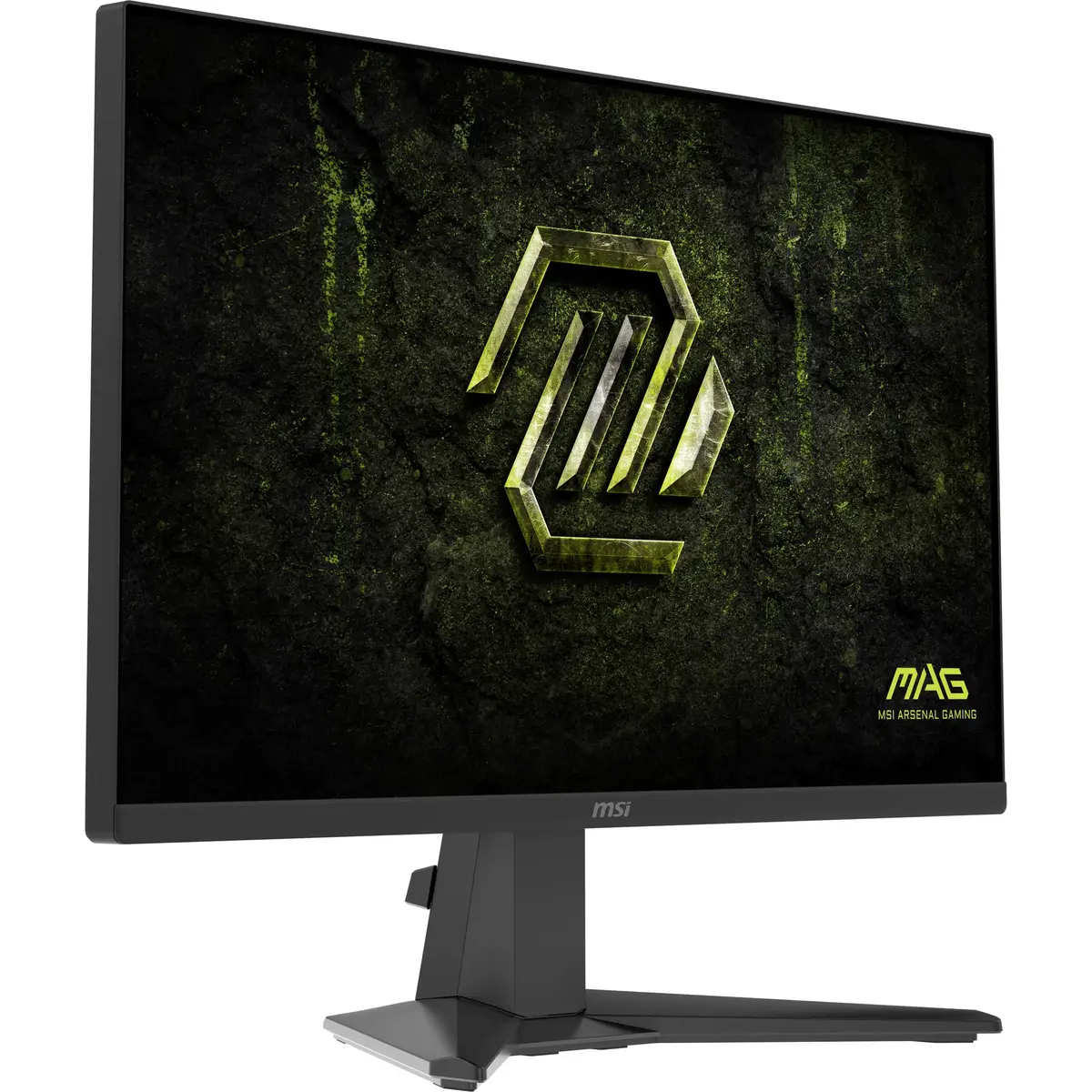
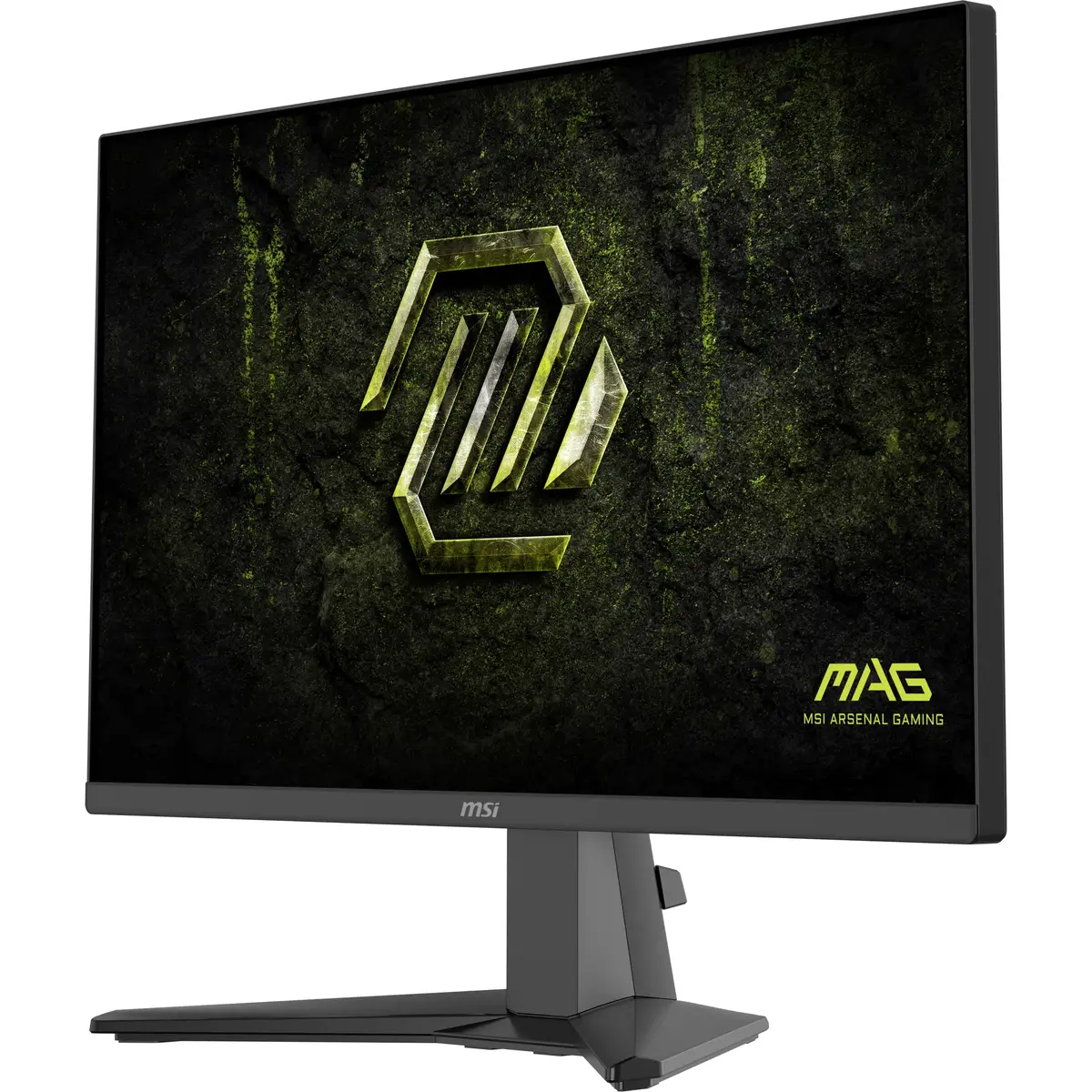
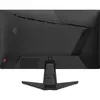
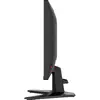
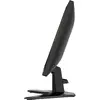
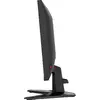
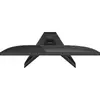
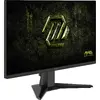
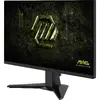
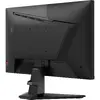
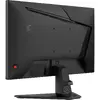
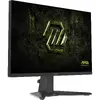
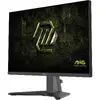
MSI MAG 255F X24 Computer Monitor 24.5-inch Full HD Rapid IPS 0.5ms Black
The MSI MAG 255F X24 is a 24.5-inch Full HD monitor designed to provide a high-performance visual experience for gamers and professionals alike. Utilizing advanced Rapid IPS technology, this display ensures vibrant color reproduction and wide viewing angles, while the flat-screen design maintains a sleek, modern aesthetic suitable for any desk setup. With its focus on speed and clarity, it serves as a reliable centerpiece for both competitive gaming environments and demanding productivity tasks.
The primary strength of this monitor lies in its exceptional response time of 0.5 ms, which effectively minimizes motion blur and ghosting during fast-paced action sequences. The Rapid IPS panel technology offers a superior balance between color accuracy and speed, ensuring that visuals remain sharp and fluid. Furthermore, the inclusion of VESA mounting support provides users with the flexibility to optimize their workspace ergonomics by attaching the monitor to wall mounts or adjustable monitor arms. The energy-efficient design ensures that the device remains cost-effective to operate over long periods of use.
This monitor may not be the ideal choice for professional color-grading or high-end graphic design work where specialized wide-gamut color accuracy is required. Additionally, users who rely heavily on integrated audio will need to purchase external speakers, as this model does not feature built-in sound output.
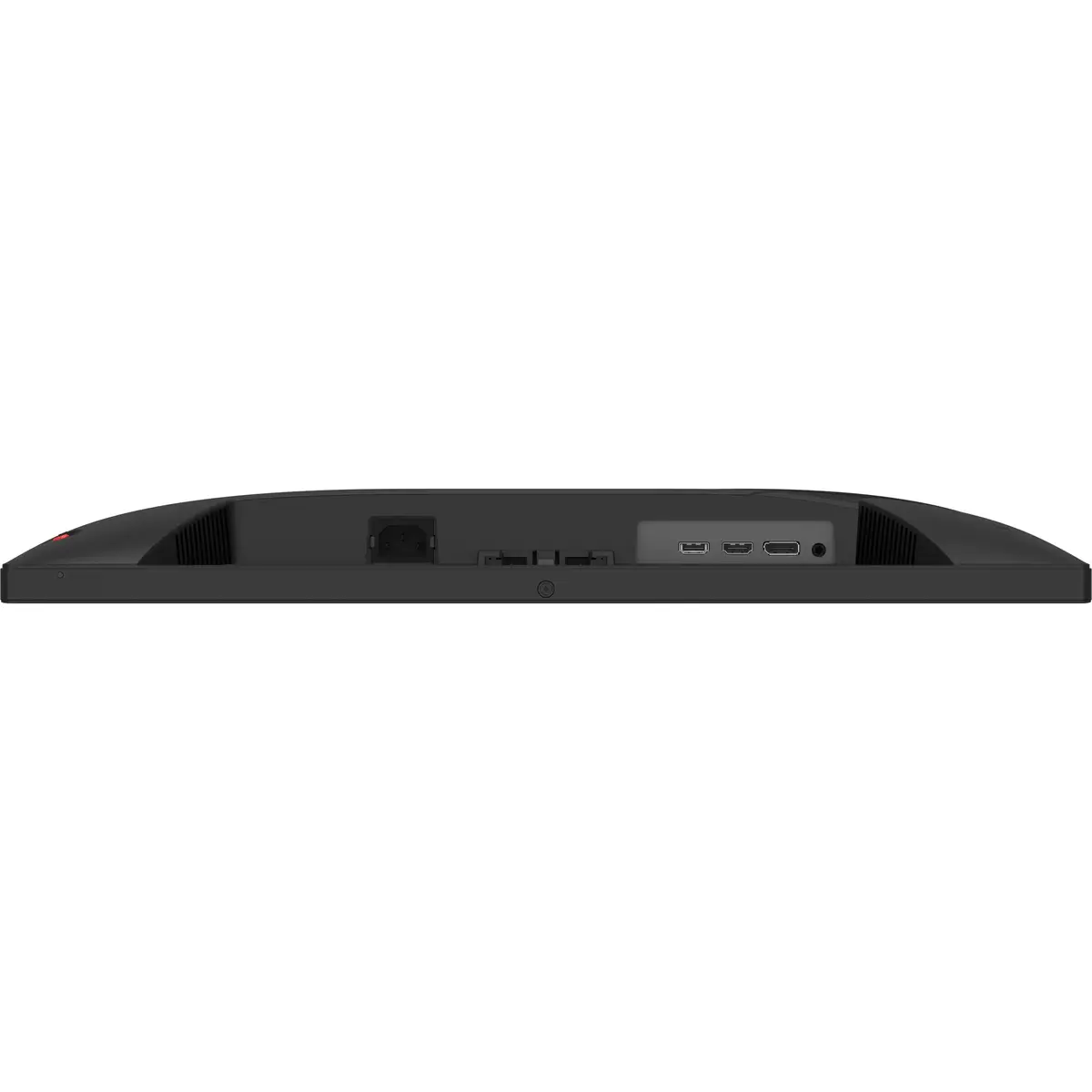
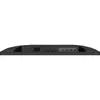
To begin using the MSI MAG 255F X24, connect the monitor to your computer using a compatible HDMI or DisplayPort cable. Once connected, power on the device and adjust the display settings through your operating system to ensure the resolution is set to the native 1920 x 1080. You can further customize the visual experience by accessing the on-screen display menu using the buttons located on the monitor to adjust brightness, contrast, and color profiles according to your preference.
For the best visual experience, we recommend placing the monitor at eye level and maintaining a viewing distance of approximately 50 to 70 centimeters. Regularly clean the screen with a soft, dry microfiber cloth to maintain clarity and avoid using harsh chemical cleaners that could damage the anti-glare coating.
{{highlightedFeature.featureTitle}}:
{{getProductFeatureValueById(product, highlightedFeature.featureId)}}
{{ productComparisonGenerationError }}
Device manufacturer code
Device manufacturer
iagonal of the visible part of the screen expressed in centimeters and inches.
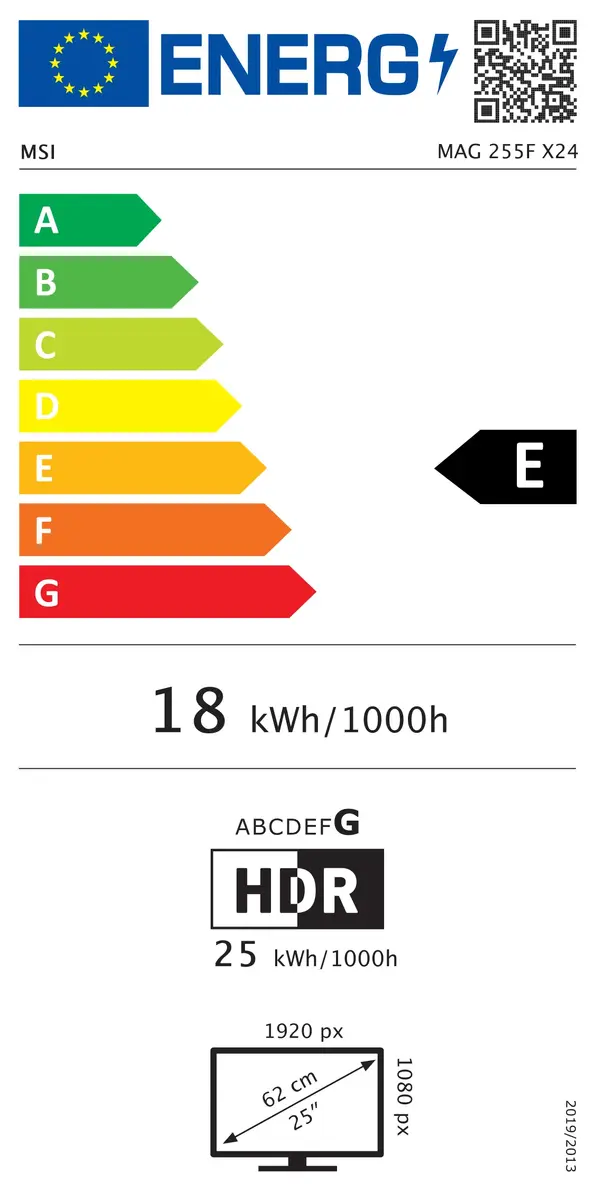
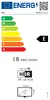
Energy efficiency class is a standard classification that is used all over Europe and which is understandable at first sight. Products can be efficiently compared according to classes, starting from A (the most energy efficient class), and ending with G (the most energy-intensive class). The classification of energy efficiency is based on annual energy consumption which is being calculated on the basis of several different parameters.
Power consumption in switched-on state expressed in W.