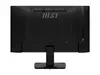
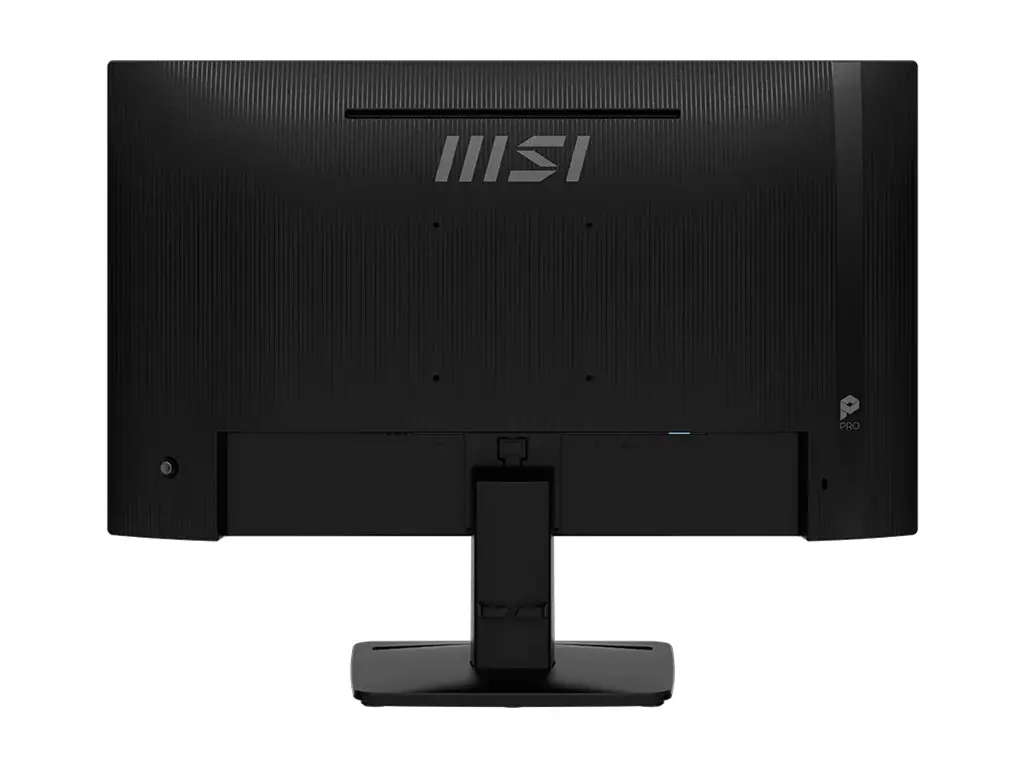
The MSI PRO MP242DE E14A monitor is compared with several alternative products in the same category, including MSI Pro MP242 E14A, MSI Pro MP273DE E14A, PHILIPS 24E1N1100A, MSI Pro MP242PMG, and MSI Pro MP273 E14A. All devices are designed for office environments and everyday multitasking, sharing a standard Full HD resolution. The main practical differences lie in screen size, panel characteristics, response time, brightness, and available connectivity options.
⚙️ The table below compares the most relevant specifications of the reviewed monitors, such as display size, resolution, response time, brightness, and port selection, to help you understand the technical differences.
| Parameter | MSI PRO MP242DE E14A | MSI Pro MP242 E14A | MSI Pro MP273DE E14A | PHILIPS 24E1N1100A | MSI Pro MP242PMG | MSI Pro MP273 E14A | Practical conclusion |
|---|
| Display diagonal | 23.8 inches | 23.8 inches | 27 inches | 23.8 inches | 23.8 inches | 27 inches | The 23.8-inch models are more compact and ideal for restricted desk space, whereas the 27-inch options provide a larger workspace for content. |
| Resolution | Full HD (1920x1080) | 1920 x 1080 | 1920 x 1080 | 1920 x 1080 | 1920 x 1080 | 1920 x 1080 | All compared monitors deliver identical text and image clarity due to the shared Full HD resolution. |
| Response time | 1 ms | 4 ms | 4 ms | 1 ms | 1 ms | 4 ms | Monitors featuring a 1 ms response time offer faster pixel transition, reducing motion blur compared to the 4 ms alternatives. |
| Brightness | 300 cd/m² | Not specified | 250 cd/m² | Not specified | Not specified | 250 cd/m² | The higher brightness of 300 cd/m² on the MSI PRO MP242DE E14A ensures better visibility in brightly lit office environments. |
| Connectivity | HDMI, DisplayPort, D-Sub | HDMI, DisplayPort | HDMI, DisplayPort | HDMI, VGA | HDMI, DisplayPort, USB | HDMI, DisplayPort | The inclusion of D-Sub (VGA) on the MSI PRO MP242DE E14A and PHILIPS 24E1N1100A makes them compatible with older computer systems lacking digital outputs. |
◎ The table below evaluates which product is more suitable for different user needs and usage scenarios.
| Use case | Recommended product | Why |
|---|
| Standard office and productivity | MSI PRO MP242DE E14A | The combination of high brightness and a fast response time makes this monitor well-suited for daily document work and general desktop tasks. |
| Expanded screen workspace | MSI Pro MP273DE E14A | The larger 27-inch display area is ideal for users who need to view multiple windows side by side comfortably. |
| Multimedia setup with peripherals | MSI Pro MP242PMG | The built-in USB hub and integrated webcam offer a comprehensive solution for video conferencing and extra device connectivity. |
The MSI PRO MP242DE E14A stands out with its higher screen brightness, fast response time, and legacy D-Sub port support, making it an excellent choice for everyday professional tasks where display clarity matters. A buyer might prefer this model over larger alternatives if desk space is limited, while still requiring a reliable and bright everyday display.