Dreame vacuums for fast and efficient cleaning!
In cart {{totalProductsCount}} item(s)
Your cart is empty
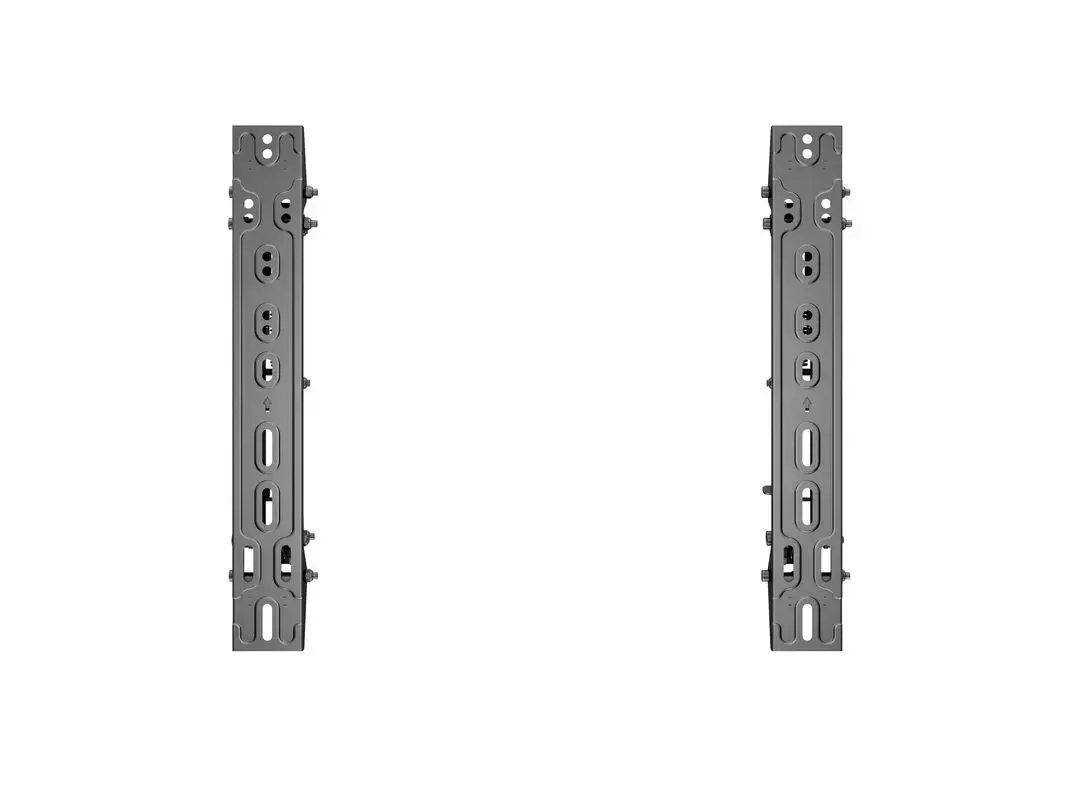
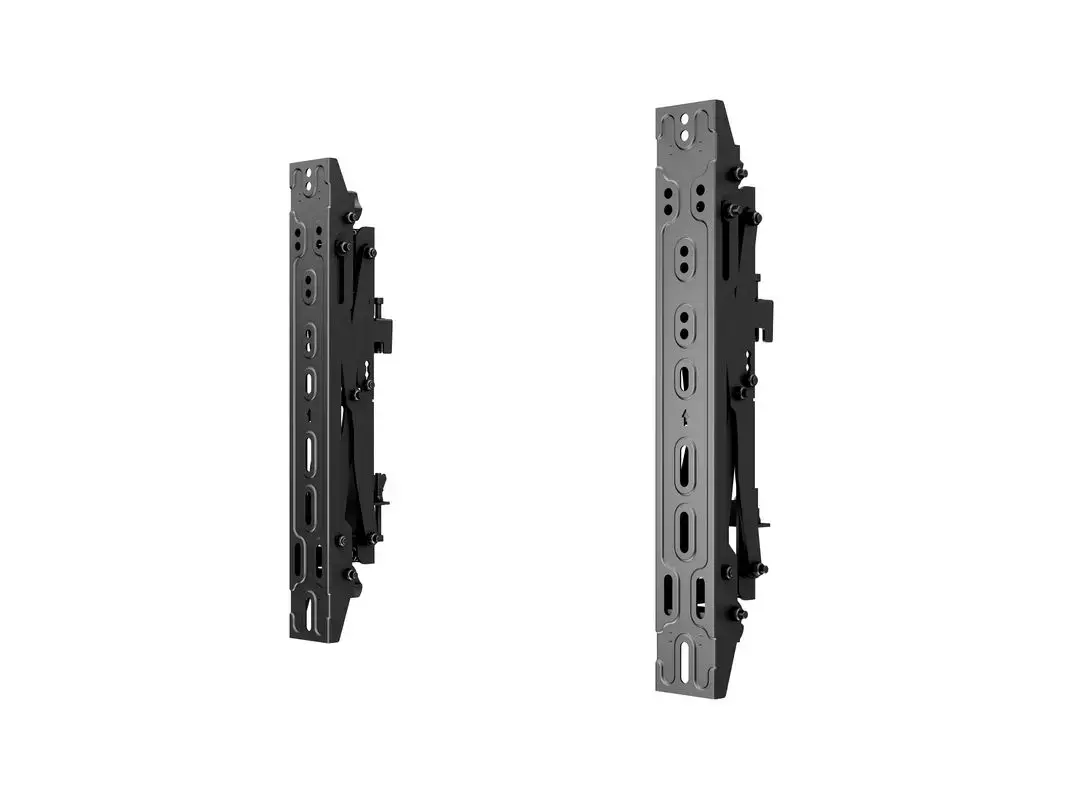
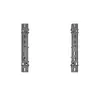
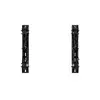
Multibrackets M Pro Series Push in Pop out VESA 400 30 kg 40-65 inches
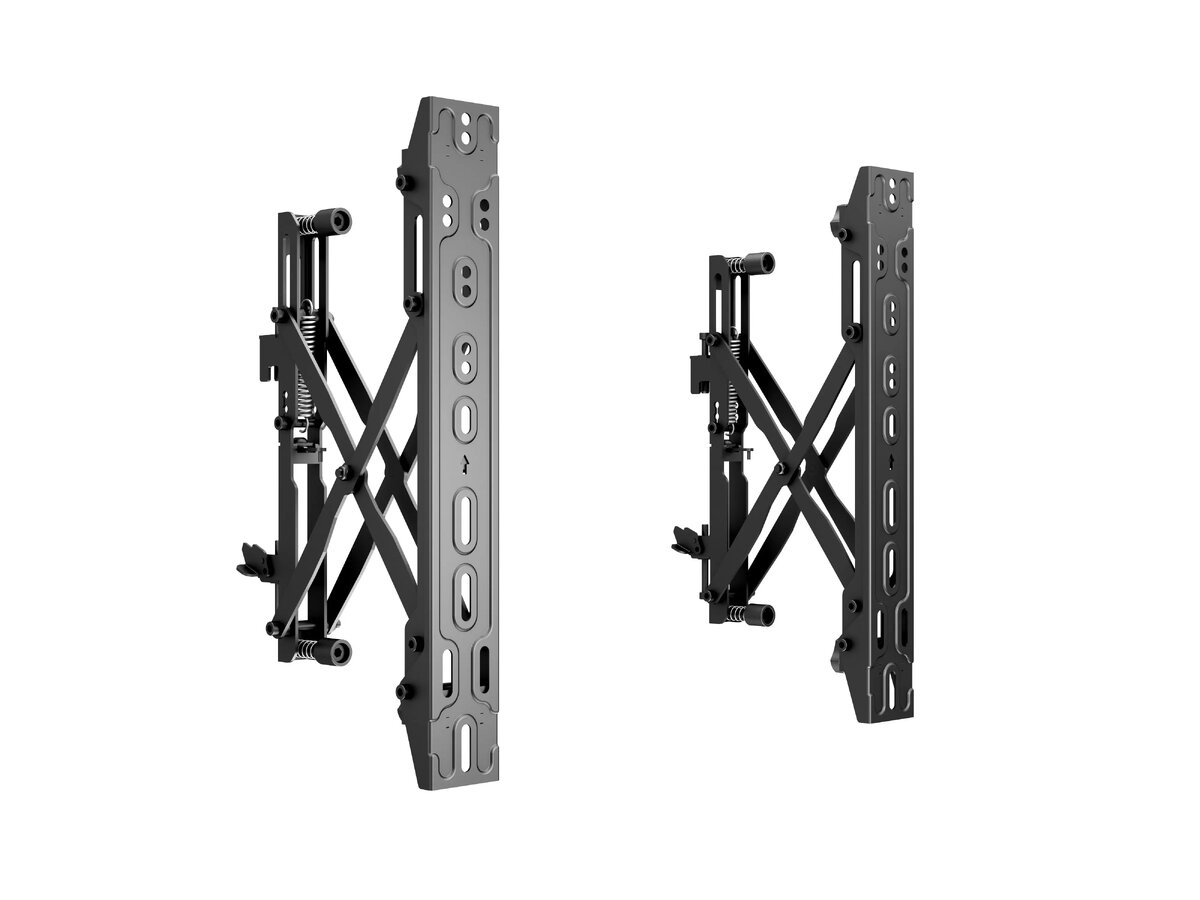
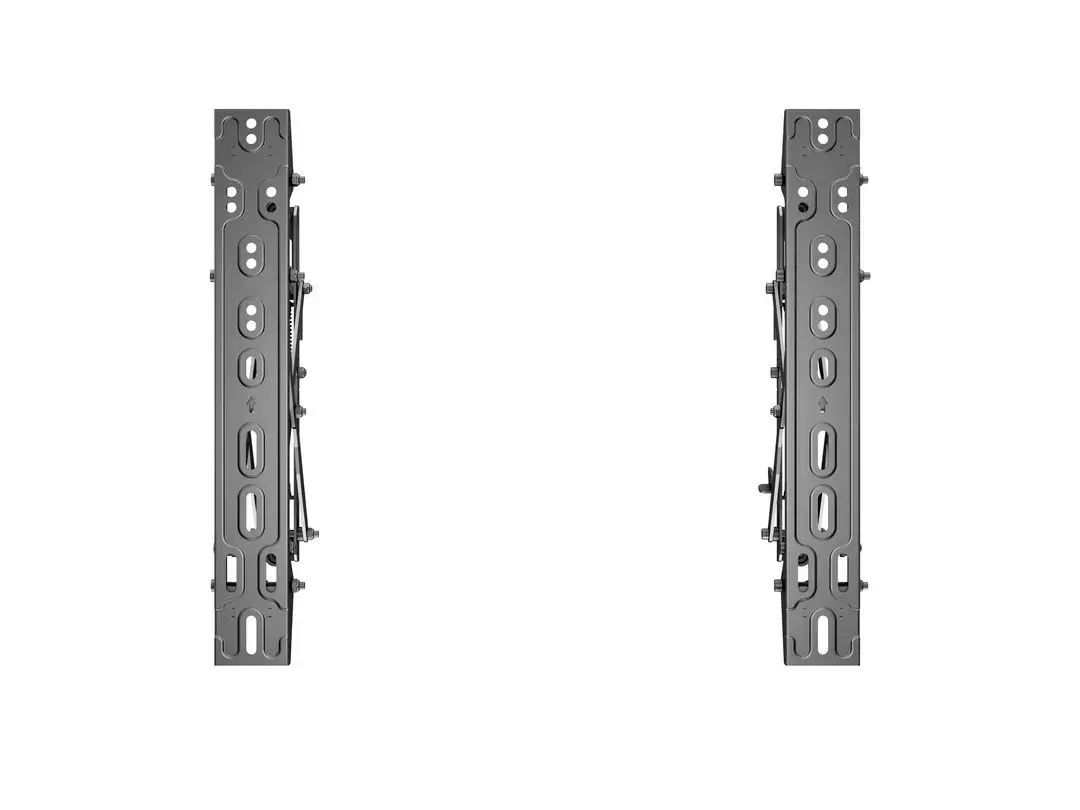
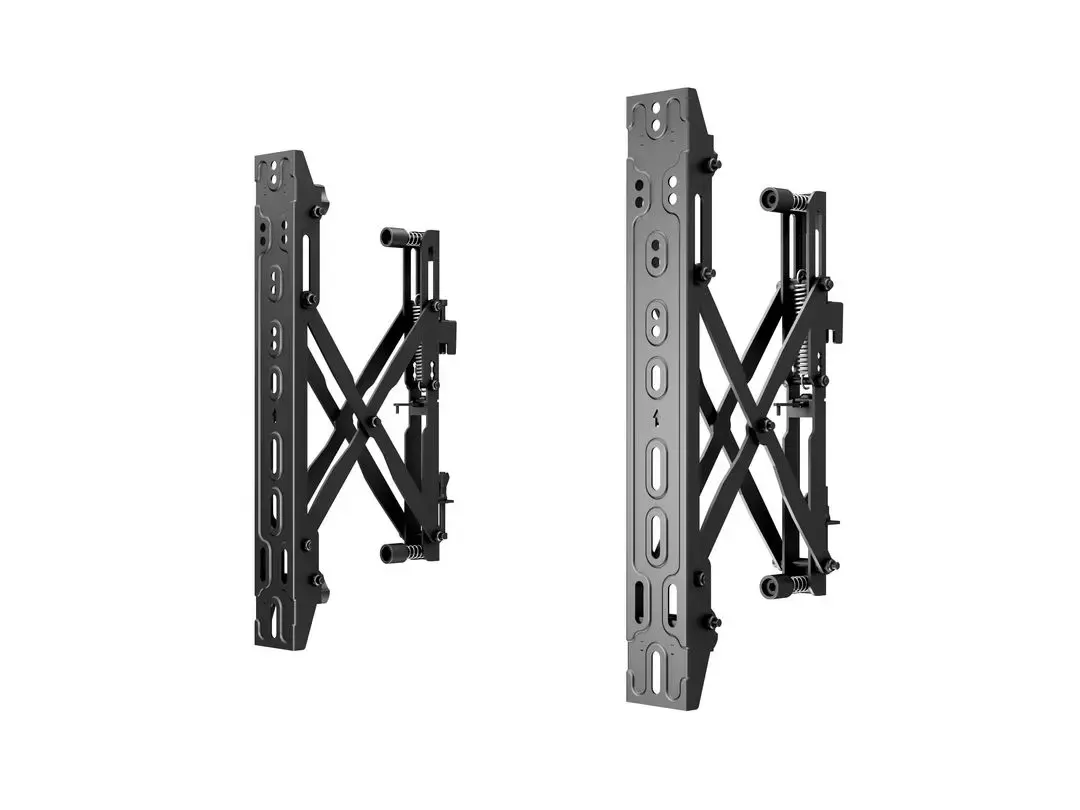
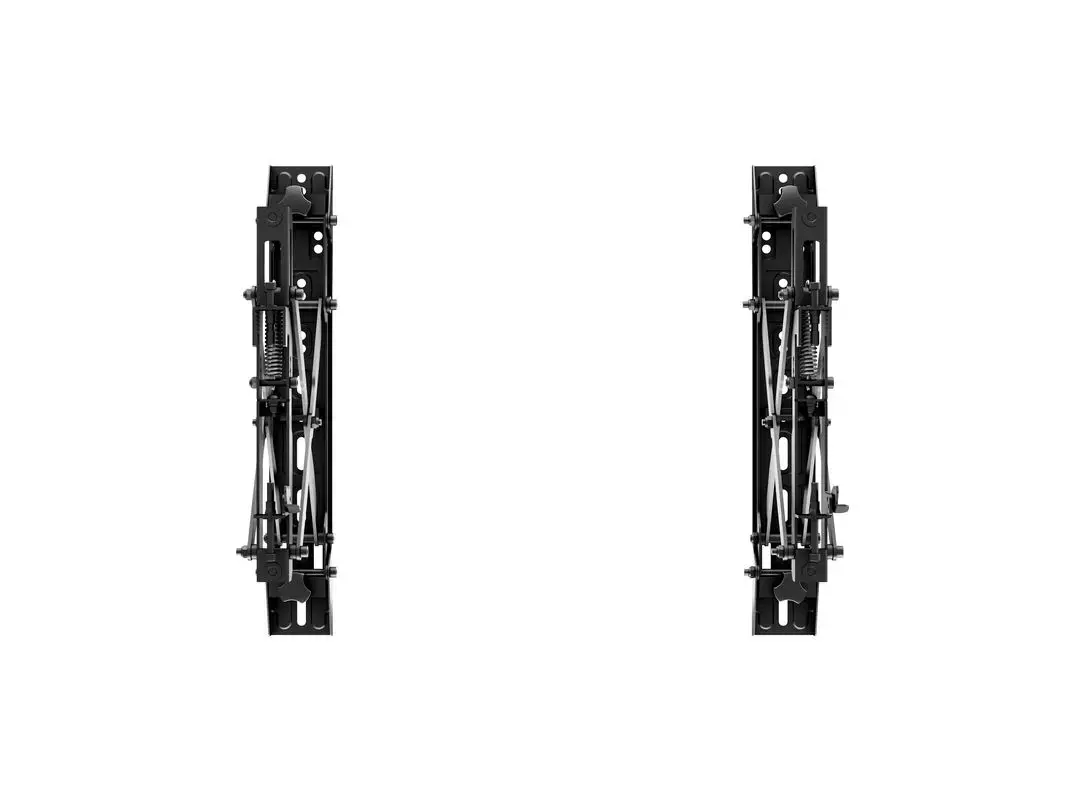
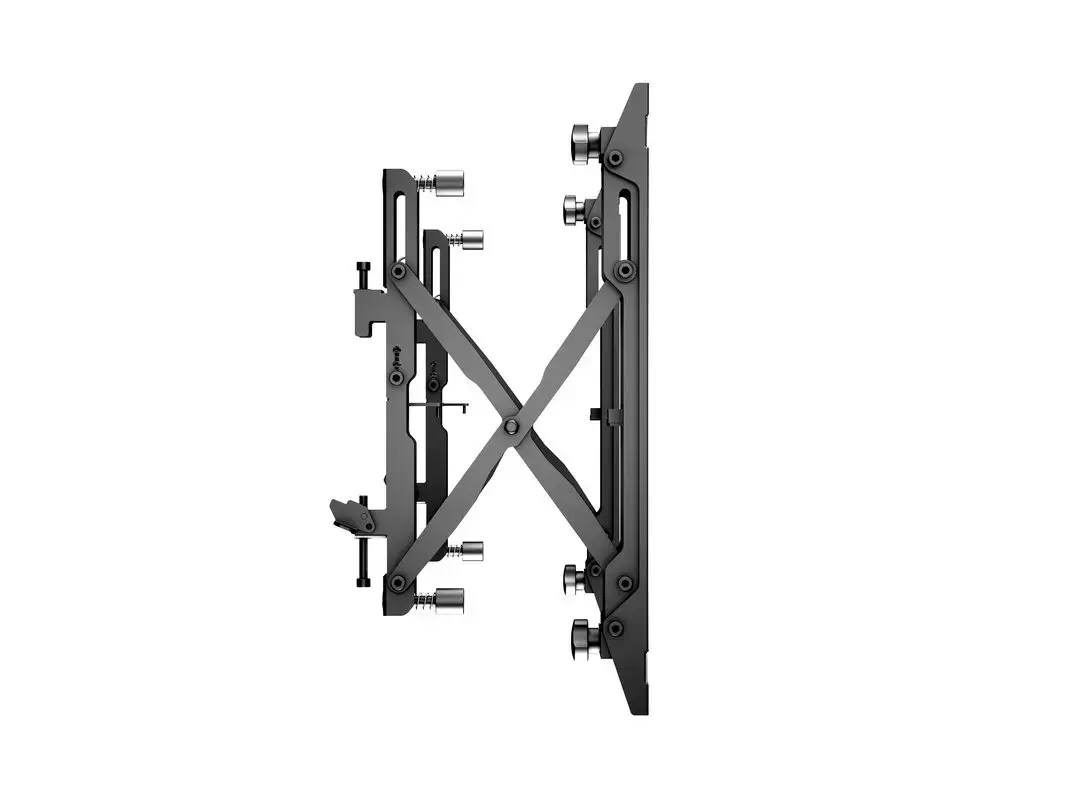
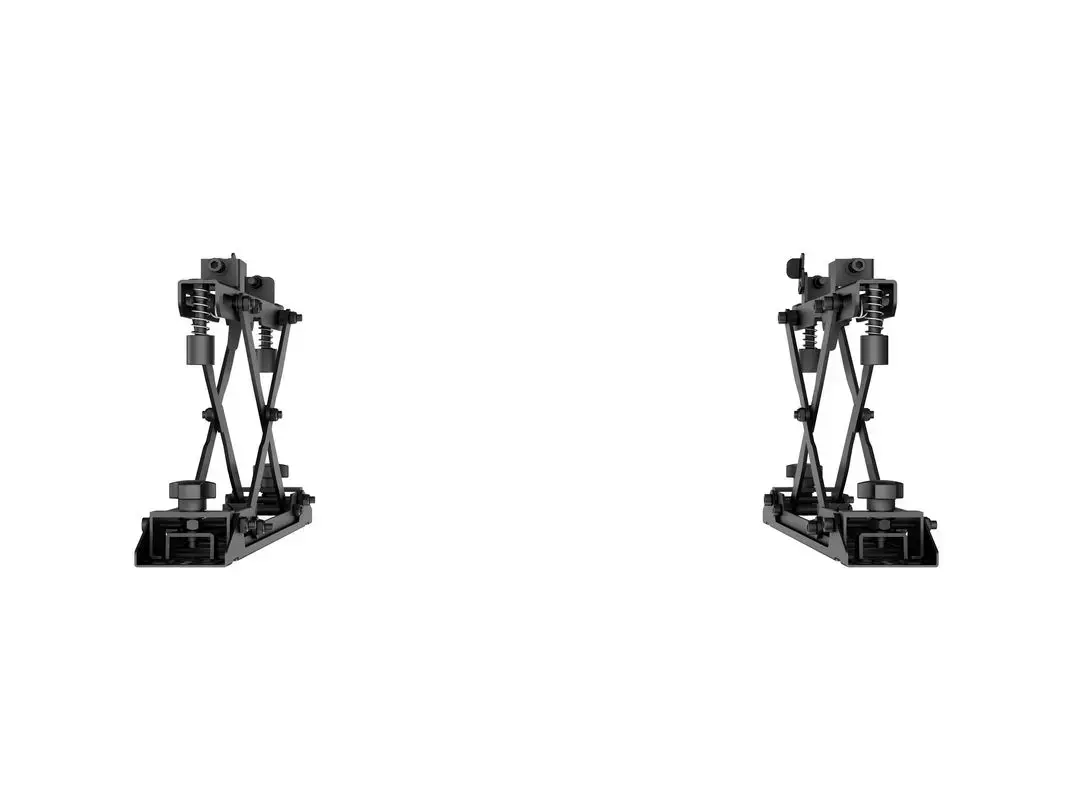
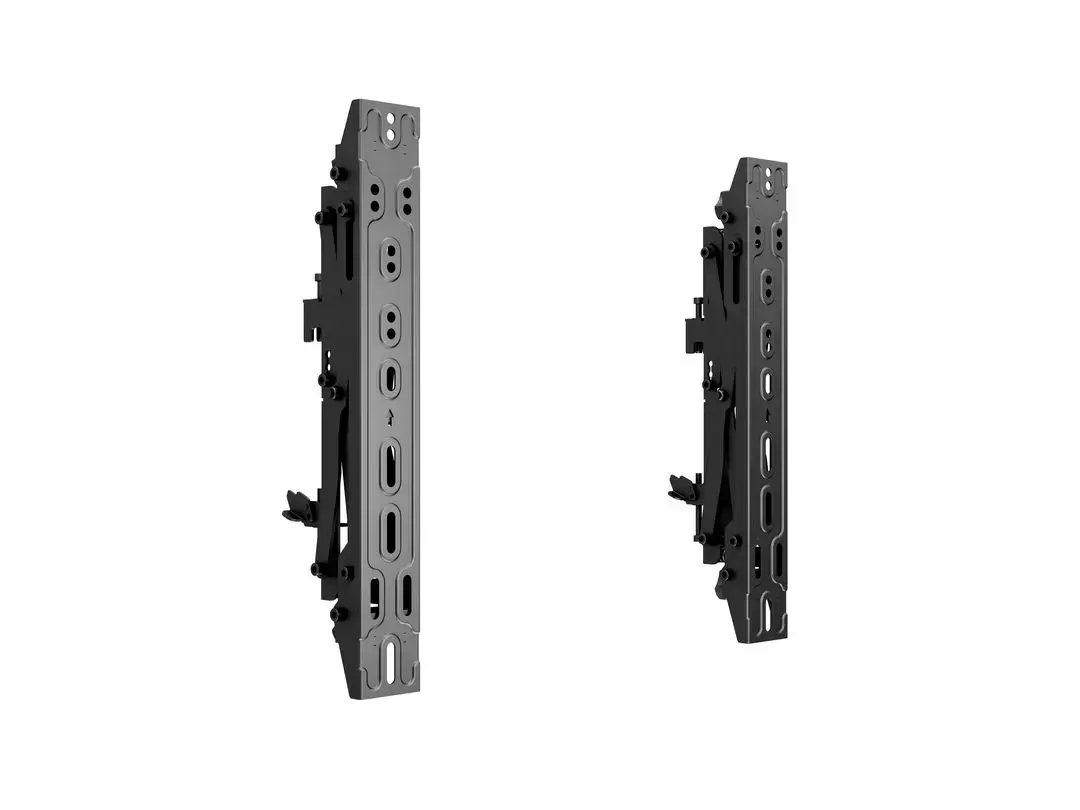
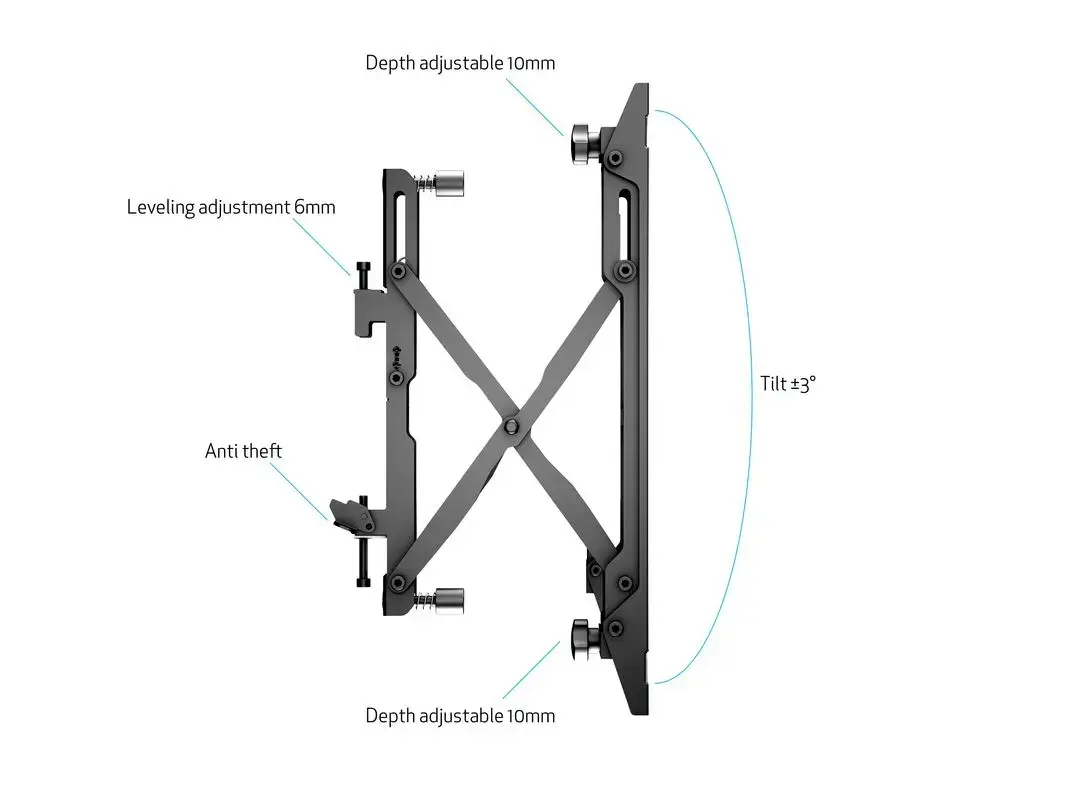
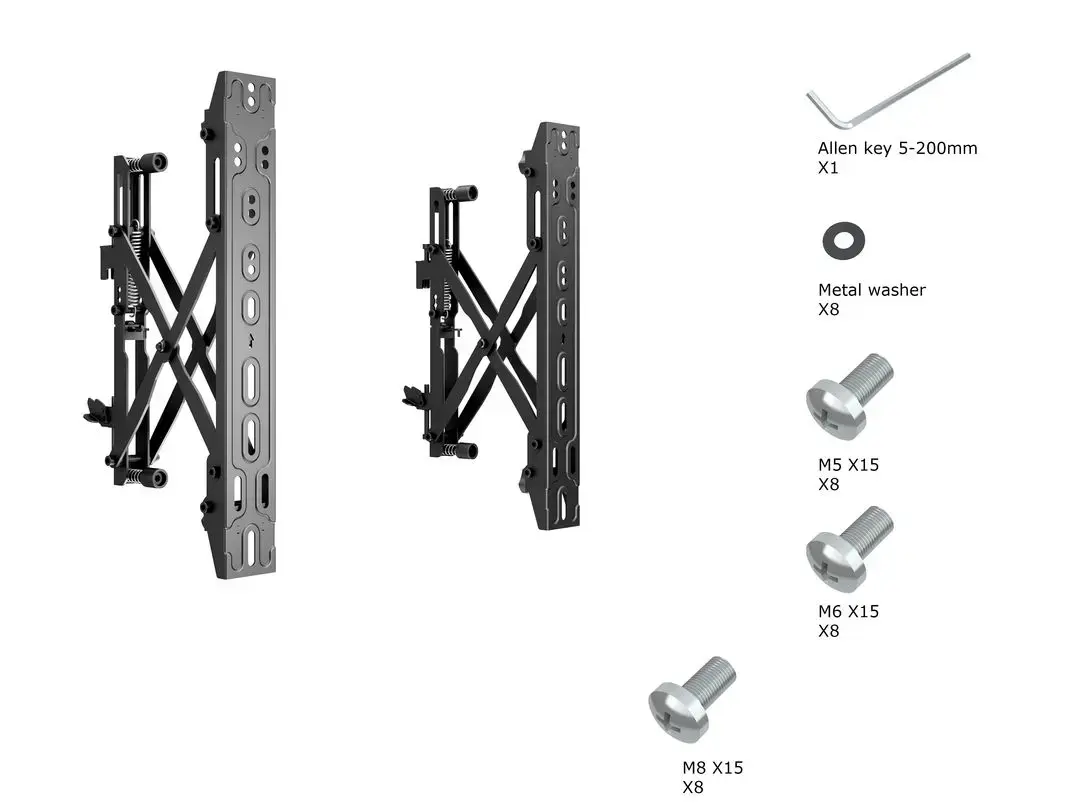
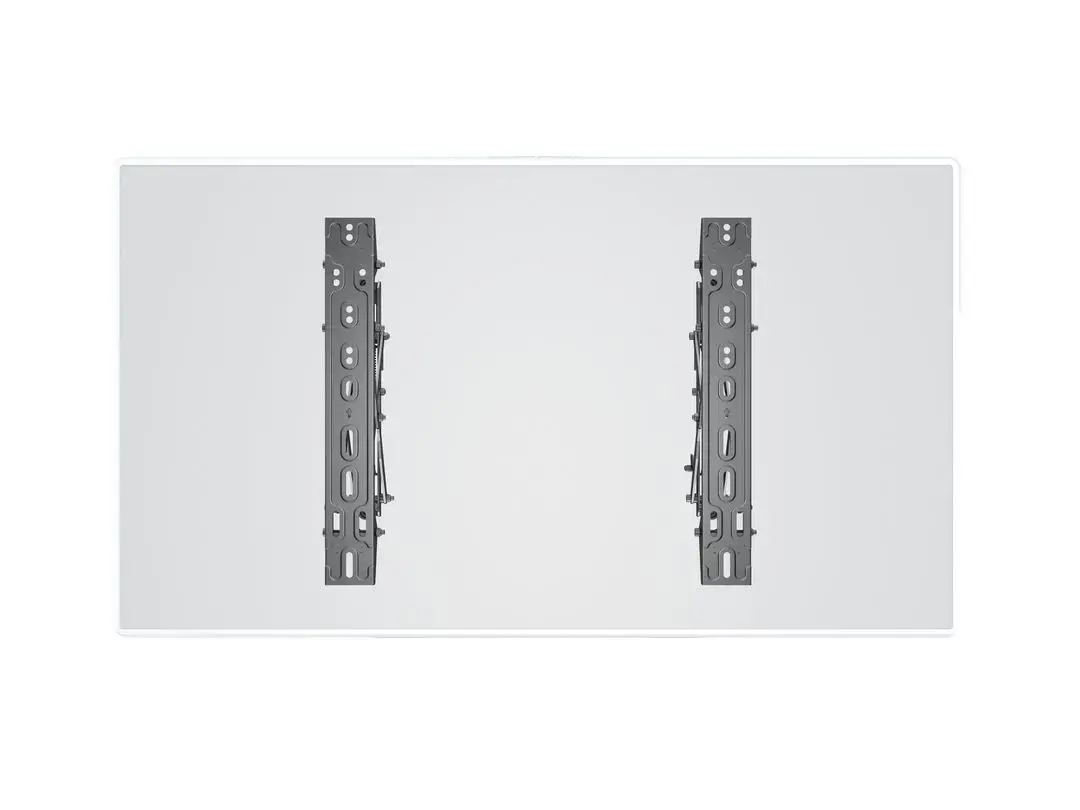
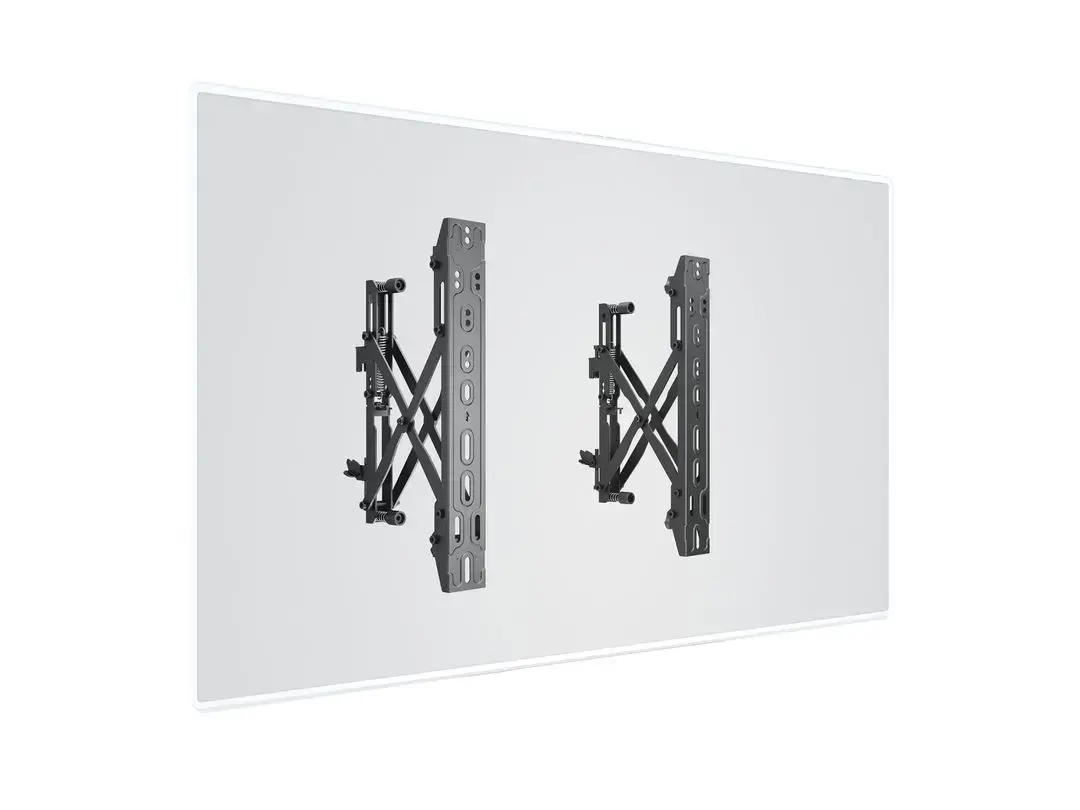
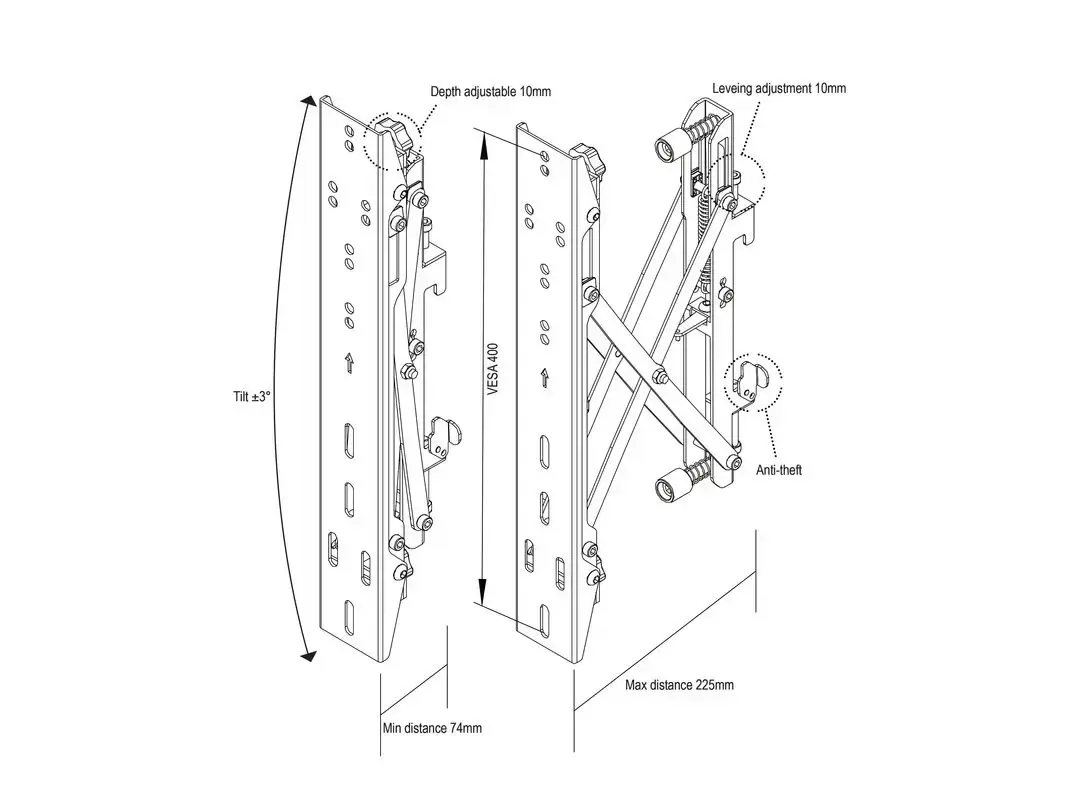
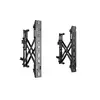
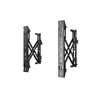
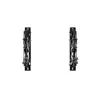
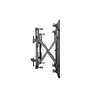
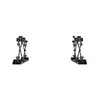
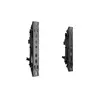
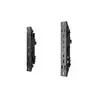
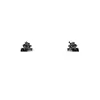
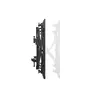
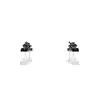
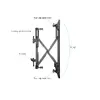
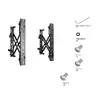
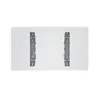
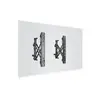
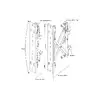
The Multibrackets M Pro Series Push in Pop out VESA 400 is a wall mount designed for video wall and multi-screen installations, supporting flat-panel displays from 40 to 65 inches with a maximum load of 30 kg. The mount accepts VESA patterns from 100 x 100 mm up to 400 x 400 mm and provides a small tilt adjustment range of -3° to 3°. Engineered with a push-to-pop-out mechanism and an adjustable pantograph alignment system, the product allows quick access for maintenance and fine alignment of individual screens within a multi-screen array. The finish is black steel suitable for professional and commercial environments such as menu boards, signage and meeting rooms.
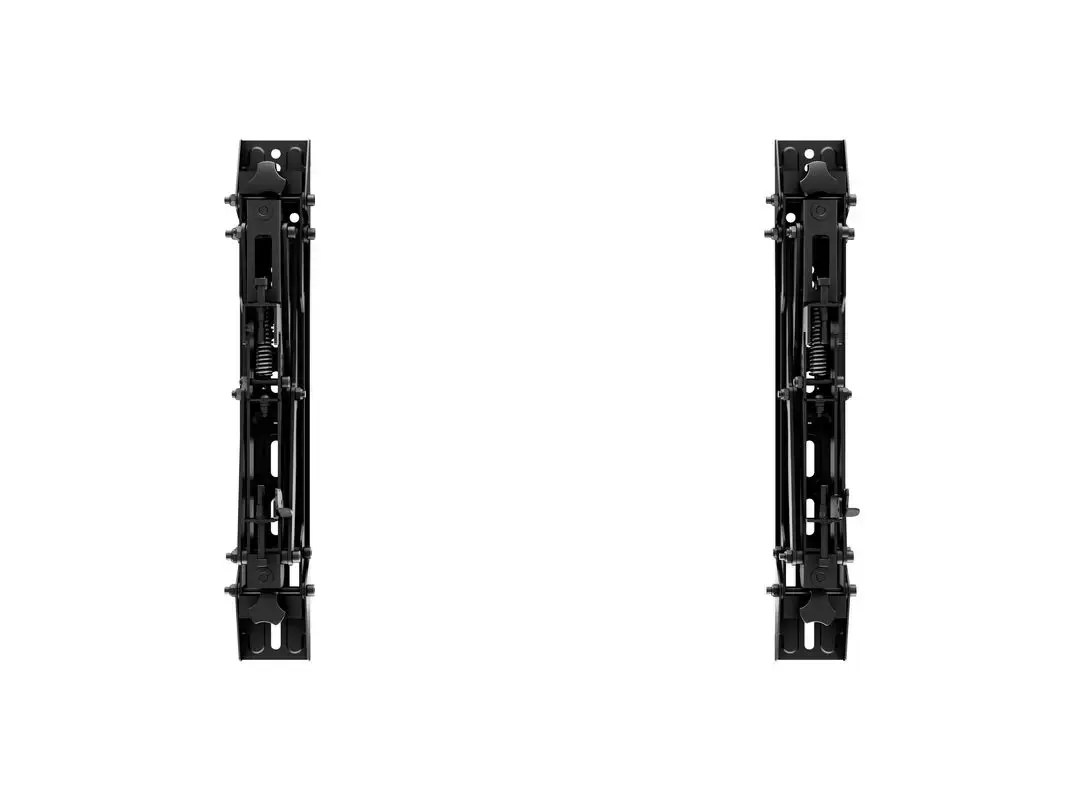
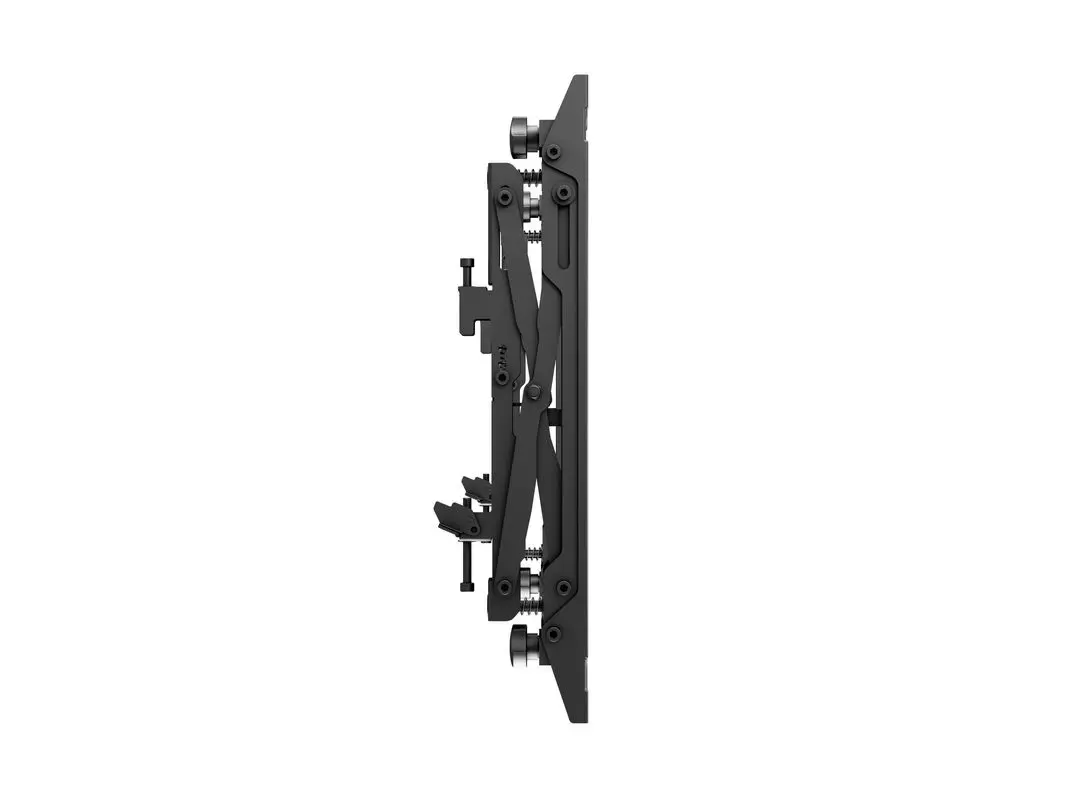
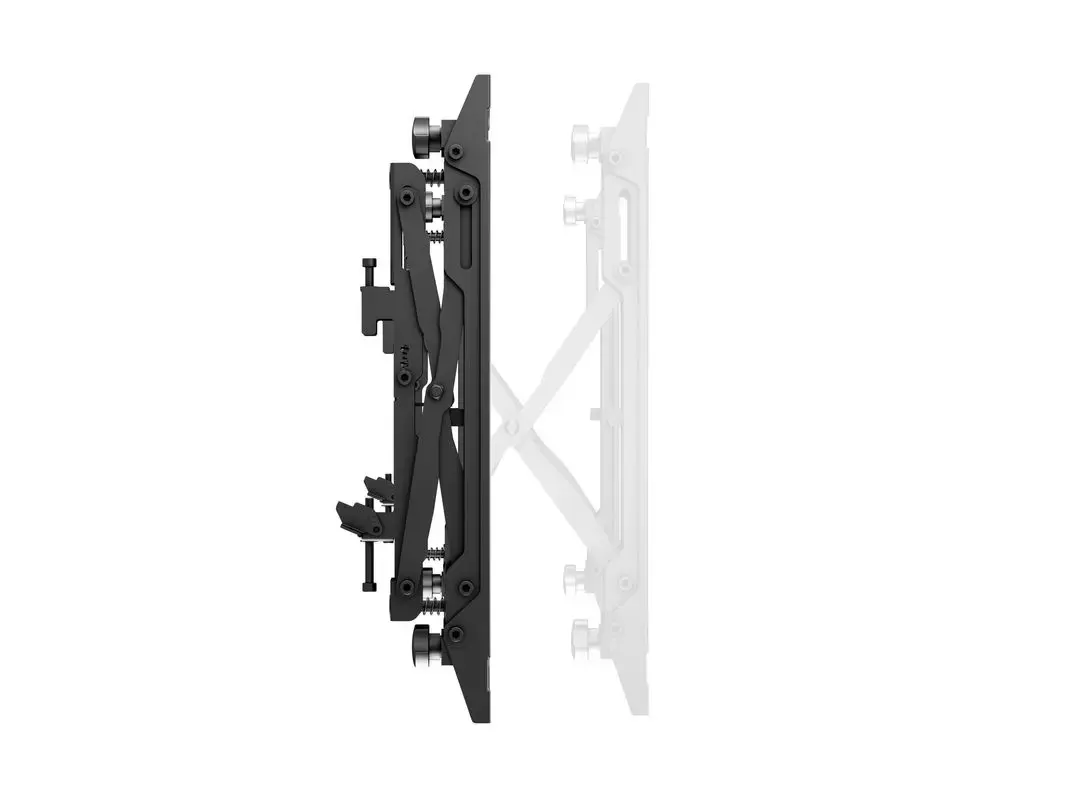
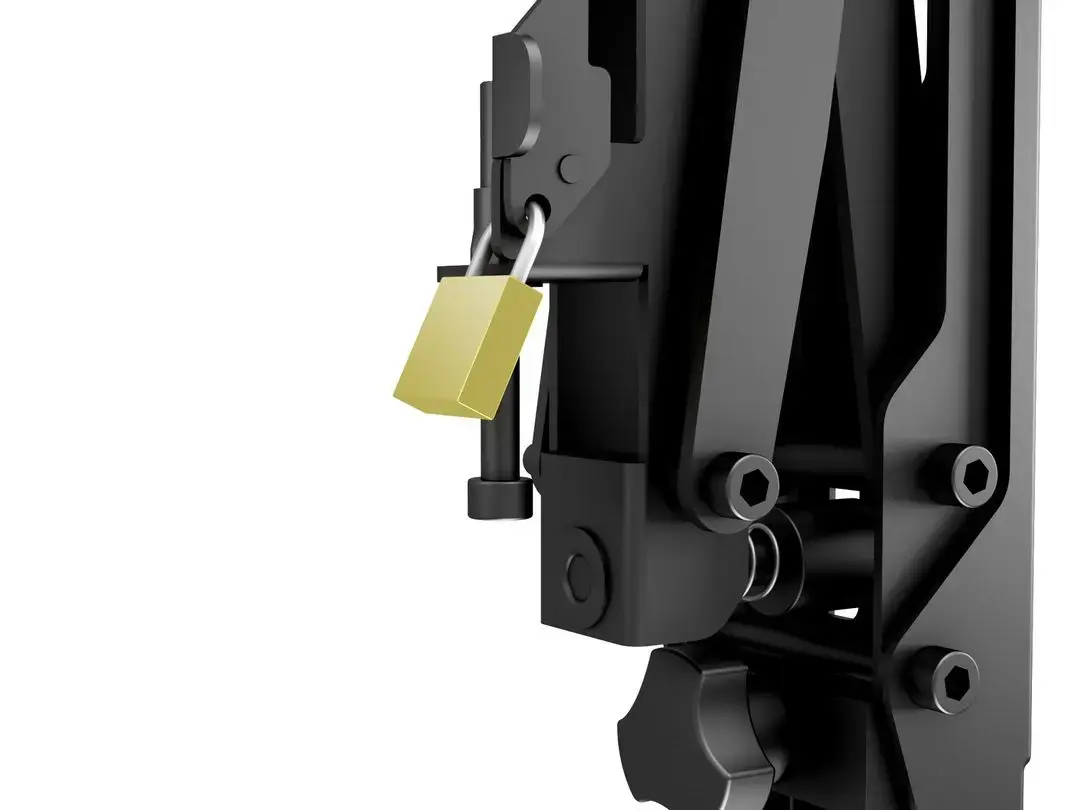
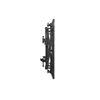
The push in / pop out mechanism enables fast and safe access to any display without disassembling neighboring units, simplifying service and reducing downtime. Built-in fine-tune adjustment knobs allow precise depth, lateral and vertical alignment of each screen, speeding up installation and ensuring a uniform video wall appearance. Constructed in steel with a compact profile, the mount combines load-bearing capacity with a low visual footprint appropriate for recessed or surface-mounted installations.
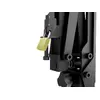
Mount the bracket assembly to a suitable load-bearing wall following local building codes and using appropriate fixings for the wall material. Attach the display to the bracket using screws matching the display’s VESA pattern, ensuring the weight does not exceed 30 kg. To service a screen, push the display inward briefly to release the lock and allow the arm to extend so the display pops out for access. After maintenance, push the screen back into the mounting until it locks into place. Use the integrated adjustment knobs to fine-tune depth, side-to-side and height alignment so each screen sits flush with neighboring units.
Verify wall structure and load capacity before installation. Use only hardware, screws and anchors compatible with the display manufacturer’s recommendations and the mounting bracket. When installing multiple units, align and secure each mount before final fine-tuning to achieve consistent gaps and angles across the video wall. Periodically check mount fixings and adjustment knobs to maintain secure attachment and alignment.
{{highlightedFeature.featureTitle}}:
{{getProductFeatureValueById(product, highlightedFeature.featureId)}}
{{ productComparisonGenerationError }}