A curated selection of maximum value offers!
In cart {{totalProductsCount}} item(s)
Your cart is empty
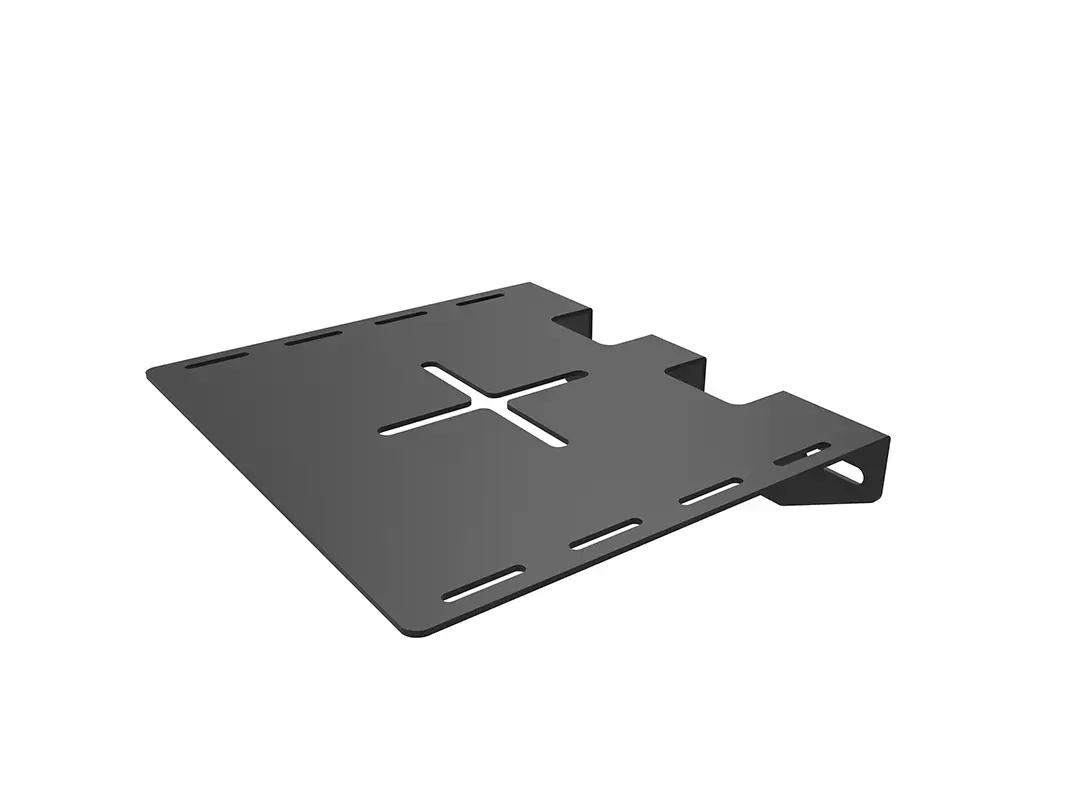
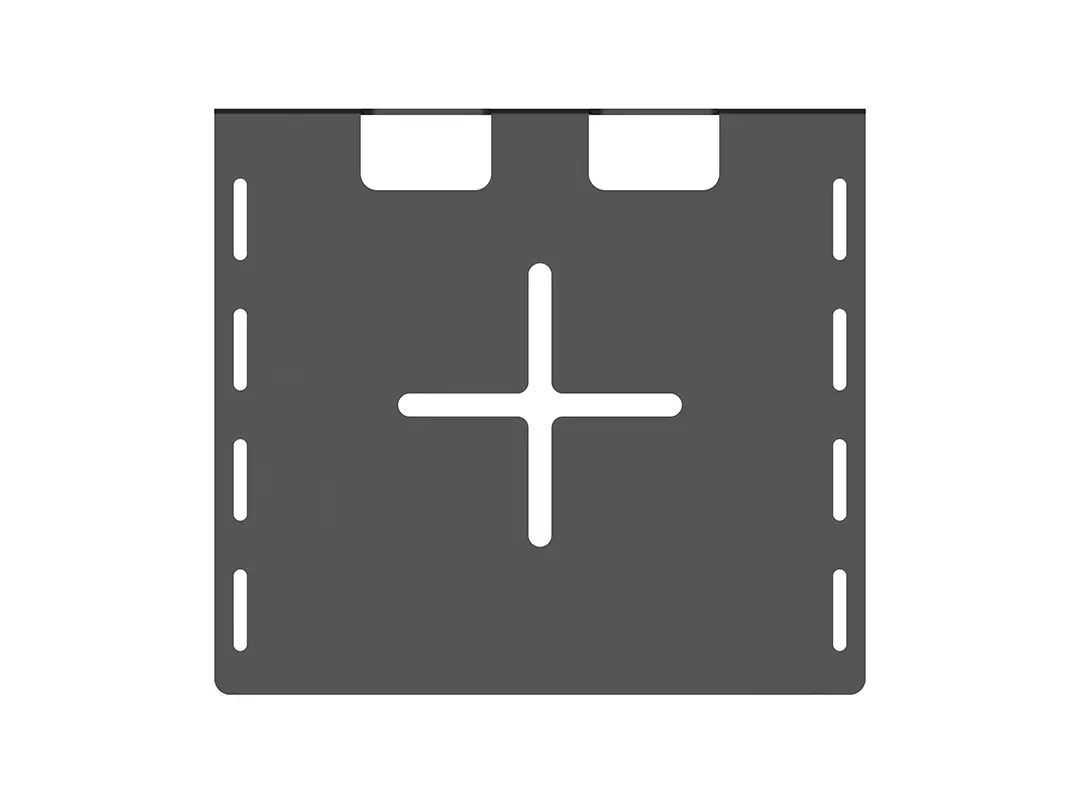
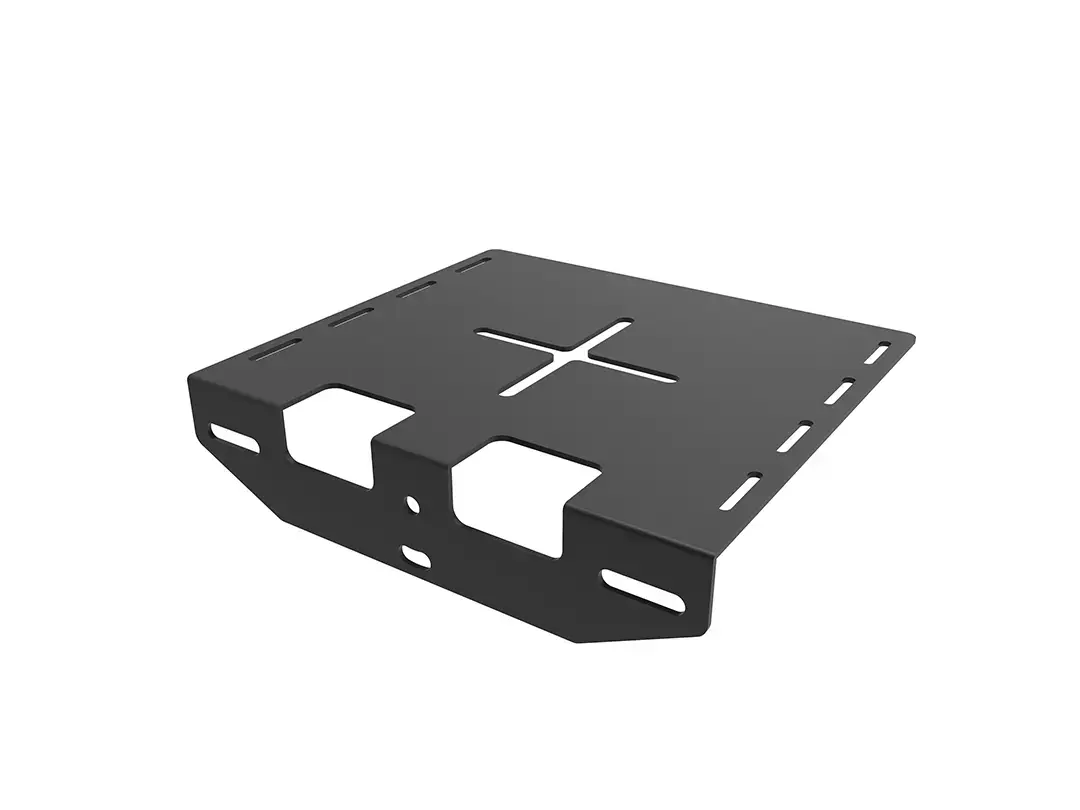
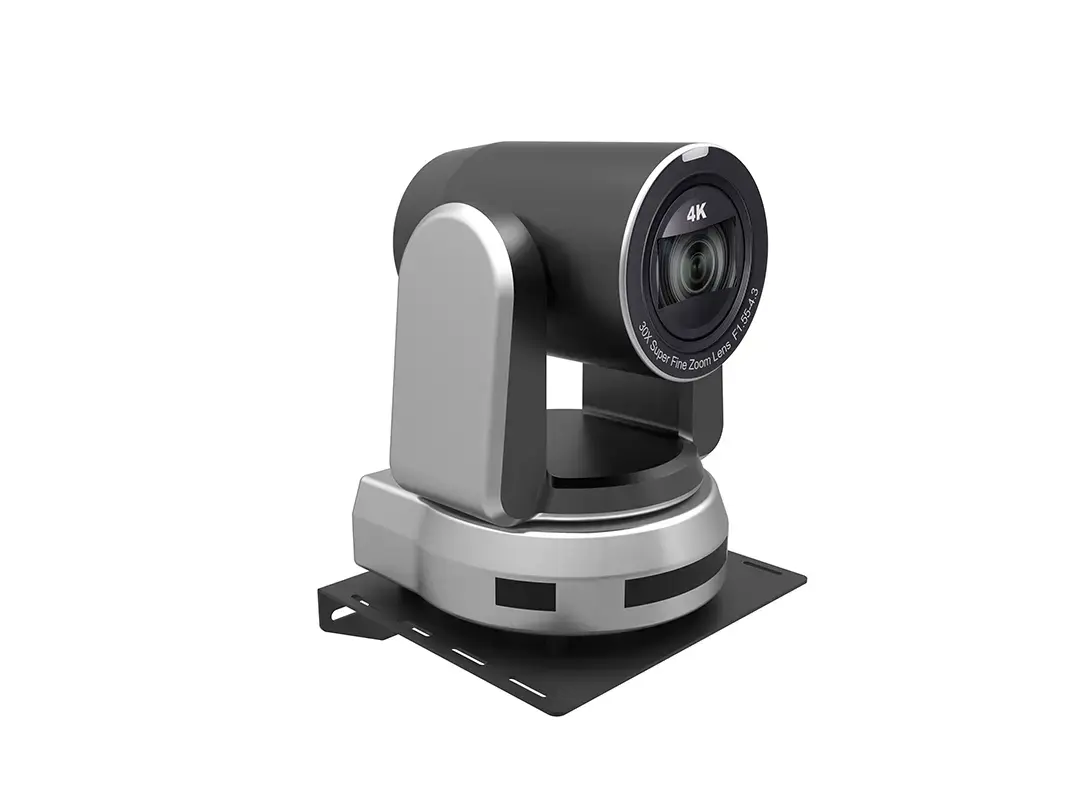
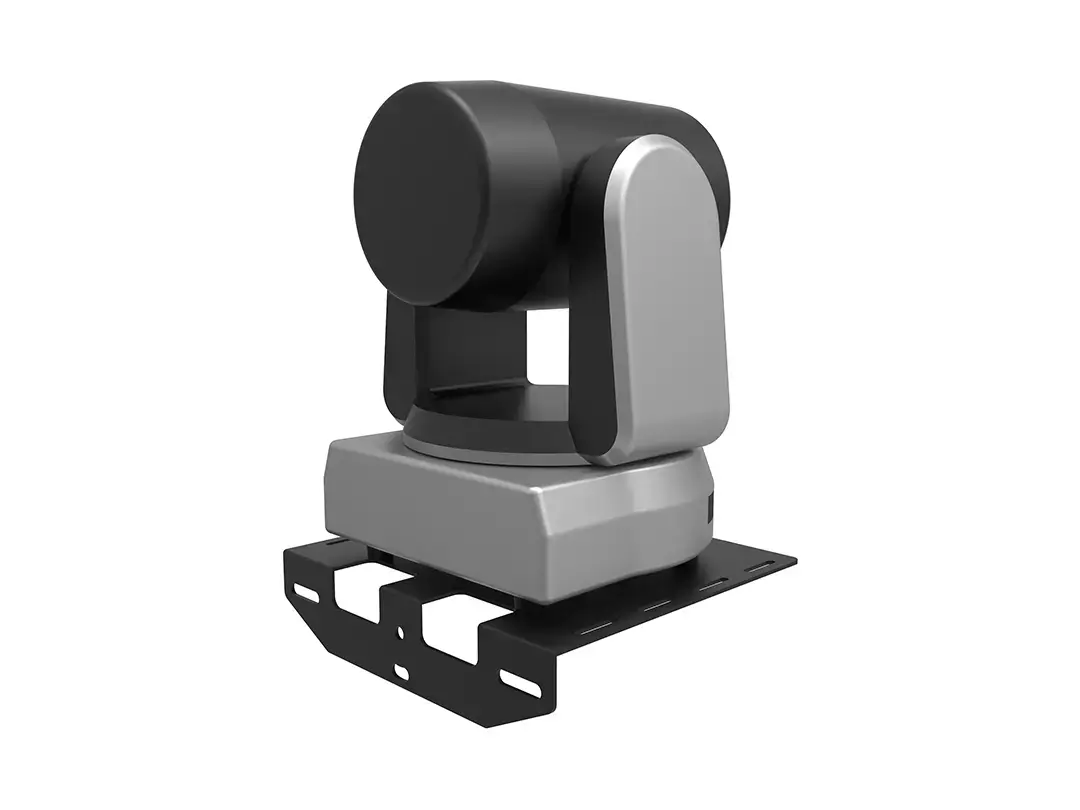
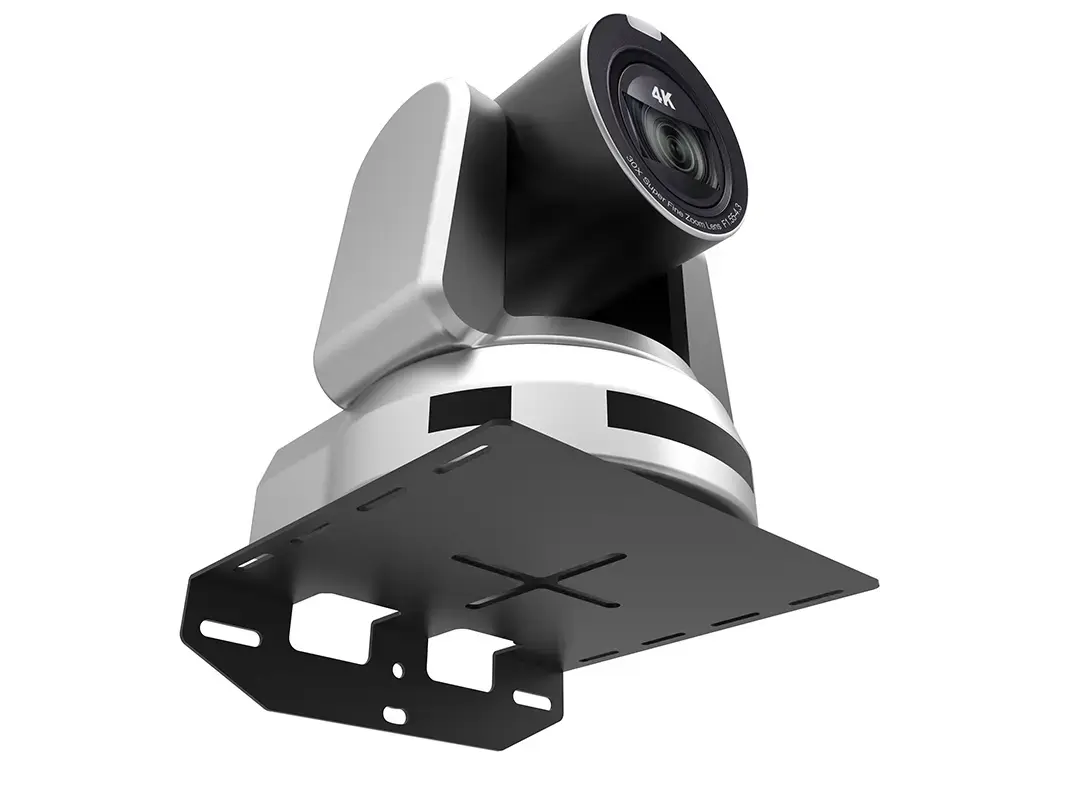
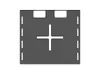
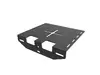
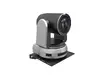
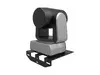
Multibrackets M Universal Camera Mount Wall, Steel, Black
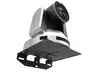
The Multibrackets M Universal Camera Mount Wall is a professional-grade mounting solution designed to provide a stable and secure platform for cameras and video conferencing equipment. Constructed from high-quality, durable steel and finished in a sleek black coating, this mount is engineered to support equipment weighing up to 10kg. Its versatile design allows for flexible installation, making it an essential component for modern AV setups in offices, studios, or surveillance environments.
This camera mount offers exceptional stability and reliability for various imaging devices, including PTZ cameras and video conferencing systems. The robust steel construction ensures long-term durability, while the adjustable design allows for precise positioning above or below a display to maintain optimal sightlines. Integrated cable management features help maintain a clean and professional appearance by concealing unsightly wires, contributing to a clutter-free workspace.
This mount is specifically designed for wall installation and may not be suitable for mounting on non-load-bearing surfaces or thin partitions without proper reinforcement. It is intended for standard camera and AV equipment and may not accommodate specialized industrial hardware that exceeds the 10kg weight capacity or requires unique mounting patterns not supported by the universal design.
To install the Multibrackets M Universal Camera Mount Wall, first determine the optimal position relative to your display, ensuring the wall surface is capable of supporting the weight of the mount and camera. Secure the bracket to the wall using the included hardware, ensuring it is level. Once the base is fixed, adjust the height and depth settings to align your camera perfectly with your display. Finally, route your cables through the integrated management system to ensure a tidy setup and attach your camera securely to the platform.
For the best results, ensure the mount is installed at eye level to maintain natural framing during video calls. Regularly inspect the mounting screws to ensure they remain tight, especially in environments with high traffic or vibration.
{{highlightedFeature.featureTitle}}:
{{getProductFeatureValueById(product, highlightedFeature.featureId)}}
{{ productComparisonGenerationError }}