
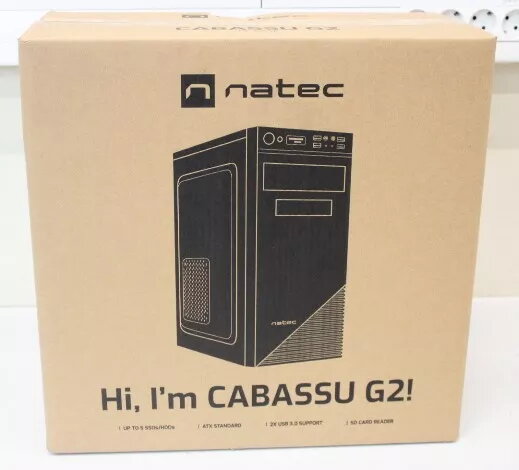
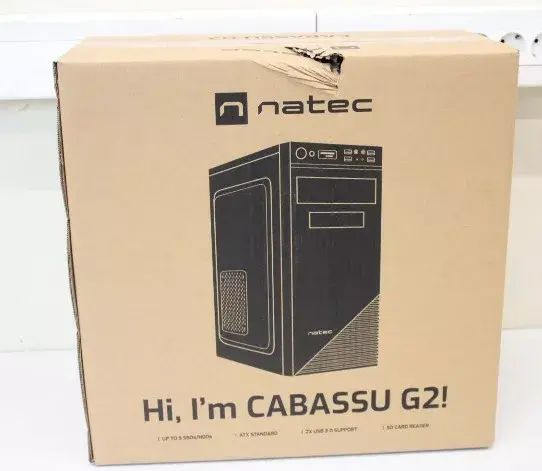
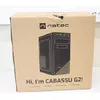
The Natec Cabassu G2 is a functional Midi Tower PC case designed to house ATX motherboards, offering a balanced solution for users building a reliable desktop computer. Its minimalist black aesthetic ensures it fits seamlessly into any office or home workspace, while the internal layout provides sufficient room for essential hardware components. The chassis is engineered to support various GPU sizes, making it a versatile choice for standard builds.
Advantages
This PC case excels in providing a straightforward installation process for system builders. The internal structure is optimized for airflow, featuring multiple ventilation points that help maintain stable operating temperatures for your components. Its robust construction ensures durability, while the spacious interior allows for efficient cable management, contributing to a cleaner build and improved thermal performance. The design prioritizes practicality, ensuring that all necessary ports and expansion slots are easily accessible.
Suitable for
- Home office desktop computers
- Budget-friendly gaming builds
- General-purpose workstations
- Educational or office environments
When it may not be suitable
This case may not be ideal for high-end enthusiast builds requiring extensive liquid cooling radiators or multiple large graphics cards, as the internal dimensions are optimized for standard ATX configurations. Users looking for advanced features like tempered glass side panels or integrated RGB lighting controllers may find this model too simplistic.
Key specifications
- Form factor: Midi Tower
- Motherboard compatibility: ATX
- Color: Black
- Ventilation: Multiple fan mounting options
- Expansion: Support for standard GPU sizes
How to use
To assemble your system, remove the side panels to access the interior chassis. Install your power supply unit in the designated area, followed by the motherboard, ensuring all standoffs are correctly aligned. Once the motherboard is secured, install your storage drives and graphics card. Connect all necessary power and data cables, routing them through the provided gaps to keep the airflow path clear. Finally, attach your cooling fans to the designated ventilation points before closing the side panels.
What to consider before purchase
- Verify that your motherboard form factor is compatible with the ATX standard.
- Check the dimensions of your graphics card to ensure it fits within the chassis limits.
- Consider the number of storage drives you intend to install.
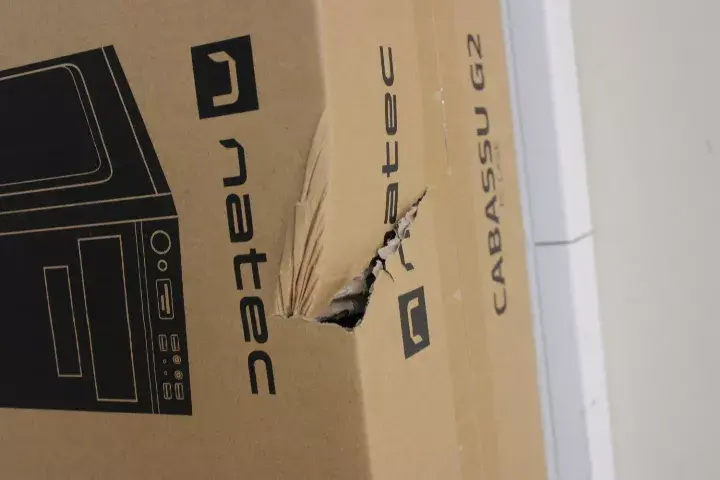
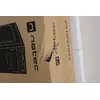
- Note that the packaging may be damaged, though the product itself remains in new condition.
Usage recommendations
For optimal performance, ensure that all intake and exhaust fans are positioned correctly to create a consistent airflow path through the case. Regularly clean the ventilation areas to prevent dust accumulation and maintain efficient cooling for your hardware.