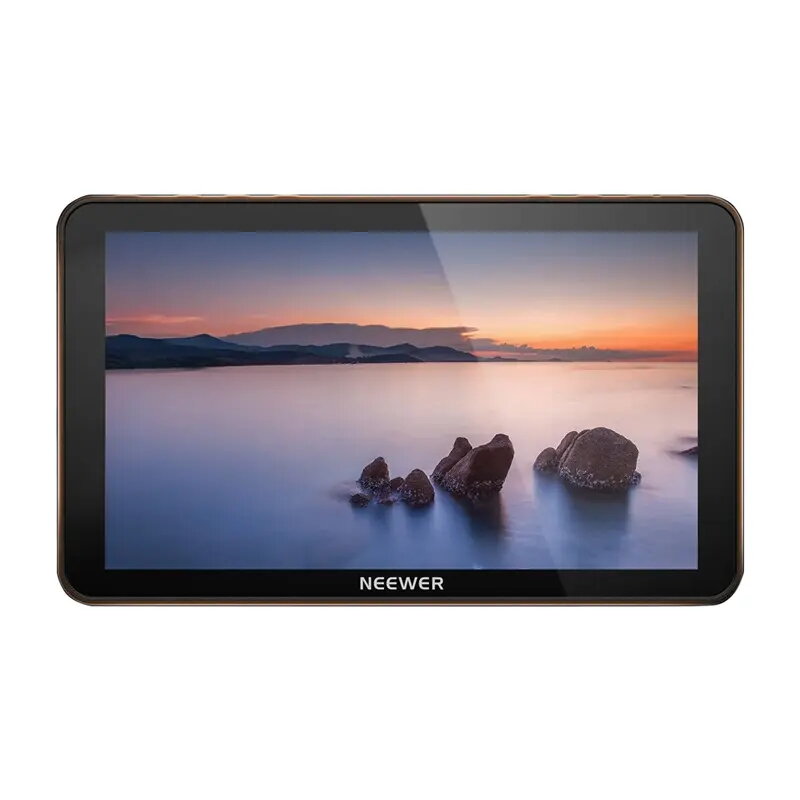
The Neewer F700 is a professional 7-inch LCD monitor designed to provide high-quality visual feedback for filmmakers and photographers. With a resolution of 1280x800 pixels, it delivers clear and vibrant images, making it an essential tool for precise framing and focus during video production. Its compact and lightweight design ensures excellent portability, allowing for seamless integration into various shooting environments, from studio setups to on-location field work.
Advantages
The primary advantage of the Neewer F700 is its versatility and ease of use in diverse lighting conditions. The high-resolution display ensures that every detail is captured accurately, while the multiple input format support allows for compatibility with a wide range of cameras and video devices. Its robust build quality combined with a user-friendly interface makes it a reliable choice for professionals who require consistent performance. The monitor's ability to handle different signal types simplifies the workflow, reducing the need for additional adapters or complex configurations.
Suitable for
- Professional video production and cinematography
- Field photography and outdoor video shoots
- Studio monitoring and live streaming setups
- DSLR and mirrorless camera external monitoring
When it may not be suitable
This monitor may not be the ideal choice for users requiring 4K native resolution display, as its panel resolution is 1280x800. Additionally, while it is highly portable, it is designed primarily for on-camera or tripod-mounted use and may not be suitable for high-end color grading environments that require specialized, reference-grade broadcast monitors.
Key specifications
- Display size: 7 inches
- Resolution: 1280x800 pixels
- Input support: Multiple video formats
- Design: Compact and portable
- Application: Video production and photography
How to use
To use the Neewer F700, mount the device onto your camera or a compatible tripod using the integrated mounting points. Connect your camera to the monitor using a high-quality HDMI cable. Once connected, power on the device using a compatible battery or external power source. Navigate through the menu settings to adjust brightness, contrast, and input signal preferences to match your specific shooting requirements. Ensure the monitor is securely fastened before beginning your recording session.
What to consider before purchase
- Check your camera's output resolution to ensure compatibility with the monitor's input range.
- Verify that you have the necessary HDMI cables for your specific camera model.
- Consider your power requirements, such as whether you will use batteries or a continuous power adapter.
Usage recommendations: To maintain the longevity of the screen, avoid exposing the monitor to extreme temperatures or direct moisture. Always power down the device before disconnecting power sources to prevent potential electrical issues.