
Powerful EcoFlow stations for energy anywhere!
In cart {{totalProductsCount}} item(s)
Your cart is empty
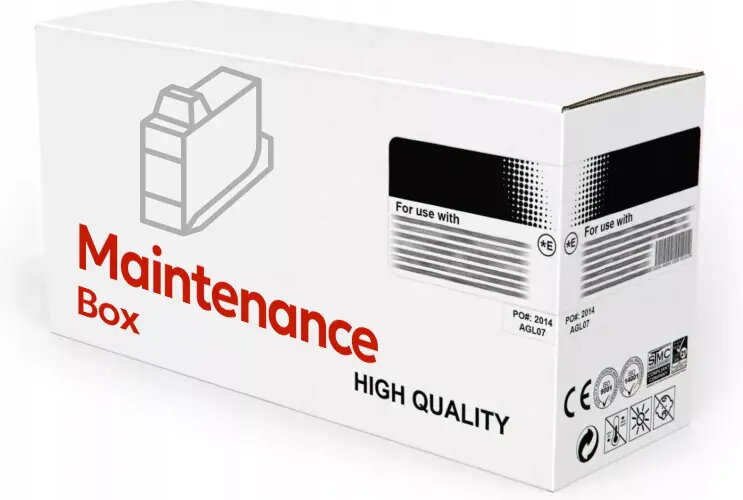
Maintenance box Compatible Epson T6714 (C13T671400) — replacement waste ink absorber
Compatible Epson T6714 (C13T671400) maintenance box is a replacement waste ink absorber designed for Epson inkjet printers that use the T6714 series maintenance unit. It collects and contains excess ink produced during head cleaning cycles and normal printing maintenance, helping to restore correct waste-ink handling and prevent overflow-related errors. The unit is intended as a consumable part to be replaced when the original maintenance box is full or when the printer indicates a waste-ink counter warning.
This compatible maintenance box provides an effective and economical way to replace a saturated waste ink absorber without requiring immediate manufacturer service. It fits printers designed for the T6714 maintenance unit and restores the printer's ability to collect excess ink during cleaning cycles. Installing a new maintenance box can reduce the risk of ink leakage, clear waste-ink counter warnings in many cases, and allow the printer to continue operating reliably until the next scheduled service.
This compatible maintenance box is intended as a consumable replacement and may not be suitable if the printer requires an authorized service intervention for other faults or if the waste-ink system has been physically damaged or contaminated beyond the absorber unit. It is not a permanent repair for printers with mechanical or electronic failures unrelated to the waste-ink absorber.
Turn off the printer and follow the manufacturer's instructions for accessing the maintenance box compartment. Remove the old maintenance box carefully to avoid spilling ink; place it on a disposable surface if needed. Insert the compatible T6714 maintenance box into the printer in the correct orientation until it seats securely. Restart the printer and perform any required reset procedure or service menu operation if the device provides a waste-ink counter reset option. Dispose of the used maintenance box according to local regulations for ink-containing waste.
Use the maintenance box as part of routine printer maintenance: replace it when the printer indicates a waste-ink counter warning or when print quality and cleaning behavior suggest saturation. Store spare units in their original packaging, away from heat and direct sunlight, and follow local guidelines for disposal of ink-containing consumables.
{{highlightedFeature.featureTitle}}:
{{getProductFeatureValueById(product, highlightedFeature.featureId)}}
{{ productComparisonGenerationError }}