
Leave your address - as soon as the price of the product goes down, you'll know about it right away
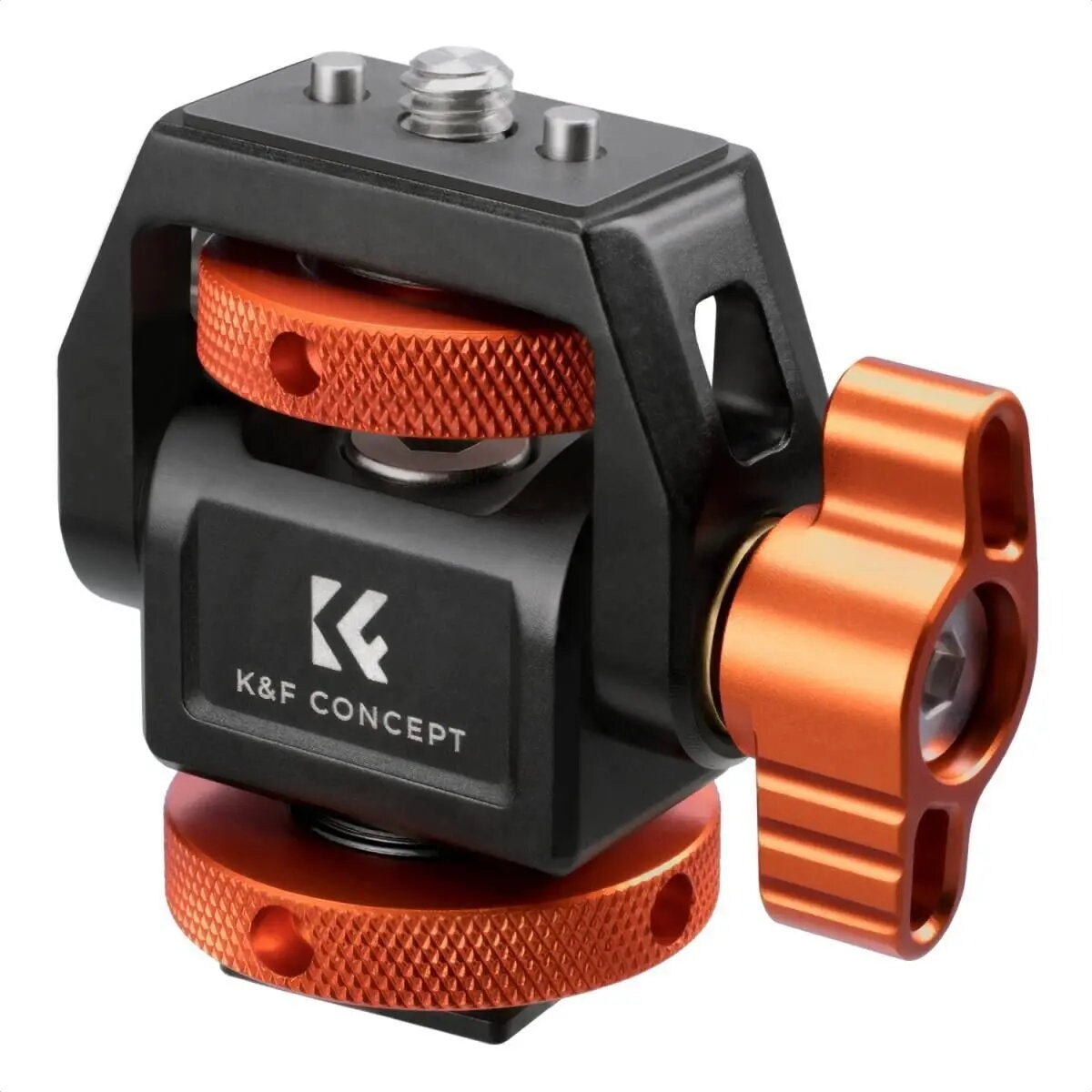
Neomounts MS-42 Monitor Mounting Bracket Orange and Black
In cart {{totalProductsCount}} item(s)
Your cart is empty
Neomounts MS-42 Monitor Mounting Bracket Orange and Black
Leave your address - as soon as the price of the product goes down, you'll know about it right away
Neomounts MS-42 Monitor Mounting Bracket Orange and Black
The Neomounts MS-42 monitor mounting bracket is a robust and reliable solution designed to securely hold your display in place. Featuring a distinctive orange and black color scheme, this mount is engineered to provide stable support while helping to optimize your workspace ergonomics. By allowing for improved viewing angles, it helps reduce neck and eye strain, making it an essential accessory for both professional office environments and home setups that require a durable and functional mounting solution.
This mounting bracket offers exceptional stability and durability, ensuring that your monitor remains securely positioned throughout the workday. The high-quality construction provides peace of mind for users who need a dependable mount that can withstand daily use. Its ergonomic design facilitates better posture by enabling users to adjust their screens to the optimal height and angle, which is crucial for long-term comfort. Furthermore, the unique orange and black aesthetic adds a modern touch to any workstation, distinguishing it from standard, purely utilitarian mounting hardware.
This bracket may not be suitable for monitors that do not meet the specific weight or VESA mounting pattern requirements of the device. It is also not intended for use with non-standard display types or surfaces that cannot support the weight of the mount and the monitor combined.
To use the Neomounts MS-42, first ensure that your monitor is compatible with the bracket's mounting interface. Attach the bracket securely to your chosen surface or existing monitor arm following the provided installation instructions. Once the bracket is firmly in place, align the mounting holes on the back of your monitor with the bracket interface and fasten them securely using the appropriate screws. Adjust the position of the monitor to your preferred height and angle to achieve the desired ergonomic setup.
For the best ergonomic results, position the top of your monitor screen at or slightly below eye level to maintain a neutral neck position during extended periods of use.
{{highlightedFeature.featureTitle}}:
{{getProductFeatureValueById(product, highlightedFeature.featureId)}}
