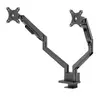
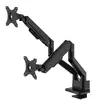
{{ totalProductsCount }}

In cart {{totalProductsCount}} item(s)

Total:
{{sum | formatAmount}}

Your cart is empty

header-product NewStar DS70-250BL2 Dual Monitor Arm for 17-32 Inch Screens with Gas Spring Topfix and 180-Degree Stop Black

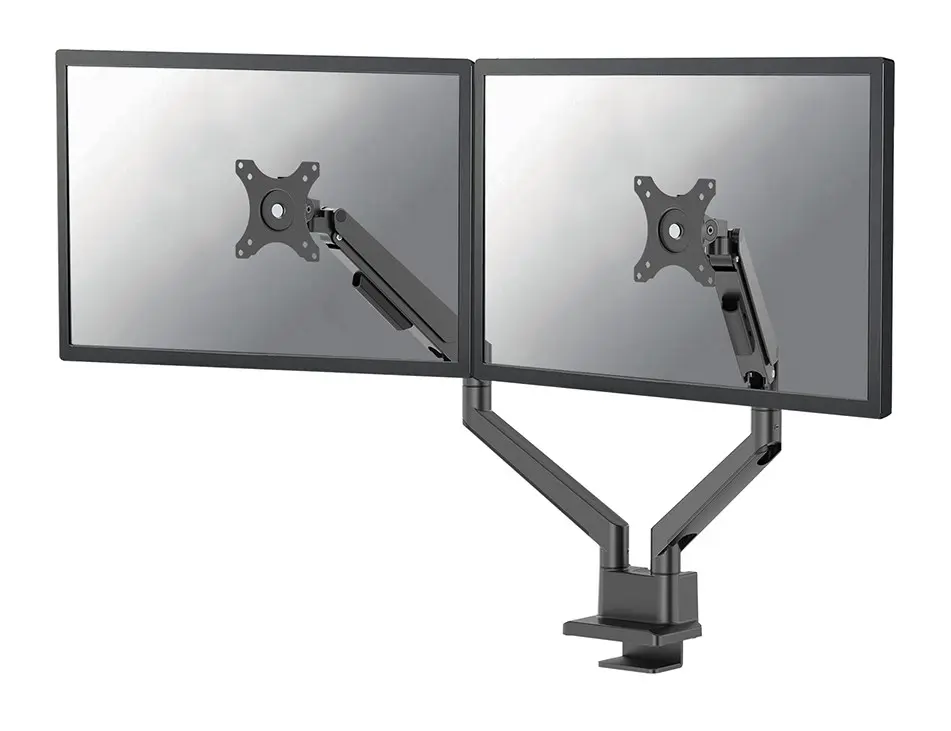
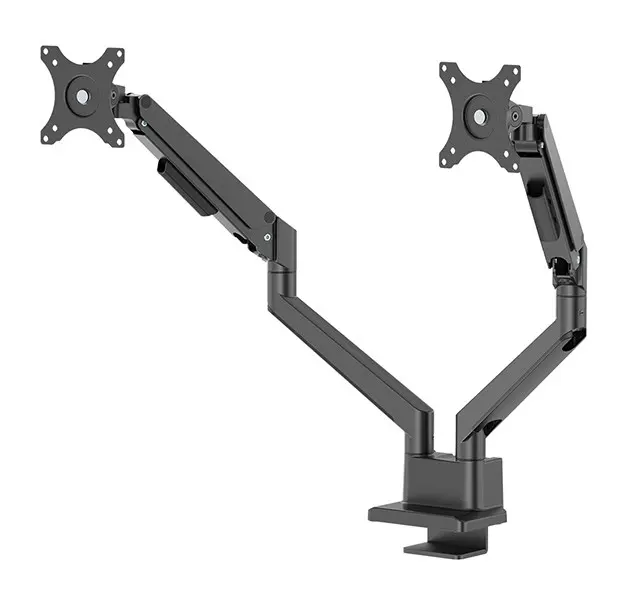
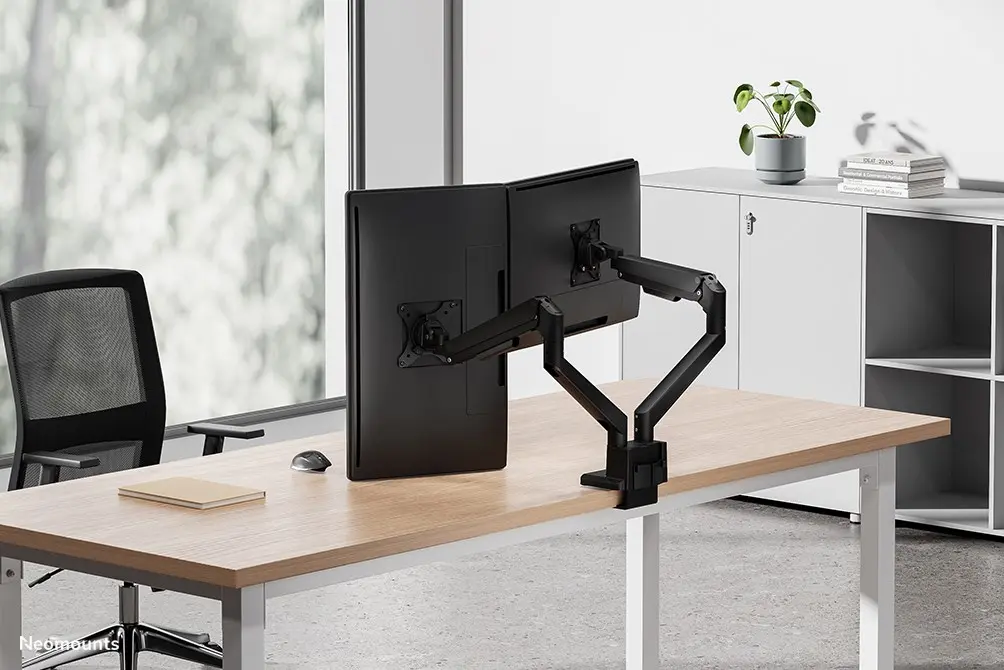
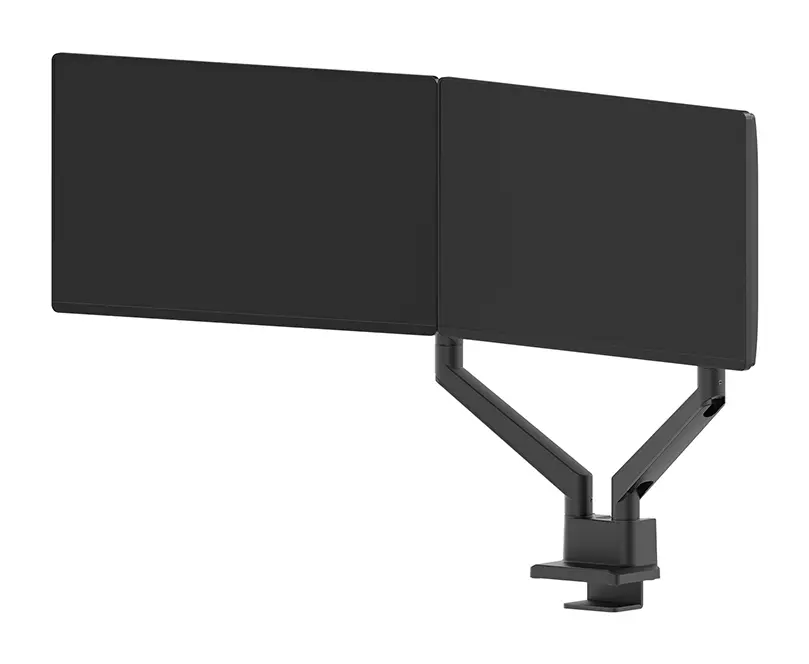
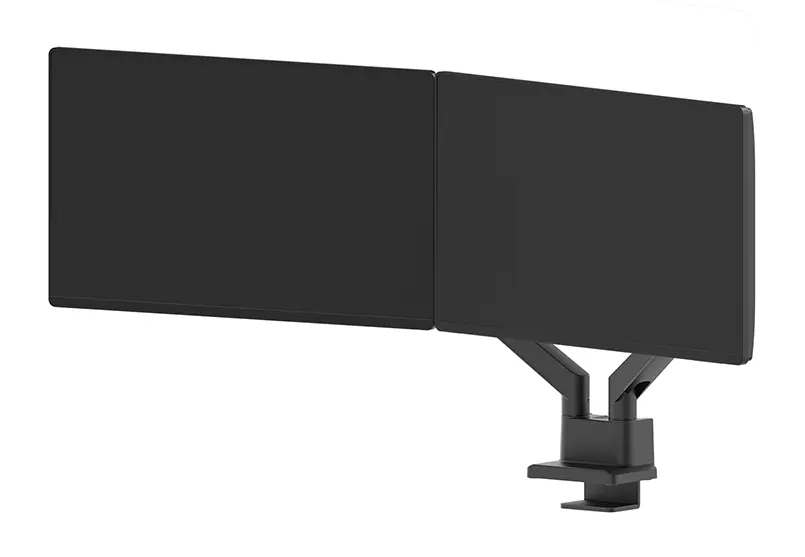
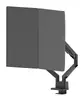
NewStar DS70-250BL2 Dual Monitor Arm for 17-32 Inch Screens with Gas Spring Topfix and 180-Degree Stop Black

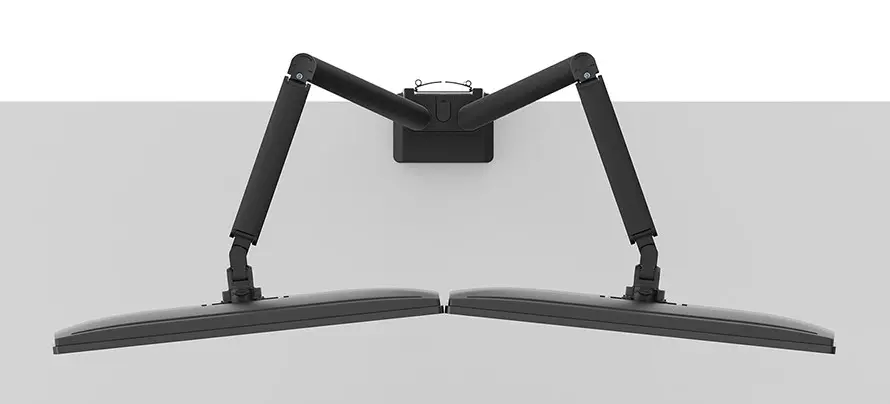
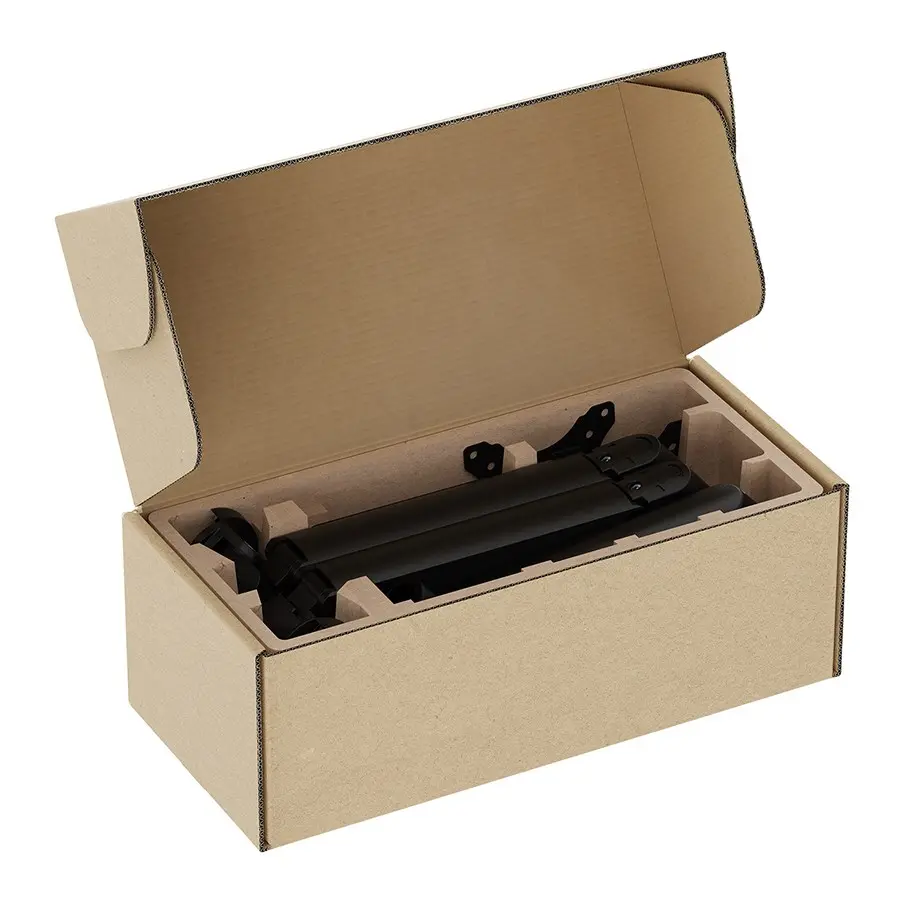
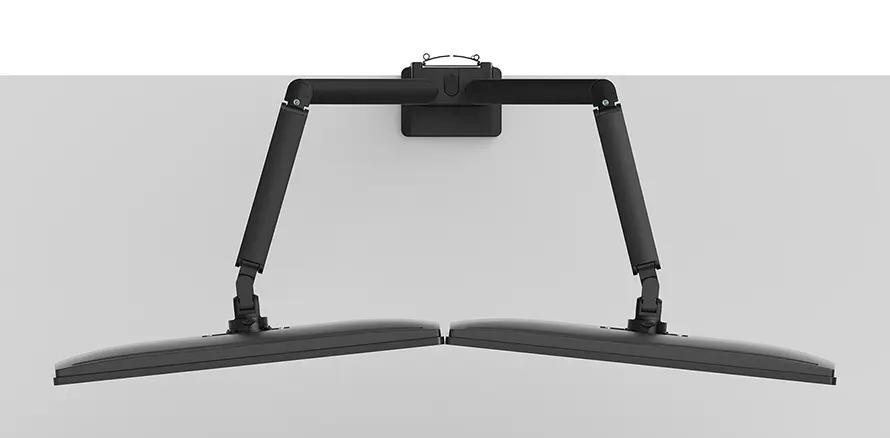
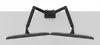
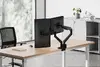
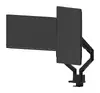
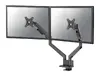
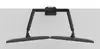
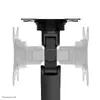
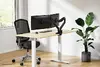
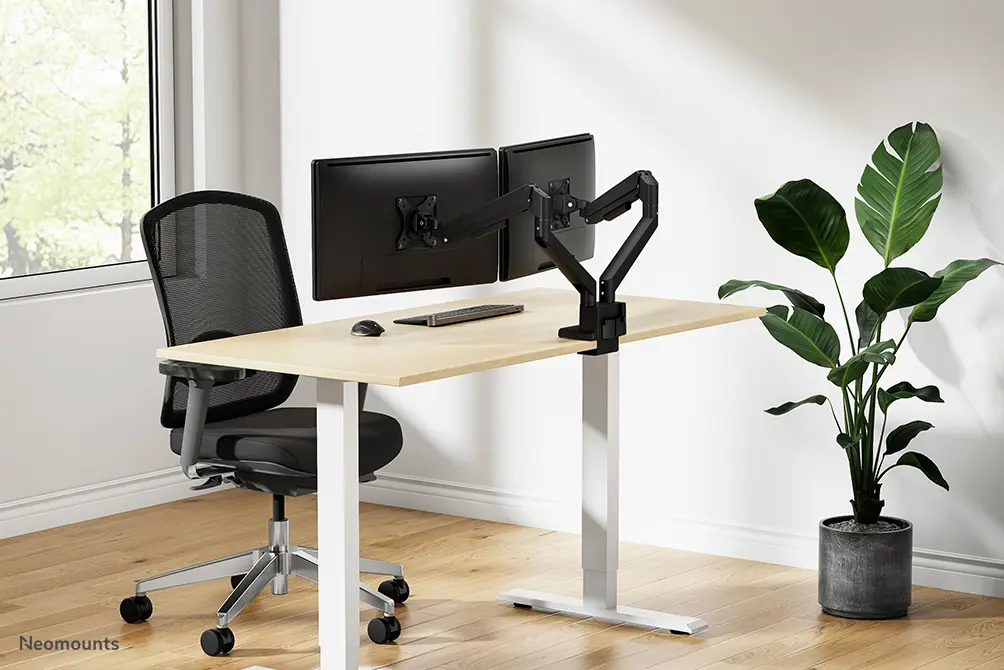
NewStar DS70-250BL2 Dual Monitor Arm Photo 1
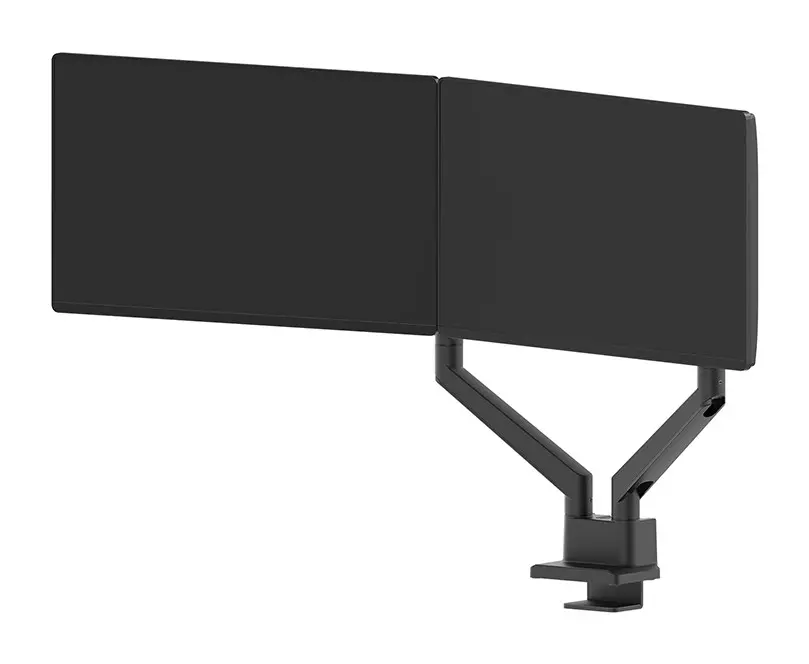
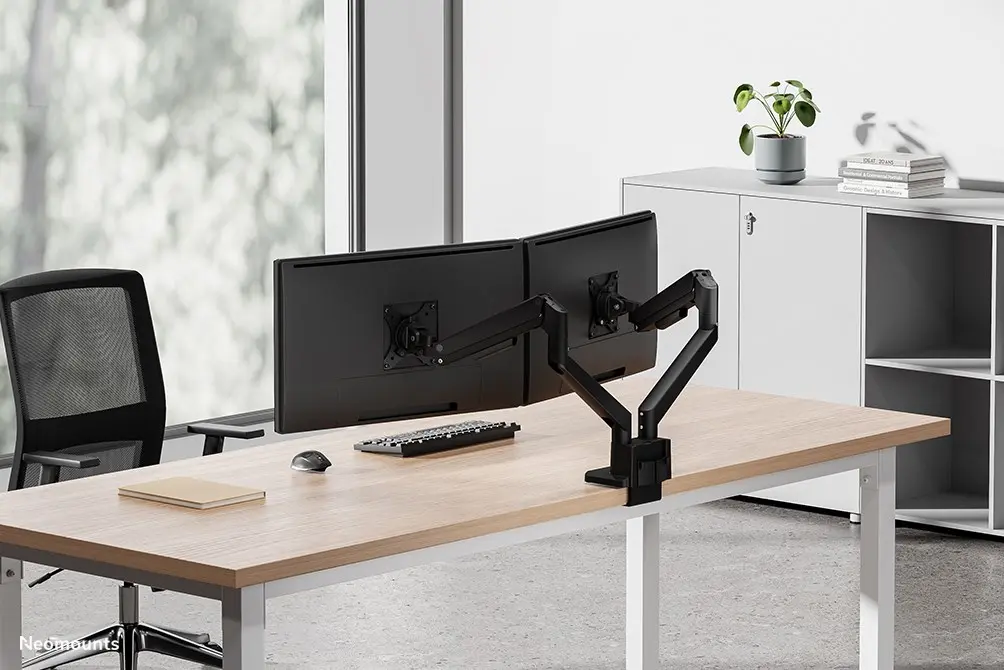
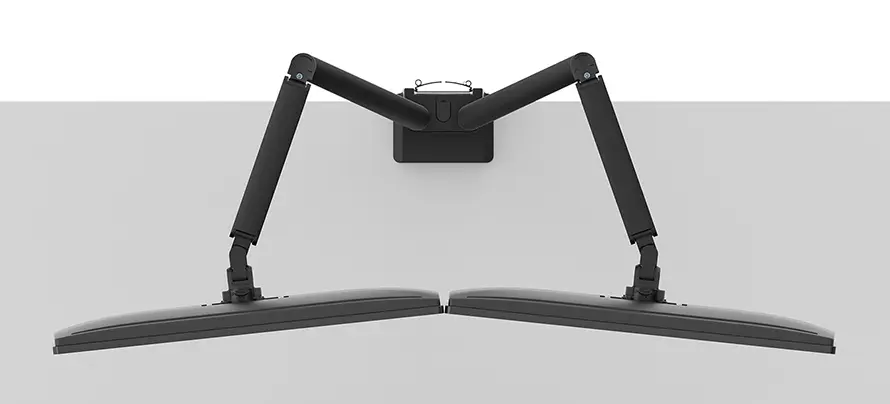
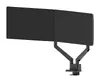
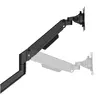
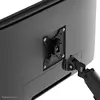
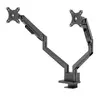
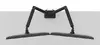
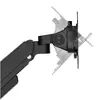
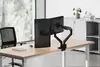
NewStar DS70-250BL2 Dual Monitor Arm Photo 2
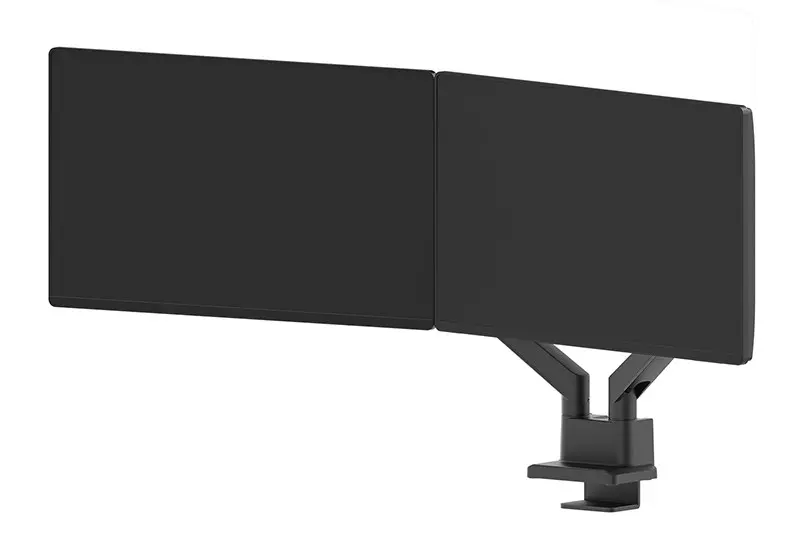
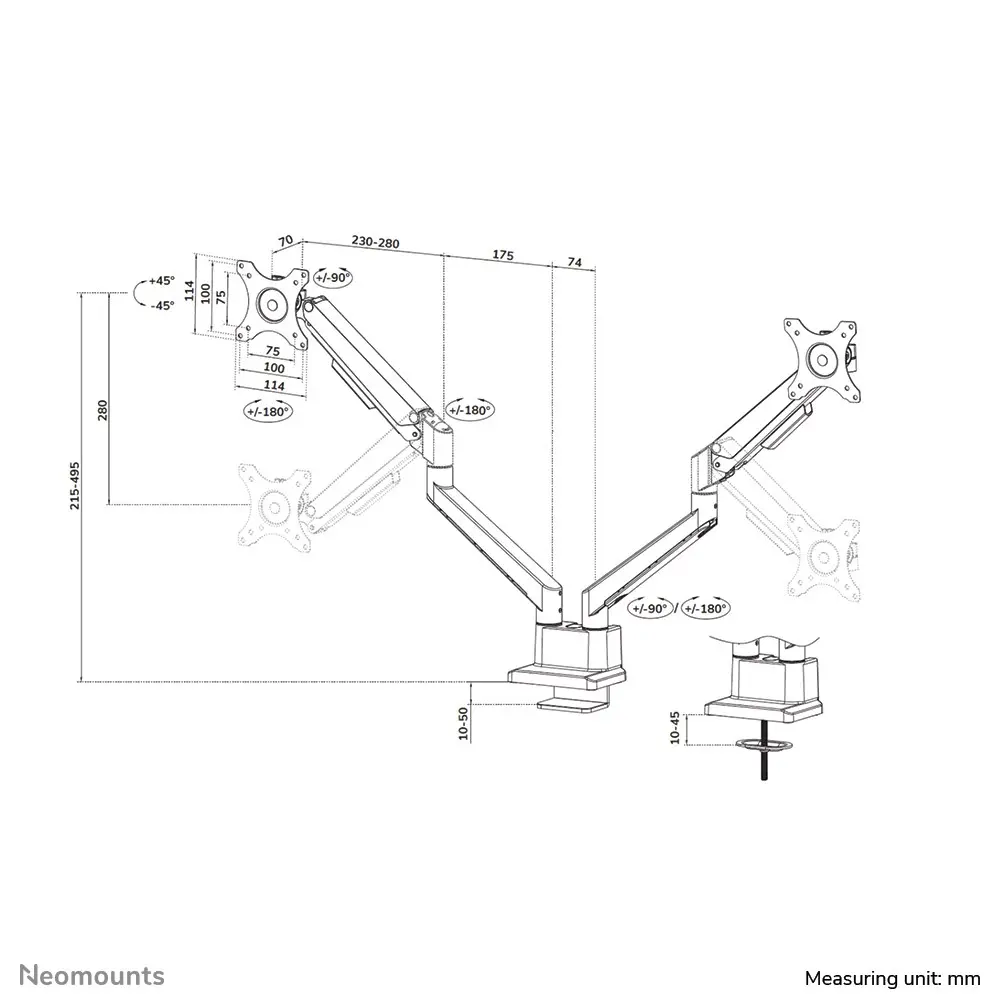
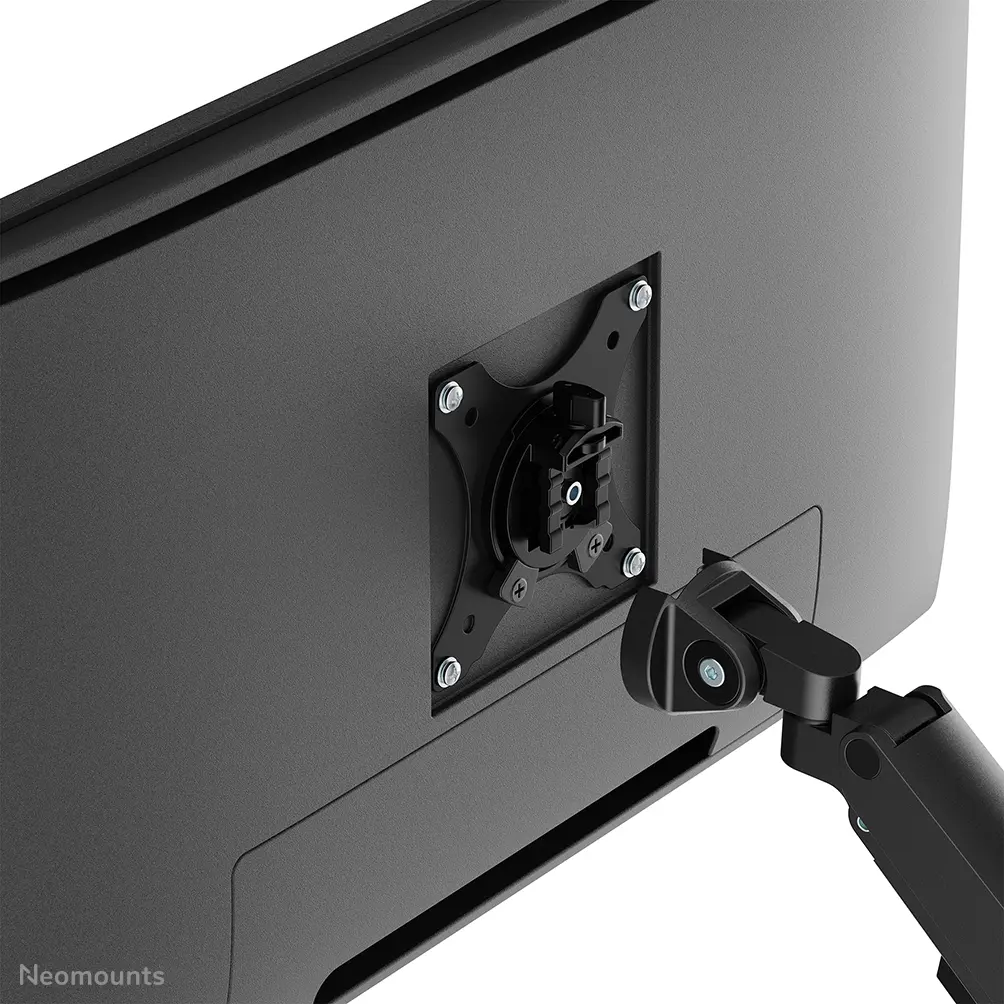
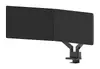
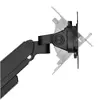
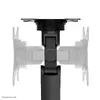
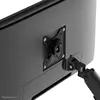
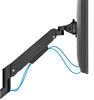
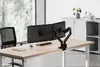
NewStar DS70-250BL2 Dual Monitor Arm Photo 3
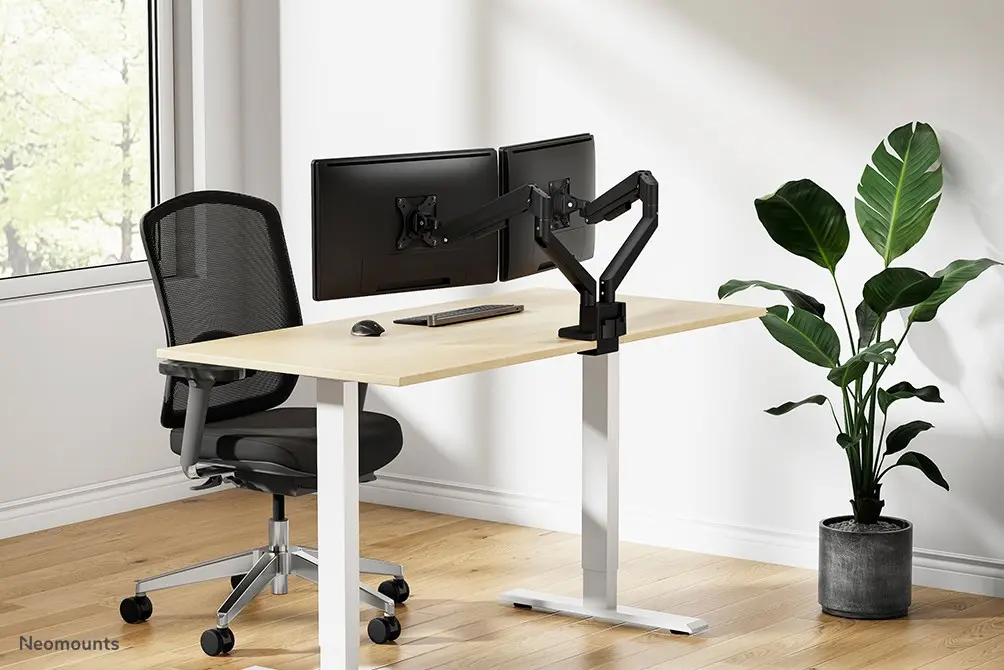
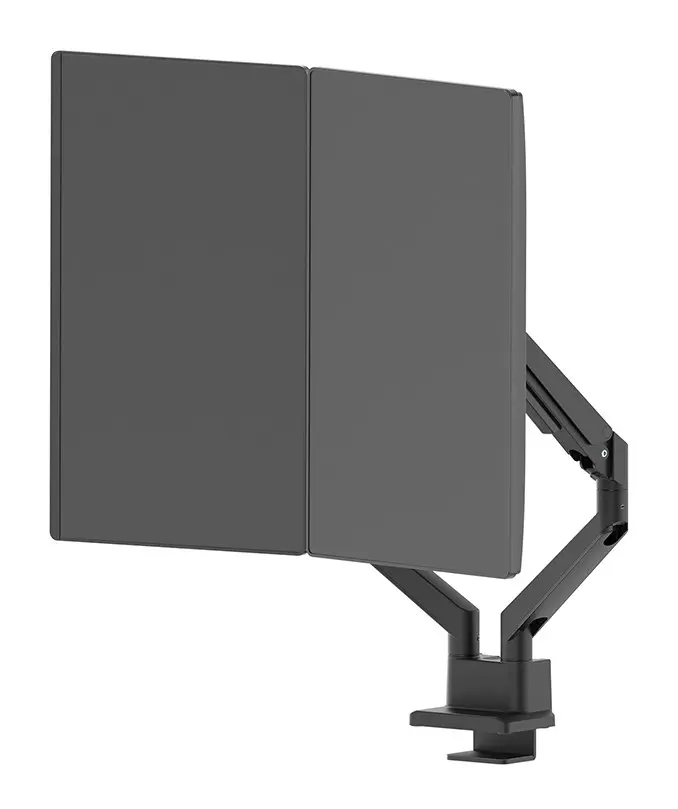
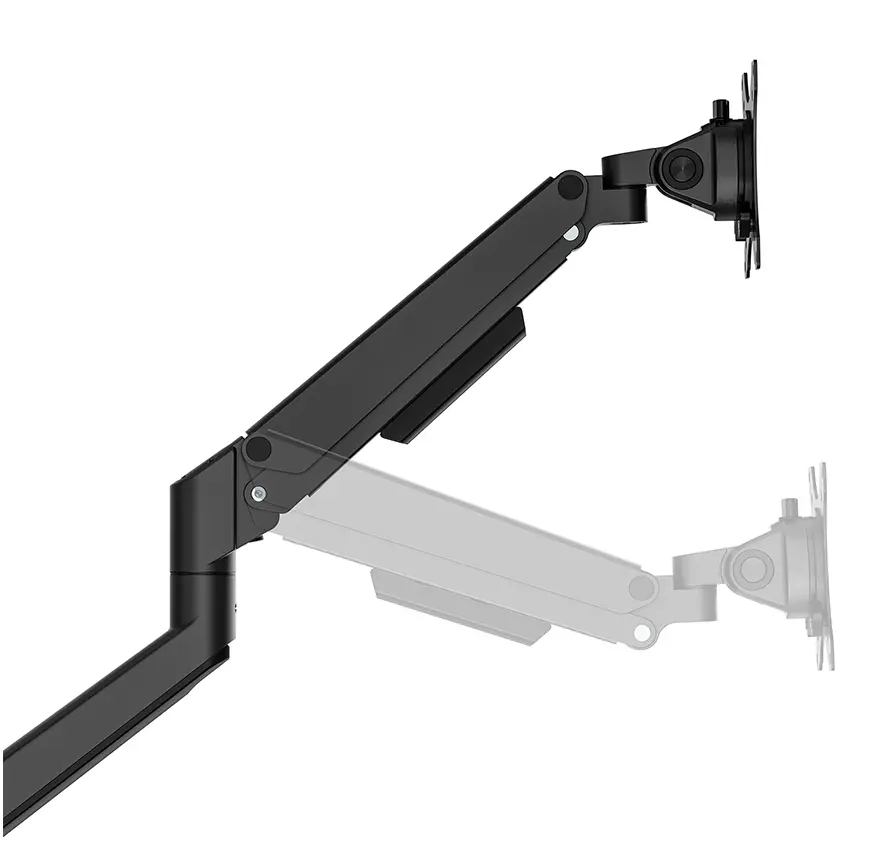
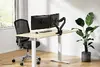
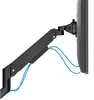
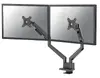
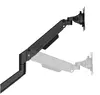
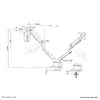
NewStar DS70-250BL2 Dual Monitor Arm Photo 4
NewStar DS70-250BL2 Dual Monitor Arm Photo 5
NewStar DS70-250BL2 Dual Monitor Arm Photo 6
NewStar DS70-250BL2 Dual Monitor Arm Photo 7
NewStar DS70-250BL2 Dual Monitor Arm Photo 8
NewStar DS70-250BL2 Dual Monitor Arm Photo 9
NewStar DS70-250BL2 Dual Monitor Arm Photo 10
NewStar DS70-250BL2 Dual Monitor Arm Photo 11
NewStar DS70-250BL2 Dual Monitor Arm Photo 12
NewStar DS70-250BL2 Dual Monitor Arm Photo 13
NewStar DS70-250BL2 Dual Monitor Arm Photo 14
NewStar DS70-250BL2 Dual Monitor Arm Photo 15
NewStar DS70-250BL2 Dual Monitor Arm Photo 16
NewStar DS70-250BL2 Dual Monitor Arm Photo 17
NewStar DS70-250BL2 Dual Monitor Arm Photo 18
NewStar DS70-250BL2 Dual Monitor Arm Photo 19
NewStar DS70-250BL2 Dual Monitor Arm Photo 20
NewStar DS70-250BL2 Dual Monitor Arm Photo 21
NewStar DS70-250BL2 Dual Monitor Arm Photo 22
NewStar DS70-250BL2 Dual Monitor Arm Photo 23
NewStar DS70-250BL2 Dual Monitor Arm Photo 24
NewStar DS70-250BL2 Dual Monitor Arm Photo 25
NewStar DS70-250BL2 Dual Monitor Arm Photo 26
NewStar DS70-250BL2 Dual Monitor Arm Photo 27
NewStar DS70-250BL2 Dual Monitor Arm Photo 28
NewStar DS70-250BL2 Dual Monitor Arm Photo 29
NewStar DS70-250BL2 Dual Monitor Arm Photo 30
NewStar DS70-250BL2 Dual Monitor Arm Photo 31
NewStar DS70-250BL2 Dual Monitor Arm Photo 32
NewStar DS70-250BL2 Dual Monitor Arm Photo 33
NewStar DS70-250BL2 Dual Monitor Arm Photo 34
NewStar DS70-250BL2 Dual Monitor Arm Photo 35
NewStar DS70-250BL2 Dual Monitor Arm Photo 36
NewStar DS70-250BL2 Dual Monitor Arm Photo 37
NewStar DS70-250BL2 Dual Monitor Arm Photo 38
NewStar DS70-250BL2 Dual Monitor Arm Photo 39
NewStar DS70-250BL2 Dual Monitor Arm Photo 40
NewStar DS70-250BL2 Dual Monitor Arm Photo 41
NewStar DS70-250BL2 Dual Monitor Arm Photo 1
NewStar DS70-250BL2 Dual Monitor Arm Photo 2
NewStar DS70-250BL2 Dual Monitor Arm Photo 3
NewStar DS70-250BL2 Dual Monitor Arm Photo 4
NewStar DS70-250BL2 Dual Monitor Arm Photo 5
NewStar DS70-250BL2 Dual Monitor Arm Photo 6
NewStar DS70-250BL2 Dual Monitor Arm Photo 7
NewStar DS70-250BL2 Dual Monitor Arm Photo 8
NewStar DS70-250BL2 Dual Monitor Arm Photo 9
NewStar DS70-250BL2 Dual Monitor Arm Photo 10
NewStar DS70-250BL2 Dual Monitor Arm Photo 11
NewStar DS70-250BL2 Dual Monitor Arm Photo 12
NewStar DS70-250BL2 Dual Monitor Arm Photo 13
NewStar DS70-250BL2 Dual Monitor Arm Photo 14
NewStar DS70-250BL2 Dual Monitor Arm Photo 15
NewStar DS70-250BL2 Dual Monitor Arm Photo 16
NewStar DS70-250BL2 Dual Monitor Arm Photo 17
NewStar DS70-250BL2 Dual Monitor Arm Photo 18
NewStar DS70-250BL2 Dual Monitor Arm Photo 19
NewStar DS70-250BL2 Dual Monitor Arm Photo 20
NewStar DS70-250BL2 Dual Monitor Arm Photo 21
NewStar DS70-250BL2 Dual Monitor Arm Photo 22
NewStar DS70-250BL2 Dual Monitor Arm Photo 23
NewStar DS70-250BL2 Dual Monitor Arm Photo 24
NewStar DS70-250BL2 Dual Monitor Arm Photo 25
NewStar DS70-250BL2 Dual Monitor Arm Photo 26
NewStar DS70-250BL2 Dual Monitor Arm Photo 27
NewStar DS70-250BL2 Dual Monitor Arm Photo 28
NewStar DS70-250BL2 Dual Monitor Arm Photo 29
NewStar DS70-250BL2 Dual Monitor Arm Photo 30
NewStar DS70-250BL2 Dual Monitor Arm Photo 31
NewStar DS70-250BL2 Dual Monitor Arm Photo 32
NewStar DS70-250BL2 Dual Monitor Arm Photo 33
NewStar DS70-250BL2 Dual Monitor Arm Photo 34
NewStar DS70-250BL2 Dual Monitor Arm Photo 35
NewStar DS70-250BL2 Dual Monitor Arm Photo 36
NewStar DS70-250BL2 Dual Monitor Arm Photo 37
NewStar DS70-250BL2 Dual Monitor Arm Photo 38
NewStar DS70-250BL2 Dual Monitor Arm Photo 39
NewStar DS70-250BL2 Dual Monitor Arm Photo 40
NewStar DS70-250BL2 Dual Monitor Arm Photo 41
Out of stock.
View similar!

Short description

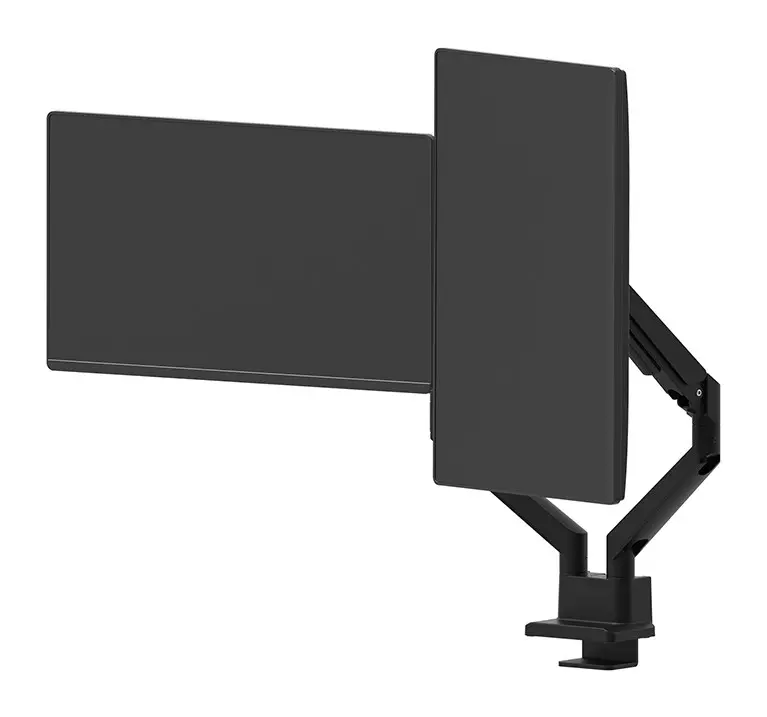
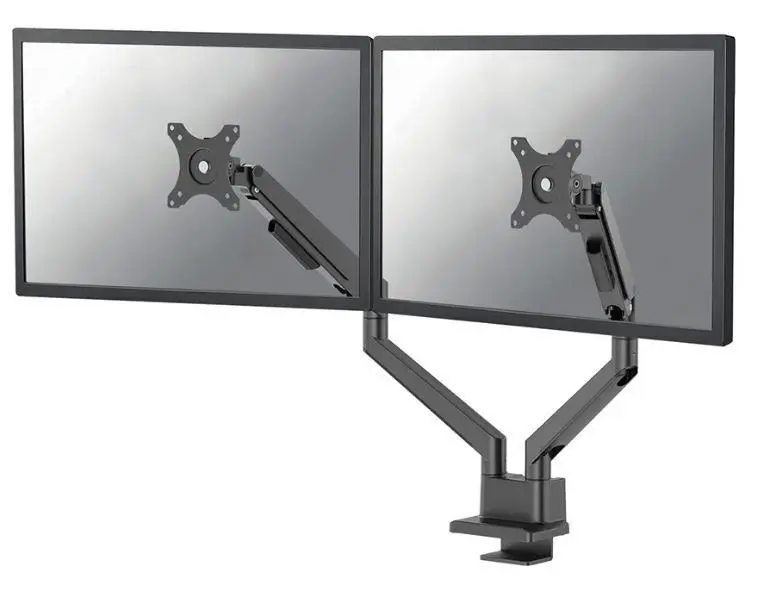
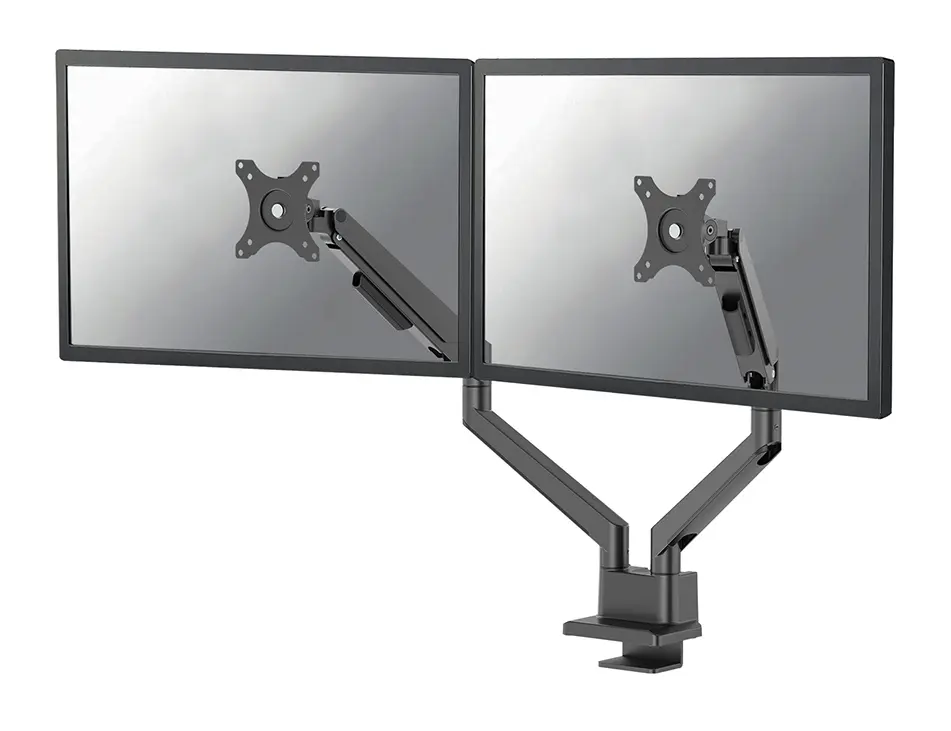
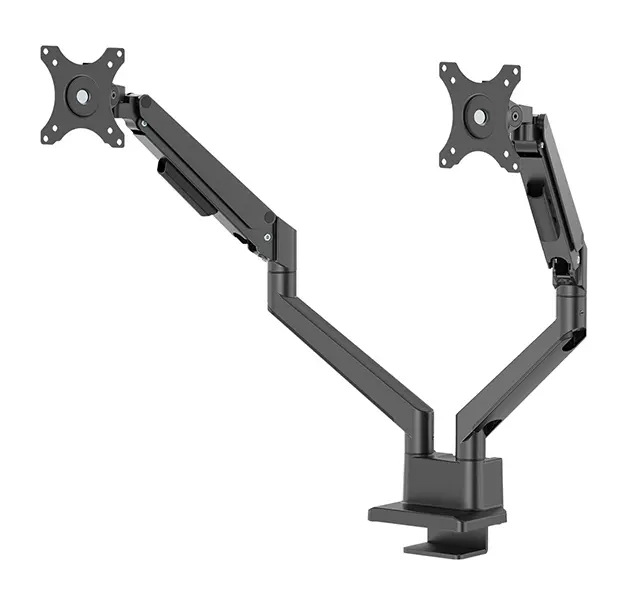
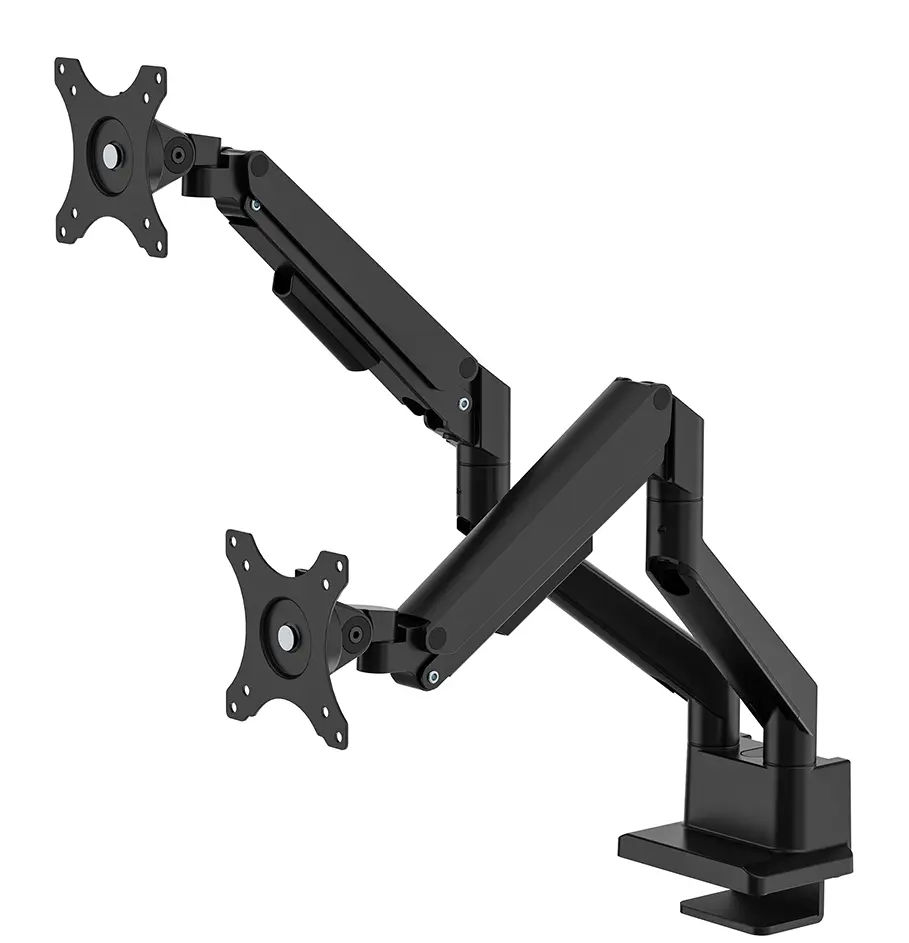
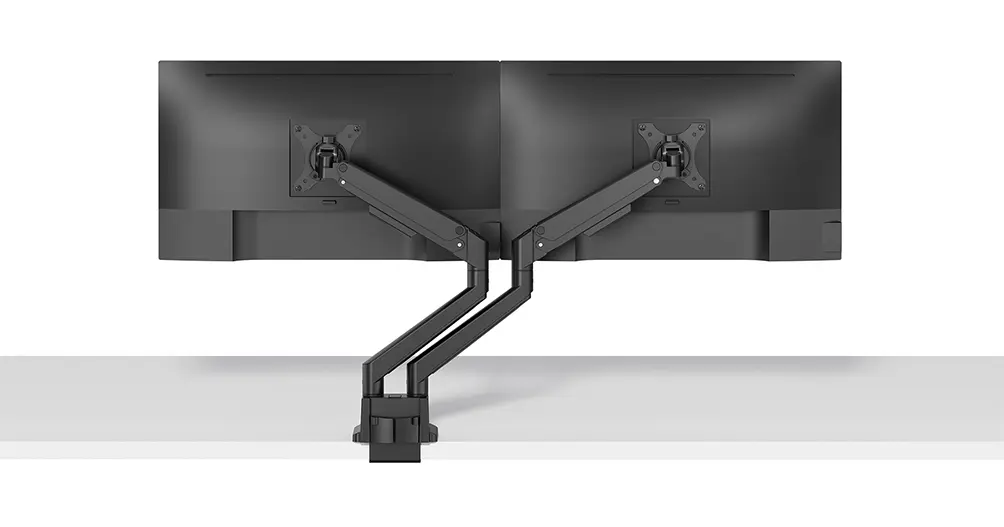
The NewStar DS70-250BL2 is a dual desk monitor arm designed for screens ranging from 17 to 32 inches, supporting up to 9 kg per display. Featuring a smooth gas spring mechanism, Topfix desk mounting, and a 180-degree rotation stop, it offers height adjustment, swivel, and tilt capabilities to optimize ergonomic viewing positions in workspaces. Compatible with VESA 75x75 and 100x100 mm patterns.
Warranty: 2 Years
SKU: 12685459
Manufacturer: NewStar
delivery
Information regarding the items availability for purchase will be posted on this site
price
Item cost information will be published on this site
Together cheaper
{{product.price | formatAmount}}
{{product.title}}
{{productBundle.reference.specialPrice | formatAmount}}
{{productBundle.title}}
{{productBundlePreviousPrice | formatAmount}}
{{productBundleSpecialPrice | formatAmount}}

You saving {{productBundleYouSave | formatAmount}}

Product information

Description

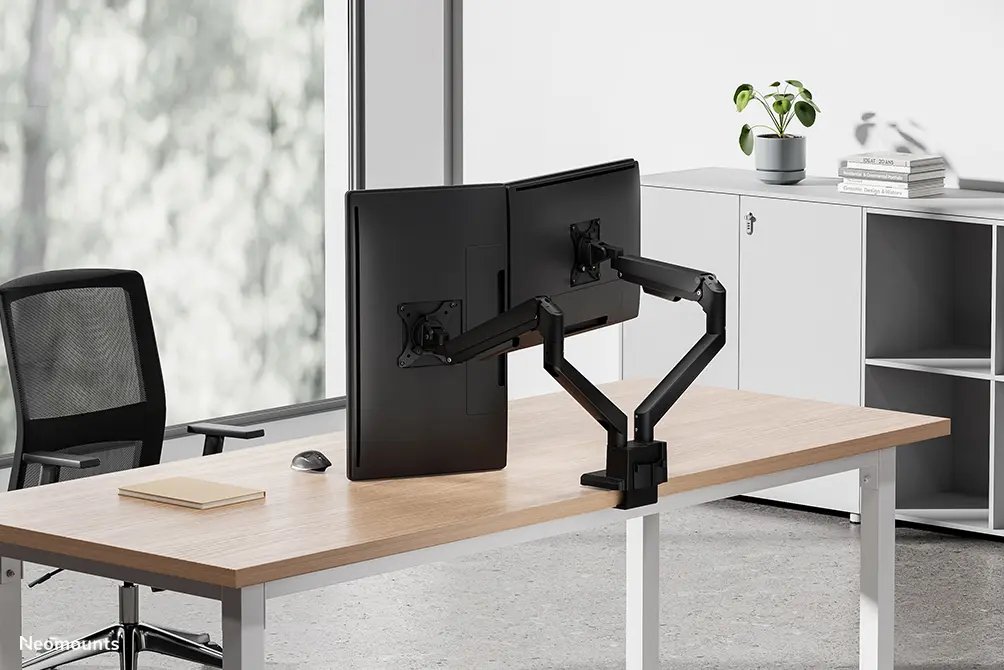
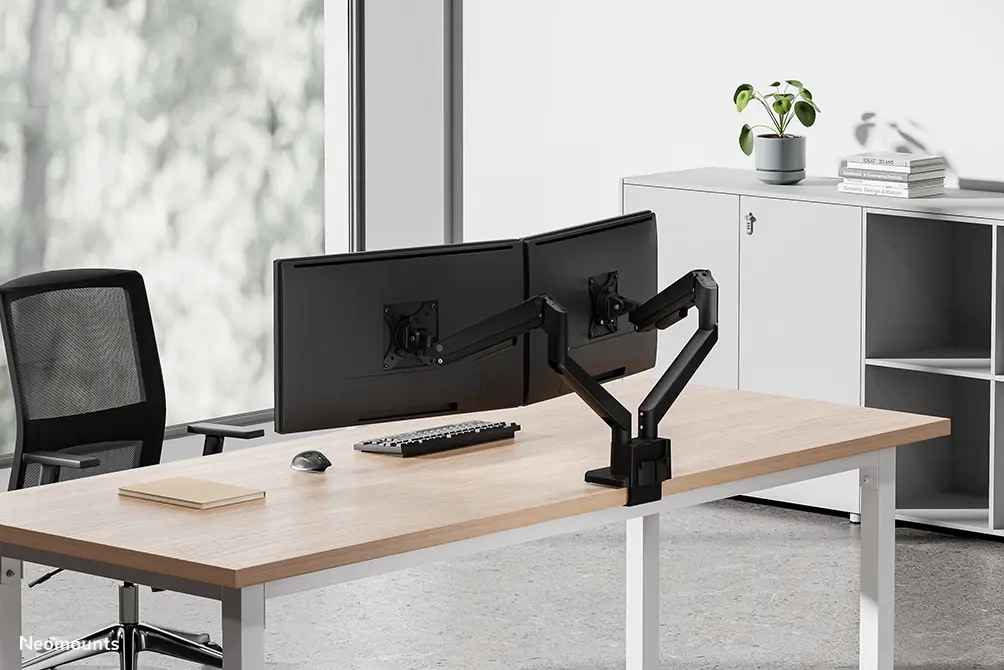
The NewStar DS70-250BL2 Dual Monitor Arm for 17-32 Inch Screens with Gas Spring Topfix and 180-Degree Stop Black is a full motion desk mounting solution designed to support two displays simultaneously. Engineered to improve workplace ergonomics, this dual monitor arm allows users to easily adjust their monitors for optimal viewing comfort. Featuring a durable aluminium construction in a sleek black finish, it integrates smooth mechanical adjustments to manage screen positioning efficiently while maintaining an organized workspace.

Advantages

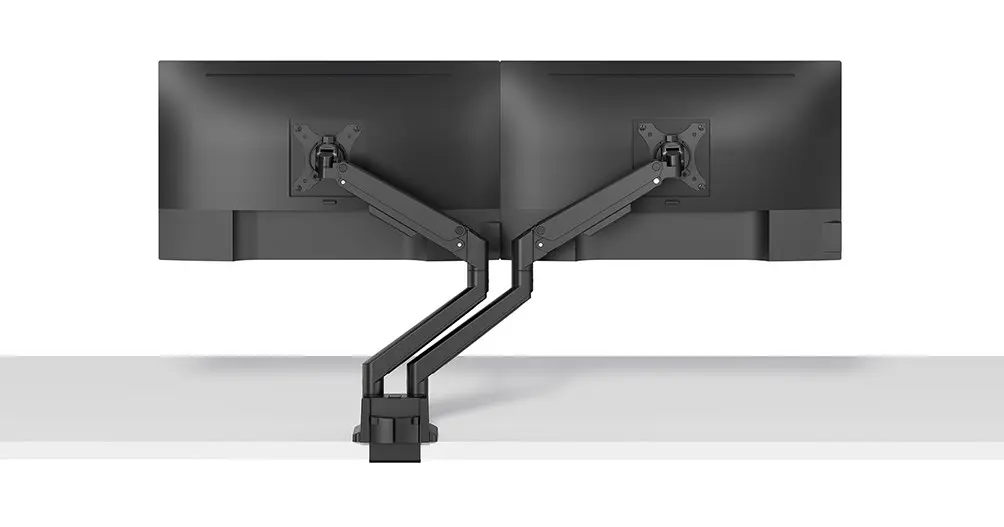
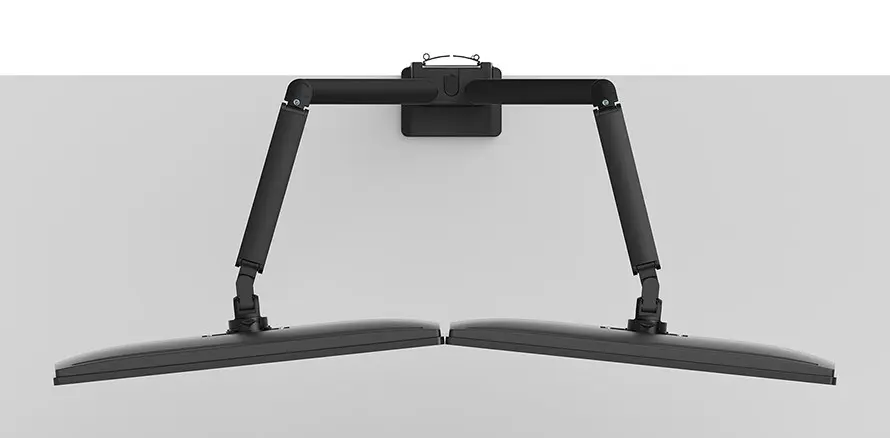
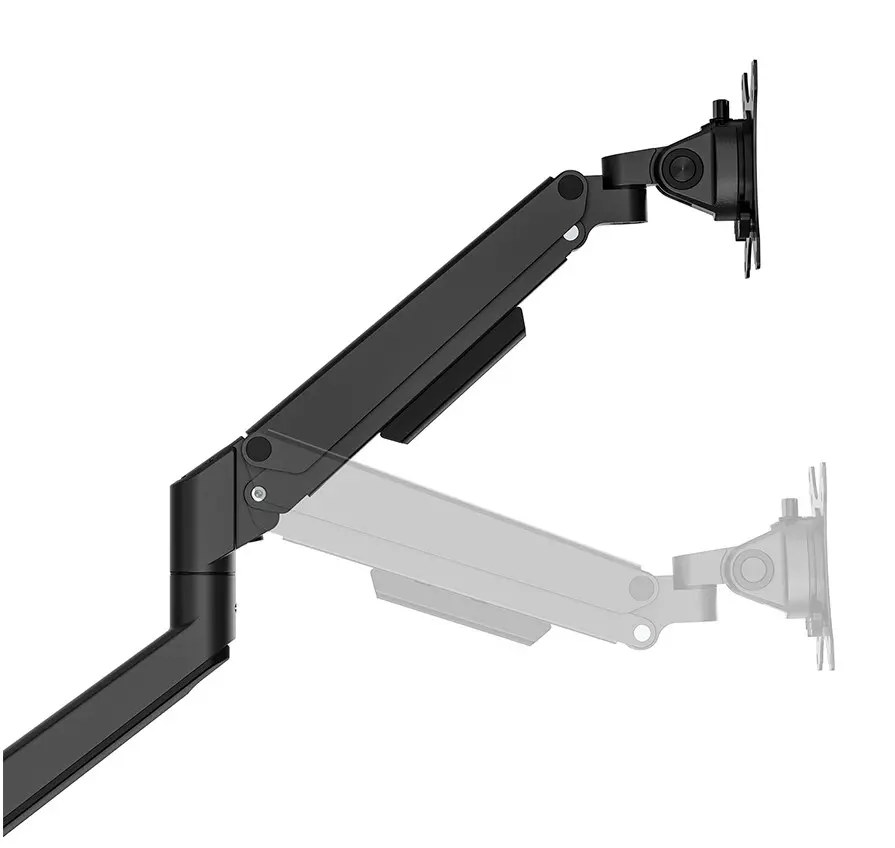
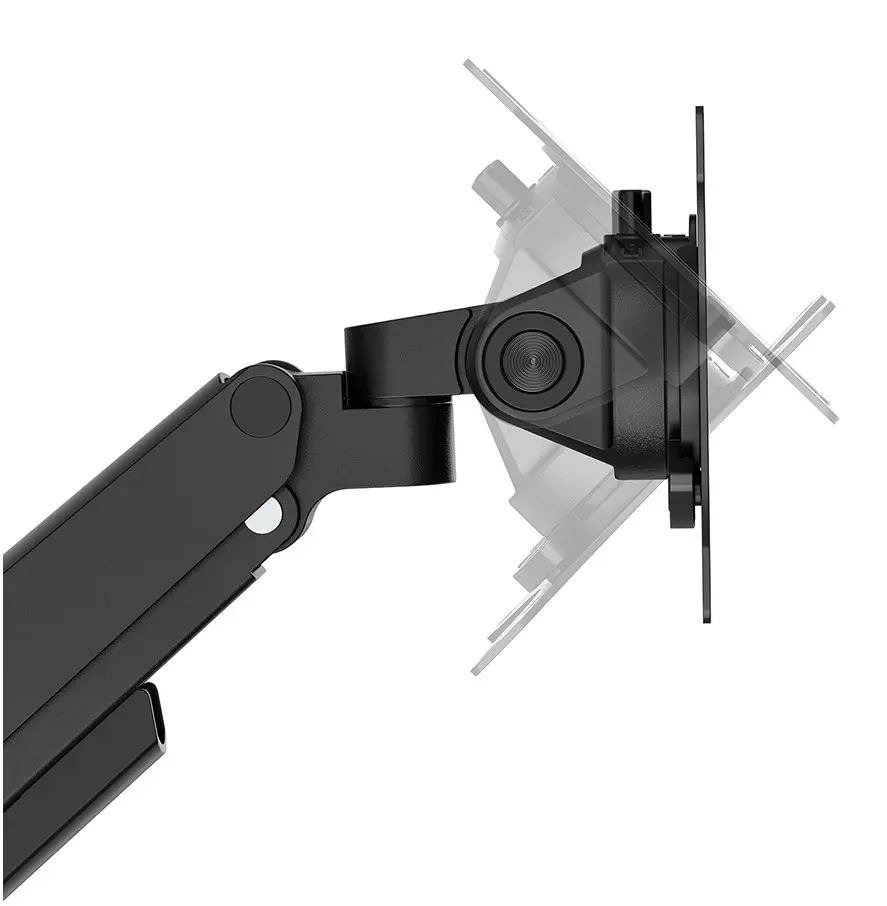
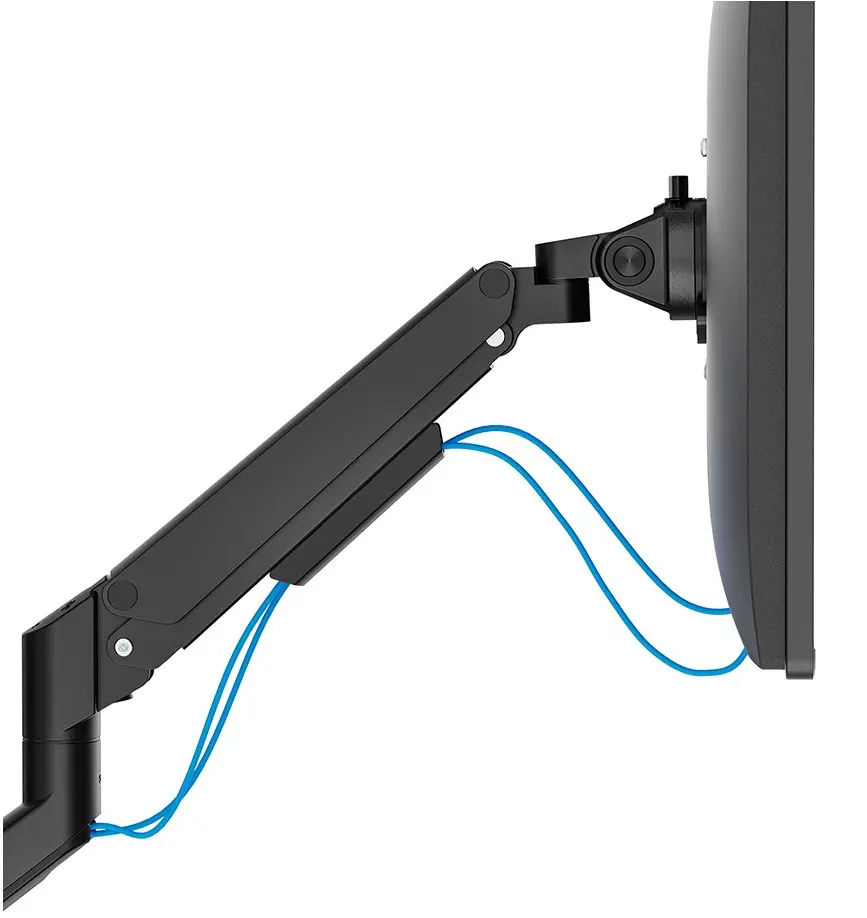
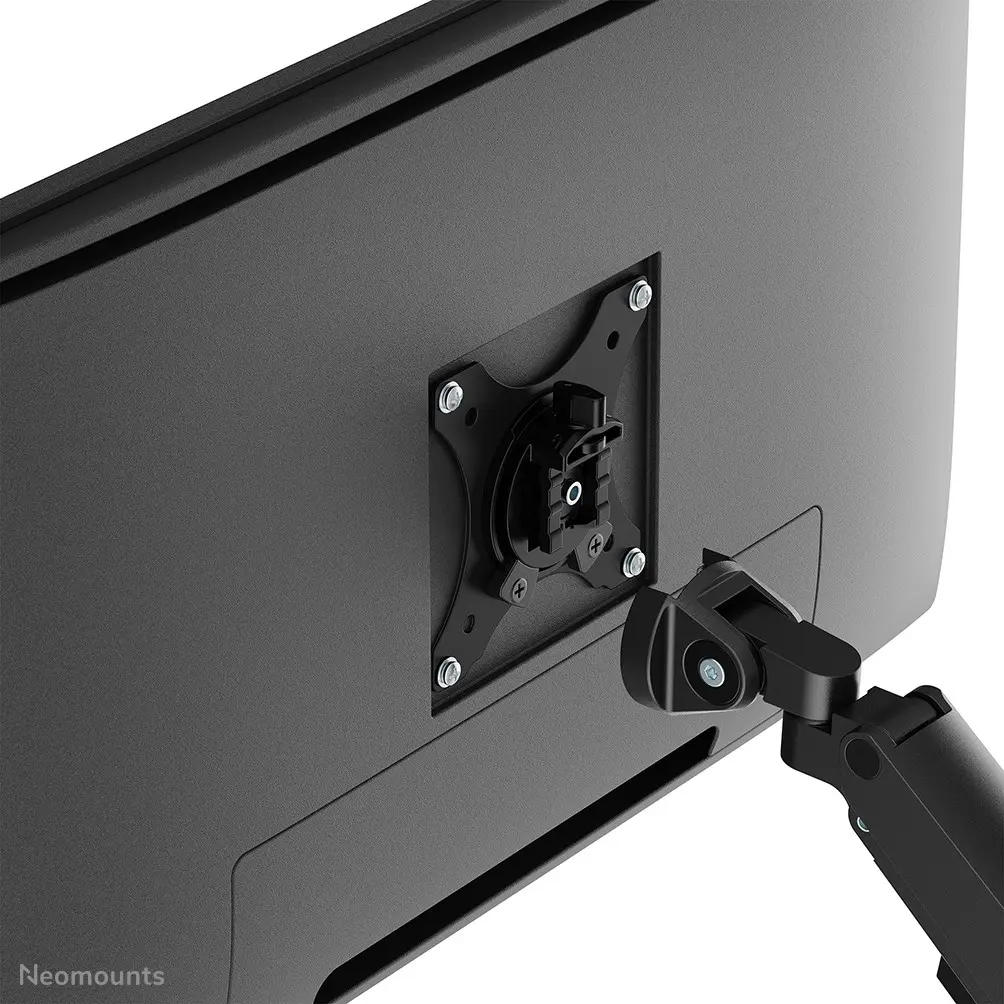
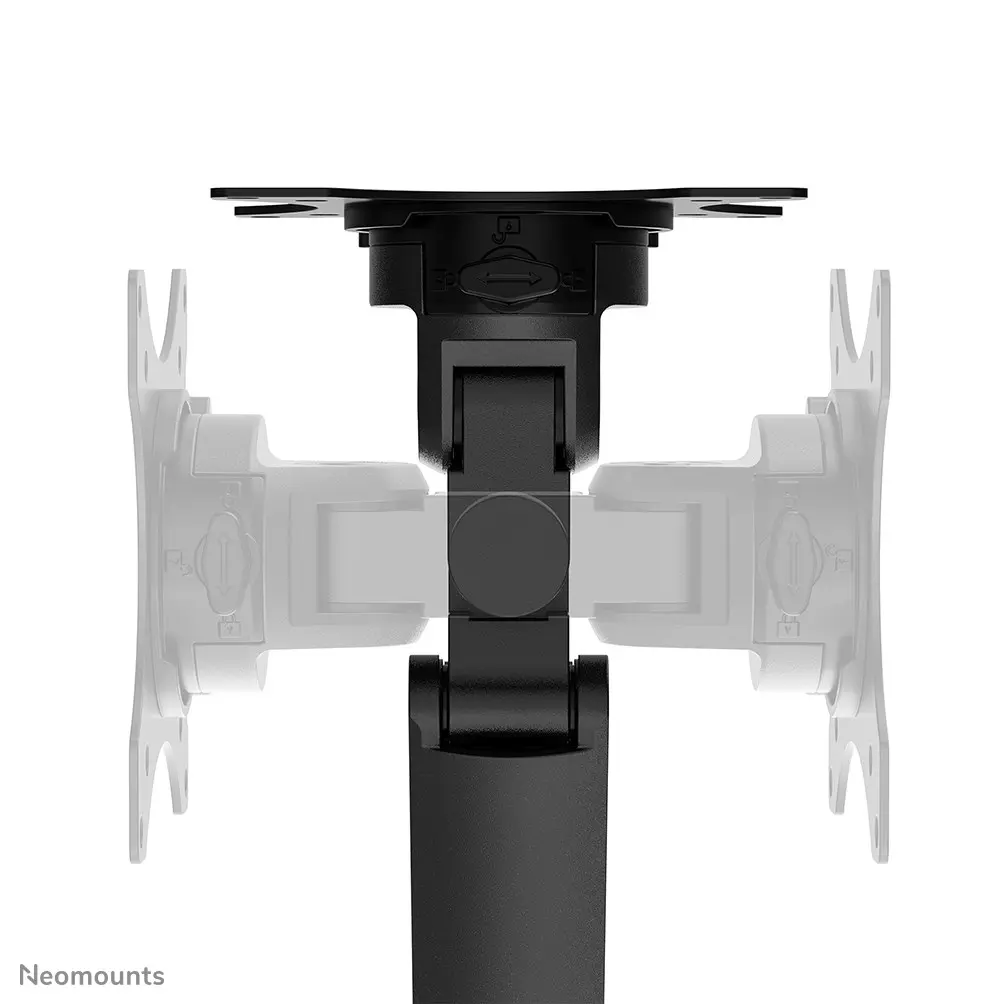
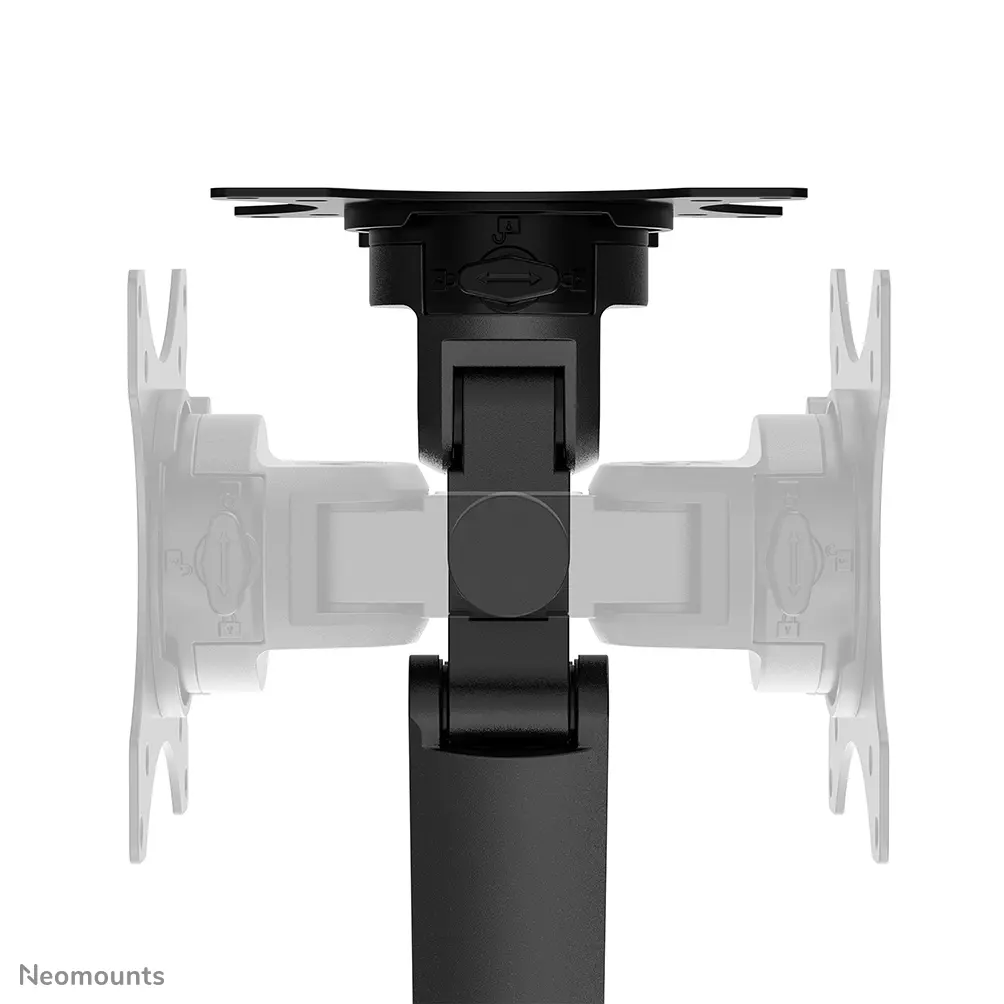
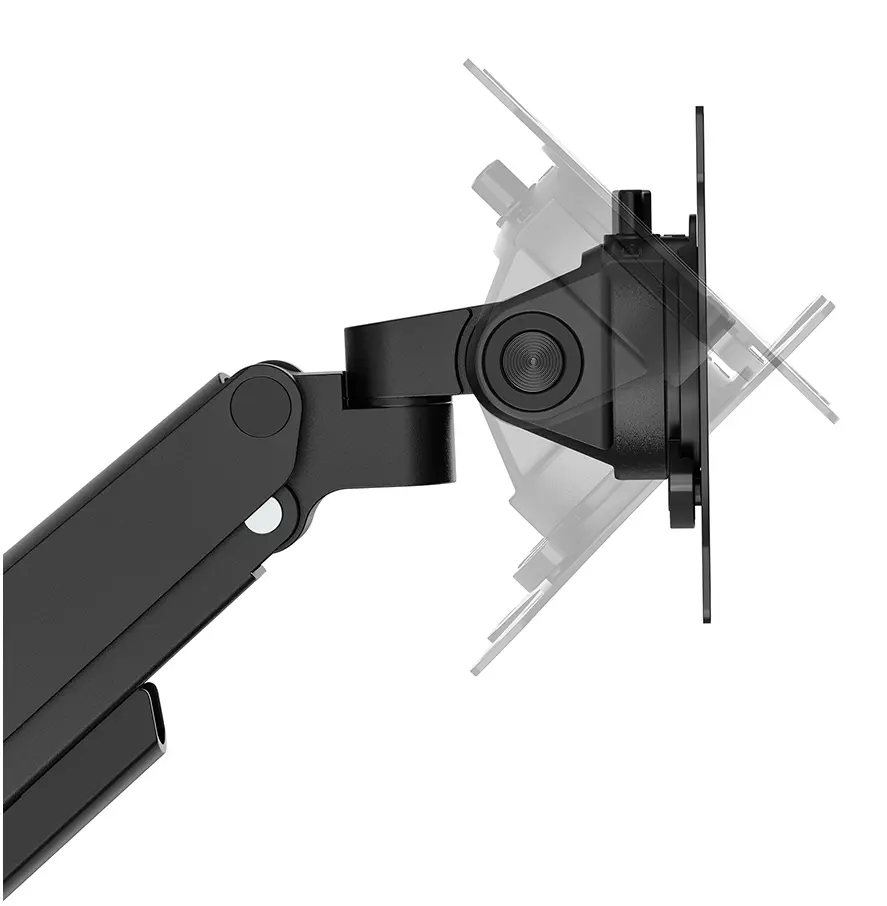
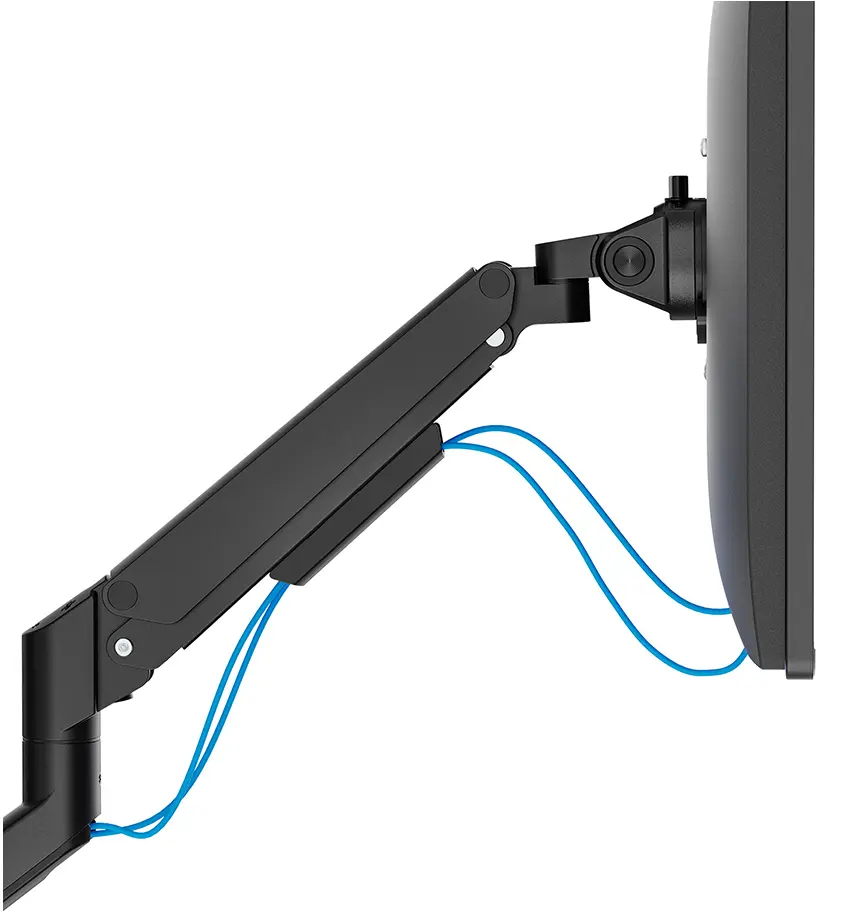
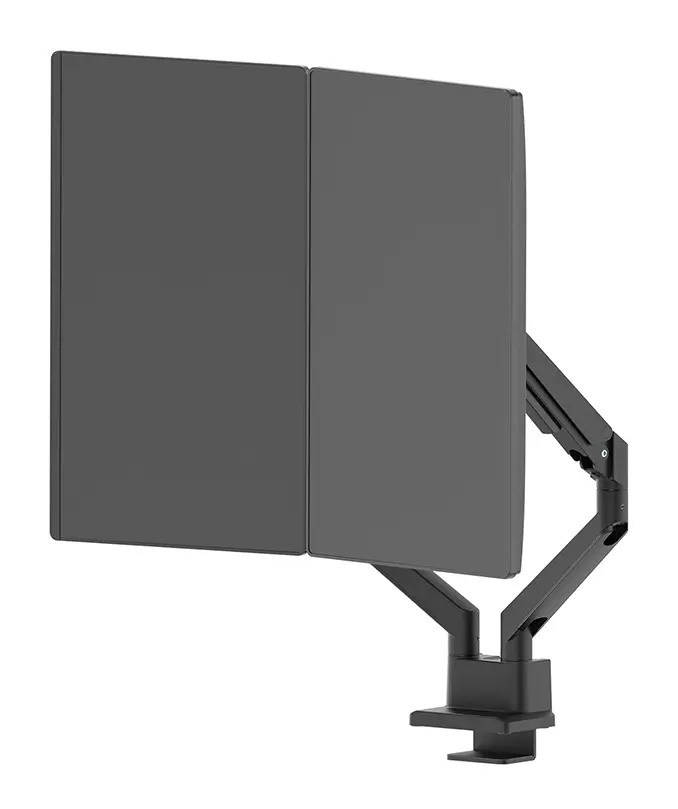
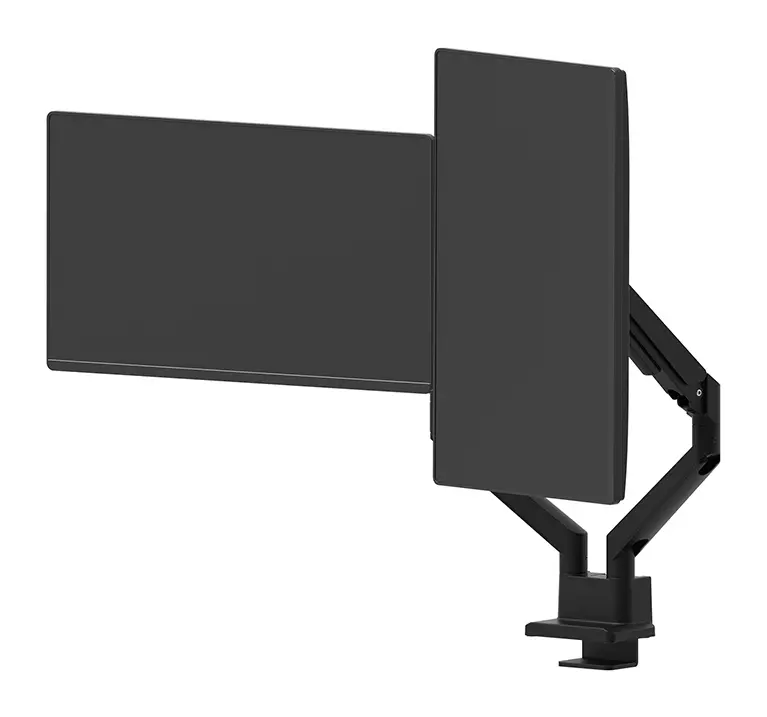
This monitor arm utilizes an advanced gas spring mechanism that enables effortless height and depth adjustments, allowing each screen to be moved smoothly into the preferred position. The integrated tilt, swivel, and rotate functions offer wide flexibility for different viewing angles, accommodating both landscape and portrait orientations. The inclusion of a 180-degree rotation stop prevents the arm from colliding with walls or desk dividers, making it highly reliable for office environments with limited space. Additionally, the topfix clamp and quick-release VESA system simplify the installation process, while the built-in cable management system keeps wires neatly tucked away for a clutter-free desk surface.

Suitable for

  • Setting up dual-monitor workstations for office work and productivity
  • Creating ergonomic viewing angles for remote workers and home offices
  • Managing multiple screens for financial analysis, coding, and multitasking
  • Optimizing desk space in corporate or shared office environments

When it may not be suitable

This product may not be suitable for ultra-wide displays or screens that exceed the maximum supported size of 32 inches or weight capacity of 9 kg per display. It is also incompatible with monitors that lack standard VESA mounting hole patterns unless a separate adapter plate is used.

Key specifications

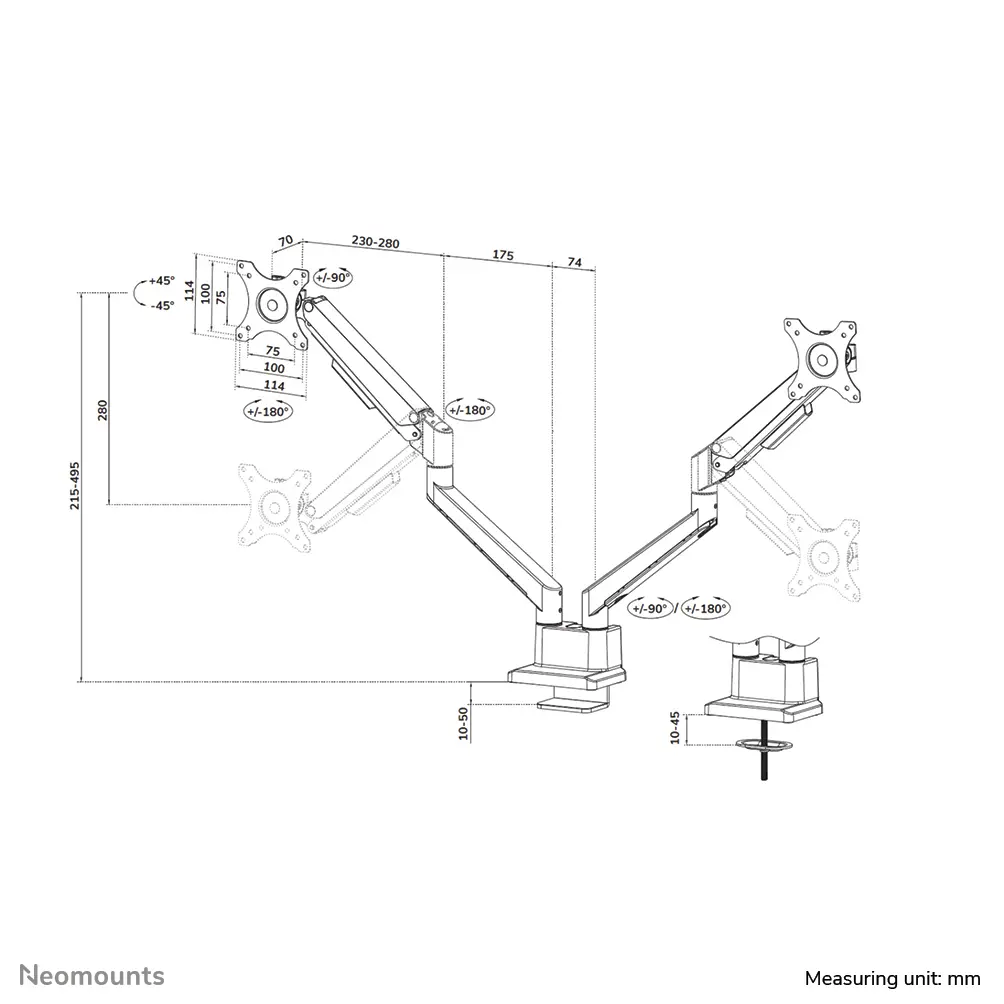
  • Maximum weight capacity: 9 kg per display
  • Minimum screen size: 17 inches
  • Maximum screen size: 32 inches
  • Number of displays supported: 2
  • Mounting type: Desk clamp and grommet
  • Minimum VESA mount: 75 x 75 mm
  • Maximum VESA mount: 100 x 100 mm
  • Adjustment type: Gas spring height, swivel, tilt, and rotation

How to use

Begin by securing the desk mount to the edge of your desk using the topfix clamp or grommet installation method. Attach the VESA plates to the back of your 17 to 32-inch monitors using the appropriate screw holes, ensuring compatibility with 75x75 or 100x100 mm patterns. Slide the screens onto the monitor arms using the quick-release mechanism until securely locked in place. Adjust the gas spring tension to match the weight of your displays so they remain stable at any height. Use the integrated tilt and swivel joints to achieve your desired ergonomic viewing angle, and route your cables through the built-in management channels to keep the workspace tidy.

What to consider before purchase

  • Verify that your monitors measure between 17 and 32 inches in diagonal size
  • Check that each individual display weighs no more than 9 kg
  • Confirm that your monitors feature 75x75 or 100x100 mm VESA mounting holes
  • Ensure your desk surface is compatible with clamp or grommet mounting methods
Usage recommendations: Regularly check the gas spring tension and mounting screws to maintain stability and safety. Avoid exceeding the specified weight limit per display to ensure smooth operation of the articulating arms.

Specifications

Maximum VESA mount:
100 x 100
Minimum VESA mount:
75 x 75
Maximum screen size: The maximum screen size which can be used with this product.
32 "
Mounting type: Type of mounting e.g. wall mounting.
Desk
Maximum weight capacity (per display):
9 kg
Number of displays supported: The number of displays that can be used with this product.
2
All features

Logistics data

Harmonized System (HS) code:
7616991099
Products per pallet (EU):
80 pc(s)
Products per master (outer) case:
4 pc(s)
Master (outer) case gross weight:
20700 g
Master (outer) case height:
445 mm
Master (outer) case length:
310 mm
Master (outer) case width:
405 mm
Master (outer) case net weight:
17400 g

Technical details

Country of origin: Country where the device is made. Aka Country of manufacture (COM).
China
Desk thickness (min):
10 mm
Desk thickness (max):
50 mm
Orientation:
Landscape/Portrait
Depth adjustment range:
70 - 525

Other features

Warranty period:
5 year(s)
Minimum weight:
1 kg
Width adjustment range:
0 - 984

Packaging data

Package weight: Weight of the packaged product.
4900 g
Package depth: The distance from the front to the back of the packaging.
147 mm
Package height: The distance from the top to the bottom of the packaging.
430 mm
Package width: The distance from one side of the packaging to the other.
192 mm

Features

Tilt adjustment: The tilt, which means the angle at which the device is pointing (up or down), can be changed.
Yes
Angle of rotation:
360 °
Tilt angle range:
-45 - 45
Product colour: The colour e.g. red, blue, green, black, white.
Black
Maximum weight capacity: The maximum weight that the product is designed to hold/store.
9 kg

Weight & dimensions

Weight: Weight of the product without packaging (net weight). If possible, the net weight is given including standard accessories and supplies. Please note that sometimes the manufacturer leaves out the weight of accessories and/or supplies.
4.35 kg
Height: The measurement of the product from head to foot or from base to top.
552 mm
Depth: The distance from the front to the back of something.
580 mm
Width: The measurement or extent of something from side to side.
114 mm
Height adjustment range:
215 - 495
Height adjustment: The part of the device that can be adjusted to change the height.
Yes

Ergonomics

Distance to the wall (max):
404 mm
Distance to the wall (min):
120 mm
Cable management: Description of improved cable management
Yes
Pivot angle:
-180 - 180
Rotating: Capability to rotate device.
Yes
Swivel angle range:
-90 - 90
Swivelling:
Yes
Width adjustment:
984 mm
Adjustable depth:
Yes
Height adjustment type:
Gas spring

Design

Accepts padlock:
No
Housing material: What the casing of the product is made of.
Aluminium

Mounting

Maximum VESA mount:
100 x 100
Minimum VESA mount:
75 x 75
Panel mounting interface: The product can be used wih VESA mounting interfaces.
100 x 100, 75 x 75
Mounting: What size the mounting head of the product is, to couple it with a camera.
Clamp/Grommet
Maximum weight capacity (per curved/ultra-wide display):
8 kg
Maximum screen size: The maximum screen size which can be used with this product.
32 "
Minimum screen size: The minimum screen size which can be used with this product.
17 "
Mounting type: Type of mounting e.g. wall mounting.
Desk
Maximum weight capacity (per display):
9 kg
Number of displays supported: The number of displays that can be used with this product.
2

Similar products

{{product.title}}
Show details Hide details

{{highlightedFeature.featureTitle}}:

{{getProductFeatureValueById(product, highlightedFeature.featureId)}}

{{product.price | formatAmount}}
Might be useful
{{product.manufacturerName}}
{{product.categoryName}}
{{product.title}}
{{product.specialPrice}}
{{product.price}}

Customer reviews

Customer questions

FAQ

What payment options are available?

AiO.lv offers several payment methods: Bank transfer. All transactions are 100% secure and encrypted.

Can this product be purchased for a company (with VAT)?

Yes. AiO.lv works with legal entities in Latvia and across Europe. The product price already includes VAT. For certain product categories, as well as for companies from other EU countries with a valid VAT number, a 0% VAT rate may apply. We issue the invoice immediately after the order is placed, support electronic BIS invoices, and automatically generate all necessary accounting documents. You can complete the purchase for a company online — simply select the company profile and choose bank transfer as the payment method during checkout.

What is the warranty period?

All NewStar products come with an official 2 Years warranty. It covers all manufacturing defects and malfunctions that may occur during use. The warranty is valid at all authorized NewStar service centers and through AiO.lv

Can the product be returned after purchase?

Yes, you can return the product within 14 days of purchase if you bought it as a consumer (not a legal entity). Returns are possible without giving any reason — the main condition is that the product retains its original appearance and full set of accessories. We will make the process as simple and convenient as possible: just contact our customer support team, and we will help you arrange the return.

Where should I contact for warranty service?

For warranty-related questions you can contact the AiO.lv (SIA VSPRO) customer support team. We will assist with consultation, warranty claim processing, and coordination with certified service centers.

How can I tell if this product suits my needs?

When making a choice, we recommend paying attention to the key features: maximum vesa mount, minimum vesa mount, maximum screen size, mounting type, maximum weight capacity (per display), number of displays supported, compatibility with your devices or usage conditions, material quality, functionality, and warranty terms. These characteristics will help you determine how well the model meets your needs.

Where can I download the instructions for NewStar DS70-250BL2 Dual Monitor Arm?

You can download the instructions in PDF format from the “Instructions” section on the product description page. The file contains complete information about installation, setup, and usage.

warranty
14-Day Return Policy We are confident in our quality, but if the purchase doesn’t fit — you have 14 days to return the product with peace of mind.
shipping
Fast Delivery Get your orders as quickly as possible — right to your door, parcel lockers, or pickup points across Latvia and the EU.
payment
Secure Payment Pay the way you prefer: cash, VISA, MasterCard, Apple Pay, Google Pay, bank transfer, or 0% installment plan.
warranty
Quality Since 2008 AiO.lv has been on the market for over 18 years and has earned trust — with more than 6000 genuine positive reviews on Google.