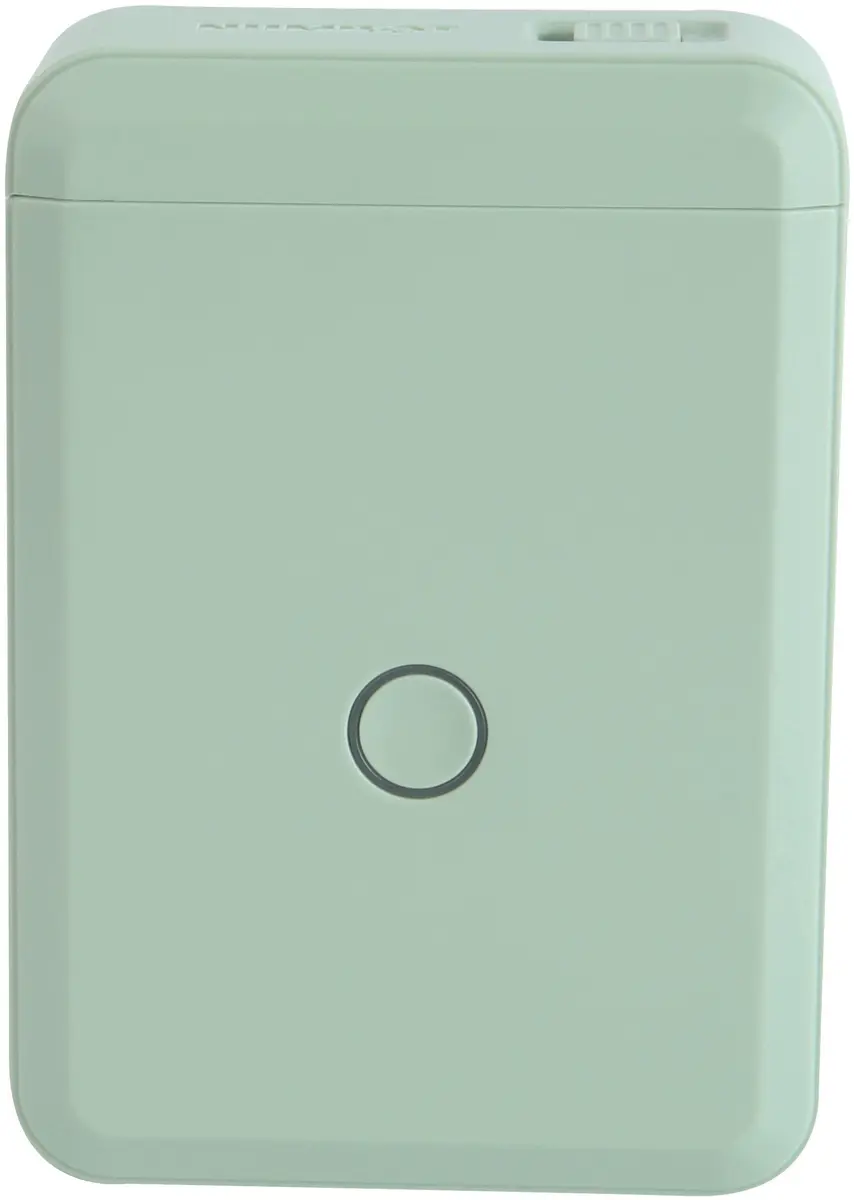
The NIIMBOT D110_M Label Printer Green Thermal Portable Wireless is a compact and portable thermal label printer designed to streamline everyday organization, price marking, and asset tracking tasks. Featuring a pleasant green exterior, this wireless label maker connects effortlessly to mobile devices for fast, convenient label creation. Utilizing advanced thermal printing technology, it eliminates the need for messy ink, toner, or ribbons, ensuring clean and maintenance-free operation. Whether you are organizing files at home, categorizing inventory in a small retail shop, or managing office supplies, this reliable device delivers crisp text, barcodes, and QR codes whenever you need them.
Advantages
This portable label printer offers exceptional mobility thanks to its lightweight and compact handheld design, allowing you to carry it anywhere. The wireless connectivity ensures hassle-free pairing with your smartphone or tablet for instant printing on the go. Operating without ink or toner significantly lowers ongoing maintenance costs and prevents smudging. The intuitive app support makes designing custom labels with various fonts, symbols, and icons simple for users of all experience levels.
Suitable for
- Home organization such as labeling storage boxes, spice jars, and personal items
- Office document management, file folder indexing, and asset labeling
- Small retail price marking, shelving tags, and barcode labeling
- Crafting, gift packaging, and small business inventory tracking
When it may not be suitable
This printer may not be suitable for industrial environments requiring heavy-duty, continuous label production or extreme resistance to harsh chemicals and high temperatures. Additionally, it prints in monochrome thermal format, so it cannot support multi-color printing applications.
Key specifications
- Green color thermal portable wireless label printerInkless thermal printing technologyWireless mobile device connectivitySupports custom text, barcodes, and QR codesCompact handheld structure
How to use
To begin printing, charge the device using the compatible power cable and install a thermal label roll into the designated compartment. Download and install the official NIIMBOT application on your smartphone or tablet, then enable wireless settings to pair the printer with your mobile device. Use the application interface to type your desired text, select fonts, or add barcodes and QR codes. Once your design is complete, tap the print command within the app to generate your custom label instantly, and use the built-in cutter to separate it cleanly from the roll.
What to consider before purchase
- Verify that the label tape sizes and types available match your specific marking requirements
- Ensure your mobile device operating system is compatible with the manufacturer application
- Consider your daily volume needs to ensure a compact thermal printer fits your workflow
Store the label printer in a dry environment away from direct sunlight and extreme temperatures. Use only genuine thermal label rolls to maintain printhead longevity and optimal label clarity.