Powerful EcoFlow stations for energy anywhere!
In cart {{totalProductsCount}} item(s)
Your cart is empty
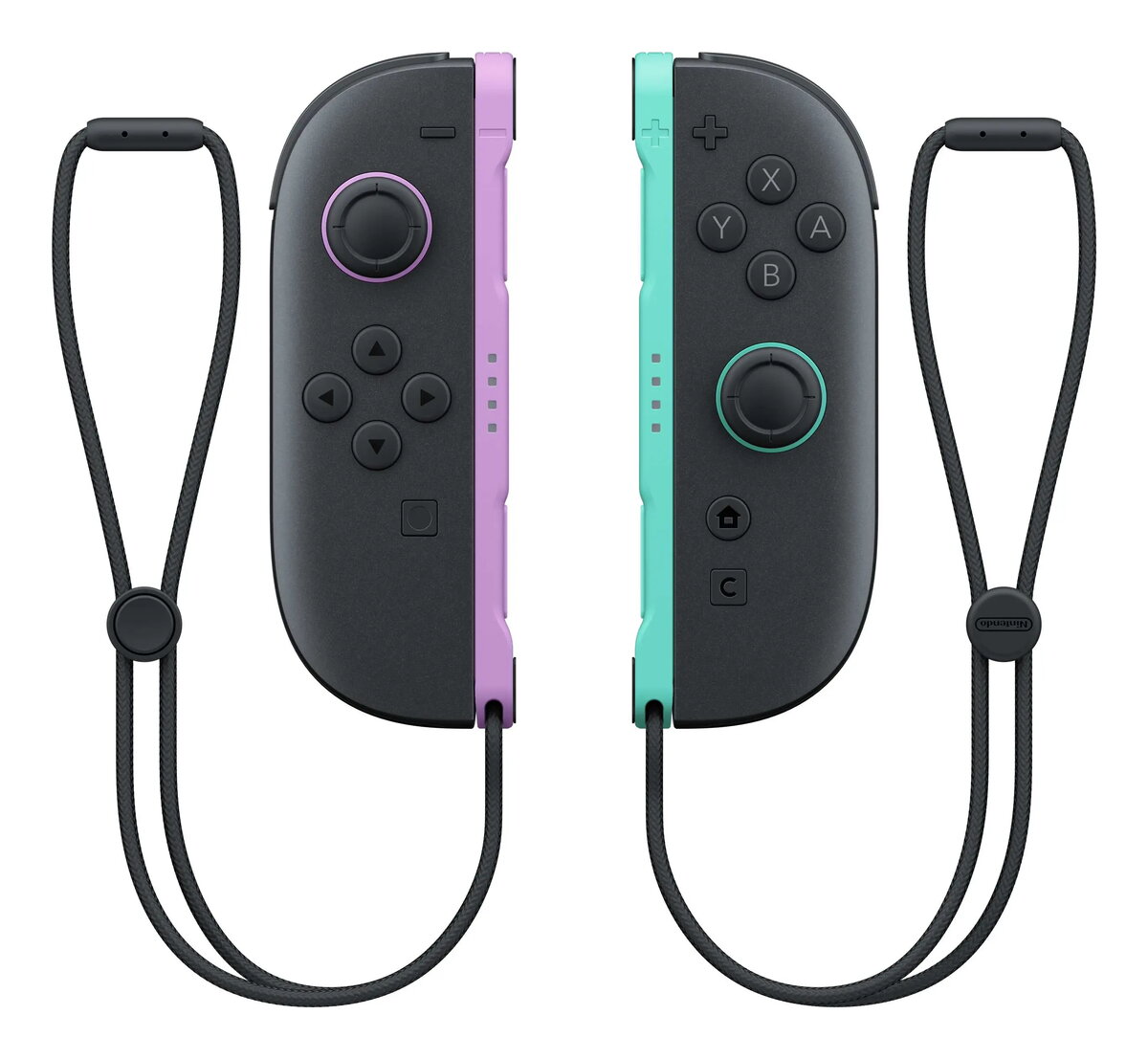
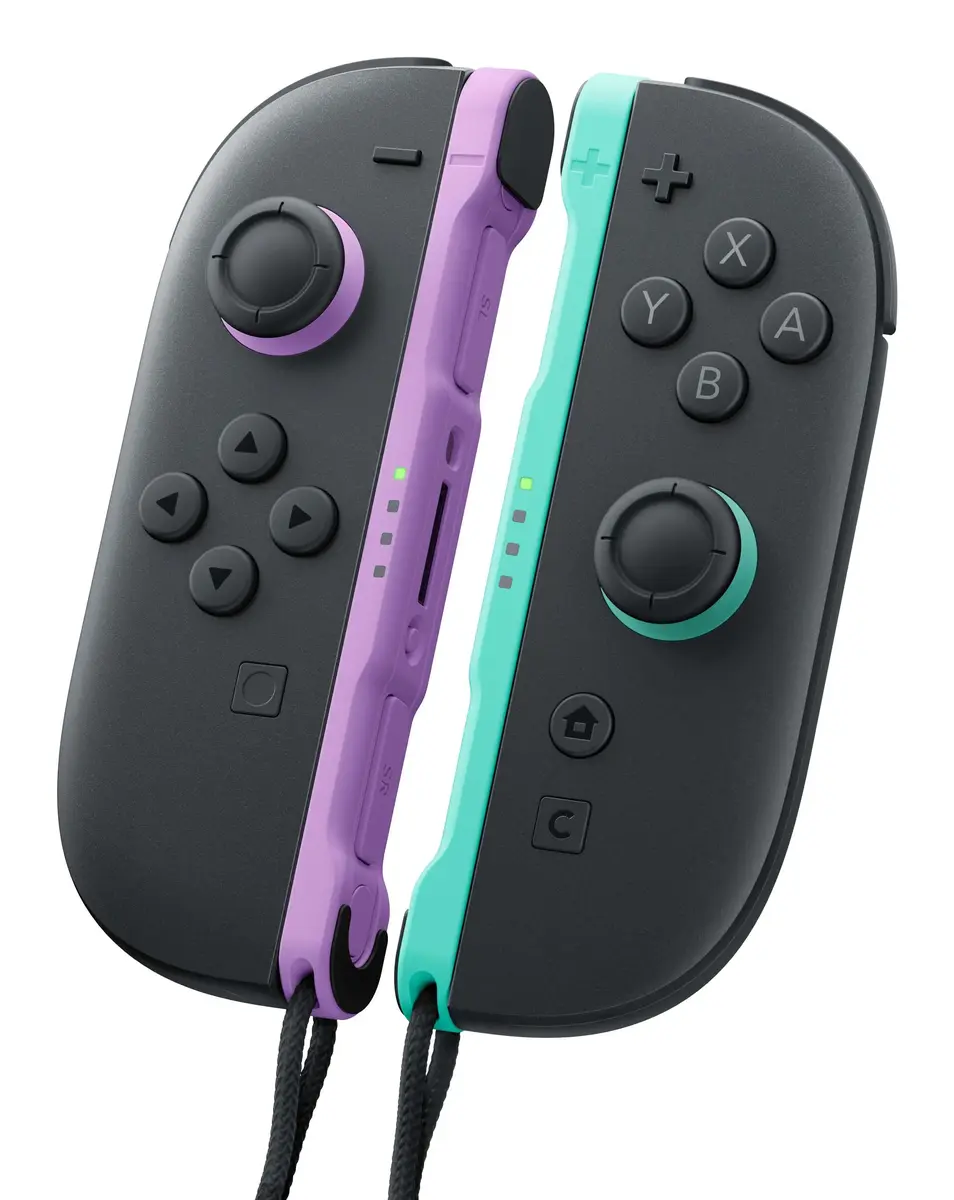
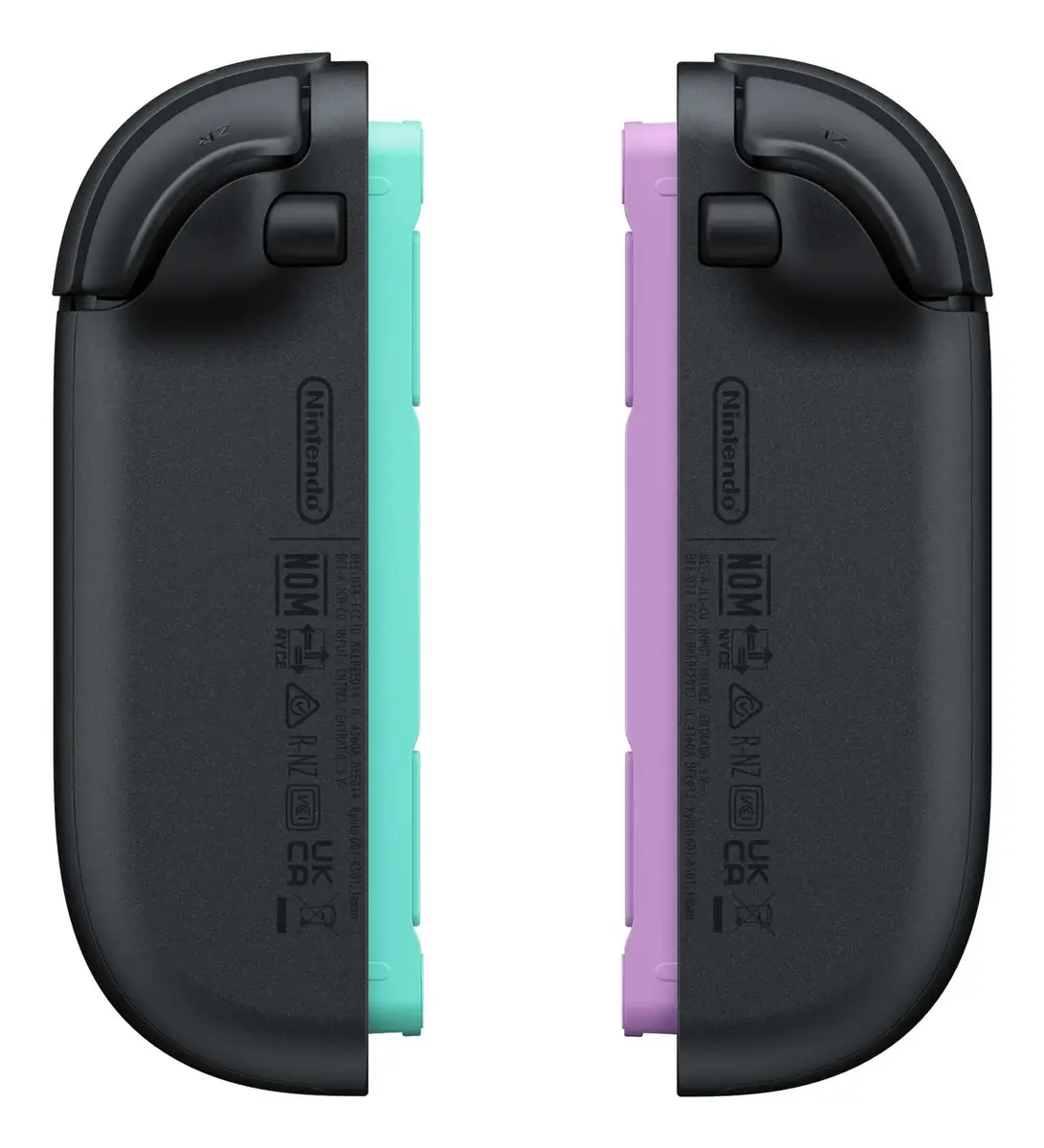
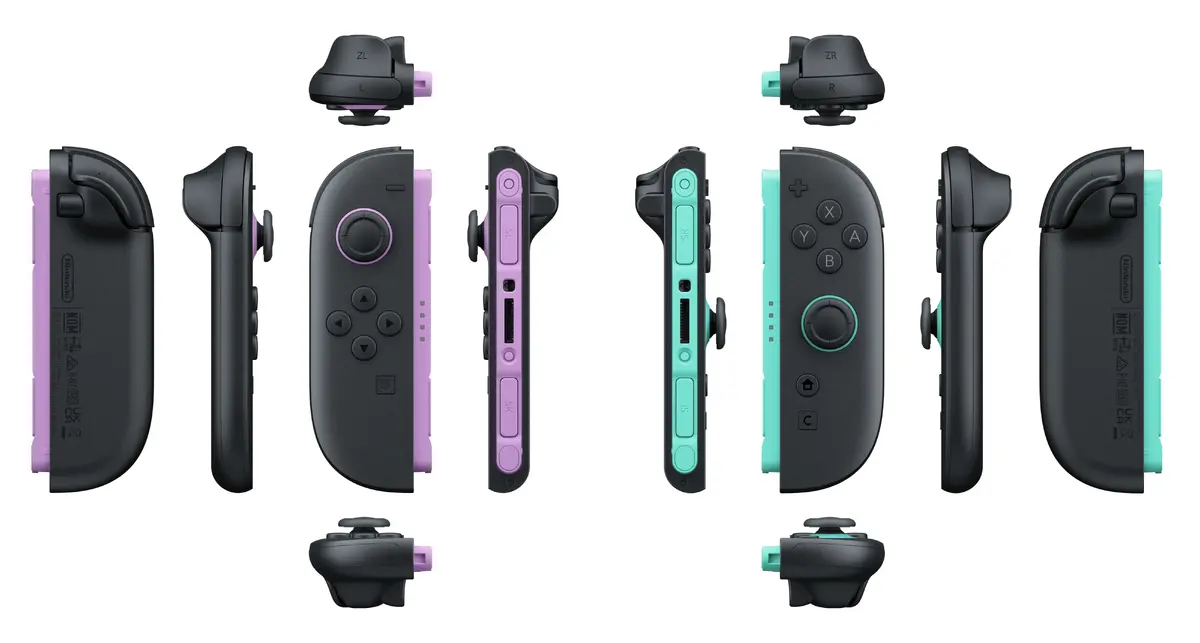
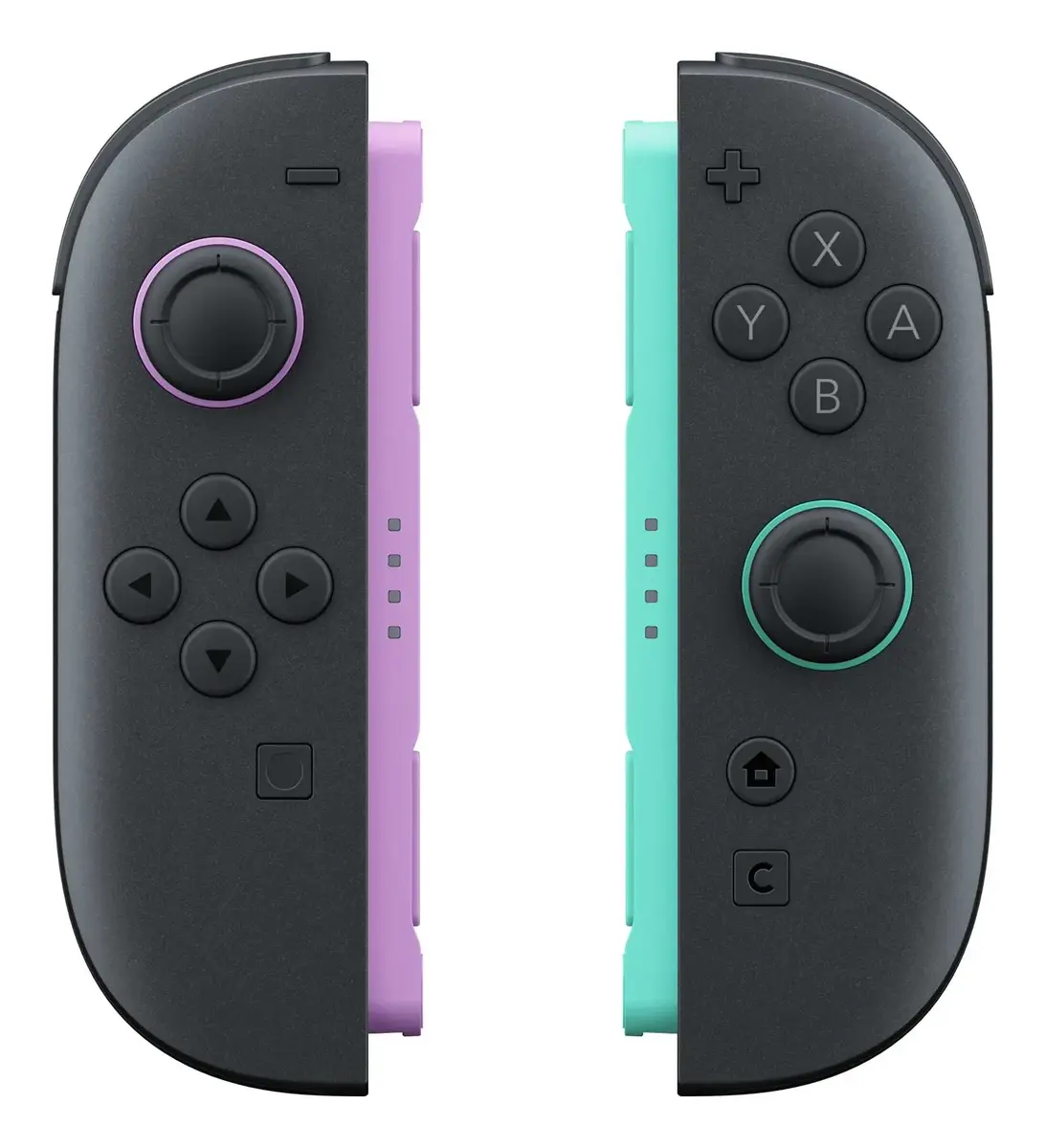
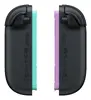
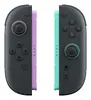
Nintendo Joy-Con Wireless Gamepad for Nintendo Switch 2, Light Purple and Light Green
The Nintendo Joy-Con wireless gamepad set for Nintendo Switch 2 offers a versatile and ergonomic gaming experience. Designed specifically for the Nintendo Switch 2 console, these controllers feature advanced motion controls, HD rumble 2, and a dedicated C Button for streamlined GameChat access. The set includes both a left and right controller, finished in light purple and light green, providing precise input for a wide range of gaming styles.
These controllers provide enhanced gameplay through integrated motion sensors and HD rumble technology, which adds tactile feedback to your gaming sessions. The inclusion of the new C Button simplifies communication during online play, while the ergonomic design ensures comfort during extended use. The wireless Bluetooth connectivity allows for a reliable and cable-free connection to your console, and the built-in battery ensures you can enjoy long gaming sessions without frequent interruptions.
These controllers are exclusively designed for the Nintendo Switch 2 system and are not compatible with previous generations of Nintendo consoles. Users looking for a traditional single-piece gamepad may find the split Joy-Con design less familiar compared to a standard pro-style controller.
To begin, attach the Joy-Con controllers to the sides of your Nintendo Switch 2 console until they click into place. Once attached, the console will automatically pair with the controllers. For wireless play, you can detach them and use them independently in each hand or attach them to the included Joy-Con straps for a more secure grip during motion-controlled games. Ensure the controllers are charged periodically using the console's docking station.
For the best experience, always use the included Joy-Con straps when playing games that require active motion controls to prevent accidental drops. Keep the controllers updated via the console settings to ensure compatibility with the latest game features.
{{highlightedFeature.featureTitle}}:
{{getProductFeatureValueById(product, highlightedFeature.featureId)}}
{{ productComparisonGenerationError }}