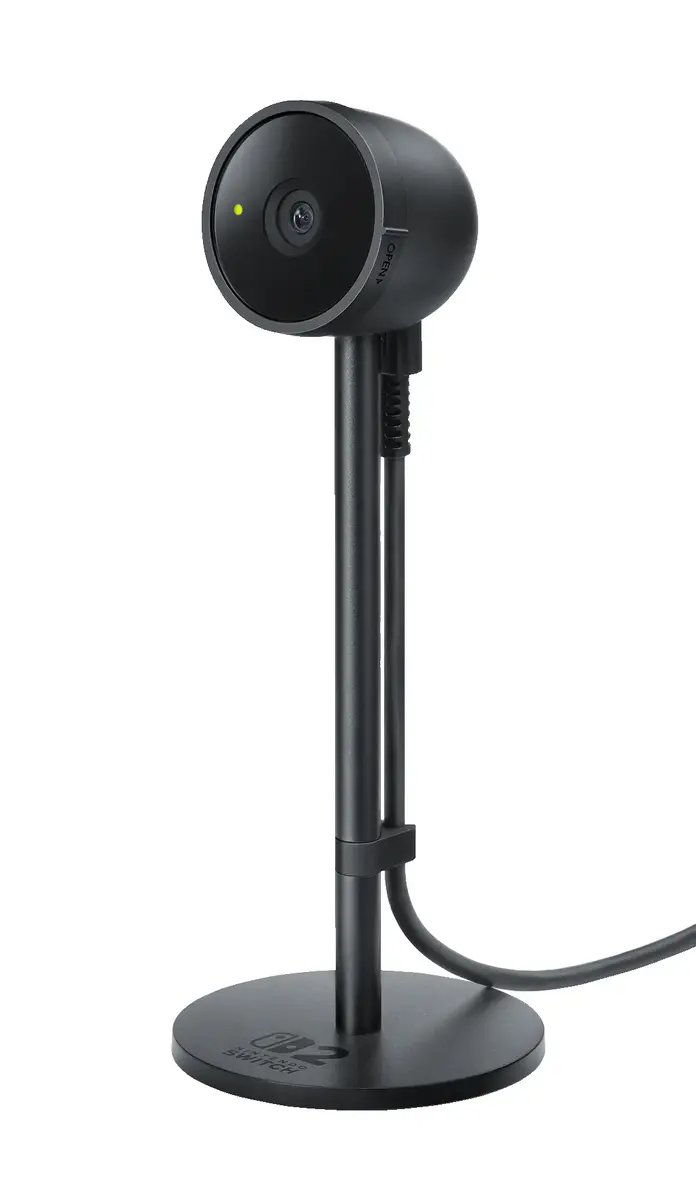
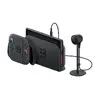
-
Type:
Characteristics of the device.
-
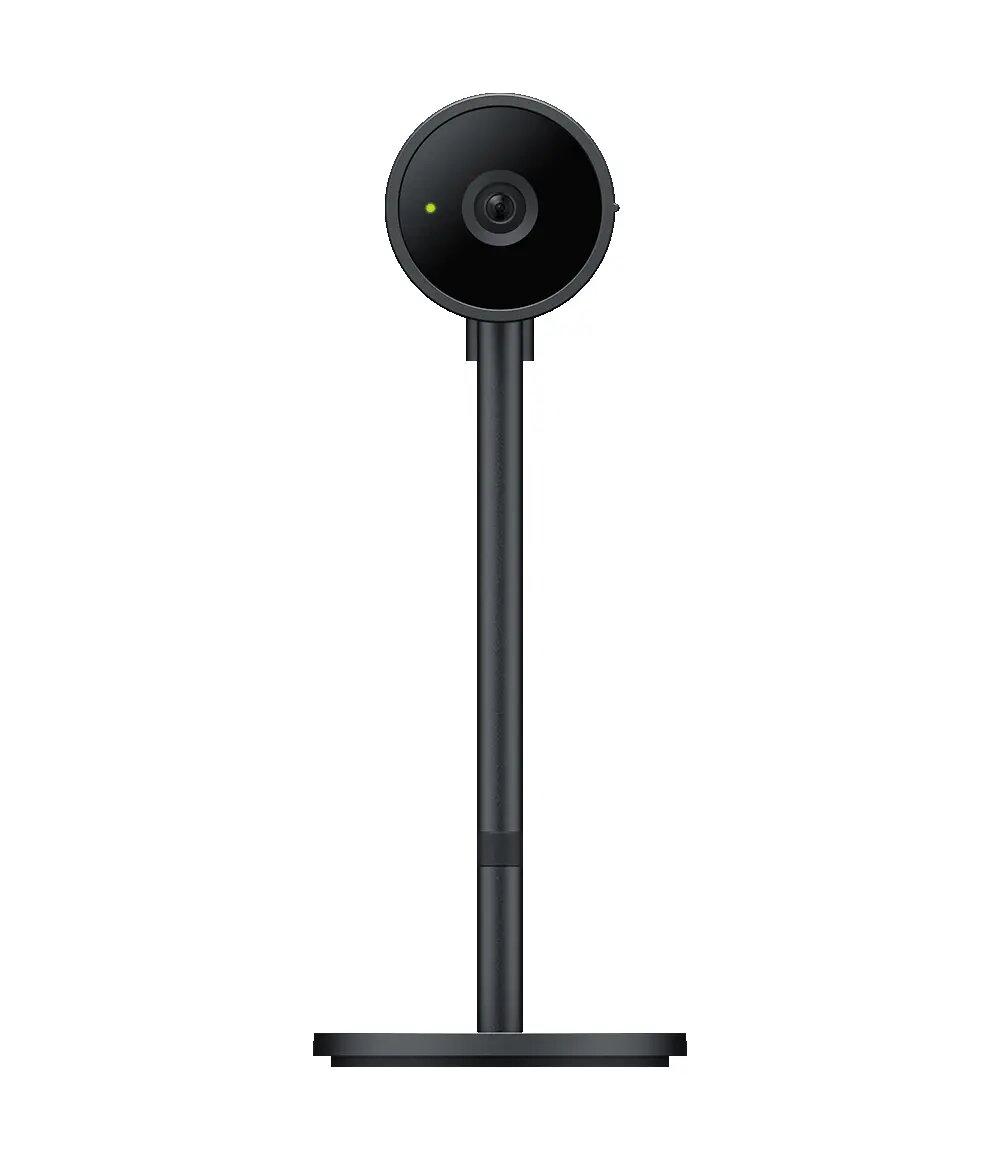
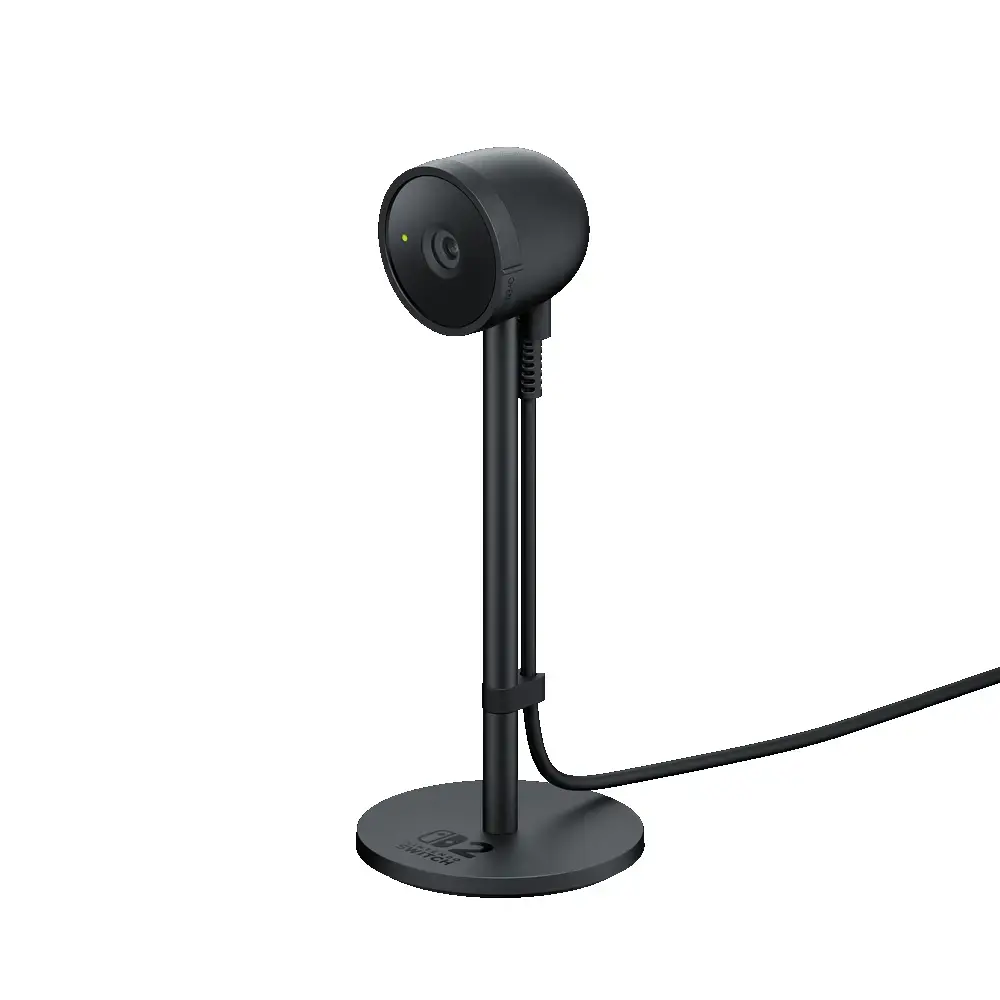
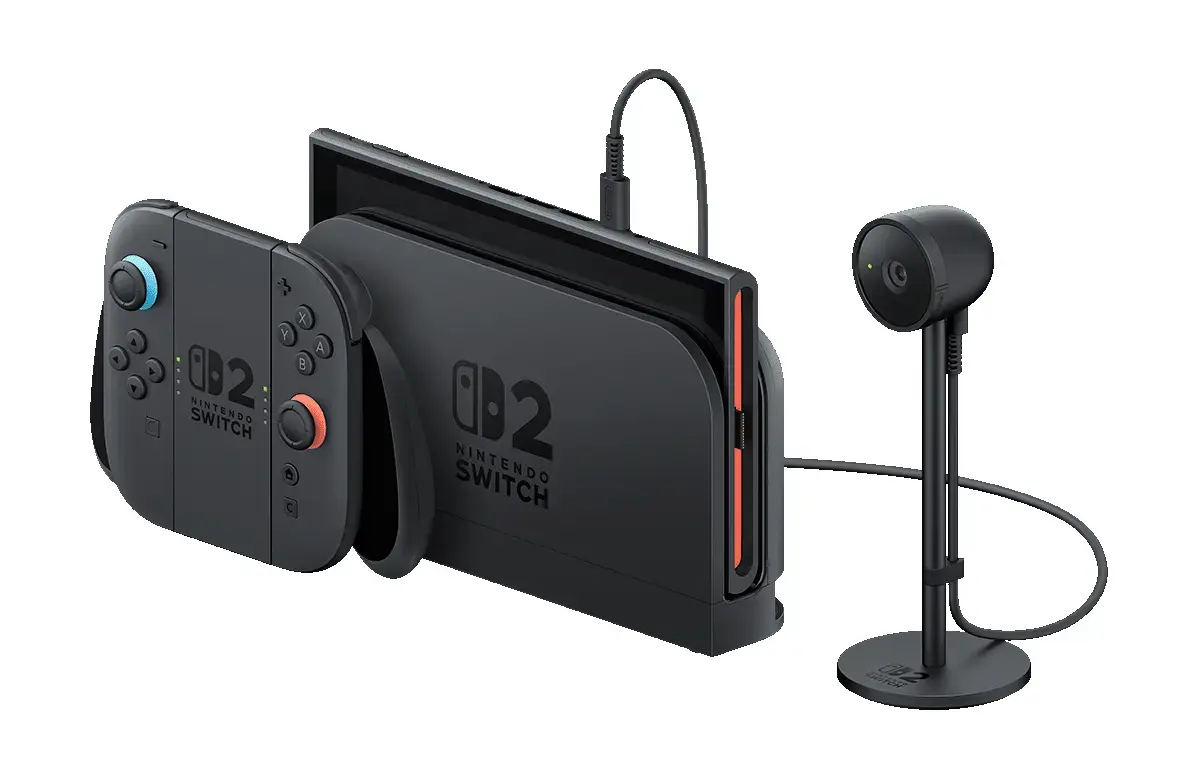
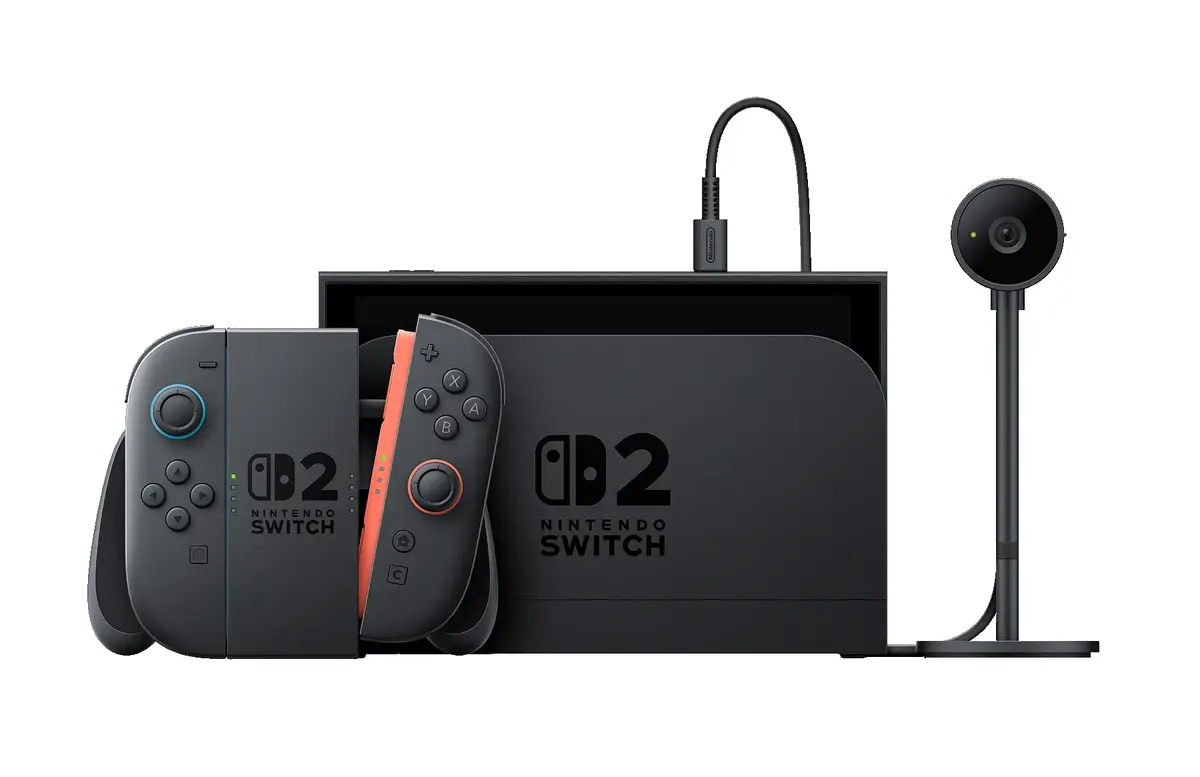
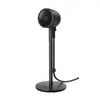
Camera
-
Platform:
Description of a technology platform including a processor, chipset, platform software and wired networking capabilities.
-
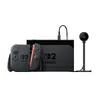
Nintendo Switch 2
-
Weight:
Weight of the product without packaging (net weight). If possible, the net weight is given including standard accessories and supplies. Please note that sometimes the manufacturer leaves out the weight of accessories and/or supplies.
-
0.111 kg
-
Package weight:
Weight of the packaged product.
-
249 g
-
Compatibility:
The other products, software and hardware this product can be used with.
-
Switch 2
-
Height:
The measurement of the product from head to foot or from base to top.
-
170 mm
-
Width:
The measurement or extent of something from side to side.
-
65.4 mm
-
Depth:
The distance from the front to the back of something.
-
65.4 mm
-
Connectivity technology:
The technology that enables connectivity of the device, e.g. wired or wireless.
-
Wired
-
Viewing angle:
-
110 °
-
Product colour:
The colour e.g. red, blue, green, black, white.
-
Black
-
Easy to clean:
-
Yes
-
Country of origin:
Country where the device is made. Aka Country of manufacture (COM).
-
China
-
Package depth:
The distance from the front to the back of the packaging.
-
223 mm
-
Package height:
The distance from the top to the bottom of the packaging.
-
75 mm
-
Package width:
The distance from one side of the packaging to the other.
-
90 mm
-
Package type:
The type of product package e.g. box.
-
Hanging box
-
Brand compatibility:
What other brands this brand can be used with.
-
Nintendo
-
Easy to remove:
-
Yes
-
Harmonized System (HS) code:
-
9504500000