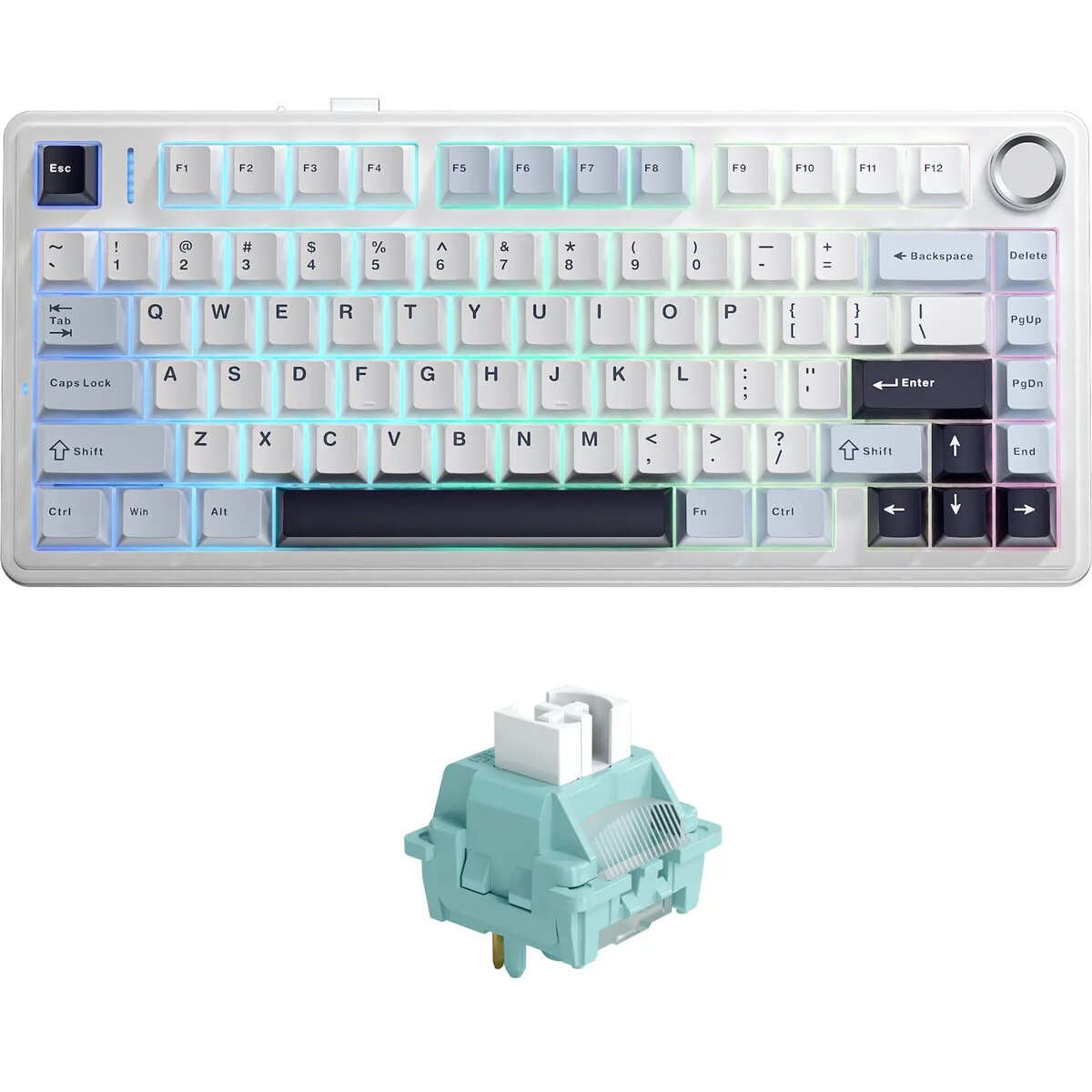
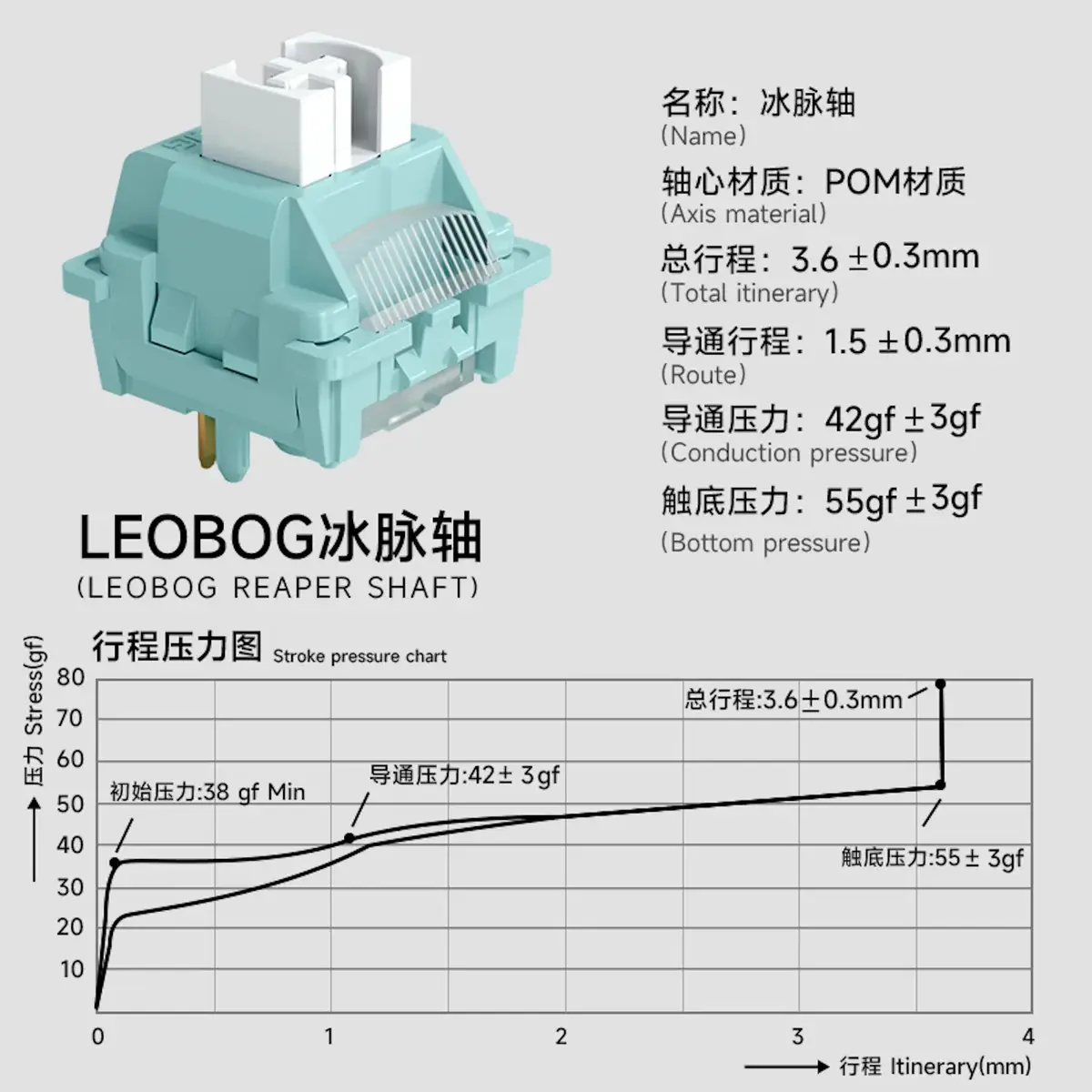
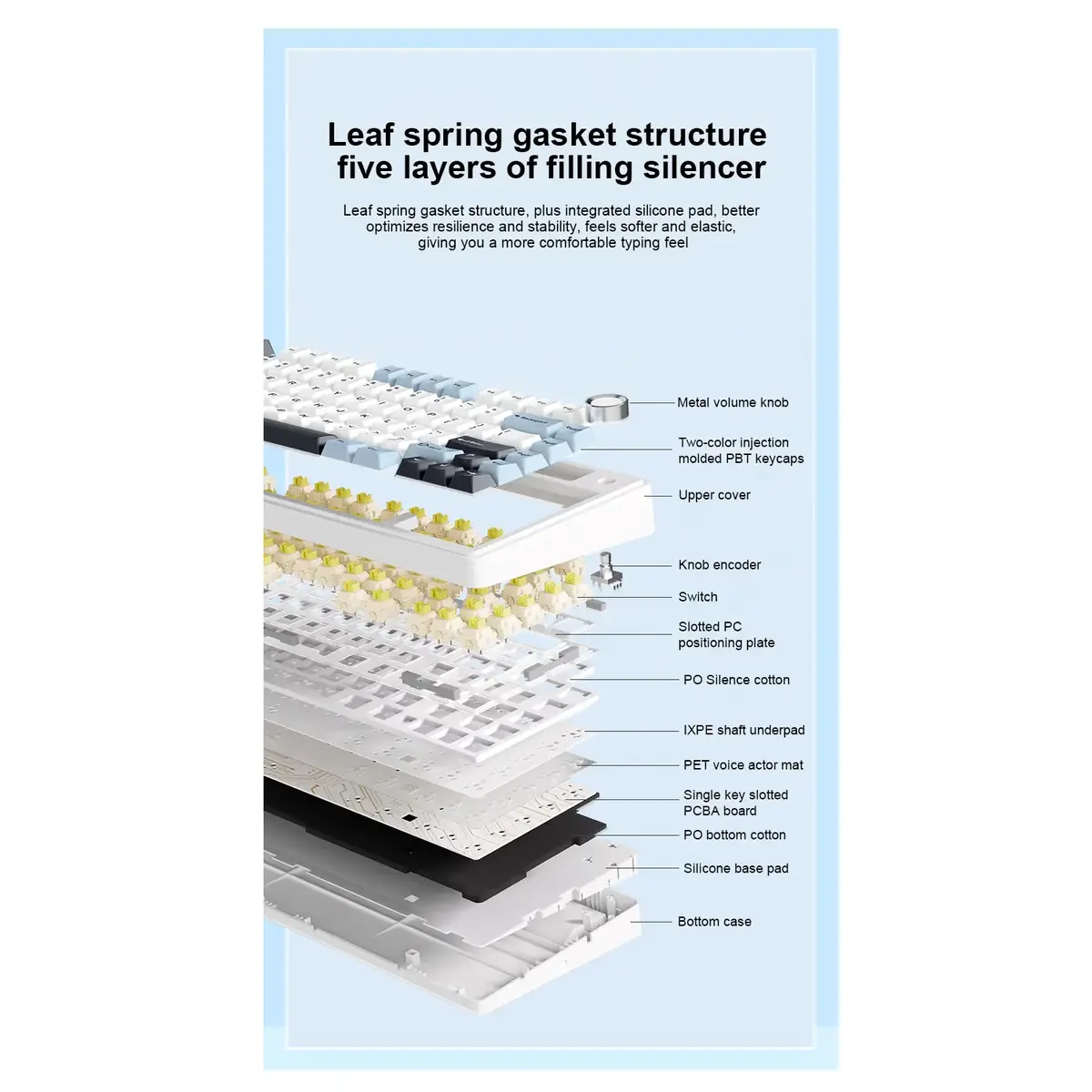
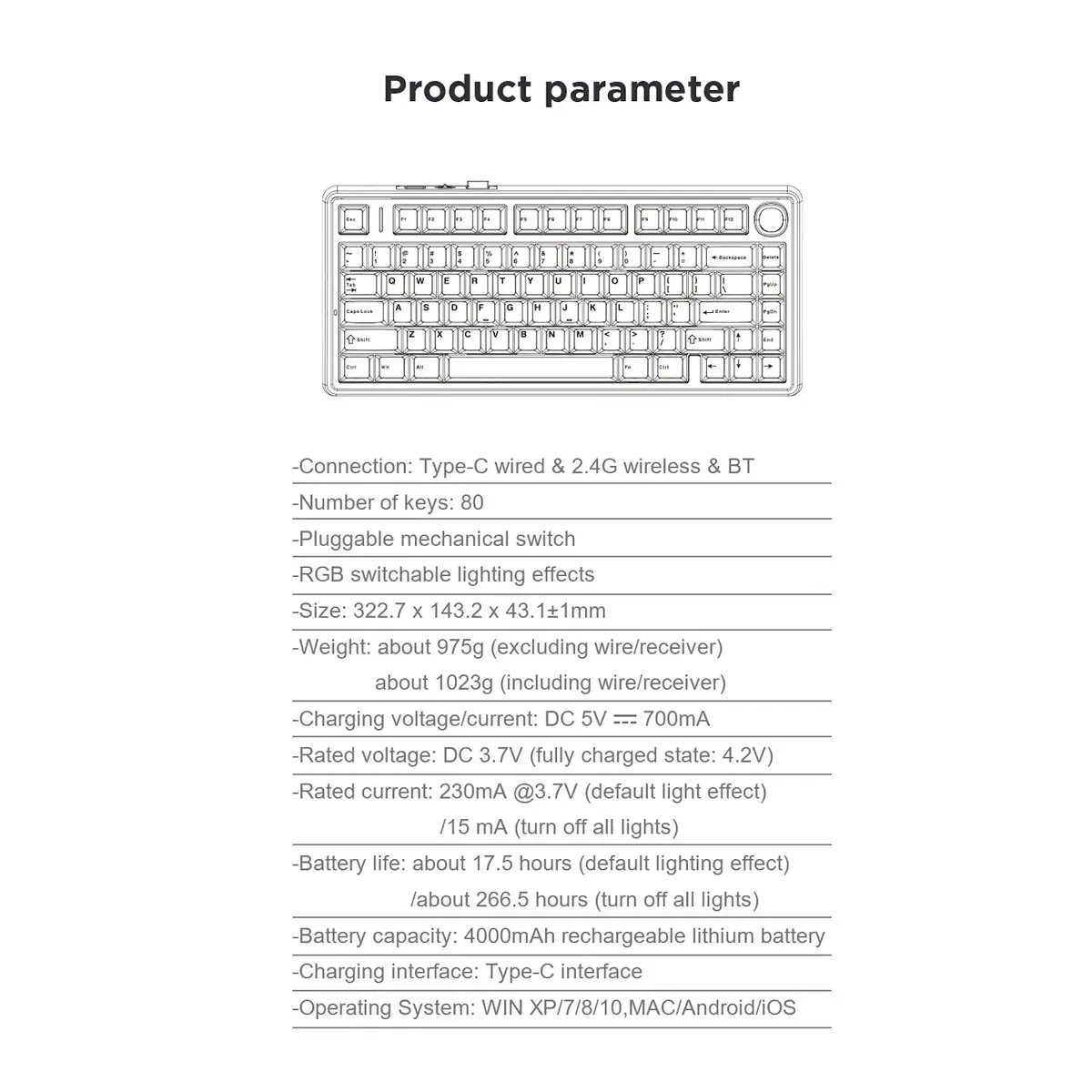
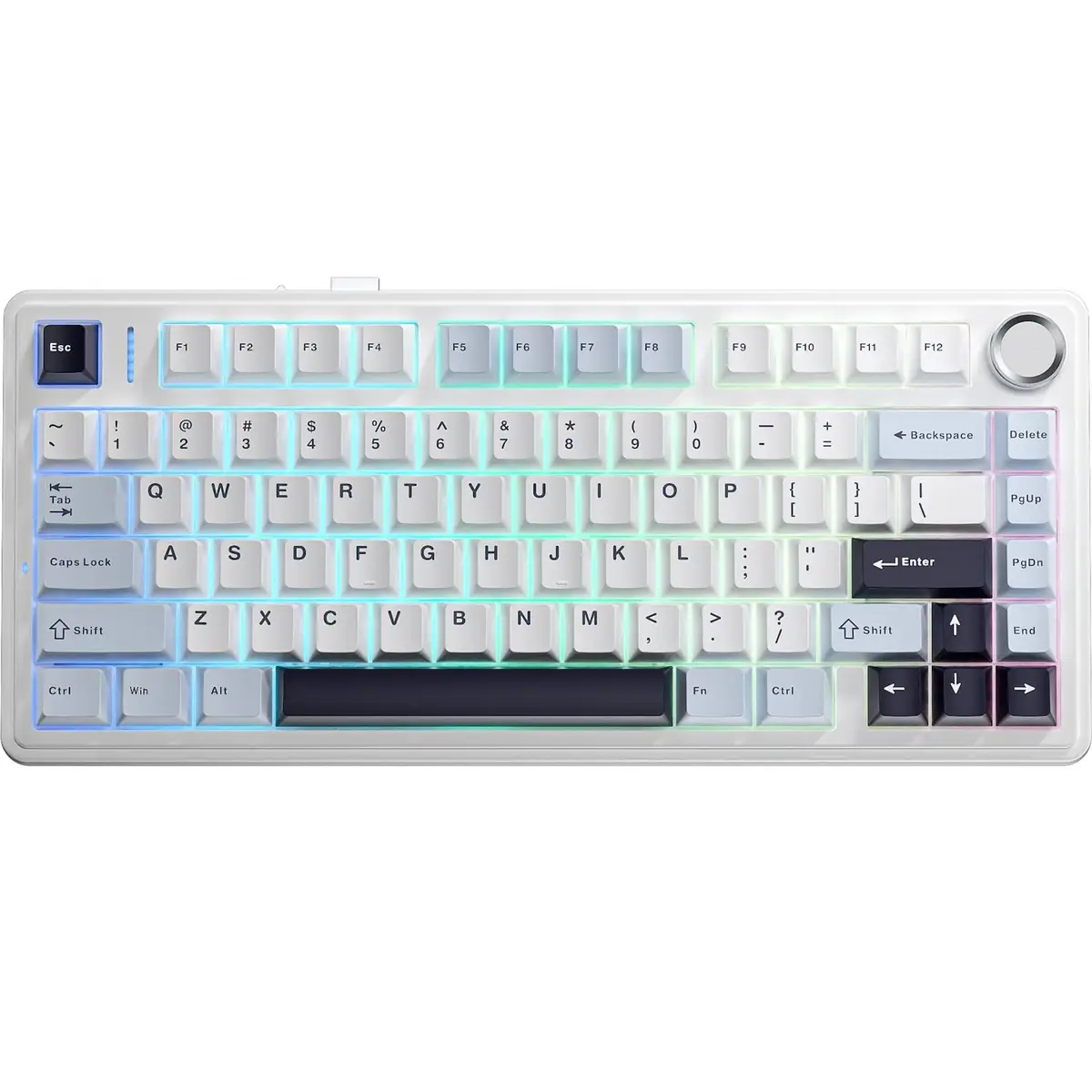
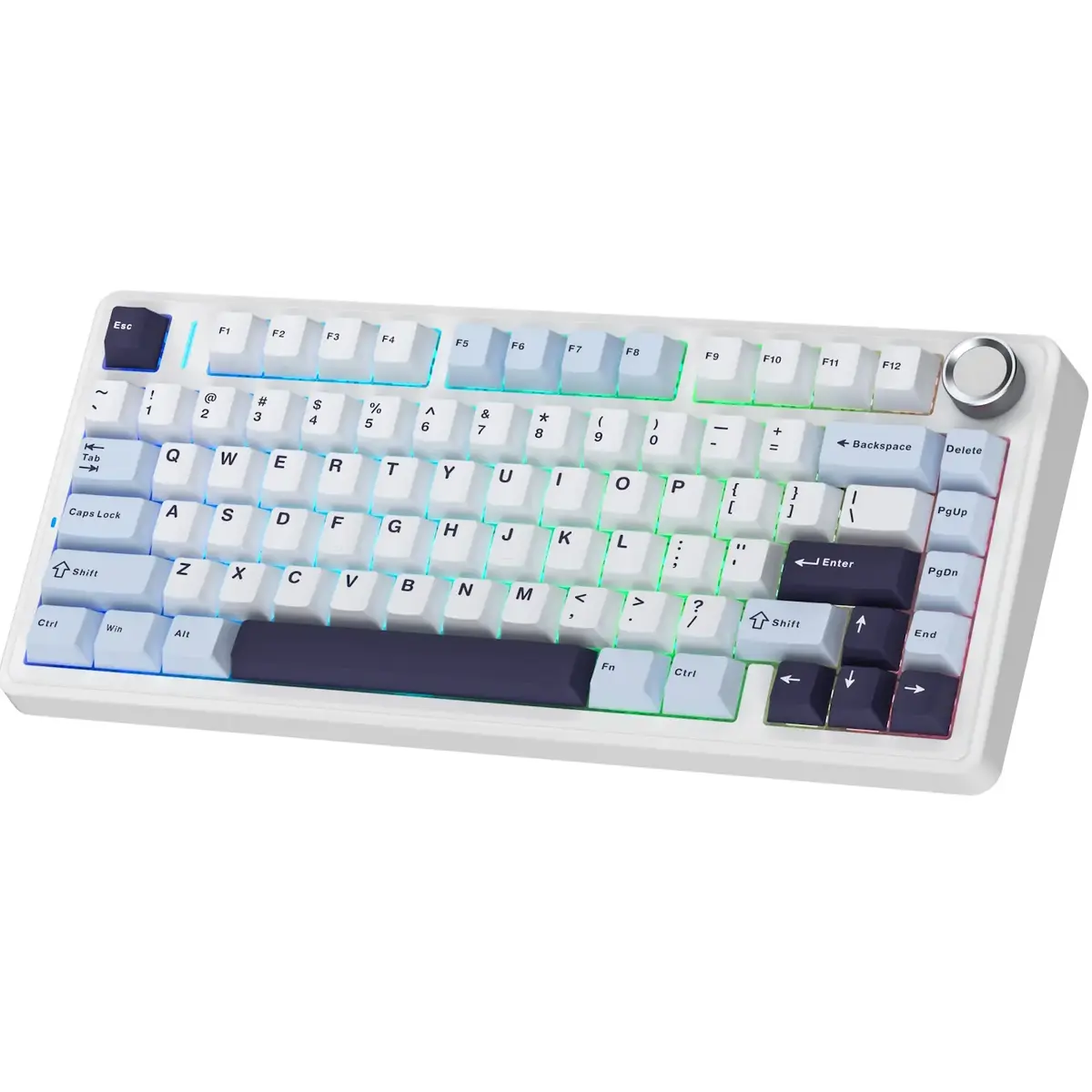
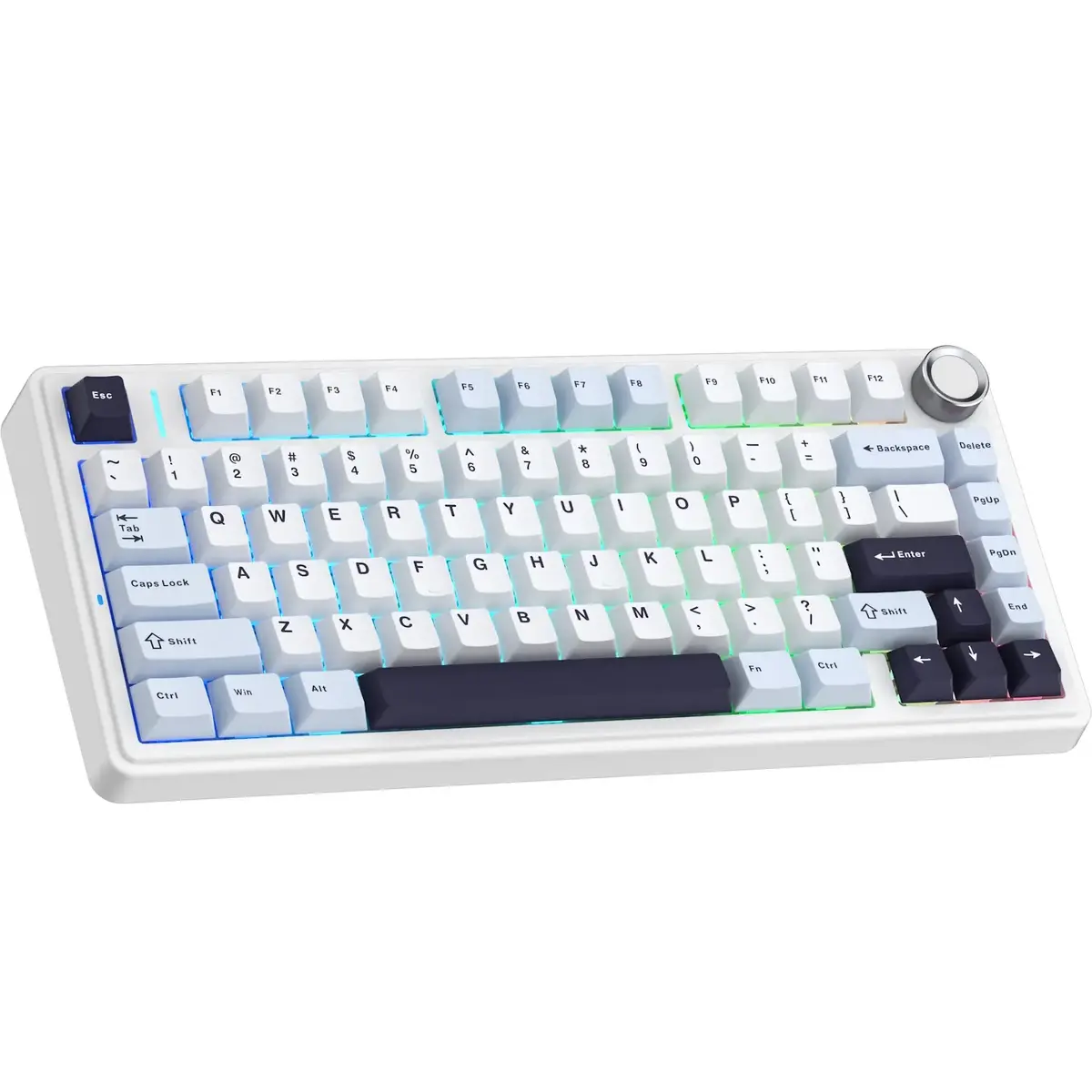
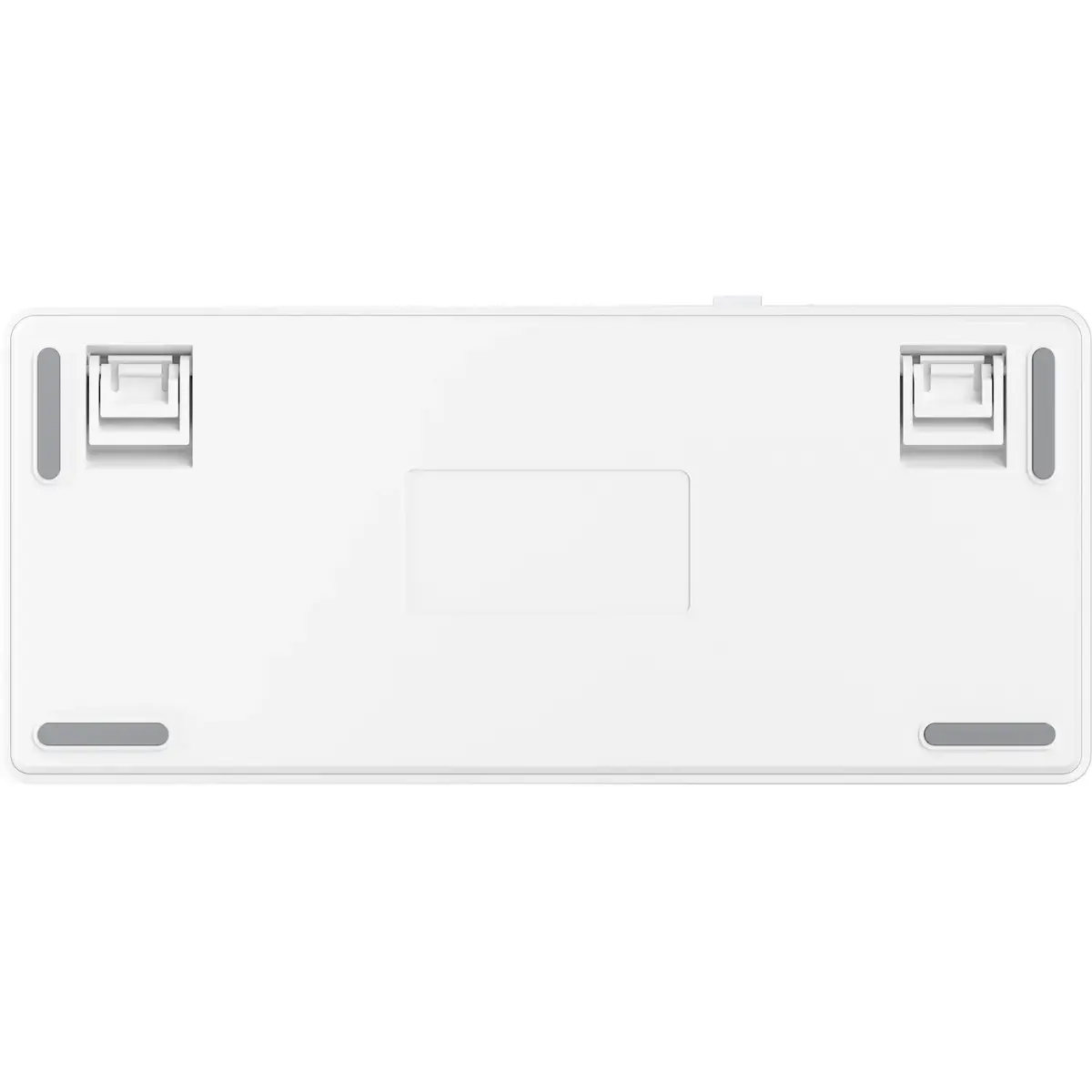
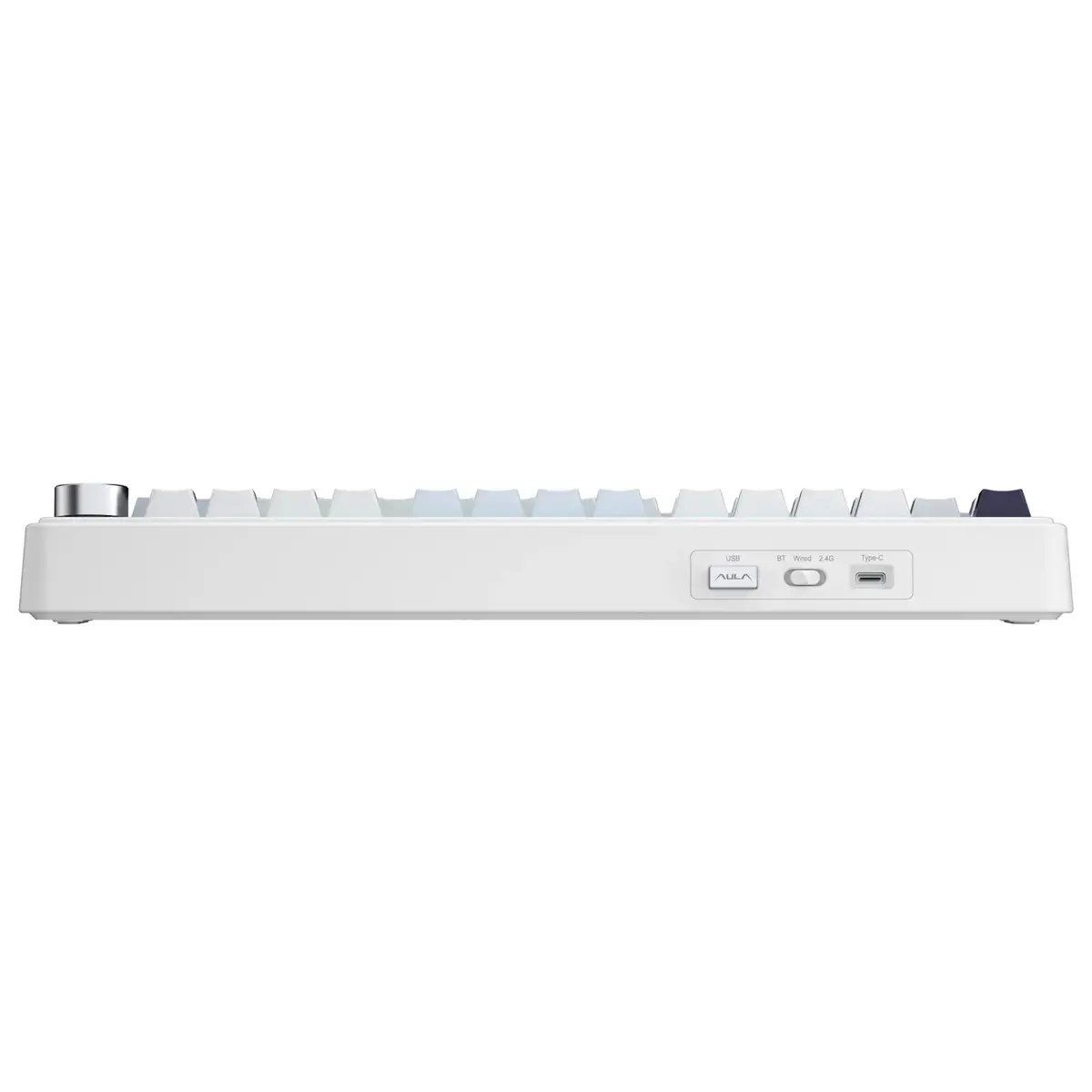
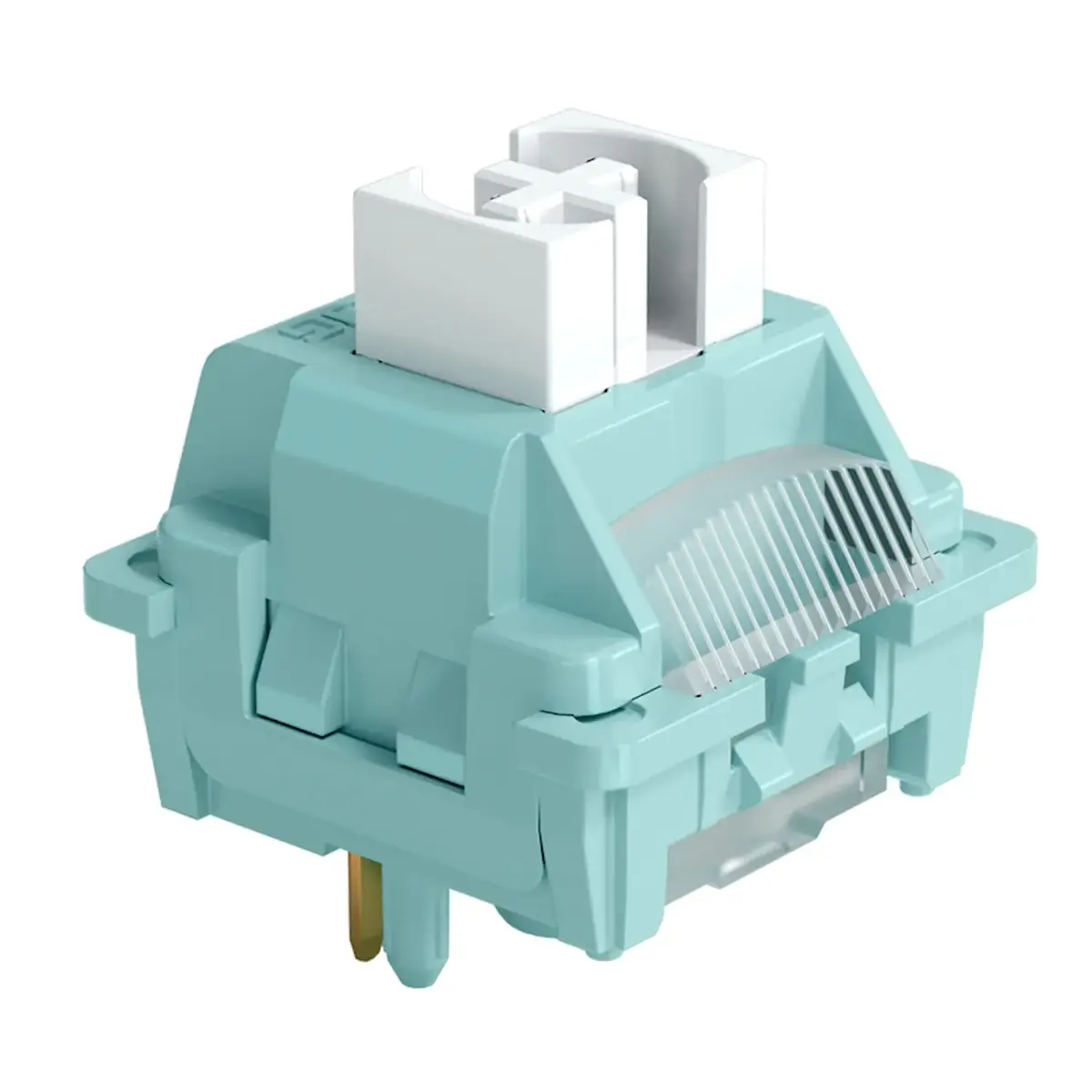
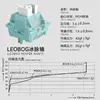
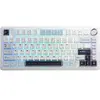
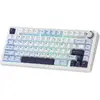
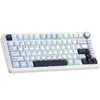
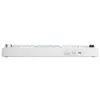
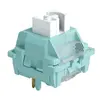
The AULA F75 is a mechanical gaming keyboard with a dual RU/EN layout and Purple Ice Vein mechanical switches. Designed in a light blue, white and black color scheme, the compact 75% layout integrates essential keys into a smaller footprint while retaining functionality for gaming and fast typing. The keyboard features a gasket-mounted structure, fully hot-swappable switches and a five-layer sound and cushioning system that improves acoustics and reduces typing noise. Connectivity options include Bluetooth 5.0, 2.4GHz wireless and USB-C wired modes, and the keyboard includes a 4000mAh battery and RGB backlighting for extended sessions and visual customization.
Advantages
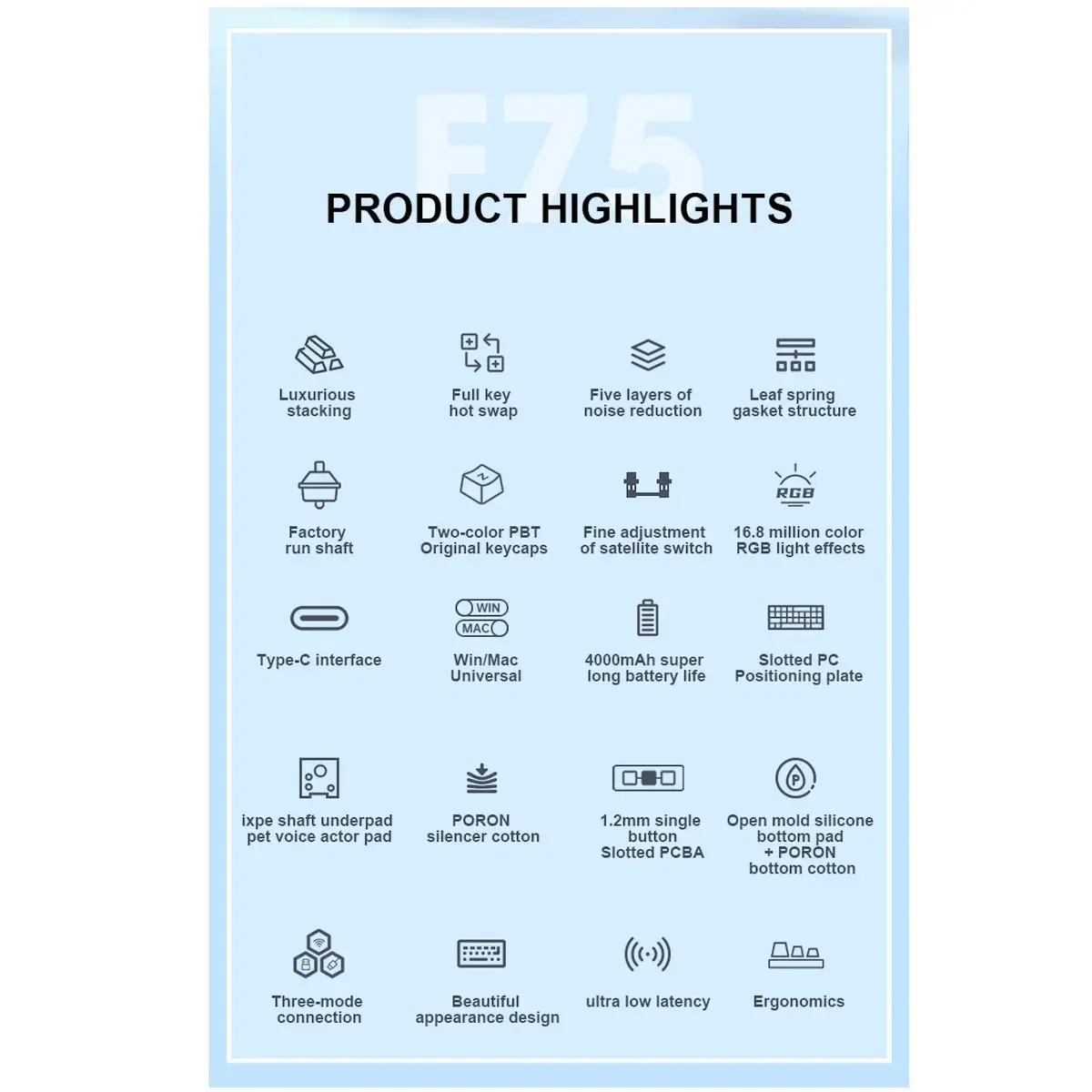
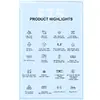
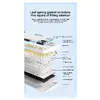
The compact 75% layout saves desk space without sacrificing commonly used keys, while the Purple Ice Vein switches deliver a tactile response suitable for both gaming and productivity. Hot-swappable switch sockets allow customization of switch type and feel without soldering. The five-layer sound and cushioning system, including Poron foam and IXPE keycaps, together with cushioned design elements, reduces vibration and improves acoustic profile. Sweat-proof PBT keycaps ensure long-term durability and comfortable grip. Multi-mode connectivity (Bluetooth, 2.4GHz, USB-C) provides flexible use across multiple devices, and NKRO anti-ghosting supports simultaneous key presses for gaming accuracy.
Suitable for
- PC gamers who need a compact keyboard with tactile switch feedback
- Users working in limited desk spaces or with portable setups
- Typists who prefer a durable PBT keycap surface and reduced typing noise
- Custom keyboard enthusiasts who want hot-swappable switches and sound tuning
- Multi-device users who require Bluetooth, 2.4GHz and wired connectivity
Key specifications
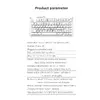
- Layout: 75% compact layout with 80 keys
- Switches: Purple Ice Vein mechanical switches, fully hot-swappable sockets
- Mounting: Gasket-mounted structure for improved typing feel
- Sound and cushioning: Five-layer system including Poron foam and IXPE keycaps
- Keycaps: Sweat-proof, slip-resistant PBT keycaps
- Connectivity: Bluetooth 5.0, 2.4GHz wireless, USB-C wired
- Battery: 4000 mAh for extended wireless use
- Lighting: RGB backlighting
- Anti-ghosting: NKRO (N-Key Rollover)
- Weight and dimensions: 1023 g; 322.7 x 143.2 x 43.1 mm
How to use
Connect the AULA F75 via USB-C for a wired connection or switch to 2.4GHz wireless or Bluetooth 5.0 when using it with laptops, desktops or mobile devices. Use the included multi-functional pen to change modes and manage device pairing. The hot-swappable sockets allow you to remove and replace mechanical switches without soldering—power off the keyboard before swapping switches and follow manufacturer guidance when changing components. Adjust RGB lighting and any available onboard settings through compatible software or onboard controls, and charge the built-in battery via the USB-C port when needed.
Usage recommendations
For optimal acoustic performance and longevity, install the keyboard on a stable, flat surface and consider minor sound-tuning options such as additional foam layers or different switch types if further noise reduction or a different tactile profile is desired. Clean PBT keycaps periodically with a soft cloth to maintain grip and appearance, and ensure the keyboard firmware or companion software (if used) is kept up to date for best compatibility.