
Filters you can trust. Pure water every day.
In cart {{totalProductsCount}} item(s)
Your cart is empty
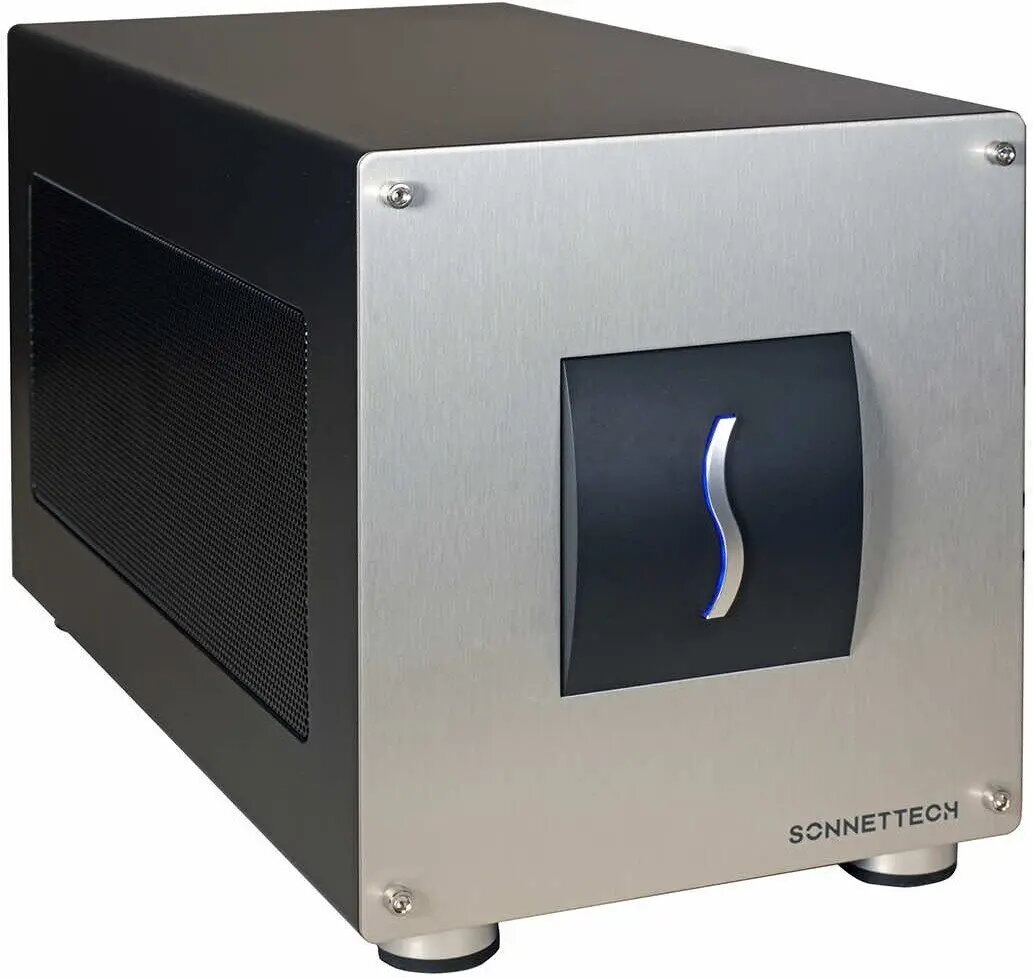
External eGPU enclosure No name Breakaway Box 850T5 Thunderbolt 5 GPU-850-T5, external graphics accelerator
The No name Breakaway Box 850T5 Thunderbolt 5 (GPU-850-T5) is an external eGPU enclosure that provides a desktop-class external graphics accelerator solution via Thunderbolt 5 connectivity. Designed to house a compatible PCIe graphics card, this external chassis expands graphics capabilities for laptops and compact systems, enabling higher GPU performance for gaming, 3D rendering, video editing and other GPU-accelerated workloads. The enclosure supplies the physical space, power delivery and host connectivity required to use a full‑size desktop GPU outside a standard PC case.
The enclosure supports Thunderbolt 5 host connection to deliver high-bandwidth PCIe lanes to an installed graphics card, allowing near-desktop GPU performance on compatible systems. Its design accommodates full-size PCIe GPUs and provides the necessary power delivery and cooling integration to operate high-performance cards. As an external chassis, it enables quick upgrades or changes of the installed graphics card without modifying the host computer, and it expands the graphics capability of portable or space-constrained systems.
Install a compatible PCIe graphics card into the enclosure following the manufacturer’s installation steps: open the case, secure the GPU in the PCIe slot, connect the GPU power leads to the enclosure power supply, and close the chassis. Connect the enclosure to a host computer using a Thunderbolt 5 cable and confirm the host recognizes the external GPU. Install or update GPU drivers on the host system as required. Use the enclosure on a stable, ventilated surface and ensure the host system’s Thunderbolt software and firmware are up to date for optimal compatibility.
For stable operation, use a Thunderbolt 5 cable and a host system that supports external GPU setups. Ensure the installed graphics card’s power and cooling requirements match the enclosure’s specifications. Keep ventilation clear and monitor GPU temperatures under load. Update the host’s drivers and firmware to maintain compatibility and performance.
{{highlightedFeature.featureTitle}}:
{{getProductFeatureValueById(product, highlightedFeature.featureId)}}
{{ productComparisonGenerationError }}