JBL speakers and headphones for pure and deep sound!
In cart {{totalProductsCount}} item(s)
Your cart is empty
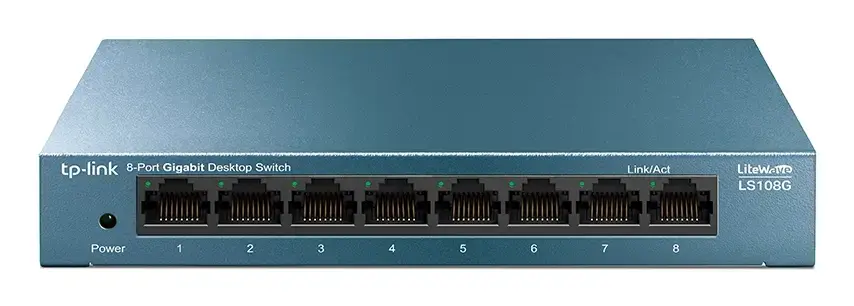
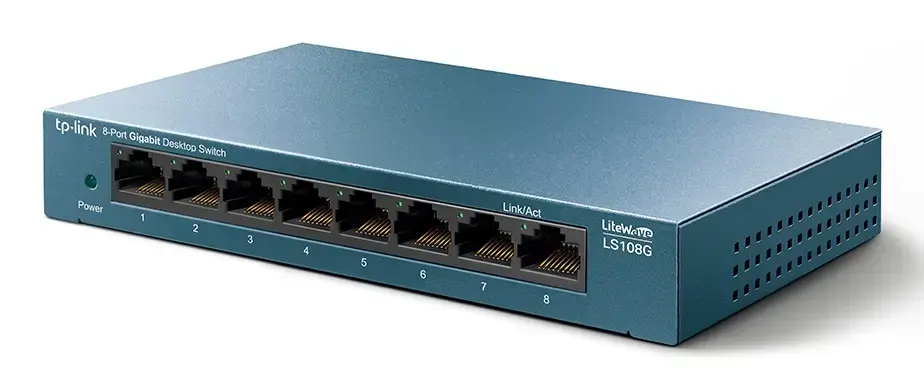
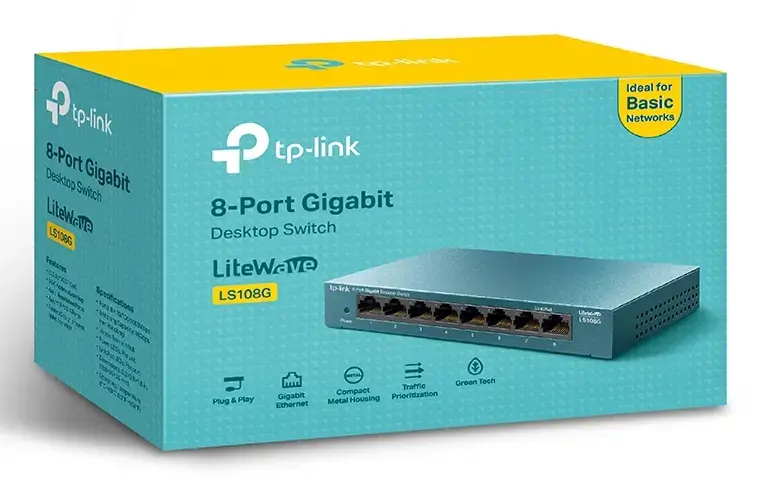
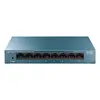
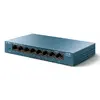
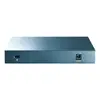
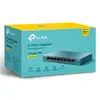
TP-Link LS108G Unmanaged Gigabit Ethernet Network Switch with 8 RJ-45 Ports
The TP-Link LS108G is an unmanaged Gigabit Ethernet network switch designed to provide reliable, high-speed wired connectivity for home and small office environments. Featuring 8 RJ-45 ports, this device allows for the seamless expansion of your local network, ensuring stable data transfer for multiple connected devices simultaneously. Its compact design and plug-and-play functionality make it an accessible solution for users who require immediate network expansion without the need for complex technical configuration.
This switch offers significant benefits through its energy-efficient Green Ethernet technology, which automatically adjusts power consumption based on link status and cable length to reduce operational costs. The device is built with a durable metal casing that protects internal components and ensures long-term reliability even under continuous use. With support for Auto-MDI/MDIX on all ports, users do not need to worry about specific cable types, as the switch automatically detects and configures the connection. Additionally, the inclusion of Quality of Service support helps prioritize traffic to maintain smooth performance for latency-sensitive applications.
This device is an unmanaged switch and does not offer advanced network management features such as VLAN configuration, SNMP monitoring, or complex traffic shaping. If your network infrastructure requires granular control, security management, or remote administration, a managed switch would be a more appropriate choice.
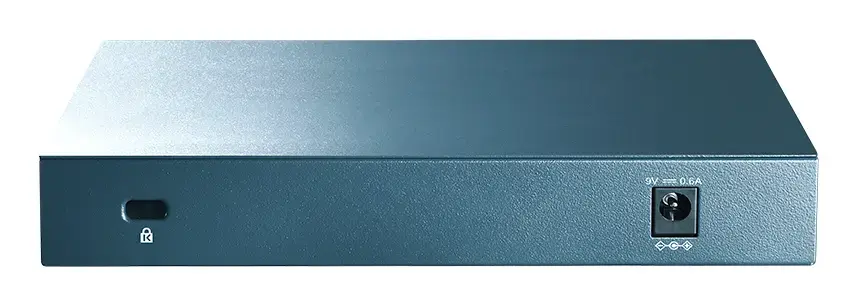
To use the TP-Link LS108G, simply connect the power adapter to the device and plug it into a standard electrical outlet. Connect your router or main network source to any of the RJ-45 ports using an Ethernet cable, and then connect your peripheral devices to the remaining ports. The switch will automatically detect the connection speed and cable type, establishing a link without requiring any software installation or manual settings.
For optimal performance and longevity, place the switch on a flat, stable surface or mount it securely on a wall in a well-ventilated area. Avoid placing heavy objects on the device and ensure the power cable is not strained or pinched.
{{highlightedFeature.featureTitle}}:
{{getProductFeatureValueById(product, highlightedFeature.featureId)}}