
Leave your address - as soon as the price of the product goes down, you'll know about it right away
Card reader No name YC360 USB 3.0 and USB-C portable multi-card reader
In cart {{totalProductsCount}} item(s)
Your cart is empty
Card reader No name YC360 USB 3.0 and USB-C portable multi-card reader
Leave your address - as soon as the price of the product goes down, you'll know about it right away
Card reader No name YC360 USB 3.0 and USB-C portable multi-card reader
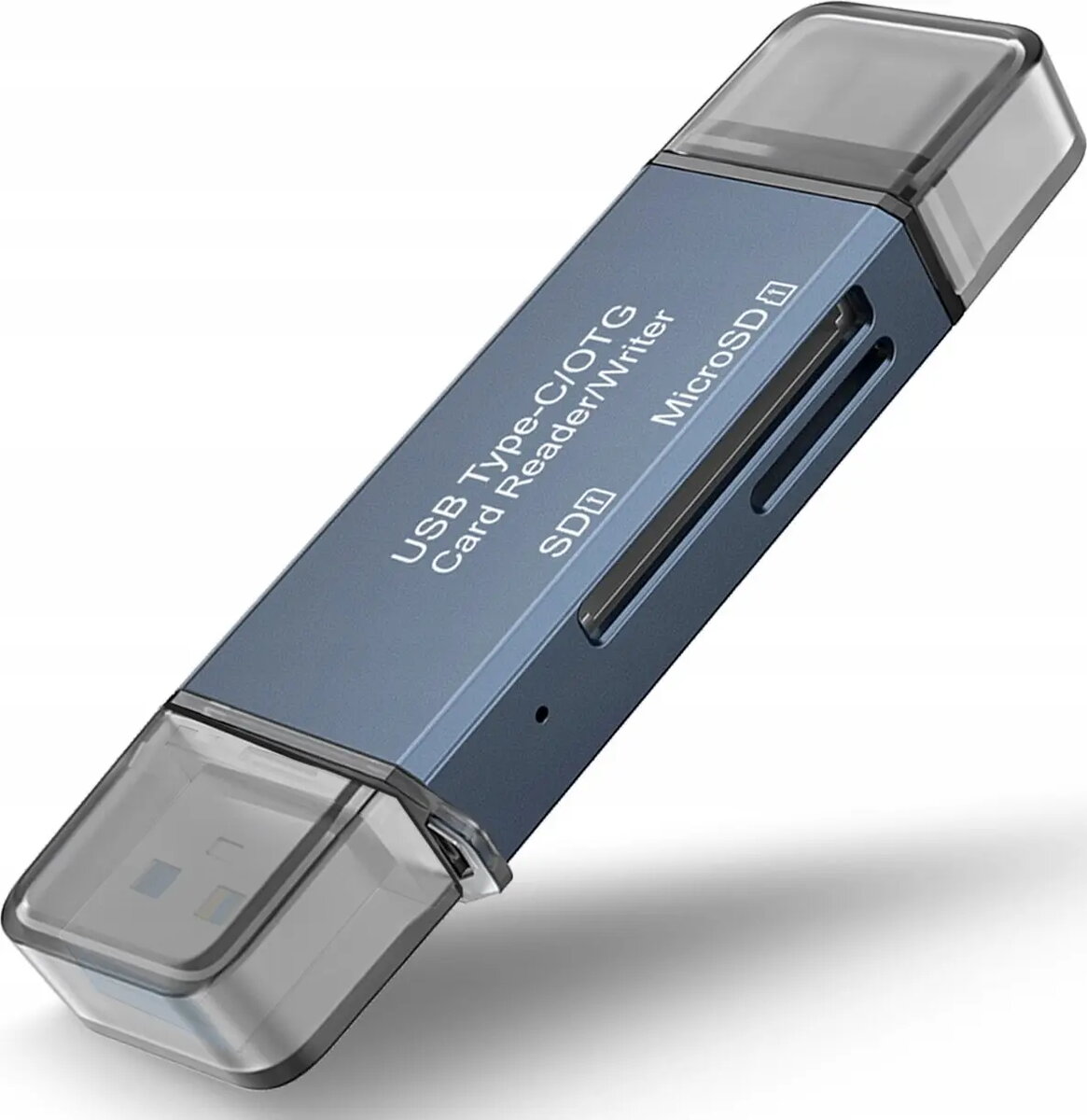
The Card reader No name YC360 USB 3.0 and USB-C portable multi-card reader is a compact accessory that enables fast data transfer between memory cards and host devices. It supports common card formats such as SD and microSD and offers dual-interface connectivity through a USB 3.0 Type-A plug and a USB-C connector for direct connection to PCs, laptops, tablets and some smartphones. The device is designed for straightforward plug-and-play use without the need for additional drivers on modern operating systems.
The YC360 combines USB 3.0 throughput with USB-C compatibility in a lightweight, portable housing, allowing quick transfer of photos, videos and documents. Its plug-and-play operation ensures simple setup and use, while the dual-connector design reduces the need for adapters. The reader’s small footprint makes it convenient to carry with camera bags or laptop cases for on-the-go workflows.
Insert the compatible memory card (SD or microSD) into the corresponding slot on the YC360. Connect the reader to the host device using the appropriate connector — either the USB 3.0 Type-A plug for PCs and older laptops or the USB-C connector for modern computers and compatible mobile devices. The host system should recognize the card as an external storage device, allowing files to be copied, moved or edited using the operating system’s file manager. Safely eject the card from the host before removing it to prevent data corruption.
For optimal performance, use high-speed SD or microSD cards and connect the reader to a USB 3.0 or USB-C port that supports USB 3.0 speeds. Avoid removing the card while data transfer is in progress and keep the device in a dry, dust-free environment when not in use.
{{highlightedFeature.featureTitle}}:
{{getProductFeatureValueById(product, highlightedFeature.featureId)}}