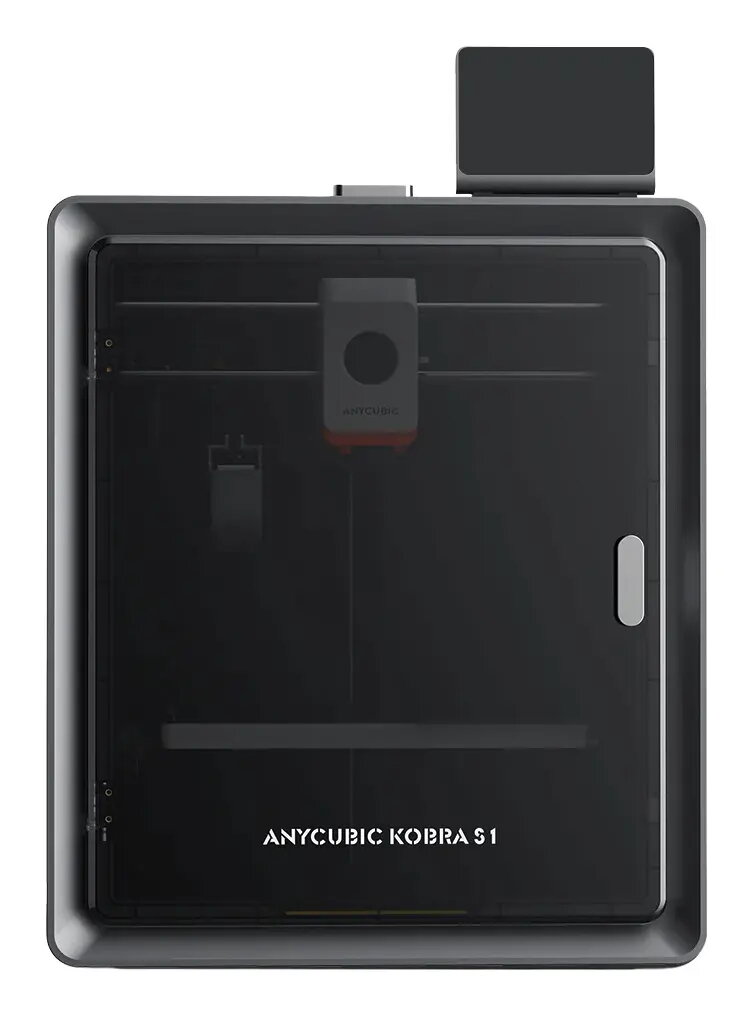
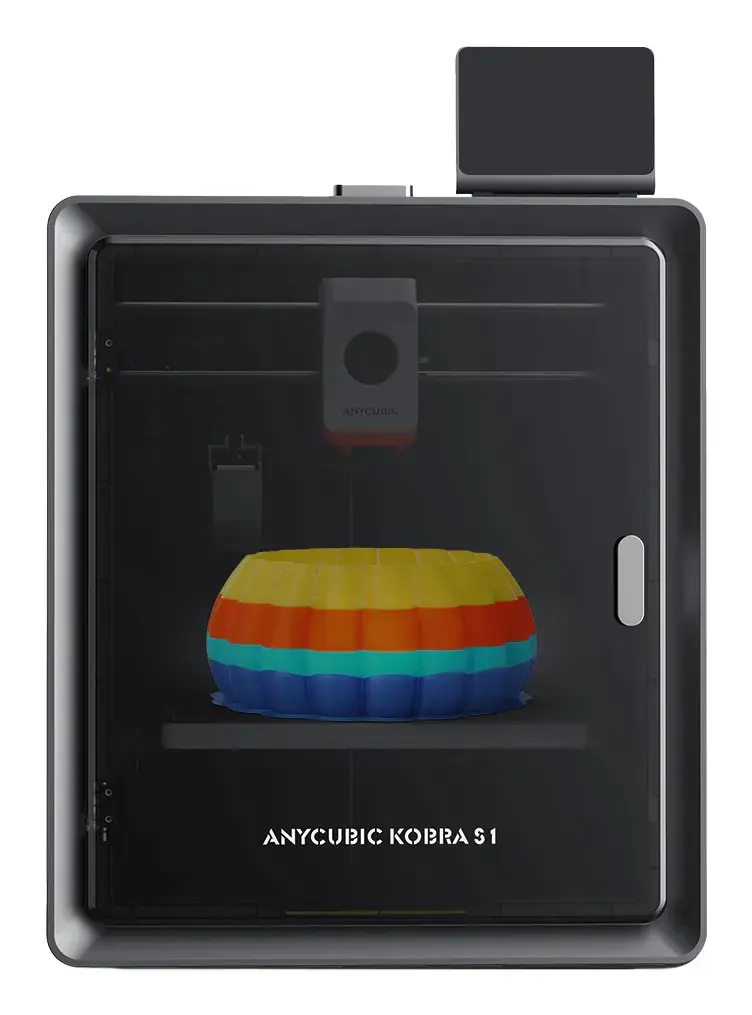
The Anycubic Kobra S1 is a high-performance Fused Filament Fabrication (FFF) 3D printer engineered for precision additive manufacturing. Featuring a robust black chassis and a fully enclosed CoreXY design, this machine offers a generous build volume of 250 x 250 x 250 mm. It is designed to balance industrial-grade speed with user-friendly operation, making it a versatile tool for both professional prototyping and detailed hobbyist projects.
Advantages
The primary strength of the Anycubic Kobra S1 lies in its exceptional printing speed, capable of reaching up to 600 mm/s with high acceleration, which significantly reduces production time for complex models. The printer is equipped with a high-temperature 320°C hotend that supports a wide variety of materials, including ABS, ASA, PETG, TPU, and PLA, ensuring flexibility for diverse engineering requirements. Its quiet operation, maintaining a noise level as low as 44 dB, allows for seamless integration into office or home environments without causing disruption. Furthermore, the inclusion of Ethernet LAN connectivity and advanced software integration via the Anycubic Slicer Next and mobile app provides users with efficient remote management and real-time control over their printing tasks.
Suitable for
- Rapid prototyping of mechanical parts and functional components
- Creating detailed artistic models and complex geometries
- Educational environments requiring reliable and versatile 3D printing
- Small-scale production of durable items using engineering-grade filaments
When it may not be suitable
This printer may not be the ideal choice for users requiring extremely large-scale prints that exceed the 250 mm cubic build volume. Additionally, while it is user-friendly, those who have no prior experience with 3D printing software or maintenance might find the initial setup and calibration of a high-speed machine to be a learning curve compared to basic plug-and-play consumer models.
Key specifications
- Printing technology: Fused Filament Fabrication (FFF)
- Build volume: 250 x 250 x 250 mm
- Maximum print speed: 600 mm/s
- Layer resolution: 0.05 mm to 0.28 mm
- Maximum hotend temperature: 320 °C
- Maximum print bed temperature: 120 °C
- Connectivity: Ethernet LAN
- Noise level: 44 dB (quiet mode)
- Weight: 18 kg
- Color: Black
How to use
To begin using the Anycubic Kobra S1, ensure the printer is placed on a stable, level surface. After completing the quick assembly process, connect the device to your local network via the Ethernet port for remote access. Use the provided Anycubic Slicer Next software to prepare your 3D models, adjusting settings such as layer height and infill density to suit your specific material. Once the file is sliced, transfer it to the printer via the network or storage media. Use the integrated 4.3-inch touchscreen to initiate the print, monitor the progress, and manage temperature settings. Always ensure the build plate is clean and properly leveled before starting a new print job to ensure optimal adhesion.
What to consider before purchase
- Ensure you have adequate desk space for the 400 x 490 x 410 mm footprint
- Verify that your workspace has a stable Ethernet connection if you intend to use remote features
- Consider the ventilation requirements when printing materials like ABS or ASA that may emit fumes
- Check the compatibility of your preferred filament brands with the 320°C hotend
Usage recommendations
For the best results, always perform a test print when switching between different material types such as PLA and ABS. Regularly clean the hotend and check the build plate surface to maintain print quality and prevent clogging. Utilize the quiet mode during overnight prints to minimize noise impact.