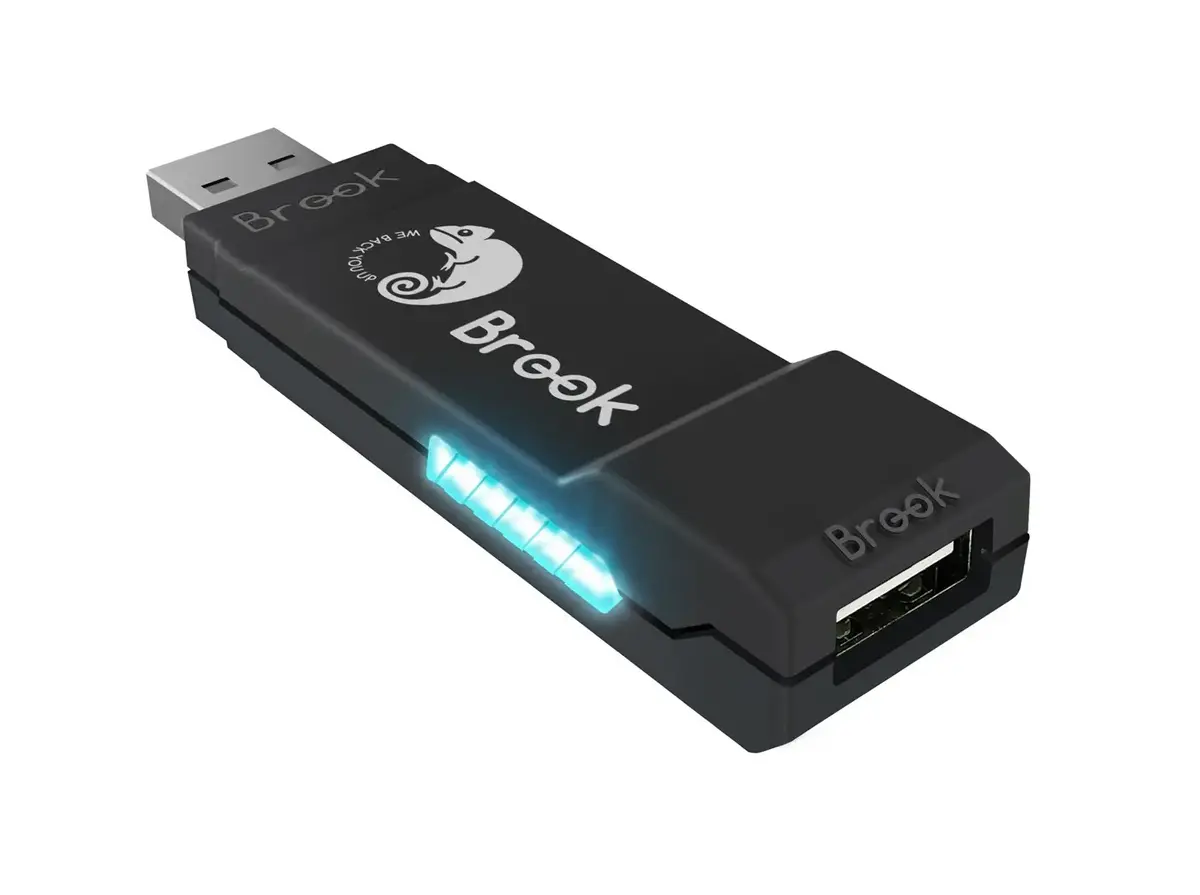
The Brook Gaming Wingman XB3 USB Controller Adapter for Xbox Series X|S, Xbox One, and PC is compared with several alternative gaming accessories: the specialized Brook Gaming Flashman Controller Adapter, the versatile wireless Dragonshock Nova-Sync Wireless USB Adapter for PlayStation, Xbox, PC and Nintendo Switch, the arcade-focused NACON DAIJA Arcade Stick Black USB Special PC, Xbox One, Xbox Series S, Xbox Series X, the gamepad Microsoft Xbox Wireless Controller Mineral Camo Special Edition Gamepad for Xbox Series X|S, Xbox One, PC, Android and iOS, and the wired gamepad Gamepad PDP Wired Controller Fuse White Xbox Series X|S Xbox One PC. The main similarity among the adapters is their purpose of bridging controllers with gaming platforms, but they differ fundamentally in device type—some are connection adapters for existing controllers, while others are complete gamepads or specialized arcade sticks.
⚙️ The table below compares the device type, supported platforms, connectivity technology, and core functional features of each product.
| Parameter | Brook Gaming Wingman XB3 USB Controller Adapter | Brook Gaming Flashman Controller Adapter | Dragonshock Nova-Sync Wireless USB Adapter | NACON DAIJA Arcade Stick | Microsoft Xbox Wireless Controller Mineral Camo | Gamepad PDP Wired Controller Fuse White | Practical significance |
|---|
| Device type | USB controller adapter | Controller adapter | Wireless USB adapter | Arcade stick | Gamepad | Wired gamepad | Determines whether you are buying an accessory to connect existing controllers or a brand-new input device. |
| Supported platforms | Xbox Series X|S, Xbox One, PC | Various gaming platforms | PlayStation 4, PlayStation 5, Xbox Series X|S, PC, Nintendo Switch | Xbox Series X|S, Xbox One, PC | Xbox Series X|S, Xbox One, PC, Android, iOS | Xbox Series X|S, Xbox One, PC | Influences which consoles or mobile systems you can use the hardware with. |
| Connectivity technology | Wired and wireless | Not specified | Wireless | Wired (USB) | Wireless (Bluetooth) | Wired (USB) | Defines movement freedom and cable management in your gaming setup. |
| Control features | Button remapping, turbo functions | Reduced input latency | Cross-platform bridge | Special control buttons | Share button, D-pad | Essential buttons, menu button | Provides extra comfort, customization, or specialized arcade gaming experiences. |
◎ The suitability table below evaluates which device is best suited for different usage scenarios and buyer profiles.
| Use case | Recommended product | Why |
|---|
| Using a preferred controller on Xbox or PC | Brook Gaming Wingman XB3 USB Controller Adapter | Allows connecting your favorite controller to new platforms with low latency. |
| Cross-platform gaming across Nintendo and PlayStation | Dragonshock Nova-Sync Wireless USB Adapter | Provides a bridge between controllers and a wide array of consoles including Switch and PS5. |
| Fighting and arcade games | NACON DAIJA Arcade Stick | Specialized arcade stick construction is ideal for classic arcade simulators. |
| Mobile gaming and Microsoft ecosystem | Microsoft Xbox Wireless Controller Mineral Camo | Offers wireless connectivity to PC, Android, and iOS phones with extended battery life. |
The Brook Gaming Wingman XB3 USB Controller Adapter for Xbox Series X|S, Xbox One, and PC is best suited for gamers who want to use their trusted controllers on Xbox consoles and PC without purchasing an extra expensive gamepad. Unlike standalone gamepads like the Microsoft Xbox Wireless Controller Mineral Camo or the arcade stick NACON DAIJA Arcade Stick, this device does not replace the gamepad itself but extends its compatibility. Choose this adapter if you value utilizing your existing peripherals in both wired and wireless modes alongside helpful button remapping capabilities.