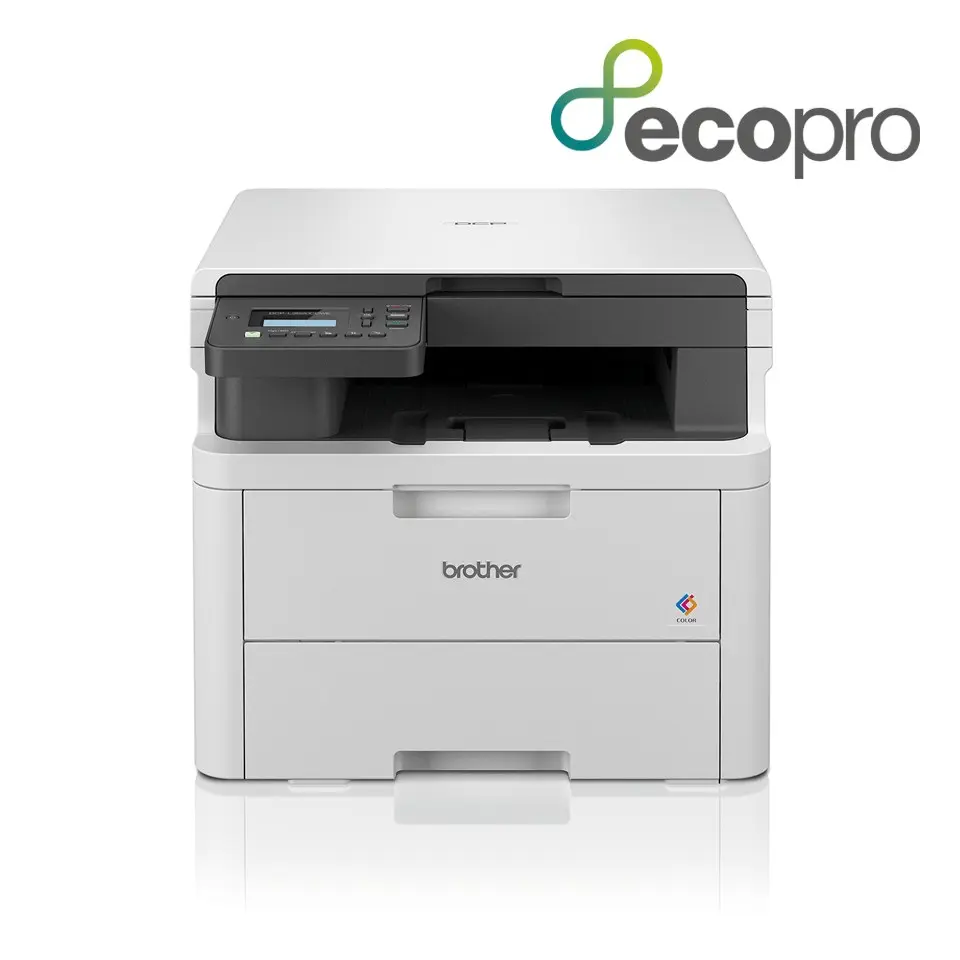
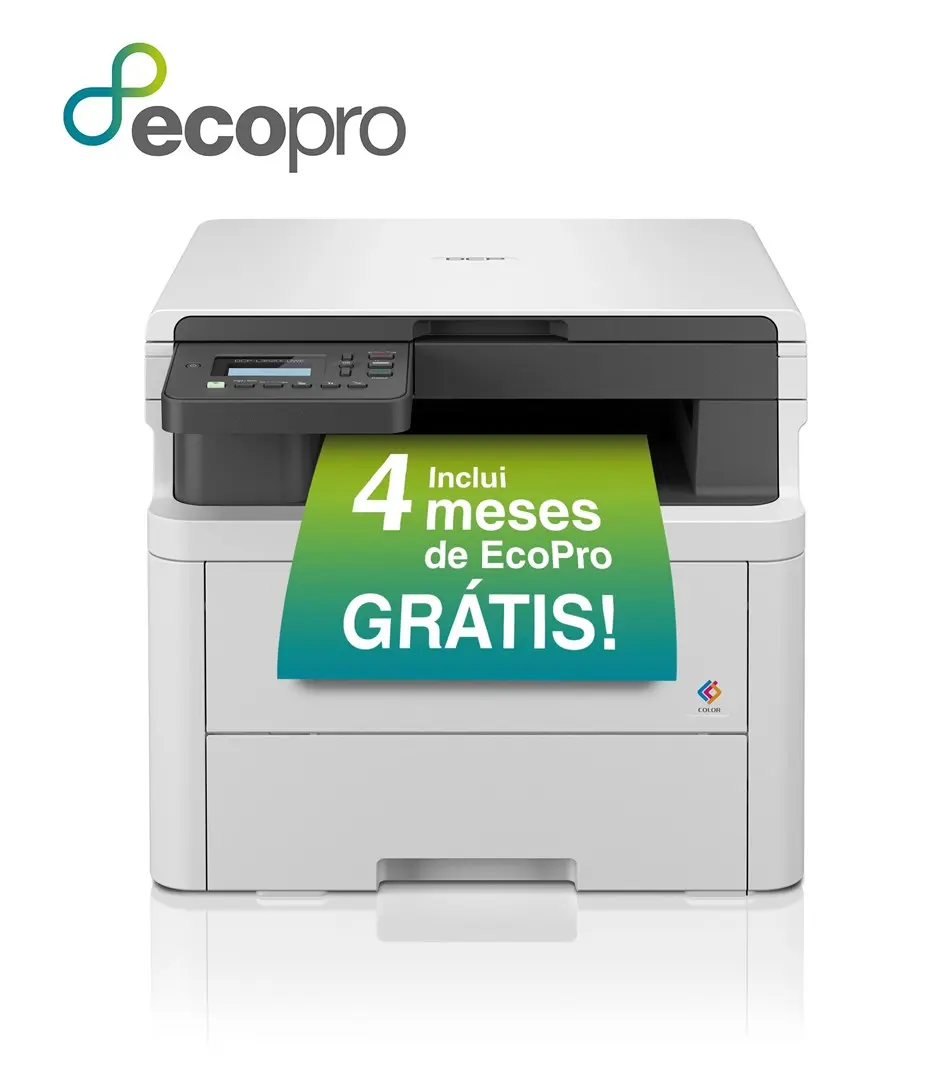
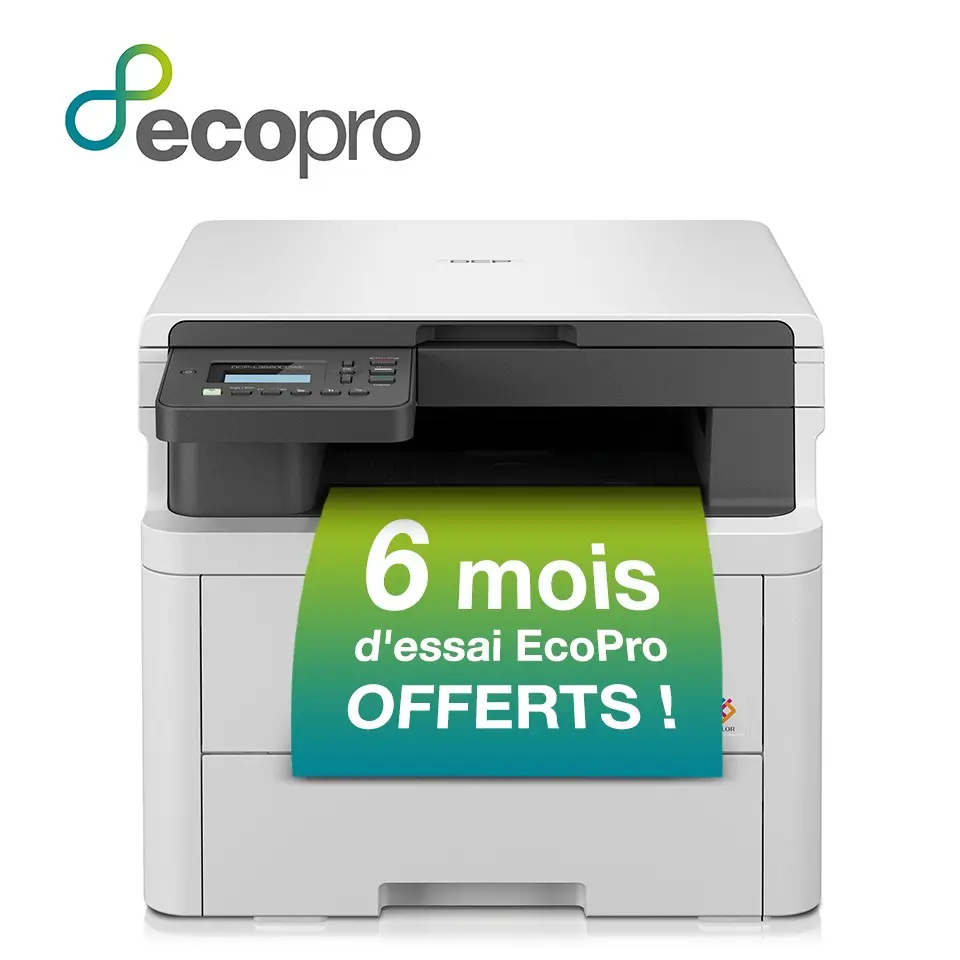
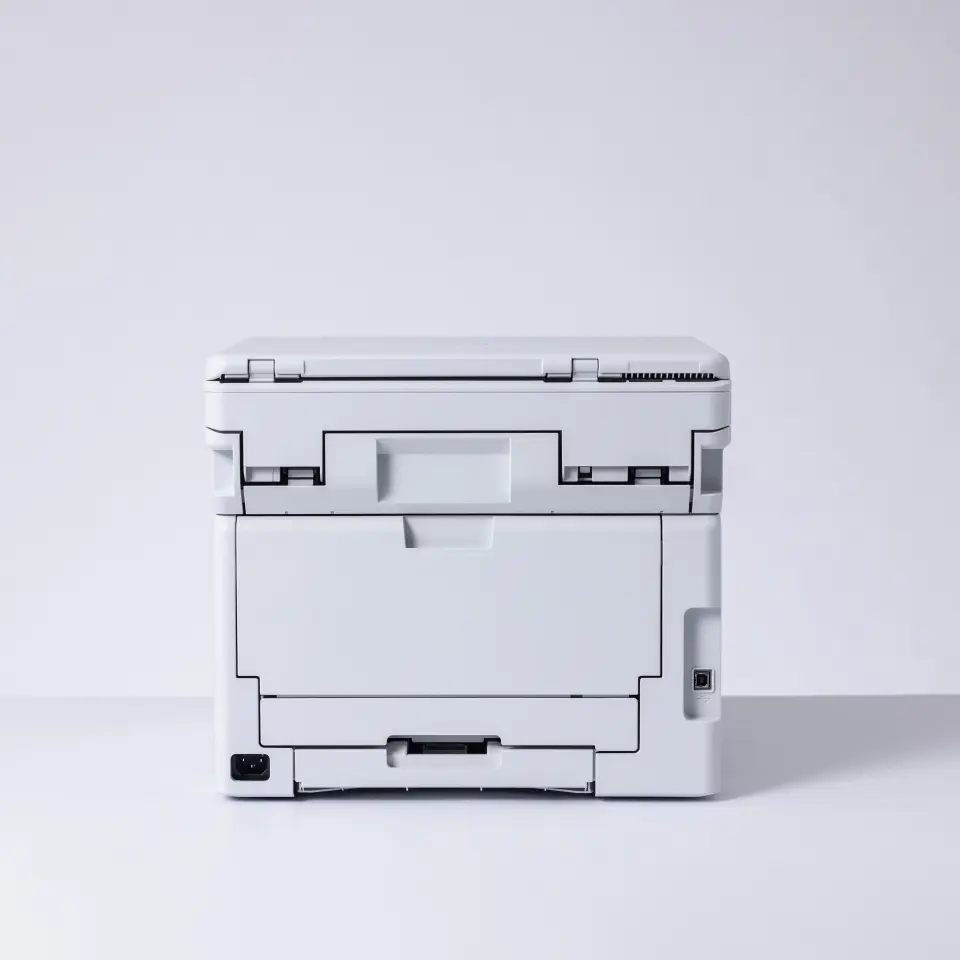
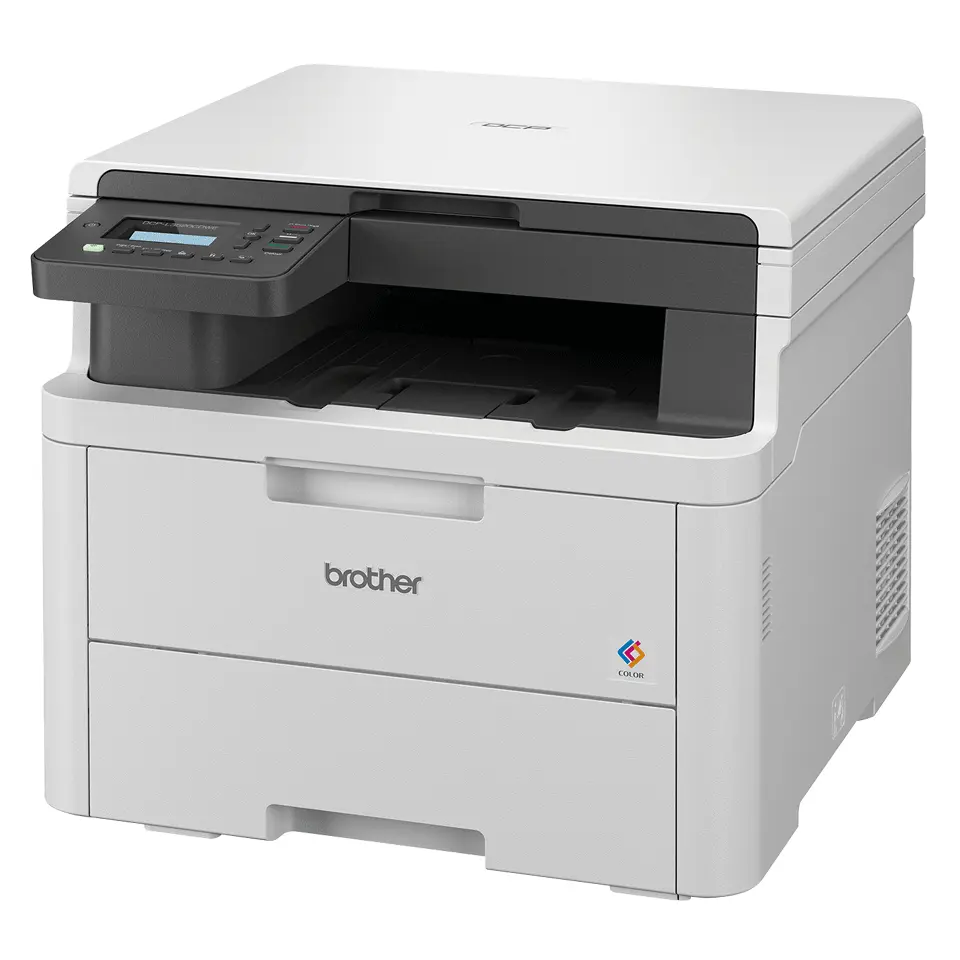
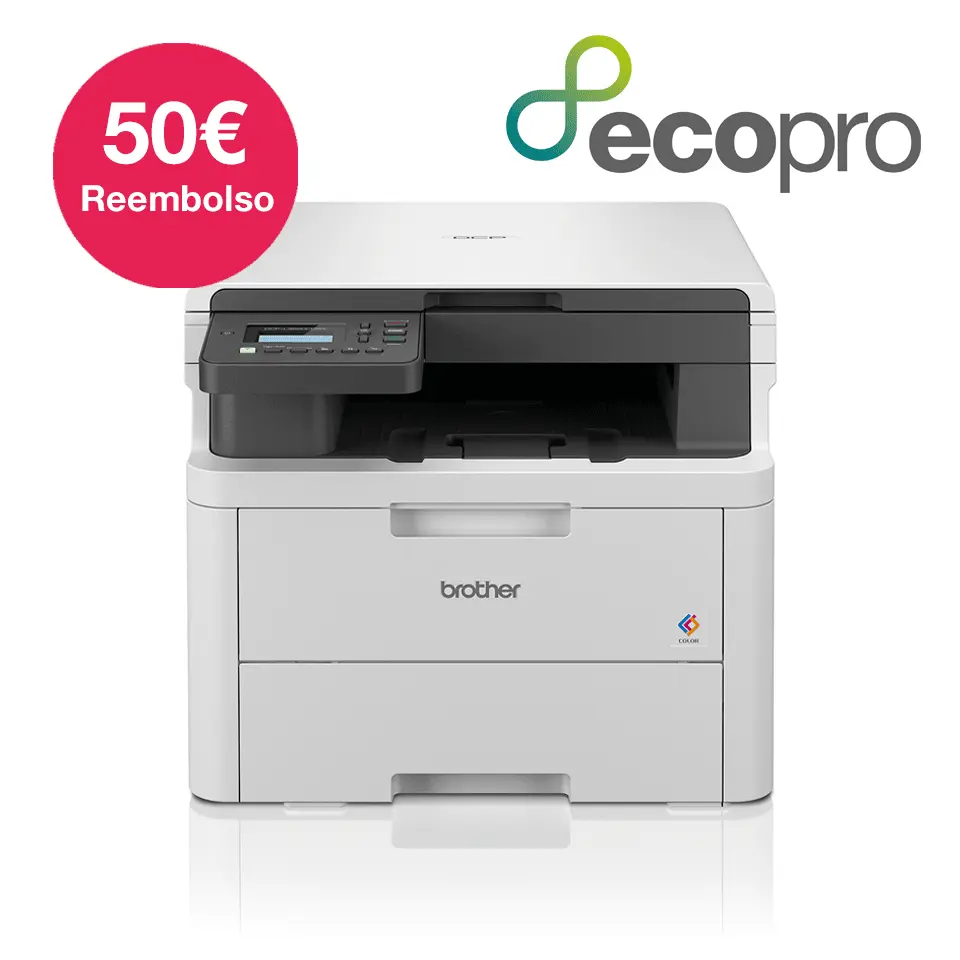
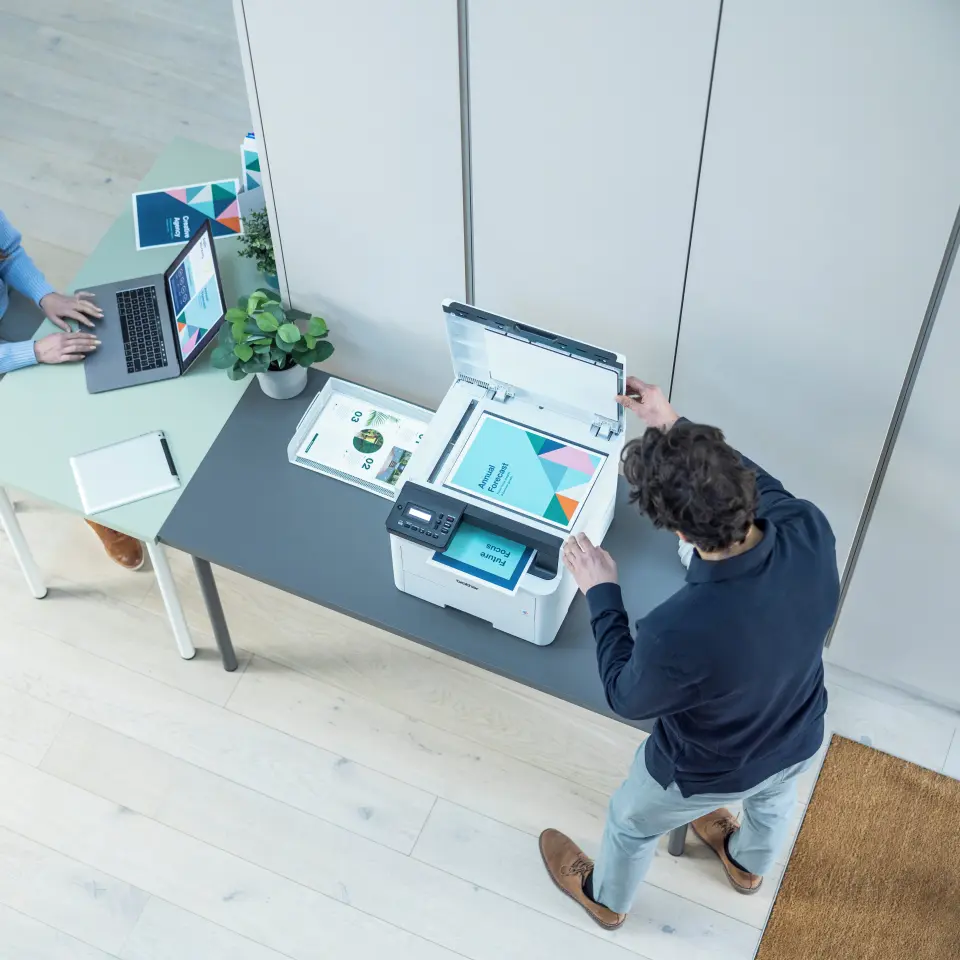
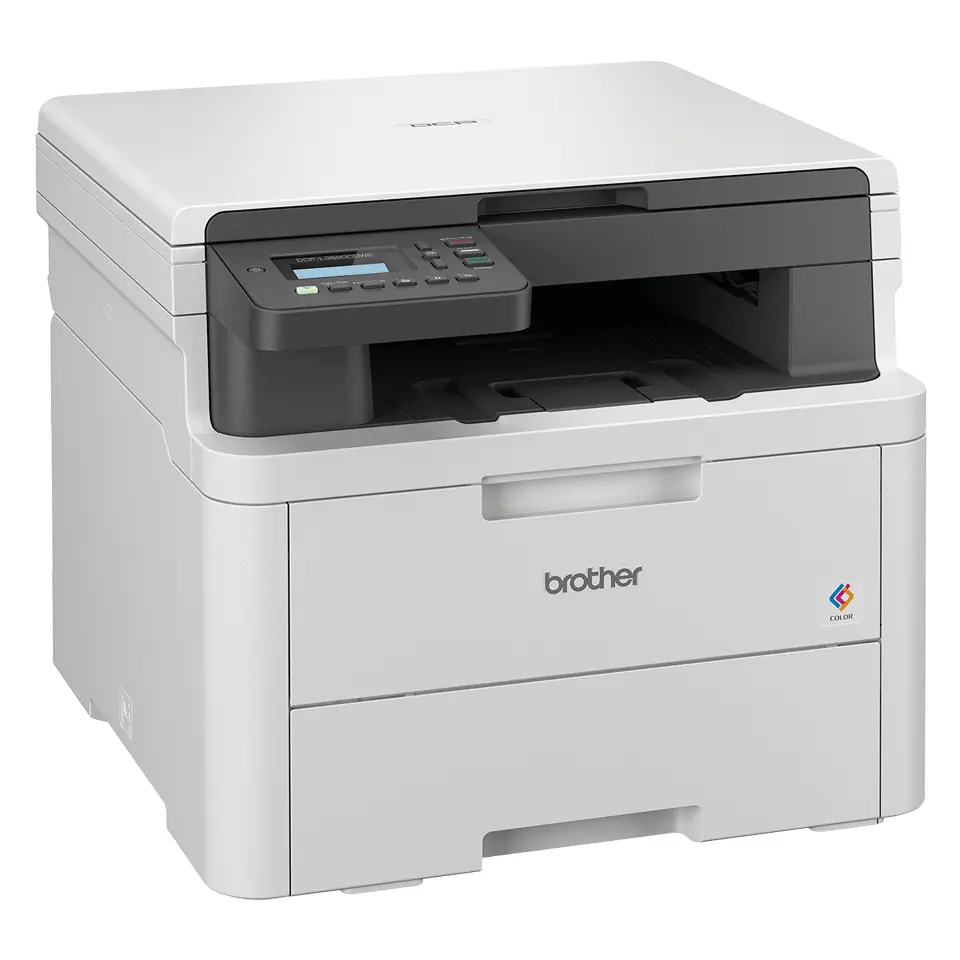
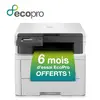
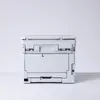
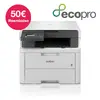
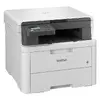
Comparing the Brother MFC-L3520CDWE colour LED printer with similar alternatives such as the Epson WorkForce Pro WF-C4310DW and Epson EcoTank ET-4900 helps clarify their practical and technical differences for home and office environments. All three models share key capabilities including A4 colour printing, built-in Wi-Fi connectivity, and integrated displays. The main distinctions lie in the printing technology (LED for Brother versus inkjet for Epson), multi-function capabilities (3-in-1 versus 4-in-1 with fax in the EcoTank), and performance specifications.
⚙️ The specifications comparison table below evaluates key printing characteristics and capabilities, including technology, speed, resolution, paper capacity, and core functions.
| Comparison parameter | Brother MFC-L3520CDWE | Epson WorkForce Pro WF-C4310DW | Epson EcoTank ET-4900 | Practical significance |
|---|
| Device type | 3-in-1 (print, copy, scan) | Printer (print) | 4-in-1 (print, copy, scan, fax) | Brother provides multi-function printing, copying, and scanning, Epson WorkForce focuses purely on printing, while EcoTank adds fax capabilities. |
| Printing technology | Colour LED | Colour inkjet | Colour inkjet | LED technology ensures sharp text reproduction for regular office workflows, whereas inkjet models offer higher maximum resolution for graphics. |
| Print speed | Up to 18 ppm | 21 ppm (black) | Not specified | Epson WorkForce offers higher rated black print speed, while Brother delivers balanced performance for everyday documents. |
| Maximum resolution | 600 x 2400 DPI | 4800 x 2400 DPI | 5760 x 1440 DPI | Epson inkjet printers achieve finer detail and smoother colour transitions for photo and graphic output. |
| Paper input capacity | 250 sheets | 250 sheets | 100 sheets | Brother and Epson WorkForce feature larger standard paper input trays, reducing the frequency of refills during busy tasks. |
| Connectivity | Wi-Fi | Wi-Fi, Wi-Fi Direct, Ethernet LAN, USB | Wi-Fi, Wi-Fi Direct, Ethernet LAN, USB | Epson models include a broader selection of wired and wireless connection methods out of the box. |
◎ The suitability table below evaluates which product is best tailored for different user needs and usage scenarios.
| Use case | Recommended product | Why |
|---|
| Standard office document workflows | Brother MFC-L3520CDWE | LED technology and a 250-sheet input capacity support reliable daily text printing and document management. |
| Graphic and image-focused printing | Epson WorkForce Pro WF-C4310DW or Epson EcoTank ET-4900 | Higher maximum resolution values make the Epson inkjet alternatives more suitable for detailed colour graphics. |
| Office environments requiring fax capabilities | Epson EcoTank ET-4900 | Includes built-in fax functionality alongside versatile everyday scanning, copying, and printing features. |
Your choice between these models should depend on your specific workflow: the Brother MFC-L3520CDWE is best suited for users looking for a dependable LED multi-function printer with a robust paper tray, whereas the Epson inkjet alternatives are more appropriate if you prioritize higher print resolution for graphics or need integrated fax support.