-
UNSPSC-code:
-
43212110
-
Box contents:
-
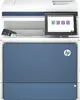
HP Color LaserJet Multifunction Printer; HP Black Original LaserJet Toner Cartridge (~7,000 yield), HP Cyan, Magenta and Yellow Original LaserJet Toner Cartridges (~3,000 yield each) (toner cartridges installed); Documentation (Hardware Install Guide); Power cord
-
Pallet weight (imperial):
-
599.15 lbs
-
Pallet dimensions (W x D x H) (imperial):
-
800.1 x 1199.9 x 2083.1
-
Acoustic pressure emissions bystander (ready):
-
20
-
Acoustic power emissions (ready):
-
35
-
Typical electricity consumption (TEC) number:
-
0.552 kWh/week (Energy Star 3.0); 0.551 kWh/week (Blue Angel)
-
Scanner type:
Indicates the type of scanner this product is.
-
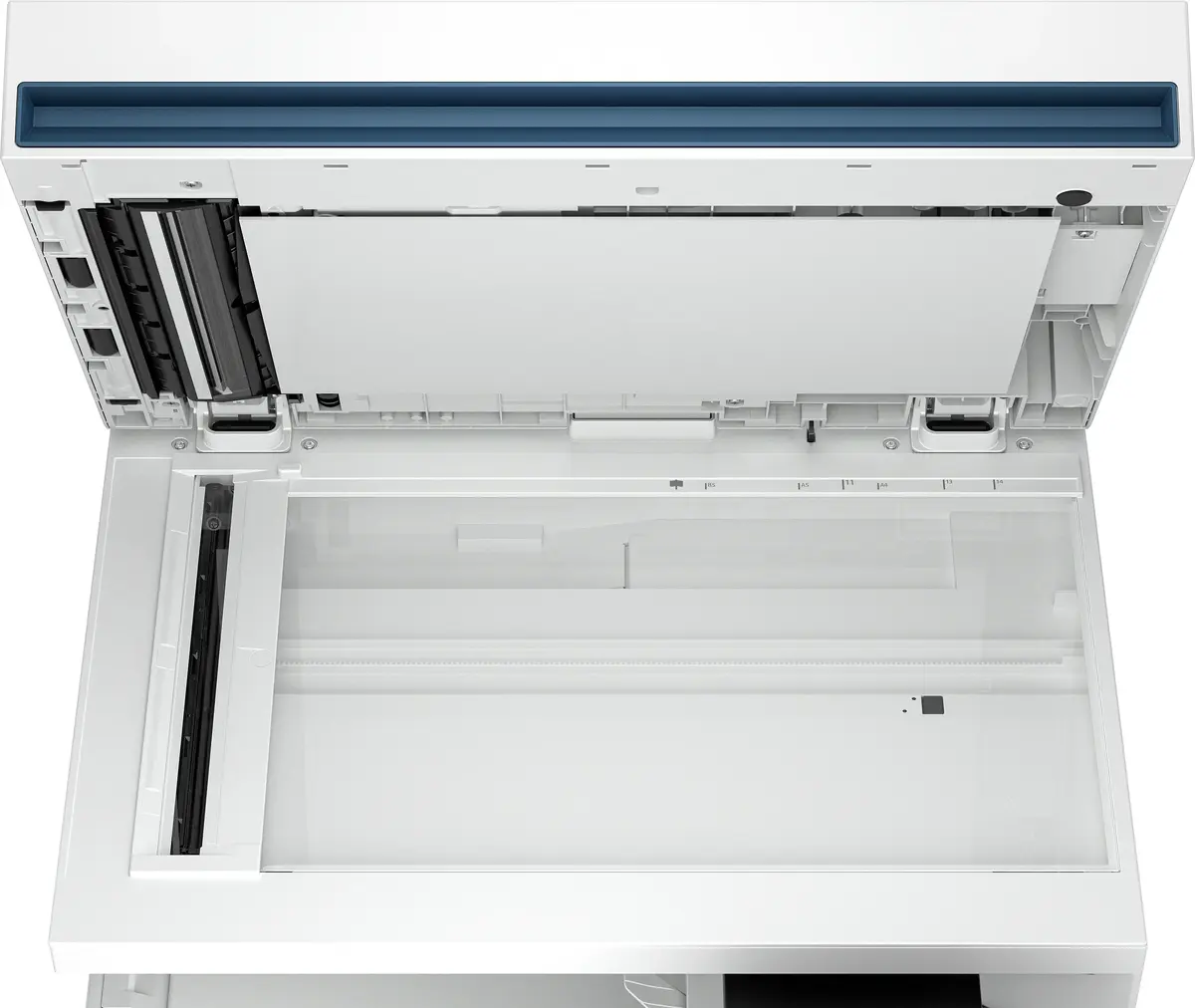
Flatbed scanner
-
Power consumption (copying):
-
655 W
-
Envelope feeder:
Indicates whether this feature is available on this product and its capacity
-
No
-
Custom media sizes:
-
Tray 1: 64 x 127 to 216 x 1200 mm; Tray 2, optional 1x550-sheet feeders: 101 x 148 to 216 x 356 mm
-
Recommended operating temperature range (T-T):
-
15 - 27
-
Recommended humidity operating range:
Recommended range of relative humidity within which the product can operate.
-
30 - 70
-
Greyscale levels:
-
256
-
Modem speed:
The speed at which data is transferred by a modem.
-
33.6 Kbit/s
-
Copy speed (black, normal quality, A4):
-
45 cpm
-
Copier resize:
-
25 - 400
-
Copy speed (colour, normal quality, A4):
-
43 cpm
-
Maximum scan resolution:
-
600 x 600
-
Maximum number of copies:
-
9999 copies
-
Auto-redialing:
Indicates whether automatic redialing is available on this product
-
Yes
-
Fax delayed sending:
Indicates whether delayed sending is available on this product
-
No
-
Fax memory:
-
1000 pages
-
Compatible operating systems:
List of desktop operating systems tested as compatible with this product.
-
Windows 11; Windows 10; Windows Client OS; Android; iOS; Mobile OS; macOS 10.15 Catalina; macOS 11 Big Sur; macOS 12 Monterey; Linux; Citrix; Chrome OS
-
Fax forwarding:
Sends a fax received in memory to another pre-programmed fax number.
-
Yes
-
Maximum scan area:
-
216 x 356
-
Time to first copy (black, normal):
-
5.5 s
-
Time to first copy (colour, normal):
-
8.6 s
-
Processor frequency:
The speed that the microprocessor executes each instruction or each vibration of the clock. The CPU requires a fixed number of clock ticks, or cycles, to execute each instruction. The faster the clocks rate, the faster the CPU, or the faster it can execute instructions. Clock Speeds are usually determined in MHz, 1 MHz representing 1 million cycles per second, or in GHz, 1 GHz representing 1 thousand million cycles per second. The higher the CPU speed, the better a computer will perform.
-
1.2 GHz
-
Printing:
Producing a paper copy of information stored on a computer.
-
Colour printing
-
Manufacturer warranty:
-
One-year, next-business day, onsite warranty. Warranty and support options vary by product, country and local legal requirements.
-
Electromagnetic compatibility:
List of countries and their respective regulatory agency standards with which the product complies.
-
CISPR 22:2008 (International) - Class A; CISPR 32:2015 (International) - Class A; / EN 55032:2015+A11:2020 (EU) - Class A; CISPR 35:2016 (International); EN 55035:2017+A11:2020; EN IEC 61000-3-2:2019; EN 61000-3-3:2013+A1:2019+A2:2021; FCC CFR 47 Part 15 Class A; ICES-003, Issue 7 Class A. Other EMC approvals as required by individual countries.
-
Optical scanning resolution:
How many pixels a scanner can see. Most commonly, this is measured in dots per inch (dpi).For example, a typical flatbed scanner will use a scanning head with 300 sensors per inch, so it can sample 300 dots per inch (dpi) in one direction. To scan in the other direction, it will move the scanning head along the page, stopping 300 times per inch, so it can scan 300 dpi in the other direction as well. This scanner would have an optical resolution of 300 x 300 dpi. Some manufacturers stop the scanning head more frequently as it moves down the page, so their machines have resolutions of 300 x 600 dpi or 300x1200 dpi.
-
600 x 600
-
Recommended system requirements:
-
2 GB available hard disk space; Internet connection; or USB port; Internet browser.
2 GB available hard drive space; Internet connection; or USB port; Internet browser.
-
All-In-One-multitasking:
-
Yes