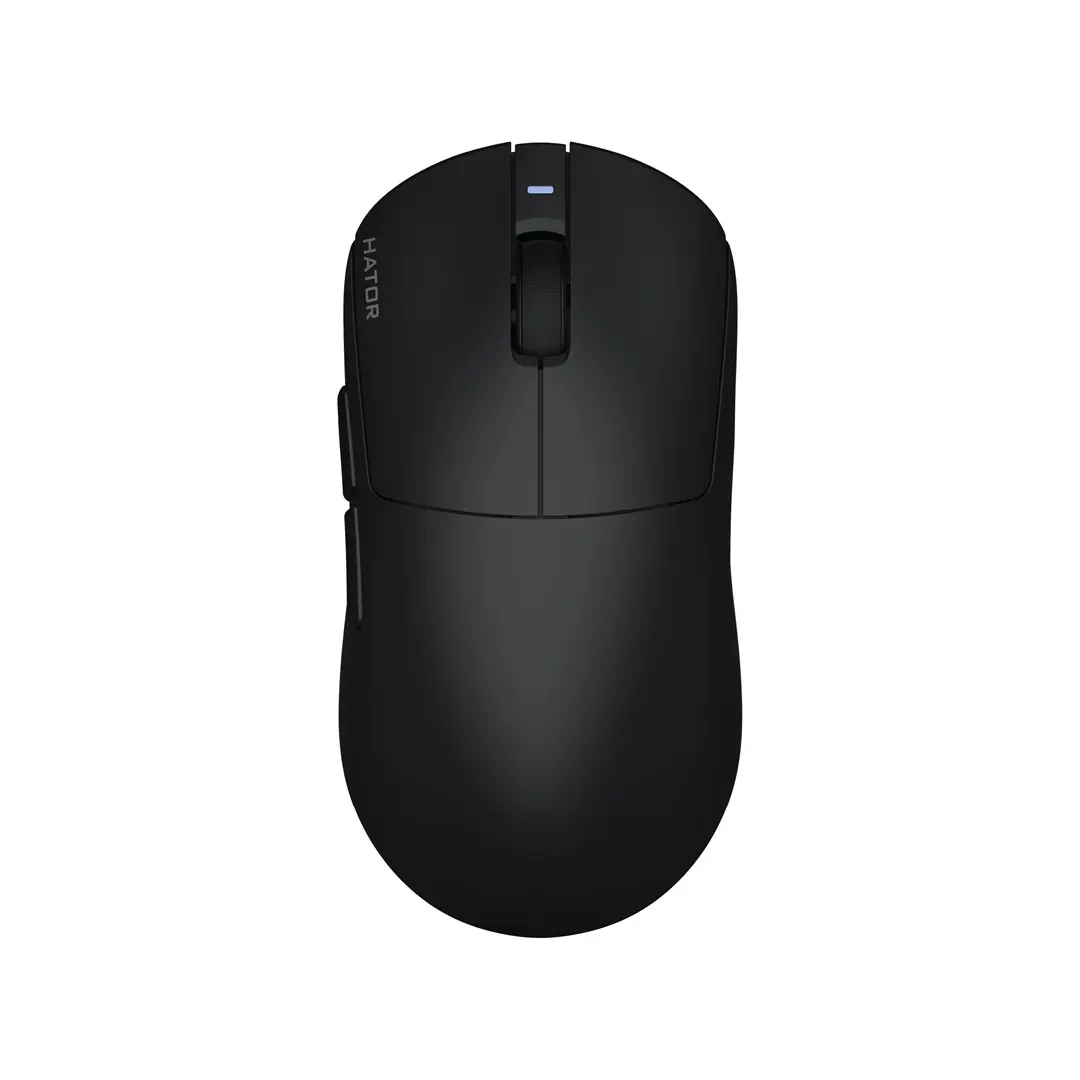
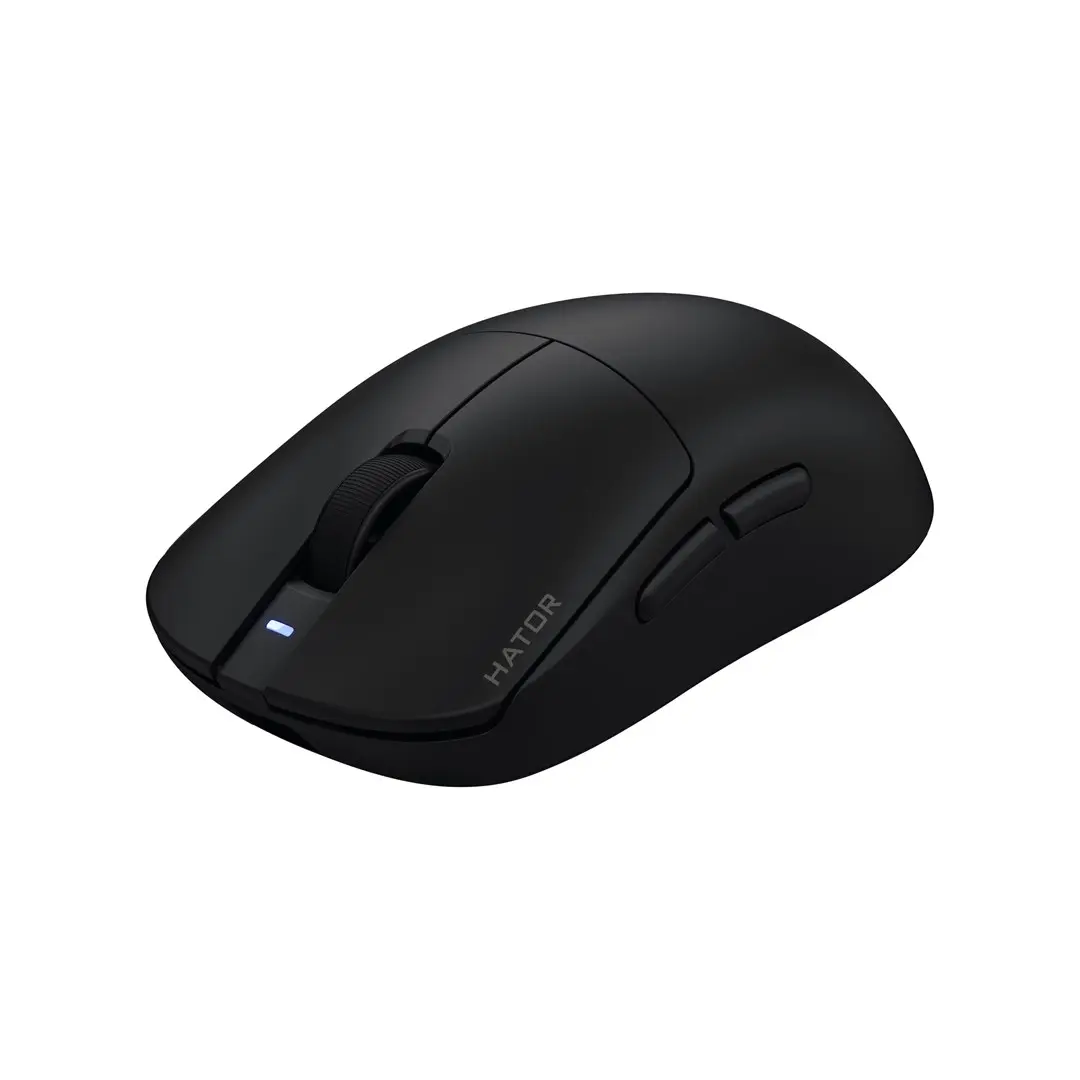
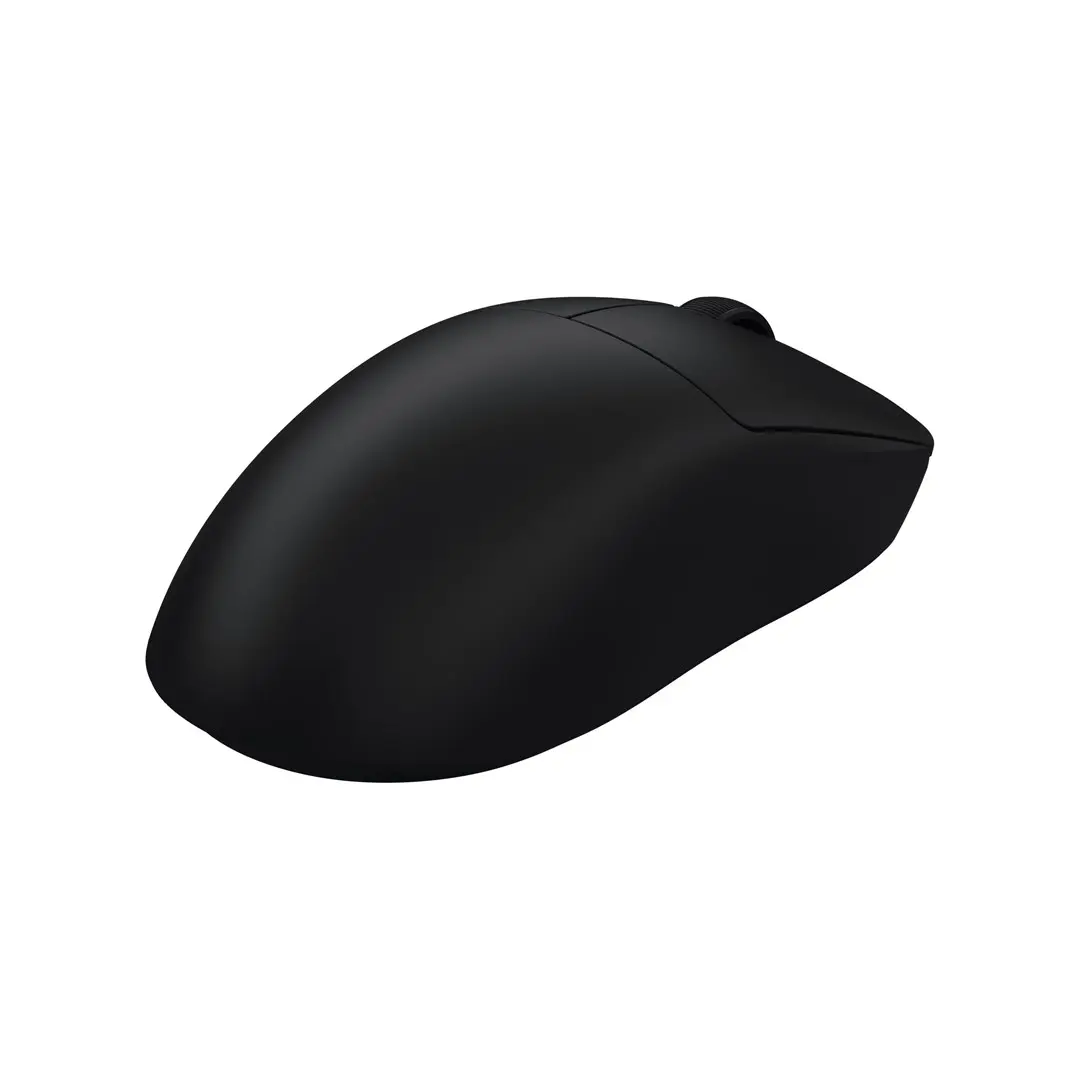
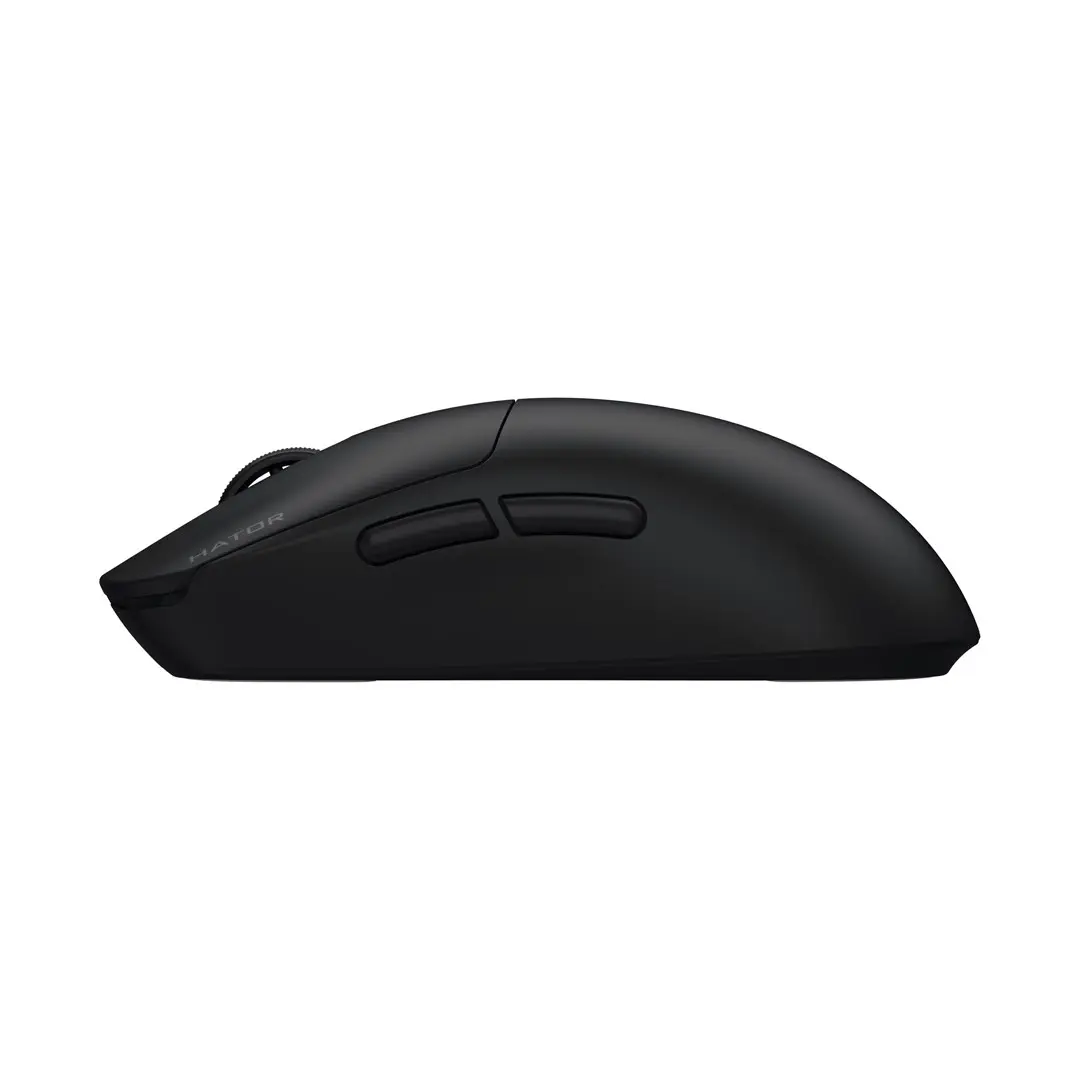
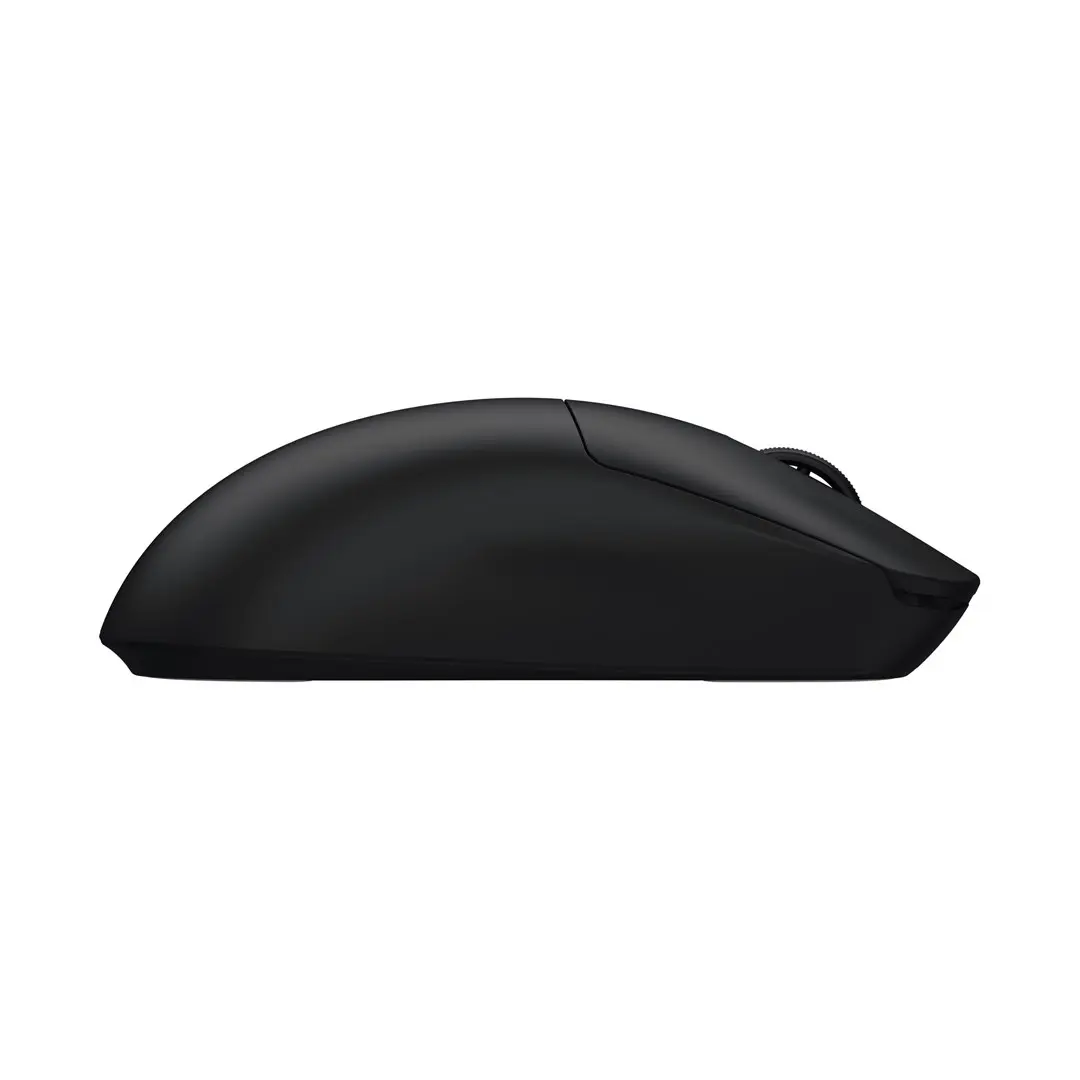
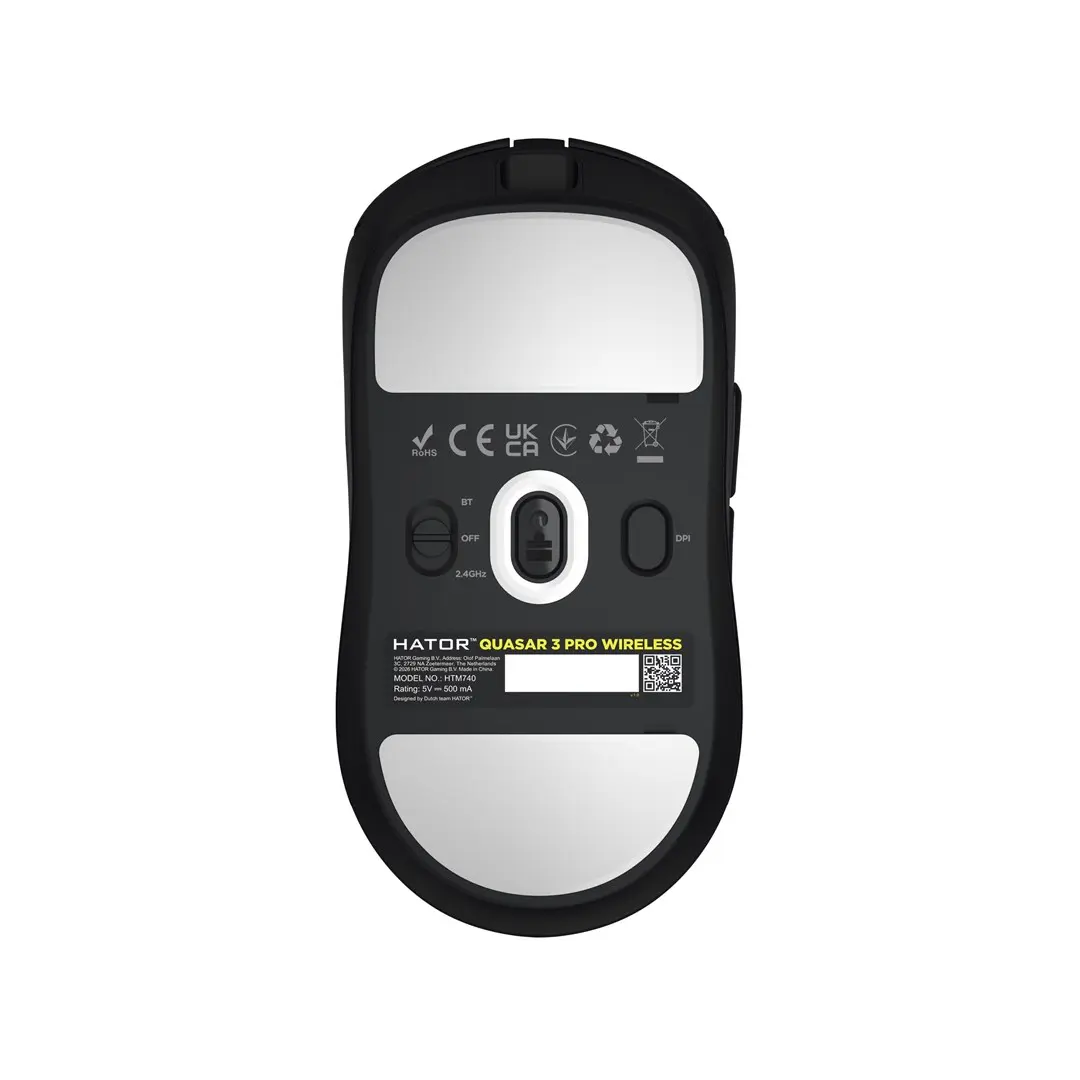
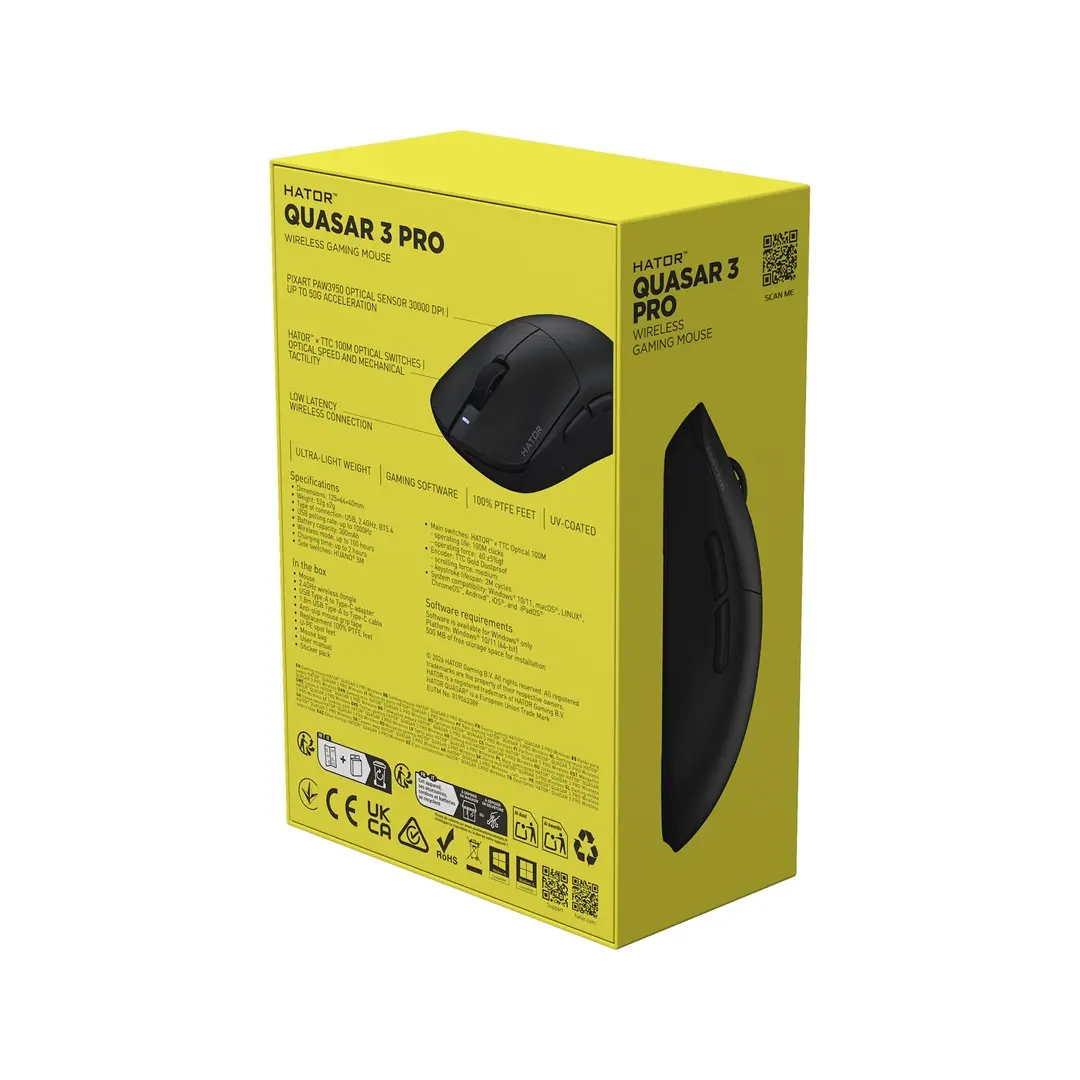
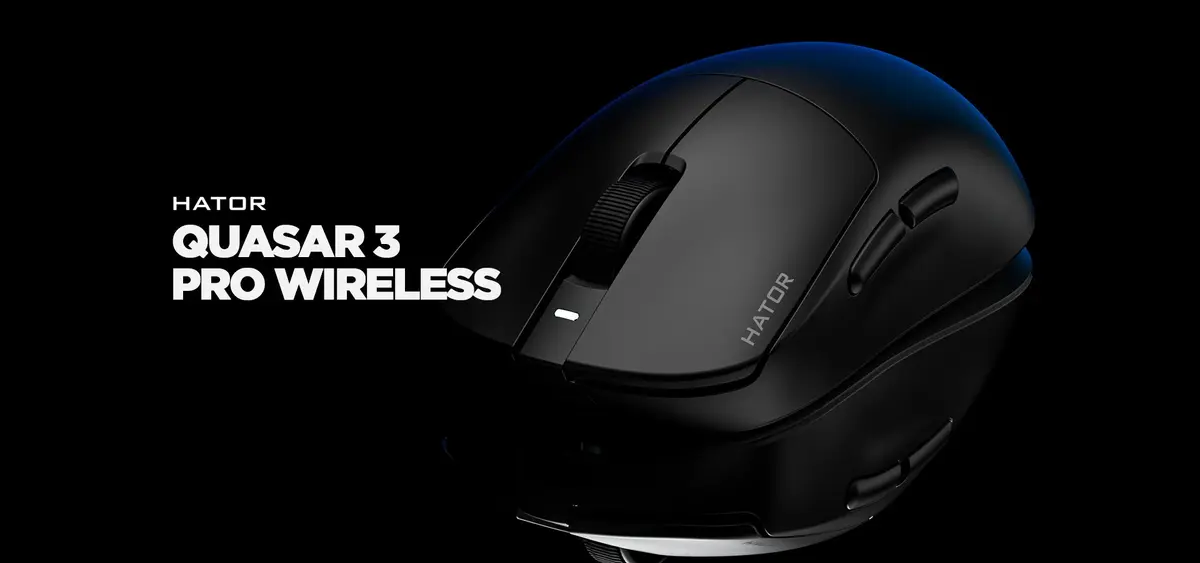
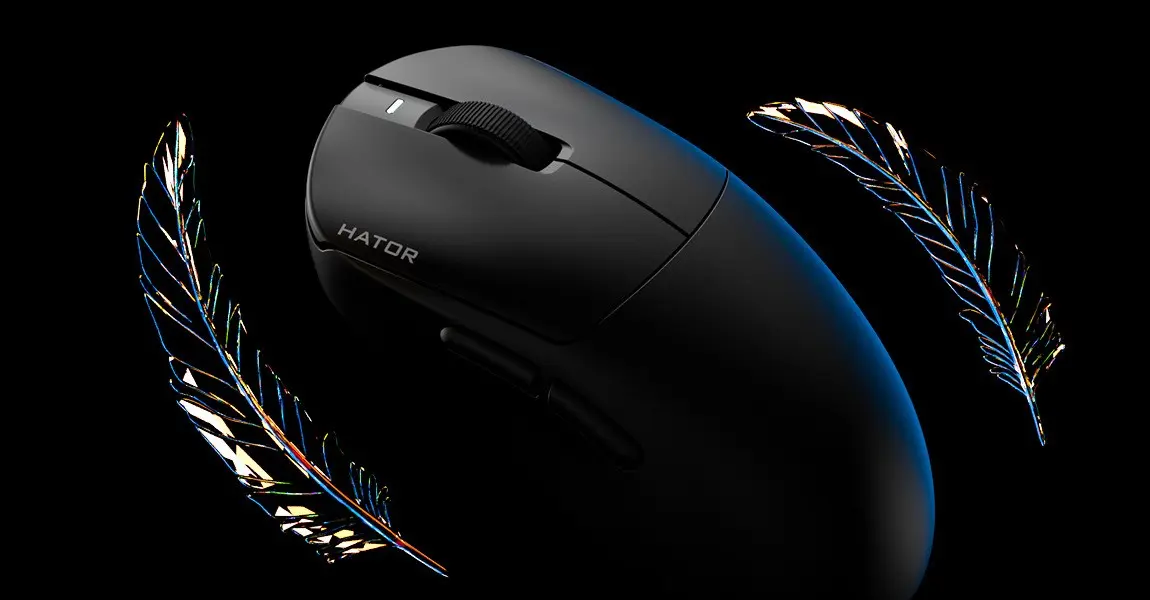
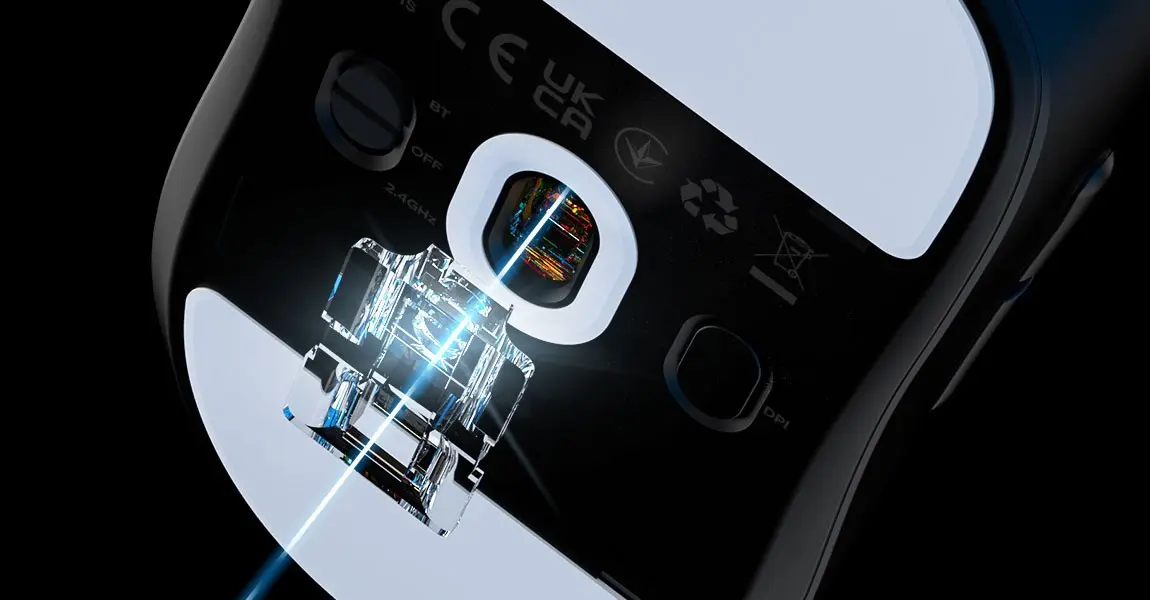
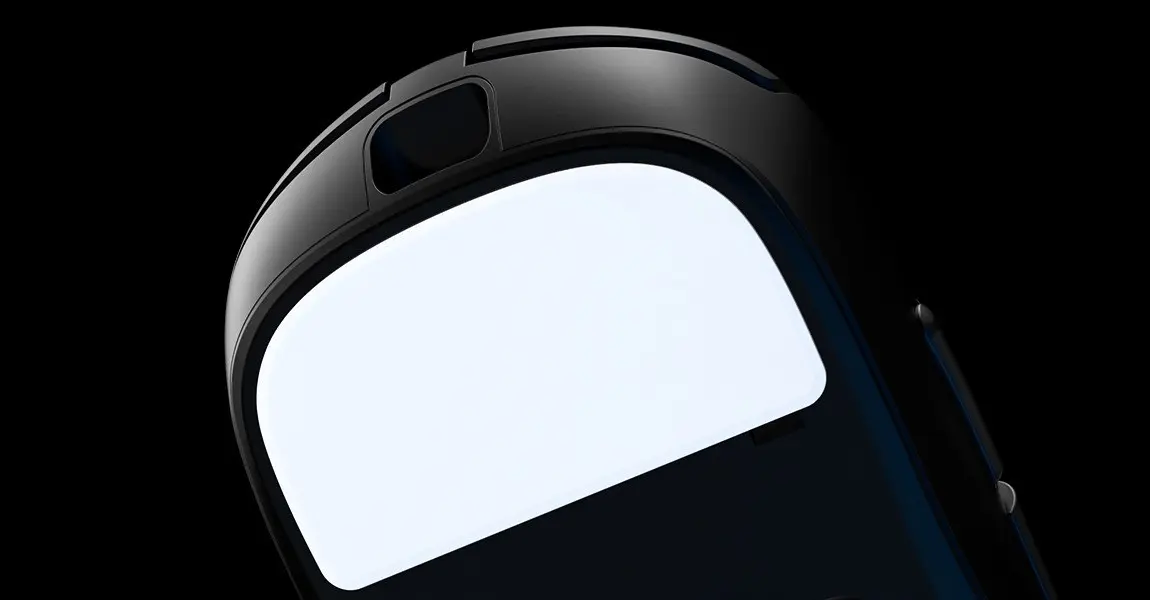
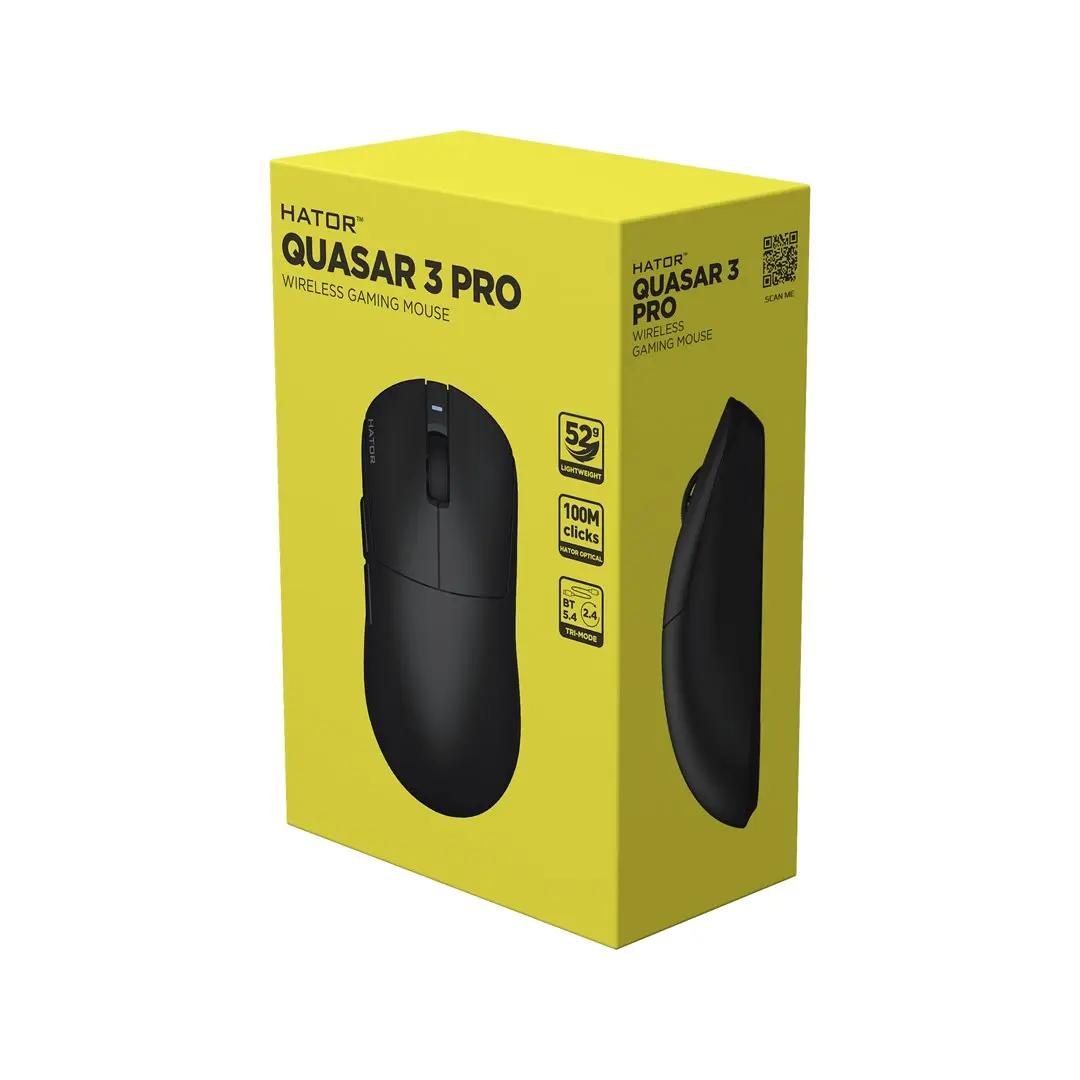
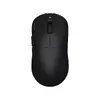
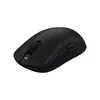
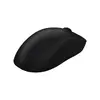
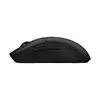
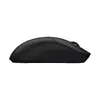
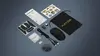
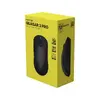
The HATOR Quasar 3 Pro Wireless Gaming Mouse Black Right-Handed Optical PixArt PAW3950 30000 DPI RF Wireless Bluetooth USB Type-C is a high-performance peripheral engineered specifically for competitive gamers and demanding users. Combining an ultra-lightweight right-handed form factor with cutting-edge optical sensor technology, this mouse ensures precise tracking and exceptional responsiveness. Users can enjoy versatile connectivity options including fast RF wireless, Bluetooth 5.4, and a wired USB Type-C connection, allowing seamless switching between multiple devices and gaming setups. With a robust battery offering up to 100 hours of operation and durable switches designed for extensive daily use, this device provides reliable performance over the long term.
Advantages
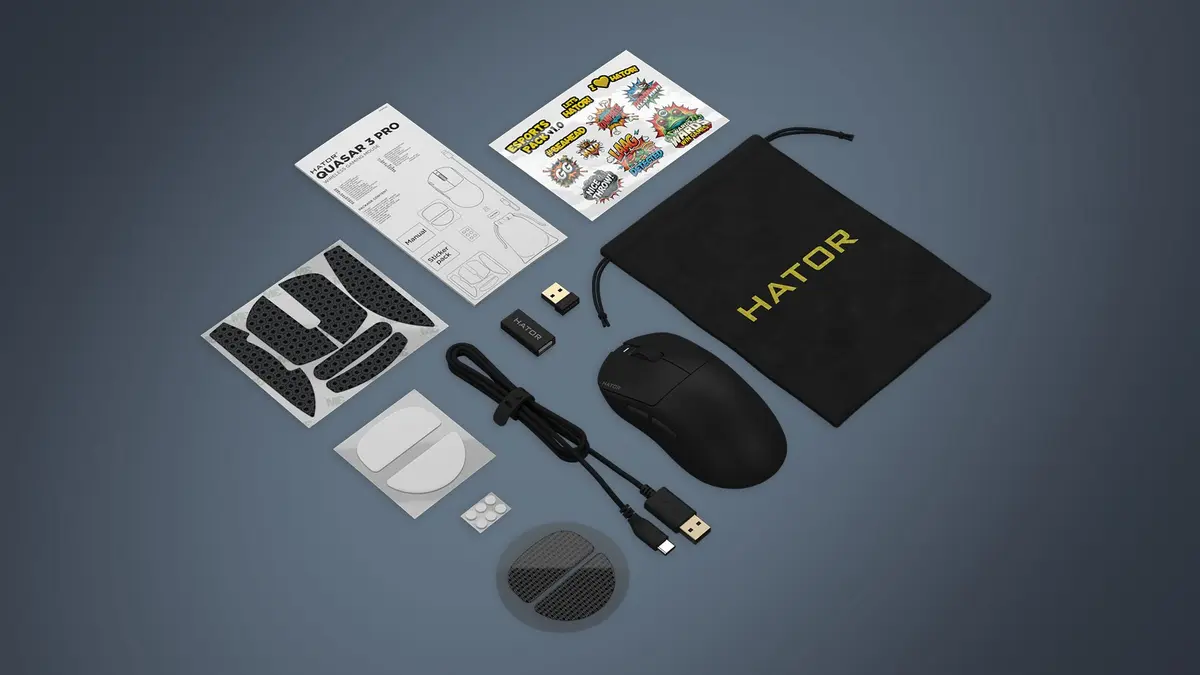
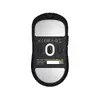
This gaming mouse stands out due to its high-precision optical sensor capable of reaching up to 30000 DPI, which delivers pinpoint accuracy during fast-paced movements. The ergonomic right-handed design, combined with a remarkably low weight of only 52 grams, minimizes hand fatigue during extended gaming sessions. Durability is another strong point, featuring switches rated for 100 million clicks and premium feet materials including Ultra High Molecular Weight Polyethylene, PTFE, and glass options for customized gliding preferences. Additionally, the comprehensive accessory bundle includes grip tape, a carrying case, and multiple cable adapters, providing exceptional value right out of the box.
Suitable for
- Competitive first-person shooter games requiring fast tracking
- Fast-paced multiplayer online battle arena titles
- Productivity tasks and daily office work via Bluetooth
- Users seeking an ultra-lightweight right-handed peripheral
When it may not be suitable
This mouse may not be suitable for left-handed users due to its strictly right-handed ergonomic form factor. Additionally, users who prefer a heavier mouse with adjustable physical weights or integrated palm rest extensions might find this ultra-lightweight 52-gram model too light for their personal preference.
Key specifications
- PixArt PAW3950 optical sensor with 30000 DPI resolution
- RF wireless, Bluetooth 5.4, and wired USB Type-C connectivity
- Right-handed ergonomic design weighing 52 grams
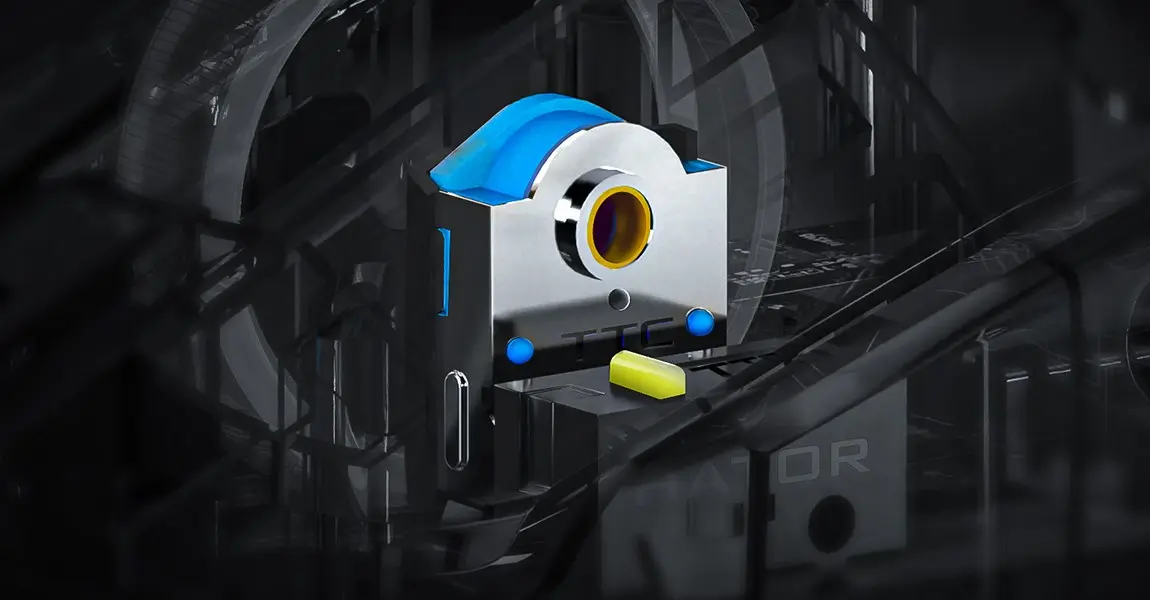
- Switches rated for 100 million clicks durability
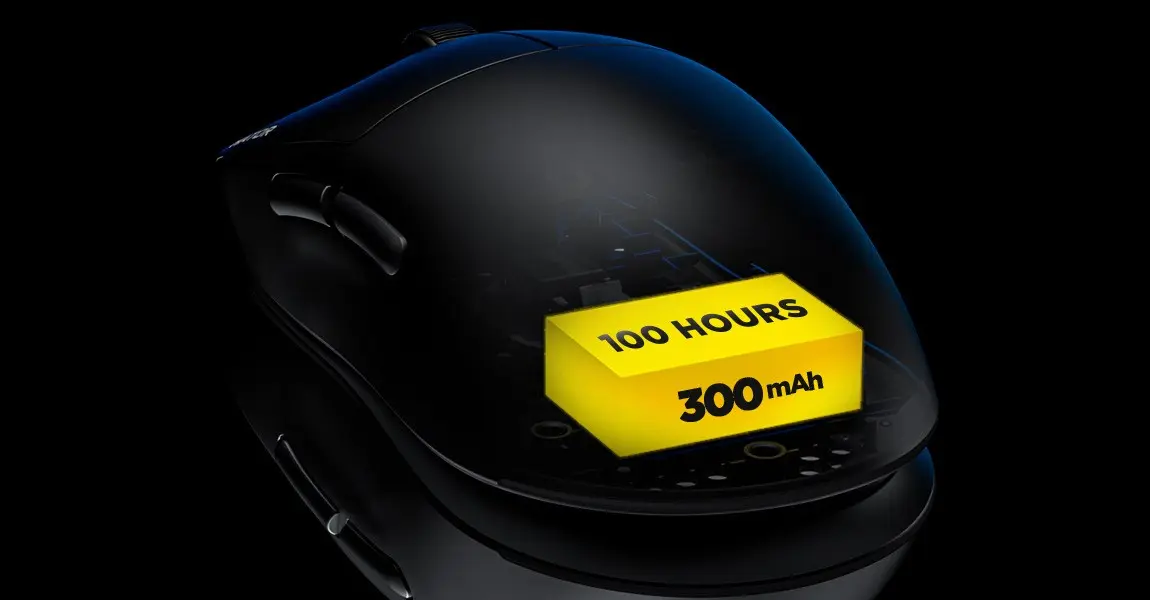
- Maximum battery life of up to 100 hours with a 2-hour recharge time
- Adjustable polling rate up to 1000 Hz and 50 G maximum acceleration
- Dimensions: 125 mm length, 64 mm width, 40 mm height
How to use
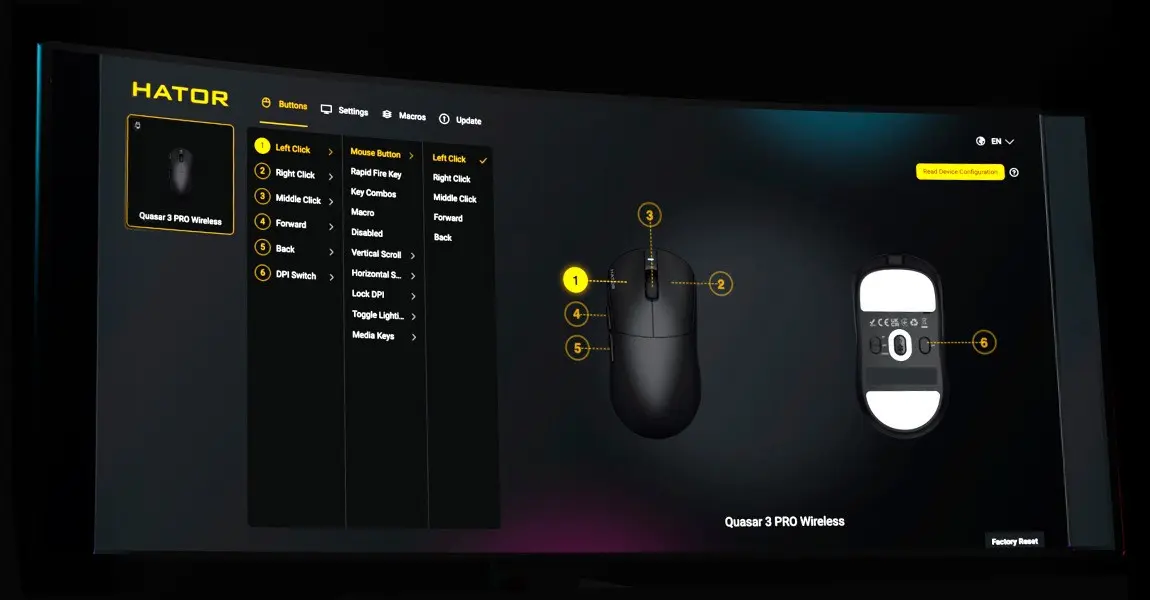
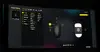
To start using the mouse, connect the included wireless receiver to an available USB port on your computer, or pair it via Bluetooth for mobile devices and laptops. For wired operation, simply plug the supplied USB Type-A to USB Type-C cable into the device and your system for simultaneous charging and data transmission. You can further customize your settings, DPI steps, and polling rates by installing the dedicated SyncHUB software or utilizing the web-based version. Apply the included anti-slip grip tape or swap out the mouse feet according to your personal glide and handling preferences.
What to consider before purchase
- Verify that your computer or device supports Windows, macOS, Linux, or Android operating systems for full software compatibility
- Confirm that a right-handed ergonomic shape matches your natural grip style
- Check whether you prefer wireless freedom via RF or Bluetooth, or a traditional wired connection
For optimal battery longevity, recharge the mouse using the designated USB Type-C cable before the battery is fully depleted, and store it in the provided carrying case when transporting it between locations.