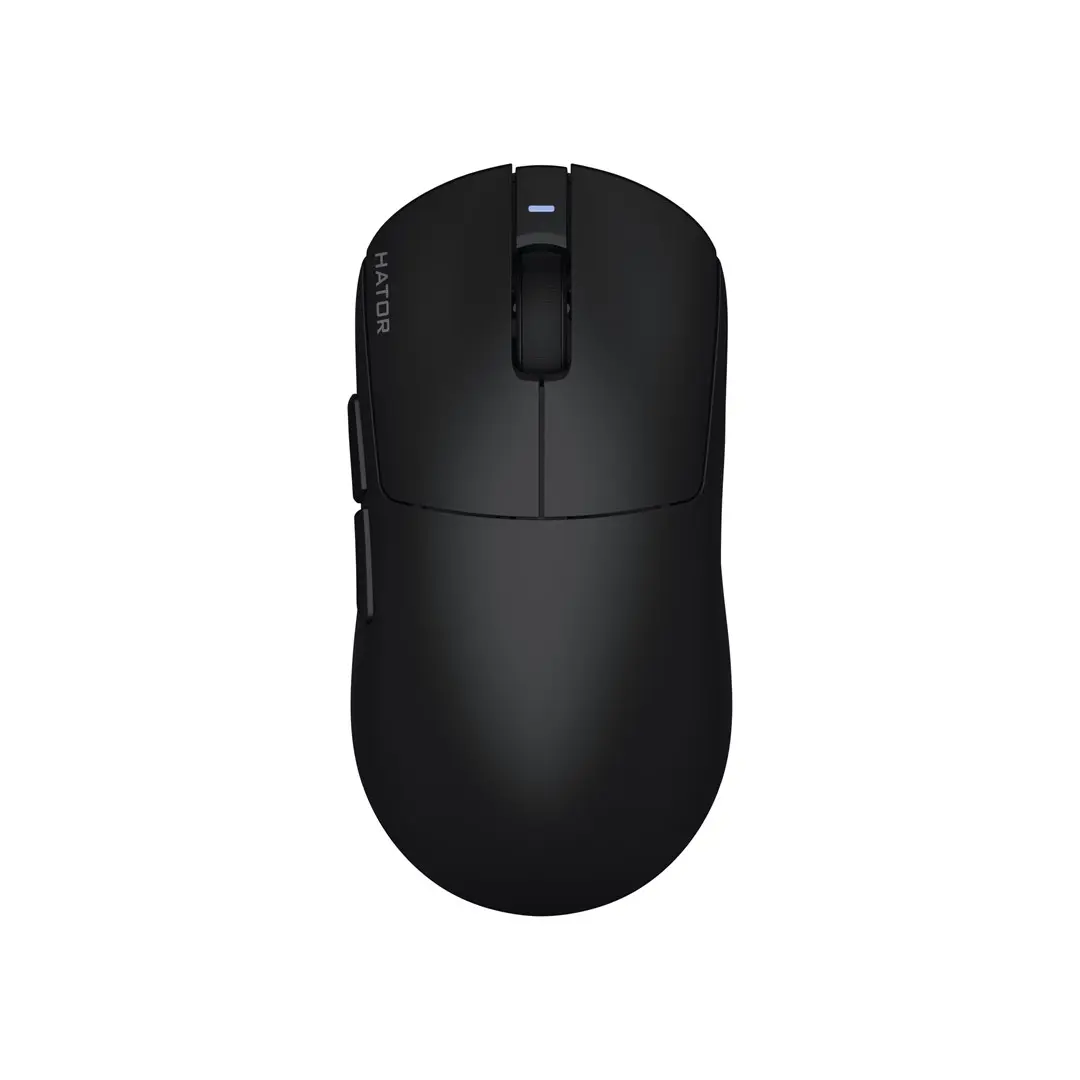
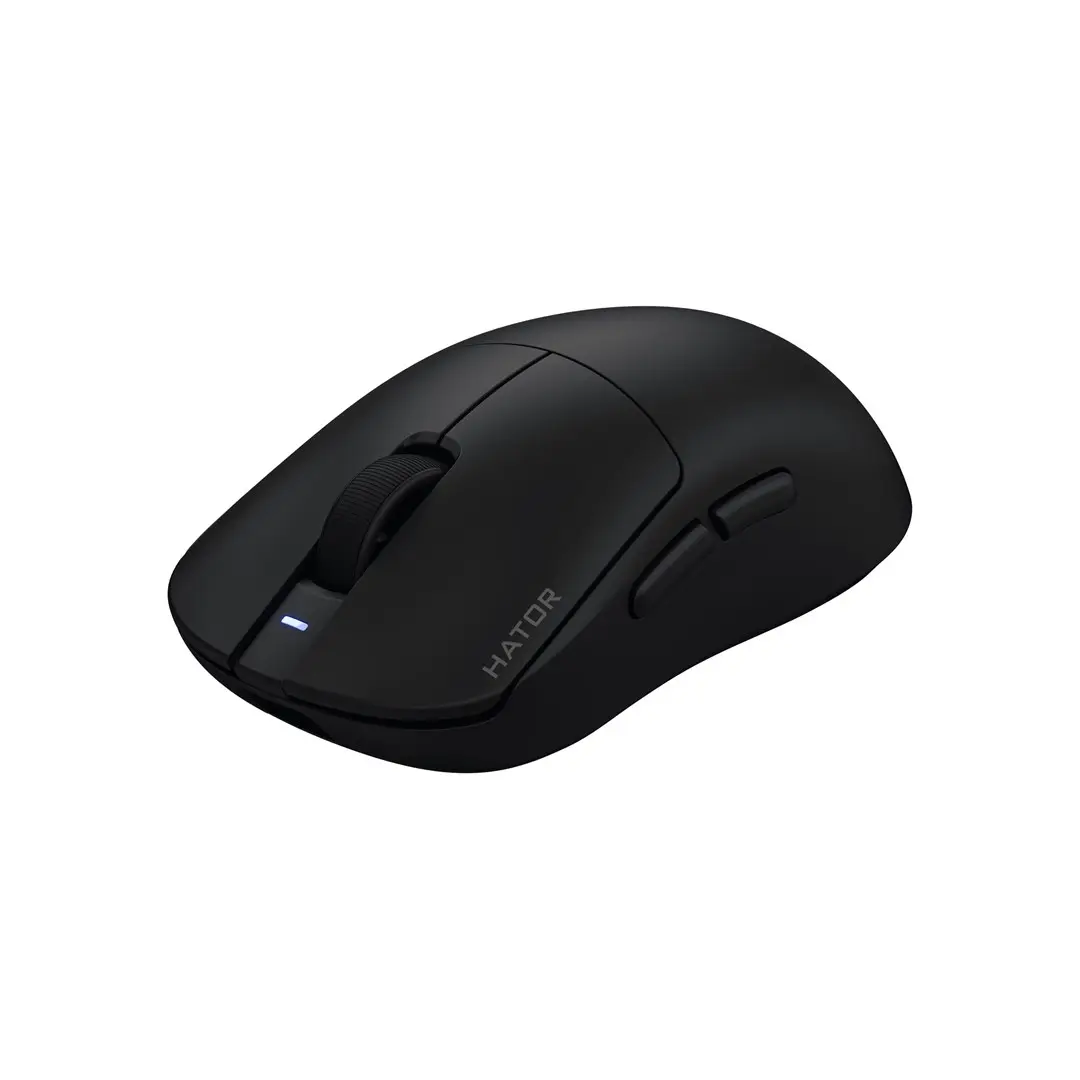
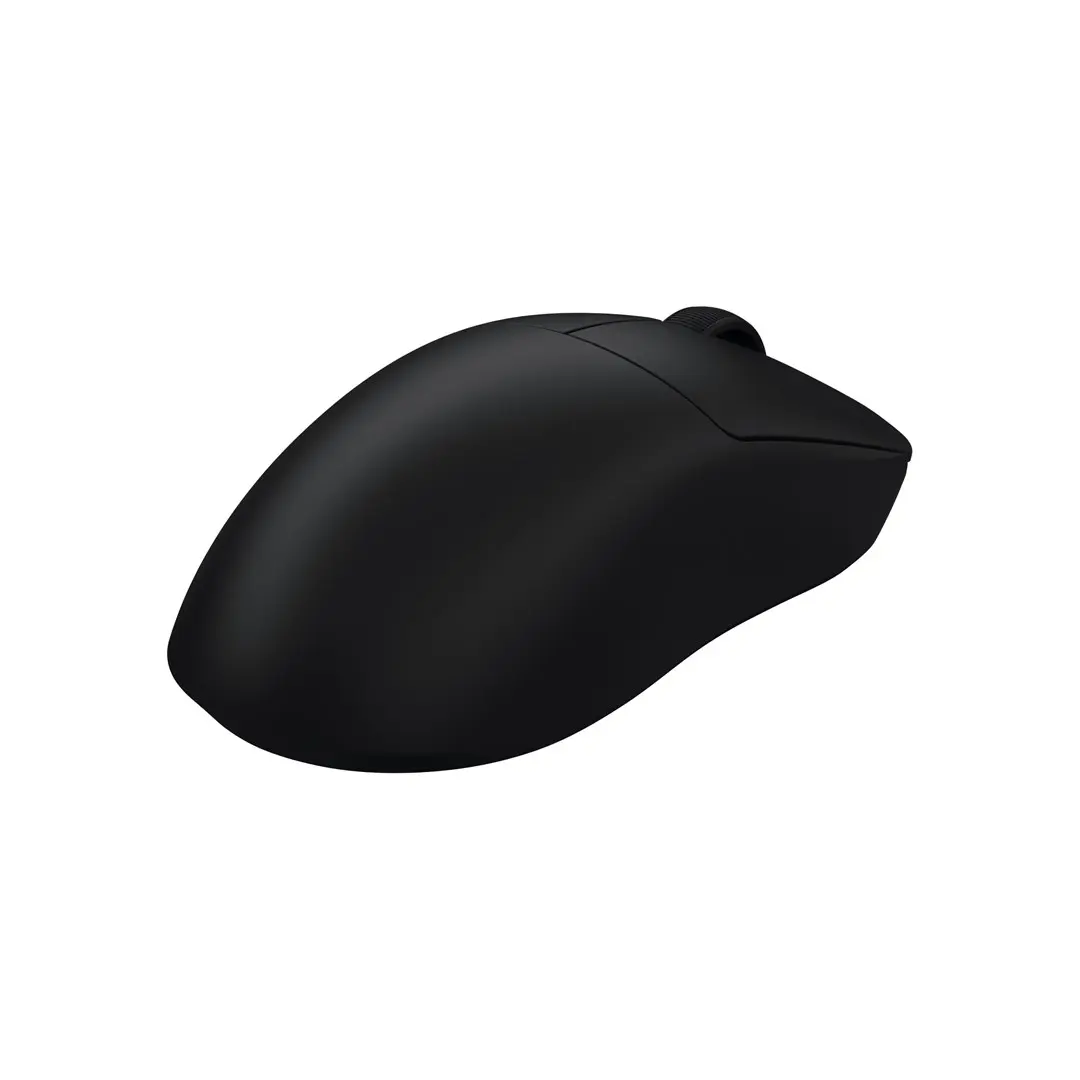
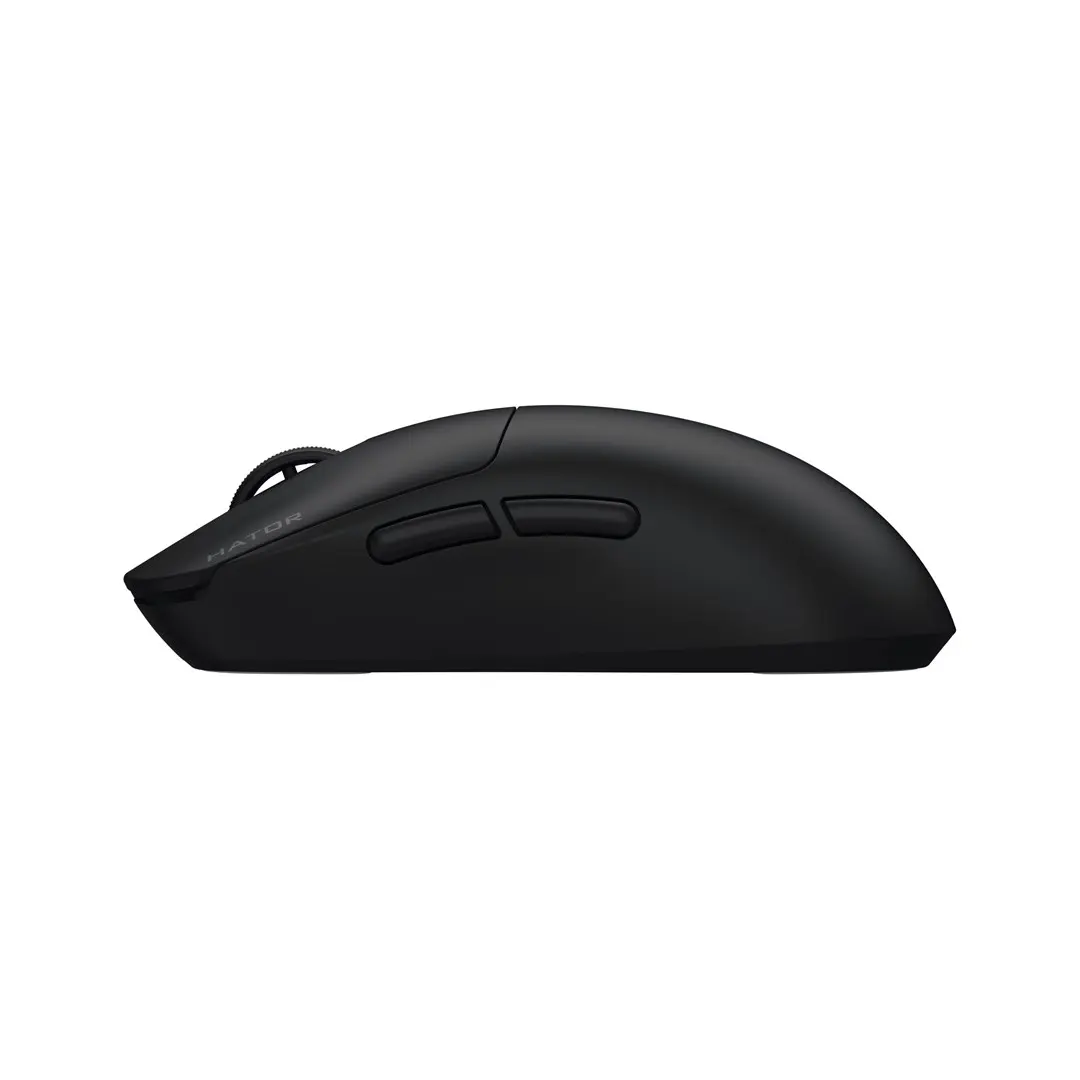
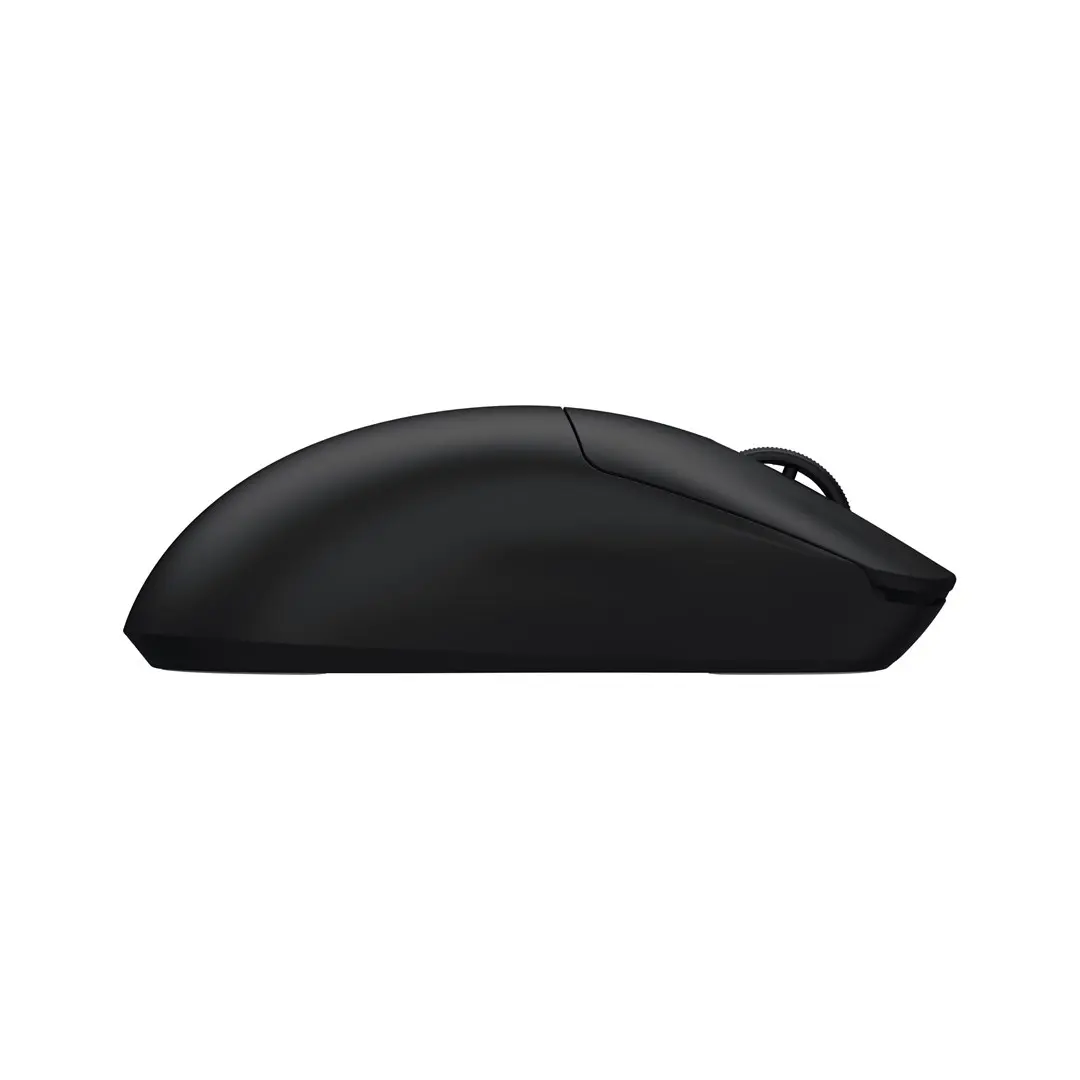
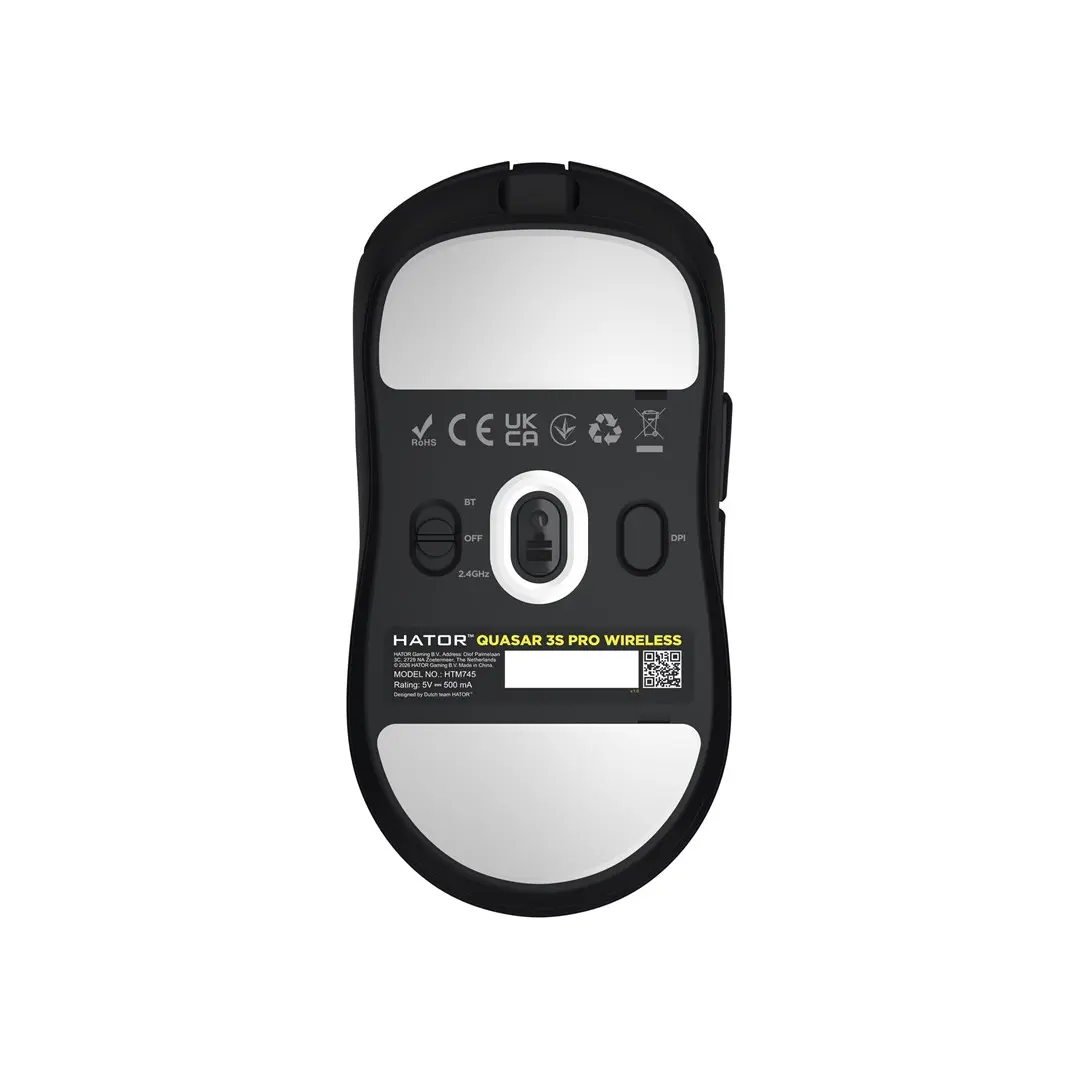
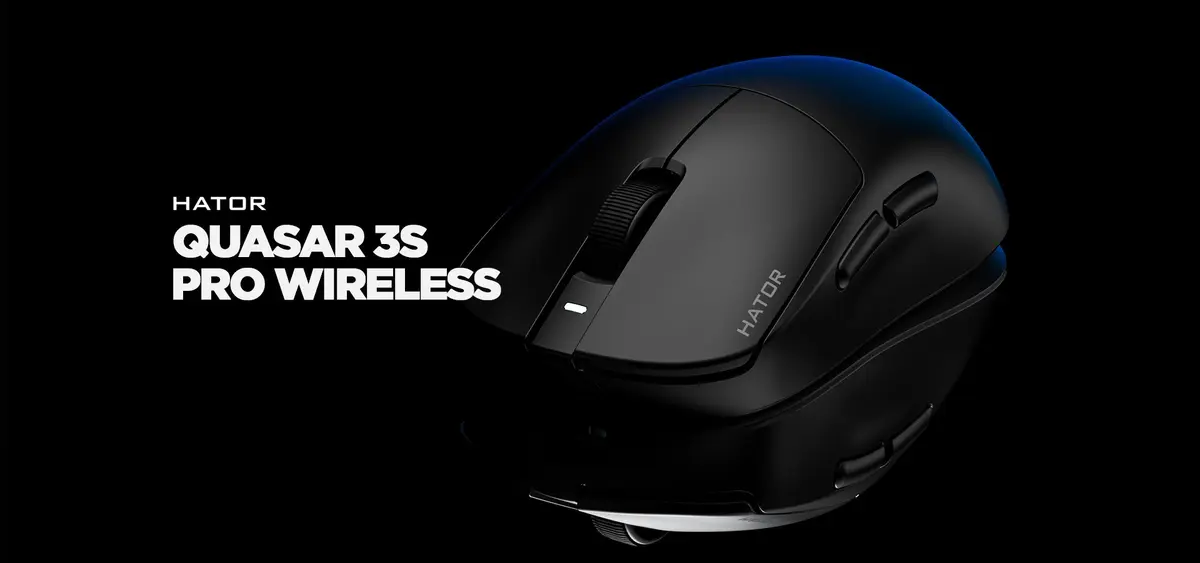
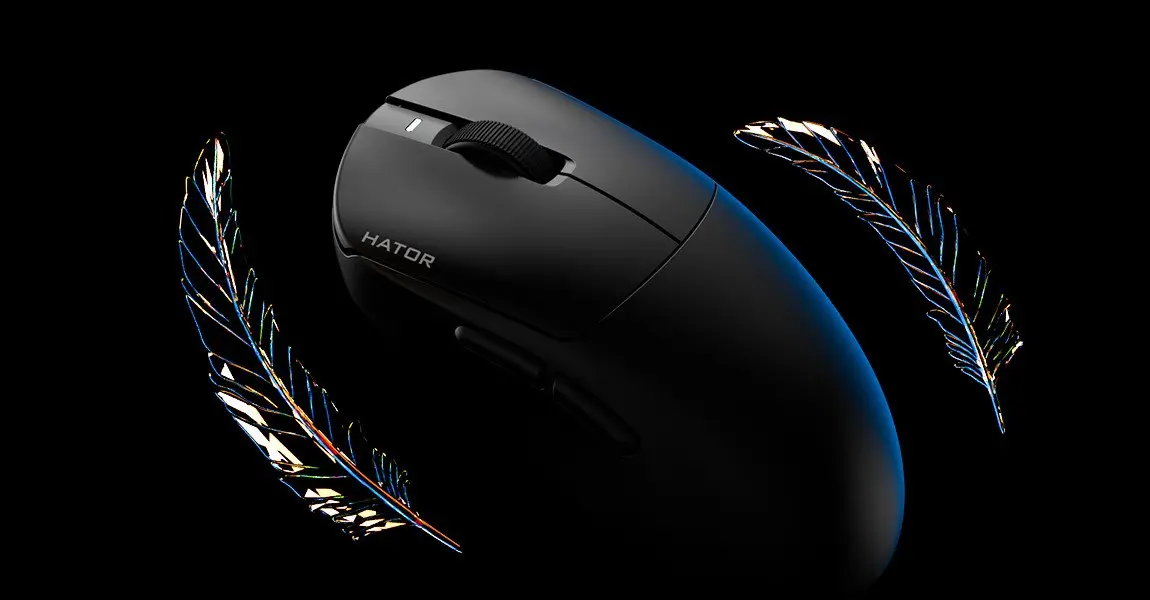
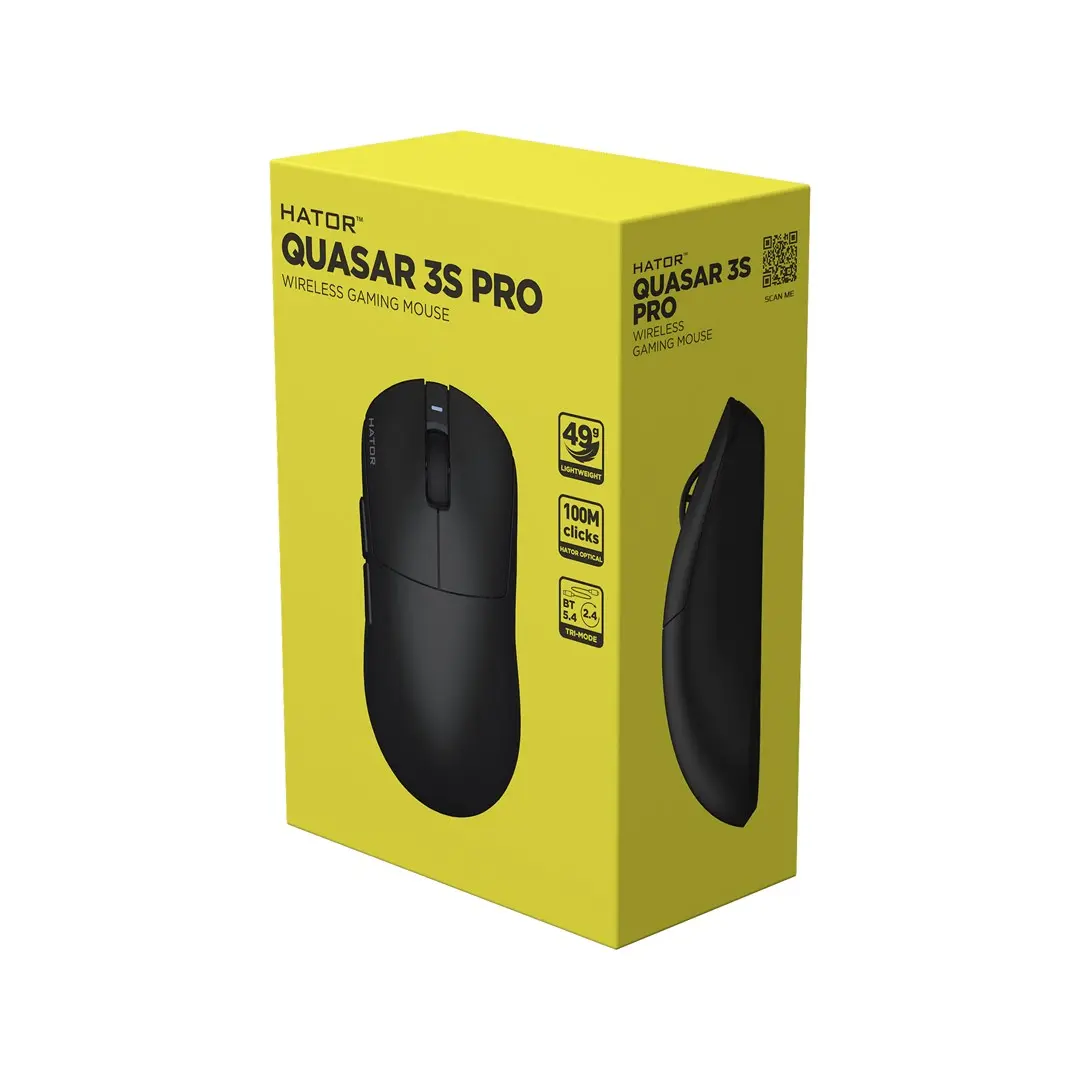
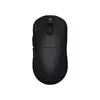
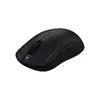
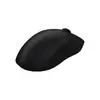
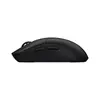
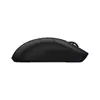
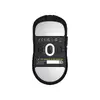
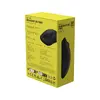
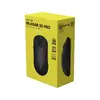
The HATOR Quasar 3S Pro Wireless Gaming Mouse Black PixArt PAW3950 Optical 30000 DPI RF Wireless and Bluetooth and USB Type-C is engineered for right-handed users seeking high-performance tracking and versatile connectivity. Built with a lightweight black housing, this optical gaming mouse integrates advanced hardware to deliver precise cursor control and reliable daily operation. It supports triple connectivity including 2.4 GHz RF wireless, Bluetooth 5.4, and wired USB Type-C, allowing smooth transitions between multiple devices and operating systems.
Advantages
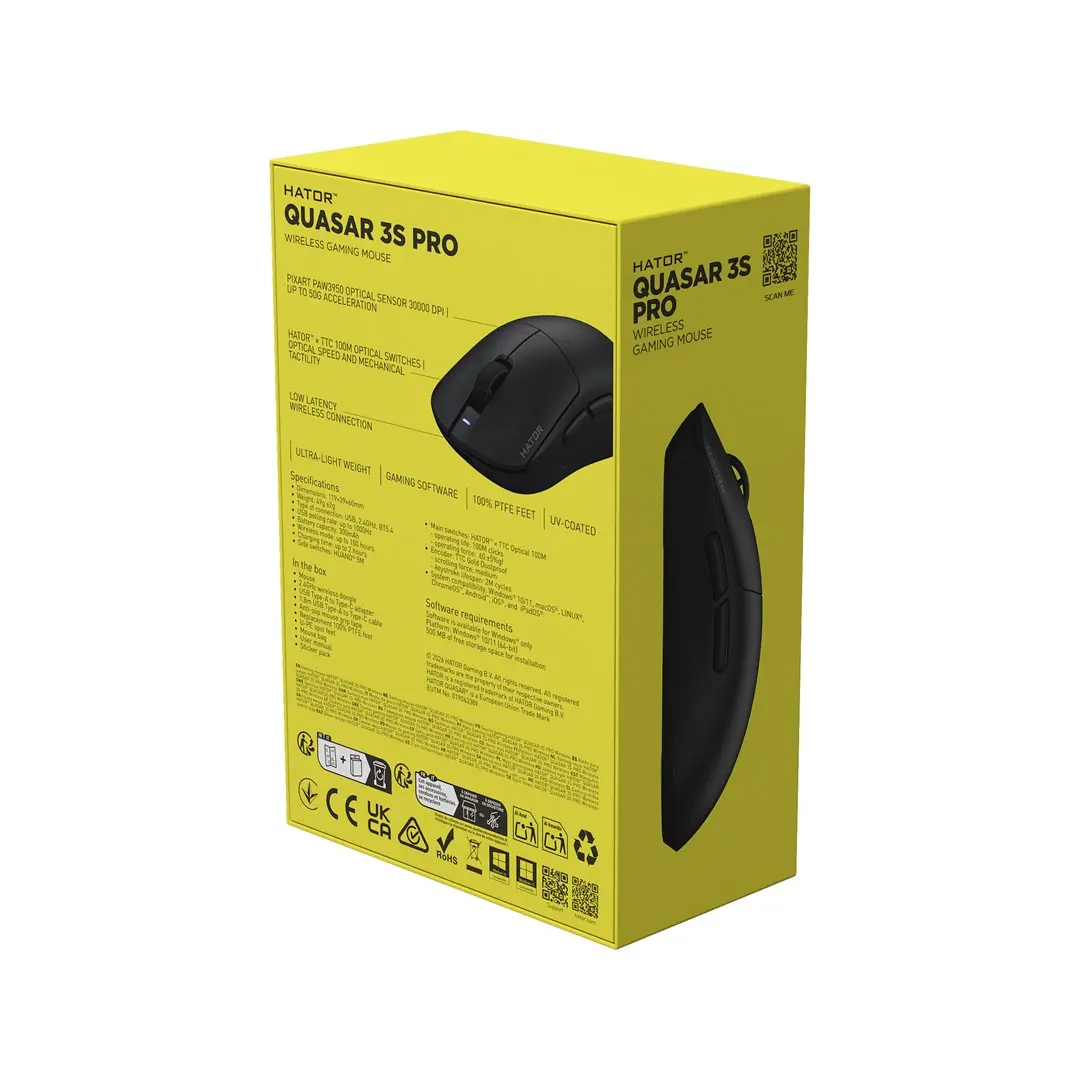
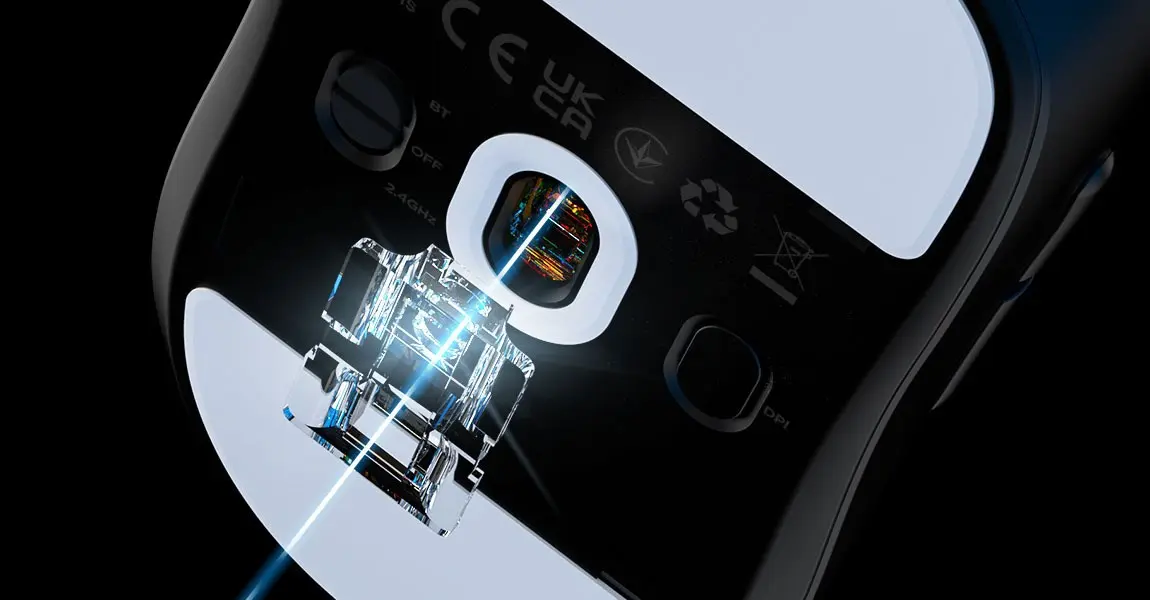
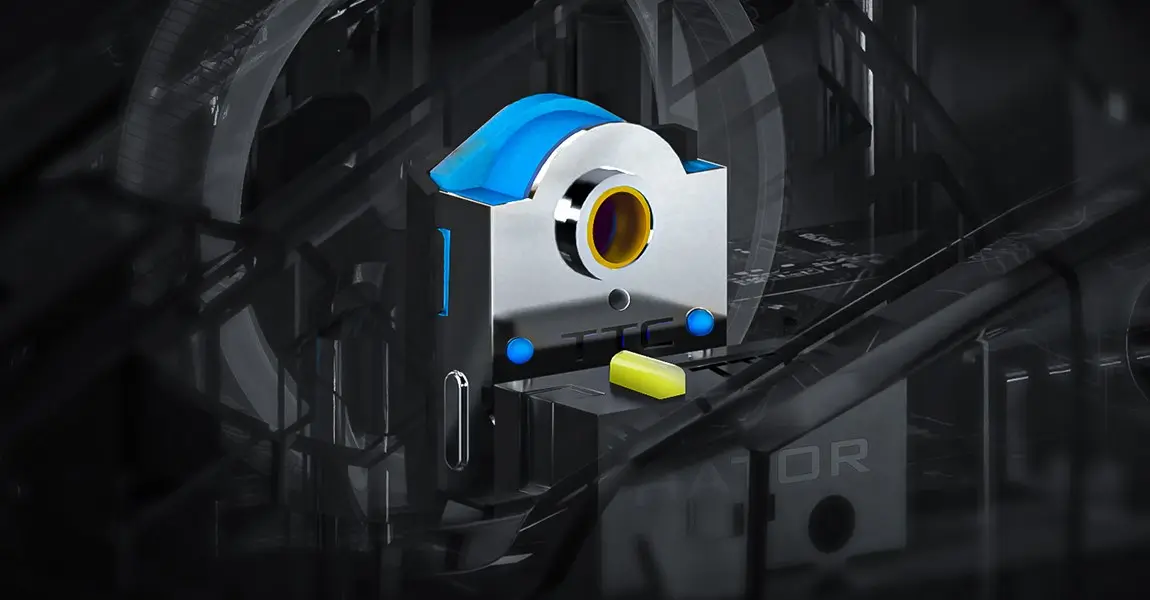
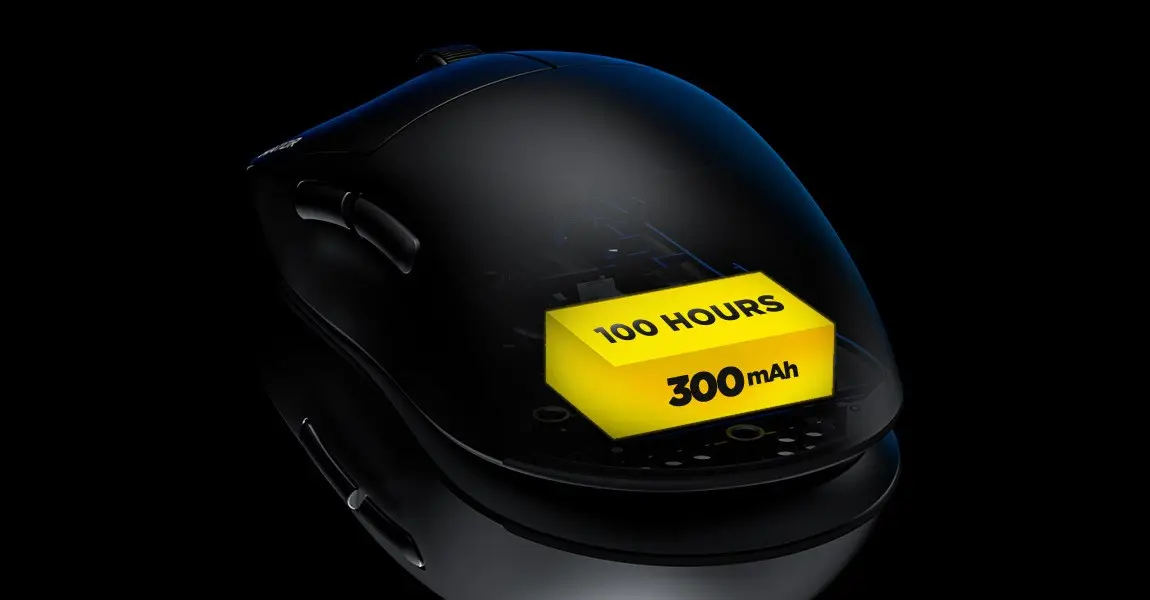
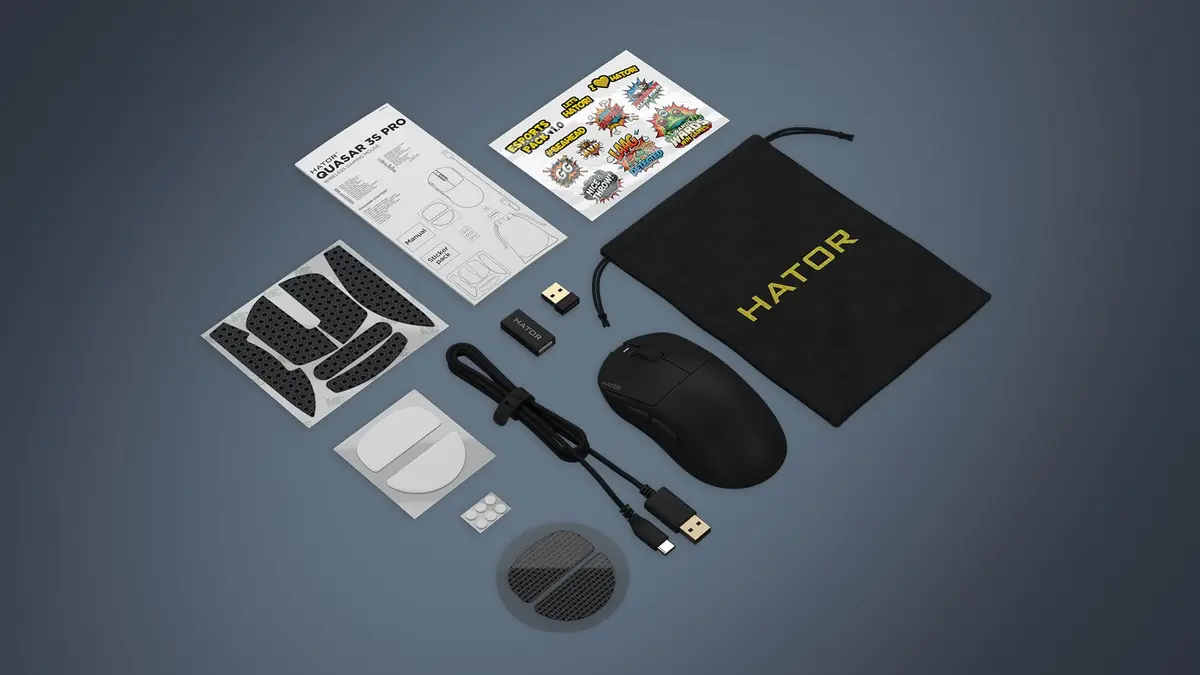
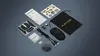
This wireless gaming mouse features the high-end PixArt PAW3950 optical sensor capable of reaching up to 30000 DPI and withstanding up to 50 G of acceleration, ensuring exceptional precision during rapid movements. The durable mechanical switches are rated for 100 million clicks, providing long-term reliability. With a battery life of up to 100 hours and a quick two-hour recharge time via USB Type-C, users experience minimal downtime. The ultra-lightweight build weighing only 49 grams reduces hand fatigue during extended gaming or work sessions. Additionally, the comprehensive bundle includes various replacement feet made from PTFE, glass, and UPE, anti-slip grip tape, and a carrying case.
Suitable for
- Competitive PC gaming and fast-paced genres
- Office tasks and everyday desktop navigation
- Multi-device setups using Windows, macOS, Linux, or Android
- Users preferring lightweight right-handed mice
When it may not be suitable
This mouse is specifically shaped for right-handed users and will not accommodate left-handed grips comfortably. Users who prefer a heavy, solid-feeling peripheral might find the ultra-lightweight 49-gram design too light for their preference.
Key specifications
- Movement detection technology: Optical PixArt PAW3950
- Movement resolution: Up to 30000 DPI
- Connectivity: 2.4 GHz RF wireless, Bluetooth 5.4, USB Type-C wired
- Polling rate: 1000 Hz
- Button durability: 100 million clicks
- Battery life: Up to 100 hours
- Weight: 49 g
- Dimensions: 119 mm depth, 60 mm width, 39 mm height
- Form factor: Right-hand
How to use
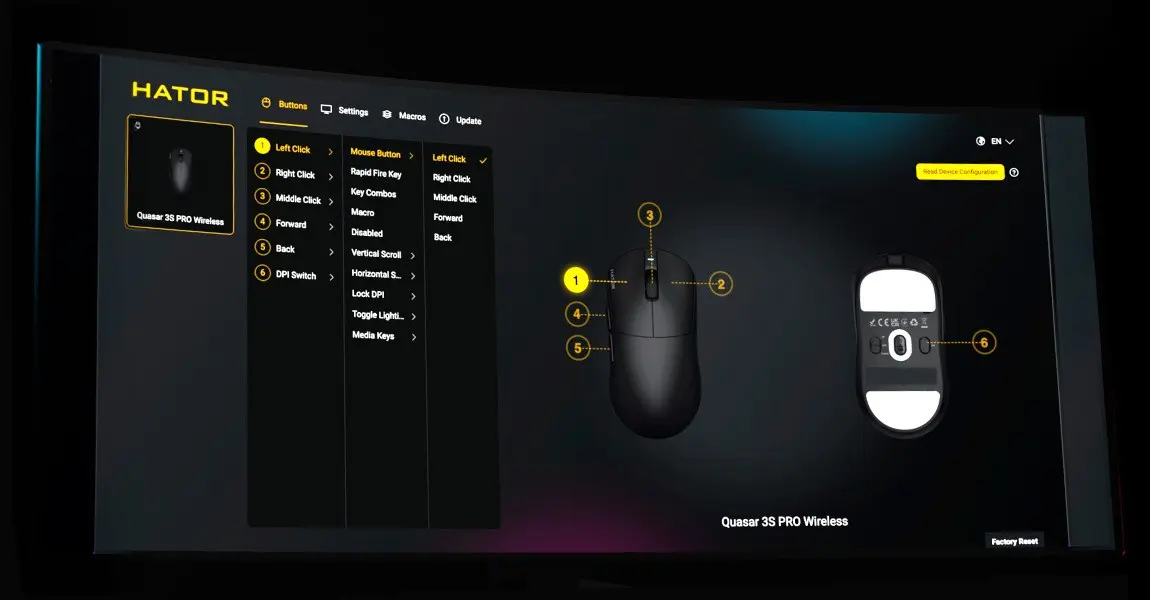
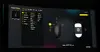
To start using the mouse, connect the included 2.4 GHz wireless receiver to a USB port on your computer, or pair it via Bluetooth 5.4 for wireless operation. For a wired connection, plug the supplied USB Type-A to USB Type-C cable directly into the mouse and your device. The mouse functions with Plug and Play capability on supported operating systems. For advanced customization of DPI levels, polling rates, and button configurations, you can install the PC SyncHUB software or utilize the web-based version.
What to consider before purchase
- Right-handed ergonomic layout is not suitable for left-handed users
- Compatibility of software tools with your specific operating system version
- Preference for lightweight mice versus traditional heavier designs
- Included accessories and feet options to customize glide feel
Usage recommendations
For optimal performance, clean the mouse feet regularly and apply the included anti-slip grip tape if additional traction is desired during intensive use. Store the mouse in the provided carrying case when traveling to prevent accidental damage.