


Leave your address - as soon as the price of the product goes down, you'll know about it right away
R-Go Tools Numpad Break Ergonomic Numeric Keypad, Bluetooth, White
In cart {{totalProductsCount}} item(s)
Your cart is empty
R-Go Tools Numpad Break Ergonomic Numeric Keypad, Bluetooth, White
Leave your address - as soon as the price of the product goes down, you'll know about it right away
R-Go Tools Numpad Break Ergonomic Numeric Keypad, Bluetooth, White
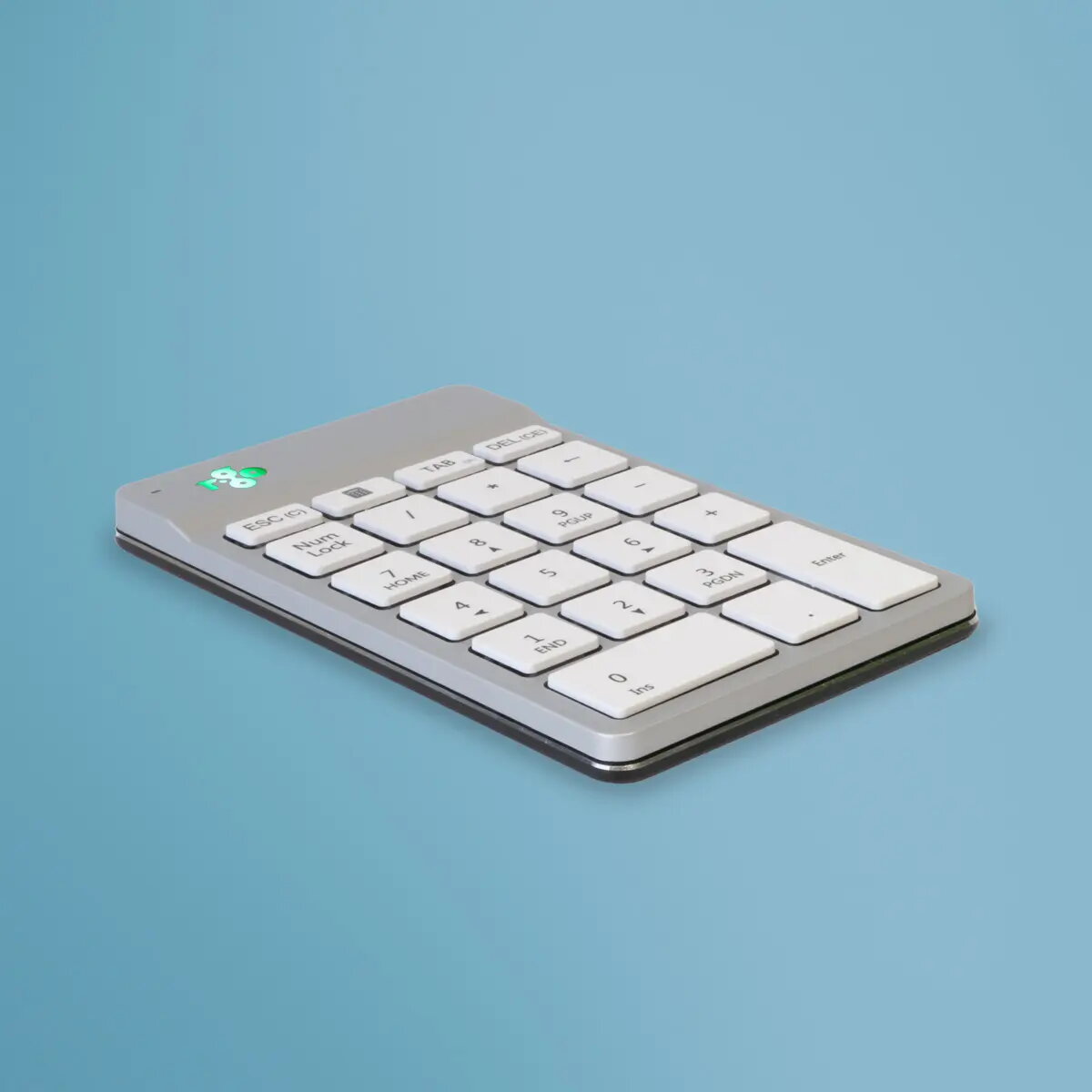
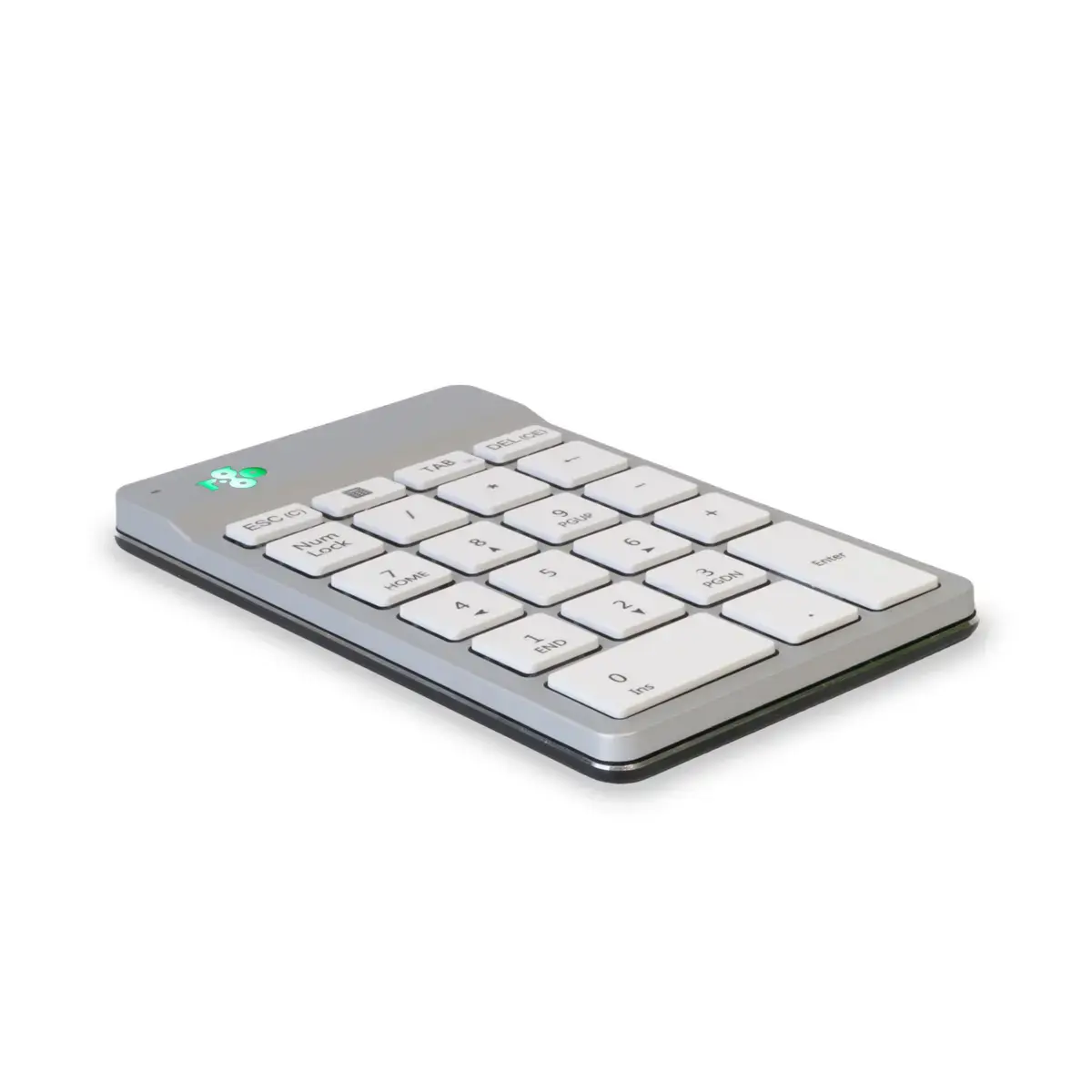
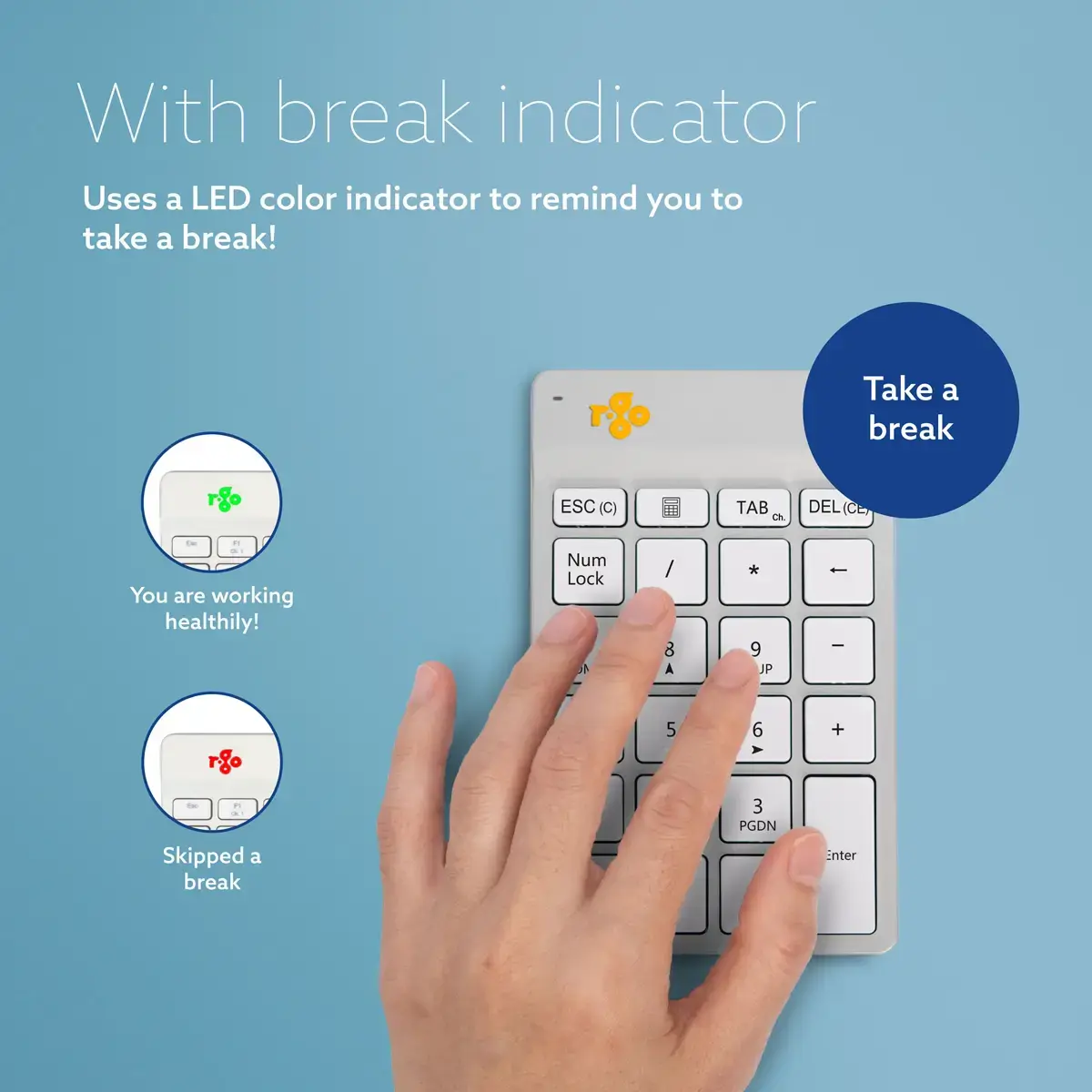
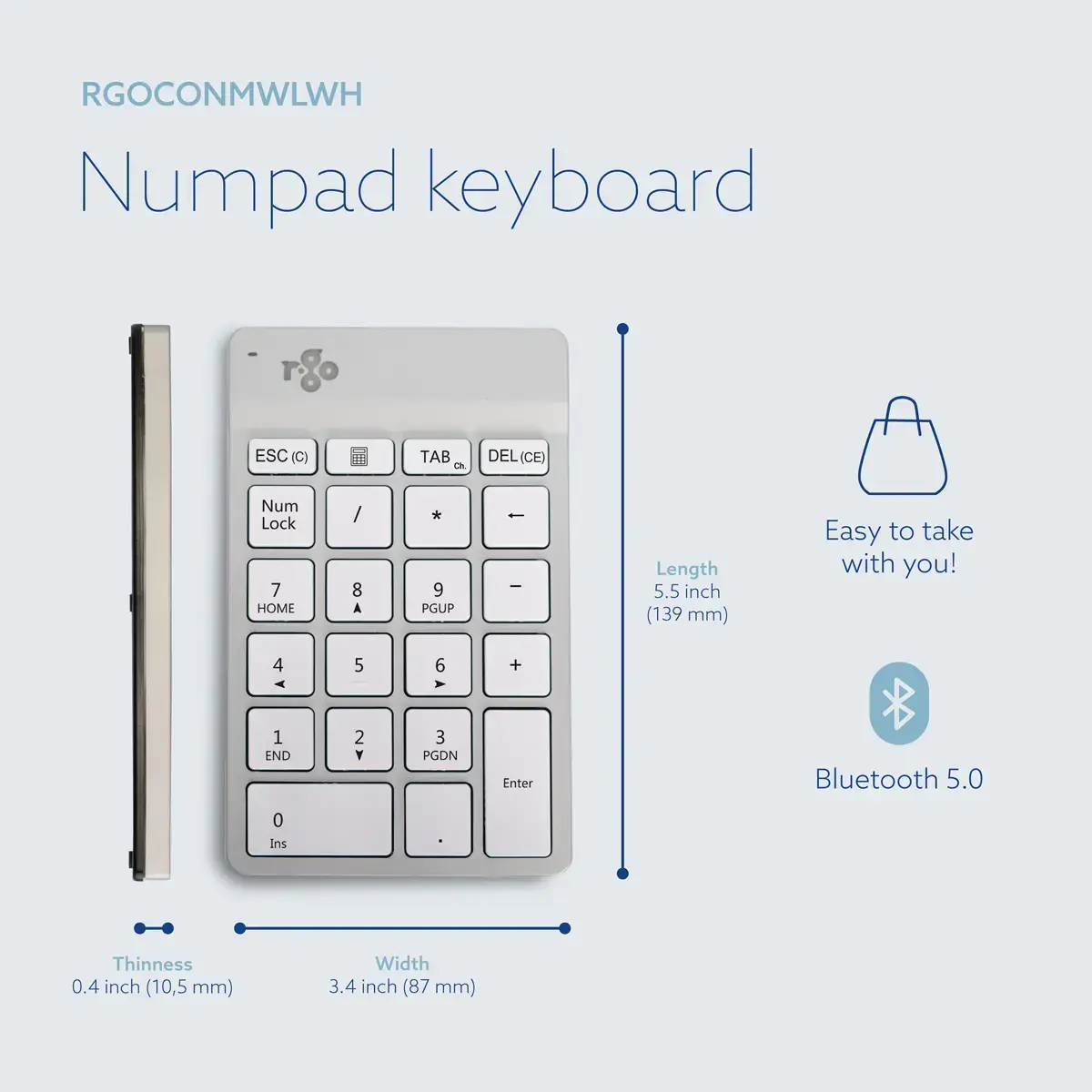
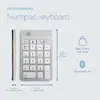
The R-Go Tools Numpad Break is an ergonomic numeric keypad designed to enhance efficiency and comfort during data entry tasks. This wireless device connects via Bluetooth and features an ultra-thin design that promotes a natural, flat wrist position. It includes a unique break indicator that uses color-coded signals to remind users to take necessary pauses, helping to prevent physical strain during long work sessions.
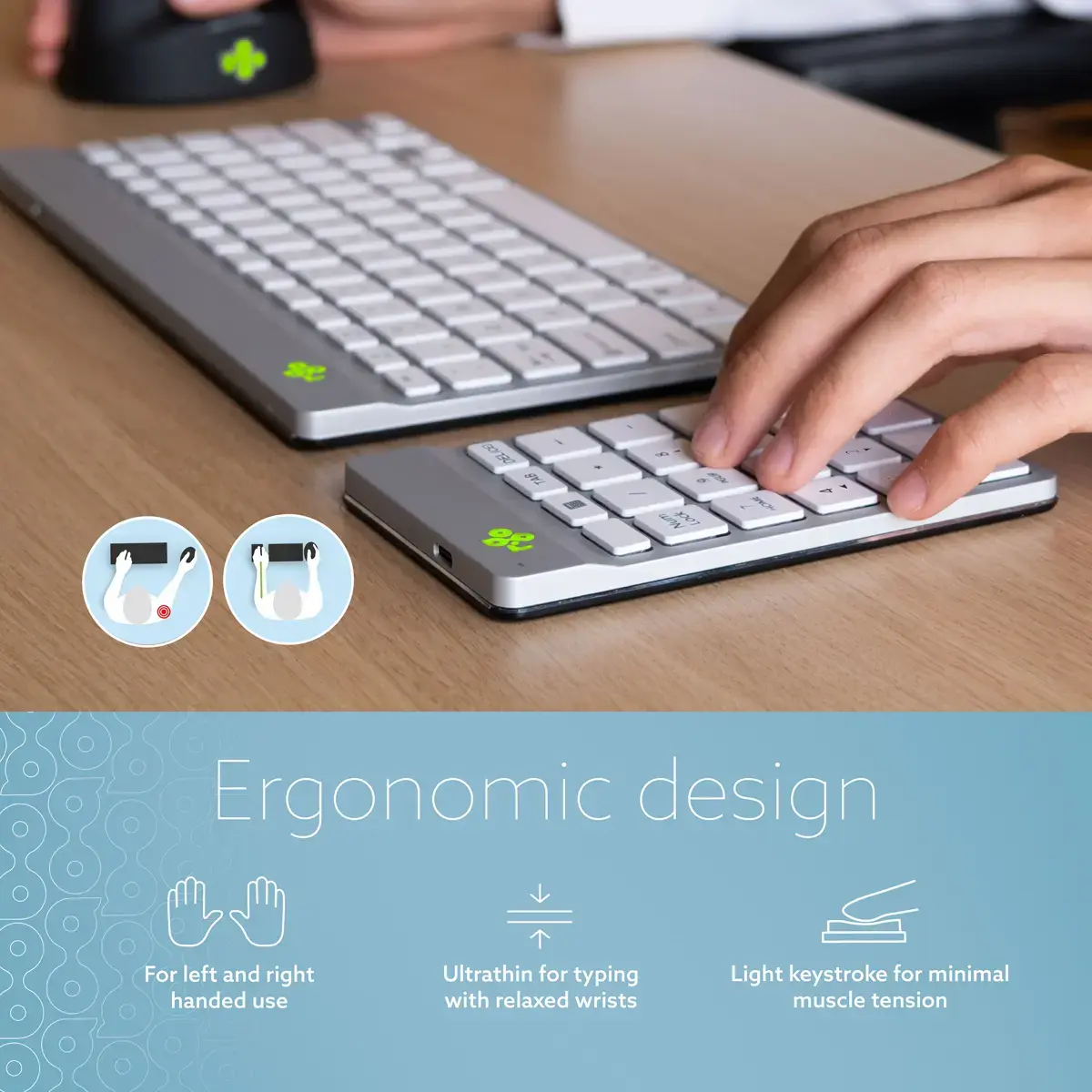
The ergonomic design allows for flexible placement, enabling users to operate the keypad with either the left or right hand to maintain a neutral posture within shoulder width. The integrated scissor mechanism provides a light, responsive keystroke that requires minimal force, reducing finger fatigue. Its compact and lightweight construction makes it highly portable, while the built-in software actively supports healthy working habits by monitoring activity and signaling when a break is required.
This device may not be suitable for users who require a wired connection for specific security environments, as it relies on Bluetooth technology. Additionally, it is designed primarily as a standalone numeric keypad and may not be the optimal choice for users seeking a full-sized integrated keyboard solution.
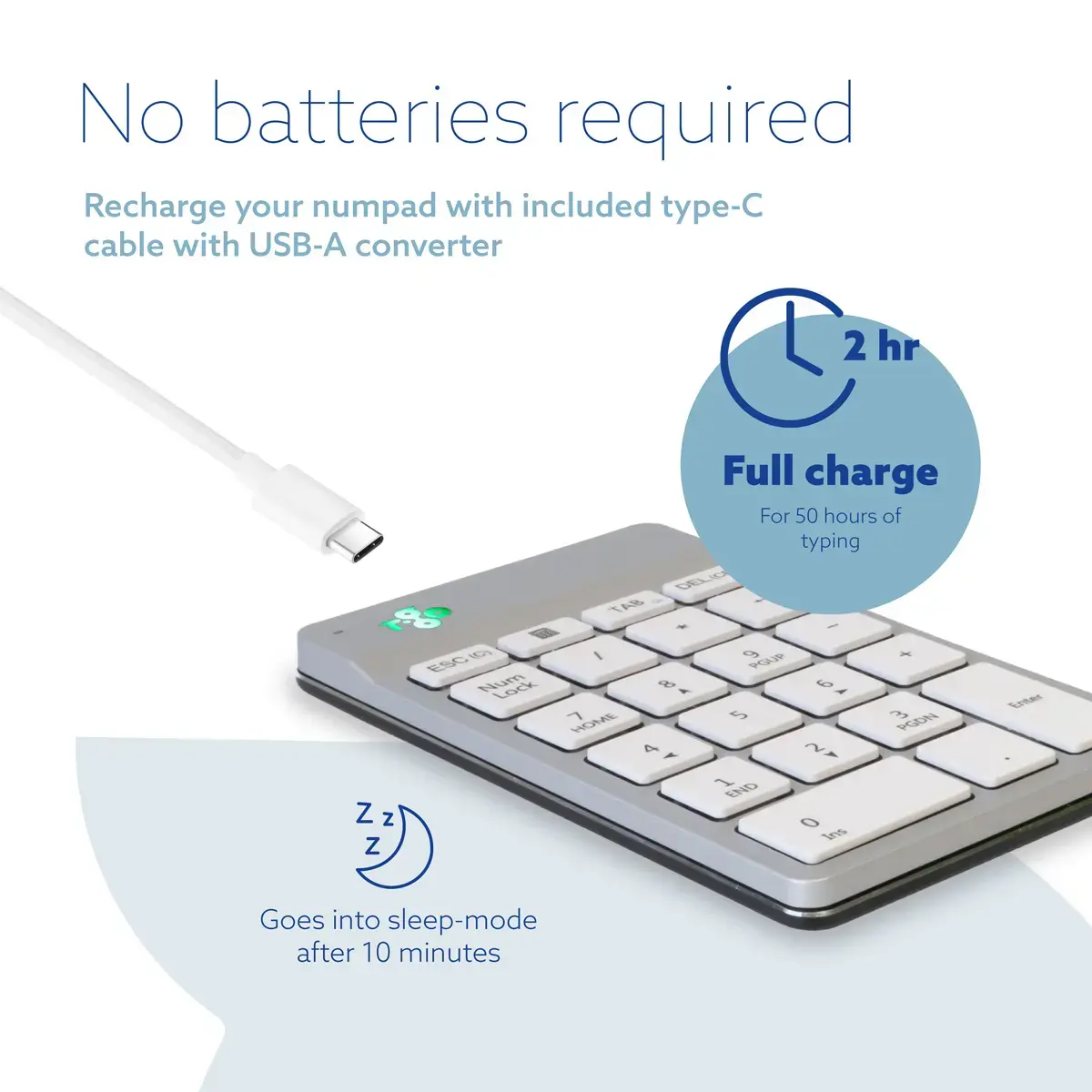
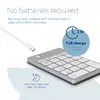
To begin using the R-Go Numpad Break, ensure the device is charged and pair it with your laptop via Bluetooth settings. Position the keypad on your desk on the side opposite to your mouse to keep your hands within shoulder width. The device will automatically track your typing activity; observe the integrated light indicator, which changes from green to orange and red, to determine when it is time to take a short break from your work.
Usage recommendations: For optimal ergonomic results, place the keypad close to your keyboard and ensure your wrists remain in a flat, neutral position while typing to minimize strain.
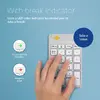
Stay healthier at your desk with the integrated break indicator and R-Go Break software. The LED on top of the keypad changes colour to show your current work-health status: green means you are working healthily, orange signals a short break is due, and red warns you have missed a break. This clear, positive feedback helps you build better break habits and reduces the risk of strain.
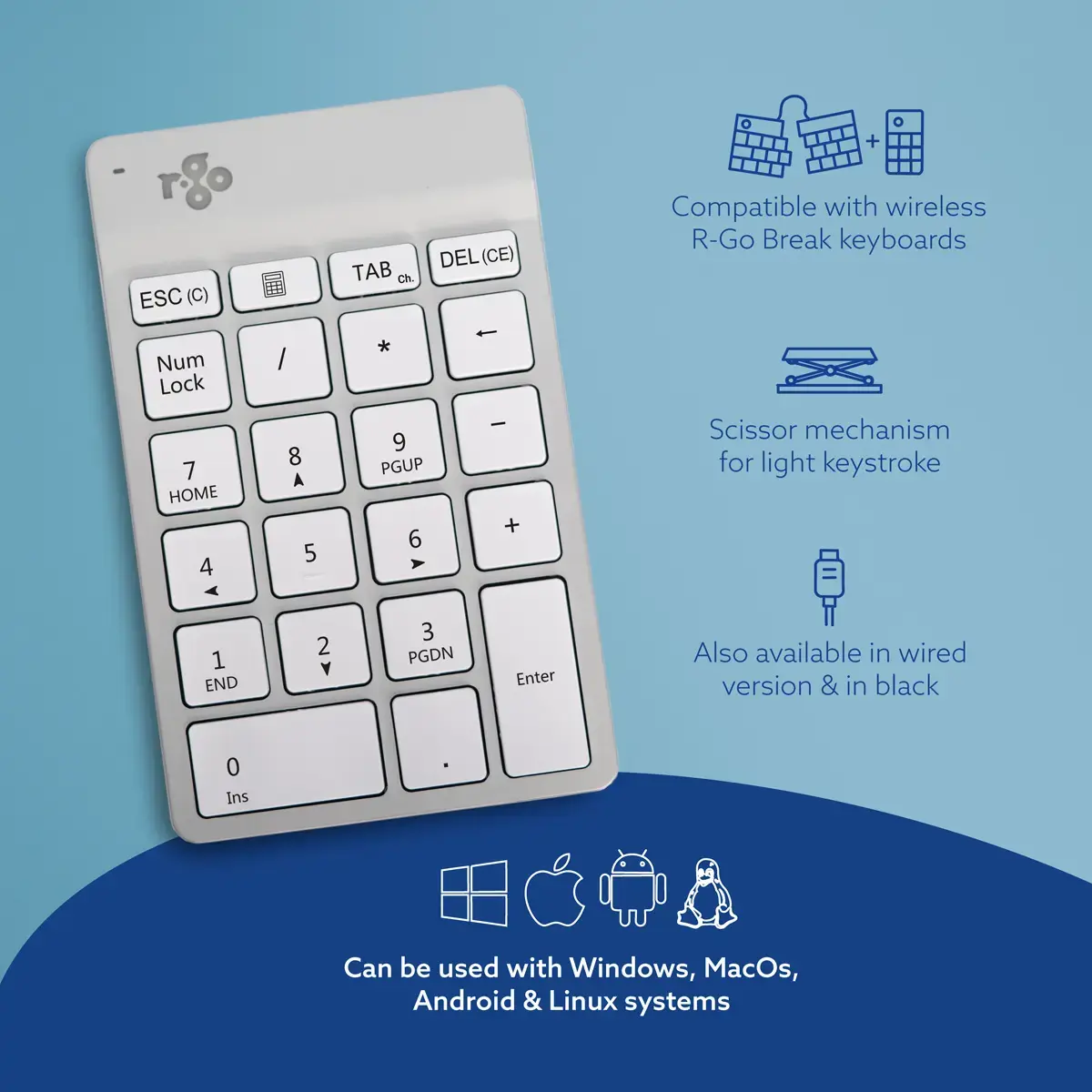
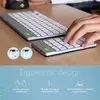
Positioning the numeric keypad on the side opposite your mouse keeps both hands within shoulder width and promotes a more natural posture. By sharing the workload between both hands, the design reduces strain and supports comfortable, longer data-entry sessions. It pairs especially well with R-Go Compact Break and R-Go Split Break keyboards.
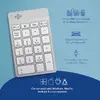
The ultra-thin profile keeps your wrists in a natural, flat position to minimize strain while typing. Keys use a scissor mechanism that delivers a light, responsive keystroke so you can enter numbers quickly with less force and fatigue.
{{highlightedFeature.featureTitle}}:
{{getProductFeatureValueById(product, highlightedFeature.featureId)}}