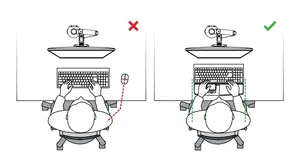
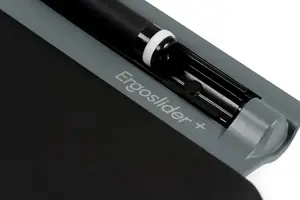
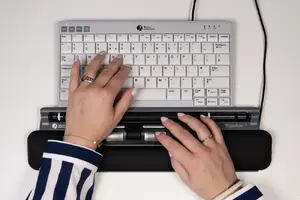
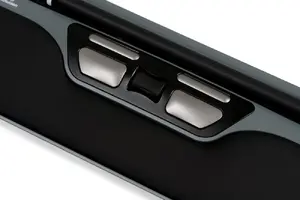
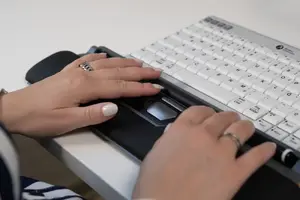
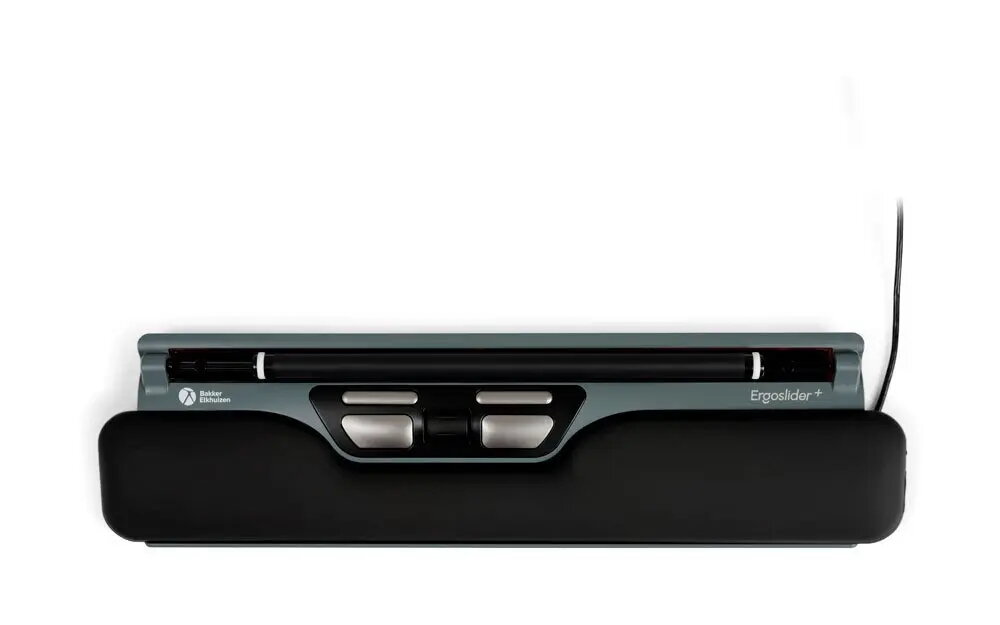
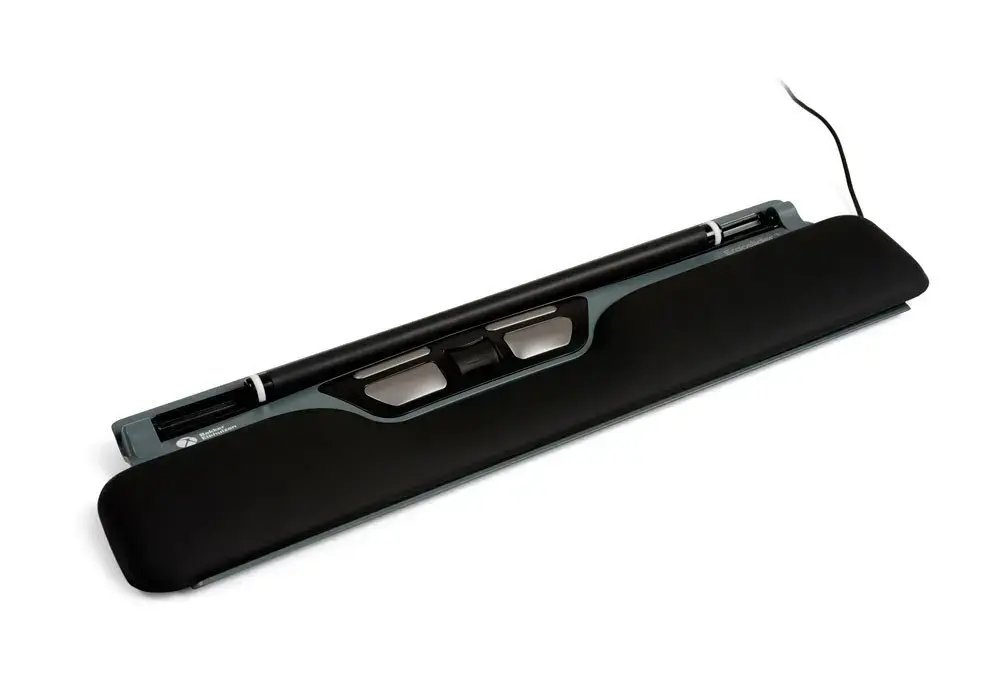
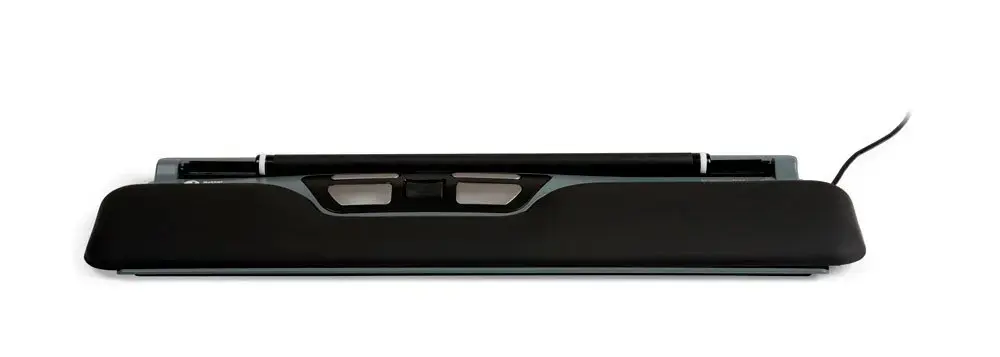
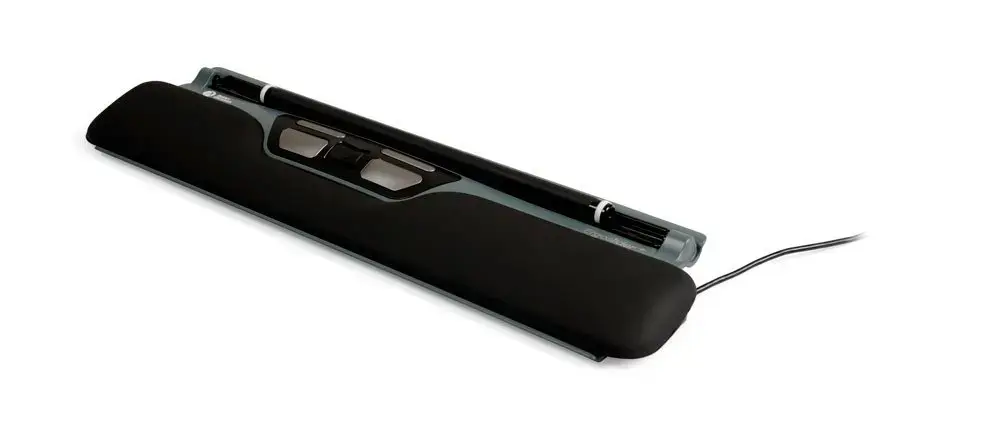
We are comparing BakkerElkhuizen ErgoSlider+ Roller Mouse, Laser, 1600 DPI, 5 Buttons, Ambidextrous with several alternative ergonomic pointing devices from the same brand: Ambidextrous Wired Laser Mouse BakkerElkhuizen ErgoSlider+ 1600 DPI, 5 Buttons, Wheel Scroll, Office, BakkerElkhuizen Evoluent 4 Left Vertical Ergonomic Mouse, Laser, 2600 DPI, 6 Buttons, BakkerElkhuizen Evoluent 4 Vertical Laser Mouse, 2600 DPI, 6 Buttons, Right-Handed, BakkerElkhuizen Evoluent 3 Vertical Laser Mouse, 2600 DPI, 5 Buttons, USB Type-A, and BakkerElkhuizen Evoluent D Large Vertical Ergonomic Mouse, Laser, 3200 DPI, 6 Buttons, USB Type-A. All products are designed for office environments to improve workspace ergonomics and reduce physical strain. The main product differs primarily through its roller mouse design suited for ambidextrous use, whereas the alternative Evoluent models utilize vertical mouse designs tailored specifically for right- or left-handed users with higher DPI capabilities.
⚙️ Below is a comparison of specifications such as device type, sensor resolution (DPI), button count, form factor, and connectivity.
| Parameter | BakkerElkhuizen ErgoSlider+ | BakkerElkhuizen ErgoSlider+ (Alt) | BakkerElkhuizen Evoluent 4 Left | BakkerElkhuizen Evoluent 4 | BakkerElkhuizen Evoluent 3 | BakkerElkhuizen Evoluent D Large | Practical conclusion |
|---|
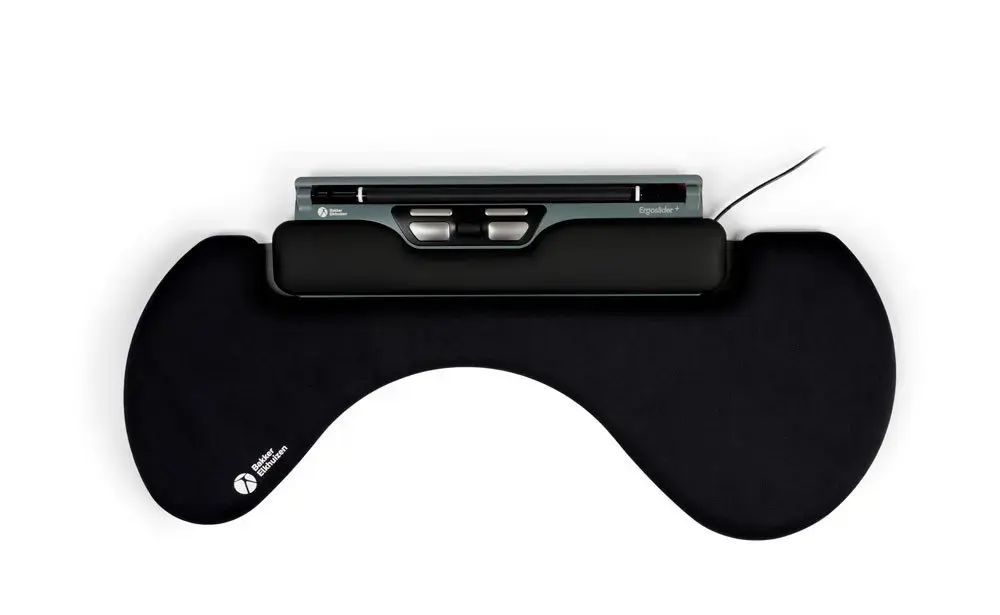
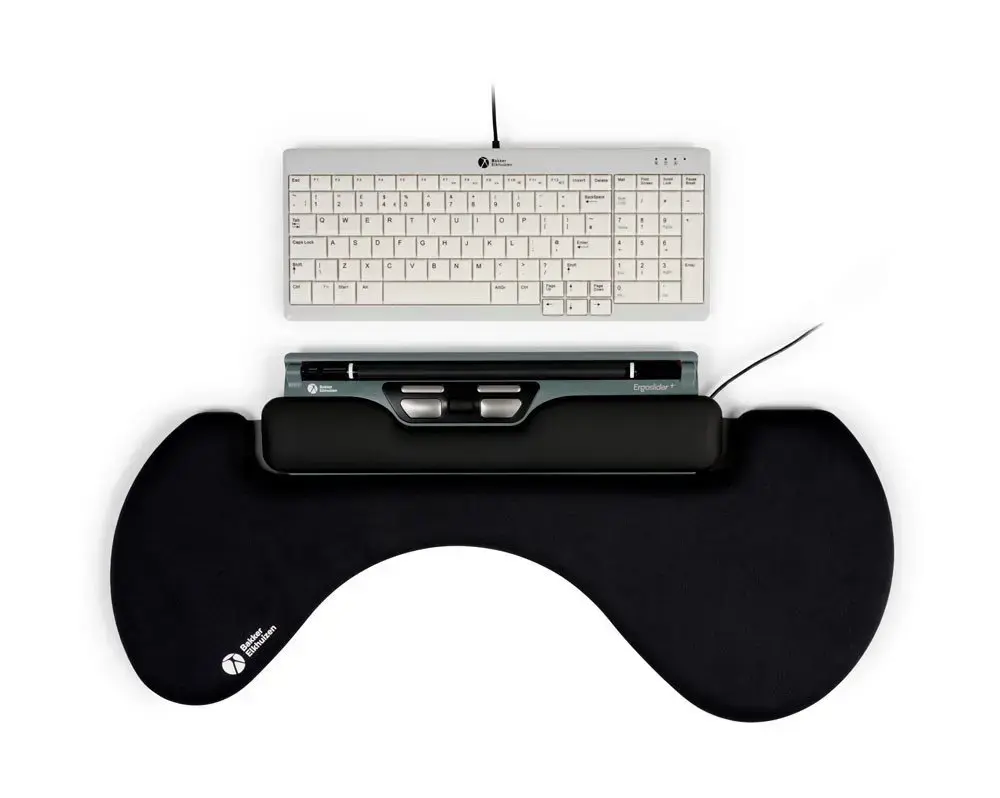
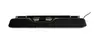
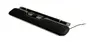
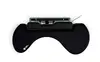
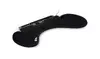
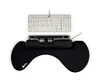
| Device type | Roller mouse | Roller mouse | Vertical mouse | Vertical mouse | Vertical mouse | Vertical mouse | The main product features a roller mouse layout placed in front of the keyboard, whereas all alternatives are traditional vertical mice. |
| Sensor resolution | 1600 DPI | 1600 DPI | 2600 DPI | 2600 DPI | 2600 DPI | 3200 DPI | Evoluent alternatives offer higher DPI for faster cursor movement, while ErgoSlider+ focuses on controlled roller-based navigation. |
| Buttons | 5 buttons | 5 buttons | 6 buttons | 6 buttons | 5 buttons | 6 buttons | Most vertical models feature 6 buttons for extended control, while ErgoSlider+ and Evoluent 3 provide 5 buttons. |
| Orientation | Ambidextrous | Ambidextrous | Left-hand | Right-hand | Right-hand | Right-hand | ErgoSlider+ accommodates both hands, Evoluent 4 Left is built strictly for left-handed users, and the other alternatives are for right-handed users. |
◎ This section evaluates different user needs, usage scenarios, and workplace ergonomics preferences.
| Use case | Recommended product | Why |
|---|
| Ambidextrous office work with a central layout positioned in front of the keyboard | BakkerElkhuizen ErgoSlider+ Roller Mouse, Laser, 1600 DPI, 5 Buttons, Ambidextrous | The roller mouse design allows seamless operation with either hand, reducing reaching and overall strain during extended computing tasks. |
| Left-handed users requiring a vertical ergonomic grip | BakkerElkhuizen Evoluent 4 Left Vertical Ergonomic Mouse, Laser, 2600 DPI, 6 Buttons | The specialized left-handed vertical form factor effectively minimizes wrist twisting and discomfort for left-handed professionals. |
| Intensive right-handed office work requiring high cursor precision and speed | BakkerElkhuizen Evoluent D Large Vertical Ergonomic Mouse, Laser, 3200 DPI, 6 Buttons, USB Type-A | The combination of a high 3200 DPI sensor and a comfortable right-handed vertical shape provides maximum accuracy and support. |
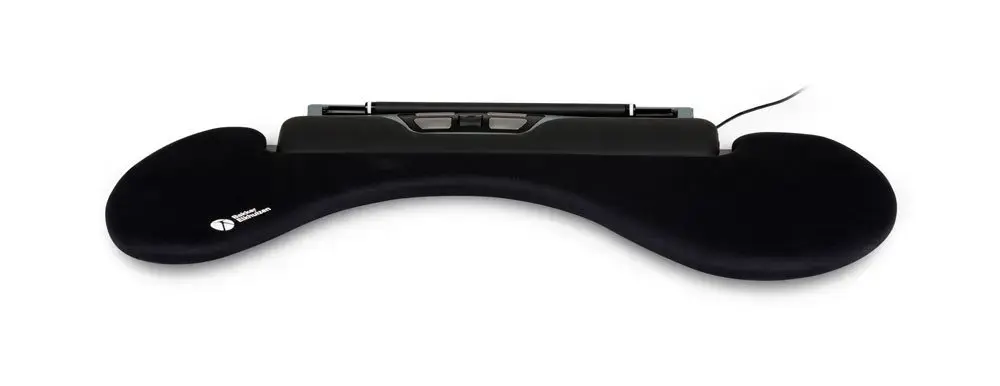
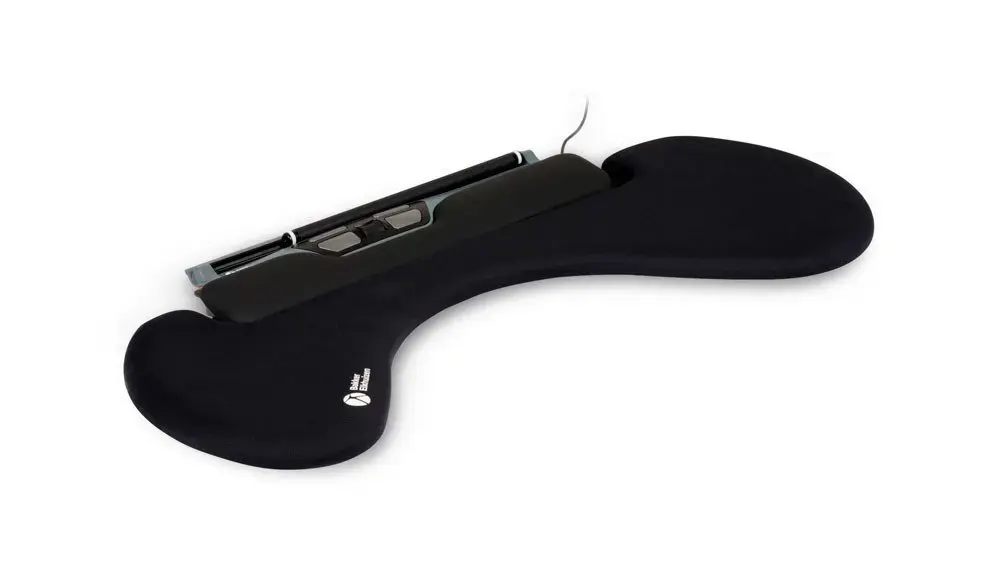
The main product BakkerElkhuizen ErgoSlider+ Roller Mouse, Laser, 1600 DPI, 5 Buttons, Ambidextrous differs from the alternatives through its roller mouse format and ambidextrous layout, making it ideal for users who prefer central navigation in front of the keyboard using both hands. If you prefer a traditional vertical mouse with higher sensor resolution and dedicated left- or right-hand ergonomics, an alternative from the Evoluent series will be more suitable.

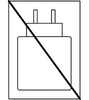 Charging device not included