
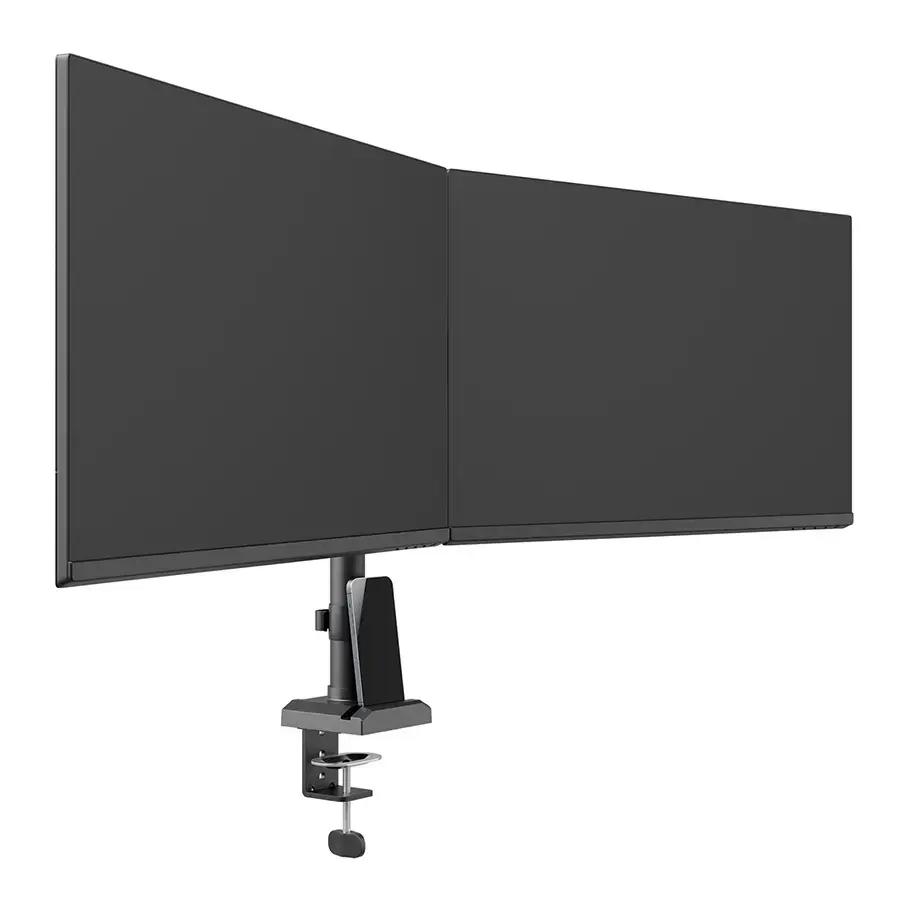
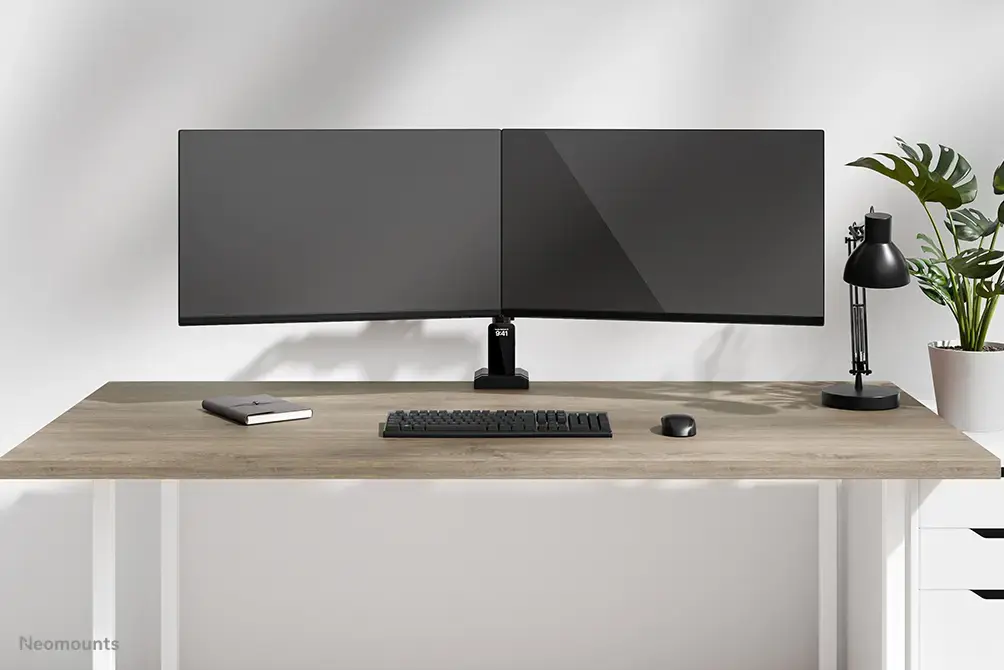
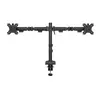
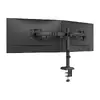
Monitor arm Neomounts DS60-600BL2 10-32" Quick-fix 180°-stop Clamp/Grommet
67.99 €
Keep track of price changes
You keep track of price changes
Watch the price drop
Leave your address - as soon as the price of the product goes down, you'll know about it right away
You keep track of price changes
Monitor arm Neomounts DS60-600BL2 10-32" Quick-fix 180°-stop Clamp/Grommet
{{email}}
You keep track of price changes
Monitor arm Neomounts DS60-600BL2 10-32" Quick-fix 180°-stop Clamp/Grommet
{{email}}
{{selectedOffer && selectedOffer.price | formatAmount}}
Short description
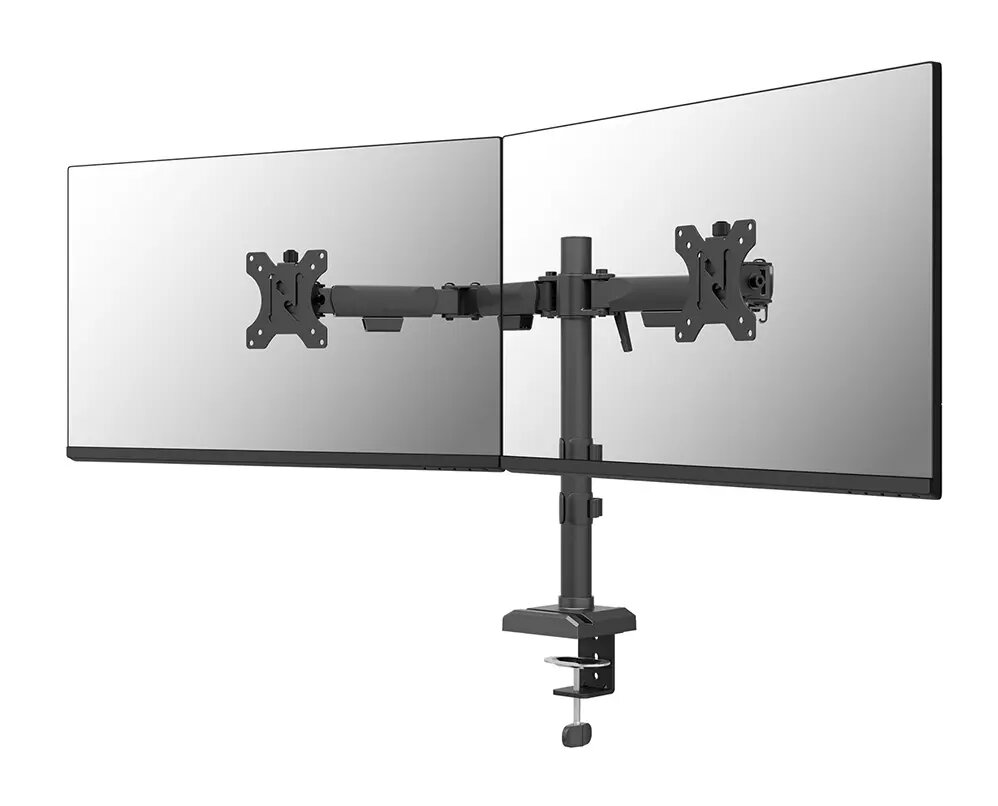
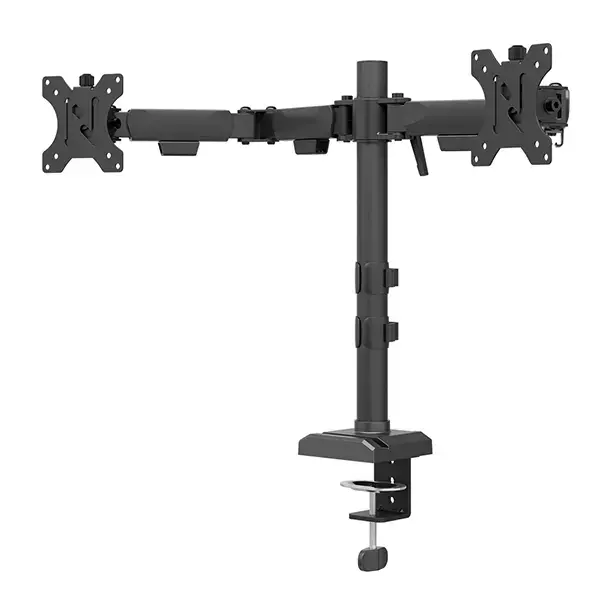
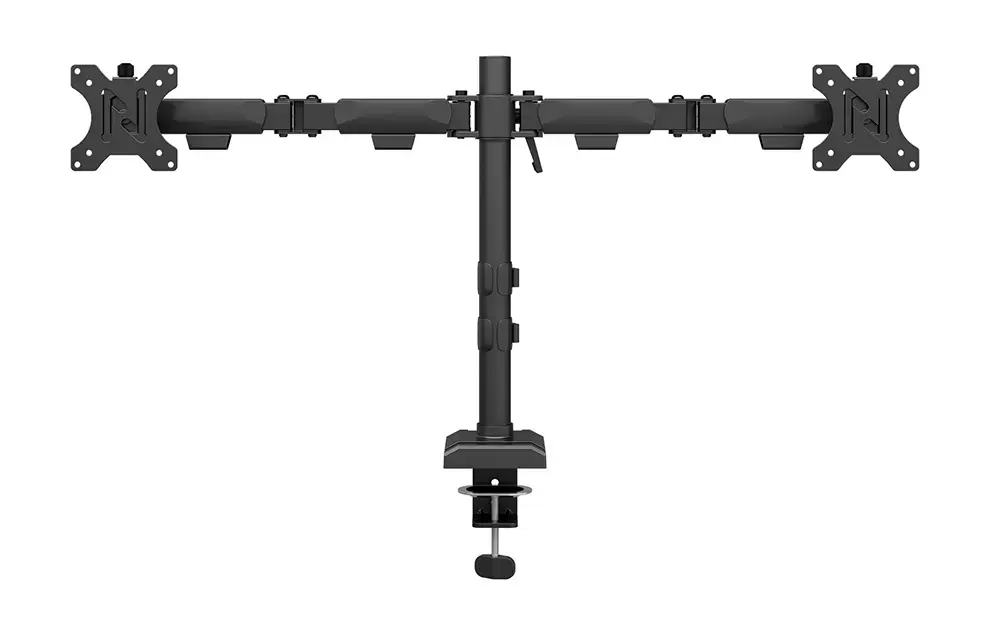
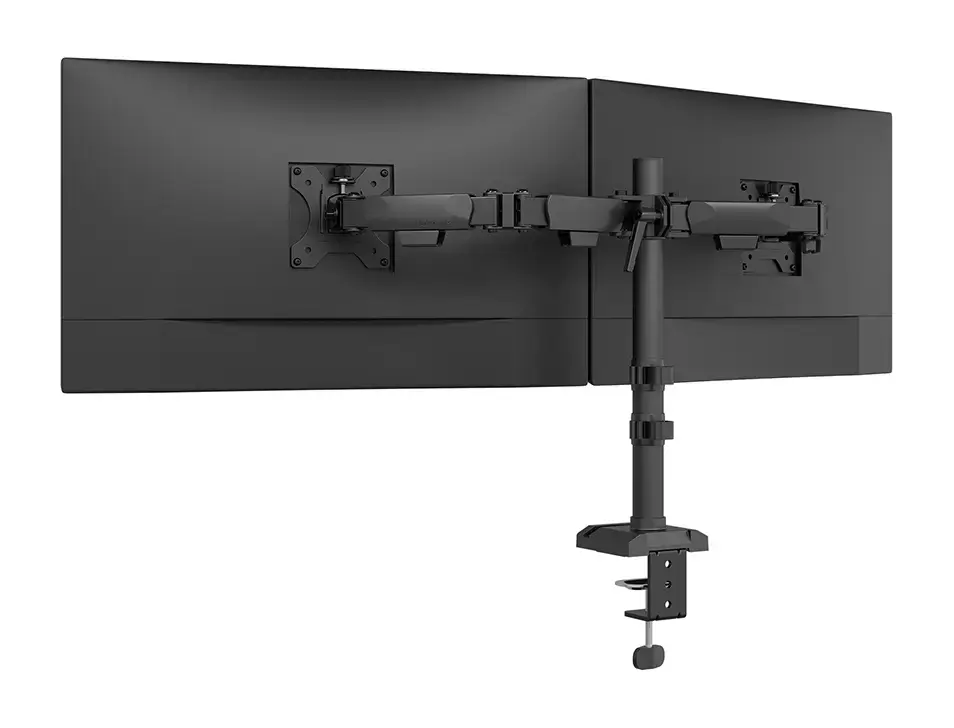
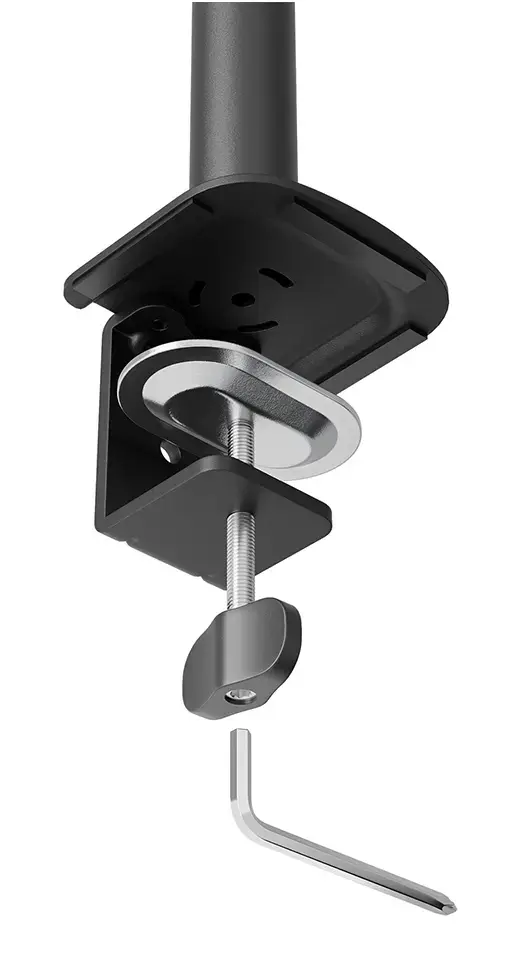
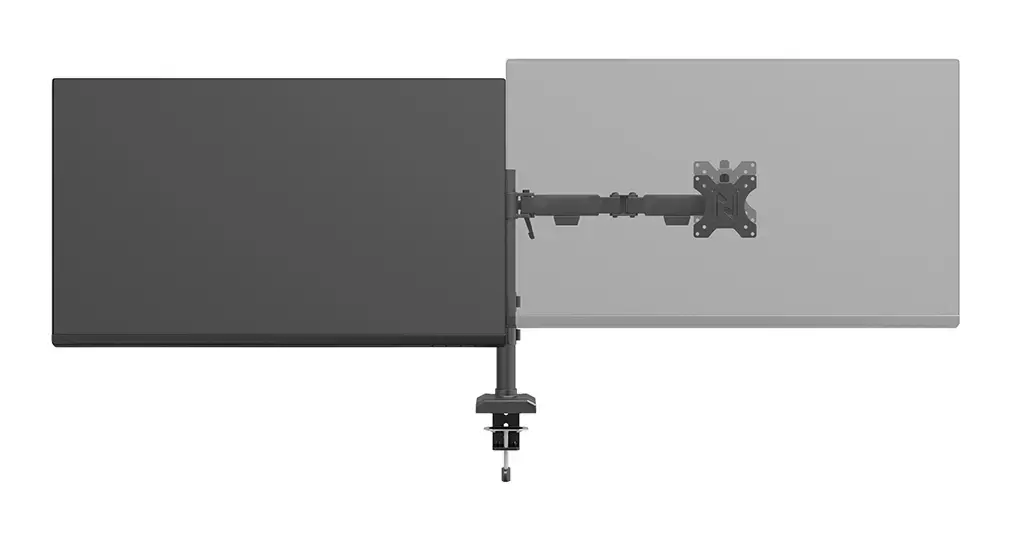
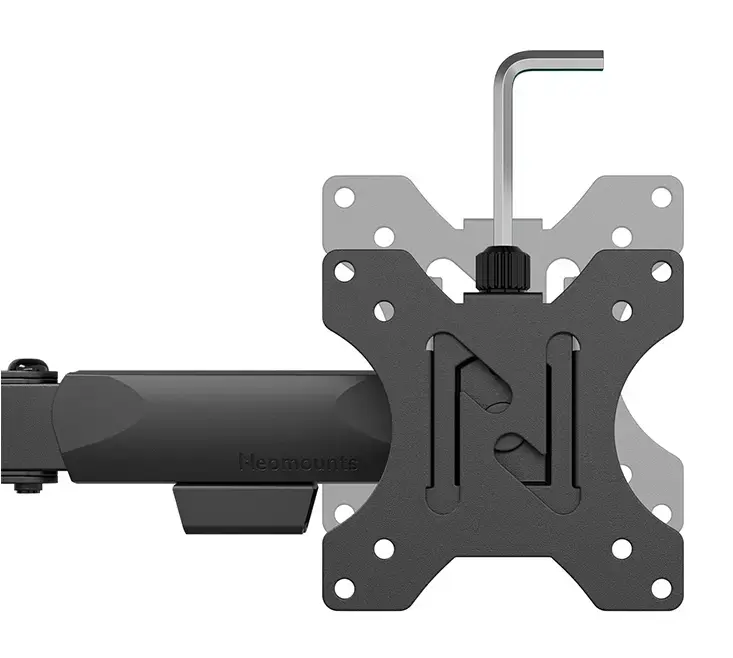
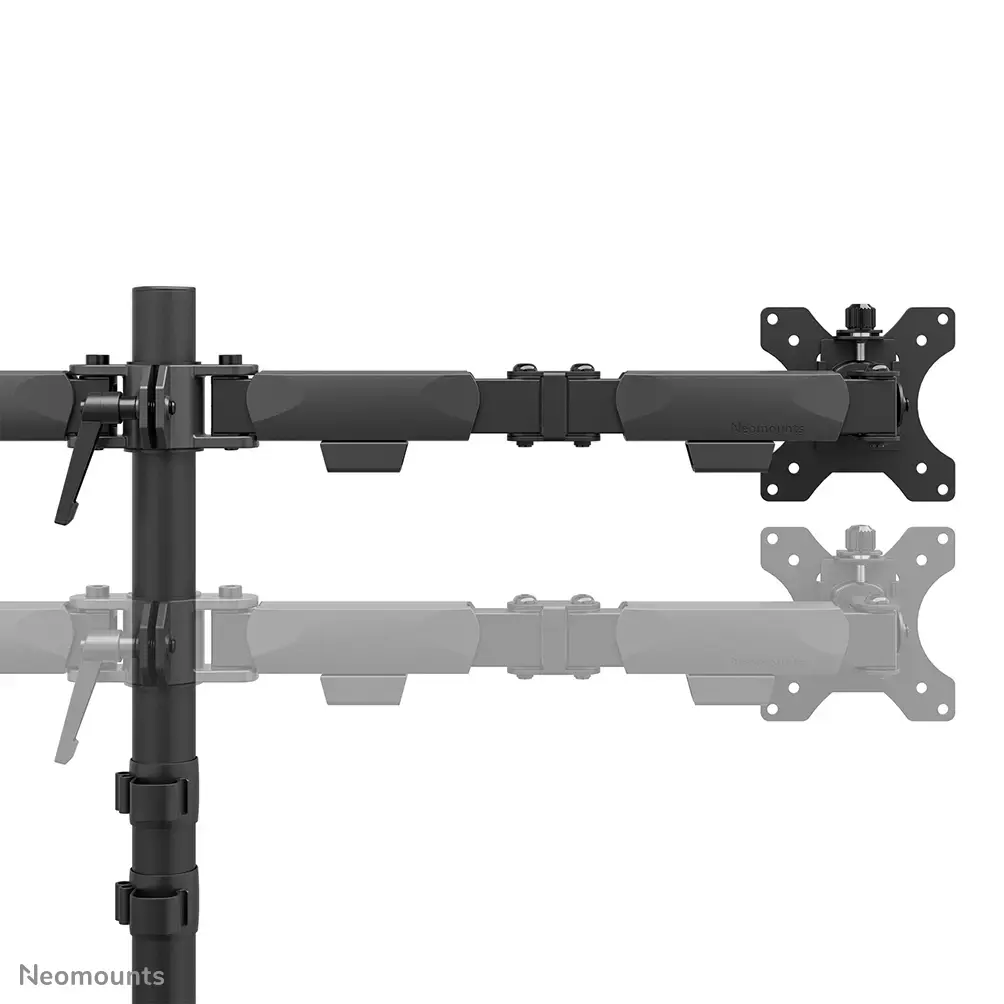
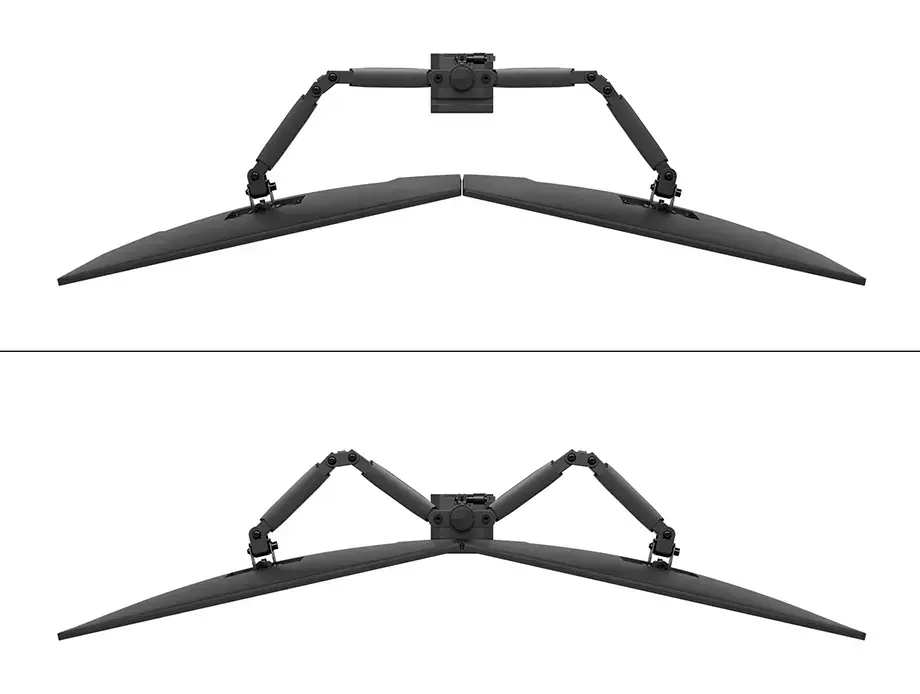
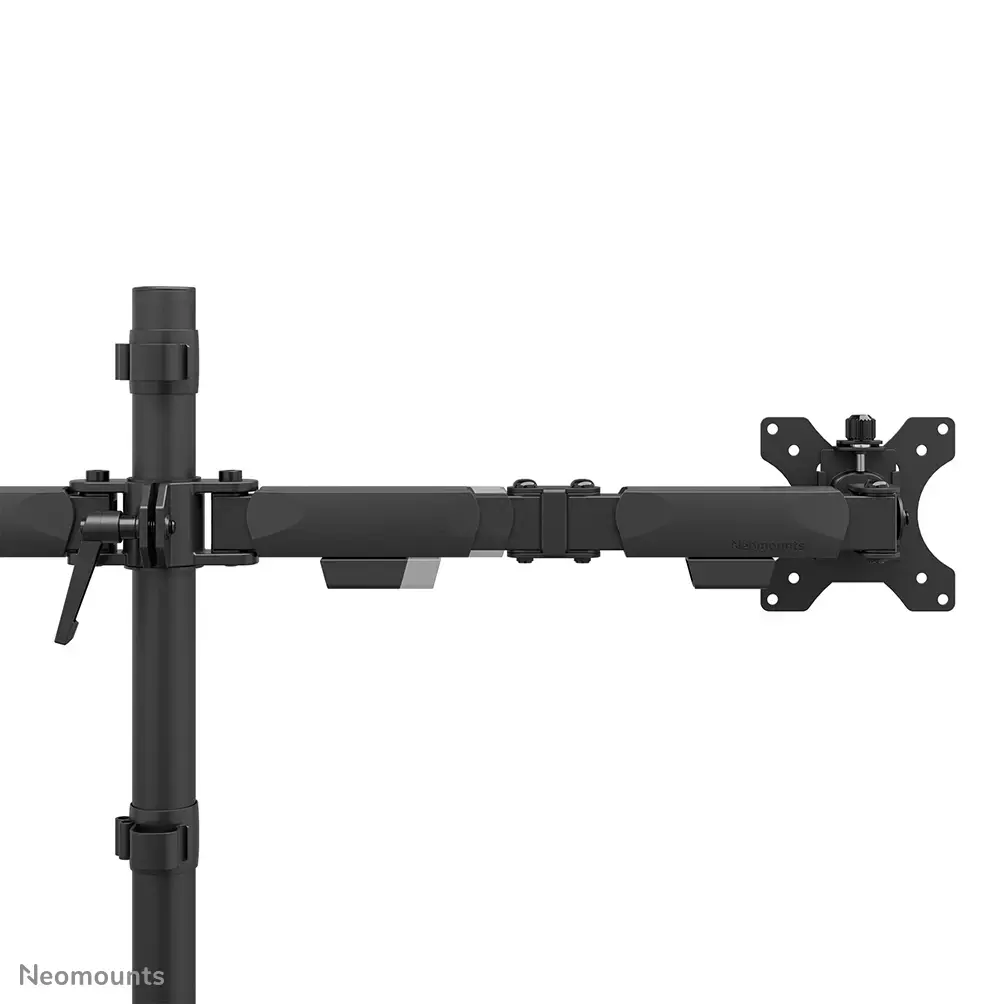
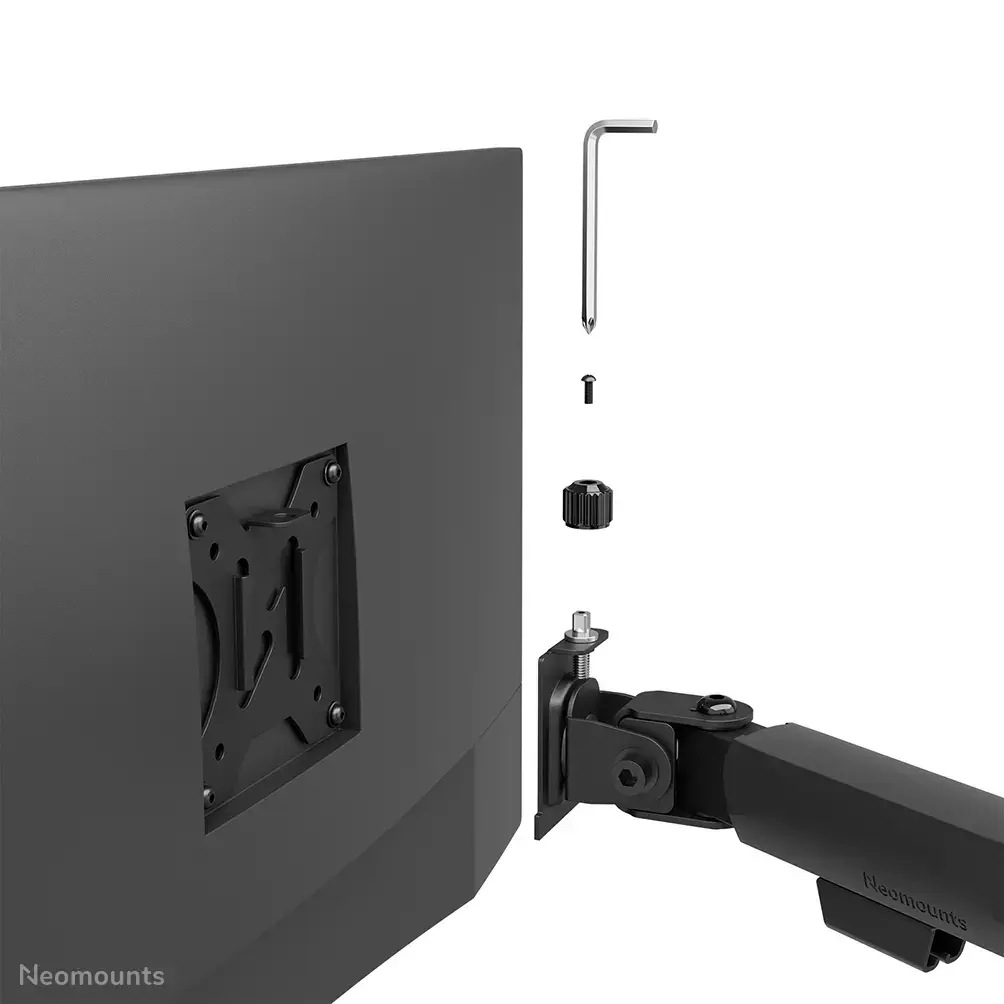
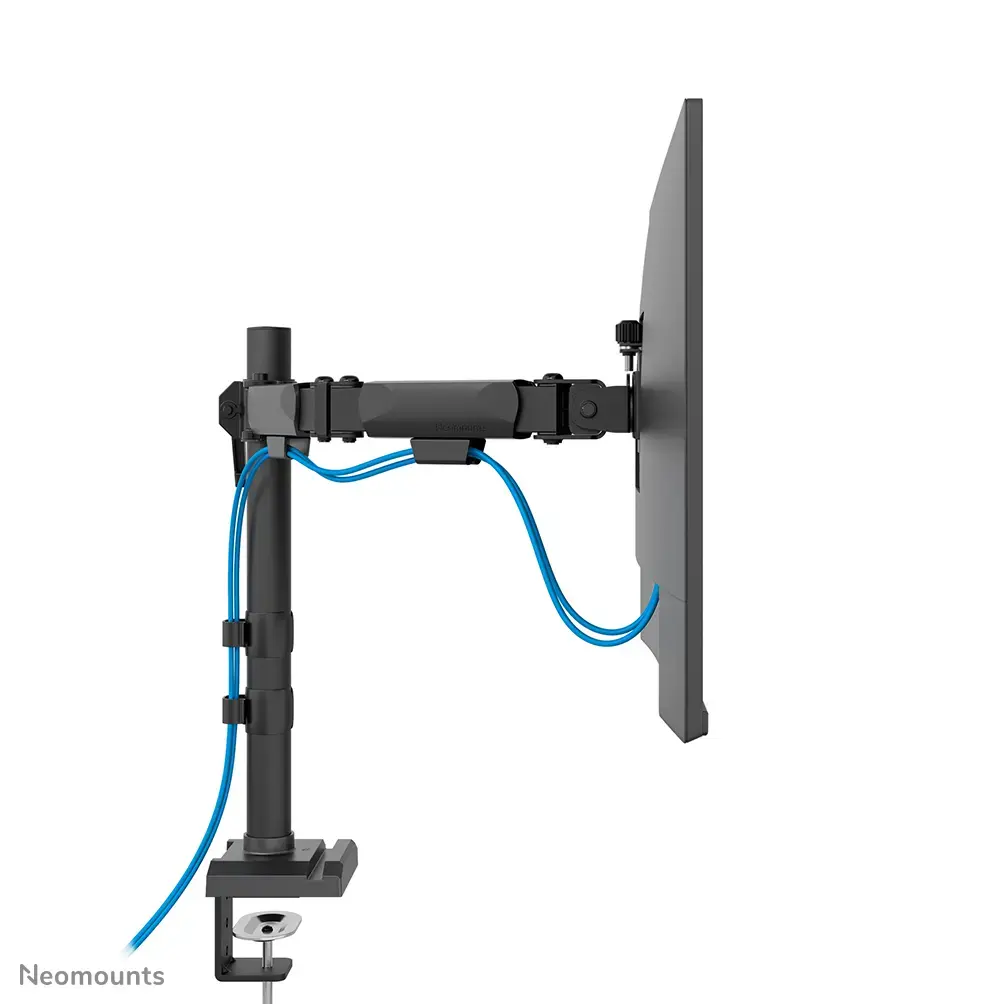
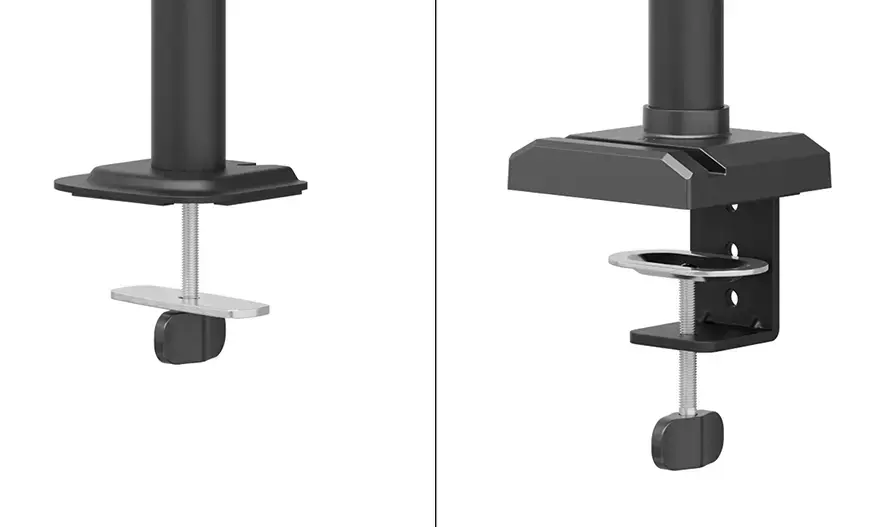
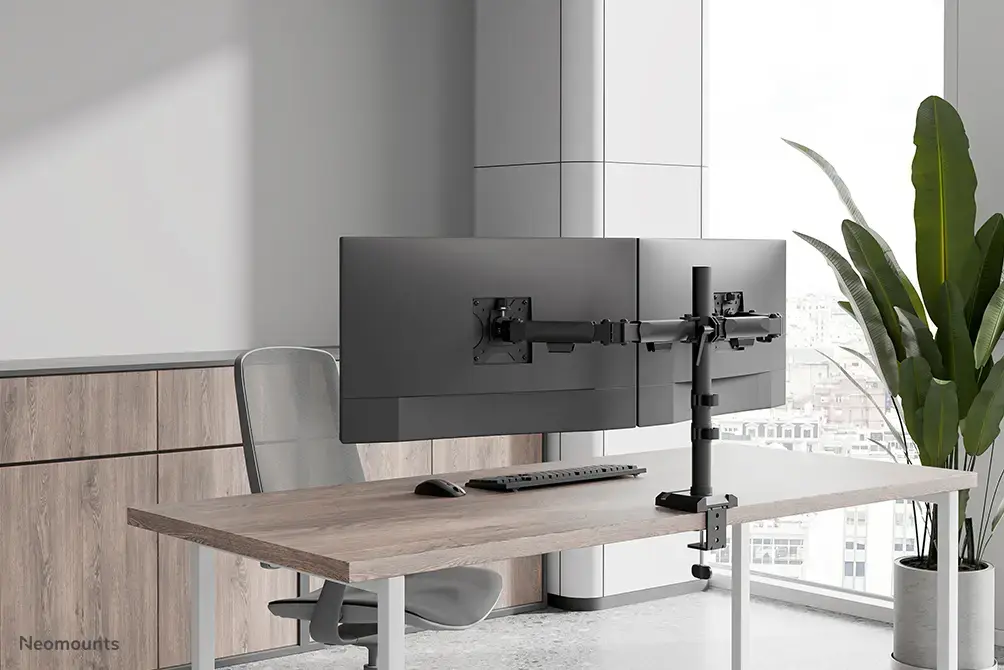
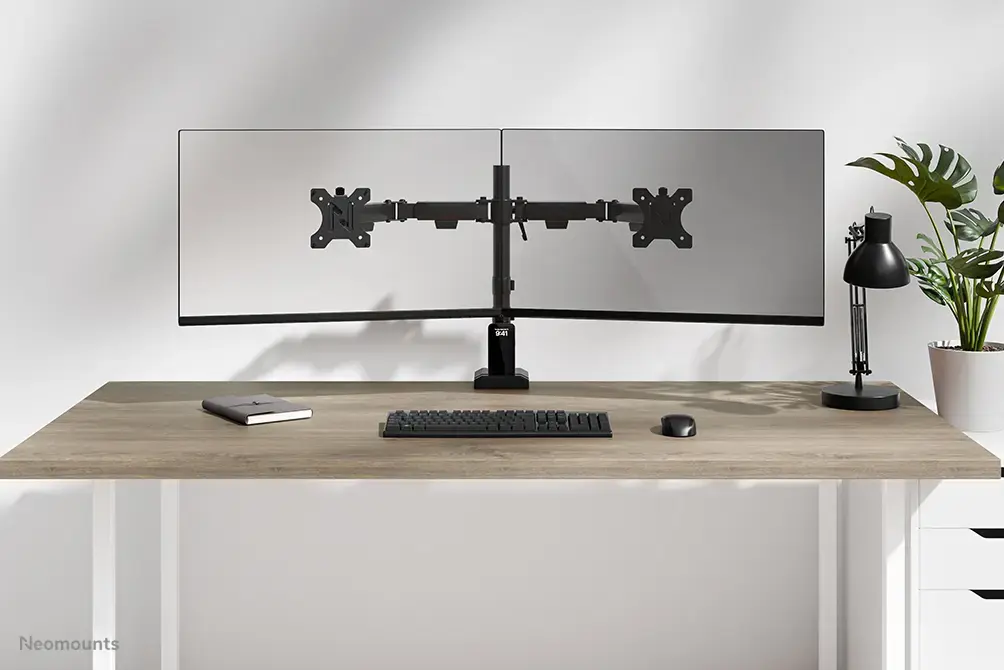
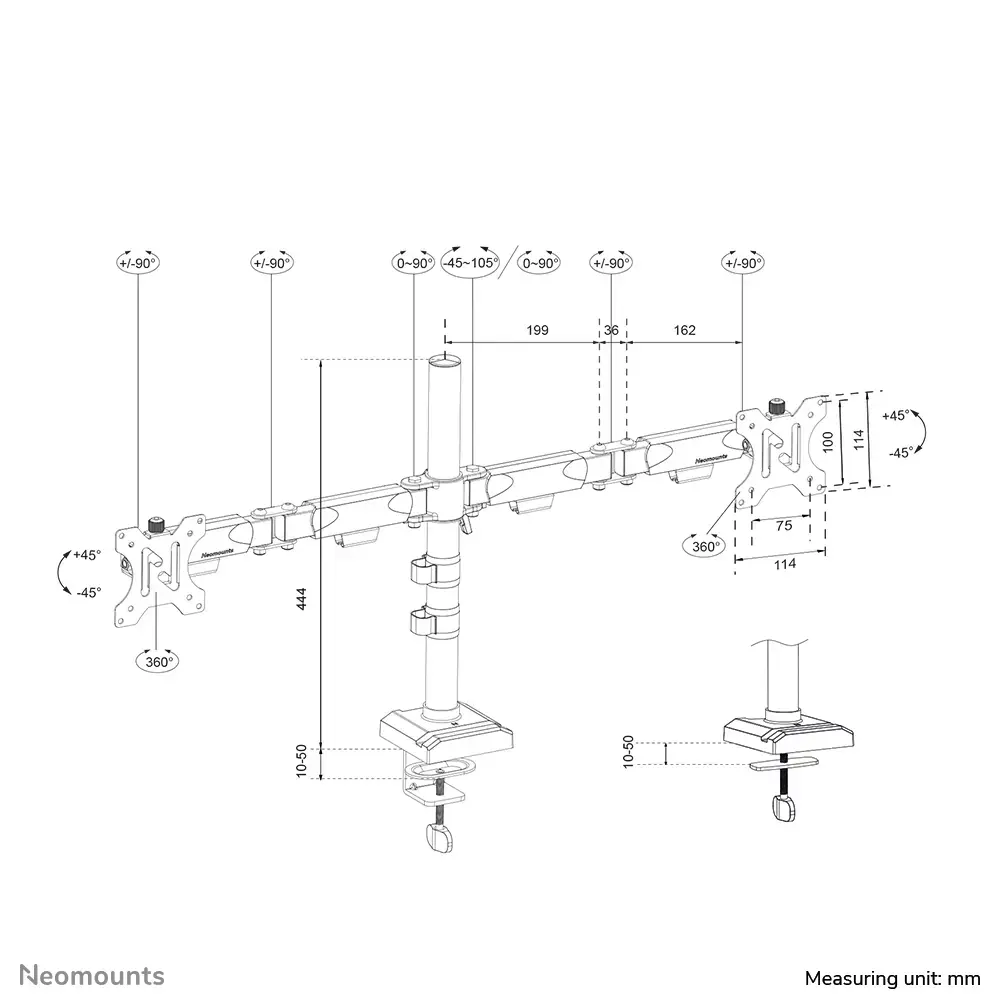
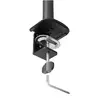
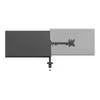
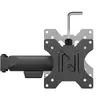
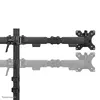
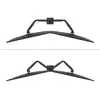
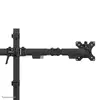
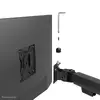
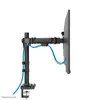
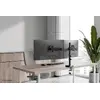
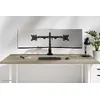
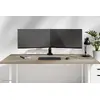
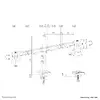
The Neomounts DS60-600BL2 monitor arm supports screens from 10 to 32 inches with a clamp or grommet mount. It features height adjustment, a swivel angle range of -90 to 90 degrees, and a tilt angle range of -45 to 45 degrees. The arm is designed for ergonomic use, allowing for optimal screen positioning and reducing neck strain. The product is finished in black and supports VESA mounts from 75x75 mm to 100x100 mm.
Deliver the order:
to the Customer Service Center at Kengaraga 2b, Riga
01.07.2026
{{selectedOffer.officeDeliveryString}}
free
Customer service center
2b. Kengaraga str., Riga, Latvia, LV-1063
01.07.2026
{{selectedOffer.officeDeliveryString}}
free
Courier Delivery
Please note that in case of a large parcel additional delivery costs may apply!
From 4.99 € (Weight: 4.16 kg)
Parcel couriers
Latvijas Pasts pakomāts / Unisend LV / DPD Paku skapis / Omniva LV / Venipak Pickup LV / Venipak Locker LV / Latvijas Pasts nodaļa
06.07.2026
{{selectedOffer.parcelStationDeliveryString}}
From 1.99 €

Payment Methods:
Bank transfer, Bank cards on-line, Apple Pay, Google Pay


