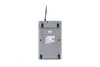
Enter large quantities of numbers.
The UltraBoard 955 V2 Numeric is the perfect solution for you, if you work a lot with numbers e.g., in controlling or in the financial sector. And at the same time, when it is still important for you to work with an ergonomic compact keyboard.
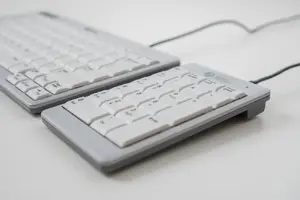
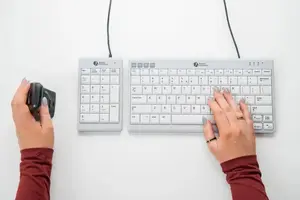
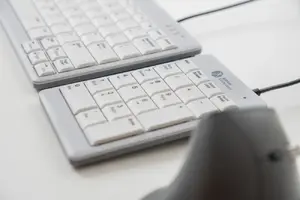
The advantage of the UltraBoard 955 V2 Numeric is, that you can flexibly position it on the left- or right side of your compact keyboard. You can easily distribute the muscle activity in both hands by changing the position of the numeric and that leads to more comfort. You can also put it away in phases when you are typing letters. Then the reach out distance to the mouse is minimised and your lower arm and shoulder are less strained, which leads to more efficiency at work.
Ergonomic background
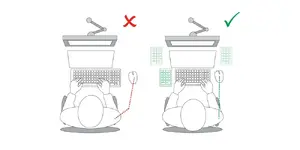
A compact keyboard without the numeric keypad, which allows placing the mouse closer to the keyboard. Research shows that 90% of users do not use the numeric keypad, if ever. With a compact keyboard you work more comfortably, because it lowers the reaching distance to the mouse (Cook C. et al., 1998). This lightens the load on the forearms and shoulder. Dark letters on a clear background make reading easier (ISO 9241) and contribute to higher productivity (Snyder, 1990).
Light keys, no reflections.
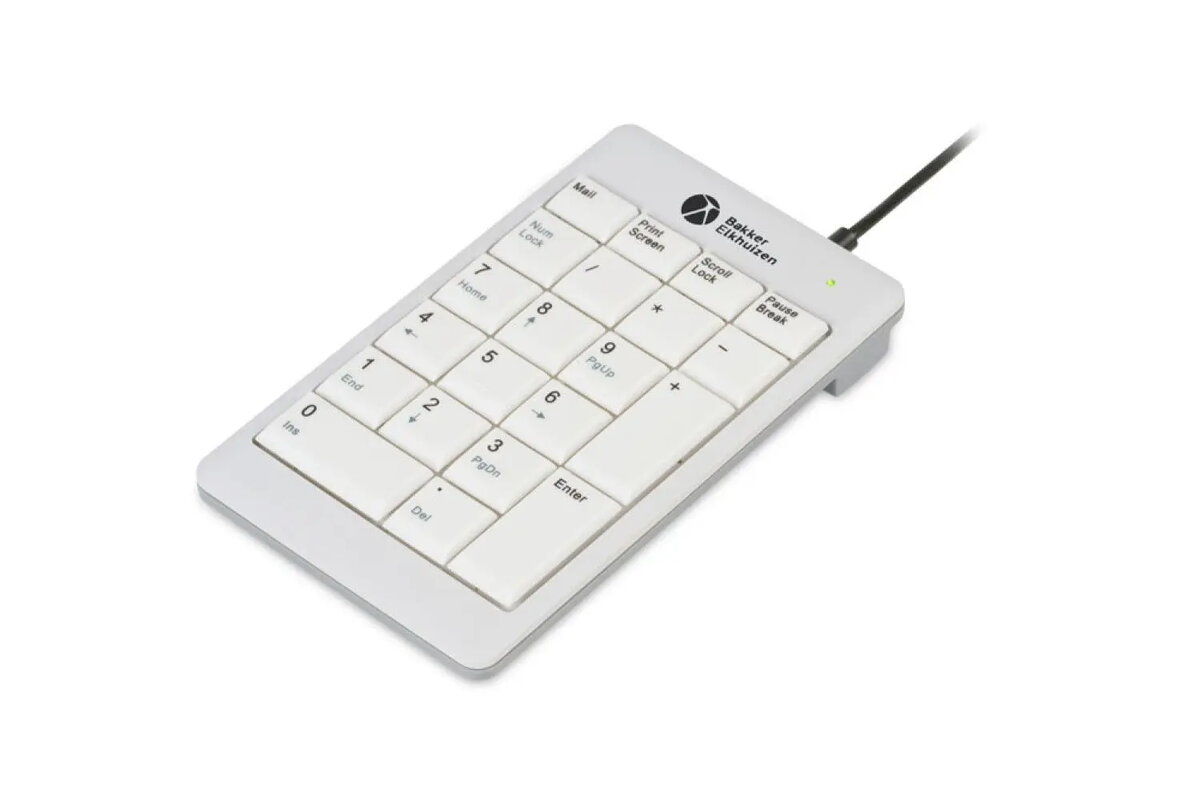
The matt surface of the UltraBoard 955 V2 Numeric is in a light design with dark letters. The light-coloured keys avoid high contrasts and reflections, and an easy change of view from the bright monitor down to the low-reflection keys. As soon as you change your view from your monitor down to the numeric you will easily recognize the dark letters with a font size of 4 mm. The good readability will lead to a quick start of entering your numbers. The stylish bright design of the keyboard will lower reflections and will make you more productive.
Silent typing.
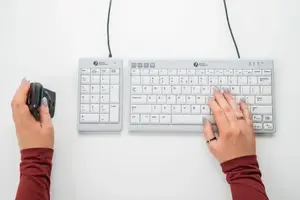
The keys of the UltraBoard 955 V2 Numeric have a scissor mechanism. With this kind of mechanism, a more comfortable way of typing is guaranteed. The scissor mechanism ensures a silent typing feel and is therefore not perceived as disturbing by colleagues. This kind of keys are not only quieter, but they also require less force to press. The user still recognises the pressure point of the keys while typing, and at the same time does not have to apply too much key pressure force to press down the keys. A scissor mechanism combines just the right strength of actuation, optimal typing speed, and no physical strain for the user.

Concave keys.
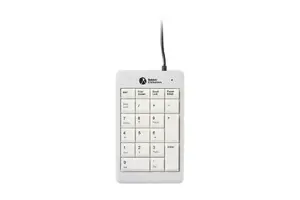
The keys of the UltraBoard 955 V2 Numeric have a key centre distance of 19 mm according to the DIN EN ISO norm . Furthermore, the shape of the keys is concave . A concave shape is with an inner curvature and fits perfectly to your fingertips. The hotkey buttons at the top of the numeric have a convex key shape, this is like the exterior of a circle. This difference between the concave and convex key shapes lead to a better orientation on the numeric. The five in the centre of the numeric has a little bump, this helps also with the blind orientation. The key centre distance and the shapes of the keys guarantee precisely typing and minimal typing errors.
More efficiency with nice features.
The UltraBoard 955 V2 Numeric has four practical hot keys: Mail, Printscreen, ScrollLock and PauseBreak. When you press the NumLock and Fn keys, you can use the integrated keys with the blue text and symbols. There is also an indicator light next to the logo at the top right, which shows if the keyboard is on or off. If the LED is green, the numerical keyboard is ready for use. All those attributes support you with a more efficient way of working.
Compatibility
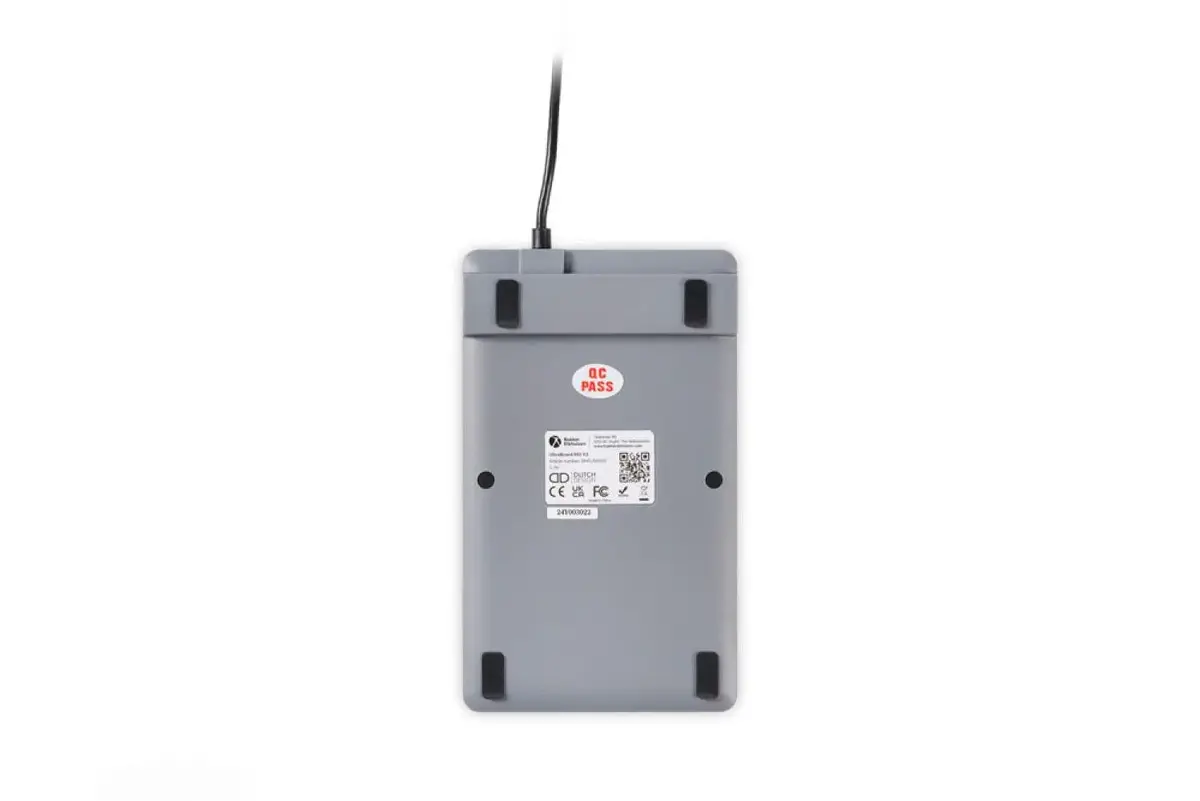
The UltraBoard 955 V2 Numeric is compatible with all computer or laptops, which have an USB port and have a Windows operating system. Easily connect the numerical keyboard to one of your computer’s USB ports and thanks to the plug-and-play technology, it is immediately ready for use after connecting the UltraBoard 955 V2 Numeric to your computer.