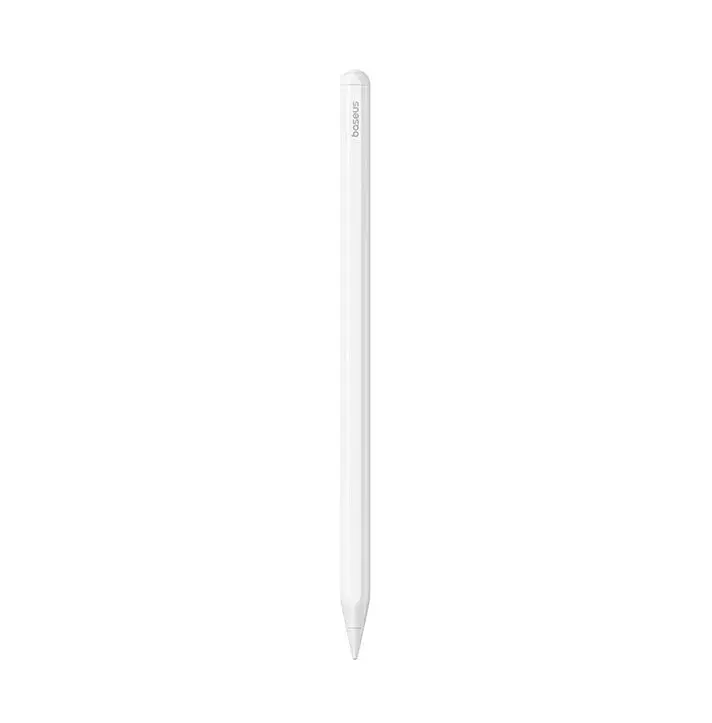
The Baseus Smooth Writing 3 Active Stylus is a high-precision digital pen engineered for seamless interaction with compatible iPads. Featuring a sophisticated Moon White finish, this stylus combines aesthetic appeal with advanced functionality, providing a natural writing and drawing experience that mimics traditional pen and paper. Its responsive design ensures zero lag, making it an essential tool for digital artists, students, and professionals who require accuracy in their daily tasks.
Advantages
This stylus stands out due to its integrated magnetic wireless charging capability, which allows users to power the device simply by attaching it to the side of their iPad. The inclusion of pressure and tilt sensitivity enables users to create varied line weights and shading effects, providing professional-grade control for sketching and calligraphy. Furthermore, the ergonomic and lightweight construction reduces hand fatigue during extended sessions, while the efficient power management system ensures reliable performance throughout the day.
Suitable for
- Digital note-taking and annotation of documents
- Professional sketching, illustration, and graphic design
- Precise navigation and interface control on tablets
- Handwritten digital signatures and form filling
When it may not be suitable
This stylus is specifically optimized for compatible iPad models and may not function correctly with other tablet brands or older devices that do not support active stylus input. It is not intended for use on capacitive smartphone screens or non-compatible operating systems.
Key specifications
- Magnetic wireless charging support
- Pressure and tilt sensitivity for detailed input
- Battery capacity of 140mAh
- Up to 17 hours of continuous operation
- Low-latency performance
- Ergonomic, lightweight design
How to use
To begin using the stylus, ensure your iPad is compatible and that the Bluetooth settings are configured if required by your specific model. Attach the stylus to the magnetic charging area on the side of your iPad to initiate the wireless charging process. Once charged, the device is ready for immediate use without the need for complex software installation. Simply touch the tip to the screen to start writing or drawing, utilizing the tilt and pressure sensitivity features within your preferred creative or note-taking applications.
What to consider before purchase
- Verify your iPad model compatibility before ordering
- Ensure your device supports magnetic wireless charging for the stylus
- Consider your primary use case to ensure the pressure sensitivity meets your creative requirements
Usage recommendations
For optimal battery health, avoid leaving the stylus in a fully discharged state for extended periods. Keep the nib clean and replace it if you notice signs of wear to prevent potential scratches on your tablet screen.