


Leave your address - as soon as the price of the product goes down, you'll know about it right away
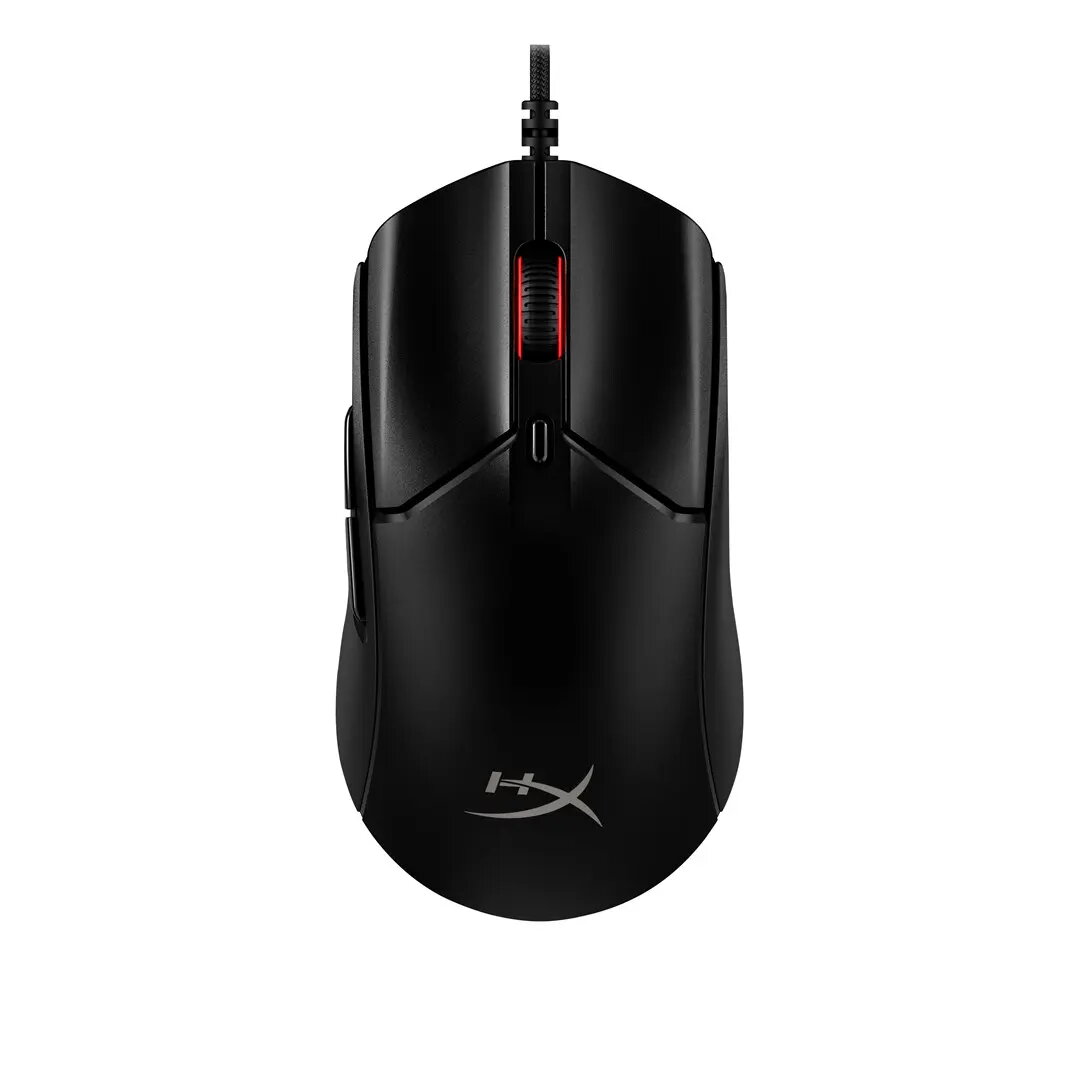
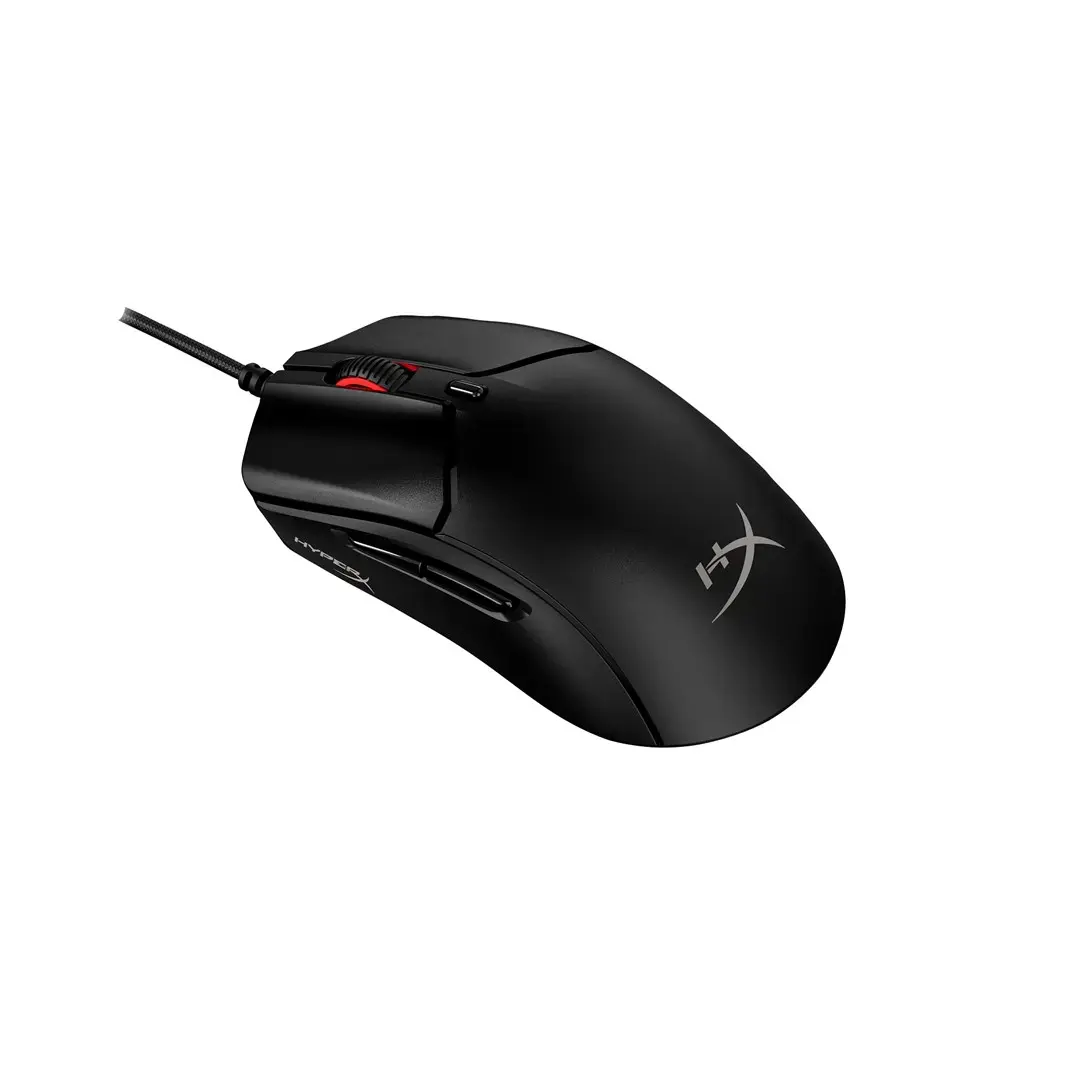
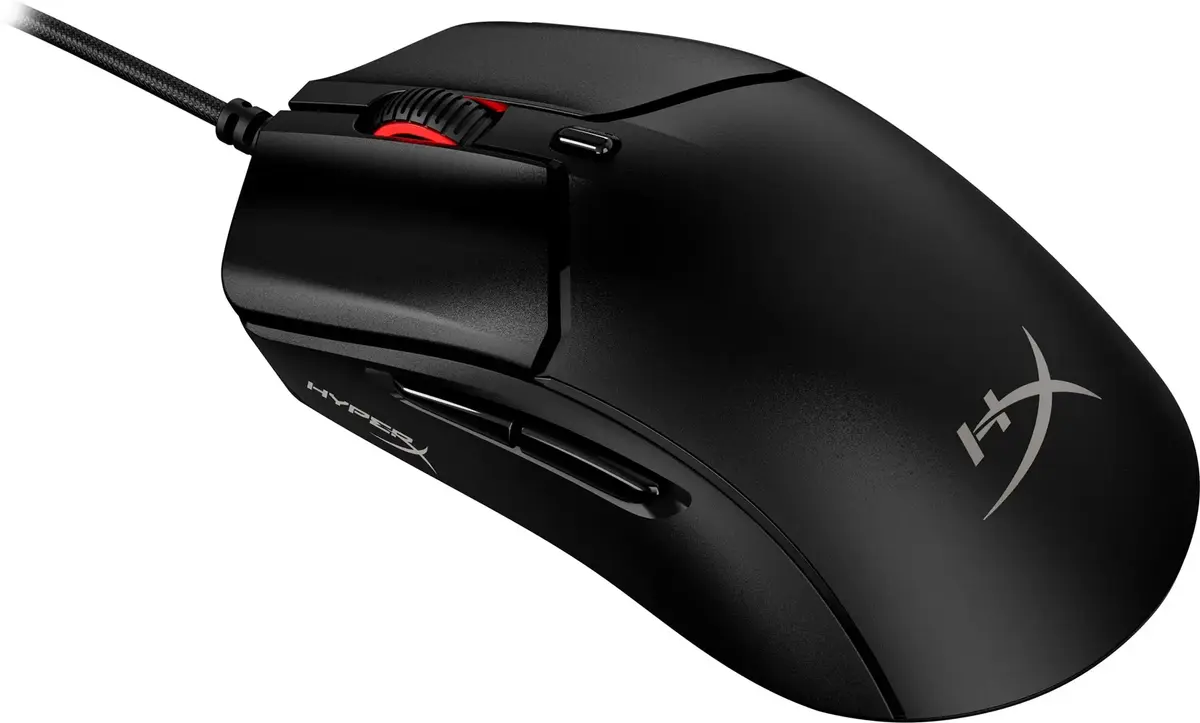
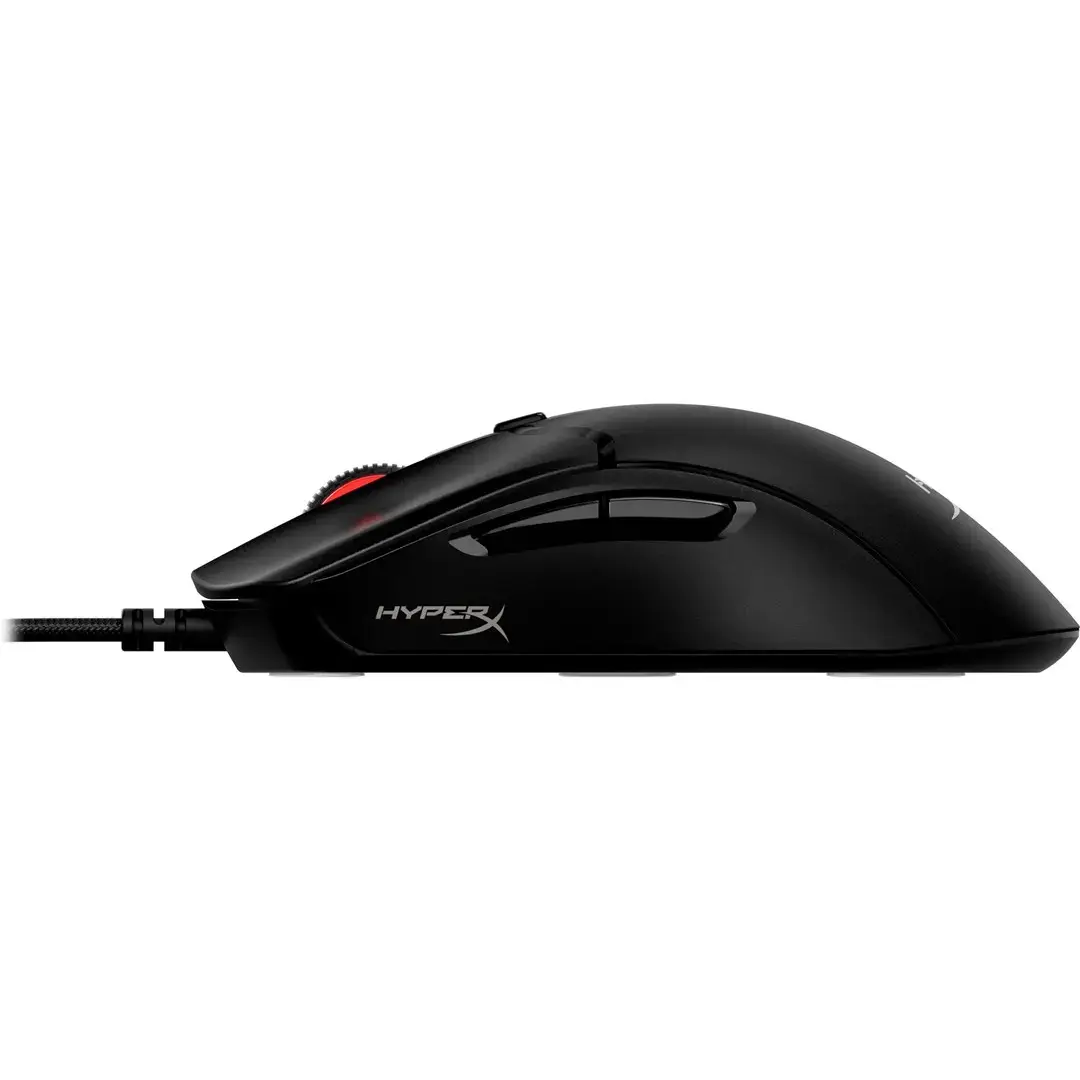
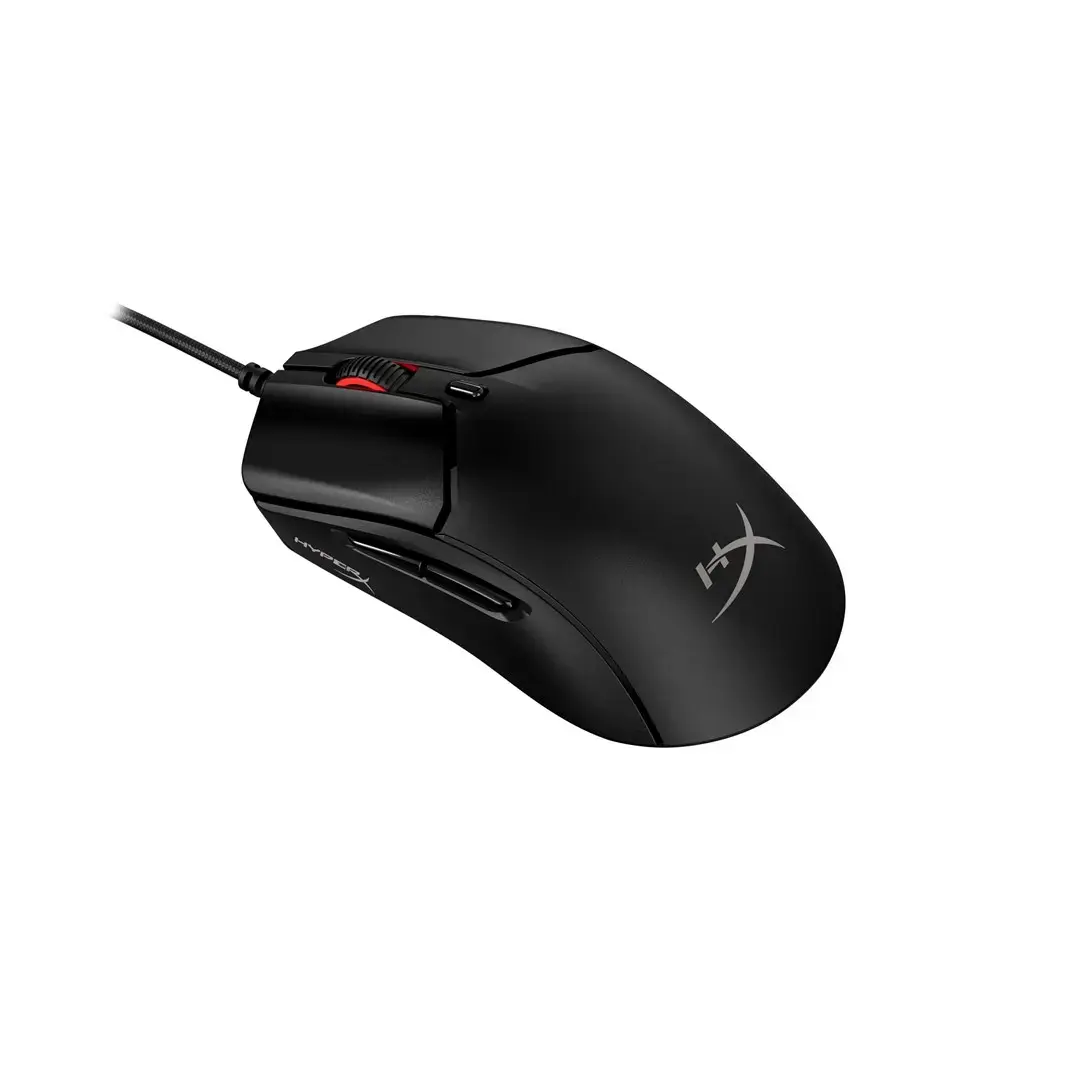
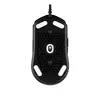
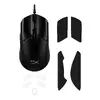
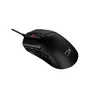
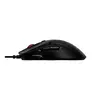
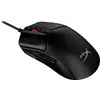
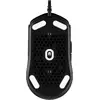
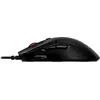
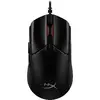
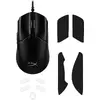
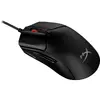
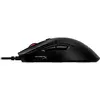
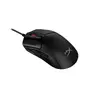
Wired Gaming Mouse HyperX Pulsefire Haste 2 Lightweight 16000 DPI
In cart {{totalProductsCount}} item(s)
Your cart is empty
Wired Gaming Mouse HyperX Pulsefire Haste 2 Lightweight 16000 DPI
Leave your address - as soon as the price of the product goes down, you'll know about it right away
Wired Gaming Mouse HyperX Pulsefire Haste 2 Lightweight 16000 DPI
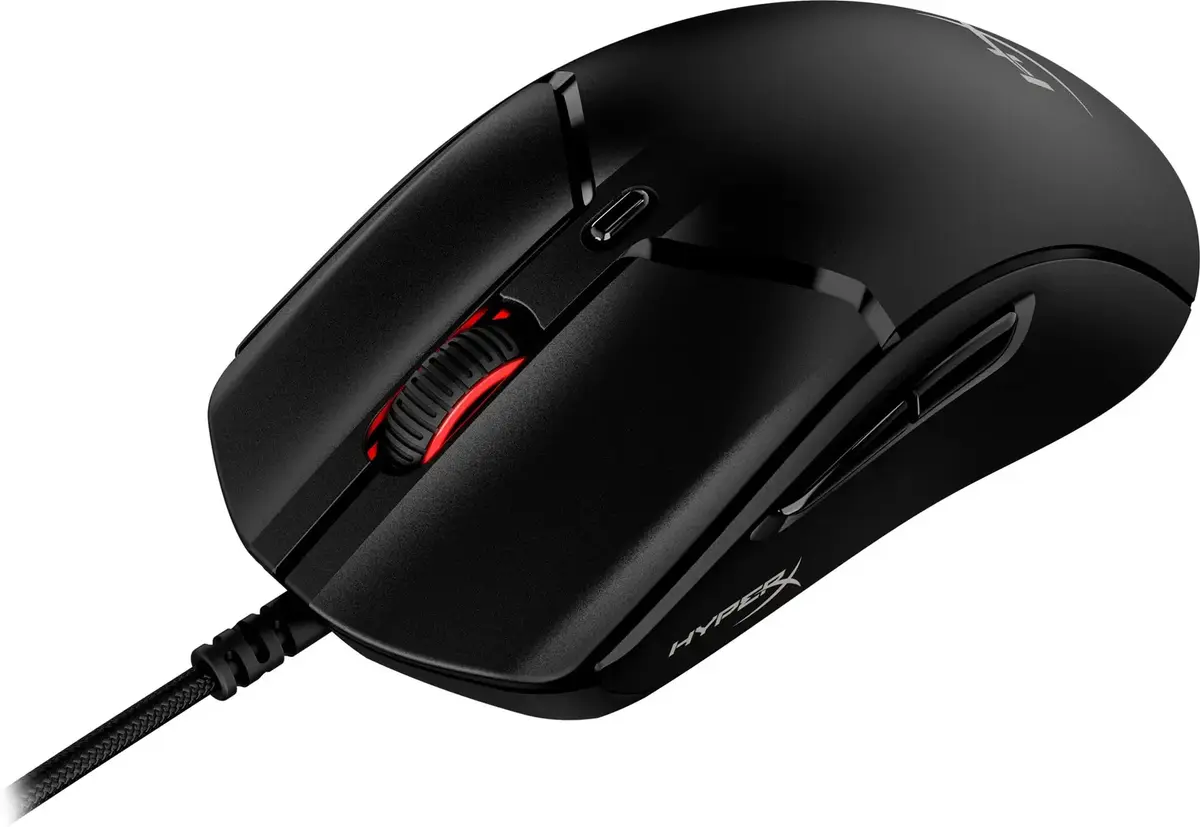
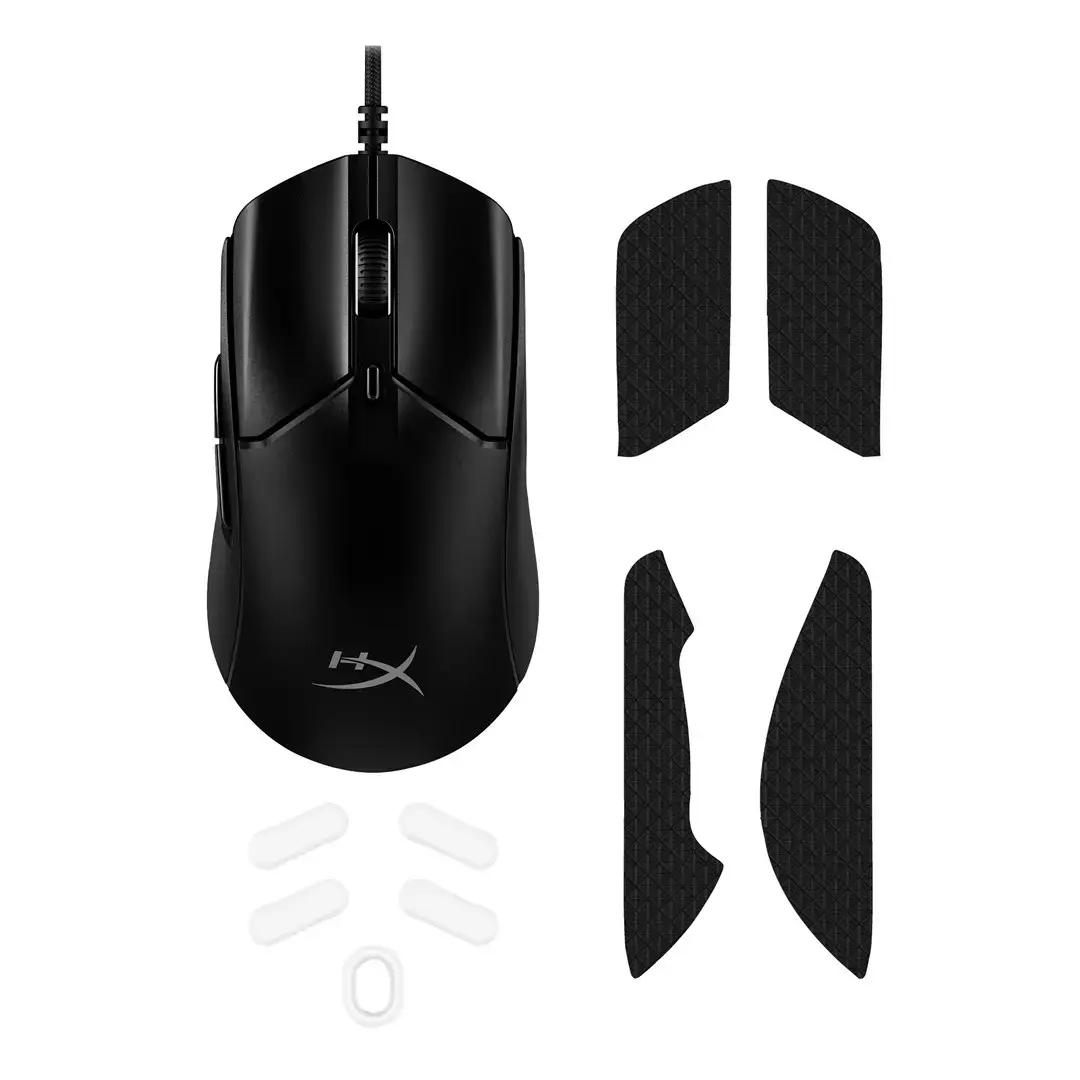
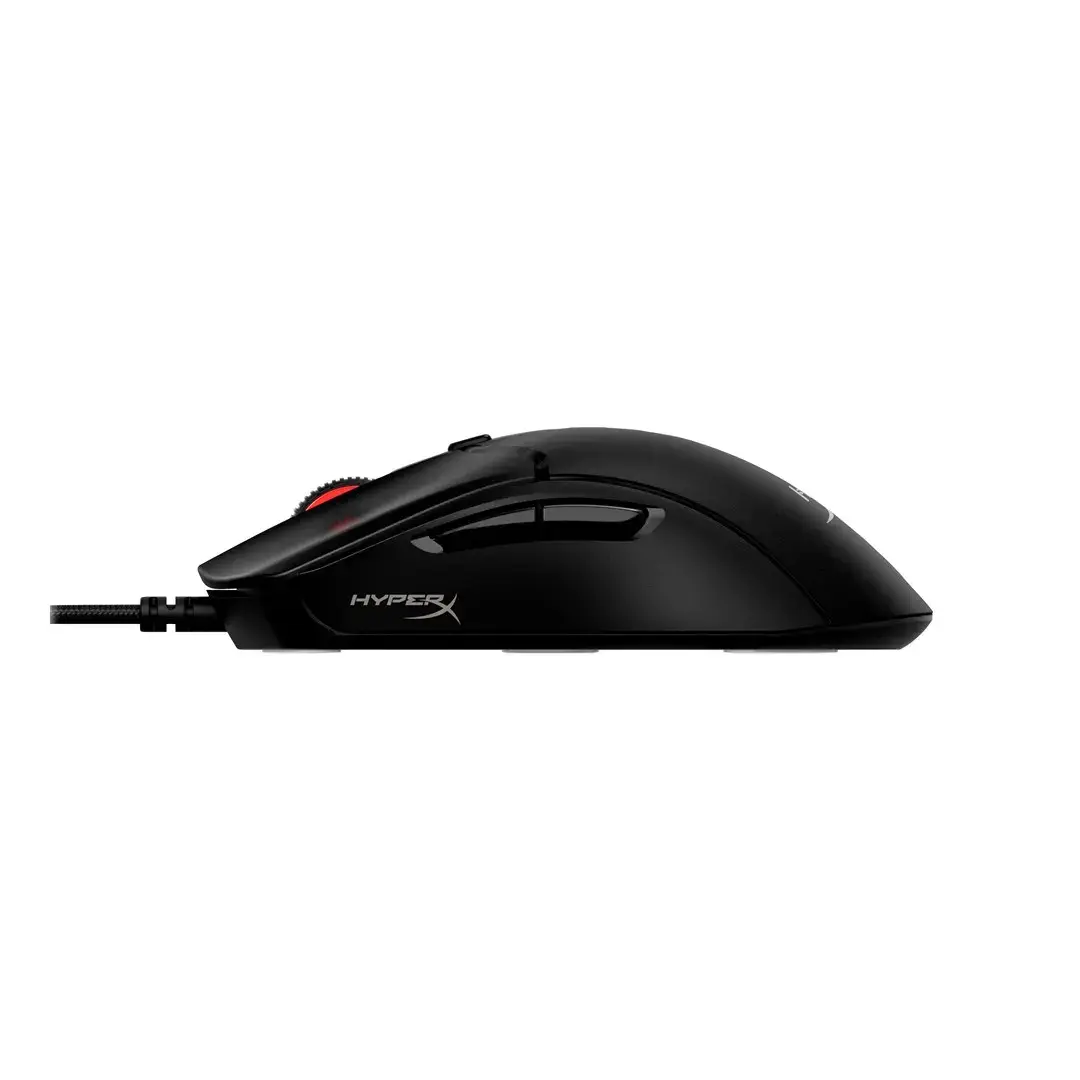
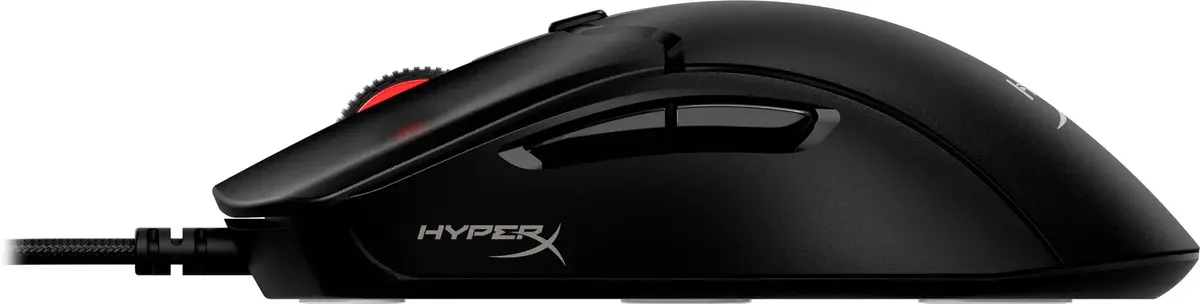
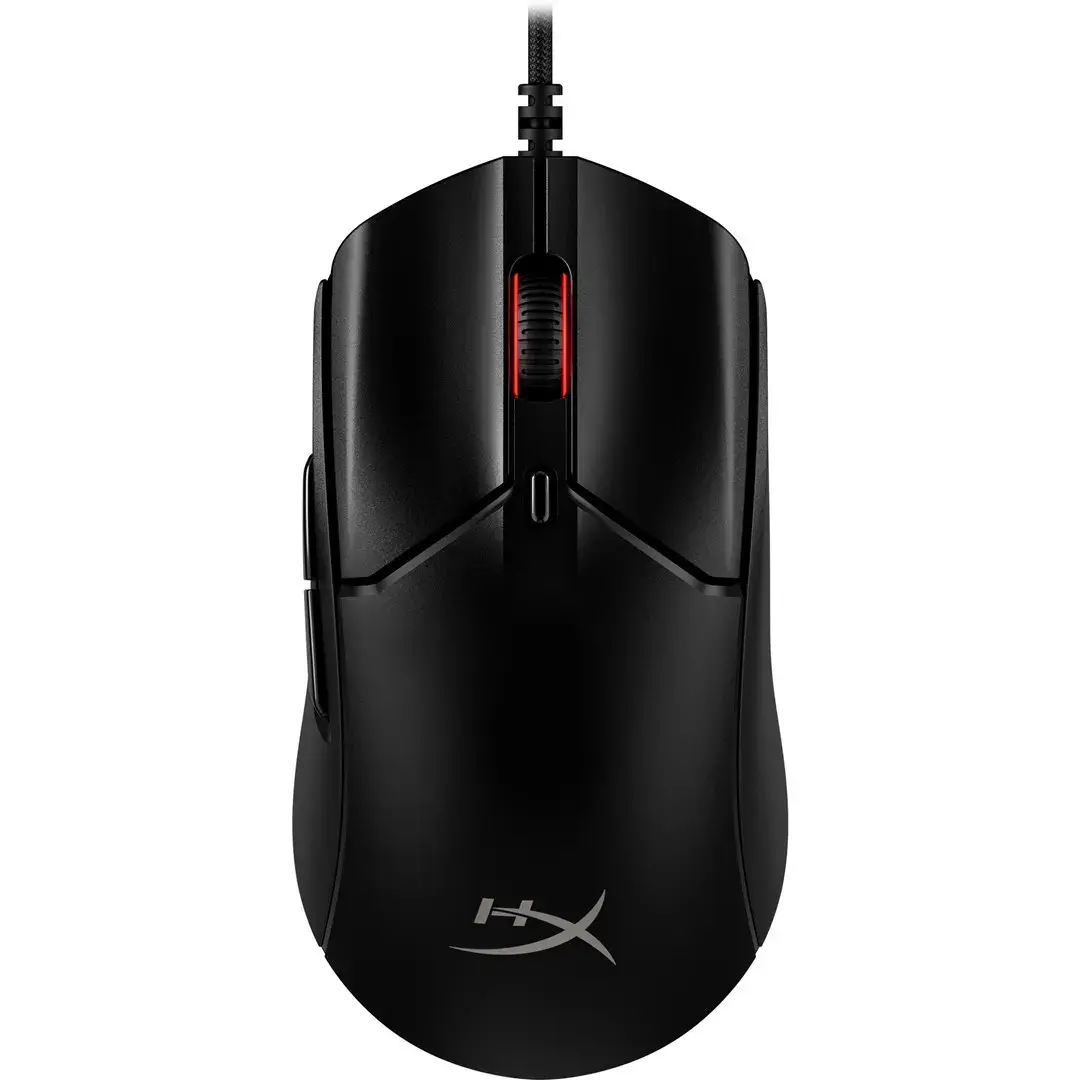
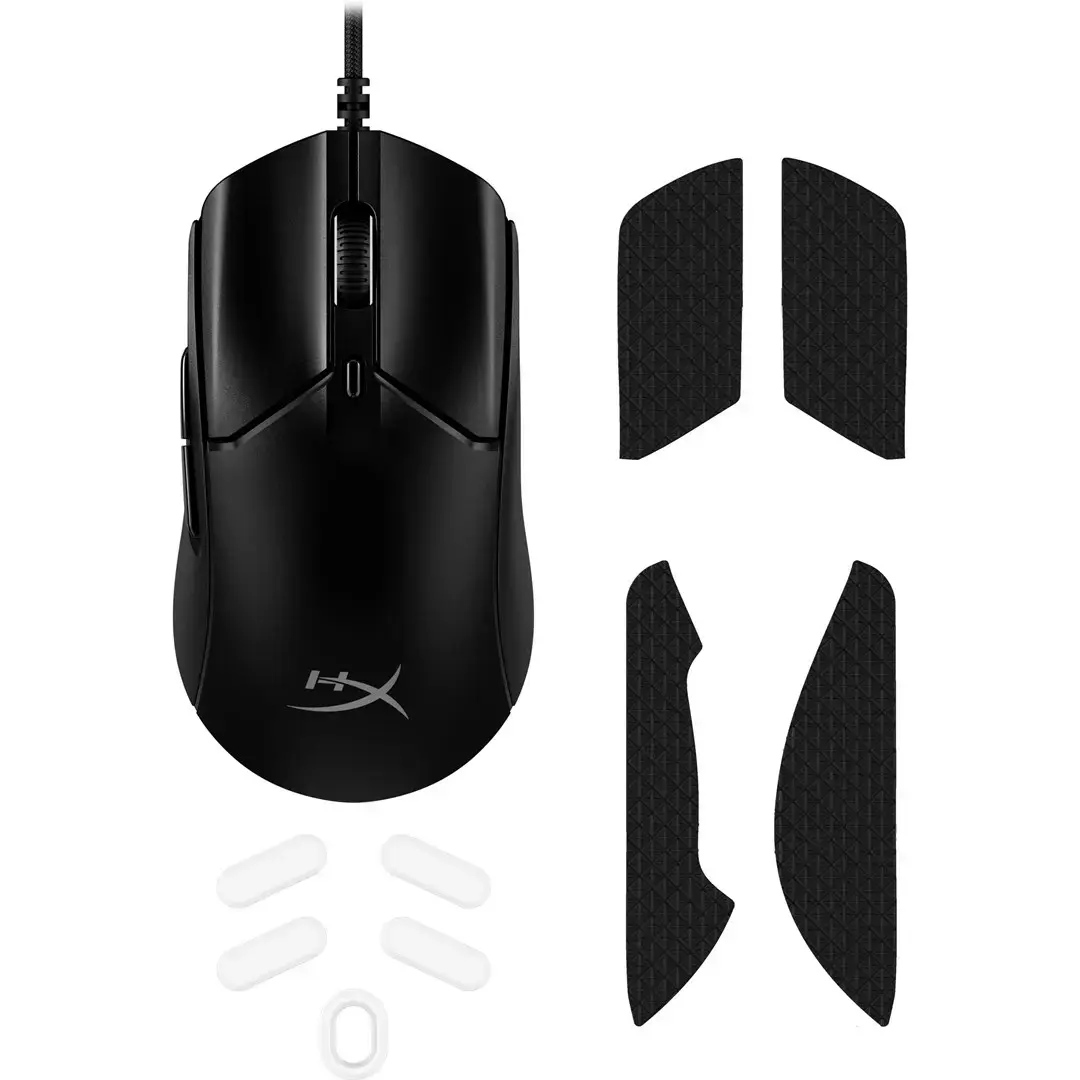
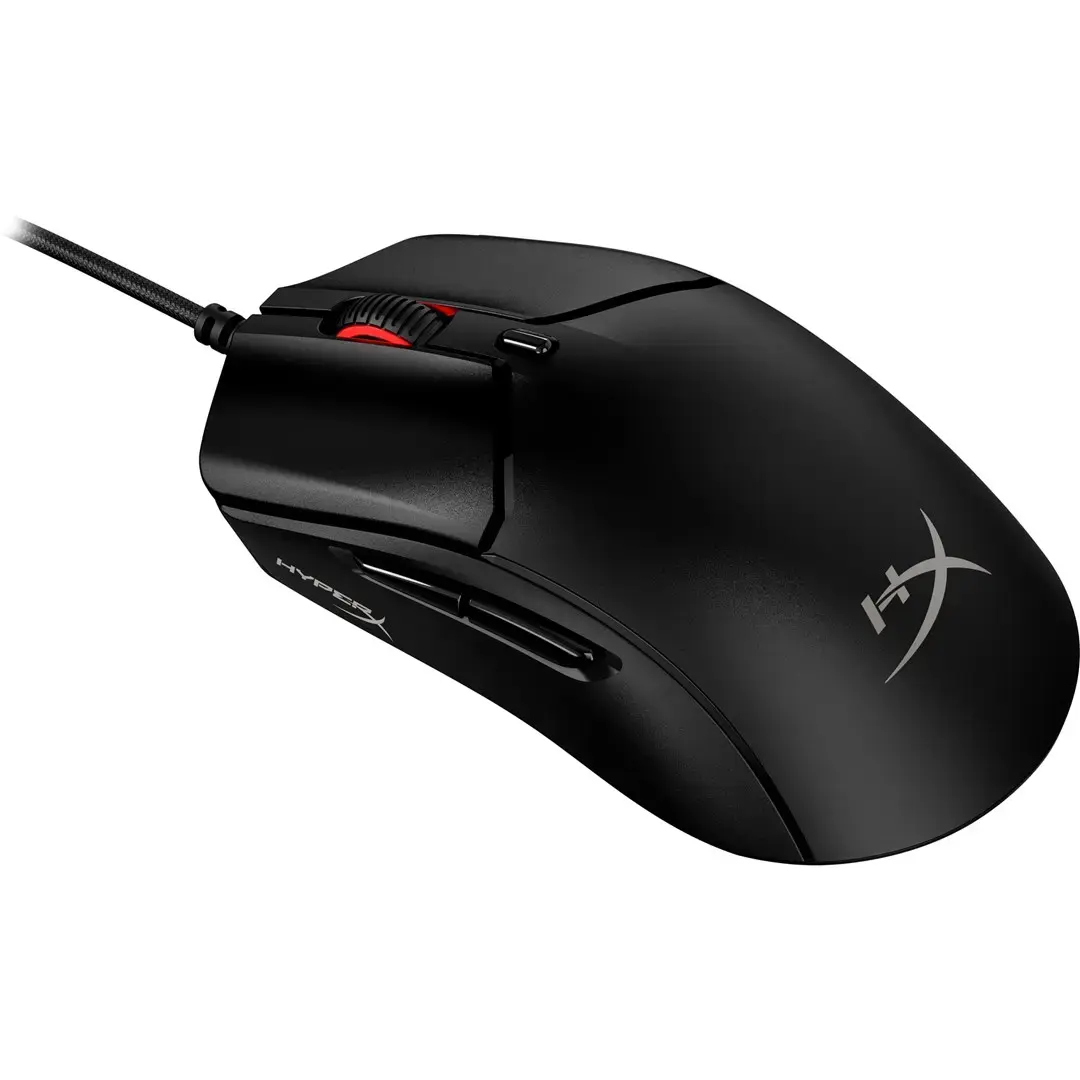
The HyperX Pulsefire Haste 2 Lightweight wired gaming mouse features a high-precision 16000 DPI optical sensor and a design focused on minimal weight and competitive performance. The product is intended for gamers who require fast response, accurate tracking, and reliable physical controls. The mouse includes multiple programmable buttons and a durable build suited to frequent use during extended gaming sessions.
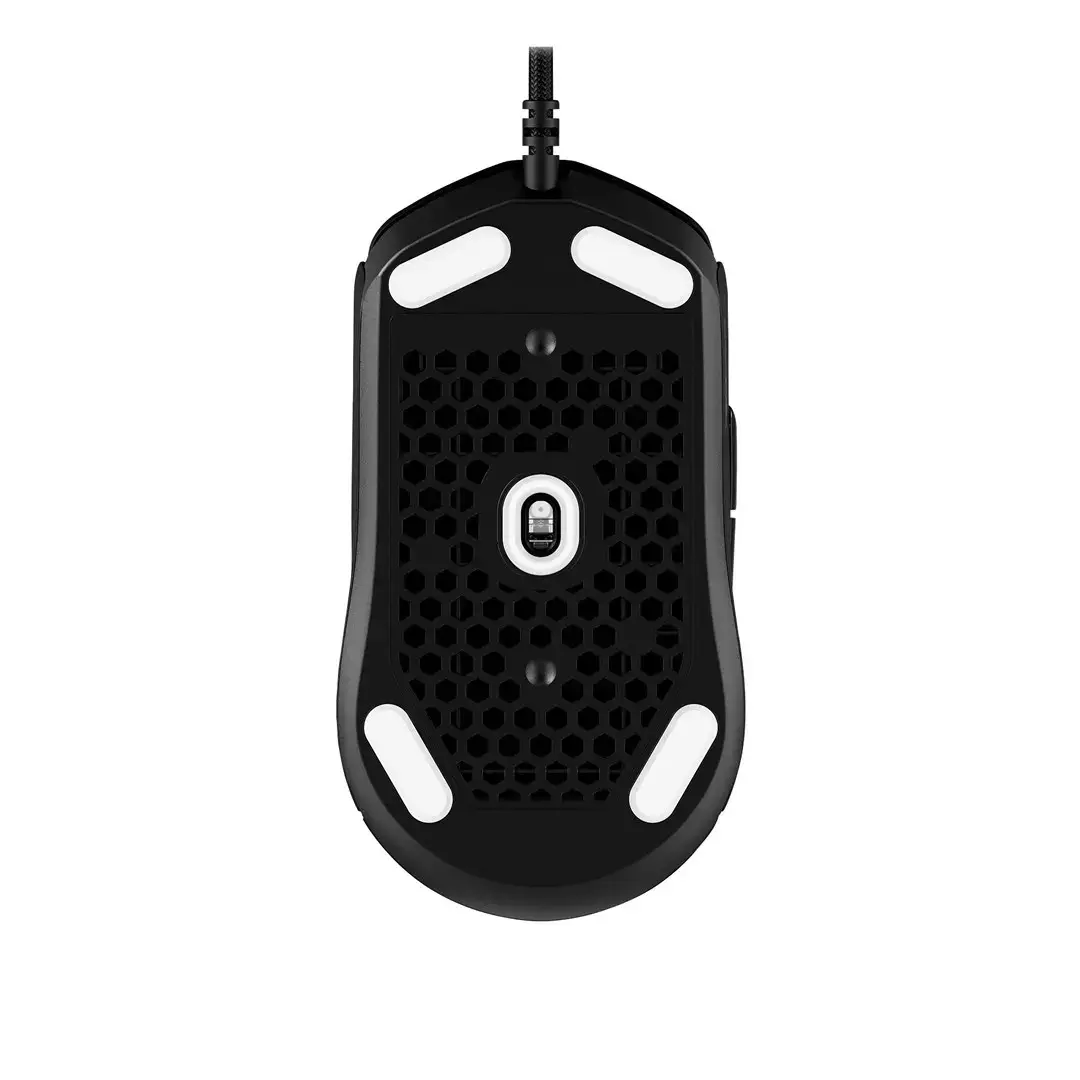
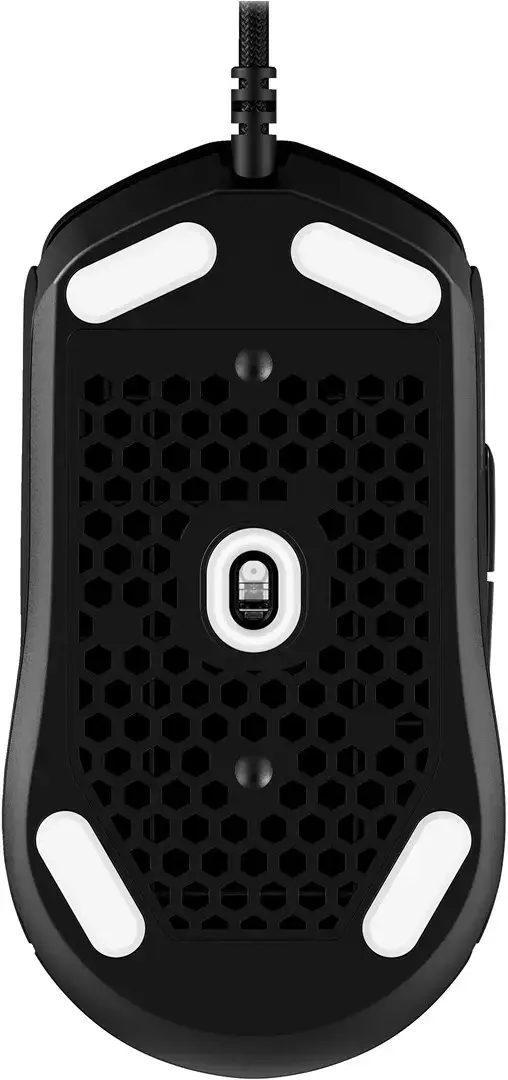
The lightweight construction reduces hand fatigue and enables quicker aim adjustments while maintaining structural rigidity. A 16000 DPI sensor provides a wide sensitivity range for precise cursor control across different screen resolutions. Customizable buttons allow personalization of input layout for different games or workflows. The wired connection delivers consistent, low-latency input ideal for competitive environments, and the overall build emphasizes durability for prolonged daily use.
Connect the mouse to a compatible USB port on your PC. Adjust DPI settings either with any onboard DPI switch or through HyperX software if available, to set sensitivity levels that match your monitor resolution and personal preference. Program the available buttons using the provided software or in-game binding menus to assign macros or key functions. Place the mouse on a flat, stable surface or a gaming mouse pad to ensure consistent tracking. Regularly check for firmware or driver updates from the manufacturer to maintain optimal performance.
For competitive play, use a high-quality mouse pad and set polling rate and DPI to values you have tested in practice sessions. Keep the mouse clean and avoid excessive force on buttons to prolong lifespan. If customizing macros, verify bindings in a safe environment before use in live matches.
{{highlightedFeature.featureTitle}}:
{{getProductFeatureValueById(product, highlightedFeature.featureId)}}