
Hurry and order now – up to 50% off!
In cart {{totalProductsCount}} item(s)
Your cart is empty
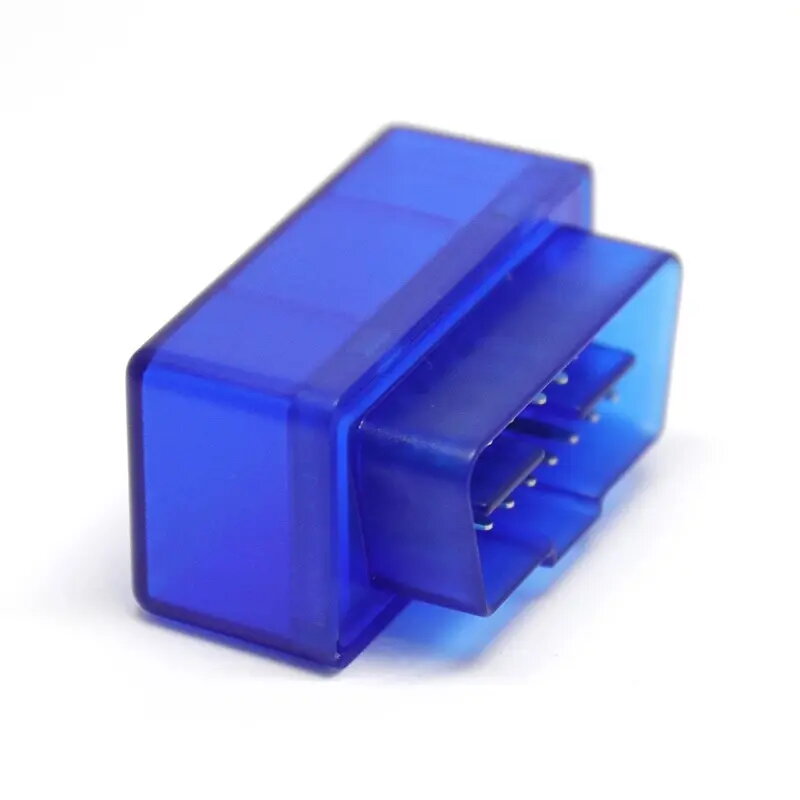
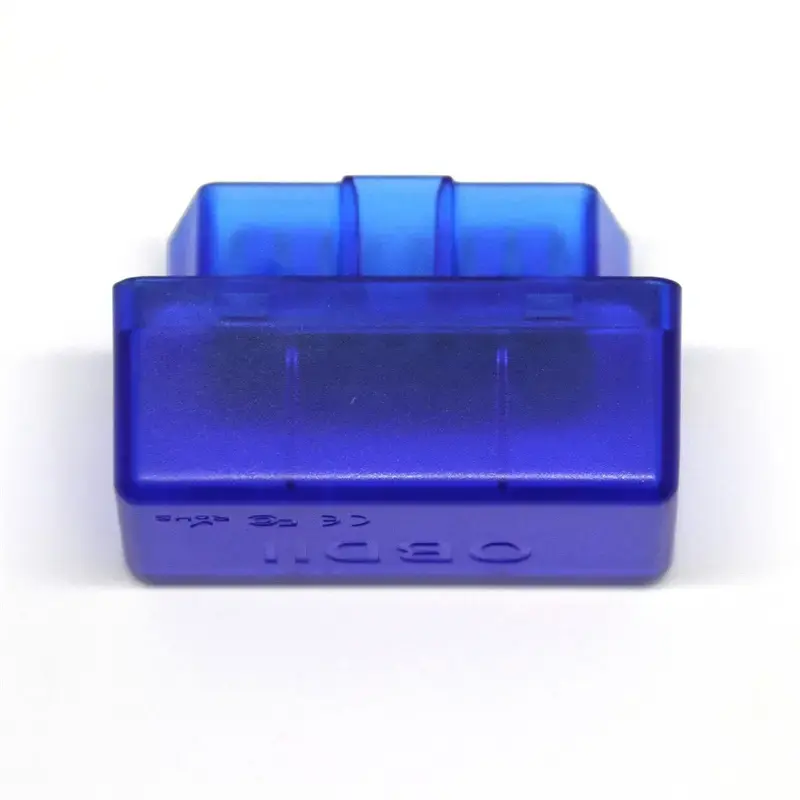
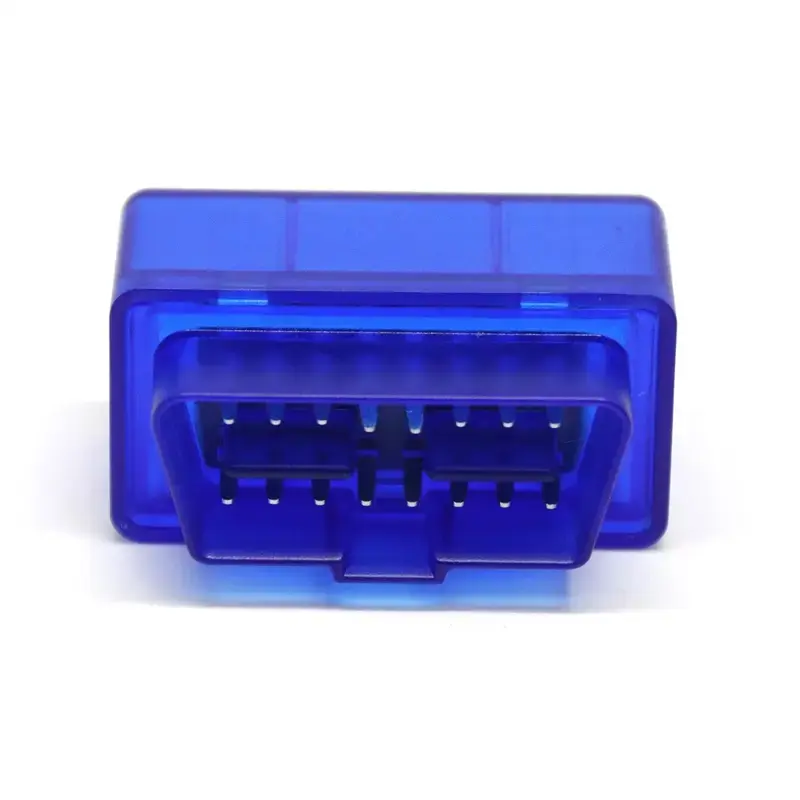
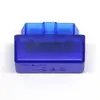
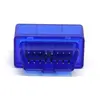
OBD Scanner TR-OBD 7 Diagnostic Tool
The TR-OBD 7 is a professional-grade diagnostic tool engineered to provide comprehensive vehicle health monitoring. This OBD scanner allows users to interface directly with a vehicle's onboard computer to identify, read, and clear diagnostic trouble codes. By offering real-time data streaming and system analysis, it serves as a reliable solution for automotive maintenance and troubleshooting, ensuring that engine performance and emissions systems are operating within optimal parameters across a wide range of car models.
This diagnostic tool stands out due to its ability to provide immediate access to critical engine data, which helps in identifying potential mechanical or electrical issues before they lead to costly repairs. Its user-friendly interface simplifies the diagnostic process, making it accessible for both professional mechanics and automotive enthusiasts. The device is built for durability and consistent performance, offering a reliable way to monitor vehicle status and maintain compliance with emissions standards through accurate system checks.
This scanner may not be suitable for vehicles manufactured before the implementation of standard OBD-II protocols, as it is specifically designed for modern vehicle diagnostic systems. It is also not intended for deep-level programming or advanced ECU remapping tasks that require specialized manufacturer-specific software.
To use the TR-OBD 7, locate the OBD-II port in your vehicle, which is typically found under the dashboard on the driver's side. Connect the scanner securely to the port and turn the vehicle's ignition to the 'on' position without starting the engine. Follow the on-screen prompts to select the desired diagnostic function, such as reading codes or viewing live data. Once the analysis is complete, you can review the findings or clear the codes as necessary before disconnecting the device.
Usage recommendations: Always ensure the vehicle ignition is in the correct position before connecting or disconnecting the scanner to prevent potential electrical surges. Regularly update the device if software updates are available to ensure compatibility with the latest vehicle models and diagnostic protocols.
{{highlightedFeature.featureTitle}}:
{{getProductFeatureValueById(product, highlightedFeature.featureId)}}