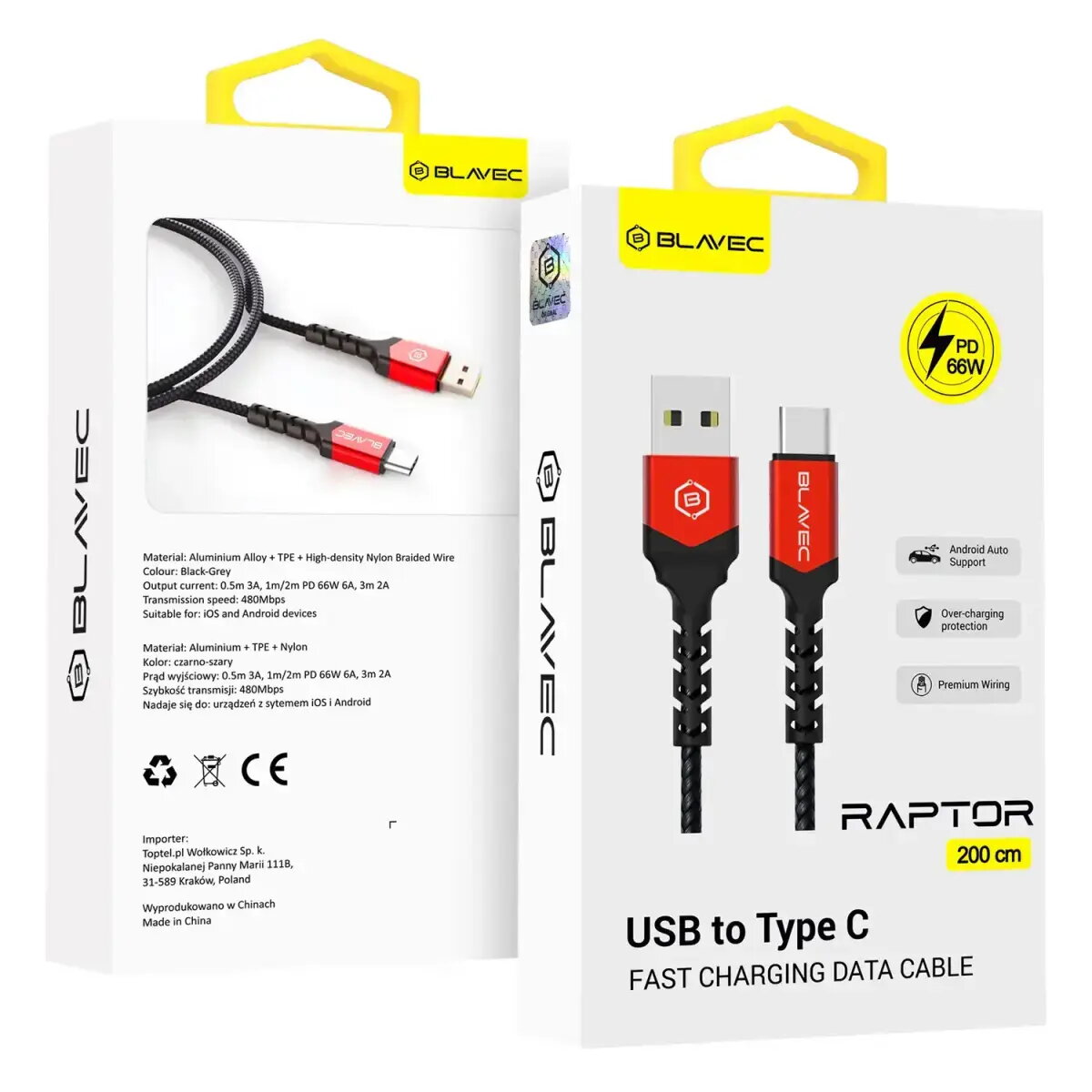
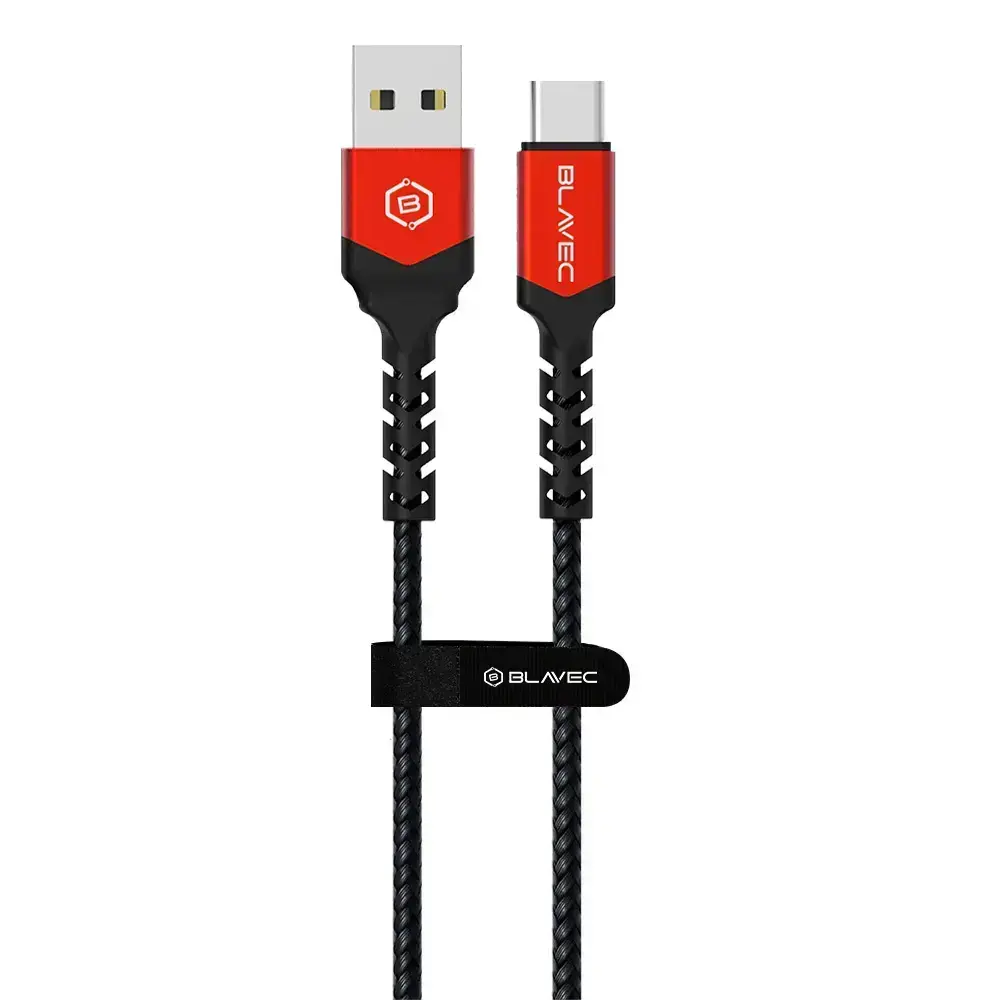
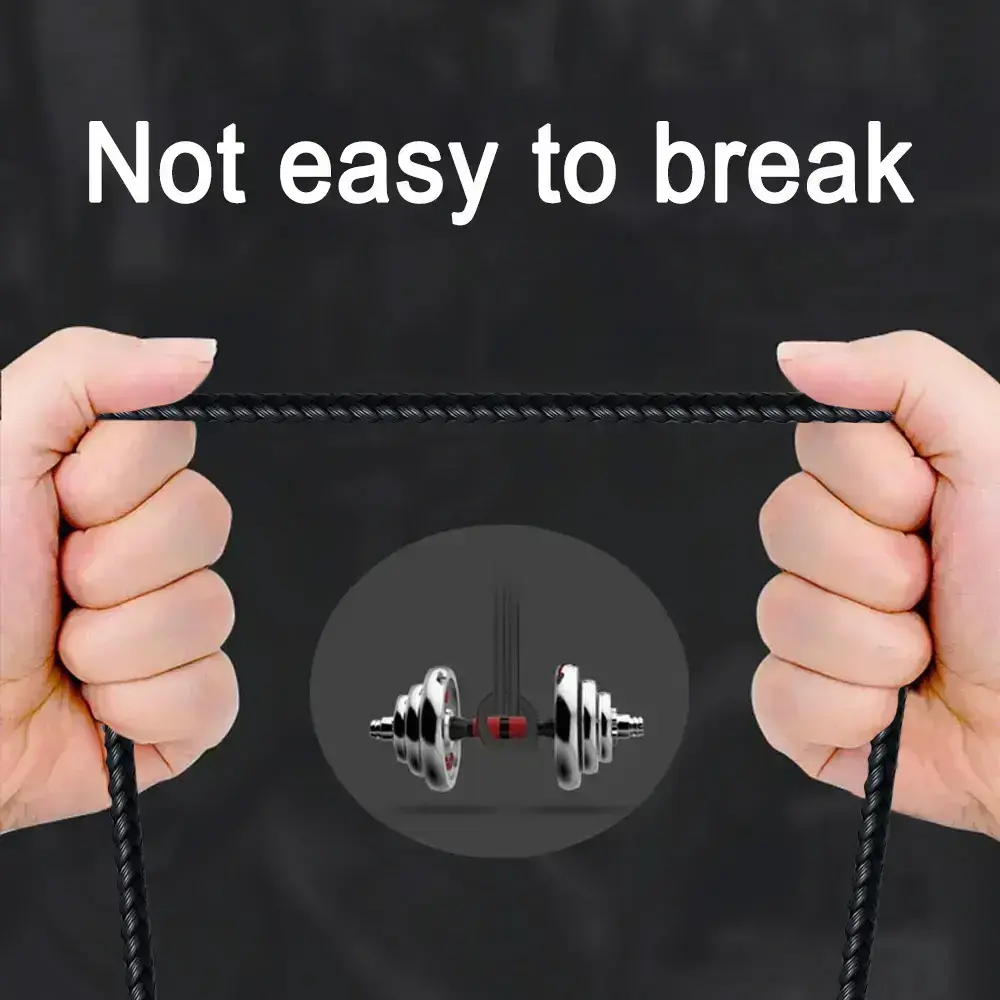
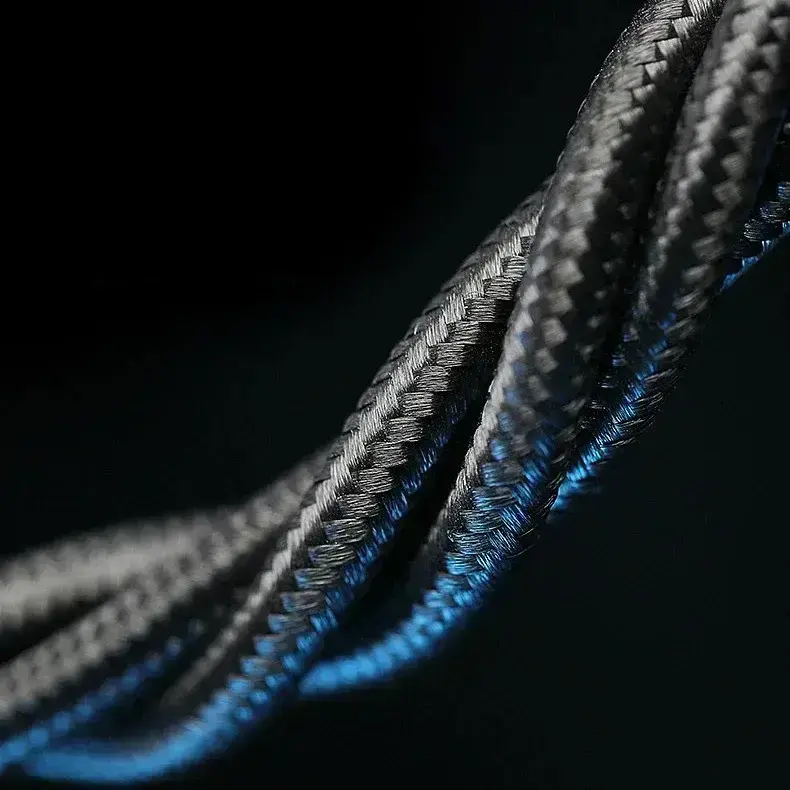
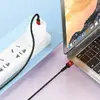
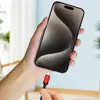
The Blavec Raptor USB-A to USB-C cable is a high-performance solution designed for efficient charging and reliable data synchronization. Engineered to support up to 66W of power, this cable is capable of handling the energy requirements of modern smartphones, tablets, and laptops. Its construction features a durable nylon braid that resists wear and prevents tangling, while reinforced connectors provide added protection against bending and mechanical stress, ensuring a long service life even with frequent daily use.
Advantages
This cable stands out due to its robust build quality and versatility. The combination of a 2-meter length and an included Velcro strap makes it exceptionally convenient for use in various environments, whether at home, in the office, or inside a vehicle. The high-speed data transfer capabilities ensure that files are moved quickly between devices, while the 66W power delivery allows for rapid charging of compatible hardware. Furthermore, the cable is fully compatible with Android Auto and CarPlay, providing a stable and reliable connection for in-car infotainment systems.
Suitable for
- Fast charging of smartphones, tablets, and laptops
- High-speed data synchronization between mobile devices and computers
- Connecting smartphones to vehicle infotainment systems via Android Auto or CarPlay
- Daily use in home, office, or automotive environments
When it may not be suitable
This cable is designed specifically for USB-A to USB-C connections. It will not be suitable for devices that require USB-C to USB-C, Lightning, or Micro-USB interfaces. Additionally, while it supports high-speed charging, the actual charging speed will depend on the capabilities of the power adapter and the connected device.
Key specifications
- Connectors: USB-A to USB-C
- Maximum power output: 66W
- Maximum current: 6A
- Cable length: 2 meters
- Material: Durable nylon braid
- Compatibility: Android and iOS devices
How to use
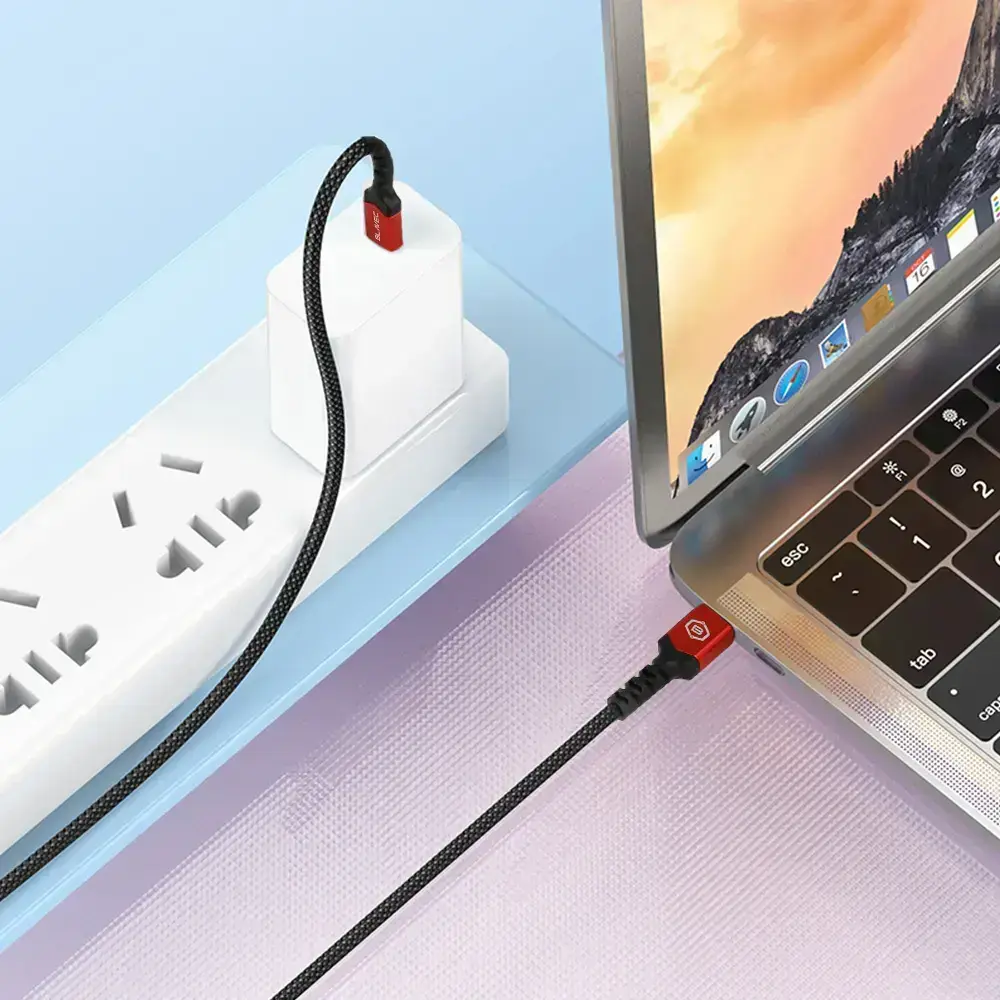
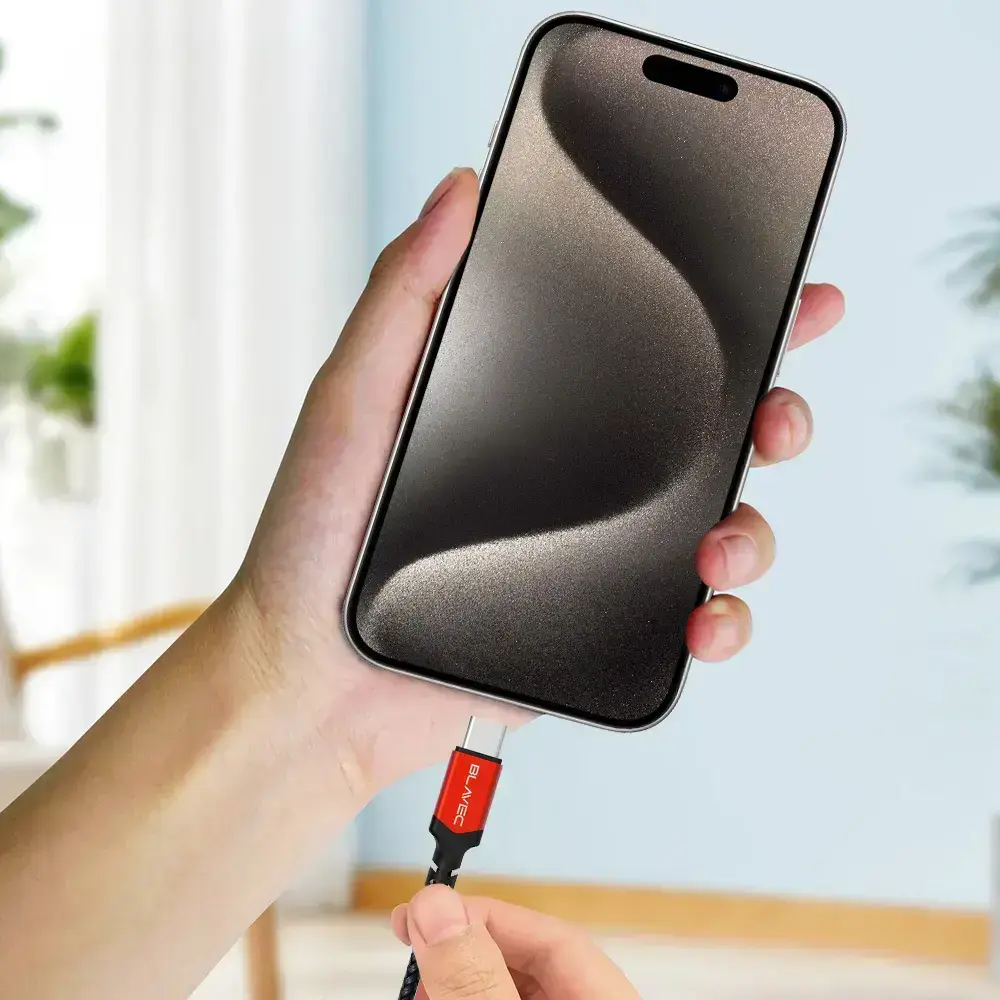
To use the cable, simply insert the USB-A connector into a compatible power adapter, computer port, or car charger. Connect the USB-C end to your target device. Ensure that both the power source and the device are properly aligned to maintain a stable connection. When not in use, use the provided Velcro strap to coil the cable neatly, which helps prevent tangling and protects the internal wiring from unnecessary strain.
What to consider before purchase
- Verify that your device uses a USB-C port
- Check if your power adapter supports 66W output to maximize charging speed
- Ensure the 2-meter length is sufficient for your intended setup
Usage recommendations
For optimal performance and longevity, avoid sharp bending of the cable near the connectors and always disconnect by pulling the plug rather than the cord itself.